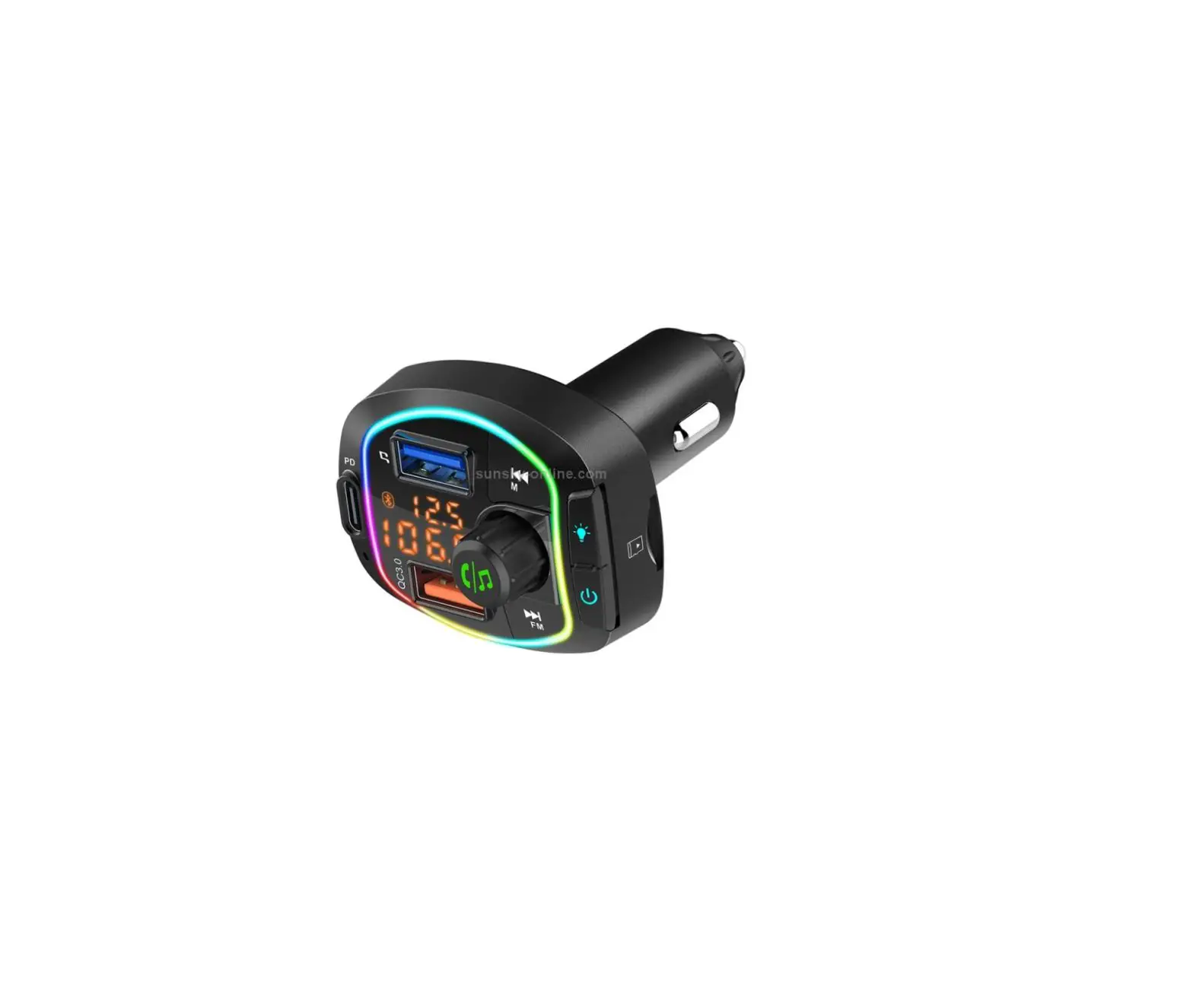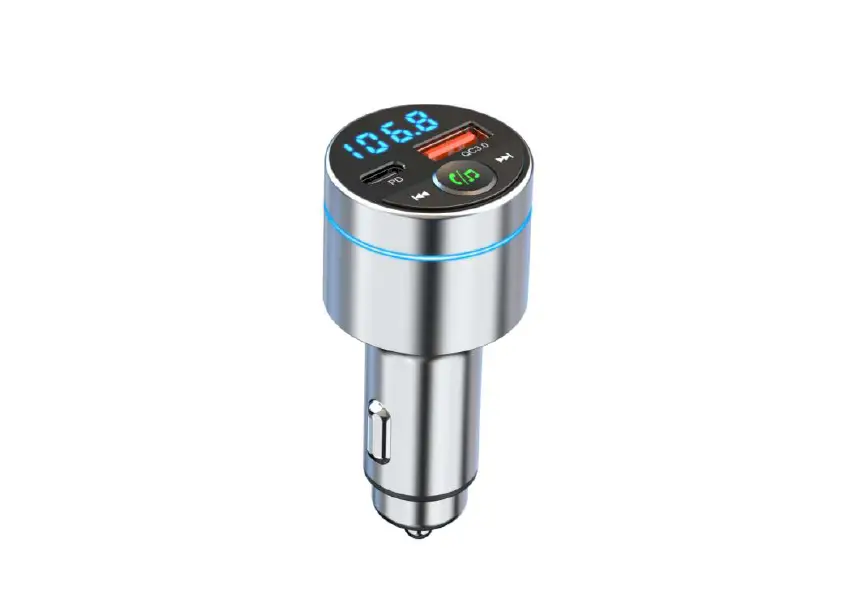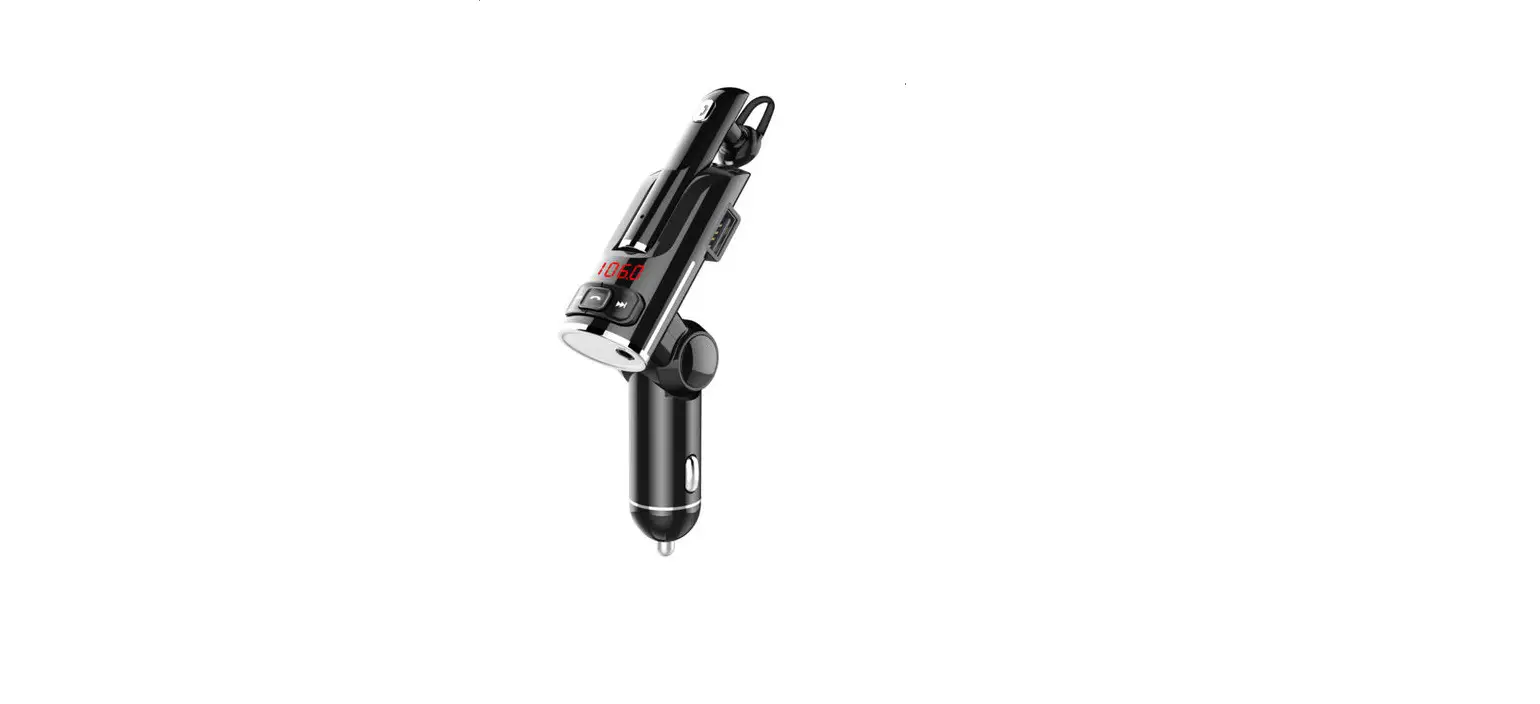
GLOBAL Bluetooth FM Car Charger BC32 User Manual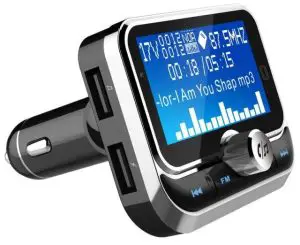
Thanks for purchasing our Bluetooth Car charger with FM transmitter! This manual is written to help you to learn how to use the product. Please read the manual carefully before use.
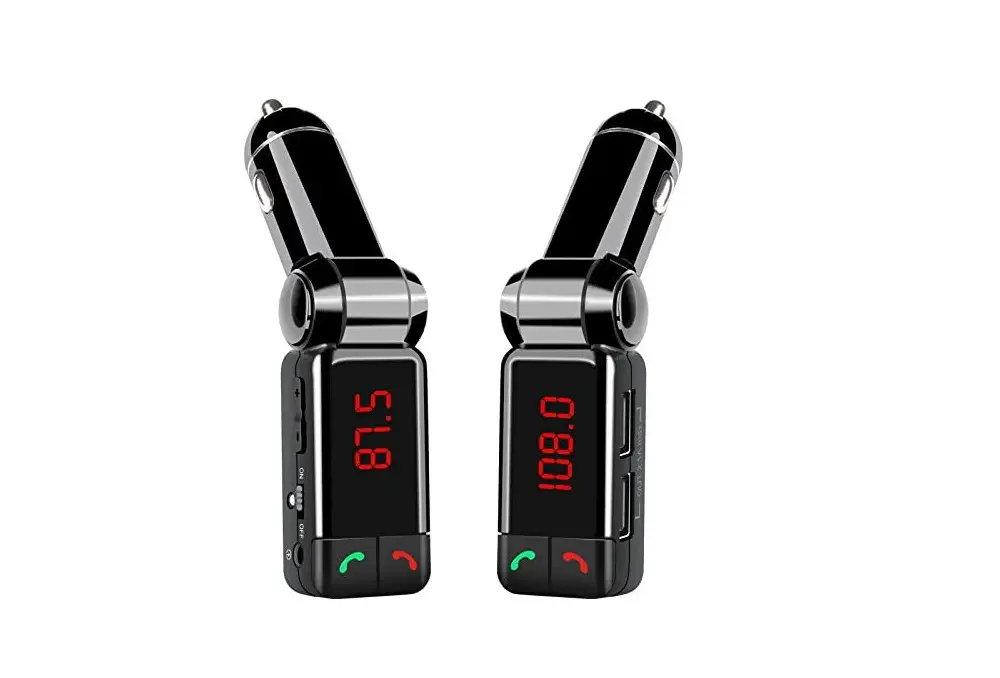
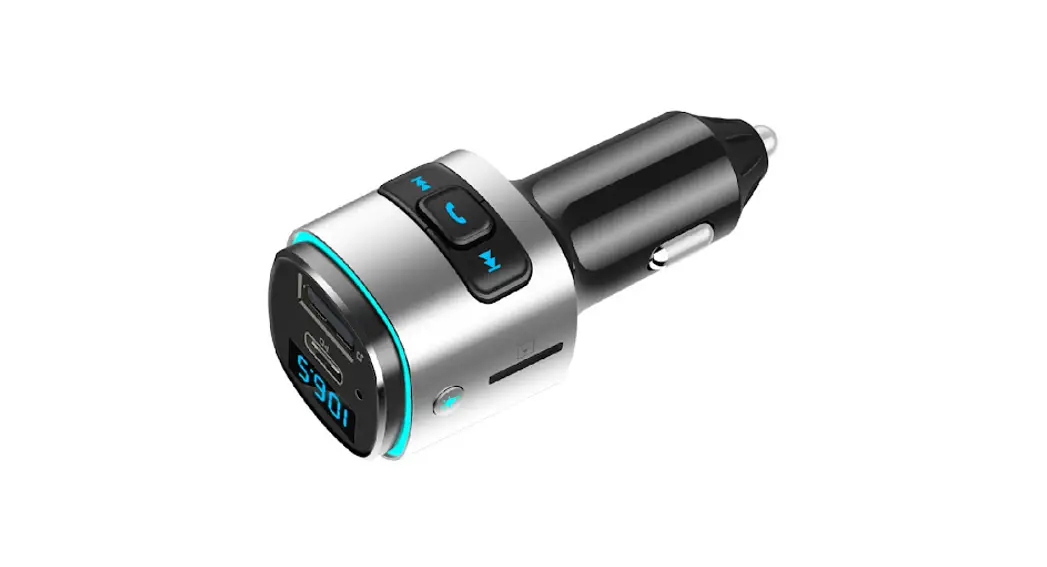
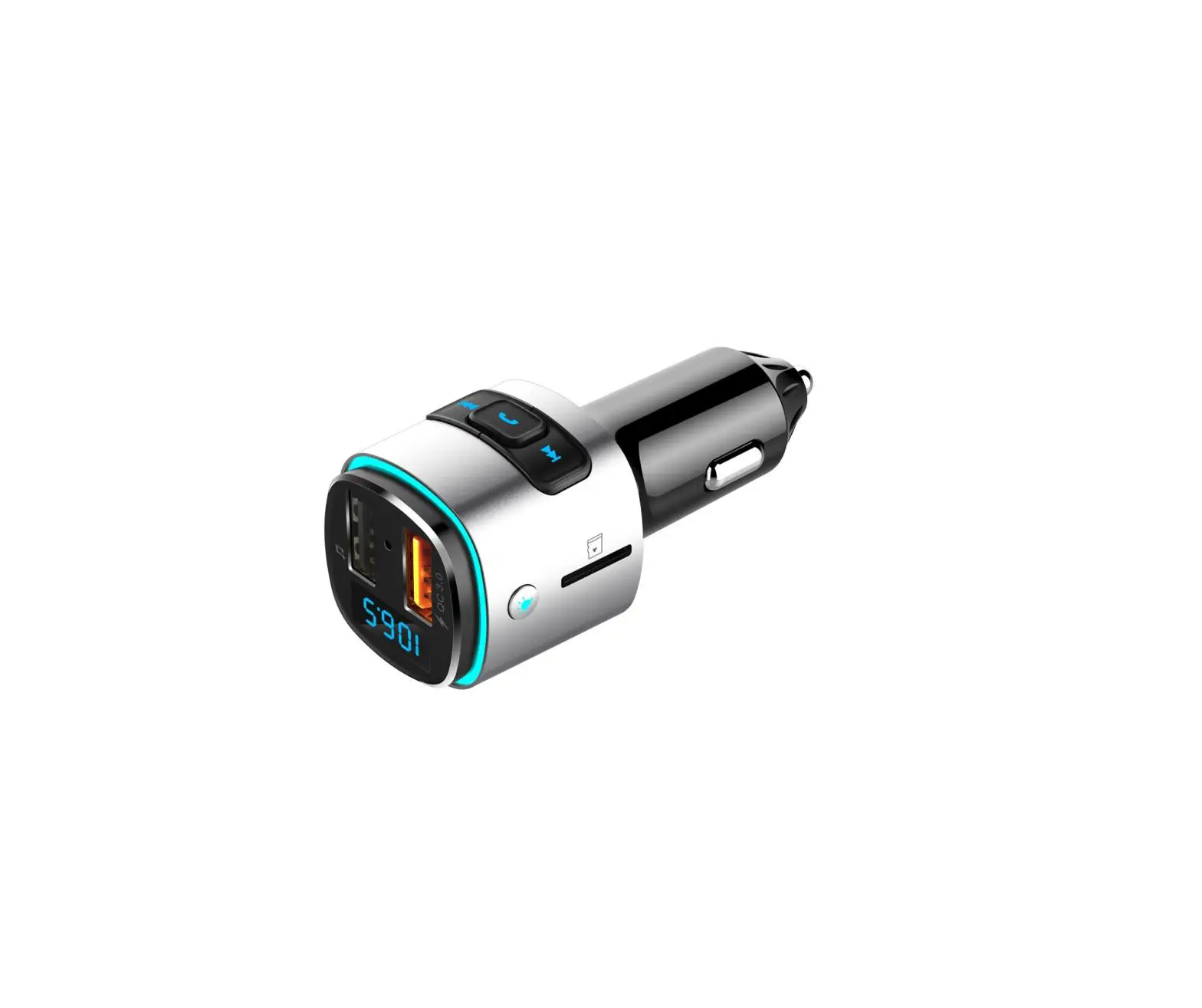
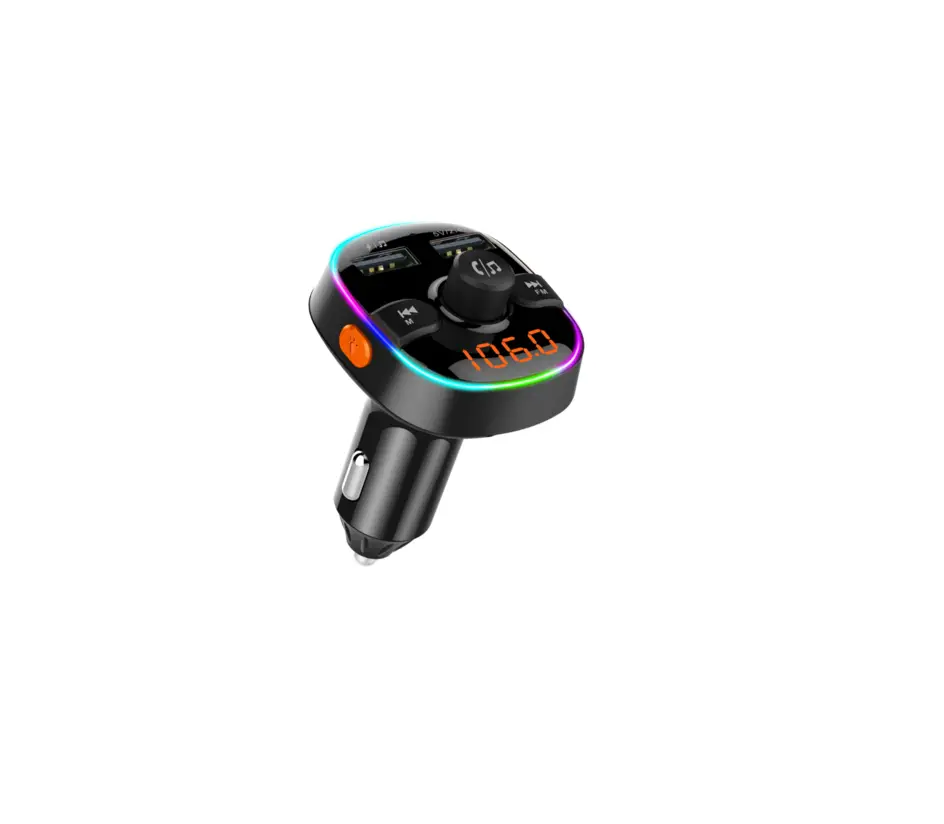
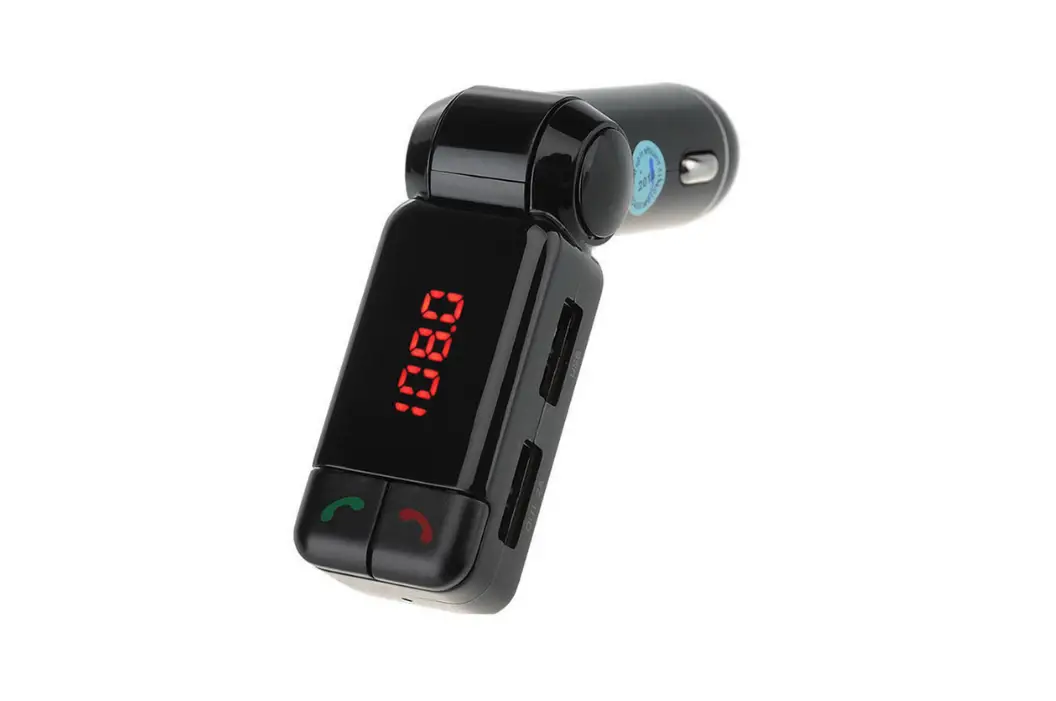
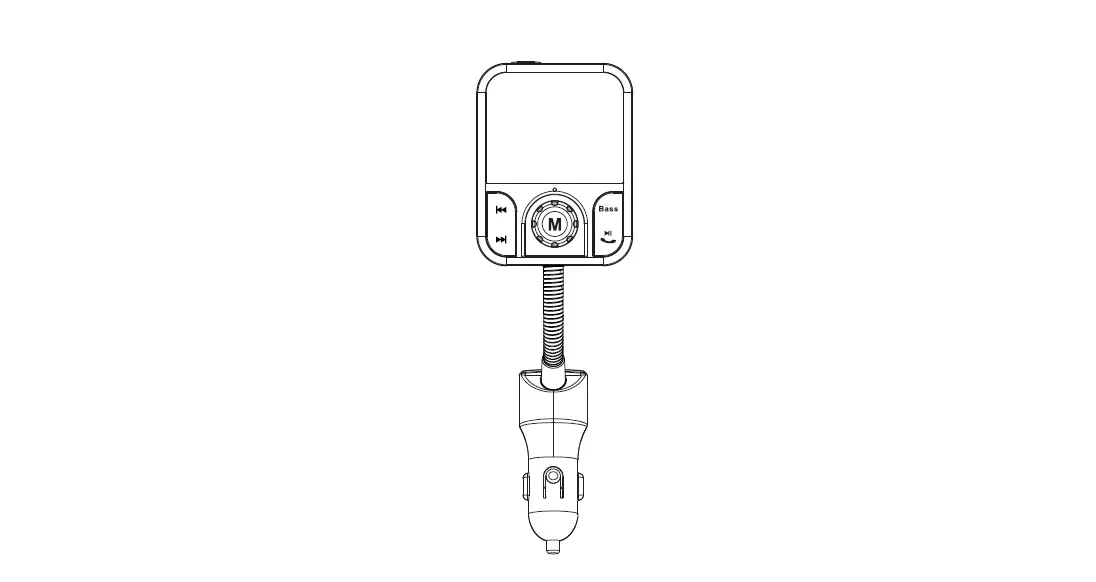
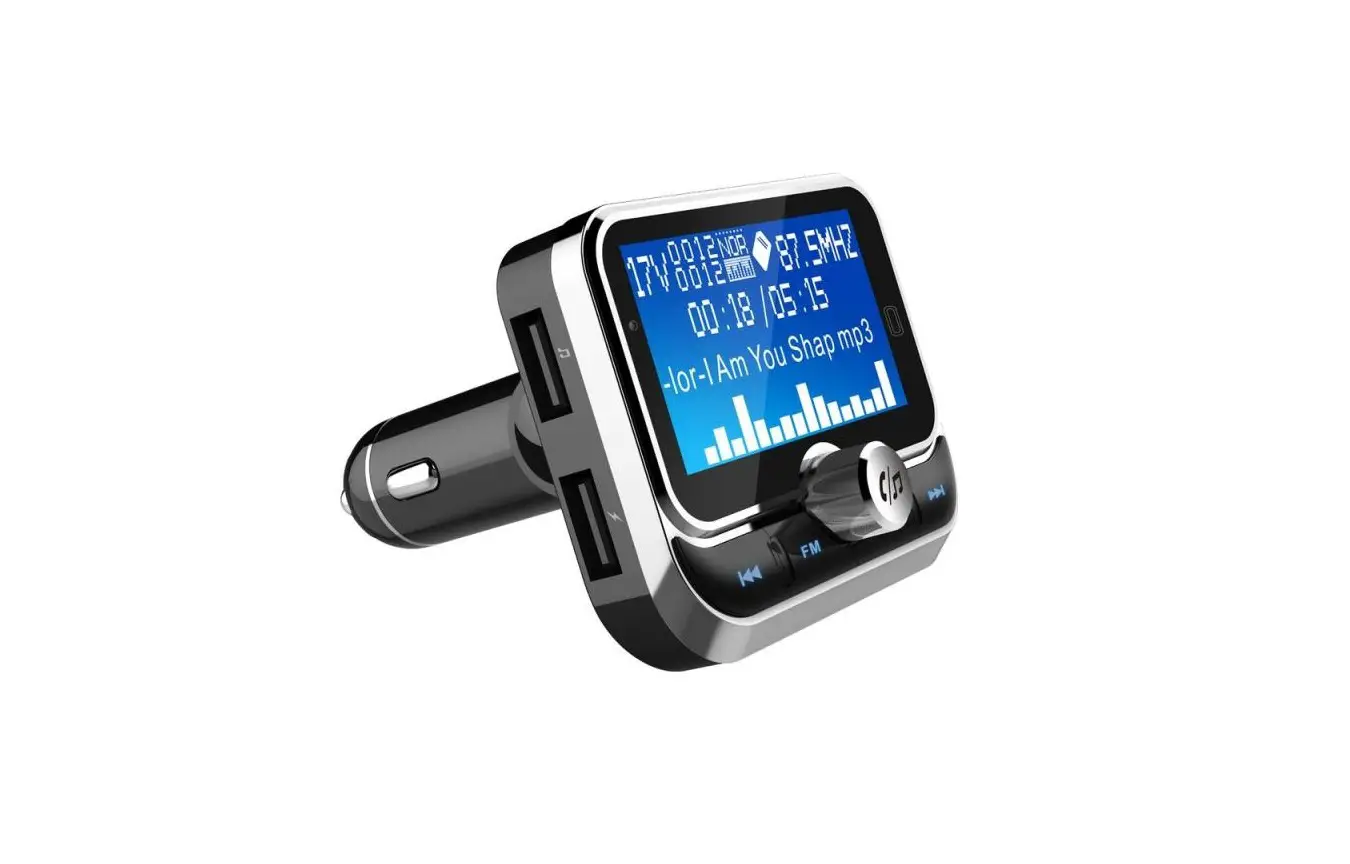
Product appearance schematic
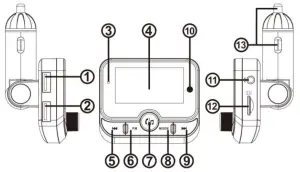
- USB1/U-disk
- USB2(5V/2.4A)
- Microphone
- LCD display
- Previous selection key/private talking switch key
- CH activity
- Answer/play/volume/confirm/siri
- Mode switch key(Bluetooth/USB/TF card)
- Next/Switch private calls
- Remote control receiving window
- Aux input/output
- TF slot
- Power adaptor
Product Features:
- Support full FM Frequency 87.5MHZ-108MHZ
- Auto power-off memory function
- Support (USB1+USB2)2.4A charging
- LCD display
- Support USB disk/TF to play misic
- Support answer, reject, hang up, redial through Bluetooth
- Private conversation
- Aux input/output
- Support siri/ voice assistant function
- Supports music play from folders
Product operation instructions
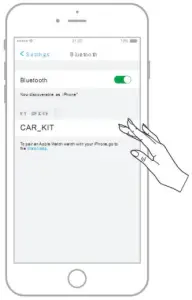
- When using your mobile phone with Bluetooth hands-free connection for the first time, the mobile phone needs to be paired with Bluetooth; set the Bluetooth function of the mobile phone to the enabled state, and search for the “CAR_KIT” pairing name, select the device of “CAR_KIT” And the automatic pairing is completed.


- Adjust the transmission frequency.
- Turn the car radio to a empty channel
- Short press the FM button of this product to enter the FM mode (frequency changed accordingly).
- Long press
 quickly adjust to FM down, short press adjust to FM down.
 - Long press quickly adjust to FM up, short press adjust to FM up .
- By rotating the left and right buttons
 .The FM transmission frequency can also be adjusted
 - The transmission frequency can be adjusted from 87.5~108MHZ. After the frequency is selected, it will be automatically confirmed and saved after 3 seconds of operation.

- Music play mode
- Bluetooth/U disk/TF mode(short press MODE button to switch)
- Short press
 button pause/play
 - Short press button last song, long pres quickly drop out .
- Short press for next song, long press for fast forward
- At the playing status of music from U disk or TF card,
To pause the music and press/ to choose play form and EQ. Long press MODE key for three seconds to enter t he list of U disk or TF card in which the folders can be choose. - Rotate the button left or right to adjust the volume.

- Hands-free calling mode
- Bluetooth/ U disk/ TF mode
- Call operation button
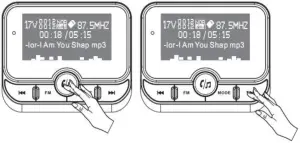
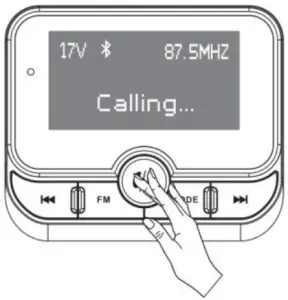
- short press to answer call
- short press to hang up the call
- long press to reject call
- Double-click twice in a row to redial the last number. g: Short press / during call to convert Bluetooth mobile phone to make a call . h:The volume can be adjusted by rotating left and right.

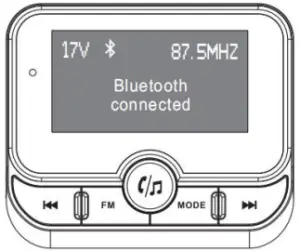
 quickly adjust to FM down, short press adjust to FM down.
 quickly adjust to FM up, short press adjust to FM up .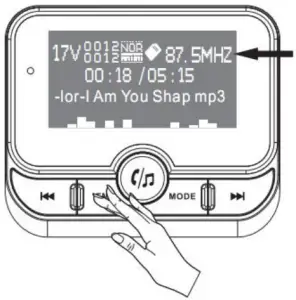
System Setting
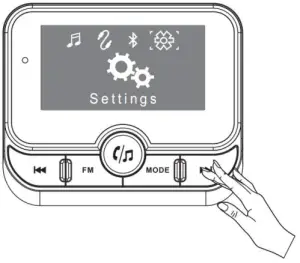
- In the Bluetooth/U disk/TF mode, long press the MODE button for 3 seconds to enter the main menu.
- Short press / , select when the cursor moves, press to determine the option key.
- Enter the sub menu and short press / , select when the cursor moves, press to determine the option key.
- After the operation is completed, press the MODE button to exit.

Subdirectory
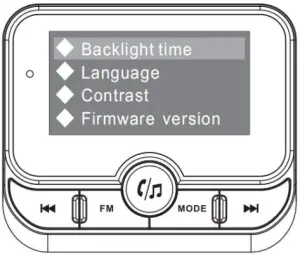
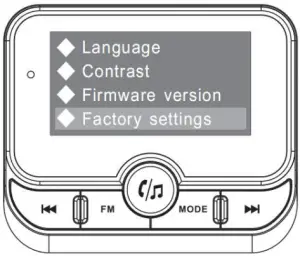
Siri/ Voice assistant function
After Bluetooth paired successful, please press  for 3 seconds to activate siri/ voice assistant. ( iPhone, Samsung and original phone with android system are supported)
Note: this function is not applied in some kinds of phone.
Line in/ line out
(When under AUX mode, please remove the U disk and TF card)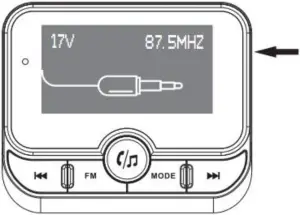
Car battery voltage detection
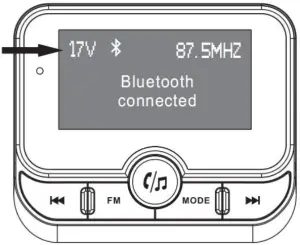
Technology Parameter
| Rated Voltage | 12V~24V |
| Limited voltage | 9-32V |
| USB1 +USB2 Output | 5V/2.4A MAX |
| Work temperature | <60°C |
| Music format | MP3、WMA、WAV |
| Support U disk, TF card capacity | 1G-32G |
| Bluetooth version | Version 4.1+EDR |
| Transmit frequency | 87.5MHz-108 MHz |
| Transmit effective distance | 0.5-2M |
| Bluetooth effective range | <10M |
| LCD resolution | 128*64(1.8 in) |
Product Packaging Instructions
- The host
- Manual
- Φ3.5mm audio cable
- Package