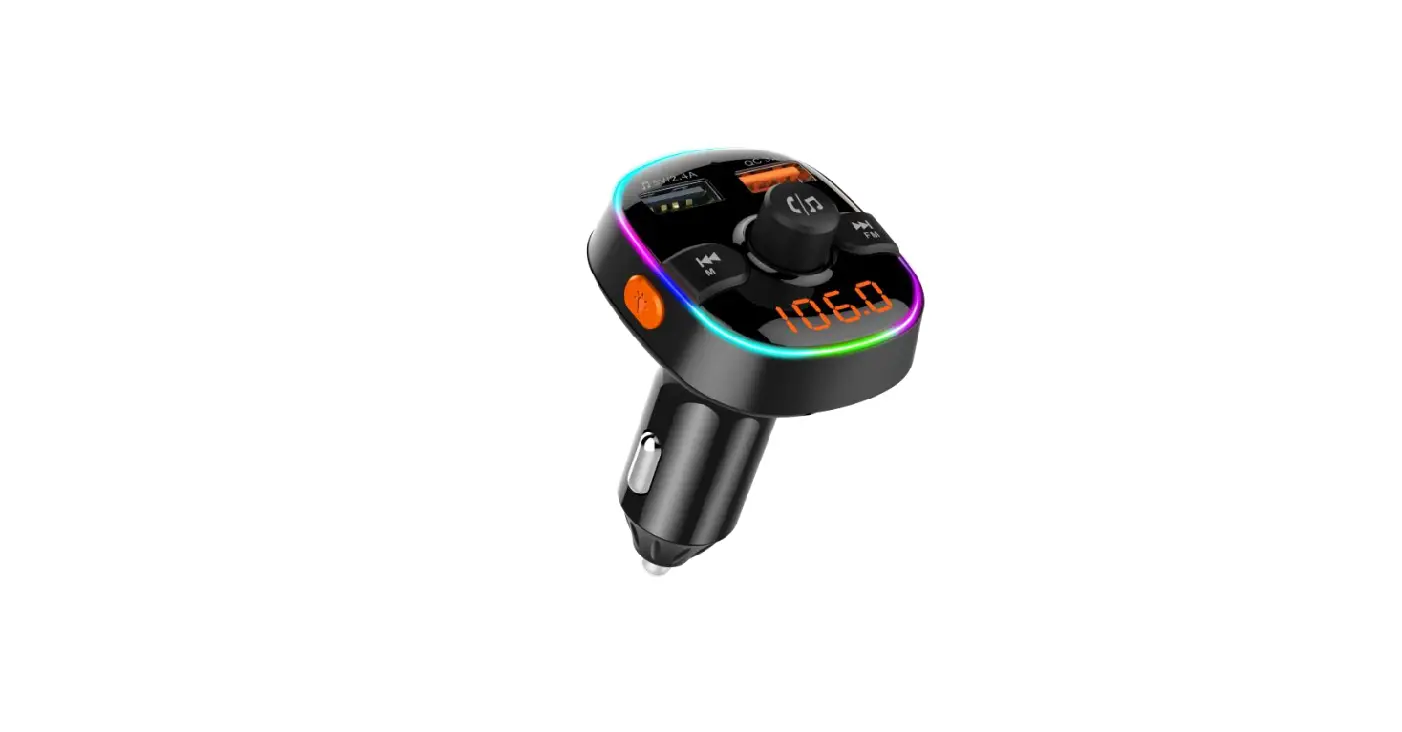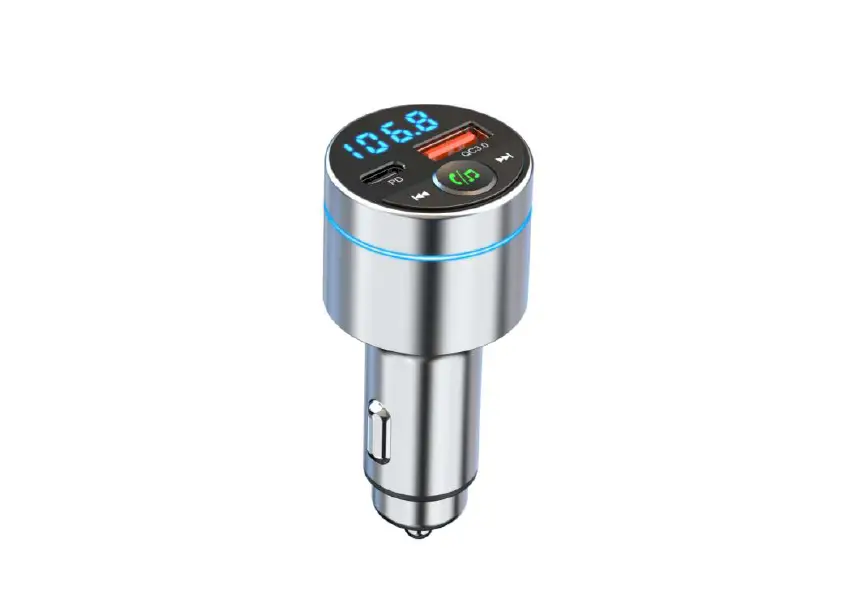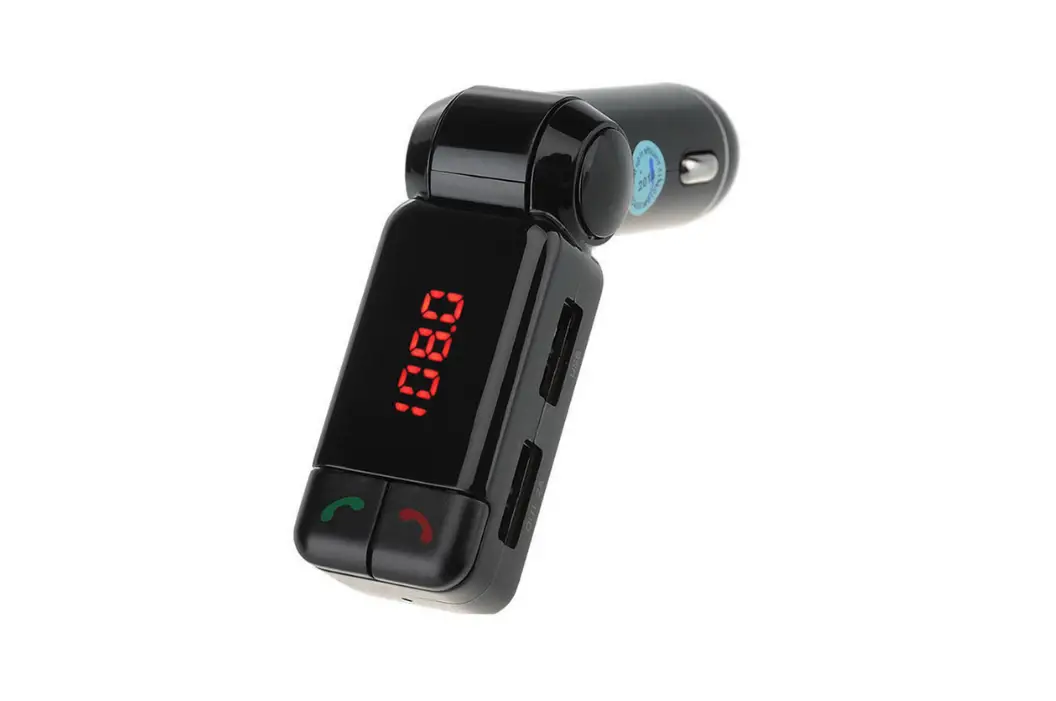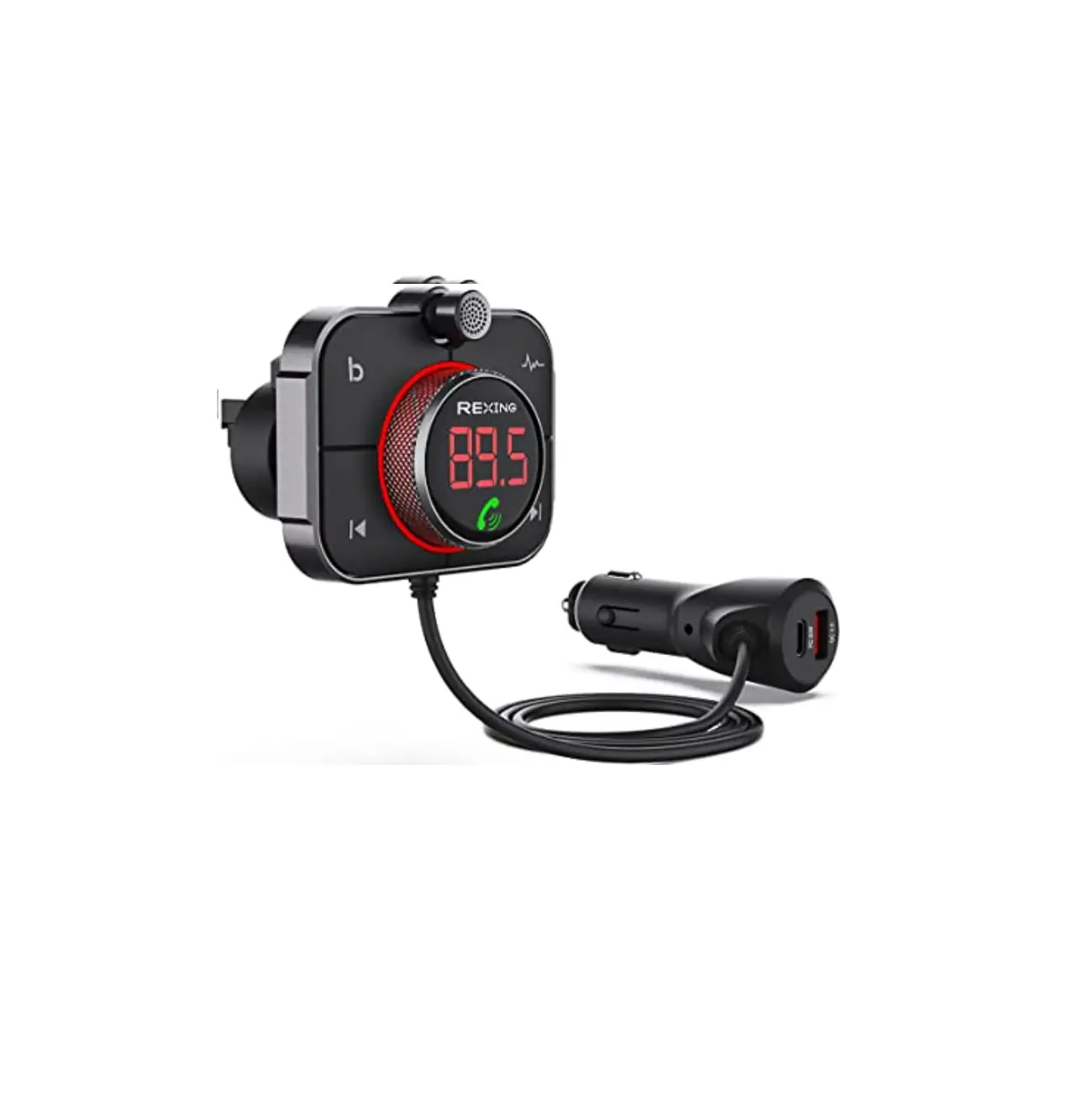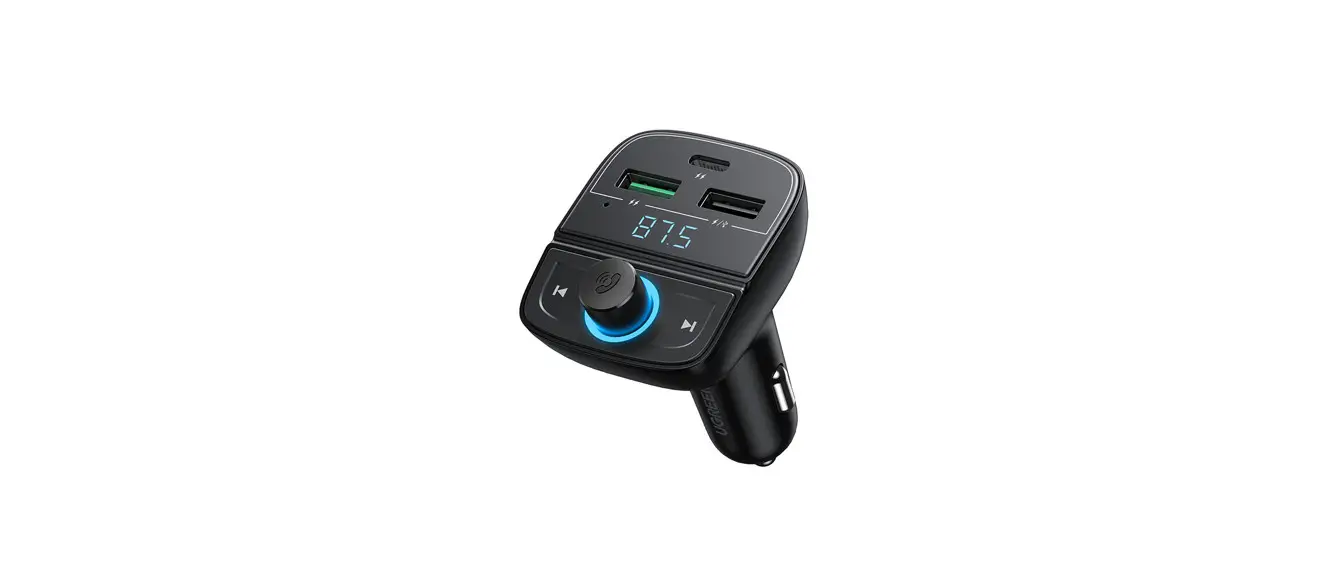
 CD229 Bluetooth Car Charger
User Manual
Product details
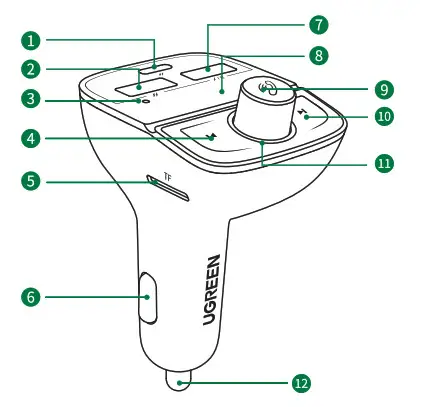
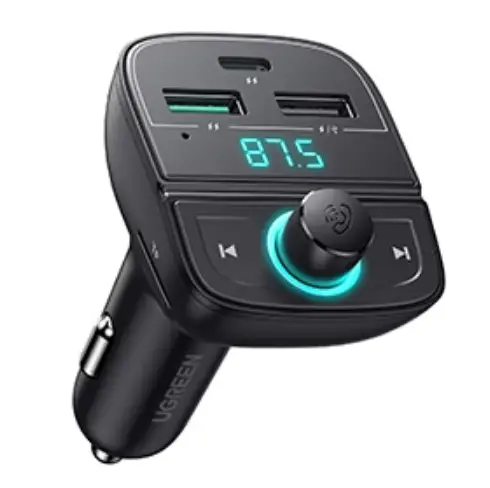
- USB-C port (car charger): support charging voltage and current of 5V/3A, 9V/2.22A, 12V/1.67A
- USB-A port (car charger): support charging voltage and current of 5V/3A, 9V/2A, 12V/1.5A
- Microphone
- Previous track
- TF card slot
- Negative pole
- USB-A port (car charger/USB flash drive): support supply current of 5V/1.5A (not recommended for charging )
- LED display: FM/battery voltage/volume/track
- Multifunctional knob: FM/volume
- Next track
- Power indicator
- Positive pole
Installation and Bluetooth Connection
Step 1 Supply Power to the Product
Start your car and plug the product into the cigarette lighter. The power indicator will light when powering on, the display will show the current battery voltage for 3 seconds. LED display: when battery voltage is normal, the display will show the current FM; when battery voltage is abnormal, the display will show an abnormal voltage figure and blink.
Step 2 FM
- Turn on car FM and adjust to a vacant FM.
- Press and hold the
 for 2 seconds. Rotate the knob to adjust FM when the figure blinks on the LED display. Rotate left or rotate right indicates minus or plus of FM, please adjust the same FM between the product and your car.
 for 2 seconds. Rotate the knob to adjust FM when the figure blinks on the LED display. Rotate left or rotate right indicates minus or plus of FM, please adjust the same FM between the product and your car.
Step 3 Bluetooth Connection
- Turn on the Bluetooth access on your device. Search and connect to “UGREEN 80910” on the device list.
- The voice prompt of “Bluetooth Connected” indicates that the connection is established, you could enjoy a music play now.
- When using, the voice prompt of “Bluetooth Disconnection” indicates that the connection is broken.
Functions and Operations
1.Bluetooth Handsfree Calls 
- Answer a call: press
 once
once - End a call: press once while on the line
- Reject a call: press and hold ( te9 for 2 seconds
- Redial: short press( g twice to the lastest number
2. Music Play
Play order: Bluetooth audio is a priority, then the last inserted USB flash drive or TF card.
For example: once connected, music from a smartphone, USB flash drive, and TF card play at the same time, the smartphone will be chosen first; once connected, insert a USB flash drive or TF card instead of playing Bluetooth audio, the first choice is USB flash drive or TF card.
- Previous track: press once

- Next track: press once

- Play/Pause: press once
- Volume down: rotate left
- Volume up: rotate right


3. USB Flash Drive/TF Card Play
Plug the USB flash drive into the USB port , you will hear the voice prompt of “U disk mode” then the audio of the USB flash drive will autoplay; plug the TF card into the
  port, you will hear the voice prompt of “IF card mode” then the audio of TF card will autoplay.
4. Power Memory
The product will memorize the FM, track and play mode before power-off, and it can be used directly next time.
5. LED Display
- Display
Plug the product into the cigarette lighter then the screen will display the battery voltage. Any adjustment on FM, track or volume will be displayed, and the default adjustment will be stored. - Abnormal voltage
The voltage figure will be blinking when overvoltage or low voltage condition appears. Please change a new battery or have a servicing for a normal operation.
| Battery type/State | 12V Battery | 24V Battery |
| Before start | 11.6V-12.8V | 23.2V-25.6V |
| After start | 11.6V-14.8V | 23 2V-27.2V |
| Abnormal voltage(x) | x>14.8V or x<11.6V | x>27.2V or x<23.2V |
| blink and display abnormal voltage number | ||
Notes
- When operating, please keep the product frequency (car FM) away from any strong local FM signal in case of audio interference.
- Do not operate the product in a strong magnetic field.
- Do not operate the product in extreme temperature or humidity, or expose the product to any liquids.
- It is not recommended that users listen to broadcast or music at a high volume for an extended period.
- Keep the product away from any sharp or hard items in case of a scratch or interior damage.
- Having servicing performed by UGREEN after-sales service if there is any power or module fault.
- Keep out of reach of children.
- Dispose of the product properly, following local regulations.
Cautions
- Please check the input standard of your device before using the product. Do not supply overvoltage or overcurrent to your device in case of abnormal working or product damage.
- Use of an unapproved or incompatible power adapter, USB cable, or other accessories may cause fire, explosion, or other hazards.
- Please disconnect the product from the cigarette lighter when not in use.
Specifications
| Model | CD229 |
| Input | 12-24V 3.6A 3.6A |
| USB-C output | 5V3A 9V 2.22A 12V-1.67A |
| USB-Al output | 5V3A 9V 2A 12V-1.5A |
| USB-A2 (audio) output | 5V1.5A |
| USB-C+USB-A1 output | 5V4.8A Max |
| Total output power | 31.5W Max |
| Version | Bluetooth 5.0 |
| Bluetooth frequency | 2400-2483.5MHz |
| Available distance | ≥5m |
| FM TX frequency | 87.5-108MHz |
| Supported formats | MP3/WMA/WAV/APE/FLAC |
| Supported USB flash drive/TF card capacity | 128G6(Max) |
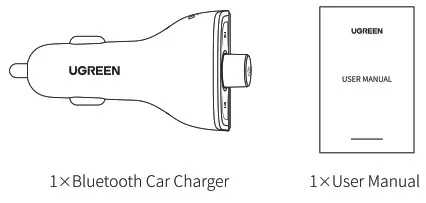
Package Contents
Important WEEE Information
 | This symbol on the product(s) and/or accompanying documents indicates that under the new Directive 2012/19/EU on waste electrical and electronic equipment (WEEE), product(s) used electrical and electronic equipment (WEEE) should not be mixed with general household waste. For proper treatment, recovery, and recycling, please take this product(s) to designated collection points where it will be accepted free of charge. Disposing of this product correctly will help save valuable resources and prevent any potential negative effects on human health and the environment, which could otherwise arise from inappropriate waste handling. Please contact your local authority for further details of your nearest designated collection point. Penalties may be applicable for incorrect disposal of this waste, in accordance with your national legislation. For professional users in the European Union If you wish to discard electrical and electronic equipment (EEE), please contact your dealer or supplier for further information. For disposal in countries outside of the European Union, This symbol is only valid in the European Union (EU). If you wish to discard this product please contact your local authorities or dealer and ask for the correct method of disposal. |
Warranty Information
A limited 2-year warranty applies to all UGREEN products purchased from UGREEN’s official store or authorized sellers. Please feet free to contact us if you run into any problems.
Contact Us
For Amazon Marketplaces
North America US: [email protected]
MX: [email protected]
CA: [email protected]
Europe
UK: [email protected]
FR: [email protected]
IT: [email protected]
DE: [email protected]
ES: [email protected]
Asia Pacific
JP: [email protected]
AU: [email protected]
Middle East
UAE: [email protected]
KSA: [email protected]
FCC Statement
This device complies with Part 15 of the FCC rules. Operation is subject to the following two conditions:
- this device may not cause harmful interference, and
- this device must accept any interference received, including interference that may cause undesired operation. Warning: Changes or modifications not expressly approved by the party responsible for compliance could void the user’s authority to operate the equipment.
Learn more about the EU Declaration of Conformity: https://www.ugreen.com/download/
FCC Radiation Exposure Statement
This equipment complies with FCC radiation exposure limits set forth for an uncontrolled environment.
This transmitter must not be co-located or operating in conjunction with any other antenna or transmitter.
Note: This equipment has been tested and found to comply with the limits for a Class B digital device, pursuant to part 15 of the FCC Rules. These limits are designed to provide reasonable protection against harmful interference in a residential installation. This equipment generates uses and can radiate radio frequency energy and, if not installed and used in accordance with the instructions, may cause harmful interference to radio communications. However, there is no guarantee that interference will not occur in a particular installation. If this equipment does cause harmful interference to radio or television reception, which can be determined by turning the equipment off and on, the user is encouraged to try to correct the interference by one or more of the following measures:
- Reorient or relocate the receiving antenna.
- Increase the separation between the equipment and receiver.
- Connect the equipment into an outlet on a circuit different from that to which the receiver is connected.
- Consult the dealer or an experienced radio/TV technician for help.
Learn more about the EU Declaration of Conformity: https://www.ugreen.com/download/
FCC ID: 2AQI5-CD229