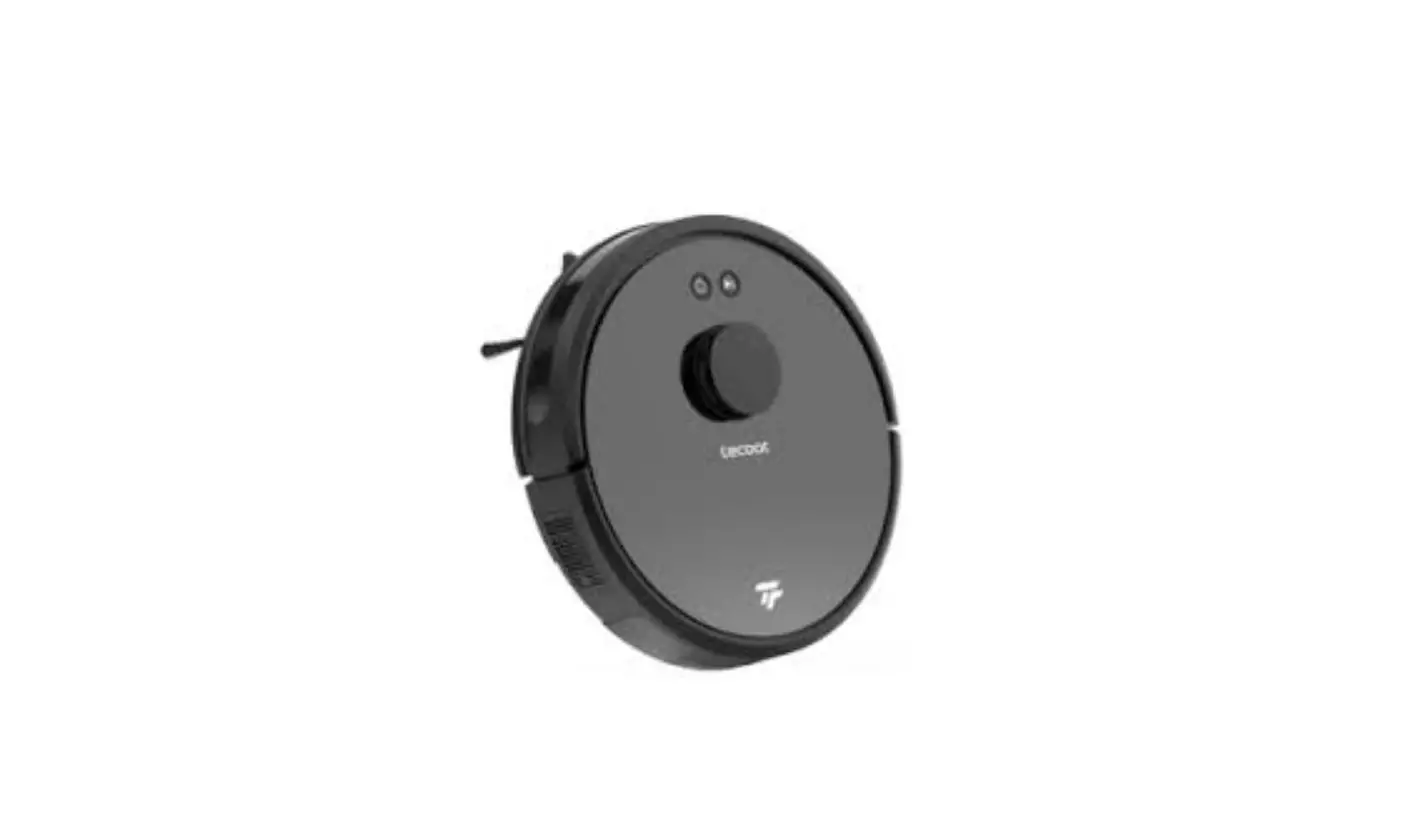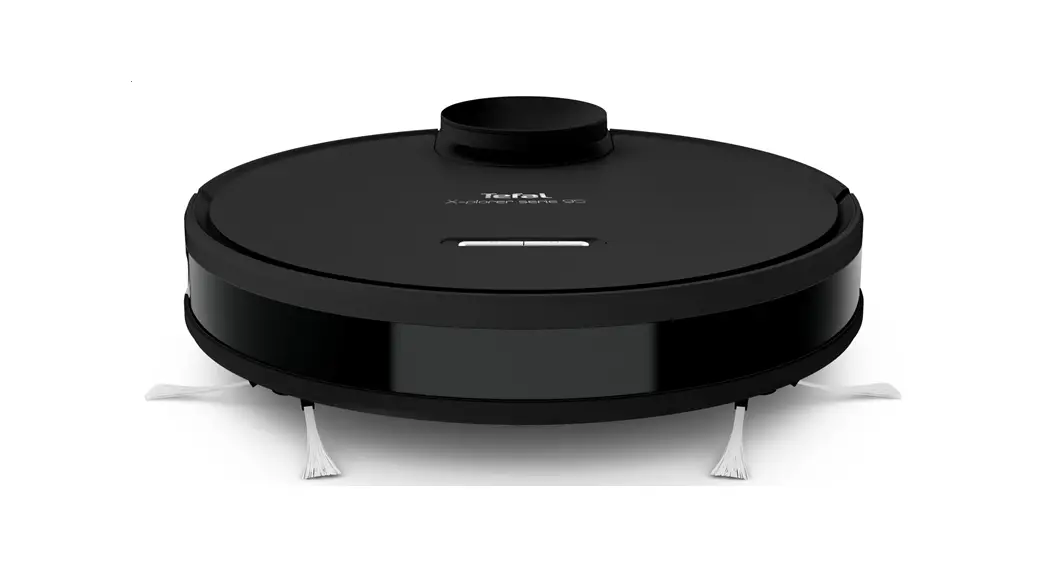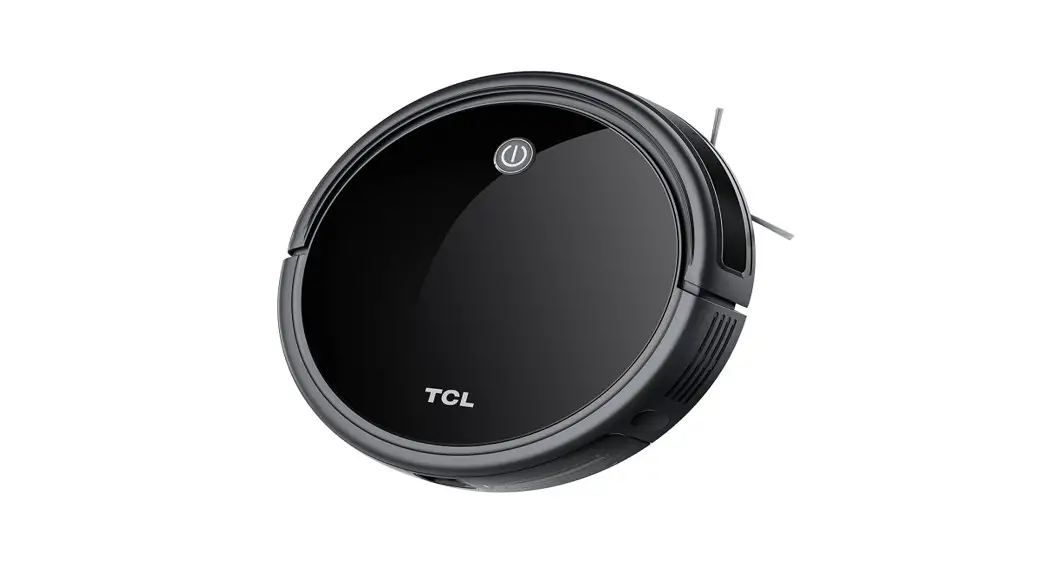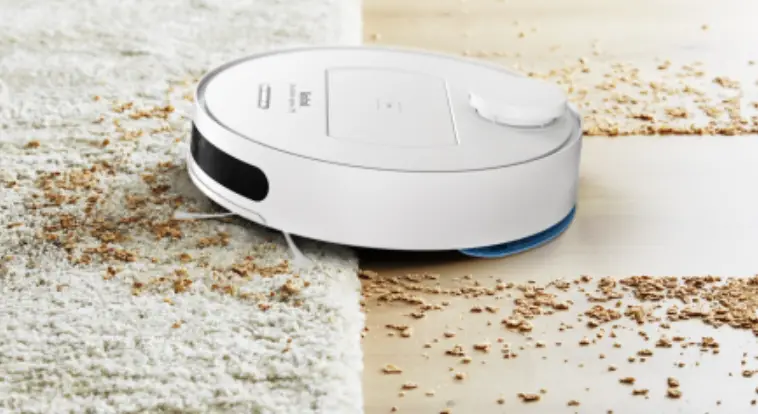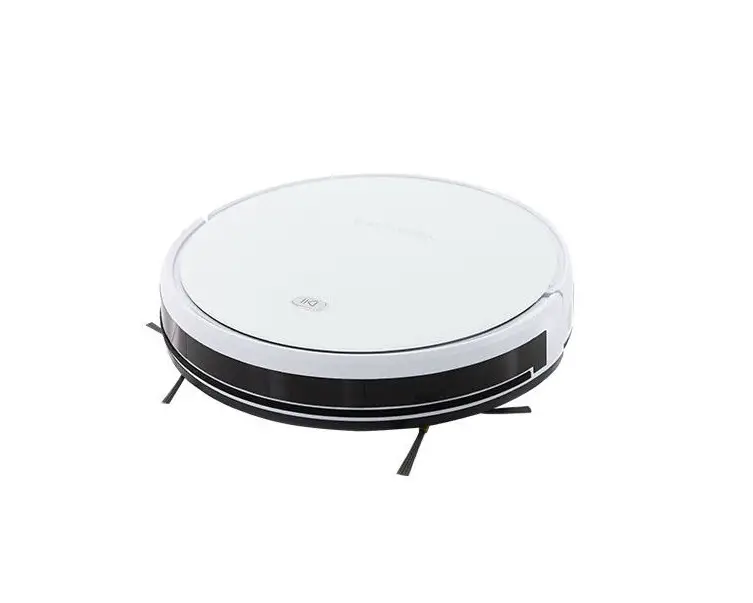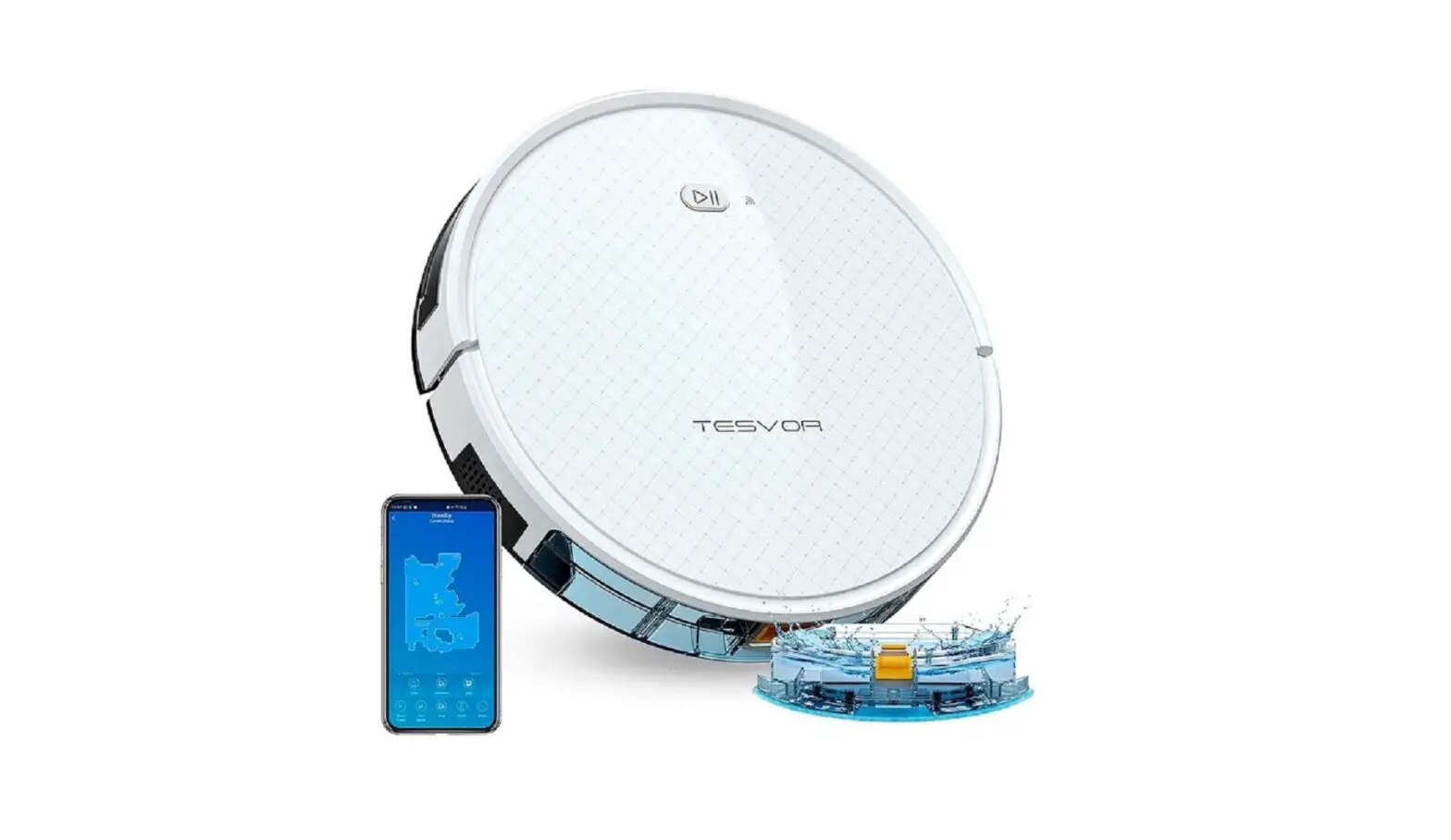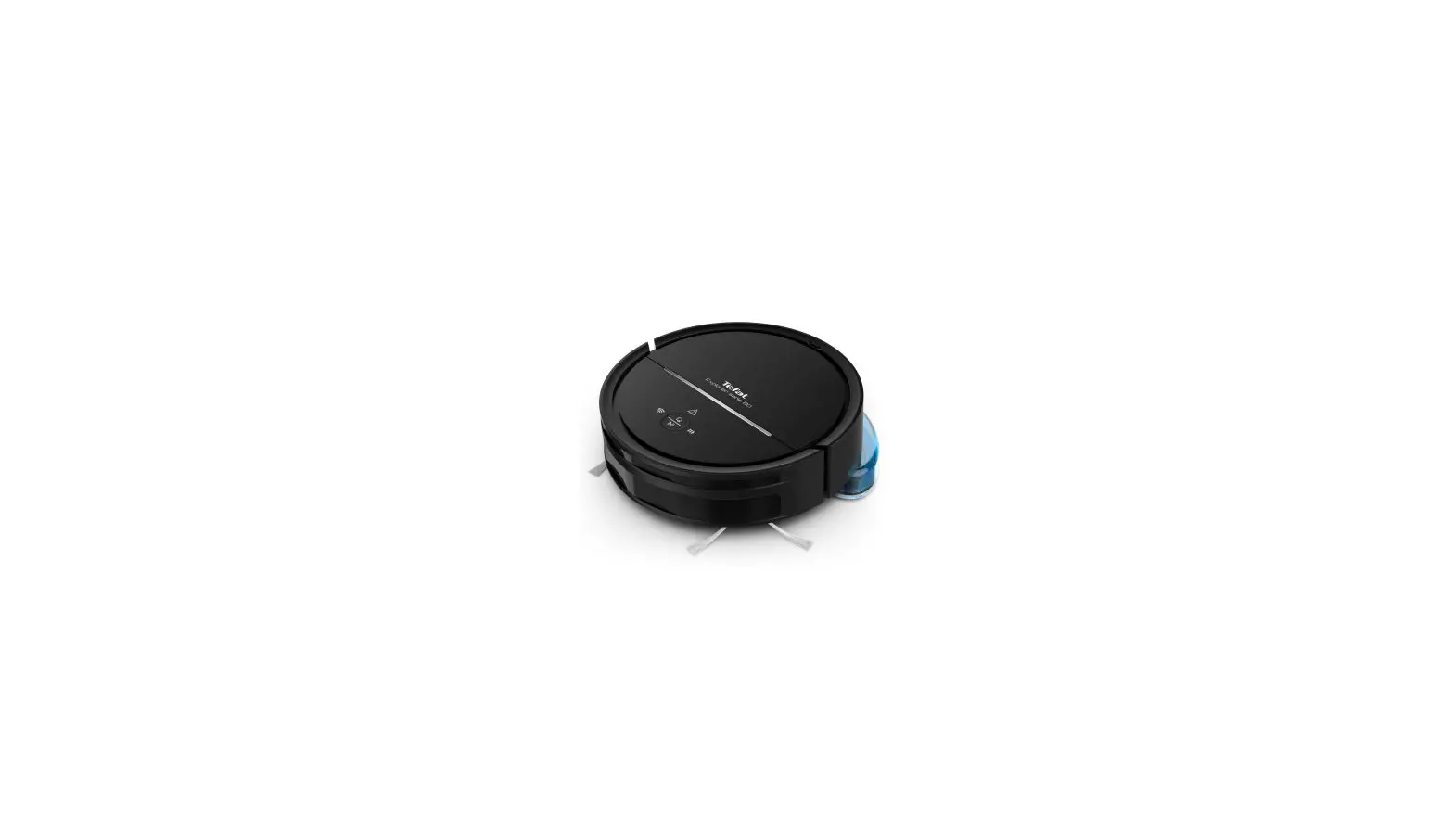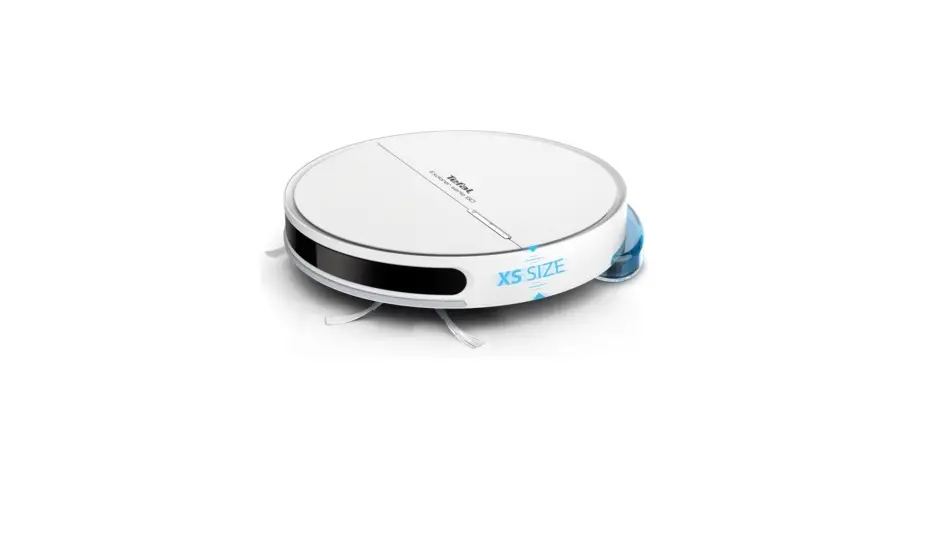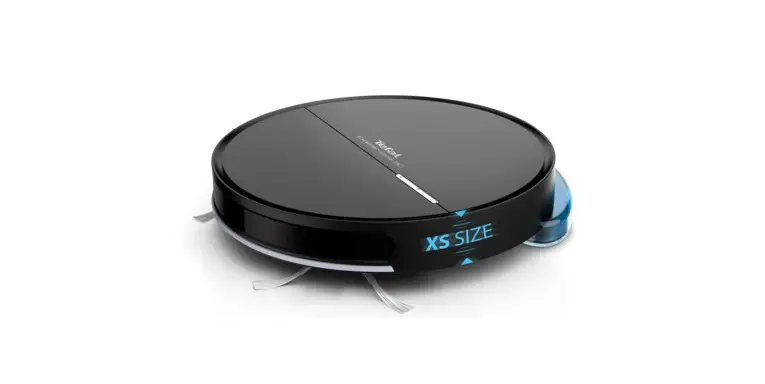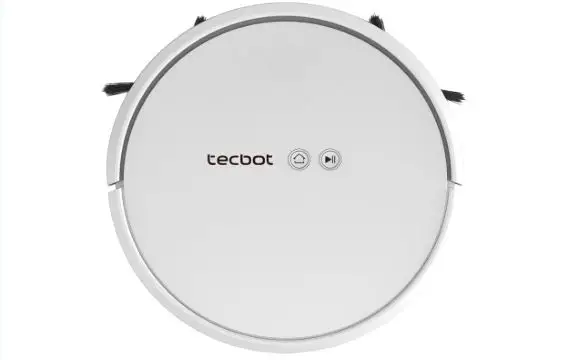
Tecbot Robot Vacuum Cleaner User Manual
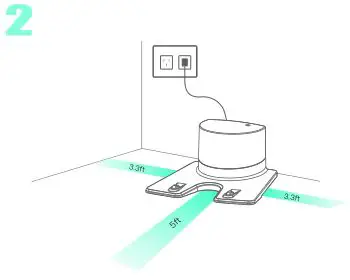
Install the Charging Dock
- Place the Charing Dock against the wall.
- Connect the Adapter to Charging Dock and outlet.
- Leave an area on each side of Charging Dock (1x1x1.5m/3.3×3.3x5ft)
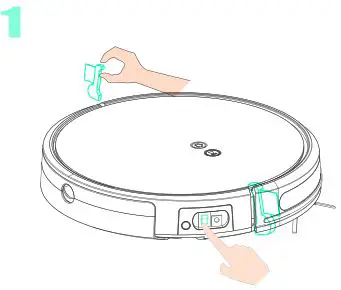
Wake up your Robot
- Remove the two protective foams on the both sides of body.
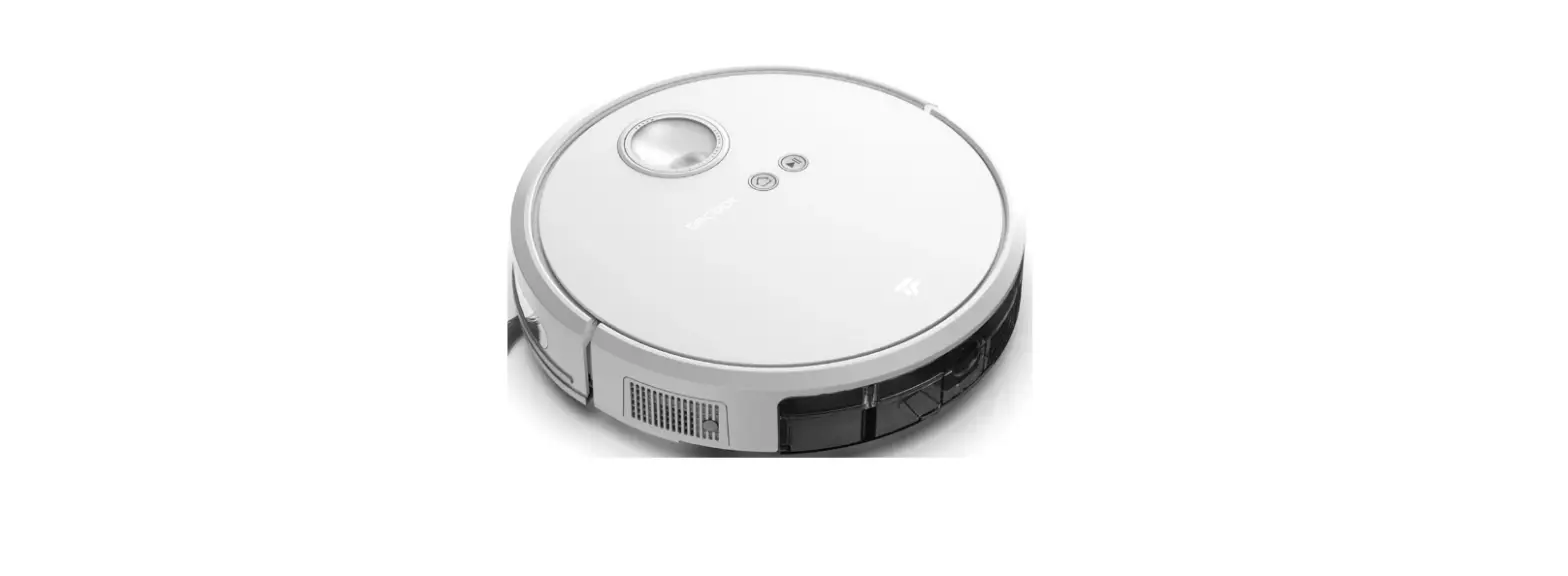
- Turn on the power switch at the side of body.
- I: ON O: OFF
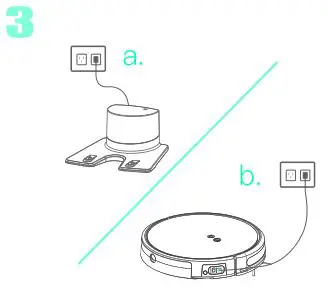
Charging your Robot
- 2 ways to charge
a. Use charging dock
b. Use adpater directly - Charging status:
a. When charging, flashes (red).
b. Charging completed, turns green.
*Note: Fullly charge it when you just receive it.
USE
- a. Press
 on the robot to start directly.
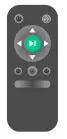
- b. Press on the remote control to start directly.

- c. APP remote control
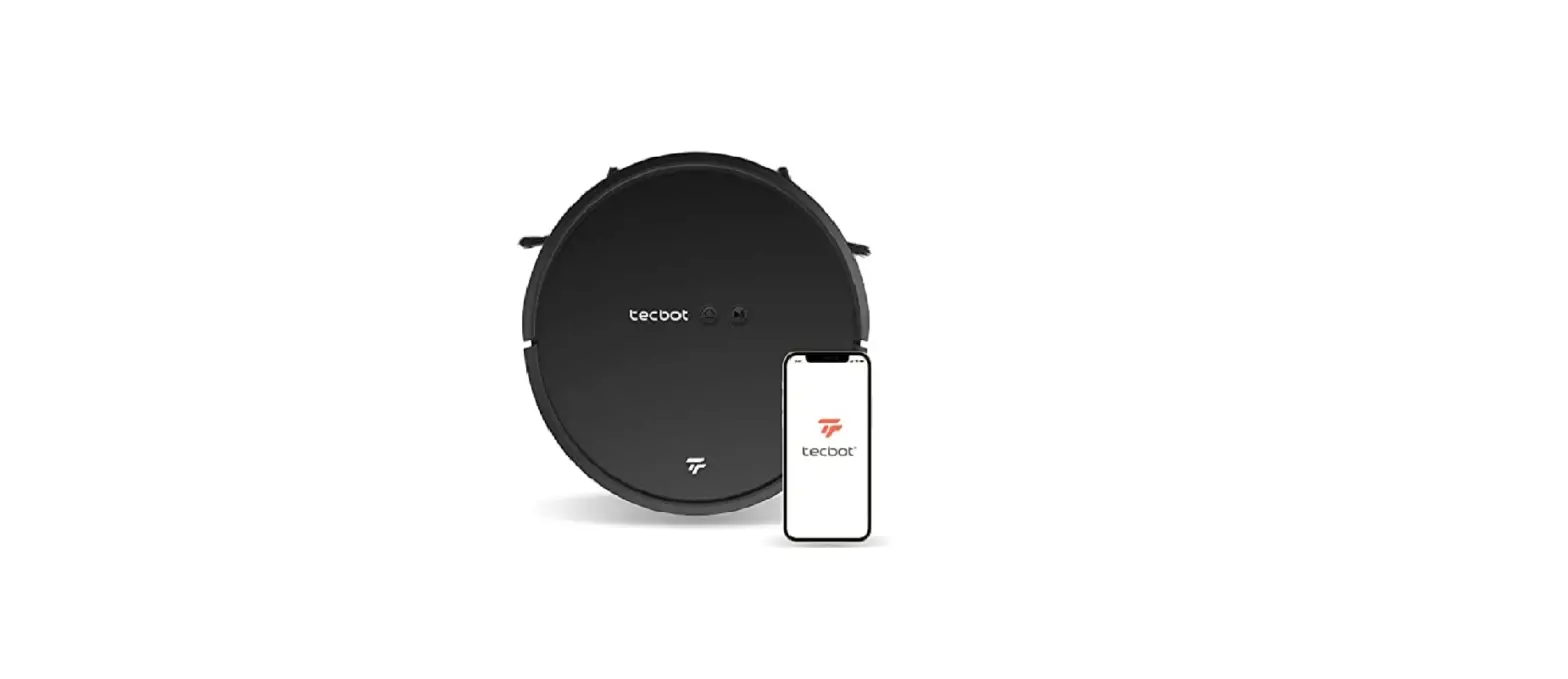
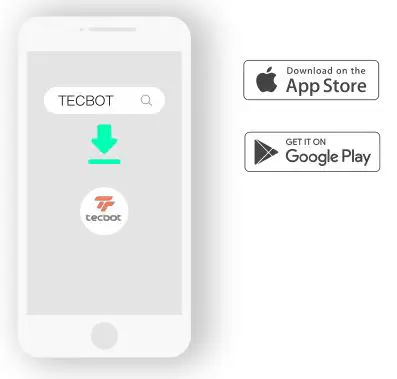
- Download “Tecbot”.
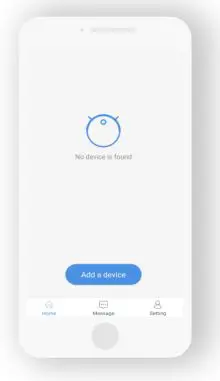
- Add a device after you register.

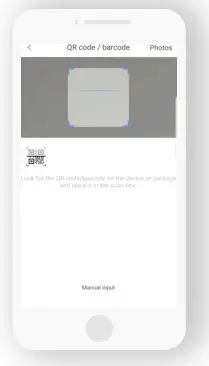
- Scan the QR code on the side of the body.

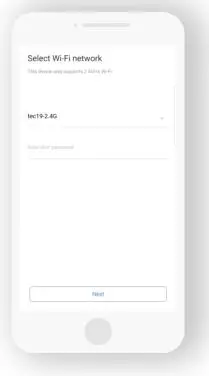
- Connect to the WiFi (only support 2.4Ghz)

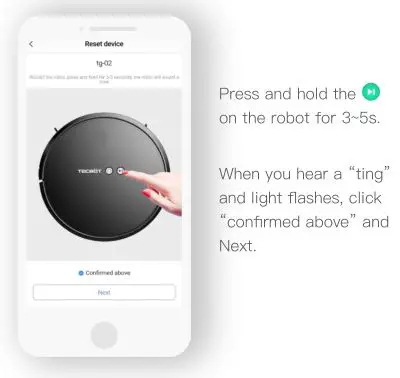
- Connect to your Robot.

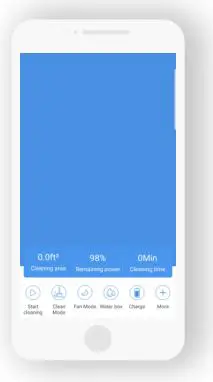
- Start to clean/remote control/schedule.

 on the robot to start directly.
Follow Us
Contact us
Whatsapp: +86-13827222904
Email: [email protected]
Website: en.tecbot.ai
 TEC Mold Holdings Limited