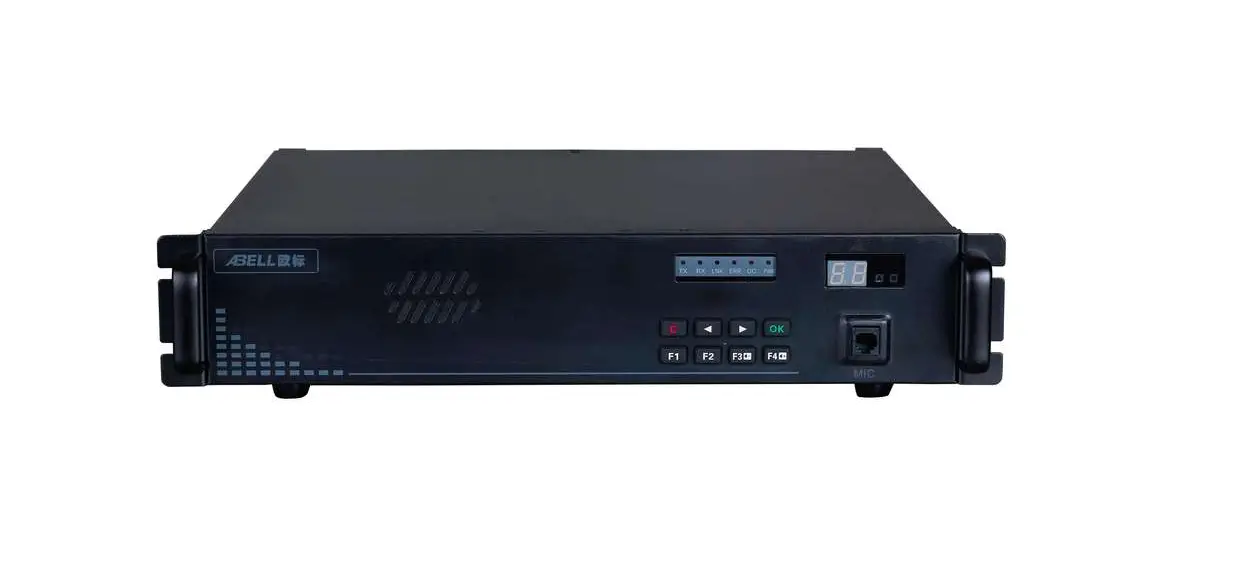
 FLEX-Repeater Professional Repeater
User Guide
Packing list
The following items are contained in the gift box. If any item is missing or damaged, please contact your dealer.
| Item Name | Quantity (pc) | Item Name | Quantity (pc) |
| Radio unit | 1 | Speaker microphone | 1 |
| Power supply | 1 | User manual | 1 |
 Note:
Note:
After purchase, please check the items and quantity in the box to ensure everything is correct.
Radio Controls
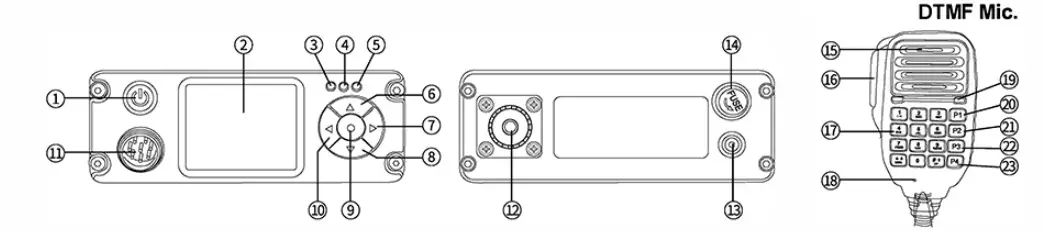
Parts description & function applications
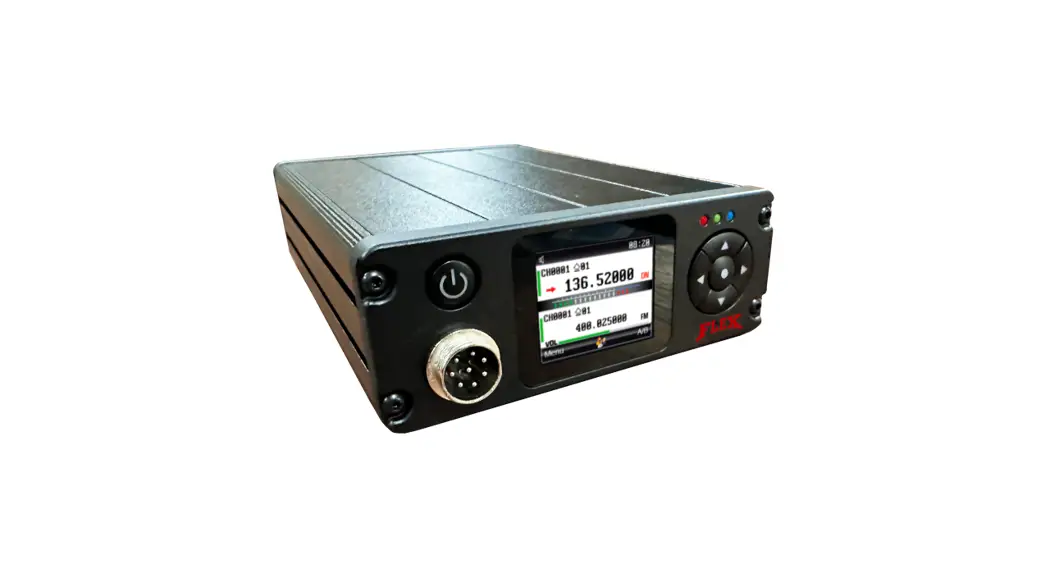
| NO. | Part Name | Function description and applications |
| 1 | [ ] Power Key ] Power Key | 1)Press and hold for more than 3 seconds to power on or power off; 2)In Standby, short press it to switch NB frequency band. The frequency band ‘- with icon is the “main frequency band”, can press PTT key to transmit or have menu set. 3)In menu mode, short press it to exit the current operation mode and return to standby interface; |
| 2 | TFT LCD Display | It is applied to display various working states and combined with visual icons, which is easy to use and operate; |
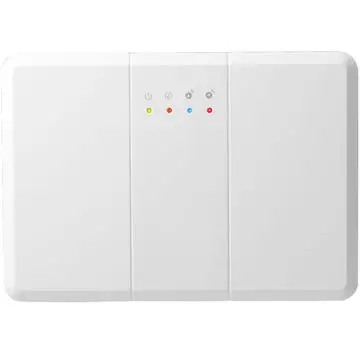
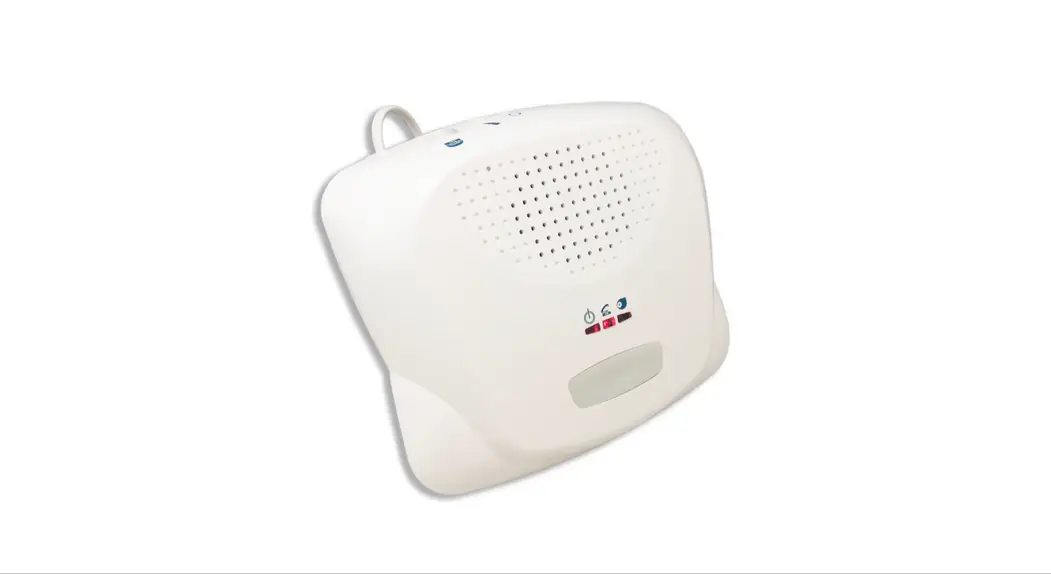
| 3 | Signal indicator | It is used for status indication in receiving (green light), transmitting (red light) and repeater (orange light); |
| 4 | Charging indicator | Used to indicate the charging status (lights red in charging, and lights green when fully charged); Note: If the built-in battery is not purchased, the LED does not light up when the power is on. |
| 5 | Repeater indicator | It lights blue when repeater is on, and lights green when repeater is off. |
| 6 | [▲] button | 1)In Standby, short press it to increase the volume. Long press it to start the current band scanning, and scan the channel/frequency in the upward direction; 2)In menu mode, short press it to select menu and other parameters upward; |
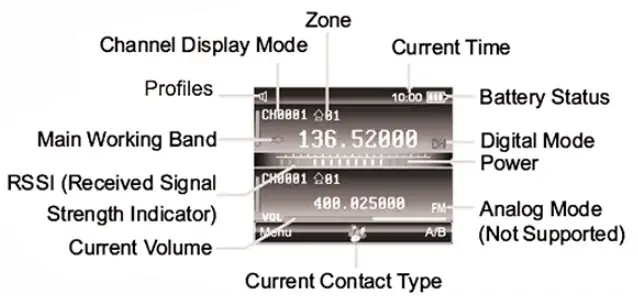
TFT Statue Icons
LED Indicators
 z
z
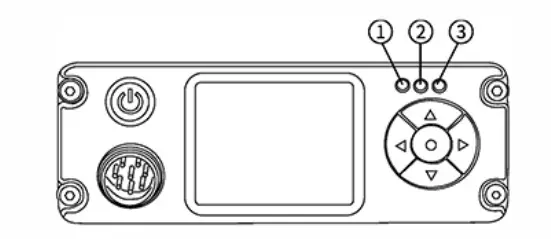
| No. | LED indicator | Radio Status |
| 1 | Green | Receiving |
| Red | Transmitting | |
| Fast Flashing Green | Scanning | |
| Slow Flashing Red | Low battery | |
| Fast Flashing Orange | Repeater feature is in use. | |
| 2 | Green | Standby (No load) or Fully charged |
| Red | Charging | |
| 3 | Green | Repeater feature is off. |
| Blue | Repeater feature is on. |
Note: if built-in battery is not optional, the charging indicator does not light up when the power supply is plugged in.
Preparation for operating the terminal
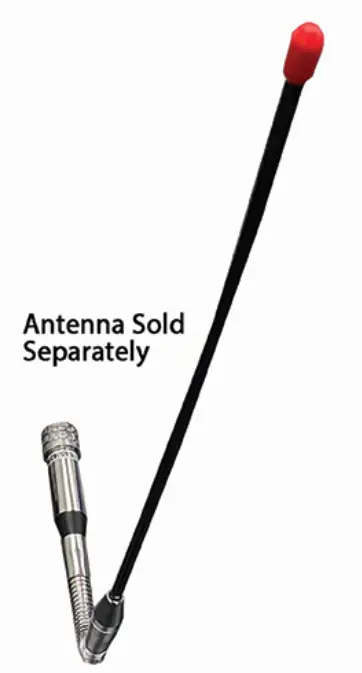
Install the antenna
- Insert the threaded end of the antenna into the antenna port on the back of the radio.
- Tighten the antenna clockwise.
 Do not hold the antenna with your hand, as this will reduce the radio performance.
 Do not hold the antenna with your hand, as this will reduce the radio performance.
Power cord connection
When the radio is first start, a low-power alarm may appear.
Please turn off and charge the radio before using it (the radio with built-in battery).
Please follow below steps to charge:
- Plug the power supply into the jack on the back of the radio.
- Insert the power supply into the power outlet.
- Check the LED charging indicator to understand the current charging status.
- For radios without built-in batteries, the charging indicator does not light up when the power supply is plugged in.
Note:
- The input voltage range is: DC 12~48V.
- Please use the charging equipment designated by us for charging.
- Please refer to the charging safety information before charging to obtain the necessary battery safety information.
Speaker Microphone Installation
To communicate by voice, connect the supplied speaker microphone to the jack on the front-left side of the radio. Insert the microphone plug to the jack hole and press firmly until it reaches the bottom, and then tighten the nut of the microphone plug.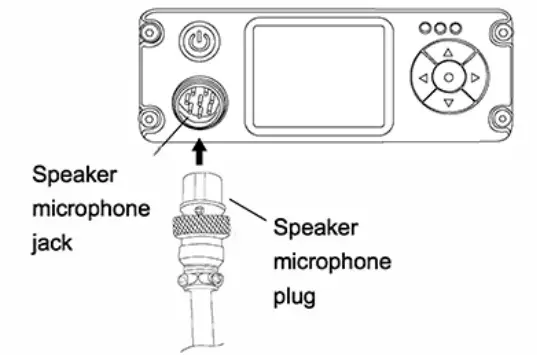
Programmable Keys
- Short Press: press and release quickly (programmable range is from 50ms-750ms).
- Long Press: press and hold for programmed time length (programmable range is from 500ms-5000ms).
Programmable Functions
If desired, the following terminal features can be preset for programmable keys:
Main functions description
| Classification | Function | Description |
| Public Functions | VFO Mode! | In VFO mode, the user can directly input the required frequency through the numeric keyboard |
| Zone | A zone is a group of channels. The radio |supports 16 zones and contains up to 4000 channels. | |
| Power | The power level is for the transmission power level of the current channel, which can be set to high or low power. | |
| Scan | When the terminal scans a signal on a channel, it will stay on the channel to listen, so as to understand the current activity status of the relevant team members. | |
| Emergent alarm | Emergency alarm has the highest priority. | |
| Vox | The radio transmits when voice is detected by the microphone | |
| Busy channel lockout | Busy channel lockout prohibits transmission and prevents interference to other users when the radio is receiving traffic. |
General guide for fault handling
| Malfunction | Analysis of causes | Handling method |
| Radio fails to power on | The radio without built-in battery | Need to plug in the power cord to power on. |
| The power cord is not plugged in properly | Re-plug the power cord and check if the power plug is firmly inserted | |
| Receive signal decreases, is unclear or is interrupted. | Low battery voltage | Plug in the power cord to charge. |
| Volume control at low value. | Adjust the volume to be higher. | |
| Antenna gets loose or antenna frequency is incorrect. | Power off radio, and re-install antenna, or change antenna with right frequency. | |
| Speaker is blocked or damaged. | Try to clear the outer speaker or contact your dealer. | |
| Using the radio under poor working environment or electromagnetic interference | Change working environment or shift antenna direction. | |
| Unable to communicate with group members | The current working channel frequency or signaling value is different. | Change channel or reset signaling and frequency to be same as the group members |
| The setting of Digital or Analog channel is incorrect. | Reprogram the current digital or analog channel. | |
| Out of range of group members | Move back within range | |
| Noise or unrelated communications on current channel | Co-channel user interference | Change frequency or channel. |
| Channel not programmed with correct signaling | Reprogram radio to correct signaling or change signaling to prevent interference. | |
| Weak voice traffic with noise during communications | The communication distance is too great | Reduce range between users. |
| Signals are blocked during to environment such as buildings and terrain. | Reduce range between users or move to unimpeded line of sight. |