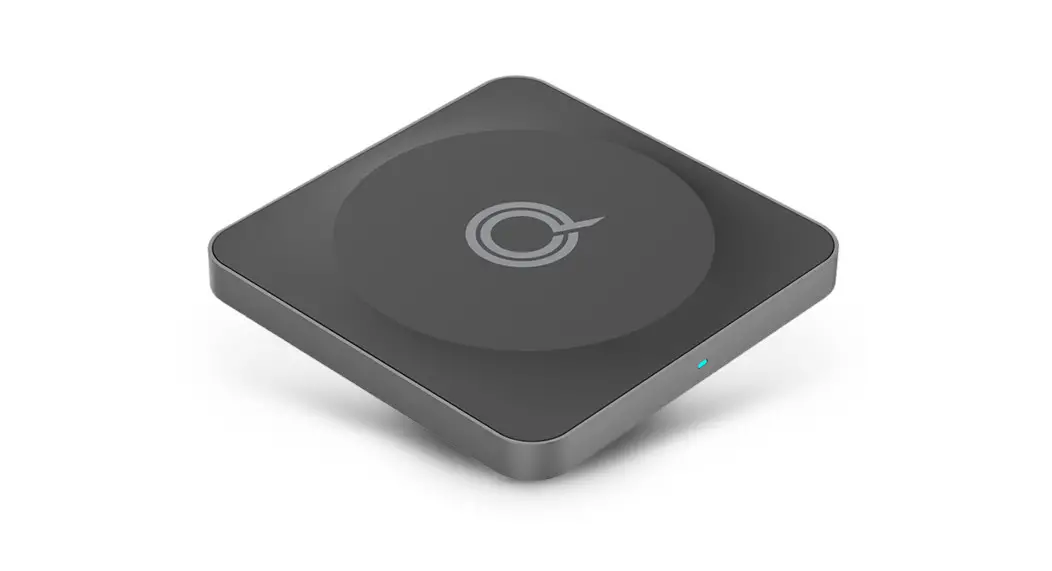
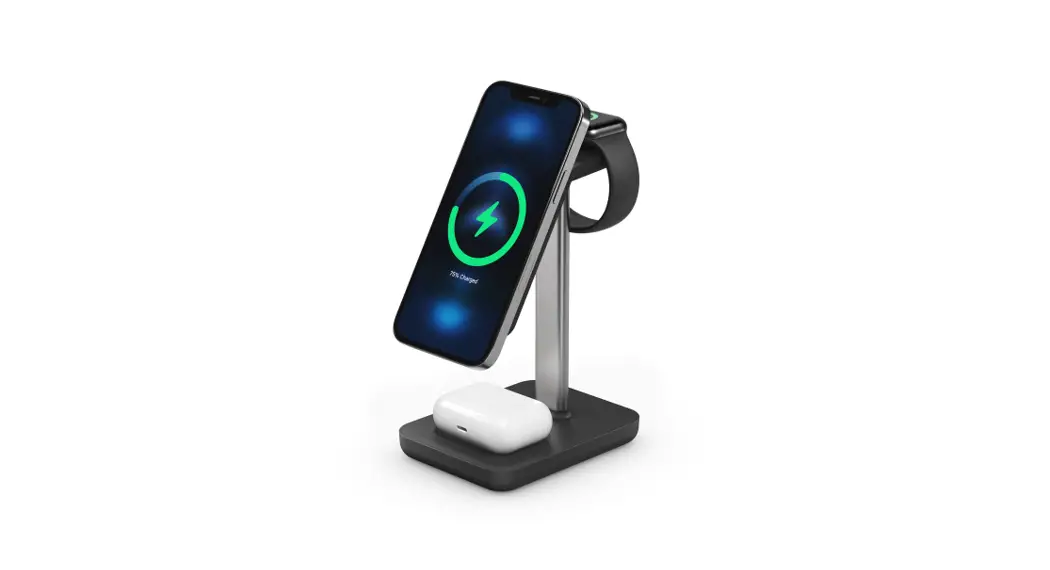
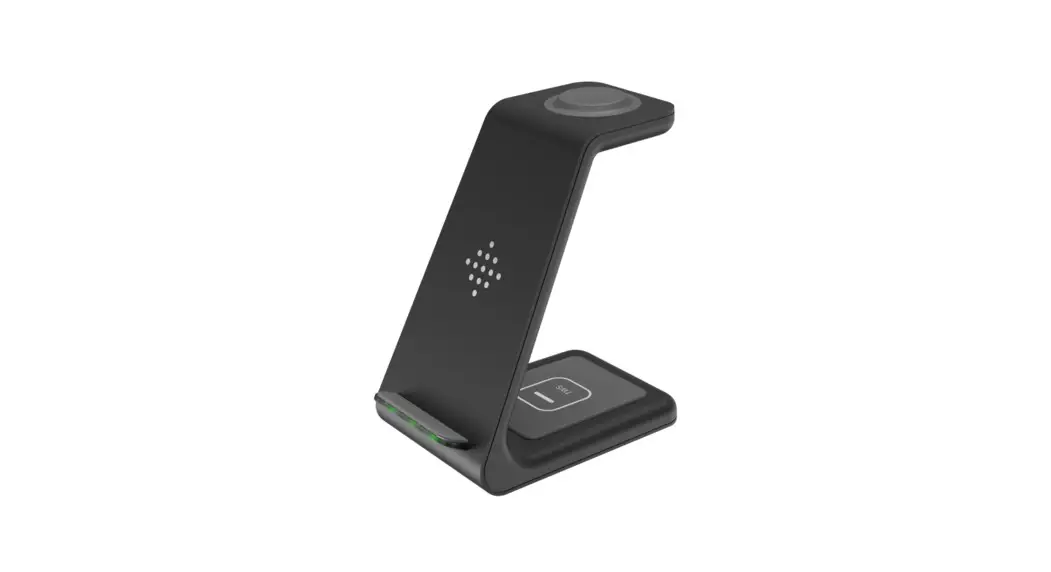
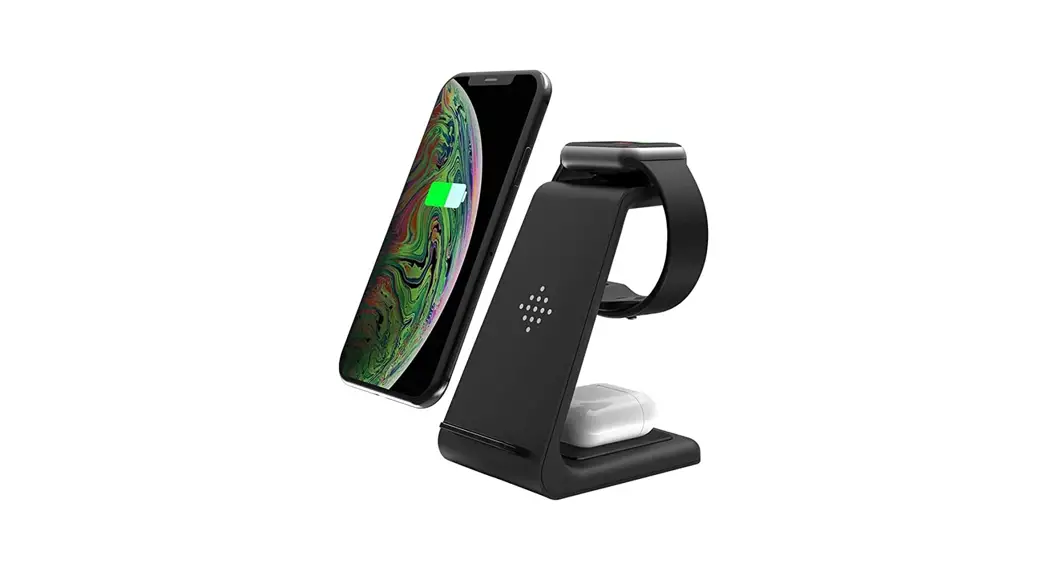
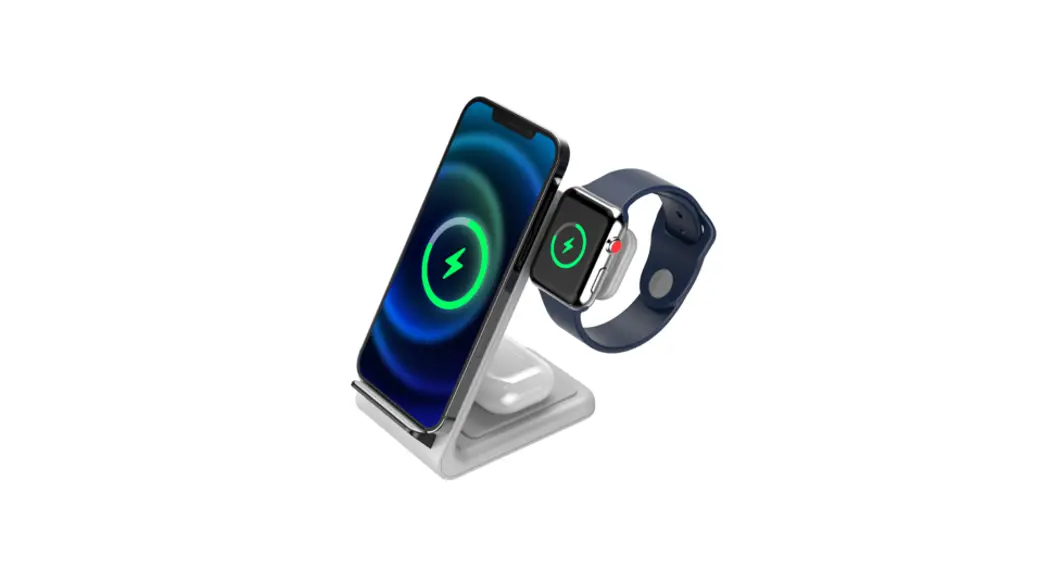
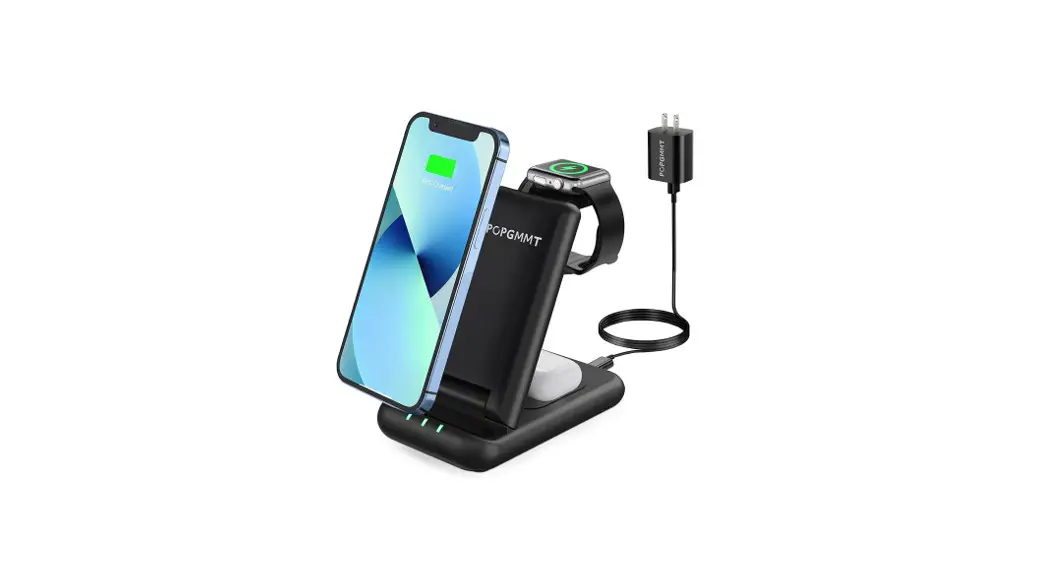
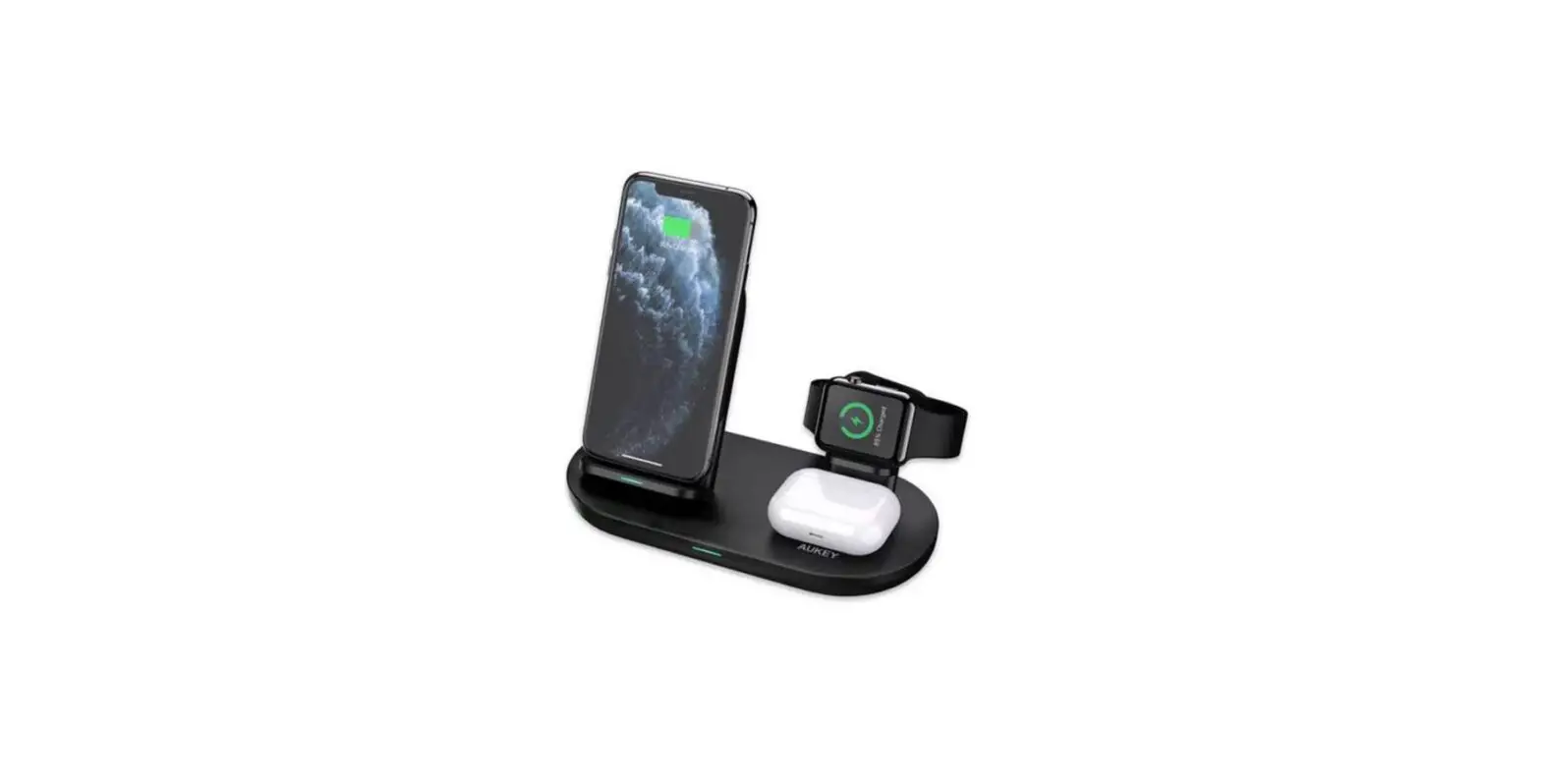
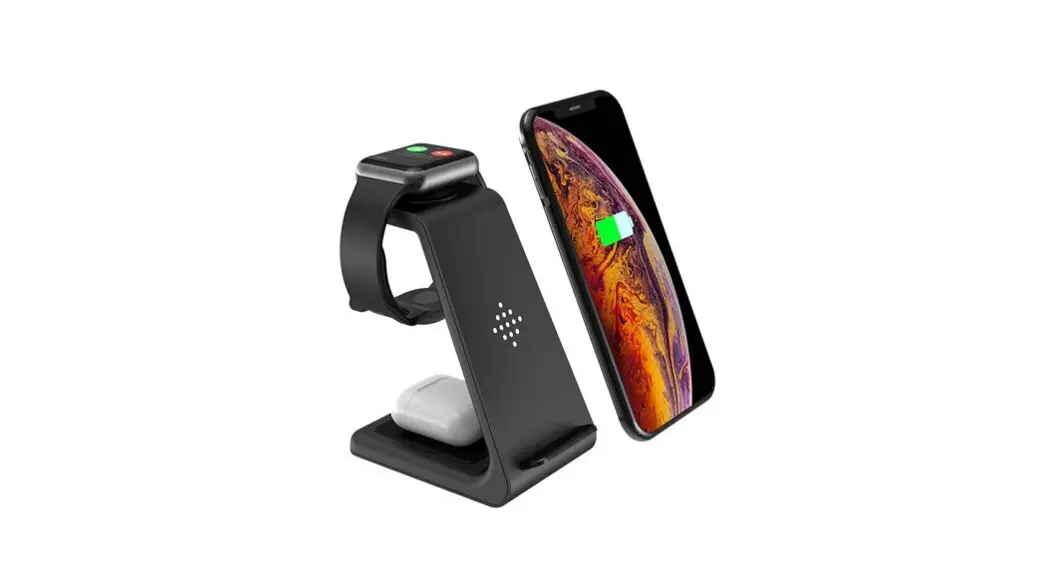
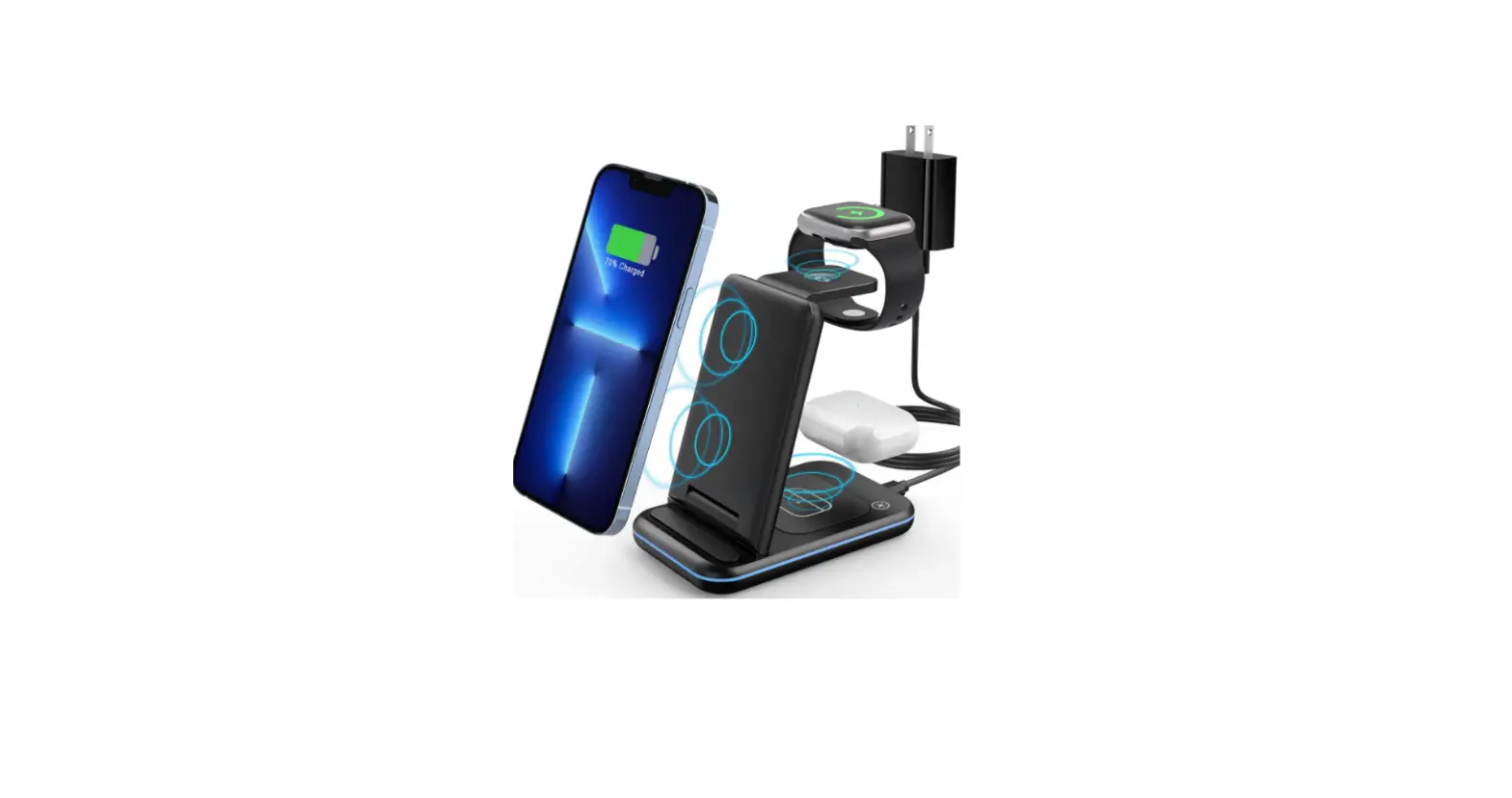
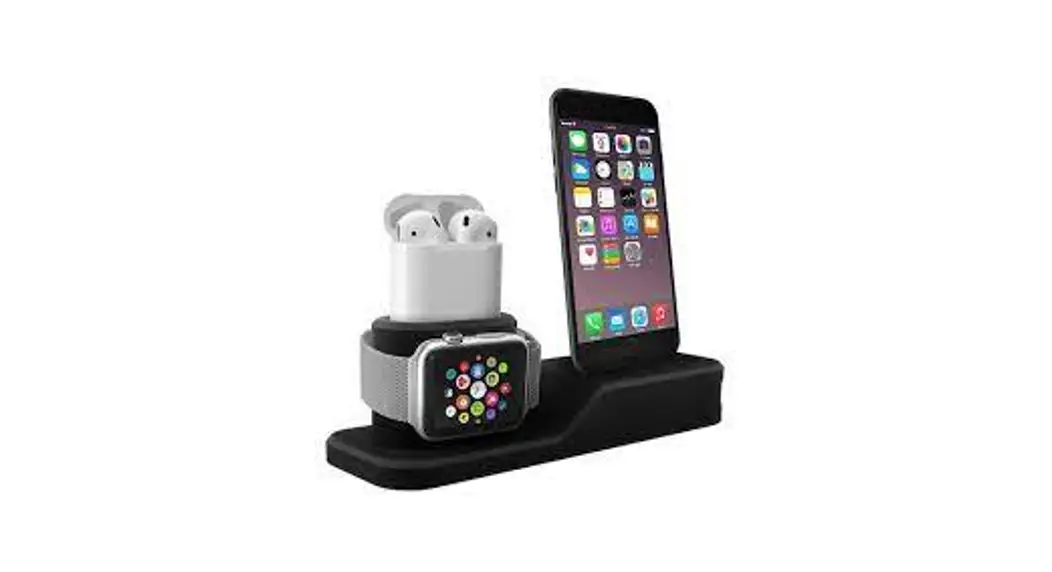
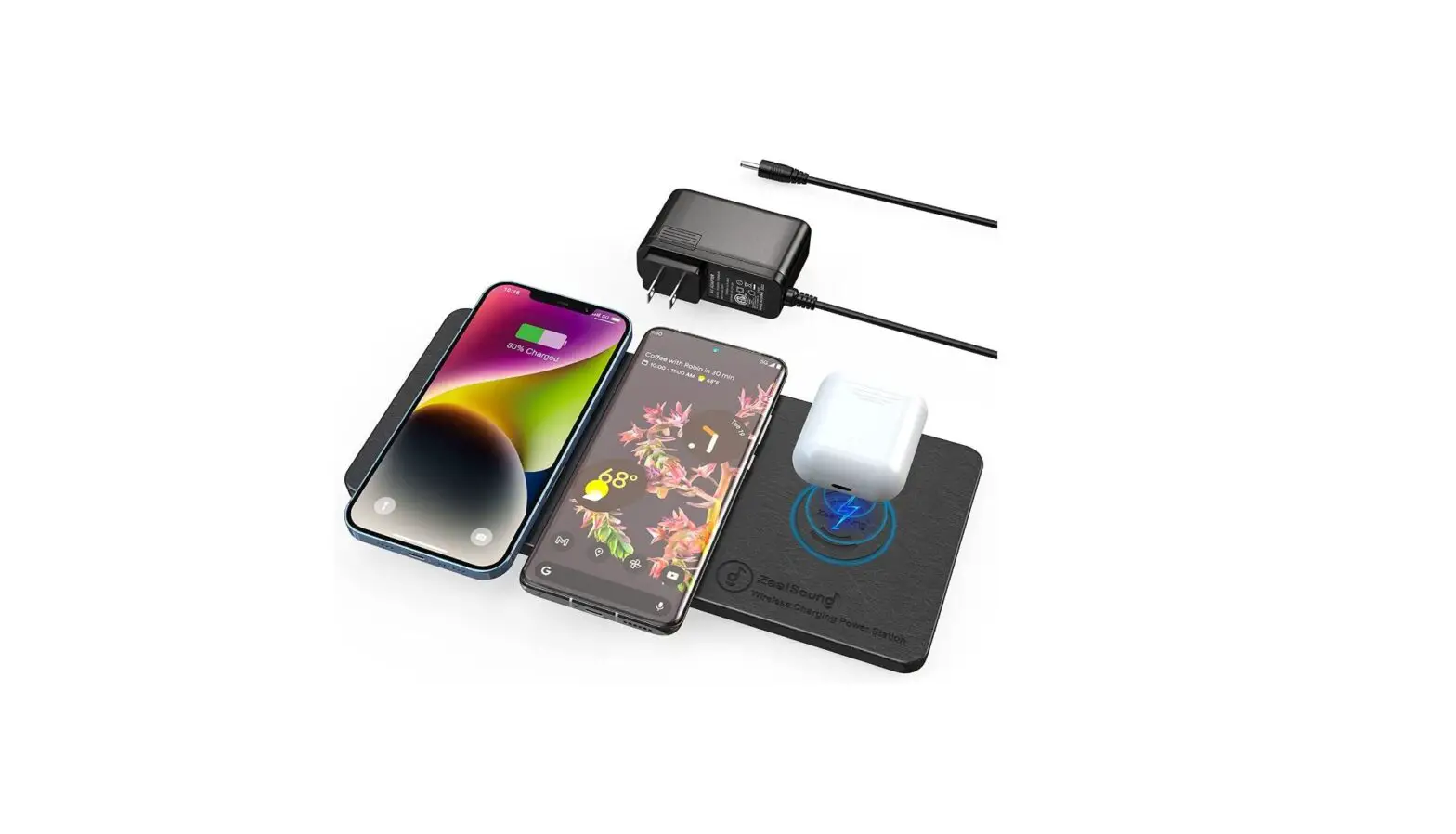
TRIO All In One Wireless Charging Station
TRIO All-in-One Wireless Charging Station
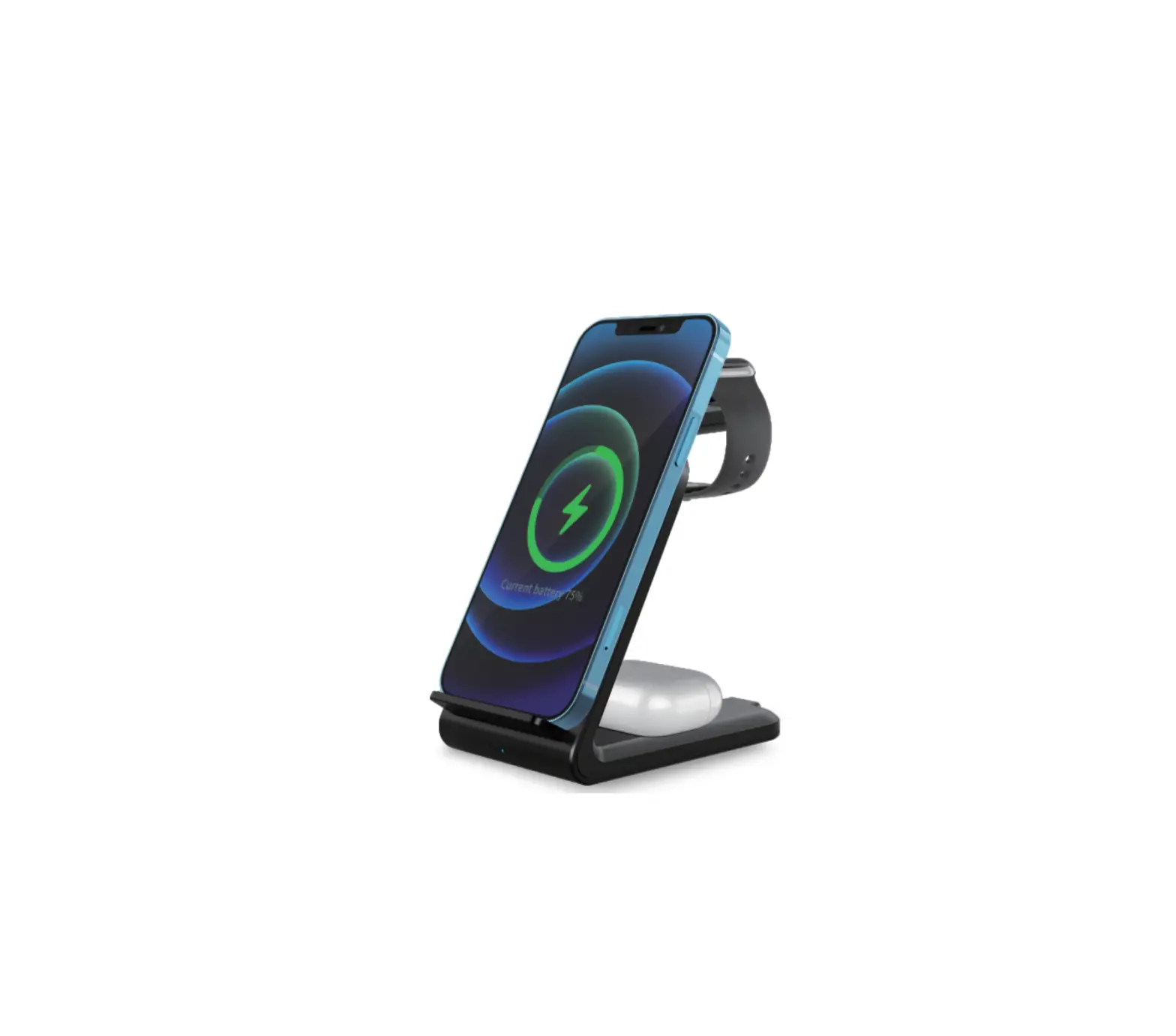
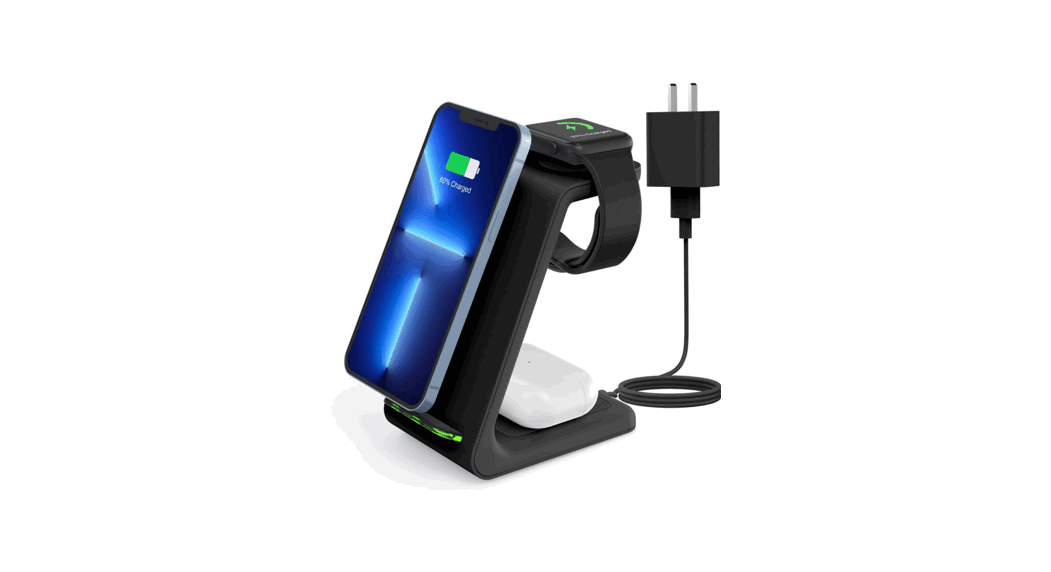
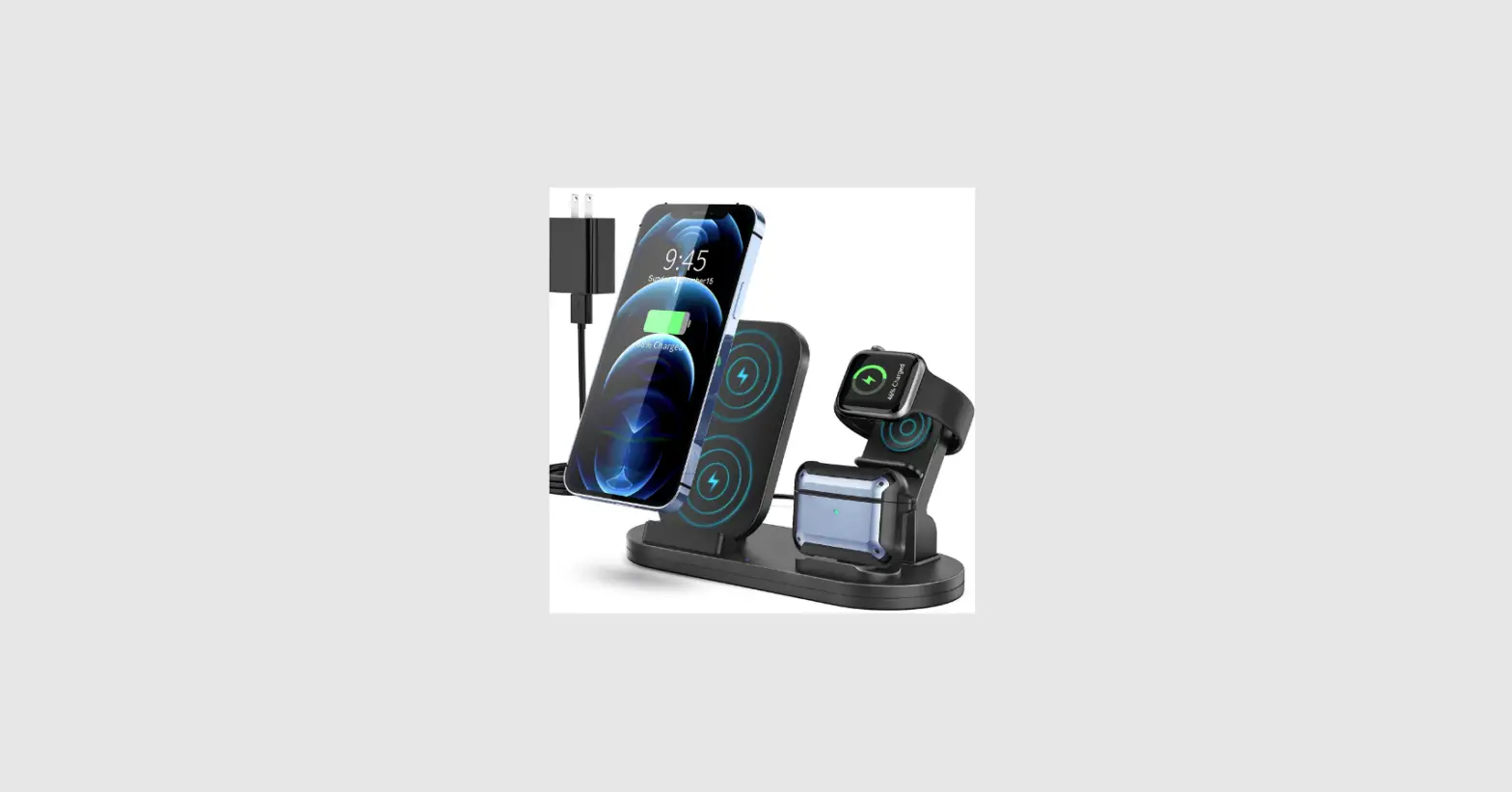
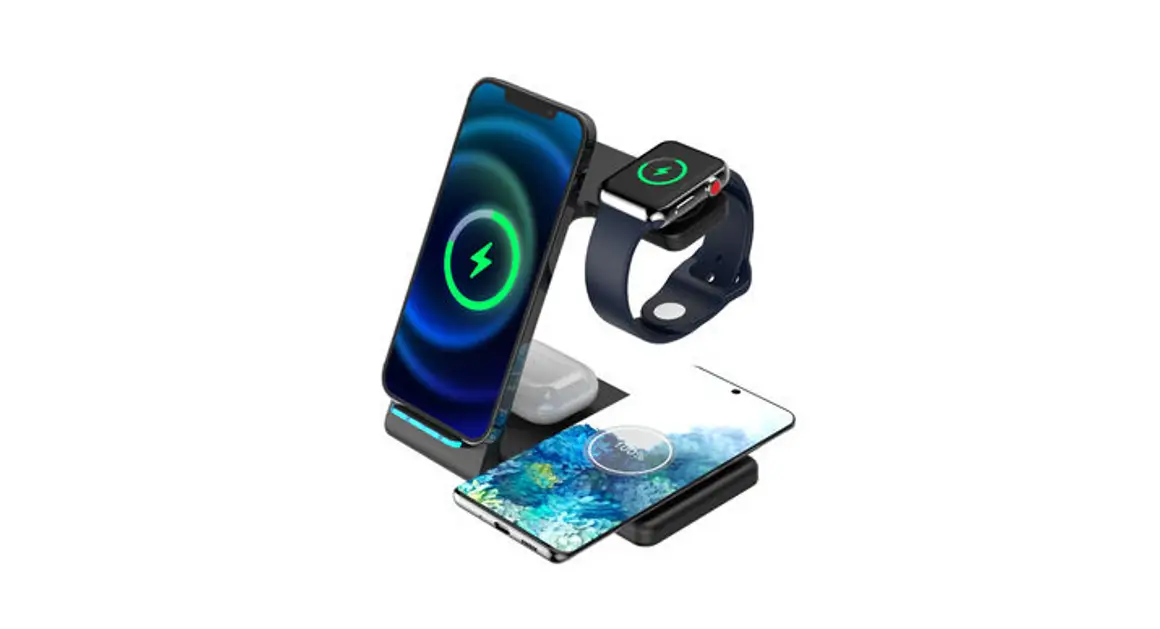
The TRIO All-in-One Wireless Charging Station is a versatile
device that allows you to charge multiple devices at once. It comes
with interchangeable smartwatch charging stands for Apple, Samsung,
and Huawei watches, as well as a Type-C charging port for other
devices.
Specifications
| Interface | Type-C | Interfaz | Type-C |
|---|---|---|---|
| Input Voltage | 9V | Voltage de Entrada | 9V |
| Output Power | 10W/7.5W/5W | Poder de Salida | 10W/7.5W/5W |
| Output Current | 0.6A | Corriente de Salida | 0.6A |
| Smartwatch Charging Stand Interface | USB Port | Interfaz del Estante de Carga para Reloj Inteligente | Puerto USB |
| Smartwatch Charging Stand Output Voltage | 5V | Voltage de Salida del Estante de Carga para Reloj Inteligente | 5V |
| Smartwatch Charging Stand Output Current | 0.6A | Corriente de Salida del Estante de Carga para Reloj Inteligente | 0.6A |
| Smartwatch Charging Stand Output Power | 3W | Poder de Salida del Estante de Carga para Reloj Inteligente | 3W |
What’s Inside
- Interchangeable smartwatch charging stands for Apple, Samsung
(2pcs), and Huawei - Charging Cable Port (Type-C)
- Indicator Lights (2)
- 3ft/1m Type-C Cable
- 1ft/1m Type-C Cable
Product Usage Instructions
Step 1: Pick Your Stand
Choose the correct charging stand for your smartwatch and insert
it into the charging pad. If you have a Samsung watch, remove the
ring from the charging stand before inserting it into the pad.
- Apple/Samsung Charging Stand (2pcs)
- Huawei Charging Stand
Step 2: Connect Your Watch Cable
Connect your smartwatch charging cable to the charging
stand.
Step 3: Plug It In
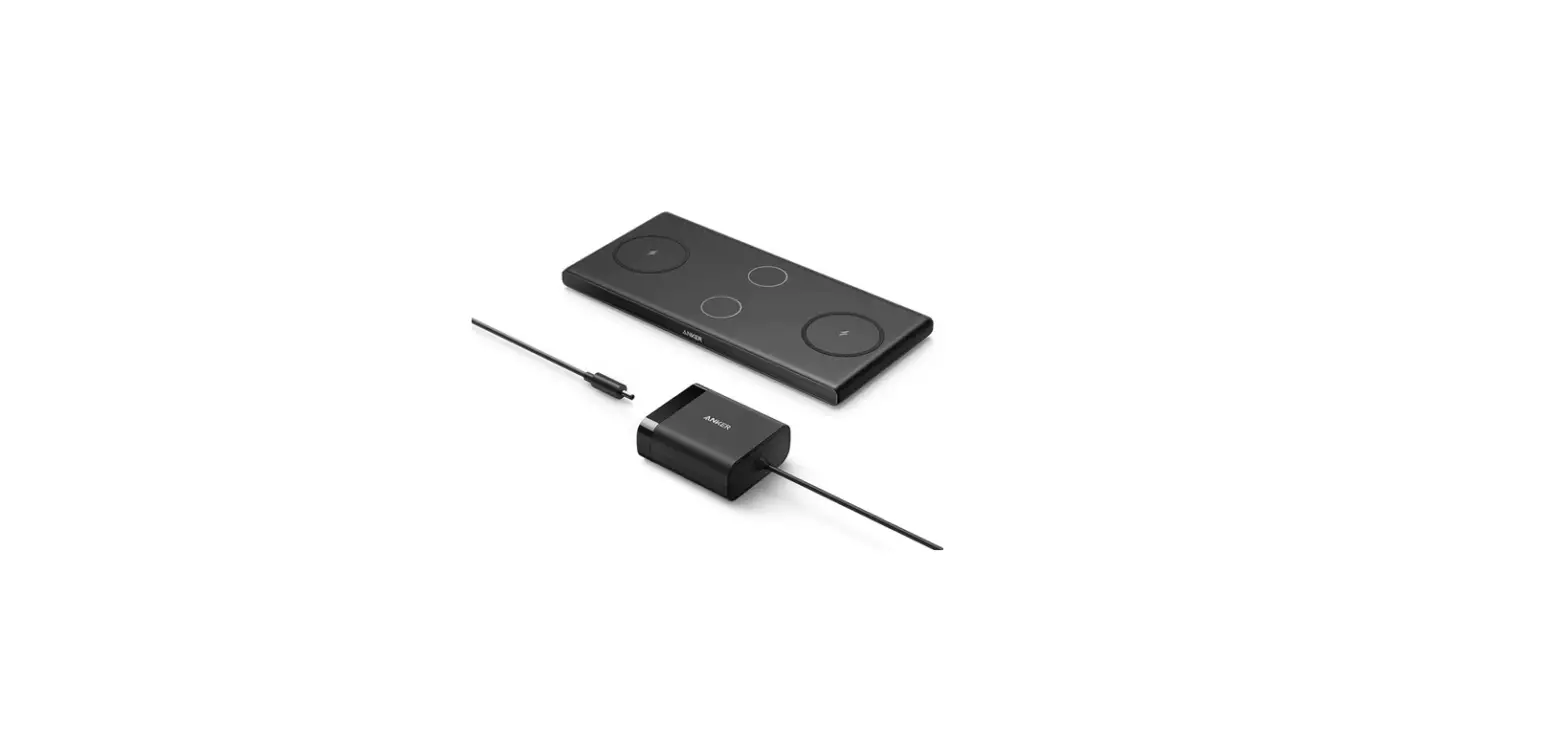
Connect the wall charger to your TRIO charging pad with the
Type-C cable. Both the wall charger and Type-C cable are included
in the package.
Step 4: Start Charging
Place your smartwatch on the charging stand and wait for it to
start charging. The indicator lights will show you the charging
status of your devices.
TRIO
All-in-One Wireless Charging Station
Estación de carga inalámbrica todo en uno
QUICK START GUIDE
GUÍA DE INICIO RÁPIDO
SPECIFICATIONS
ESPECIFICACIONES
Wireless Charging Pad Estación de Carga Inalámbrica
Interface: Type-C Interfaz: Type-C Input Voltage: 9V Voltage de Entrada: 9V Output Power: 10W/7.5W/5W Poder de Salida: 10W/7.5W/5W
Wireless Earbud Charging Pad Estación de Carga para Audífonos Inalámbricos
Output Current: 0.6A Corriente de Salida: 0.6A Output Power: 3W Poder de Salida: 3W
Smartwatch Charging Stand Estante de carga para Reloj Inteligente
Interface: USB Port Interfaz: Puerto USB Output Voltage: 5V Voltage de Salida: 5V Output Current: 0.6A Corriente de Salida: 0.6A Output Power: 3W Poder de Salida: 3W
WHAT’S INSIDE
QUÉ HAY DENTRO
1 Interchangeable smartwatch charging stand(s) Estantes intercambiables para carga de Reloj Inteligente 1a Apple/Samsung Charging Stand (2pcs) Estante de Carga Apple/Samsung (2pcs) 1b Huawei Charging Stand Estante de Carga Huawei
2 Wireless Earbud Charging Pad Estación de carga para Auriculares inalámbricos
3 Wireless Charging Pad Estación de carga inalámbrica
4 Charging Cable Port (Type-C) Puerto de carga (Type-C)
5 Indicator Lights Luces intermitentes 2
1a
1
3 4
1b 5
6 Quick Charge Wall Charger/ Adapter Cargador de Pared Rápido/Adaptador
7 3ft/1m Type-C Cable Cable Type-C 1ft/1m
6
7
STEP 1
PICK YOUR STAND
Grab the correct watch stand for your smartwatch and insert it into the charging pad. Toma el estante adecuado para tu reloj inteligente y colocalo en la base de carga.
1a
Remove ring for Samsung
1b
Interchangeable smartwatch charging stands Estantes intercambiables para carga de Reloj Inteligente
1a. Apple/Samsung Charging Stand (2pcs) 1a. Estante de Carga Apple/Samsung (2pcs) 1b. Huawei Charging Stand 1a. Estante de Carga Huawei
STEP 2
CONNECT YOUR WATCH CABLE
Flip your TRIO over, remove the base cover, and thread your smartwatch charging cable into the base following the arrows in the diagram. Voltéa el TRIO, retira la tapa de la base, y coloca el cable de carga de reloj inteligente siguiendo las flechas en el diagrama.
STEP 3
PLUG IT IN
Connect the wall charger to your TRIO charging pad with the Type-C cable.
*Both the wall charger and Type-C cable are included
Conecta el cargador de pared al cable de carga de tu TRIO con el cable Type-C.
* Tanto el cargador de pared como el cable Type-C
están incluidos
Type-C Charging Port
+
STEP 4 START CHARGING
Place your wireless charging devices on your TRIO and look for the white lights to indicate charging has started. Coloca tus equipos inalámbricos en tu TRIO e identifica las luces blancas indicando que la carga ha comenzado.
Light Indicator
ONE YEAR LIMITED WARRANTY Garantía limitada de un año, visite visit quikcell.com/warranty
© 2022 All rights reserved. Alphacomm and Quikcell are registered trademarks of Alpha Comm Enterprises, LLC. All other trademarks are the property of their respective owners. Designed by Alpha Comm Enterprises, LLC at Diseñado por Alpha Comm Enterprises, LLC en 1500 Lakes Parkway, Lawrenceville, GA.30043.
TRIO TRIO, QC-TRIO FCC ID: 2AVI4-DT-X3 Alpha Comm Enterprises Inc., LLC 1500 Lakes Parkway Lawrenceville GA 30043. 1-888-951-0909
This device complies with part 15 of the FCC Rules. Operation is subject to the following two conditions: (1) This device may not cause harmful interference, and (2) this device must accept any interference received, including interference that may cause undesired operation.
 Warranty - Quikcell