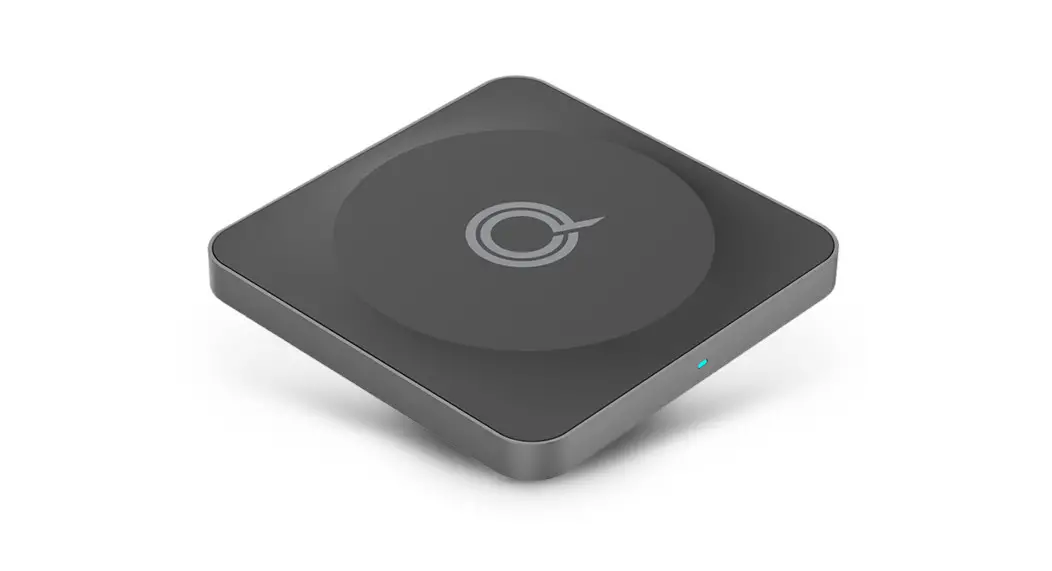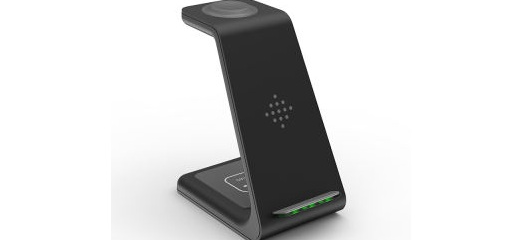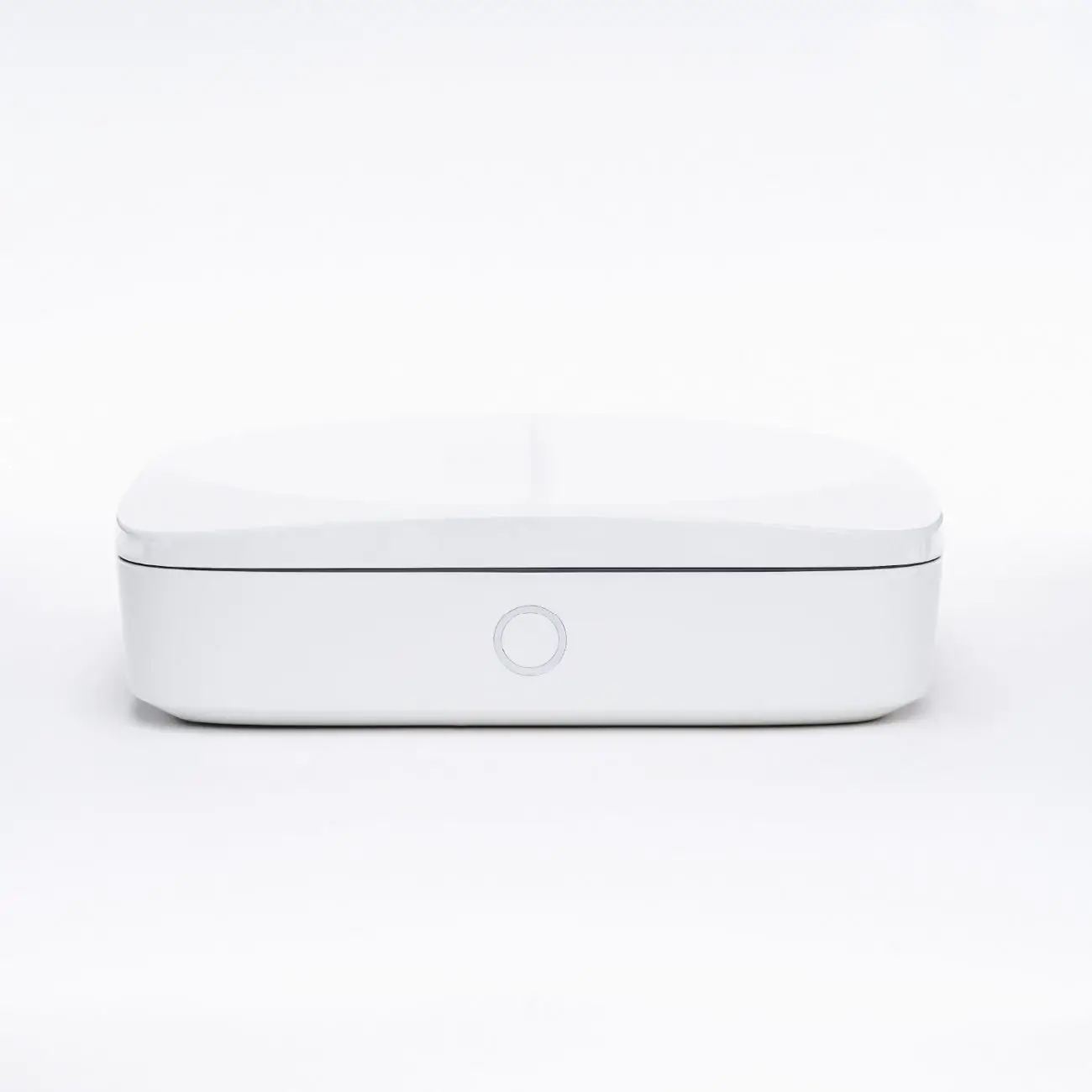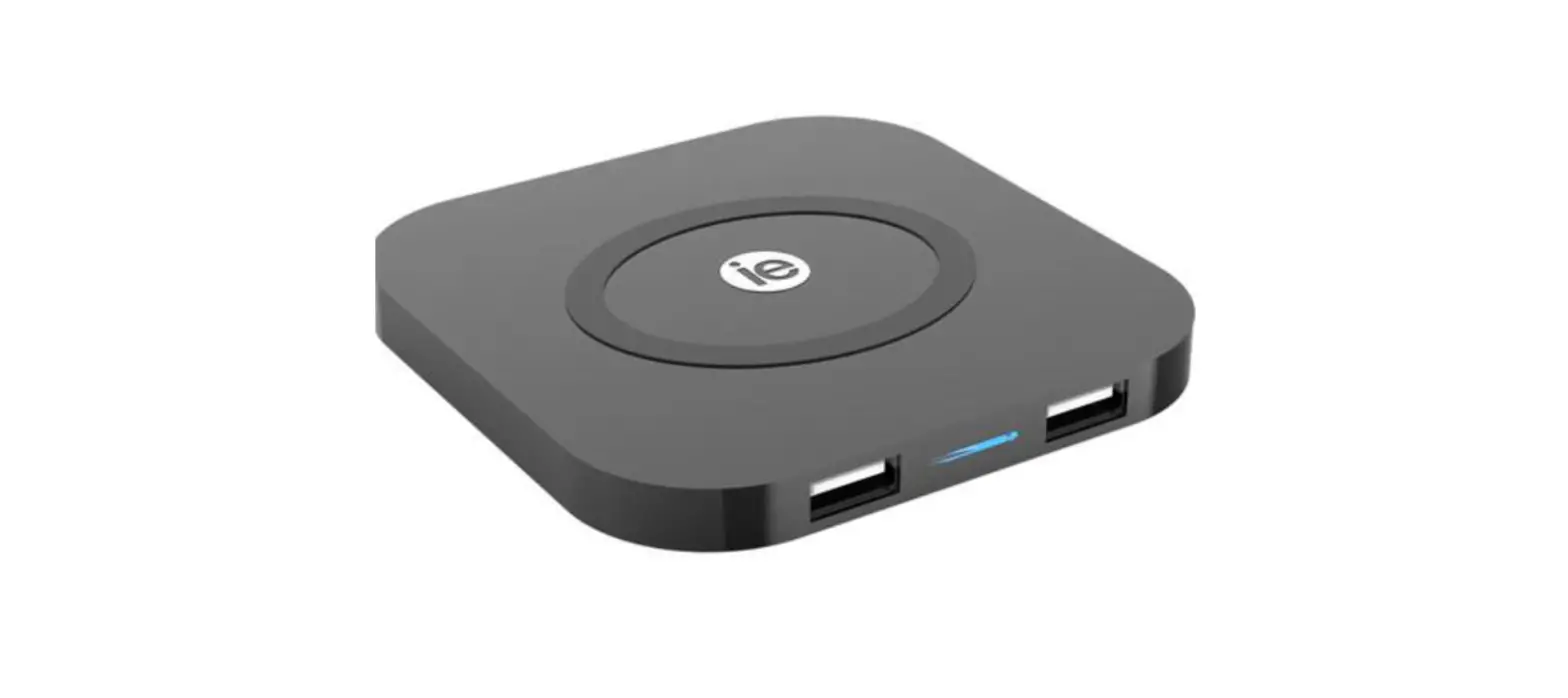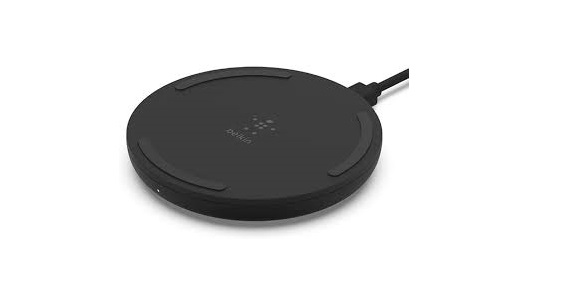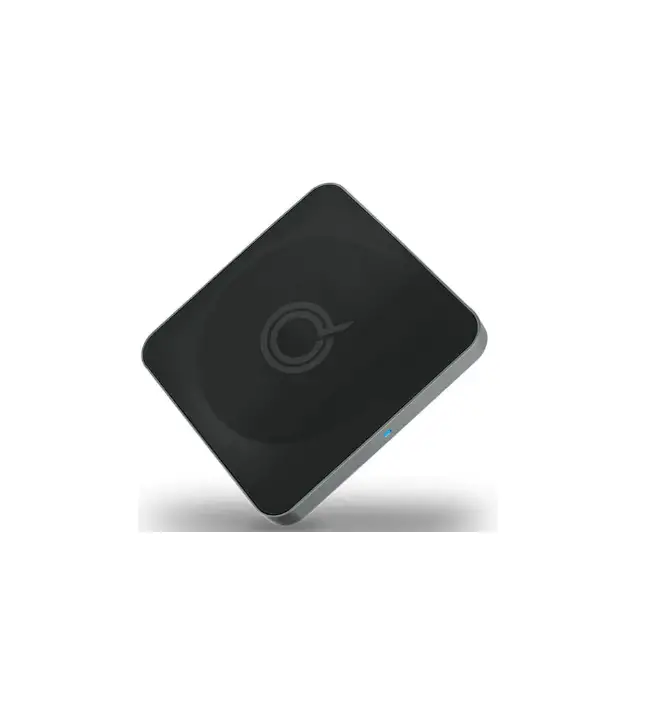

Quikcell WP07A01 Wireless Charger
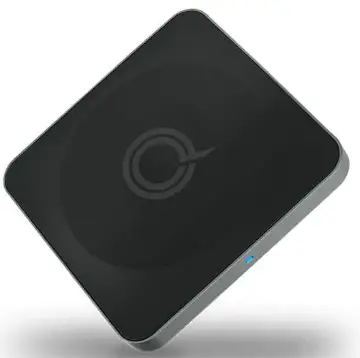
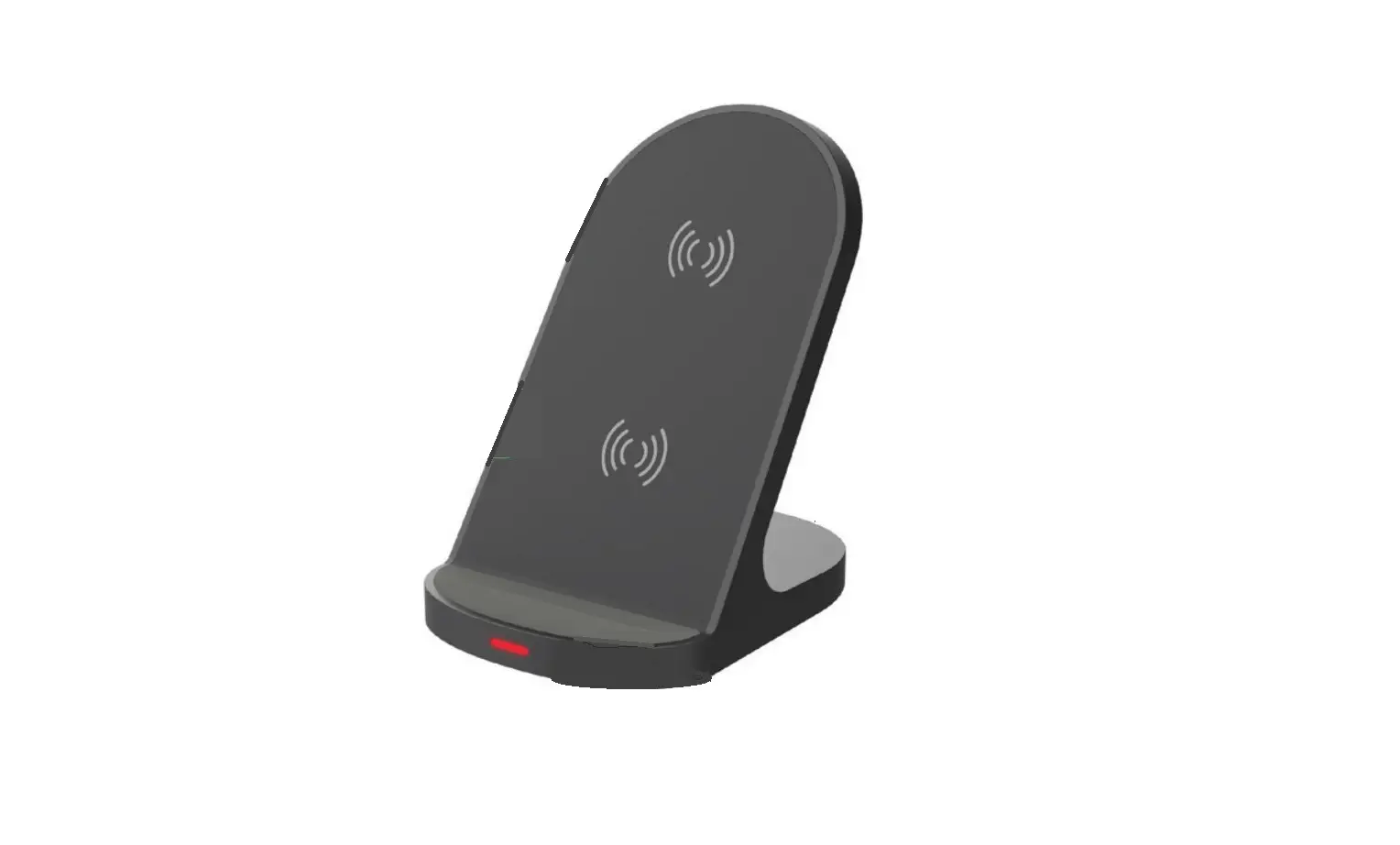
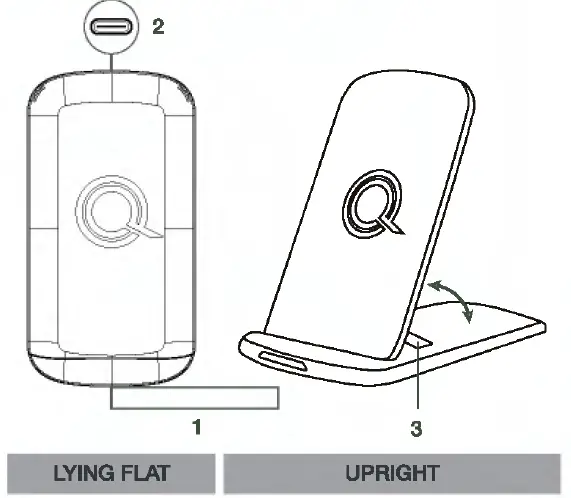
- LED Light
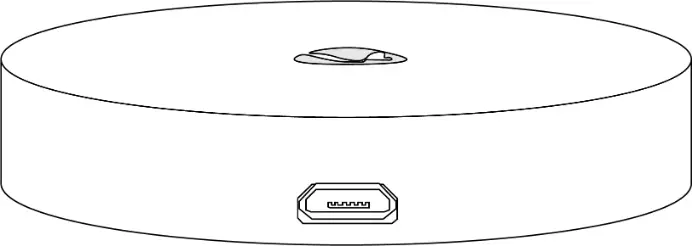
- Type-C Charging Port
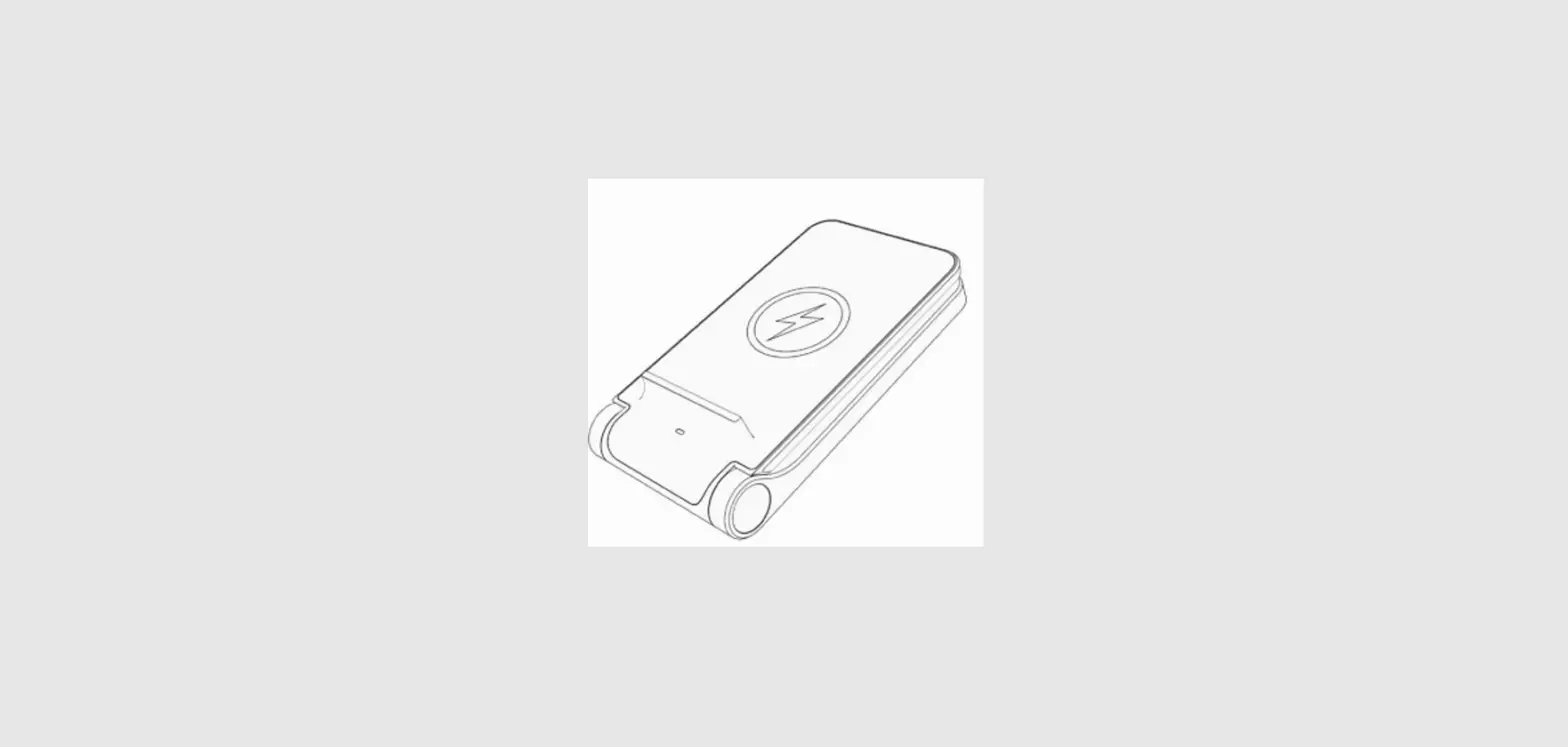
- Built-In Stand
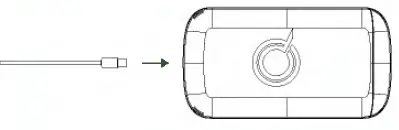
PLUG IT IN
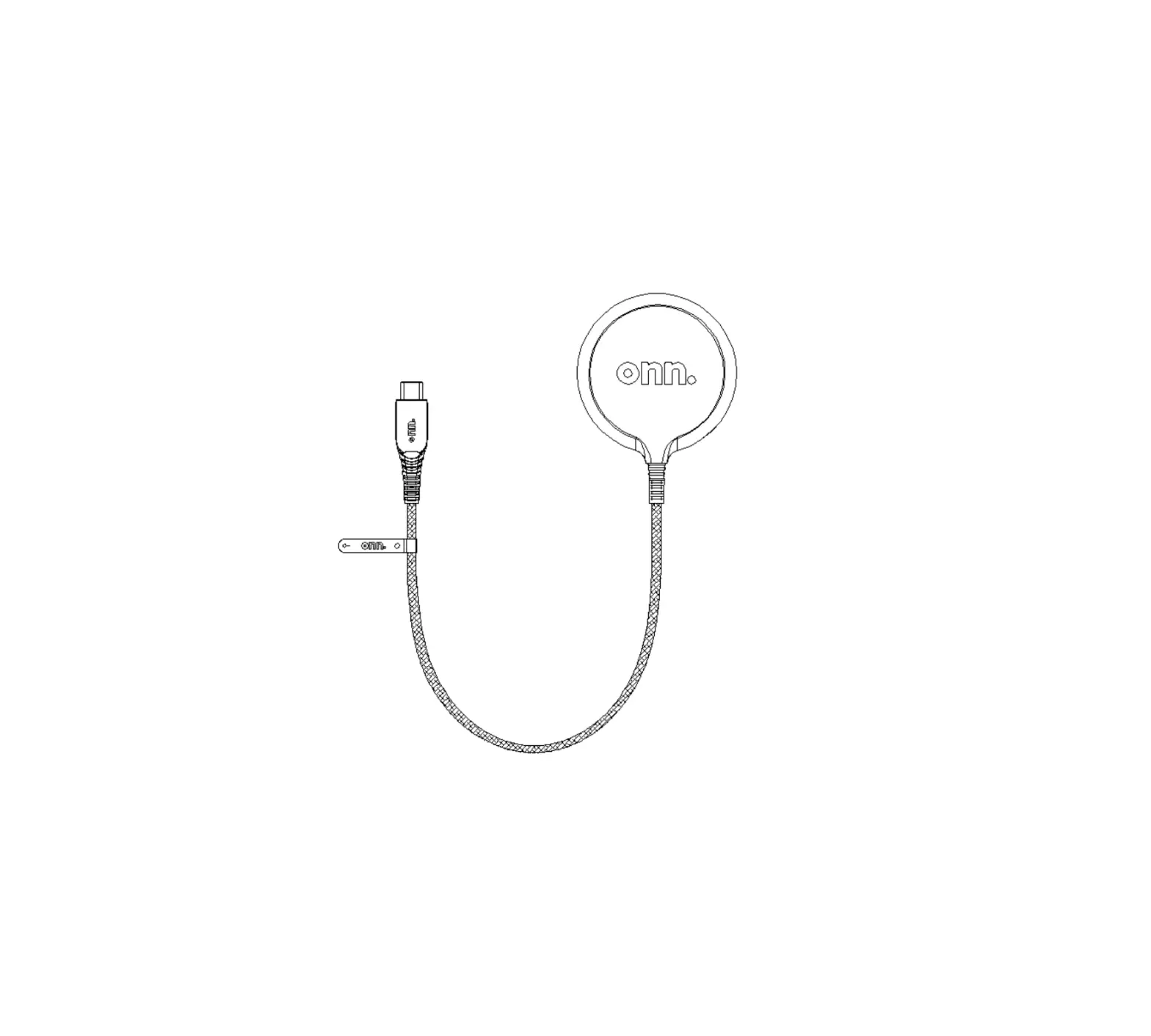
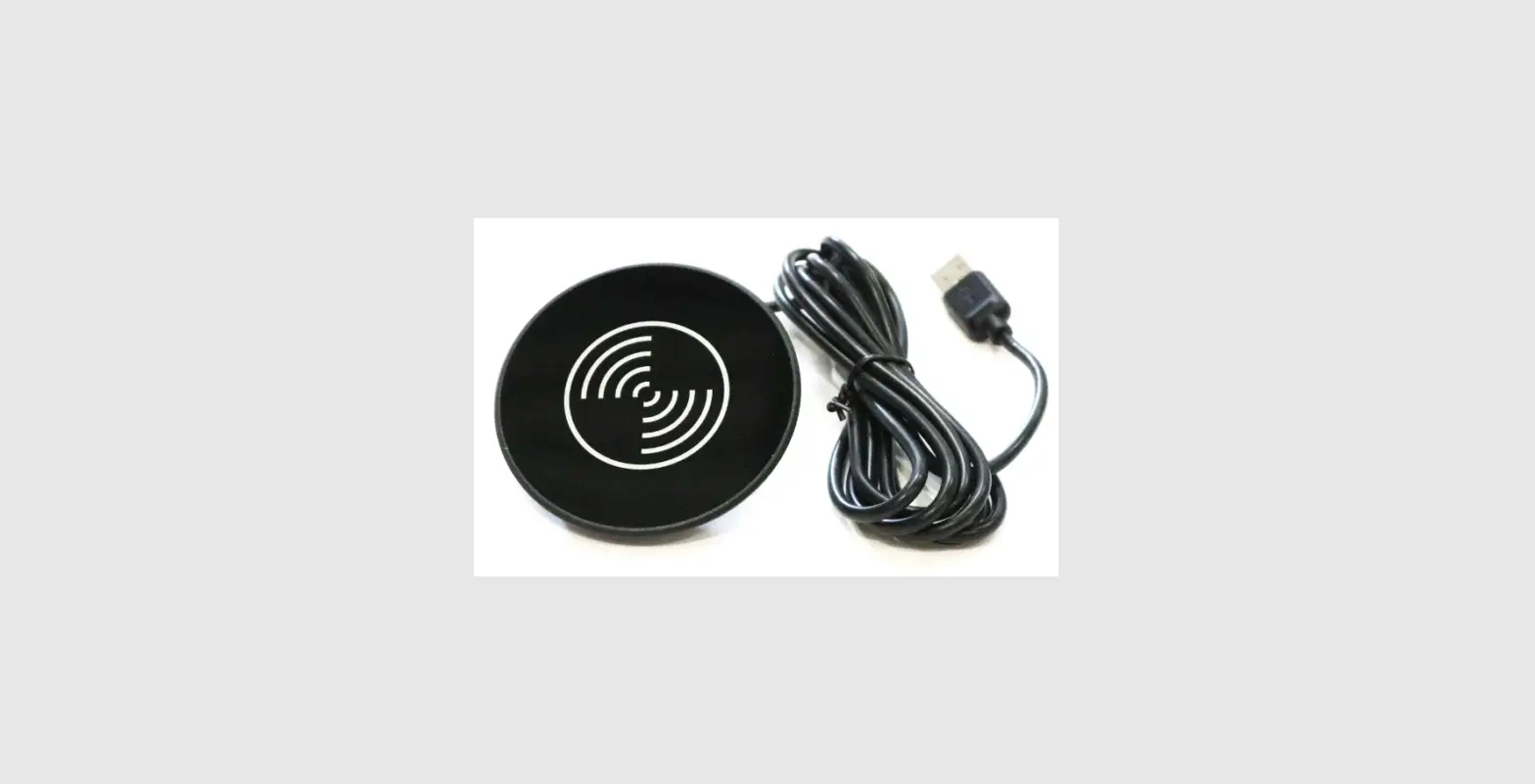
Using the included Type-C charging cable, plug the USB-C connector into your= PowerFlip™ and connect the USB-A connector to a compatible port (such as a wall charger, car charger, or computer).
START CHARGING
Place your wireless charging device on your PowerFlip'” and look for the LED light to indicate charging has started.
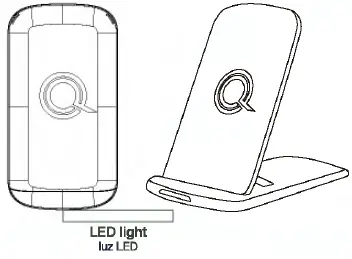
*When your device is removed, ensure the LED light turns off before using the PowerFlip'” for charging again Leave your device case on to charge! The PowerFlip'” can wirelessly charge through cases up to 3mm thickness.
warning: Device cases that contain metal will prevent wireless charger from charging property.
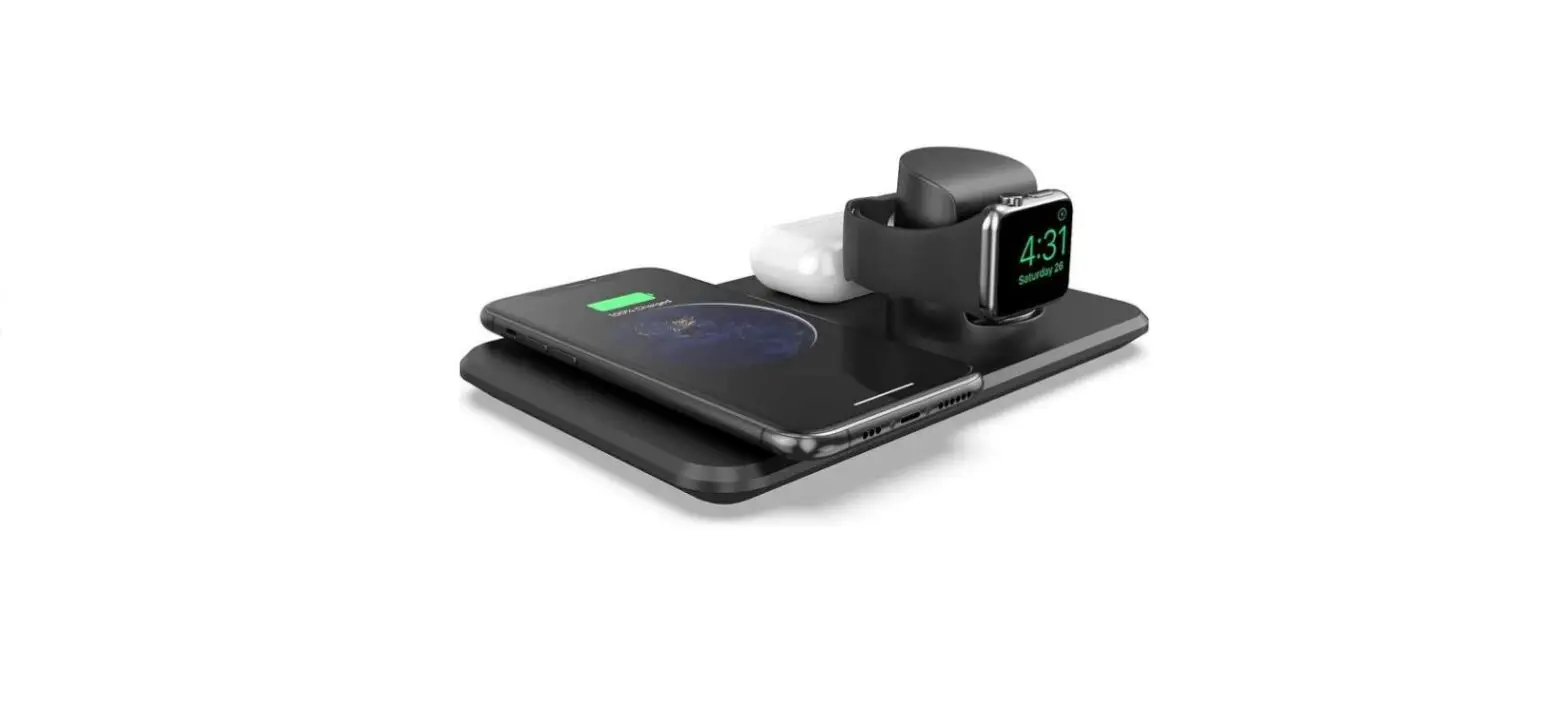
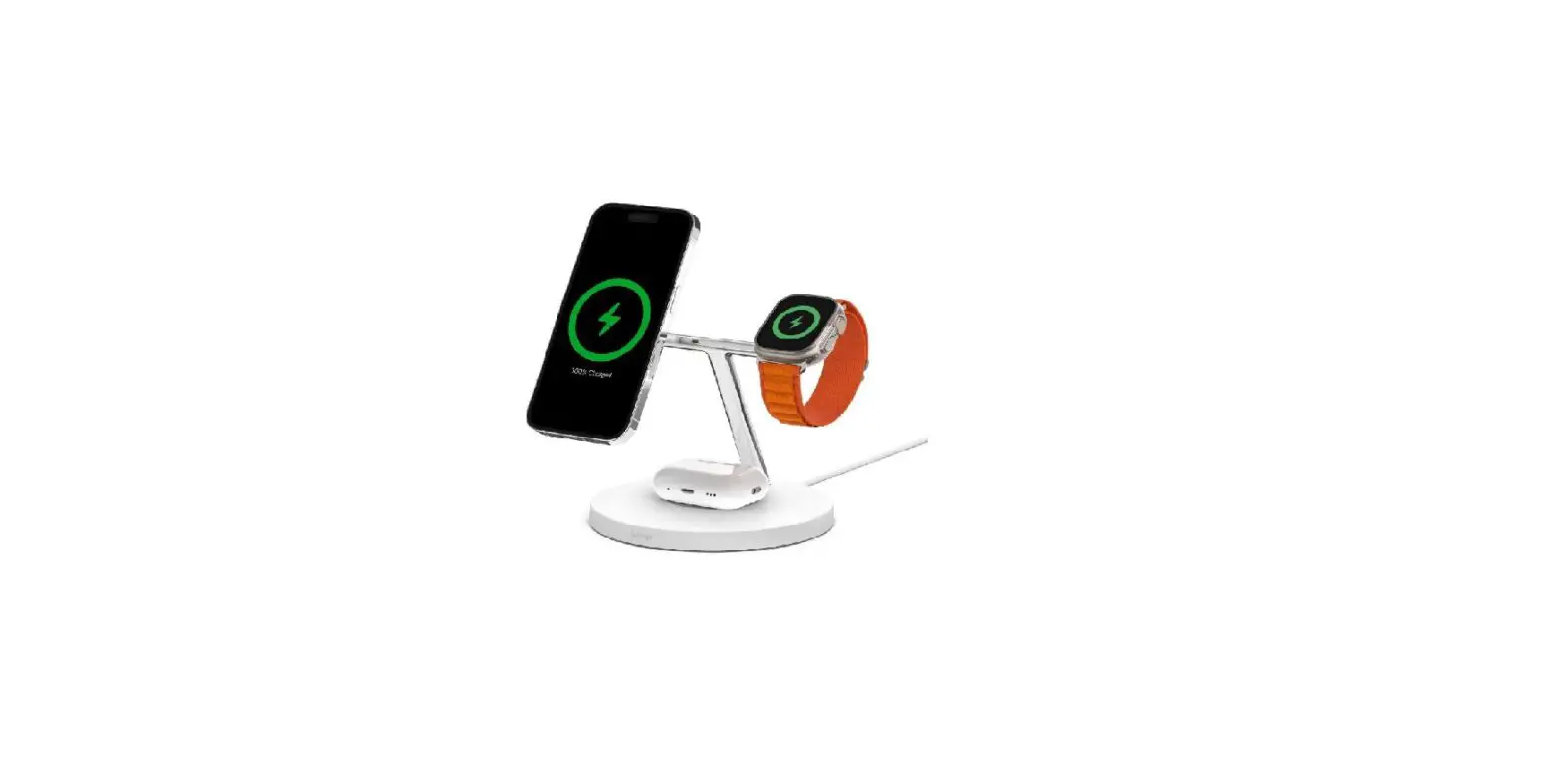
CHARGING POSITIONS
WHAT’S INSIDE
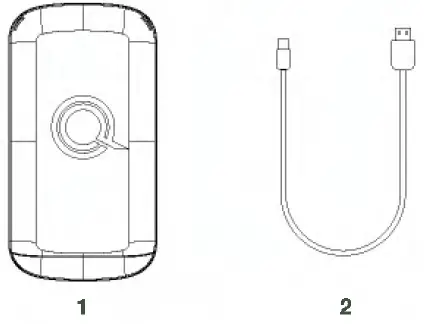
- Wireless Charging Pad/Stand
- 3-foot USB to Type-C Charging Cable
SPECIFICATIONS
- Compatibility: SW, 7.SW, 10W,15WQi Capable Device
- Wireless protocols: Most current Qi protocol (1.2.4) Qi-PPDE
- Charge Distance: :5:Smm
- Input Power: 12V/2A,9V/2A, or 5V/2A
- Output Power: 1 SW Max
- Fast Charge Adapter Standard: AFC/QC2.0 at 1 OW, PD/QC3.0 at 1 SW
- Cable Type: USB-A to USB-C
- Weight: 116g
- Length/Width: 130 x 70 x 14mm
- Over Charge Protection: Will keep low current standby mode once device battery reaches 100% capacity.
- Certifications: FCC, Qi
Notes
- L x W x H = 3in x 3in
- Paper Color: matte Off White (Same as package color)
- Paper Weight: Card Stock 1001b
- Z-fold Brochure