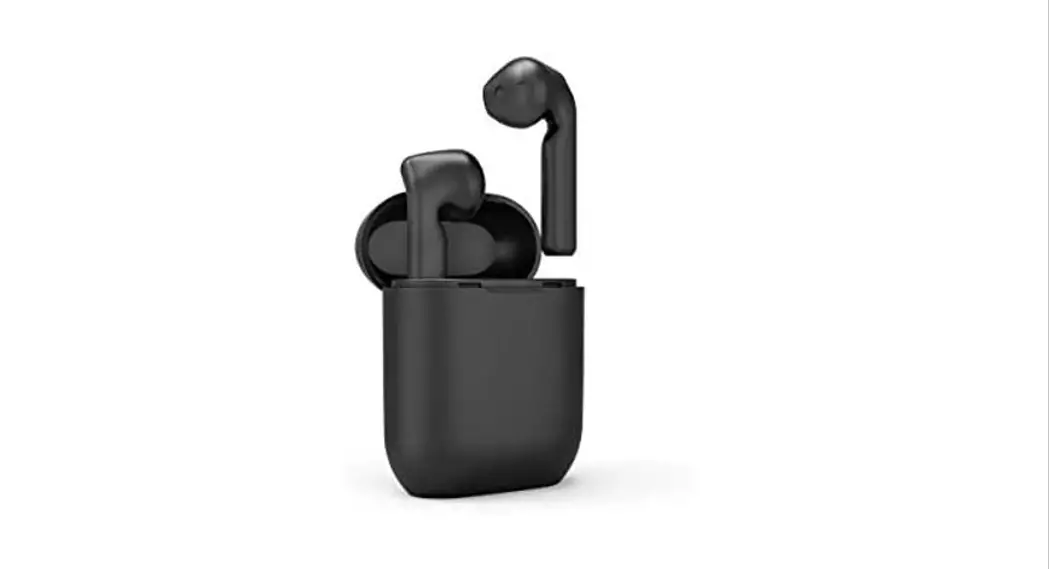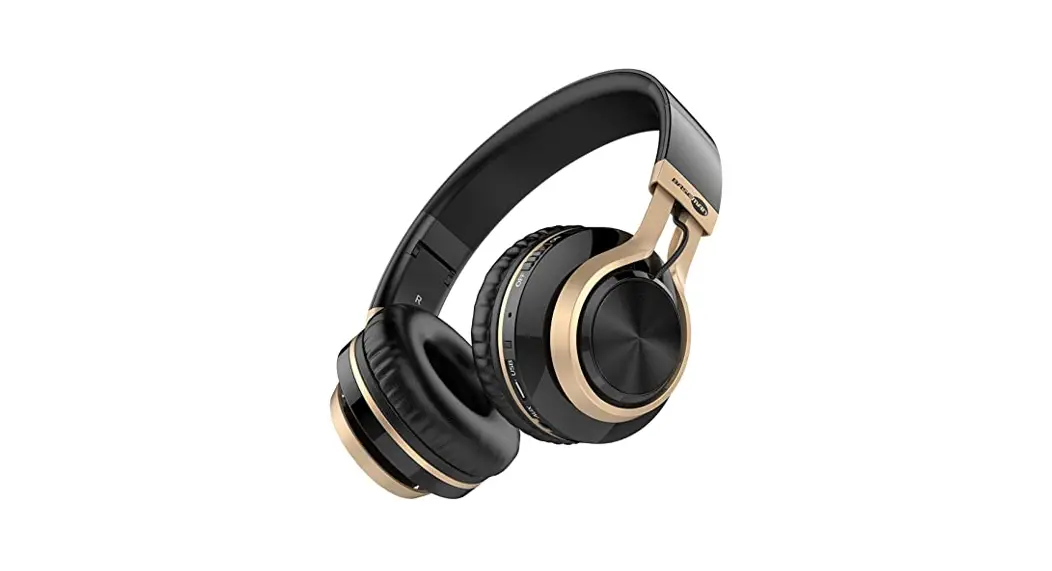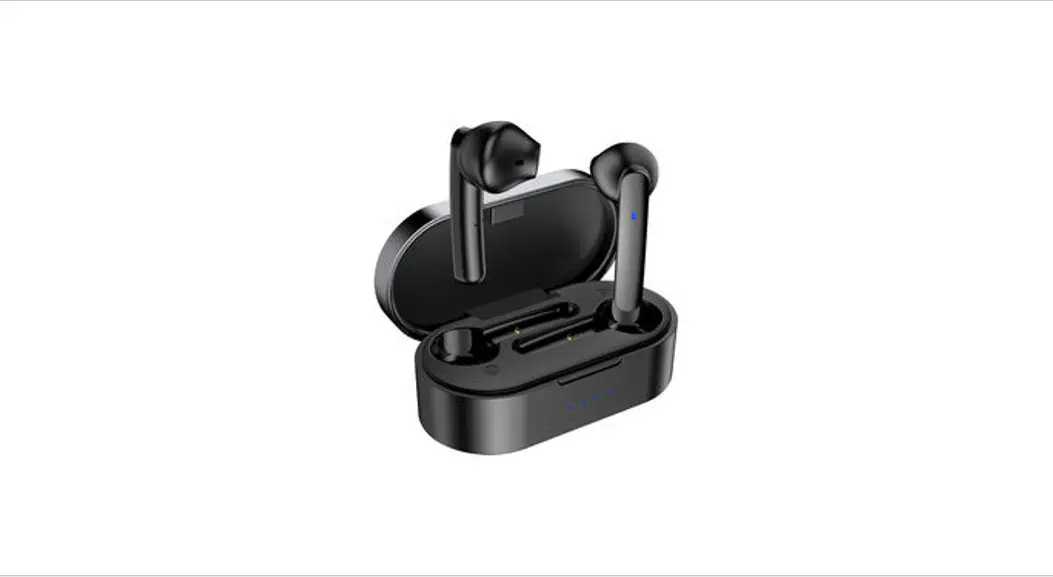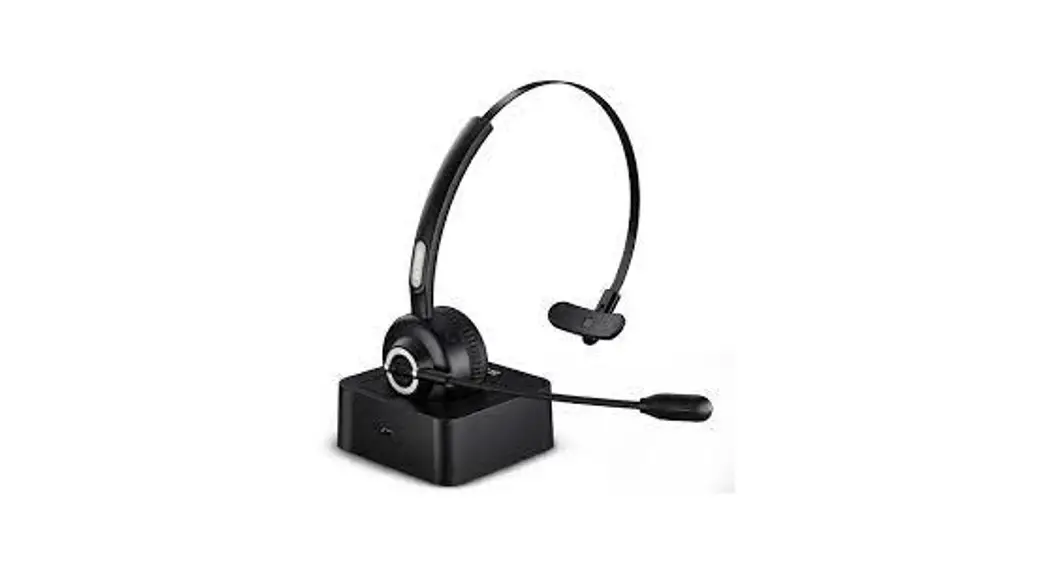

Wireless Headset User Manual
Model: S525
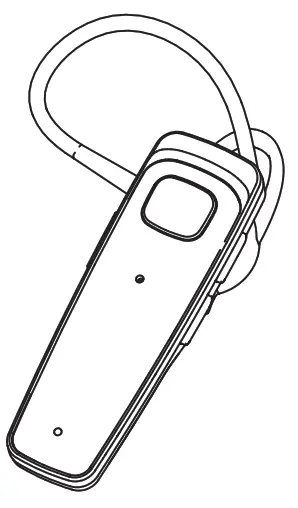
Overview
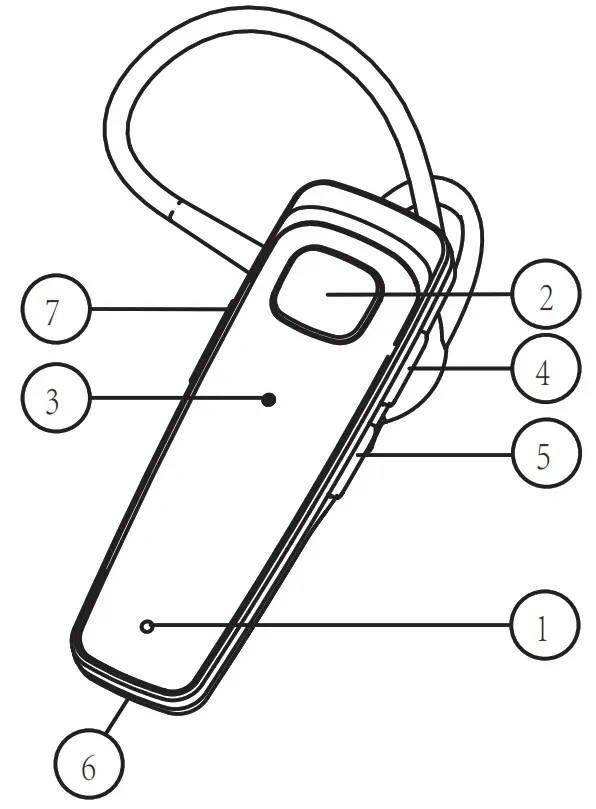
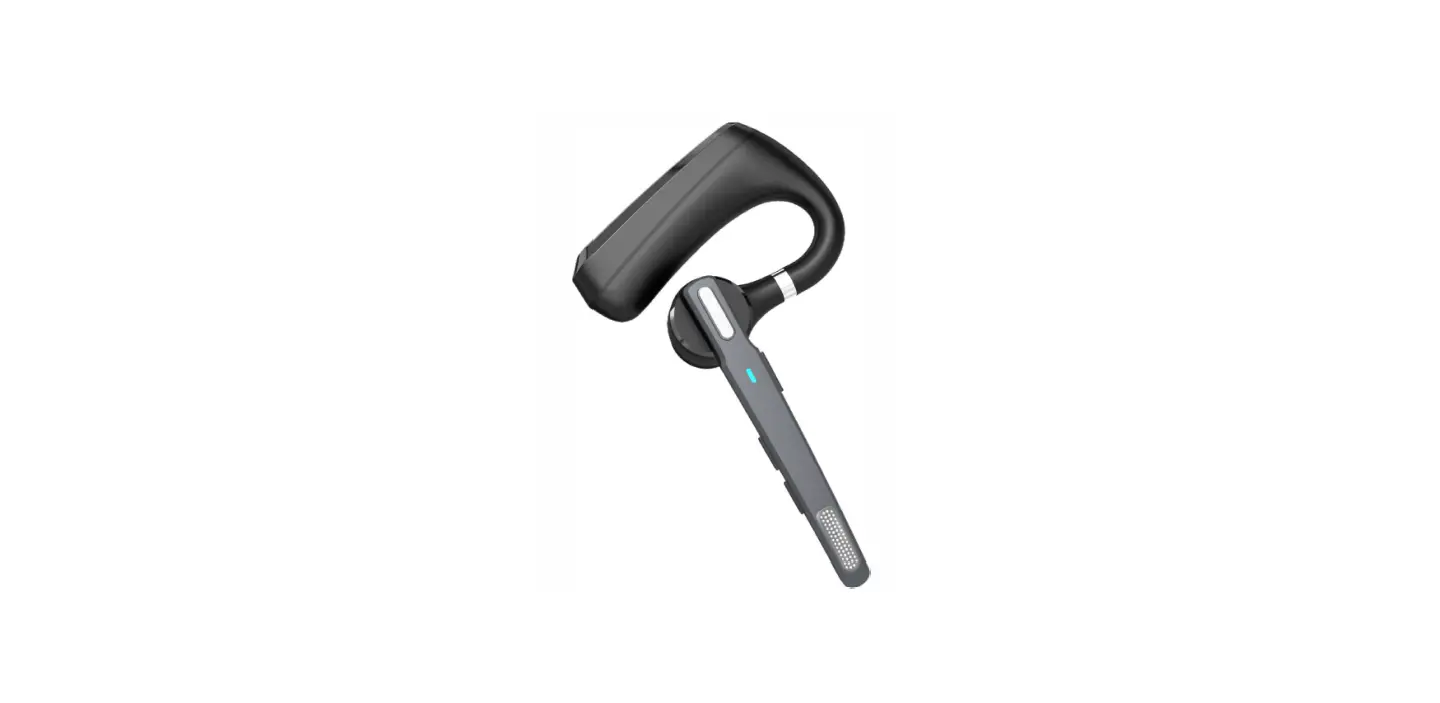
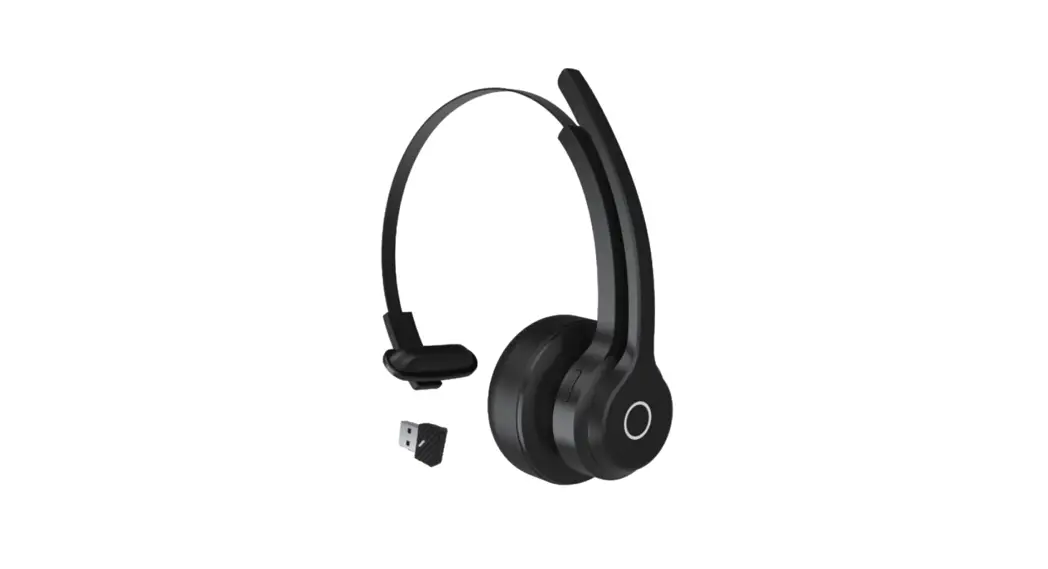
- Indicator Light
- Multi-function Button(MFB)
- Magnetic charging contacts
- Volume Up
- Volume Down
- Microphone
- Mute/Voice assistant
The Basics
| Power ON/OFF | Hold the MFB for 5 seconds |
| Answer a call | Tap the MFB |
| End a call | Tap the MFB to end the current call |
| Reject a call | Hold the MFB for 2 seconds |
| Call back the last call | Double-tap the MFB |
| Volume up/down | Tap the volume+/- |
| Next Song | Hold the volume- for 2 seconds |
| Prey Song | Hold the volume+ for 2 seconds |
| Mute ON/OFF | Hold the Mute for 0.2 seconds |
| Voice assistant | Hold the MFB for 2 seconds |
| Reconnect | The headset will auto-reconnect to the last connected device once power on |
Pairing
1. How to pair?
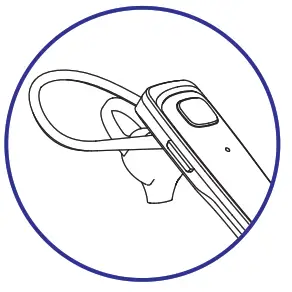
- Hold the MFB for S seconds, the indicator flashes BLUE and RED.

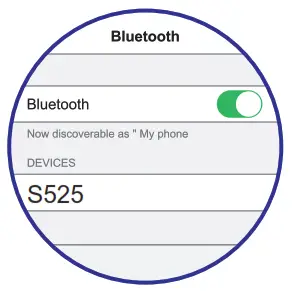
- Switch on the phone’s Bluetooth.

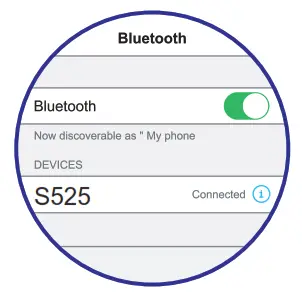
- Select “S525”, connect it.
2. Pair with 2 phones
- Pair the headset with your phone A.
- Switch off your phone A’s Bluetooth.
- Pair the headset with your phone B.
- Switch on your phone A’s Bluetooth, connect the headset to your phone A manually.
Charge
- Charge the Bluetooth headset with came USB cable.
- Make sure it’s fully charged before the first use.
- To preserve battery lifespan, please be sure the headset is fully charged every 45 days.
FCC ID:2A2HF-S525
 Model: S525
Warning
- Don’t deep in water and avoid dropping.
- Don’t expose the headset to extreme temperature, moisture, or electric shock.
- Don’t attempt to open the unit for any reason, don’t attempt to manipulate any electrical components in the unit.
- Don’t attempt to use it internal components have been exposed to liquid.
Technical Specifications
| Chip | QCC3020 |
| Wireless Version | V5.0 / CVC8.0 |
| Profiles | HSP HFP A2DP AVRCP |
| Battery Capacity | 95mAh |
| Talk Time | 16 Hours |
| Play Time | 16 Hours |
| Charging Time | 2.5 Hours |
| Standby Time | 240 Hours |
| Weight | 0.3oz |
| Connection Range | 33 ft/10 m |
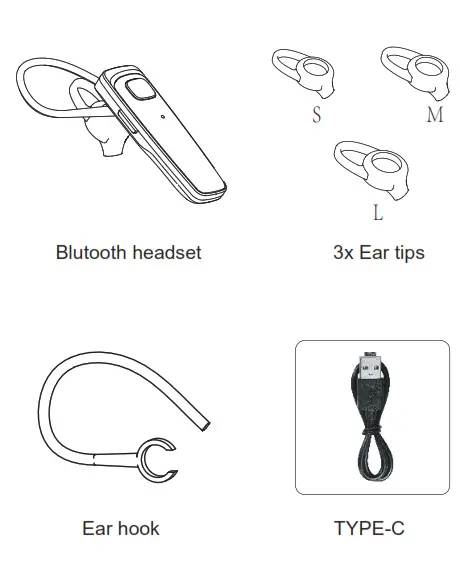
What’s in the box
 Fcc Statement
 Fcc Statement
1. This device complies with Part 15 of the FCC Rules. Operation is subject to the following two conditions:
(1) This device may not cause harmful interference.
(2) This device must accept any interference received, including interference that may cause undesired operation.
2. Changes or modifications not expressly approved by the party responsible for compliance could void the user’s authority to operate the equipment.
Note: This equipment has been tested and found to comply with the limits for a Class B digital device, pursuant to Part 15 of the FCC Rules. These limits are designed to provide reasonable protection against harmful interference in a residential installation. This equipment generates uses and can radiate radio frequency energy and, if not installed and used in accordance with the instructions, may cause harmful interference to radio communications. However, there is no guarantee that interference will not occur in a determined particular installation. If this equipment does cause harmful interference to radio or television reception, which can be by turning the equipment off and on, the user is encouraged to try to correct the interference by one or more of the following measures: Reorient or relocate the receiving antenna. Increase the separation between the equipment and receiver. Connect the equipment into an outlet on a circuit different from that to which the receiver is connected. Consult the dealer or an experienced radio/TV technician for help.
FCC Radiation Exposure Statement This equipment complies with FCC radiation exposure limits set forth for an uncontrolled environment. This equipment should be installed and operated with a minimum distance 5mm between the radiator & your body.