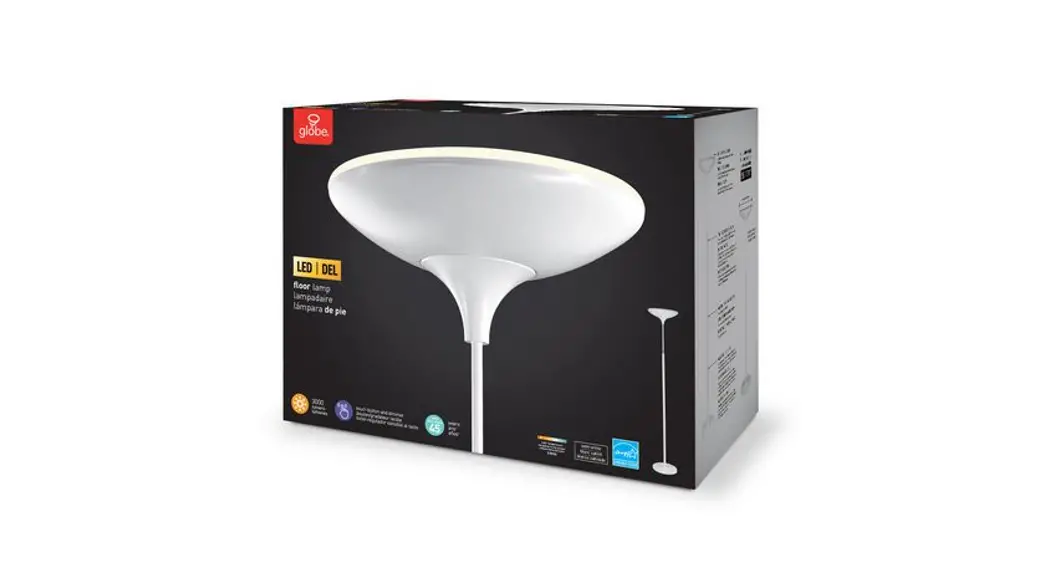

Globe Electric GL50404 Smart 70.90 inch LED Torchiere
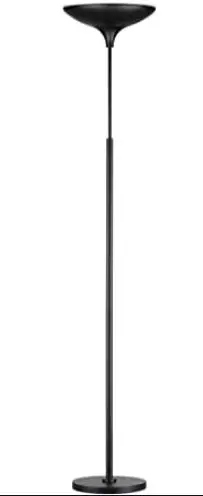
CAUTION IMPORTANT SAFETY INSTRUCTIONS
This portable lamp has a polarized plug (one blade is wider than the other) as a safety feature to reduce the risk of electric shock This plug will fit in a polarized outlet only one way. If the plug does not fit fully in the outlet, reverse the plug. If it still does not fit, contact a qualified electrician. Never use an extension cord unless the plug can be fully inserted. Do not alter the plug.
CLEANING: Before cleaning your lamp, unplug or disconnect the power source. Wipe the lamp with a soft, damp cloth.
ATTENTION: If the supply cord is damaged, it must be replaced by the manufacturer or a similarly qualified person in order to avoid a hazard.
This device complies with Part 15 of the FCC rules. Operation is subject to the following two conditions: (l) this device may not cause harmful interference, and (2) this device must accept any interference received, including interference that may cause undesired operation. Changes or modifications to this unit not expressly approved by the party responsible for compliance could void the user’s authority to operate the equipment.
NOTE: This equipment has been tested and found to comply with the limits for a Class B digital device, pursuant to part 15 of the FCC Rules. These limits are designed to provide reasonable protection against harmful interference in a residential installation. This equipment generates, uses, and can radiate radio frequency energy and, if not installed and used in accordance with the instructions, may cause harmful interference to radio communications. However, there is no guarantee that interference will not occur in a particular installation. If this equipment does cause harmful interference to radio or television reception, which can be determined by turning the equipment off and on, the user is encouraged to try to correct the interference by one or more of the following measures:
- Reorient or relocate the receiving antenna.
- Increase the separation between the equipment and receiver.
- Connect the equipment into an outlet on a circuit different from that to which the receiver is connected.
- Consult the dealer or an experienced radio/V technician for help.
RF EXPOSURE
The equipment complies with FCC radiation exposure limits set forth for an uncontrolled environment. This device should be installed and operated with a minimum distance of 20cm between the radiator &your body.
USER MANUAL NOTICE FOR LICENSE-EXEMPT RADIO APPARATUS
This device complies with Industry Canada license-exempt RSS standard(s). Operation is subject to the following two conditions: (1) this device may not cause interference, and (2) this device must accept any interference, including interference that may cause undesired operation of the device. CAN ICES-005 (B).
RADIATION EXPOSURE STATEMENT:
This equipment complies with IC radiation exposure limits set forth for an uncontrolled environment. This equipment should be installed and operated with a minimum distance of 20cm between the radiator &your body.
FCC RESPONSIBLE PARTY
Globe Electric 15301 Shoemaker Ave, Norwalk, CA 906S0 www.globe-electric.com
FEATURES
- LED integrated – dimmable through the app
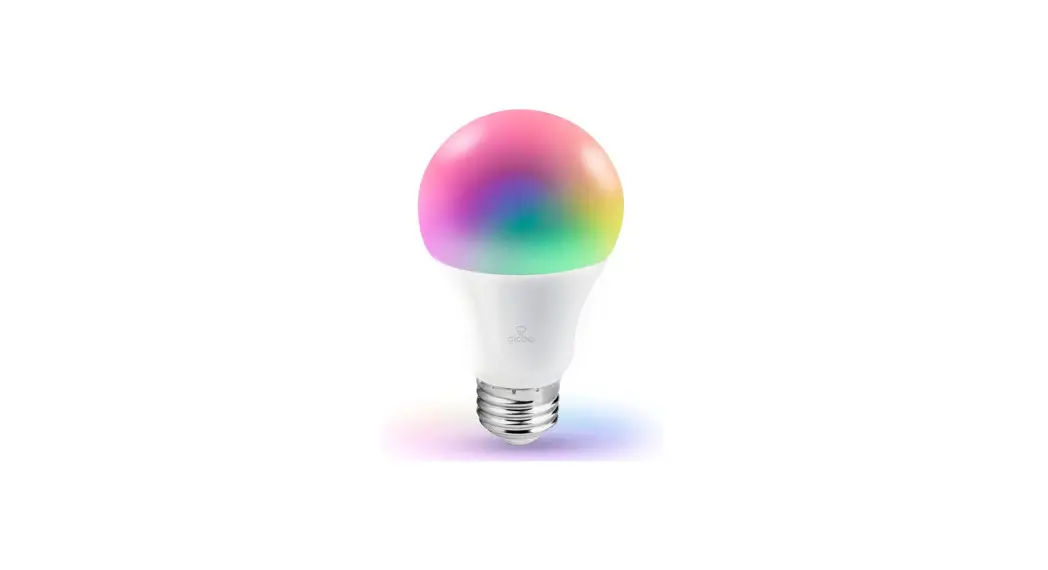
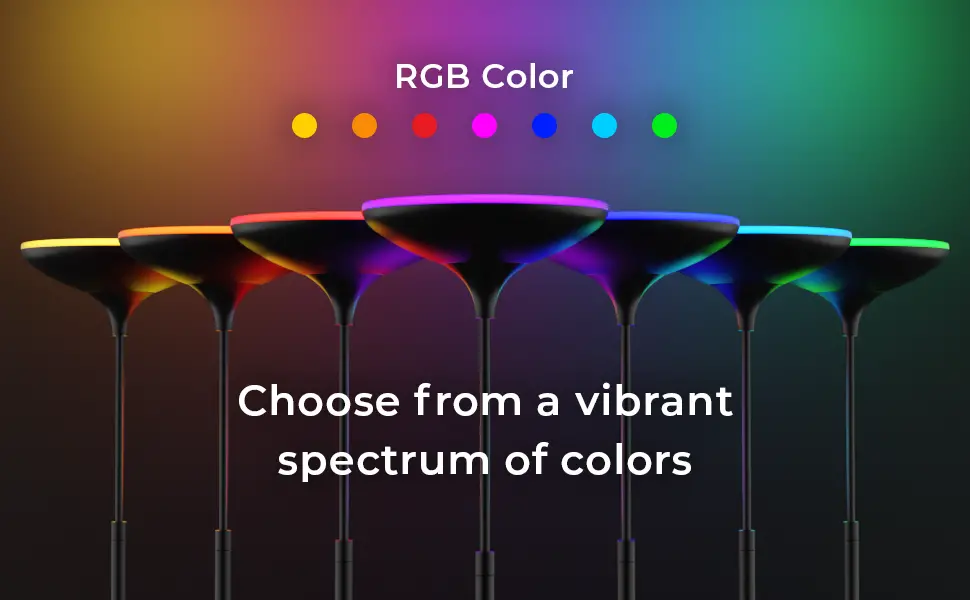
- RGB: Choose from a full spectrum of colors
- Tunable white (2000 K – 5000 K): Choose from a focused bright white to a relaxed sunset glow
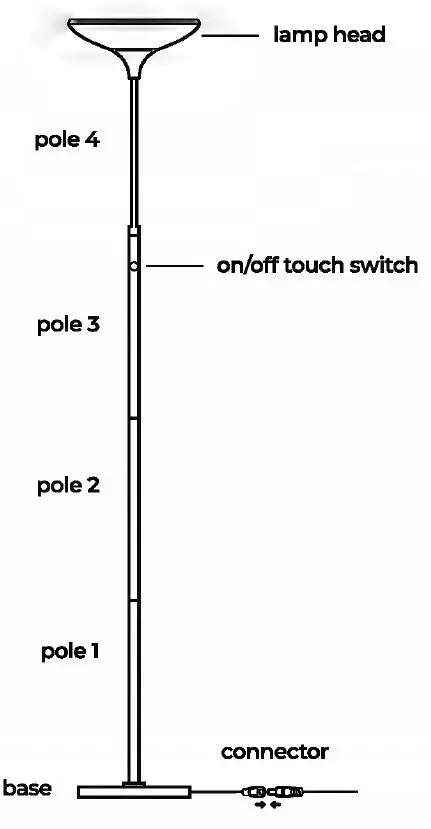
- On/off touch switch
- Manually or remotely control your light with the Amazon Alexa app
- Pair with Amazon Echo to control your light through voice commands
- Set schedules and control your light from anywhere
SPECIFICATIONS
| 2800 lumens (atS000 K) LastsS0,000 hours | 40watt Wireless Type: 2.4GHz |
| 120V•60Hz |
Since 1932, Globe has taken pride in offering products of the highest quality, and a level of service unparalleled in the industry. Should you encounter any difficulties, have any questions or simply wish to offer us your valuable feedback, you may contact us in the following ways:
Toll-Free Telephone: 1-888-543-1388 (North America Only) /Toll-Free Fax: 1-800-668-4562 (North American Only)
E-Mail: [email protected]
Mail: Globe Electric Customer Service Department 150 Oneida, Montreal, Quebec, Canad an H9R 1A8
Please visit our website to discover other quality Globe products: http://www.globe-electric.com
Planning Installation
Compare all parts with the “Hardware Included” section. If any part appears missing or damaged, do not install this product and contact the Customer Service team at l-888-543-7388 or e-mail to [email protected].
Tools Required None.
Hardware Included
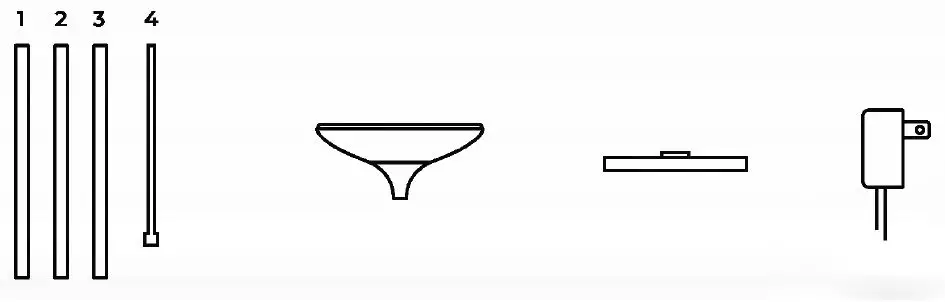
NOTE: Hardware is not shown to actual size.
| Item | Quantity |
| lamp pole | 4 |
| lamp head | l |
| lamp base | l |
| polarized plug | l |
INSTALLATION
Step l Remove all content from the packaging.
Step 2 Unscrew the protective cap from the base and screw pole l onto the base. It is important to ensure that the pole is screwed in tightly and is straight.
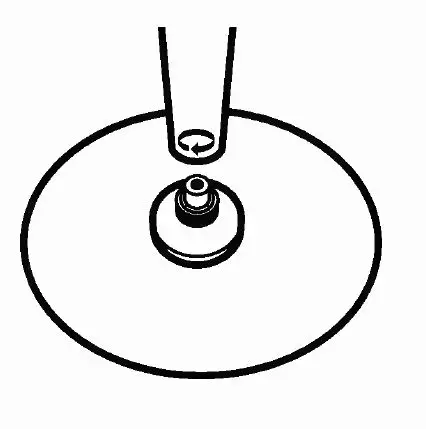
Step3 Screw pole 2 onto pole l, then screw pole 3 onto pole 2. Screw pole 4 onto pole 3. It is important to ensure that the pole is screwed in tightly and is straight.
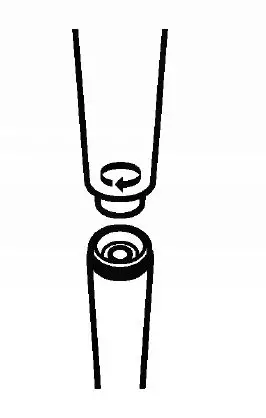
Step4 Unscrew the protective cap f ram the lamp head. Screw the shade onto pole 4.
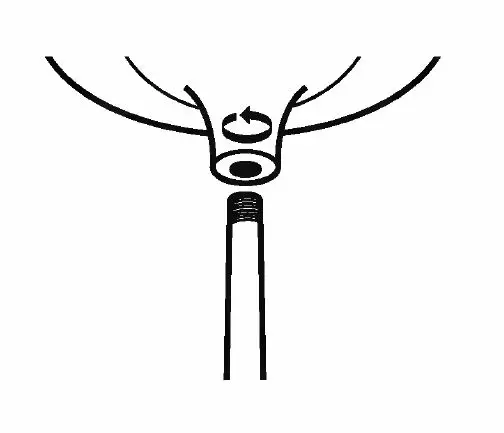
Step 5 Attach the connector then plug in the lamp. Turn on your floor lamp.
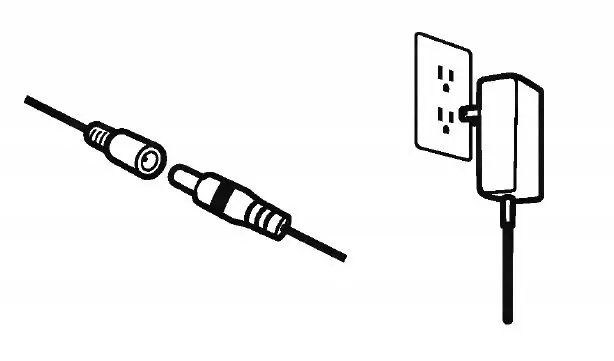
CONNECTING INSTRUCTIONS
- Download the Amazon Alexa app.

- Power on your device. Ensure your device has been installed correctly by following the instructions in the “Installation” section.
- Scan barcode
- Launch the Amazon Alexa app.
- Select “Add a Device”.
- Select “Light”, locate Globe Electric and follow the in-app instructions on how to scan the 2D barcode.

Please note: The device is automatically in pairing for 5 minutes once powered on. When you scan the barcode, the white light will flash indicating the pairing is successful. If within 5 minutes, it does not connect, turn the device OFF and ON again to re-enter pairing mode.
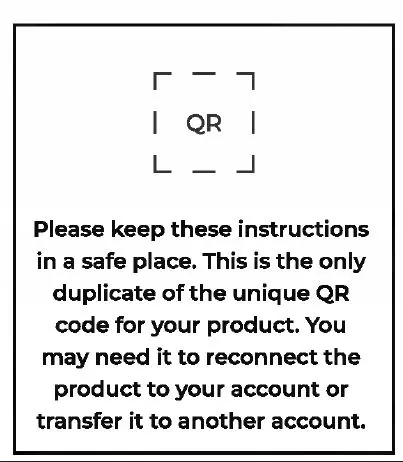
Don’t have a barcode? Select “Don’t have a barcode?” in the Alexa app and follow the in-app instructions on how to connect without a 2D barcode.
How to factory reset device If you are struggling to set up your device, or if the device was already connected to a network. perform a factory reset by following the instructions below:
- Turn the device ON forl0 seconds by connecting the power adapter.
- Turn the device OFF and ON 5x by disconnecting and re-connecting the pa, Ner adapter. The light will flash RED and then the light will change to WHITE. When the light changes to WH rTE, this means the factory reset mode was successful.
- Scan the Inner barcode (located In the Instruction manual) and connect within minutes. If you fail to connect within the 5-minute time frame, turn the device OFF and ON again once to re-enter pairing mode. The light will flash WHITE to indicate that the pairing was Sucessful
FUNCTIONALITY
Voice control with Alexa
- On/Off
- Dimming
- Shades of white
- Colors
- Mooc!s
Using the Amazon Alexa app on a mobile device
With the Amazon Alexa app, you can easily manage your home setup and directly control your Globe Electric lights.
- On/Off
- Dimming
- Shades of white
- Colors
- Out of home control
- Add your lights to Alexa Routines Add your lights to Alexa Guard
“‘Check out-product video our·VouTube channel, on the Globe Smar,t Home – Amazon Certified ·for Humans· playlist!