
Pyle PLATV85BT.6 Marine ATV Powered Speakers
Introduction
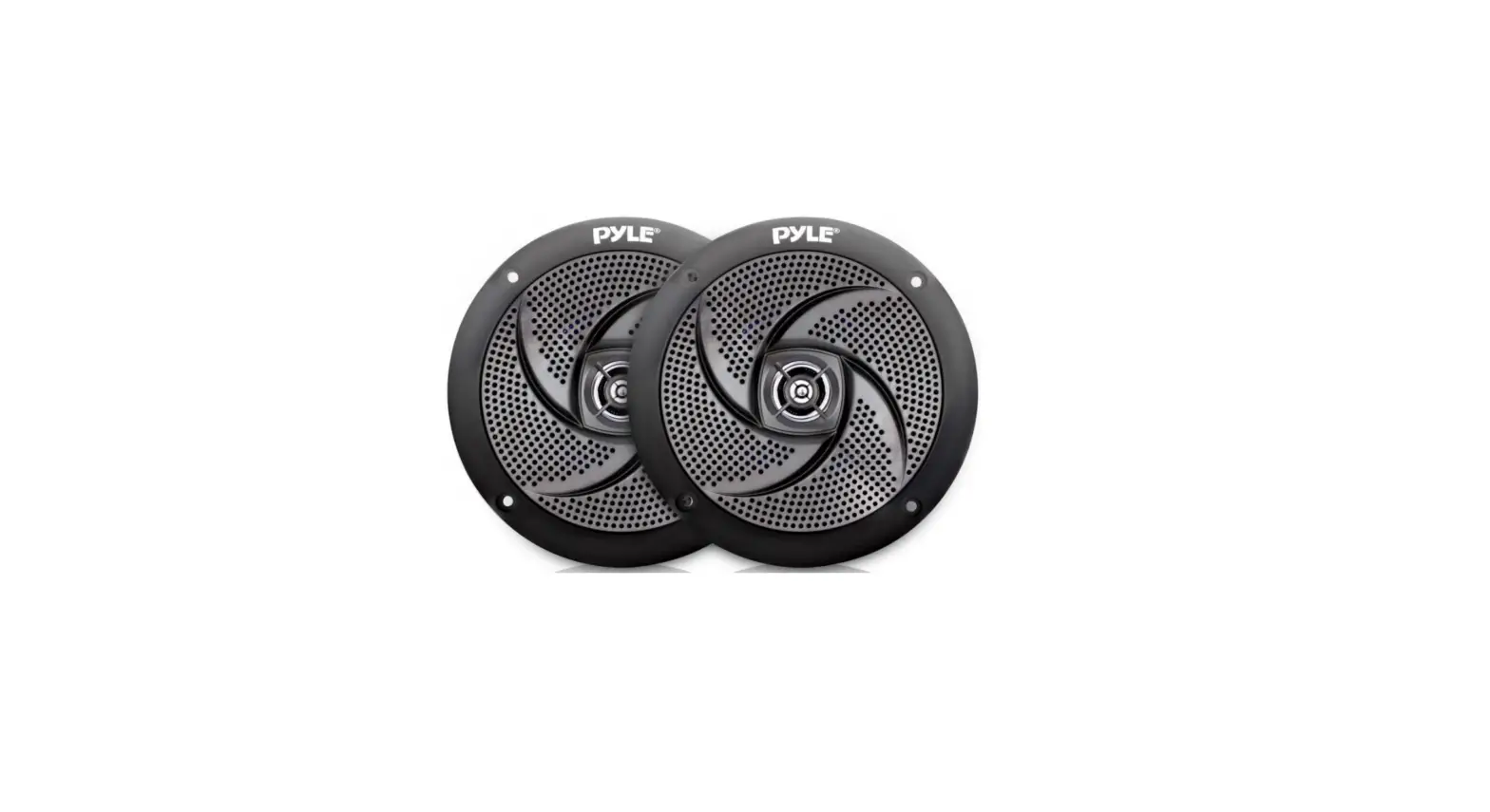
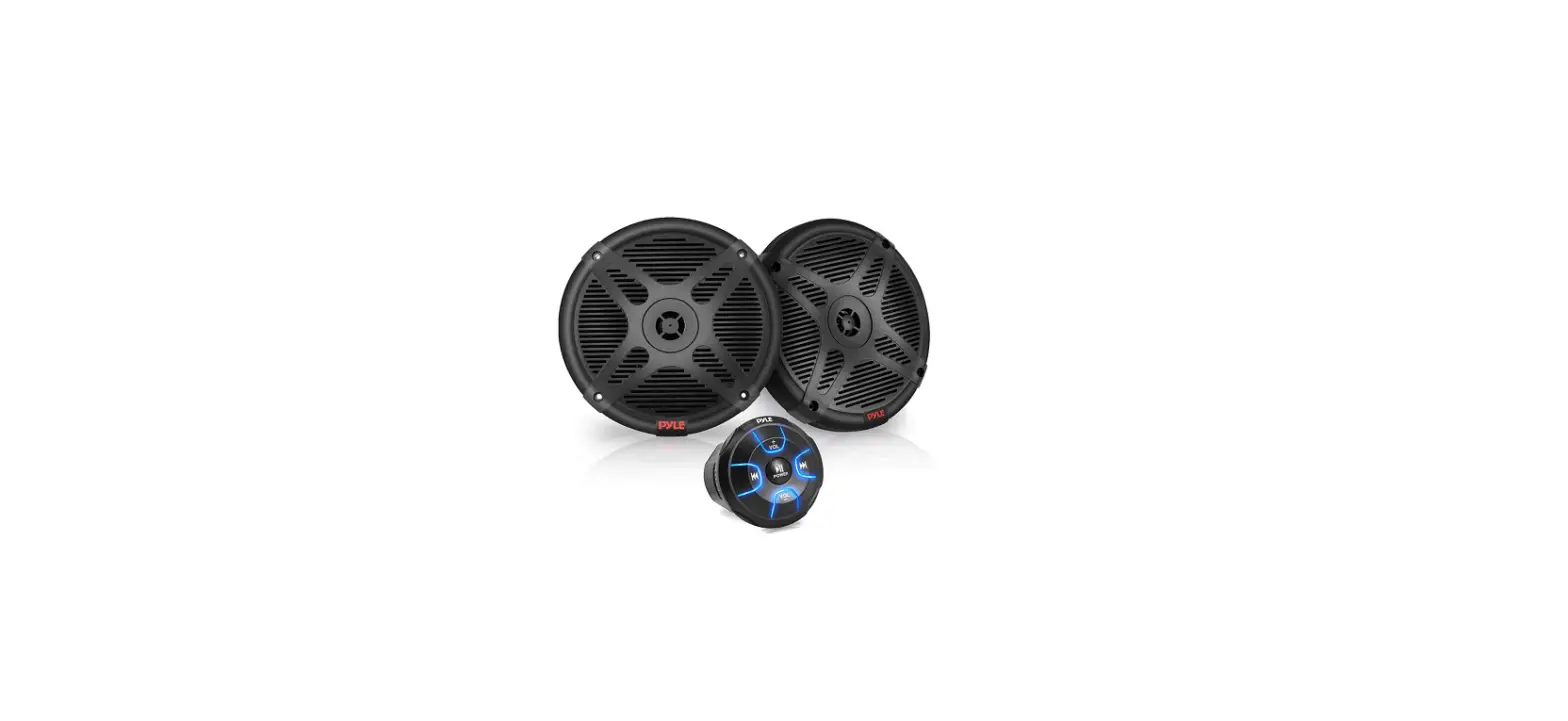
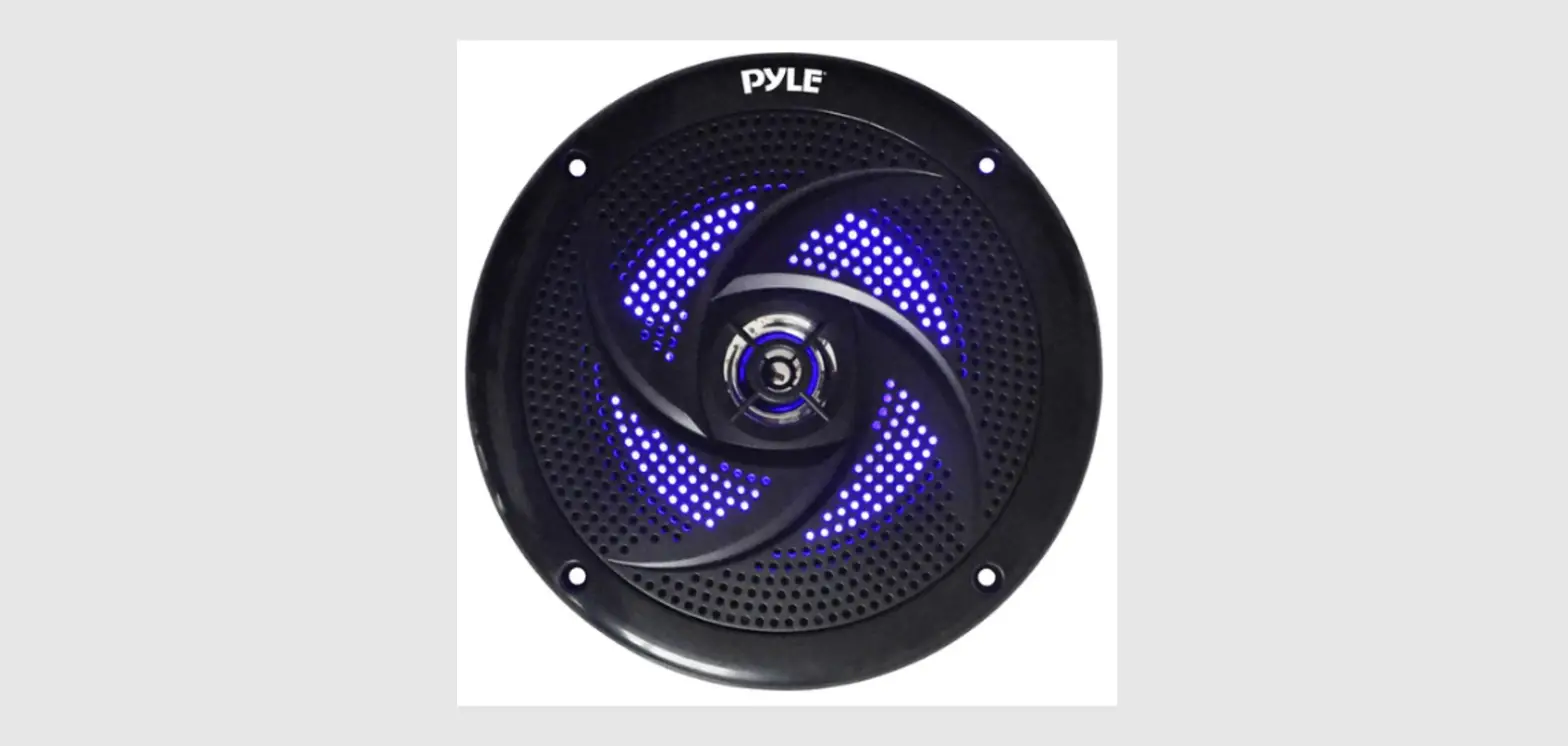
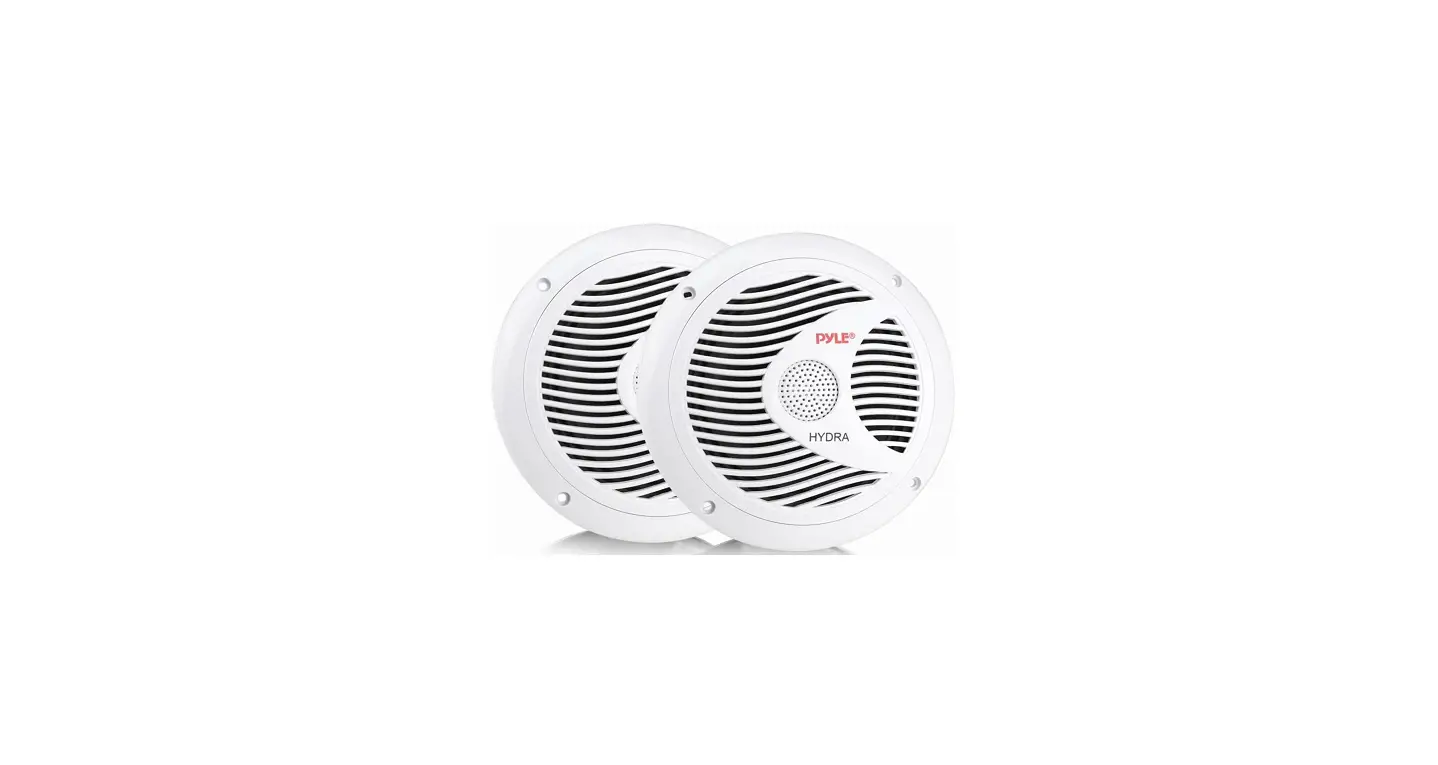
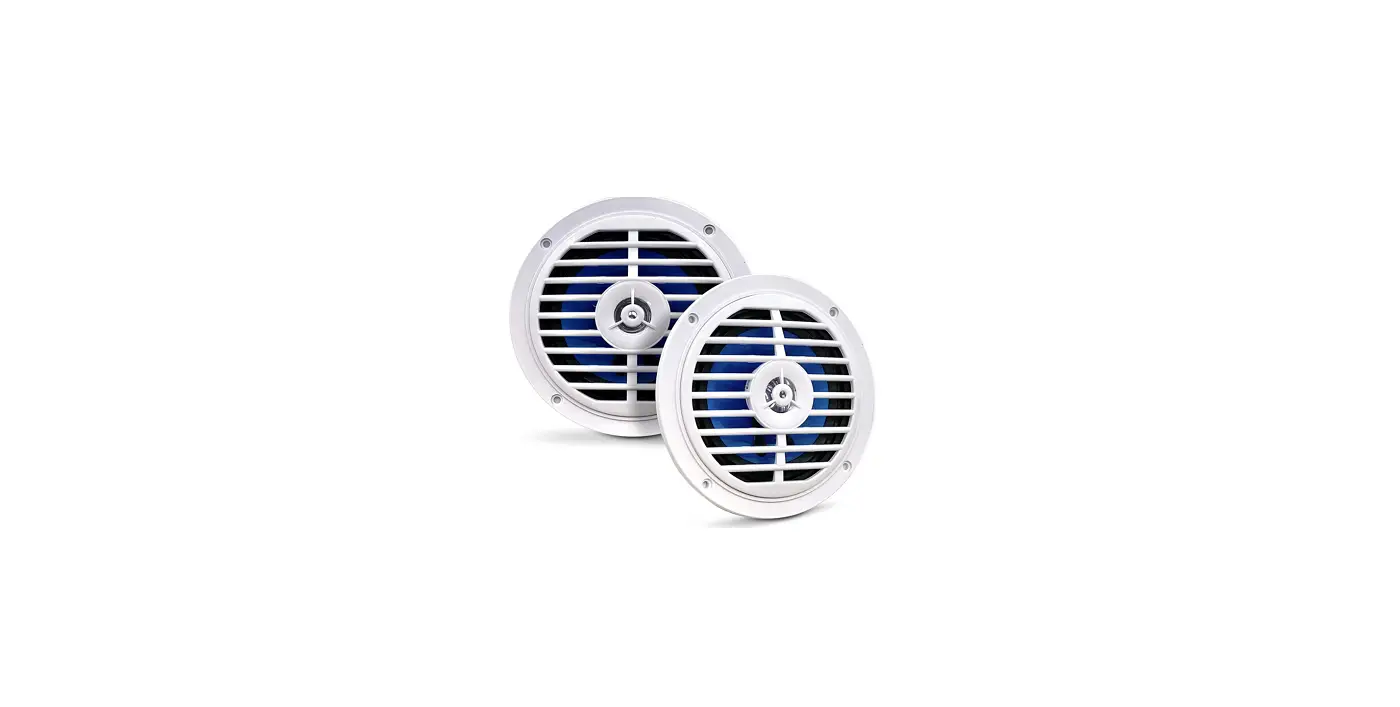
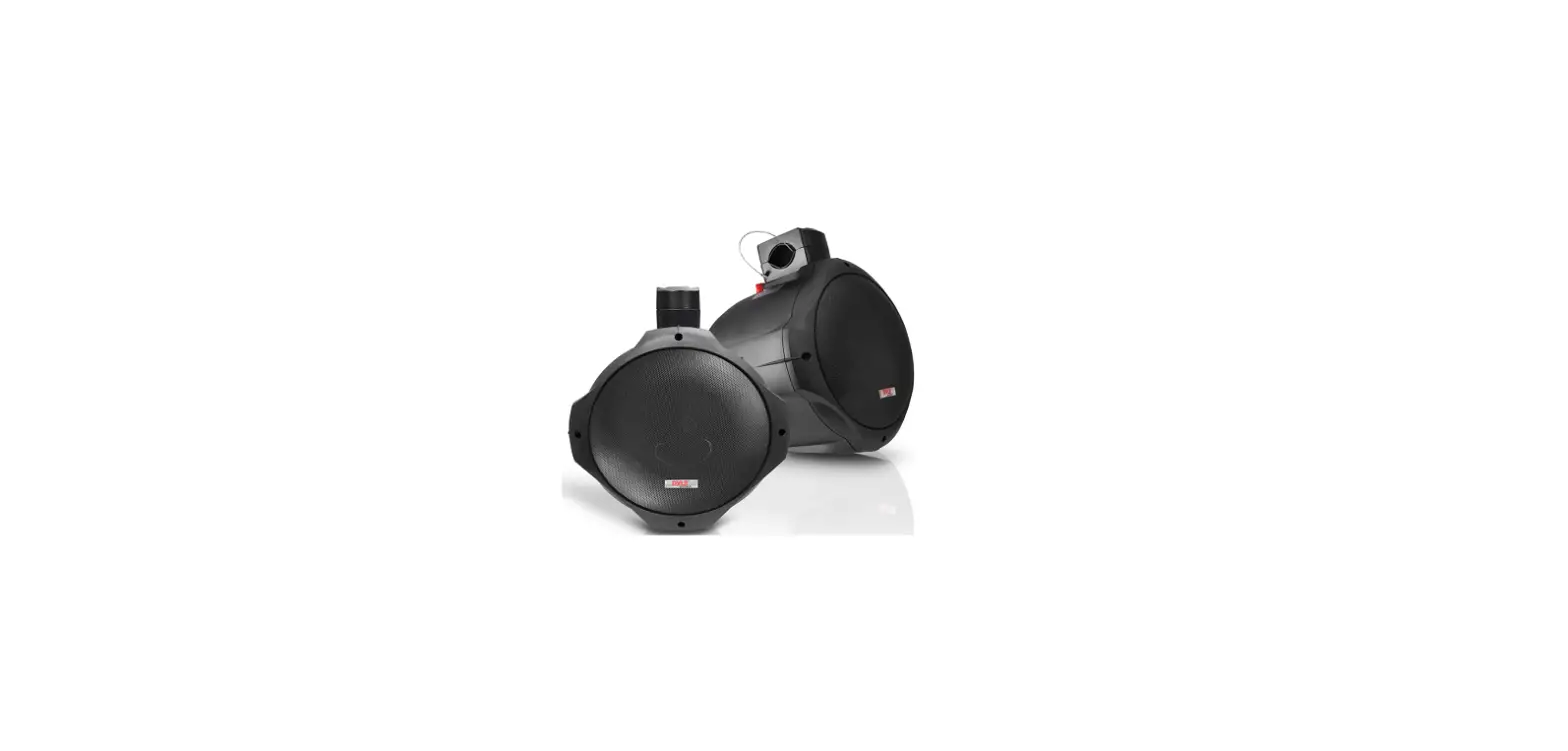
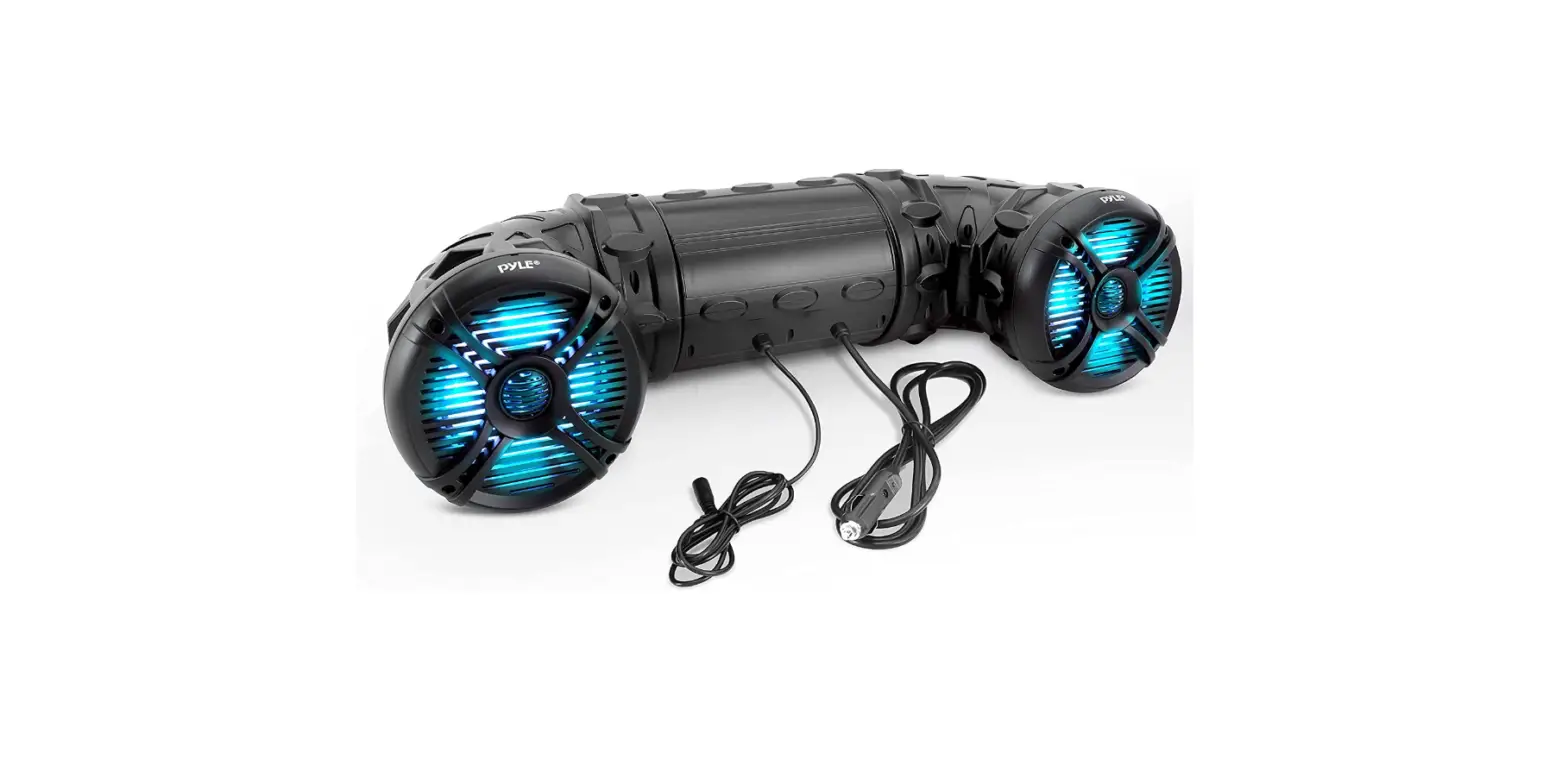
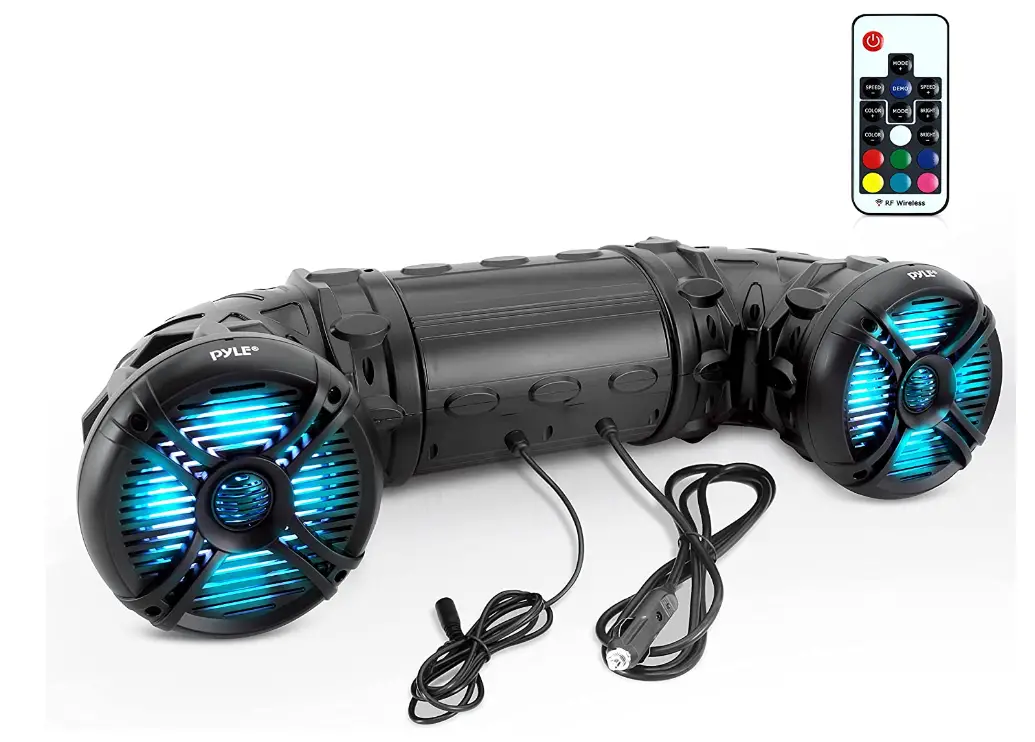
The tweeters on these 6.5″ poly injection cone speakers have 1.0″ Titanium dome diaphragms. Perfect for ATV, UTV, 4×4, golf carts, jet skis, and snowmobiles, and engineered with a tube shape for maximum sound projection. The speakers have a MAX output of 800 Watt and an RMS output of 400 Watt (200 x 2). has a 2-Channel digital amplifier built in and can be powered by a cigarette lighter or by hardwiring. Automated Bluetooth 4.0 connectivity is included for wireless music streaming on Android, tablets, and other devices. With a range of more than 30 feet, the Bluetooth name is and the password is “0000.”
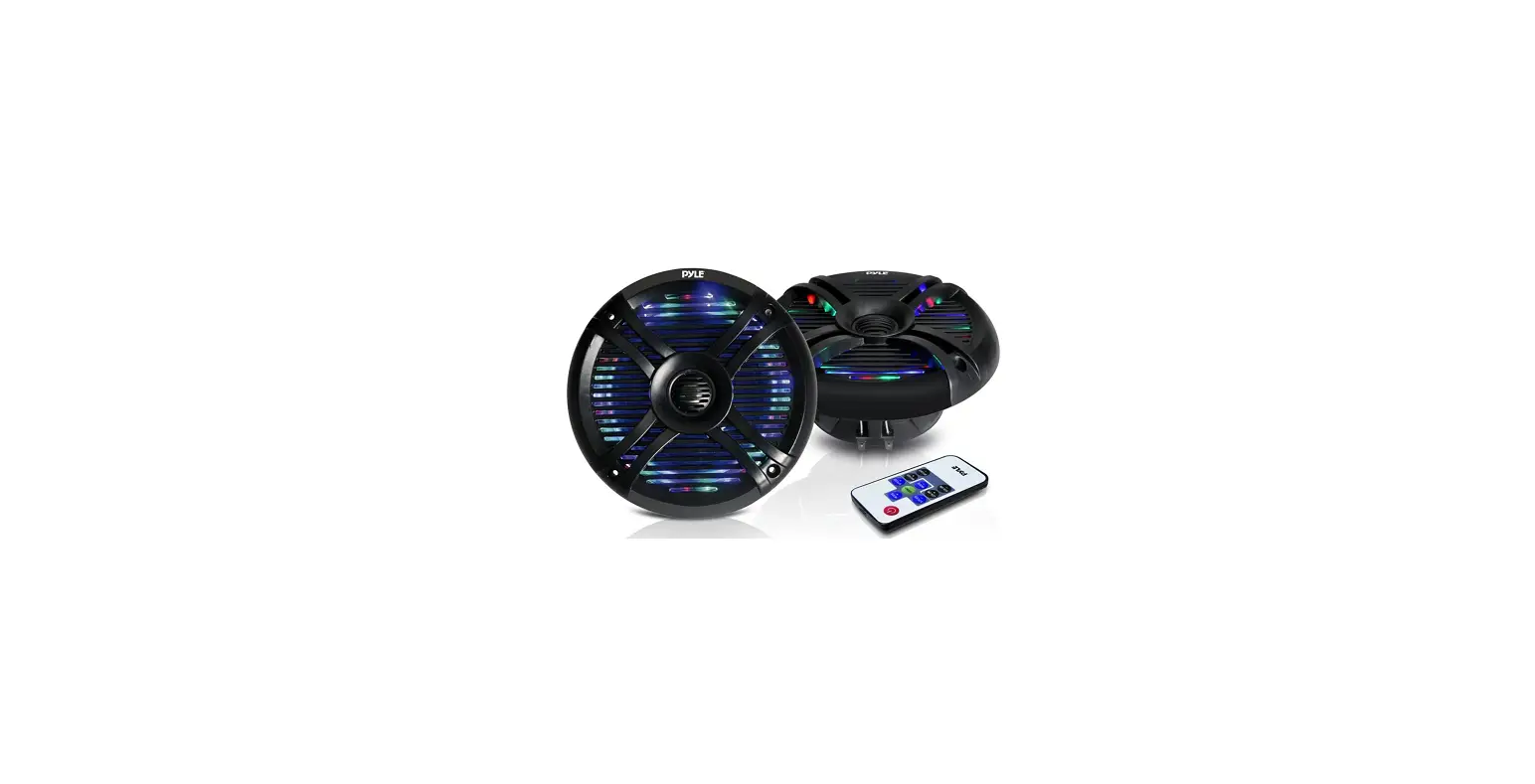
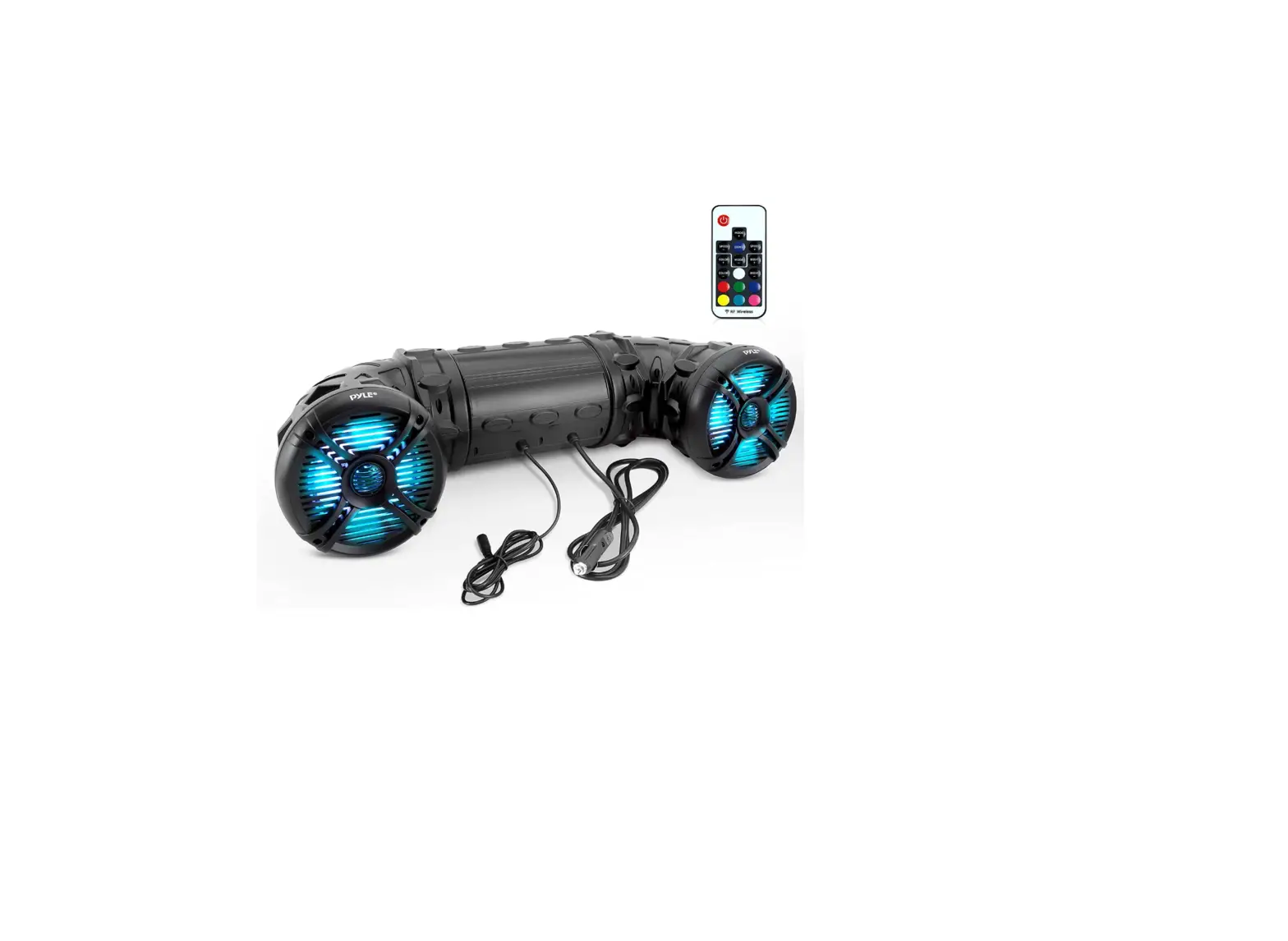
This dual 2-way audio system has an IP 44 marine grade classification, making it waterproof. It boasts a tough, heavy-duty structure and a water-resistant housing. The signal noise ratio is 90 dB, and the frequency response is 45 to 25 kHz. includes built-in LED lights that change colors and dance. Red, green, and blue each have 19 dynamic color changing modes. With a remote control, the speed and color brightness can also be changed.
PRODUCT TECHNICAL PARAMETERS
|
MARINE SPEAKER PLATV65BT MODEL |
| – Bluetooth -enabled all-terrain sound system 6.5” |
| – Long Excursion Woofer |
| – 1.0”Titanium Dome Tweeter |
| – Heavy Duty ABS Construction |
| – Quick Connect Speaker Terminals |
| – Bluetooth:DC12V5A/2x15W-RMS |
| – Fully Marinized |
| – Compatible with audio output of iPod /iPhone . |
| – Plug and Play For Easy Installation |
| – Heavy Duty Straps for any Mounting Position |
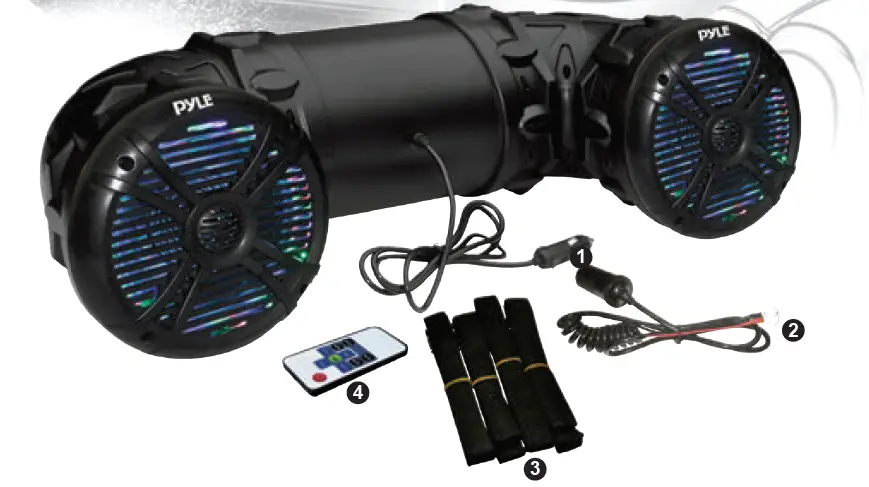
- Cigarette Lighter
- DV12V
- Ribbon
- RGB Remote Controller
REMOTE CONTROL FEATURES
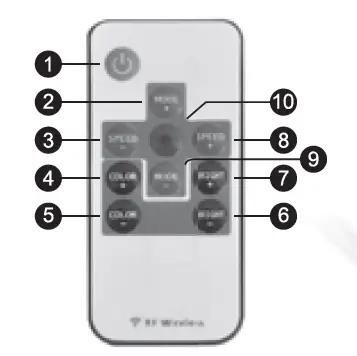
1.Turn On/ Standby: Press this key to turn on LEDs or switch to standby mode
2/9. Dynamic Mode button: Switch from dynamic mode to color mode or switch between dynamic modes.
3/8. Dynamic Mode Speed button: Use these buttons to adjust dynamic mode speed. If the unit is in static mode, pressing these buttons will switch unit to dynamic mode.
4/5. Static Color Adjust button: Use this button to switch between static colors. Pressing these keys while in dynamic mode will switch the unit to static mode.
6/7.Brightness Adjust button: Pressing these buttons will adjust brightness while in static mode. If these buttons are pressed while unit is in dynamic mode, it will switch to static mode.
10.Demo Mode button: this button will switch the unit into demo mode. While in demo mode, unit will loop through 9 of the dynamic modes with each repeating 3 times.
- Please remember to remove plastic insulator from remote unit battery compartment.
- This remote uses a 3 volt CR2025 type battery. When replacing be sure to use only the same type of battery
- The remote signal can pass though most obstacles.
- Do not install unit in areas surrounded by metal as the remote signal will not reach the unit.
FAQs
I had silver. Black is a better choice for you. Silver tarnishes quickly.
Yes, I connected a USB port to it without any issues, and an amplifier also worked without any issues.
No, it doesn’t have one included.
You can connect an amp to it, yes.
I’m not sure why connecting to another stereo would be beneficial, however you could go from the Clarion’s aux output to the aux input on the jvc.
I’ve never seen plates that make this radio suitable for that. However, I believe it would be rather simple to mount the radio using a thin piece of starboard or something like.
A USB port is used to connect an iPod or a music stick. The iPod device is the only way to manipulate folders. Nothing in the manual suggested that the JBL itself has folder control.
Usually, you’ll be able to stream music to the head unit while using your phone hands-free. I believe there is a setting in your phone’s bluetooth connection configuration that controls this.
Yes, I used a 400 watt Pioneer amp with 4 speakers and 2 subwoofers.
I have a good feeling the USB port will power the phone. I primarily use Bluetooth with it. superb unit
Usually, you’ll be able to stream music to the head unit while using your phone hands-free. I believe there is a setting in your phone’s bluetooth connection configuration that controls this.
Yes, I used a 400 watt Pioneer amp with 4 speakers and 2 subwoofers.
I have a good feeling the USB port will power the phone. I primarily use Bluetooth with it. superb unit
No iPod, though.
Help I followed the instructions, but I still can’t get the clock to appear, let alone set it. Long pressing the play/”pause” button is advised per the handbook. I get the long press beep when I do that, but the clock doesn’t appear on the display.