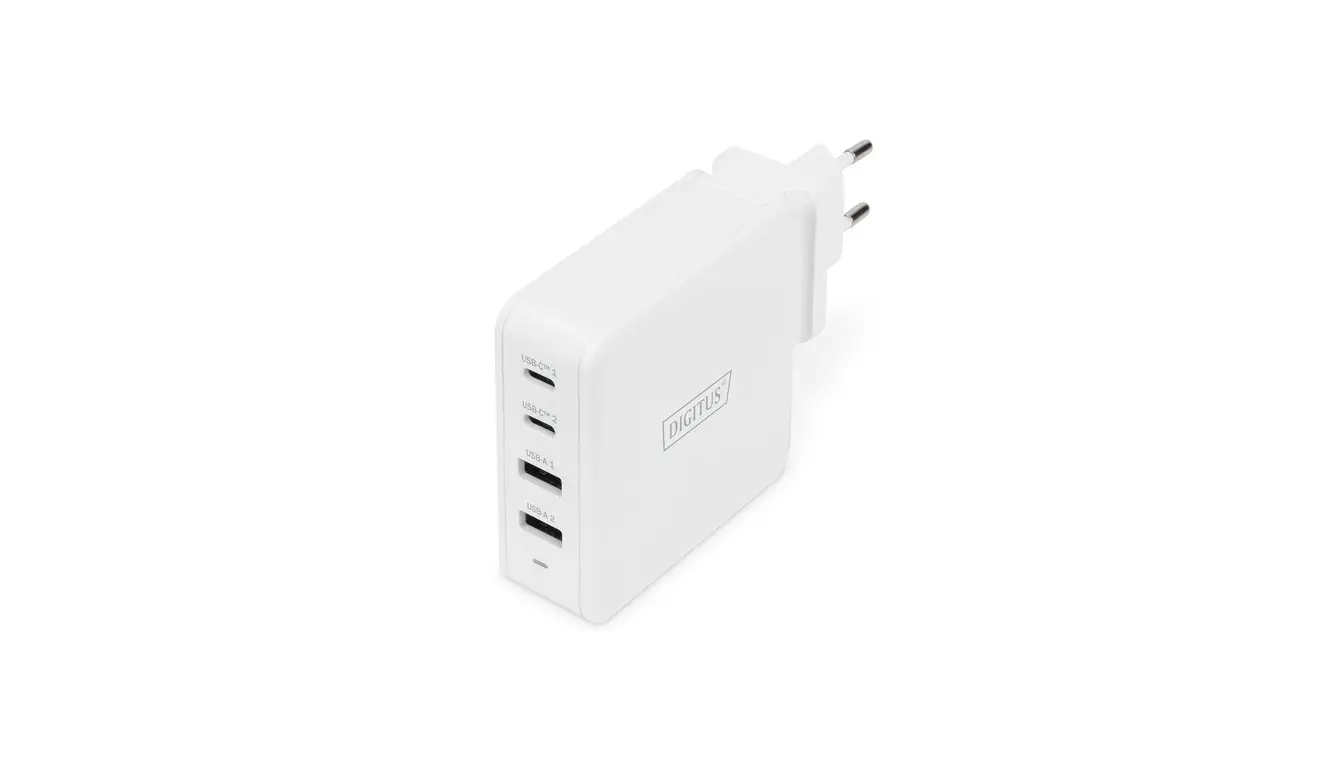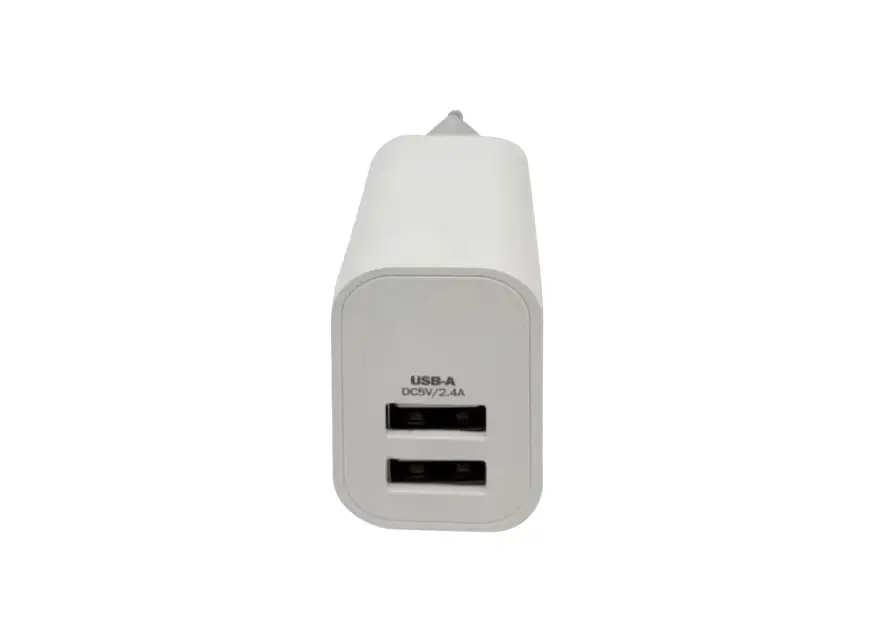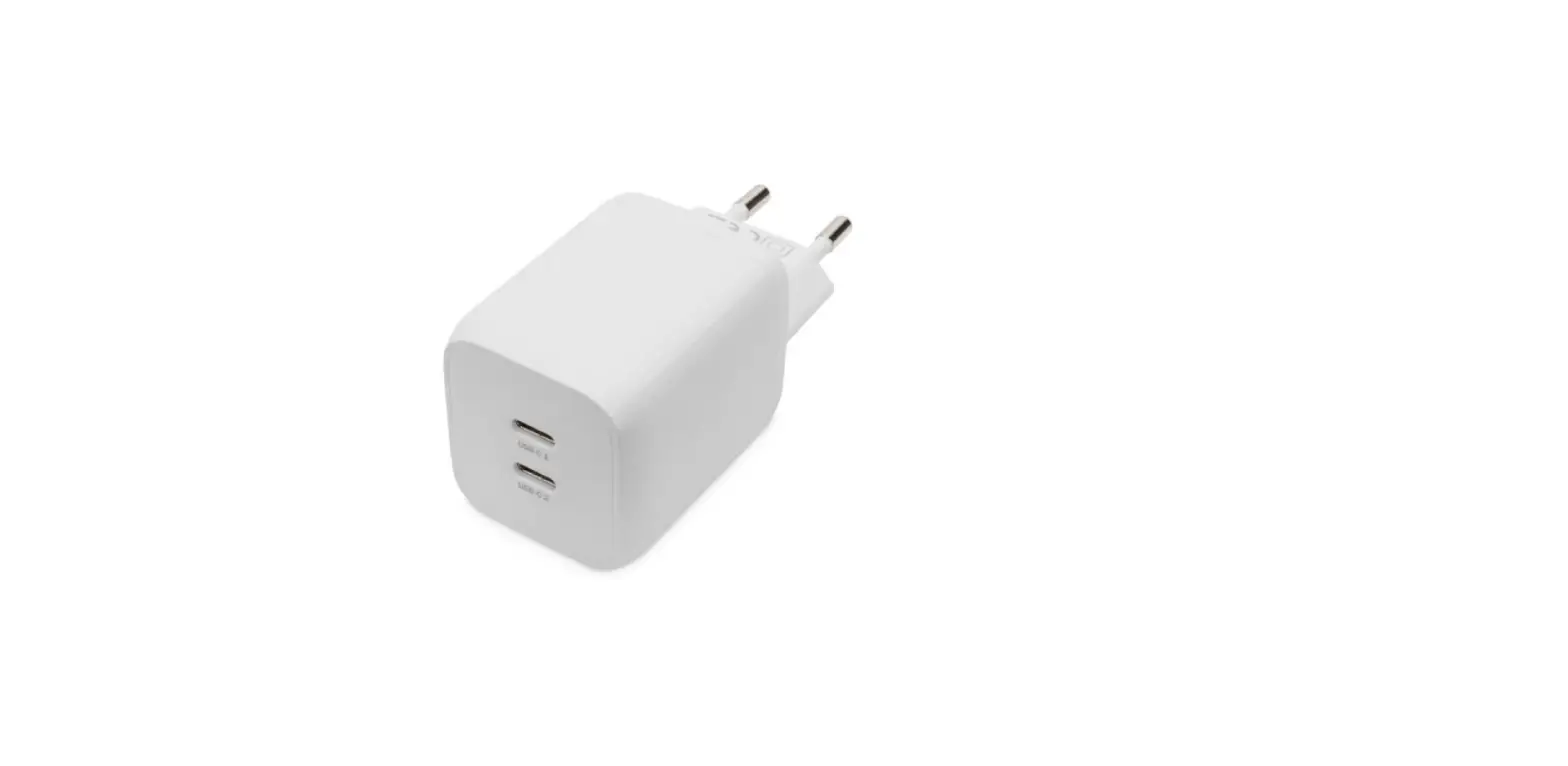

USB C Mini Charging Adapter
Installation Guide
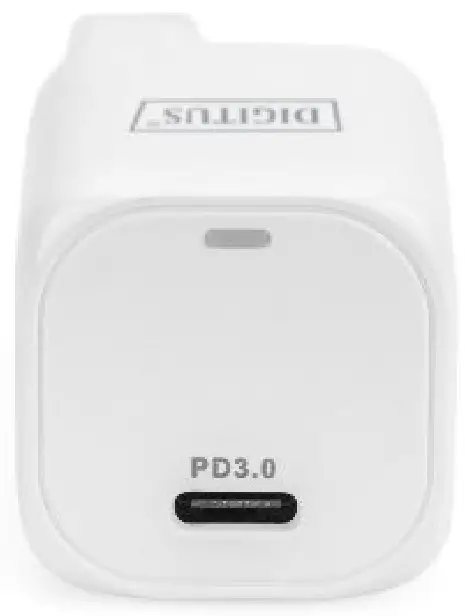
DA-10060
DEAR CUSTOMER
Thank you for purchasing this product. For optimum performance and safety, please read these instructions carefully before connecting, operating, or using this product. Please keep this manual for future reference.
INTRODUCTION
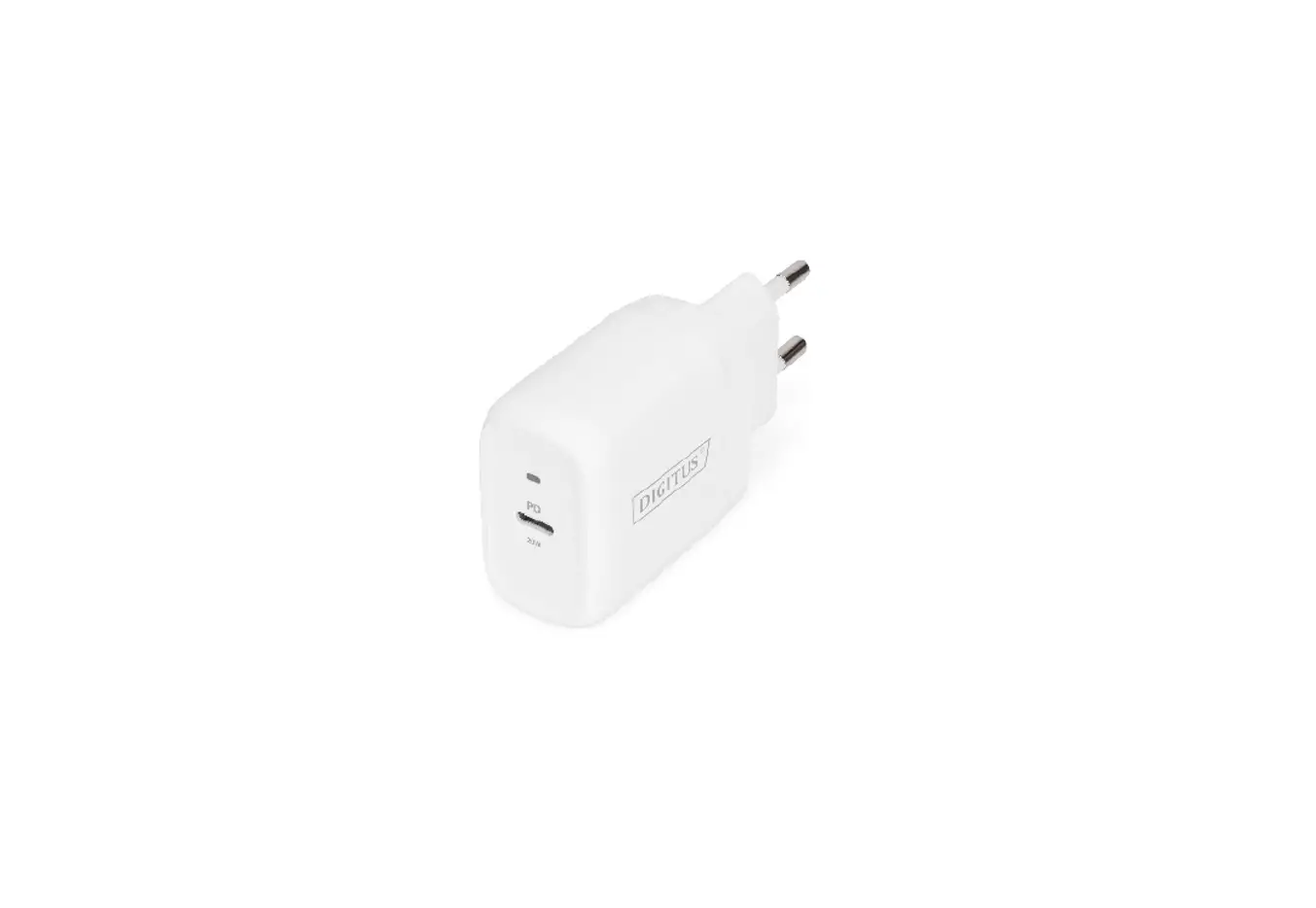
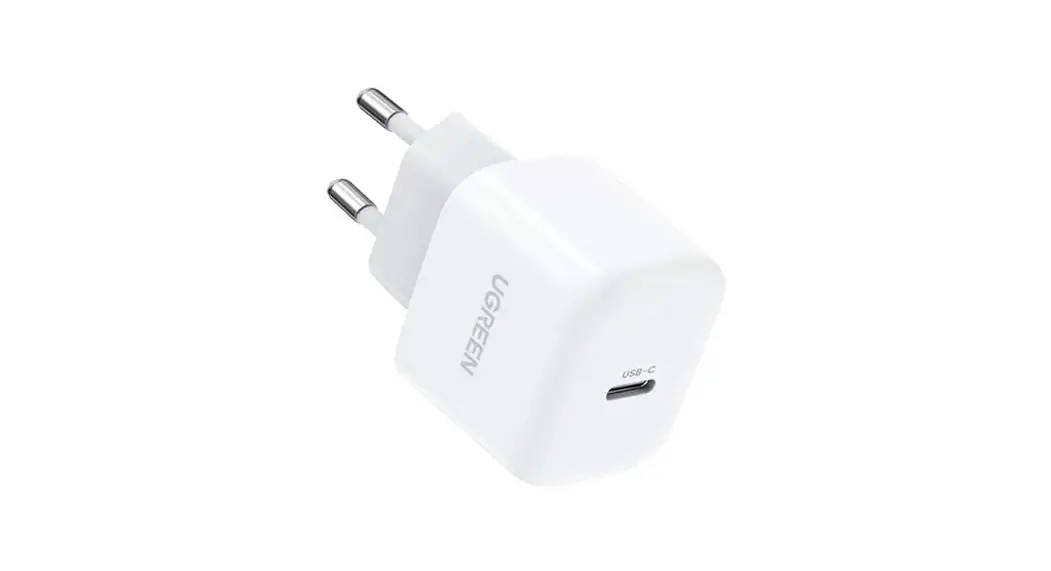
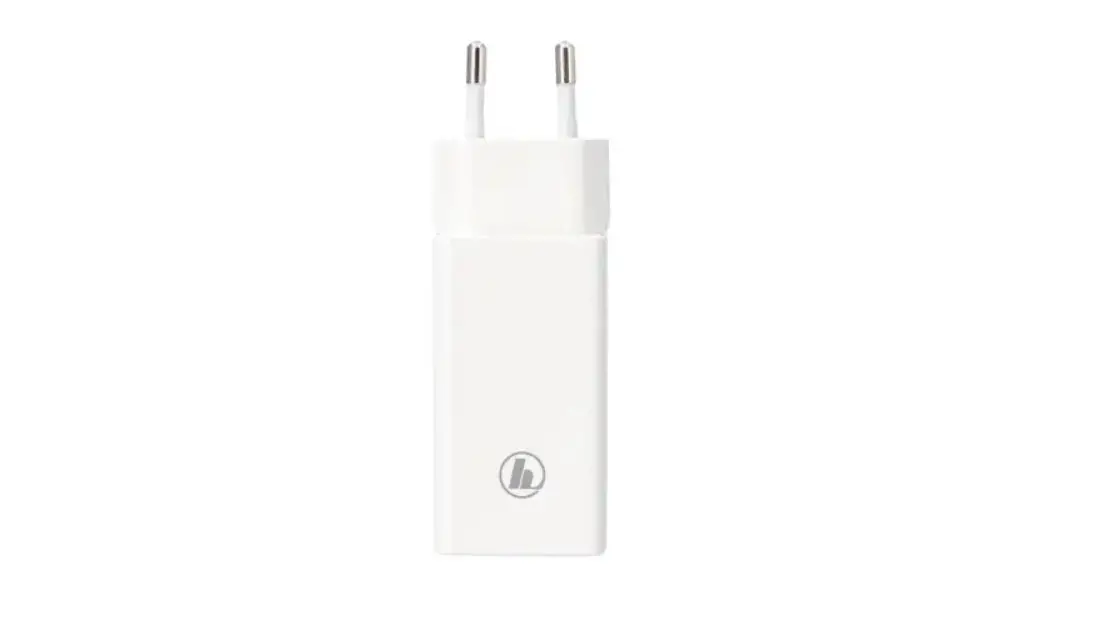
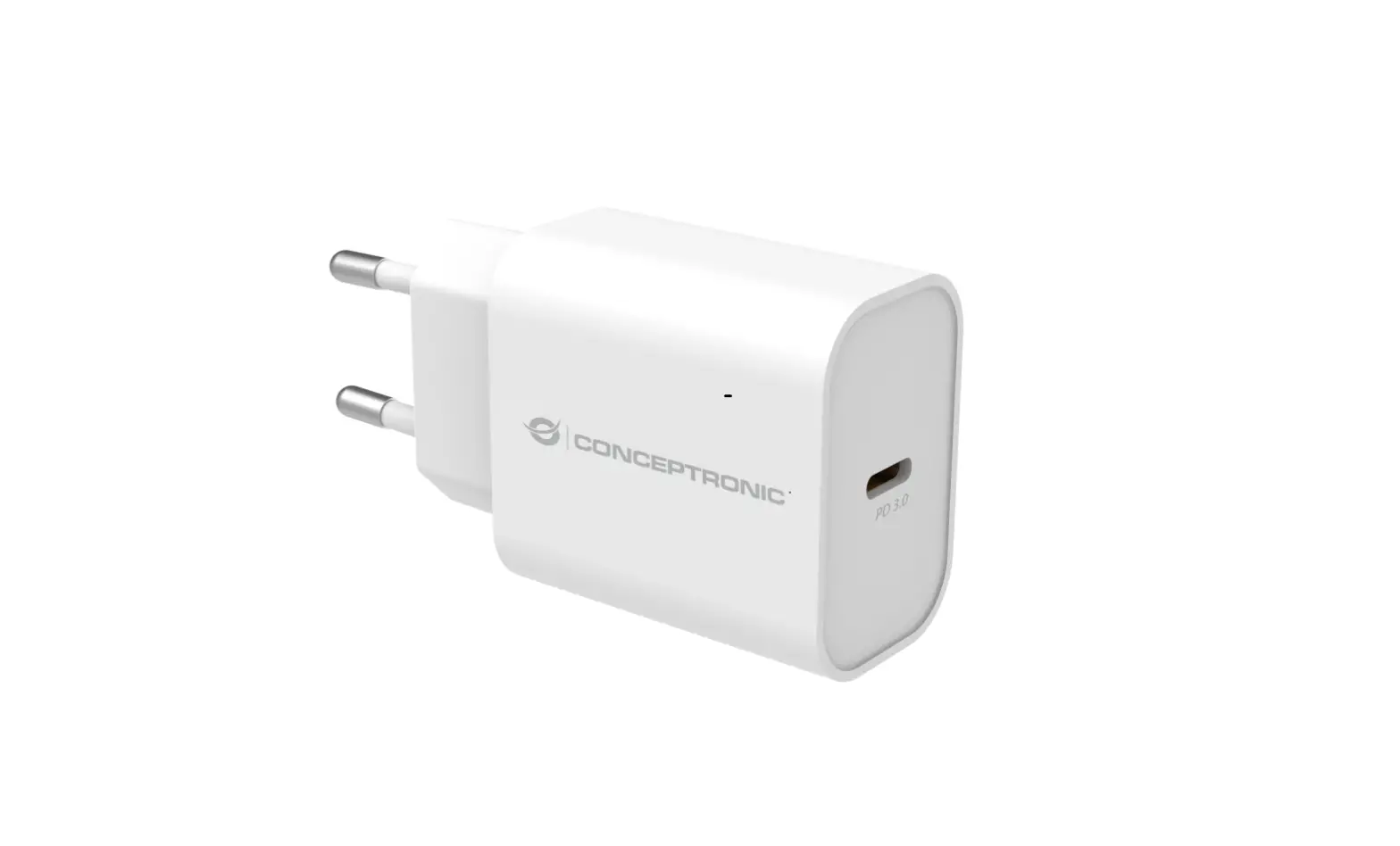
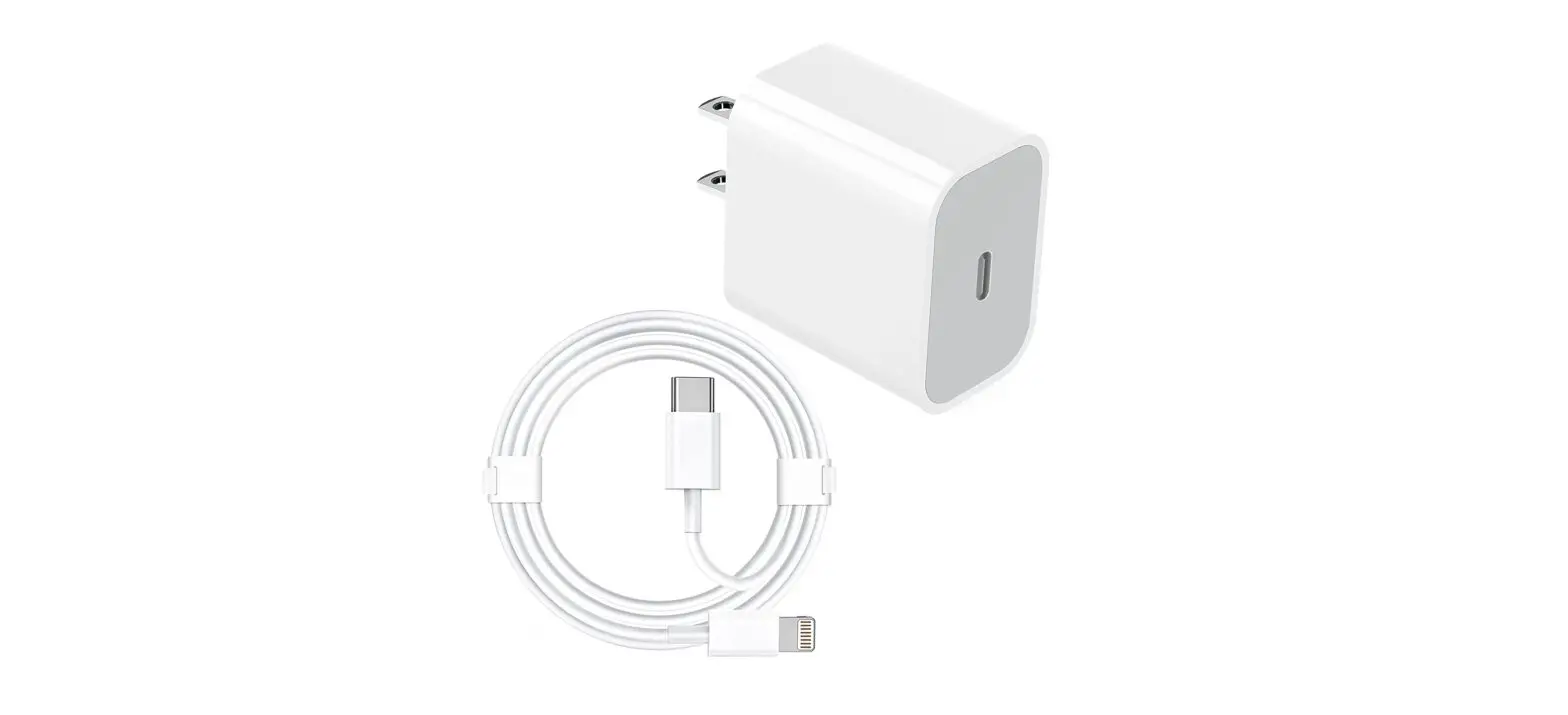
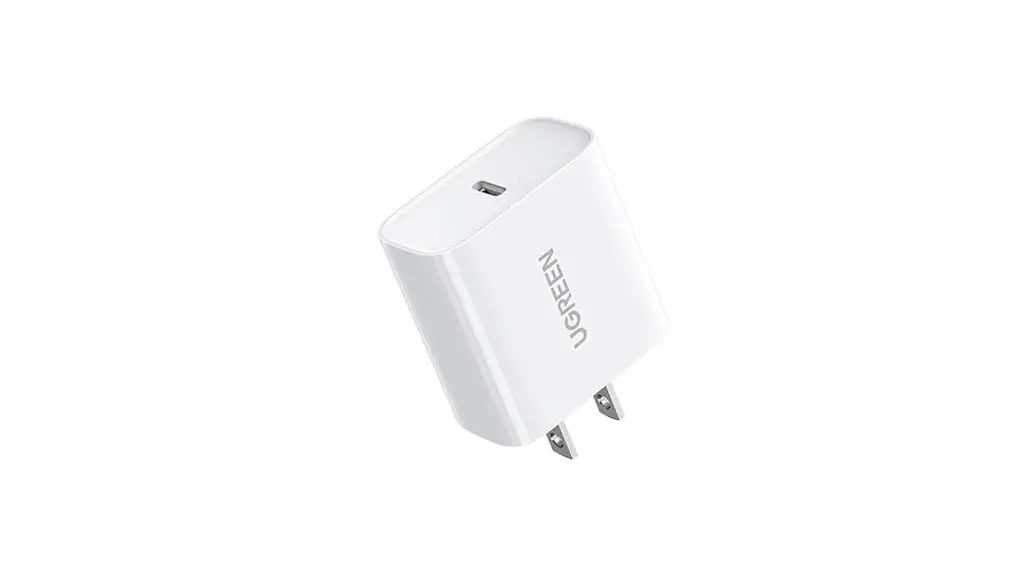
The DIGITUS® MINI Charging Adapter is suitable for USB-C devices such as smartphones, tablets or notebooks and provides an output of up to 20W. Thanks to the super-compact dimensions, the USB-C charger fits into any bag, making this charging adapter an ideal companion for everyday use. The integrated short circuit, surge, and excess current protection provide added security. Furthermore, the integrated excess heat protection prevents potential overloads and damages to the charger or connected devices.
FEATURES
- Compact charger for USB-C devices such as smartphones or tablets
- Supports charging power of up to 20W – Compatible with Power Delivery (PD 3.0)
- Integrated surge protection / excess current protection /short circuit protection
- Integrated overheating protection with auto-recovery for the highest degree of security
- Ideal for use on the go thanks to compact dimensions
- Housing made of fire-resistant material
SPECIFICATIONS
| Input/output | |
| Input | 100-240VAC 50/60Hz |
| Input Plug | EU plug |
| Output | 5V/3A 9V/2.22A 12V/1.67A (20W Max) |
| Protection | |
| Over Current Protection | Yes |
| Over Voltage Protection | Yes |
| Over Load Protection | Yes |
| Short Circuit Protection | Yes |
| Over Temperature Protection | Yes |
| Performance | |
| Ripple And Noise | QOOmV |
| Efficiency | 8S% |
| Line Regulation | ±5% |
| Mechanical | |
| Color | White |
| Size | 30•29`68mm |
| weight | 37g |
| Environmental | |
| Operating Temperature | 0-25°C |
| Storage Temperature | -20′ 85°C |
| Operating Humidity | 20% – 90% RH |
| Storage Humidity | 5% – 95% |
| Certification | CE, RoHS , |
| Limited Warranty | 1 Year |
| User Manual | English Version |
PACKAGE CONTENT
Before attempting to use this unit, please check the packaging and make sure the following items are contained in the shipping carton
- 1x USB-C Mini Charging Adapter
- 1x QIG (Quick Installation Guide)
OPERATION
5.1 Operation Procedures
- Plug the DC connector of power adapter into a socket.
- Plug one USB connector of the cable into the interface of the charger and plug the other connector of the cable into the electronic device (Apple iPad, Google Chrome book, Apple iPhone, Samsung Smartphone, MP3, PC, etc.)
- Please pull the USB connector out after the electronic equipment’s fully charged.
5.2 Operation Notes
- For optimum performance, please use the power adapter according to the user manual.
- Please plug the power adapter into a socket whose voltage range should be 100~240VAC.
- Please unplug the power adapter after using it.
- Note: Our products have protection functions and the two tips above are suggestions just for safety.
- Do not use the power adapter with an electronic product that is not in conformity with the specifications, to avoid any problems caused by specification mismatching.
- It’s normal that the power adapter will be a little overheated in the use process.
- When the power adapter stops working under overcurrent, over-temperature, or short-circuits protection, please unplug the device after automatically returns to work, then you need to check whether the device is compatible with this charger.
- Do not let the power adapter close to the fire, such as stove, candles, etc.
- Do not let the power adapter soak into liquid, such as swimming pool, bathtub, etc.
- Do not wash the power adapter with corrosive cleaner.
- If the power station cannot work properly, please contact the store or distributor in your area
CONNECTION DIAGRAM
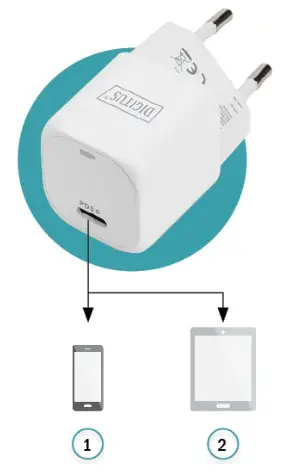
- Smartphone
- Tablet
Hereby Assmann Electronic GmbH declares that the Declaration of Conformity is part of the shipping content. If the Declaration of Conformity is missing, you can request it by post under the below-mentioned manufacturer address.
www.assmann.com
ASSMANN Electronic GmbH
58513V
Germany