Product Information
| Name | Dimension | Weight | Power |
|---|---|---|---|
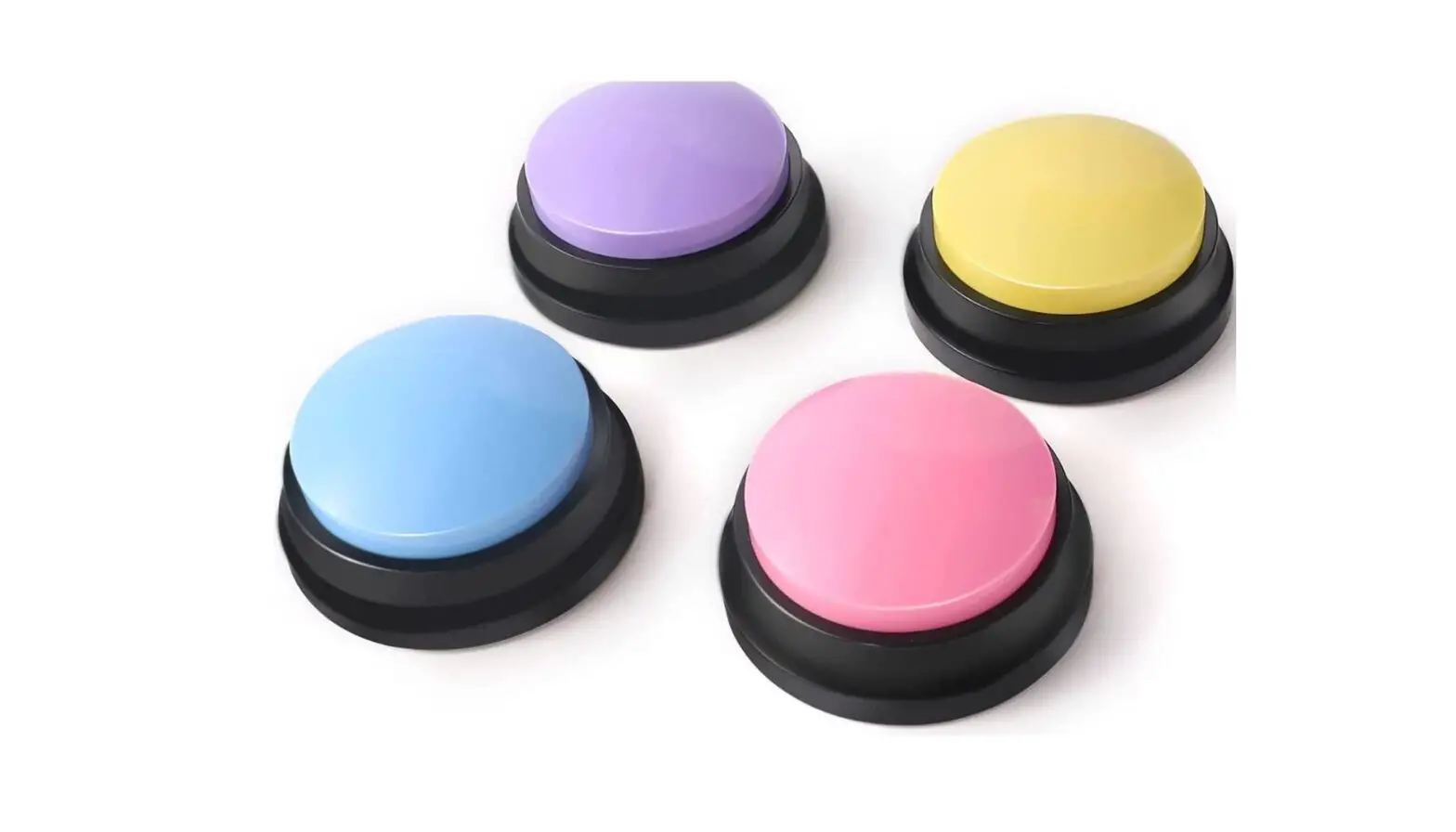
| Pet Interaction Button | 85x85x37mm | About 74g | 3 x AAA batteries (The batteries need to be purchased separately) |
Product Usage Instructions
Recording:
- Press and hold the Recording button for 1 second, then the
button lights up red and a beep sounds to start recording. - Release the button to end the recording. The red light goes out
and a beep is heard. - Record for a maximum of 50 seconds.
Instruction:
Note: It is recommended to record simple instructions first and
then gradually increase the difficulty.
- Guide your pet to touch the button.
- Provide timely rewards for their interaction.
- Repeat the exercises to develop a habit.
SPT 5000 Pet Interaction Button
Quick Start Guide
1.Overview
Recording button Screws
Battery case
2.Specification
Speaker
On/Off Microphone
85mm
37mm
85mm
Name: Pet Interaction Button
Dimension: 85x85x37mm
Weight: About 74g
Power: 3 x AAA baterries (The batteries need to be purchased separately)
Recording: Press and hold the Recording button for 1 second, then the button lights up
red and a beep sounds to start recording; Release the button, the red light goes out and a
beep is heard to end the recording; Record for a maximum of 50 seconds.
3.Instruction
Note: It is recommended to record simple instructions first and then gradually increase the difficulty.
Guiding your pet to touch the button
Timely rewarding
Many exercises to develop a habit