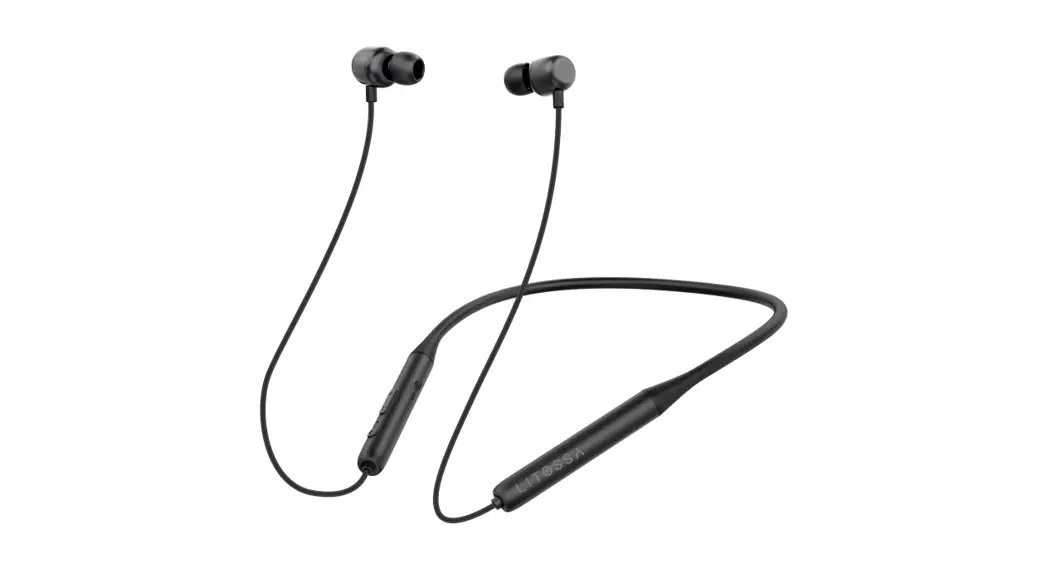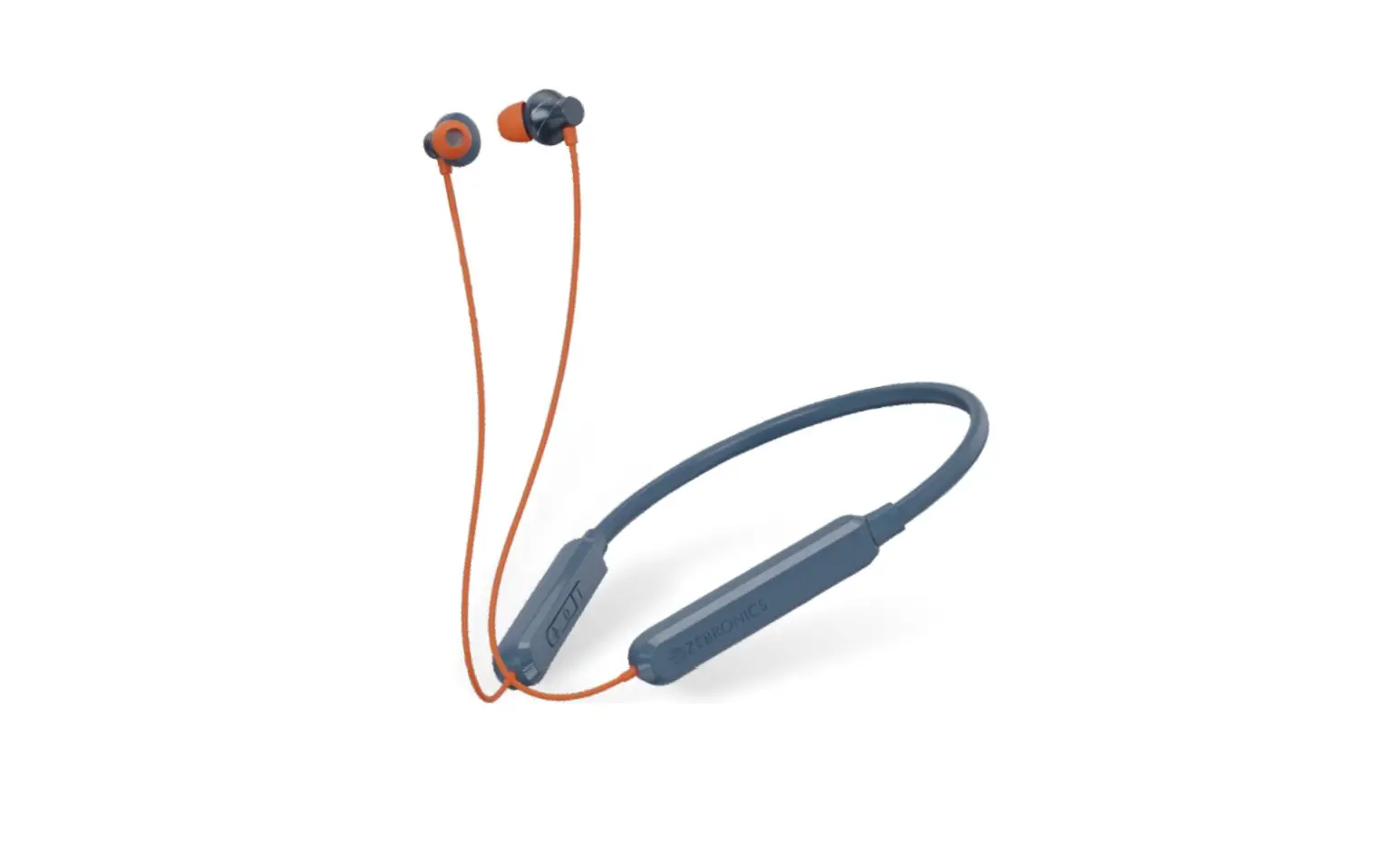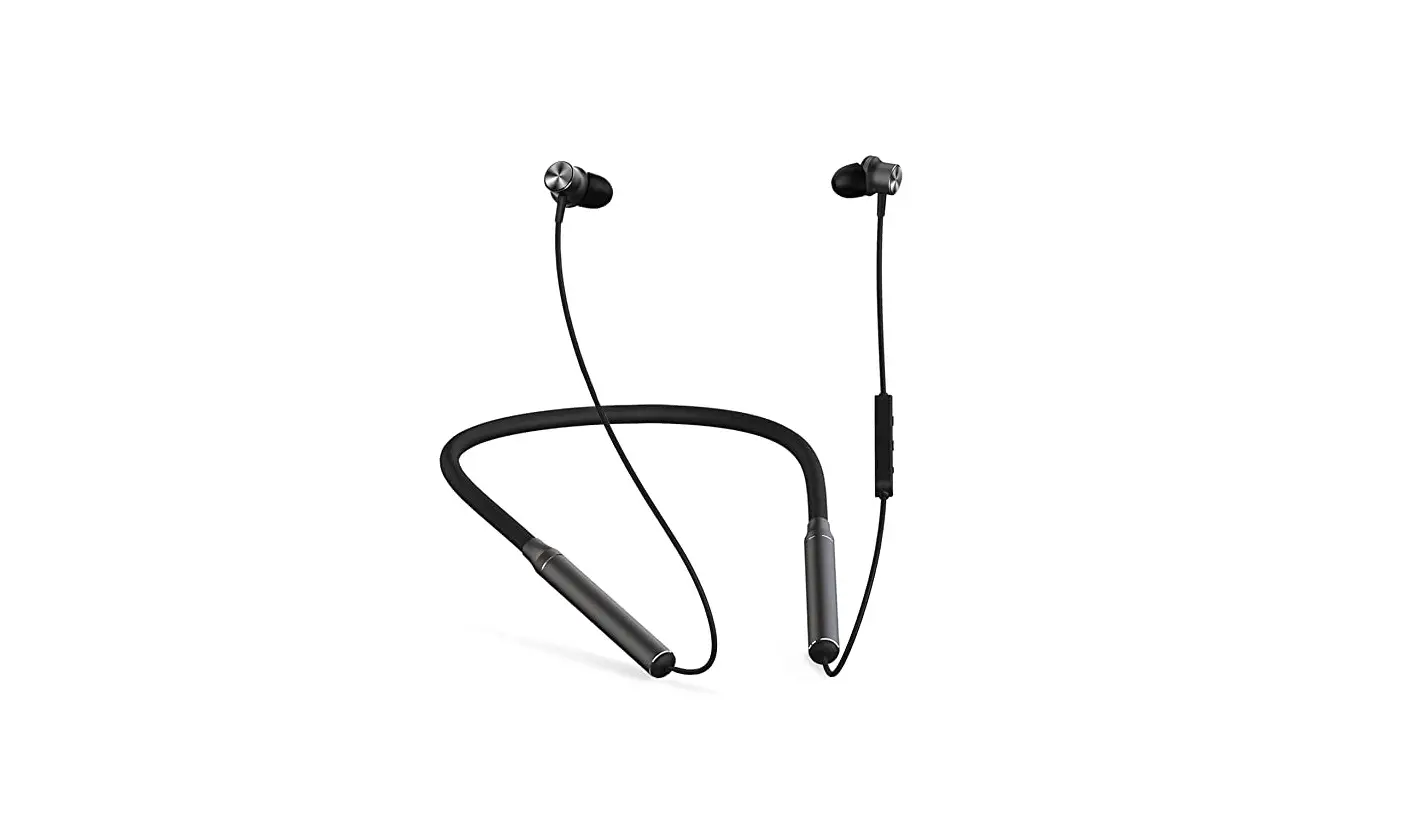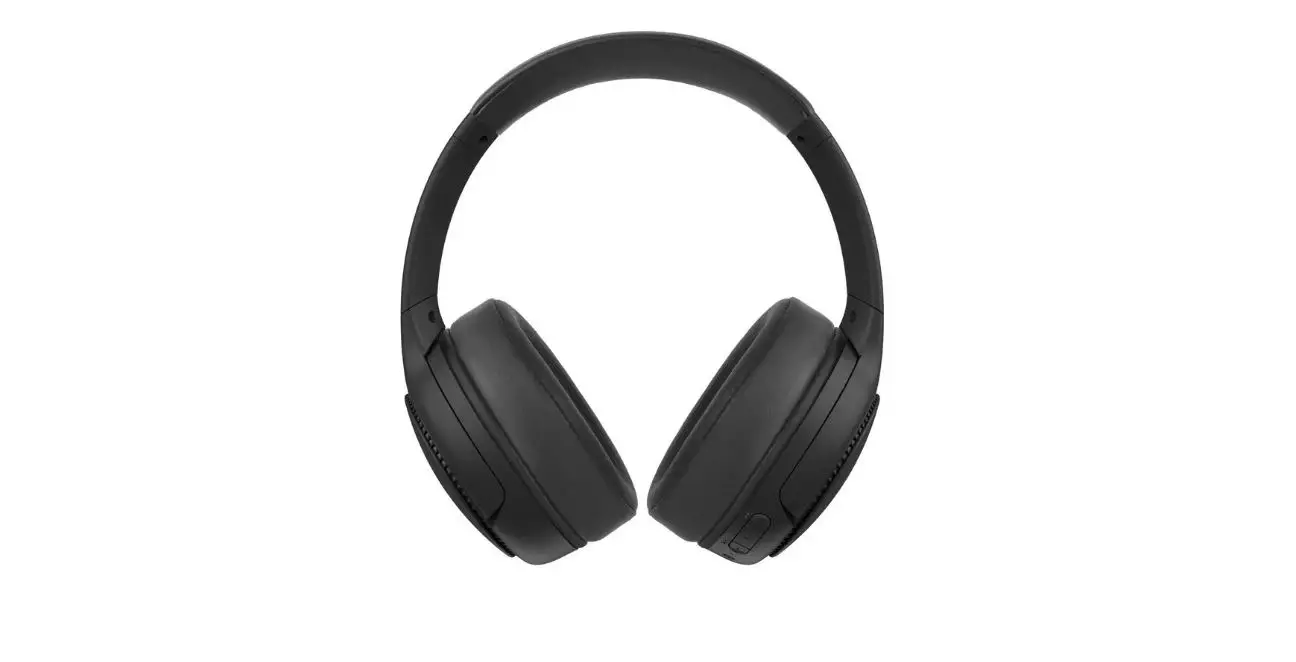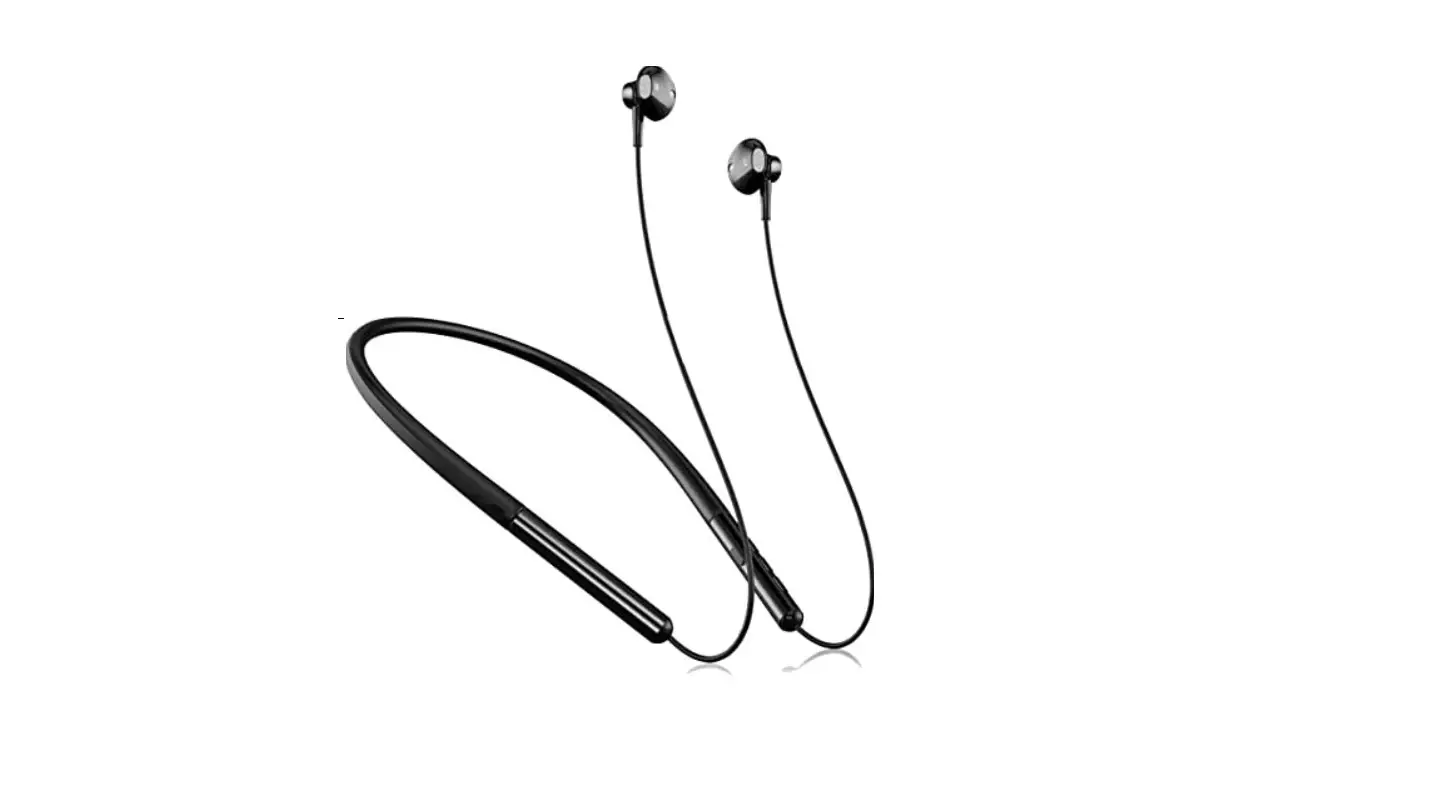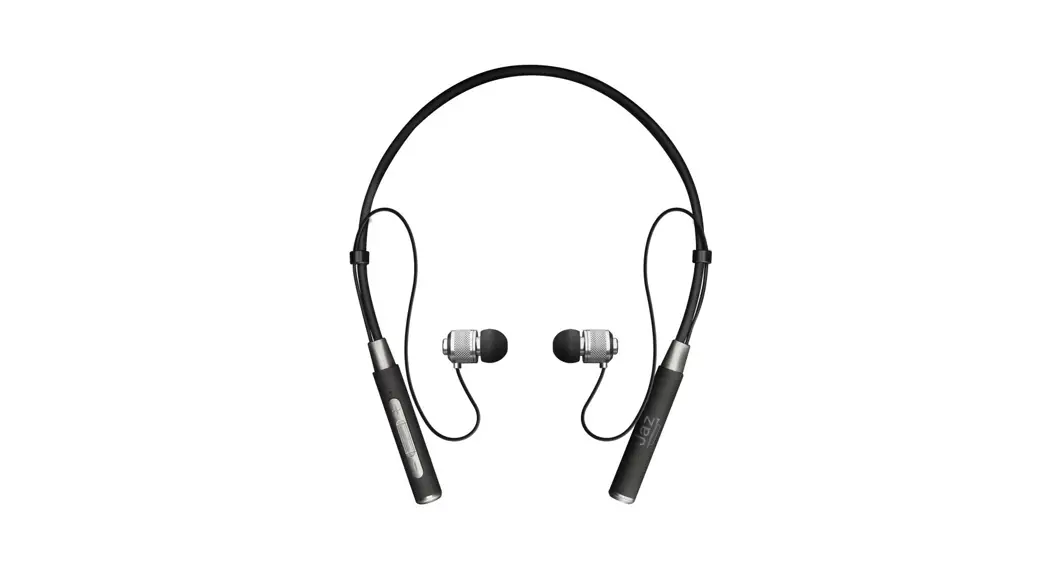
 Neckband Lites
Wireless Headphones
Instruction Manual 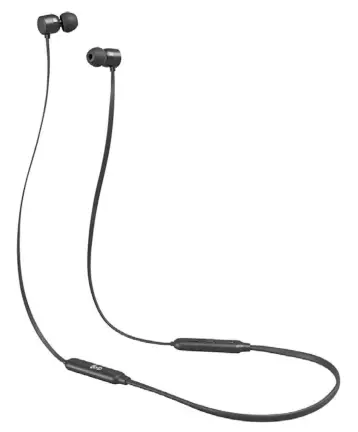

Safety Warnings
- For traffic safety, do not use earphones while driving or cycling.
Damage - Please inspect the unit for damage after unpacking.
- Do not continue to operate the unit if you are in any doubt about it working normally, or if it is damaged in any way – switch off, unplug from the mains socket and consult your dealer.
Temperature - Avoid extreme degrees of temperature, either hot or cold. Place the unit well away from heat sources such as radiators or gas / electric fires.
- Avoid exposure to direct sunlight and other sources of heat.
- Charge battery in a place where the temperature is between 5° and 40°C.
Naked Flames - Never place any type of candle or naked flame on the top of or near the unit.
Interference - Do not place the unit on or near appliances which may cause electromagnetic interference. If you do, it may adversely affect the working performance of the unit, and cause a distorted sound.
 Earphones
 - Listening to loud sounds for prolonged periods of time may permanently damage your hearing.
- Before putting on earphones, turn the volume down then put the earphones on and slowly increase the volume until you reach a comfortable listening level.
 Earphones
Thank you for purchasing your new product.
We recommend that you spend some time reading this instruction manual in order that you fully understand all the operational features it offers. You will also find some hints and tips to help you resolve any issues. Read all the safety instructions carefully before use and keep this instruction manual for future reference.
Unpacking
Remove all items from the packaging. Retain the packaging. If you dispose of it please do so according to local regulations.
The following items are included:
- Main Unit
- USB Charging Cable
- 2 extra sets of Silicon Buds
- Carry Pouch
- Instruction Manual
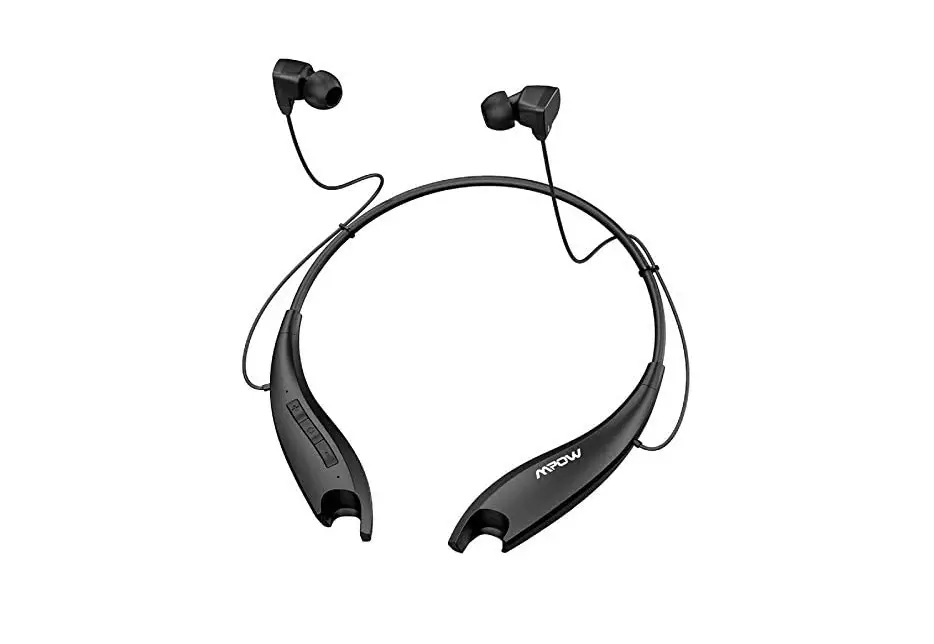
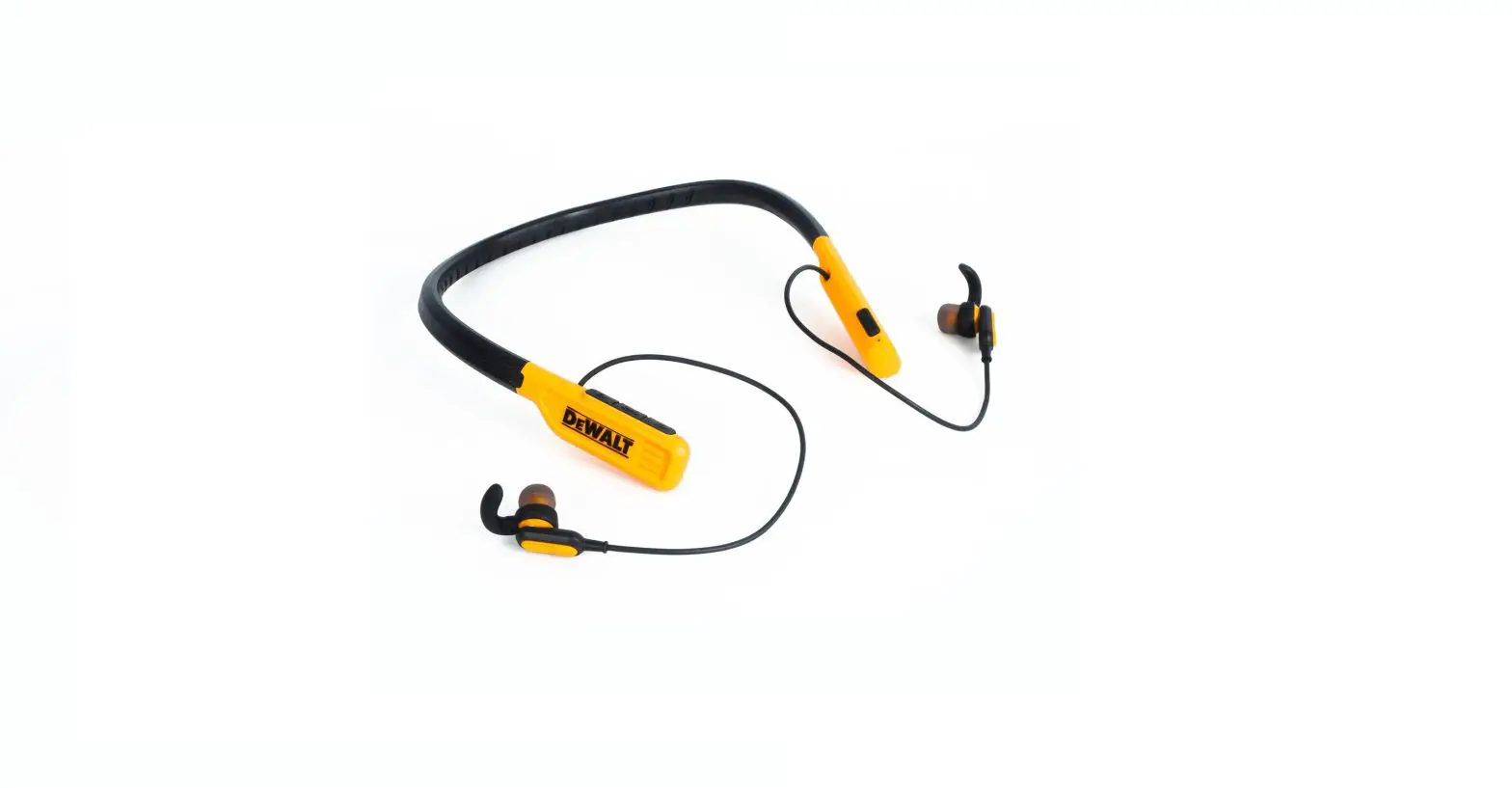
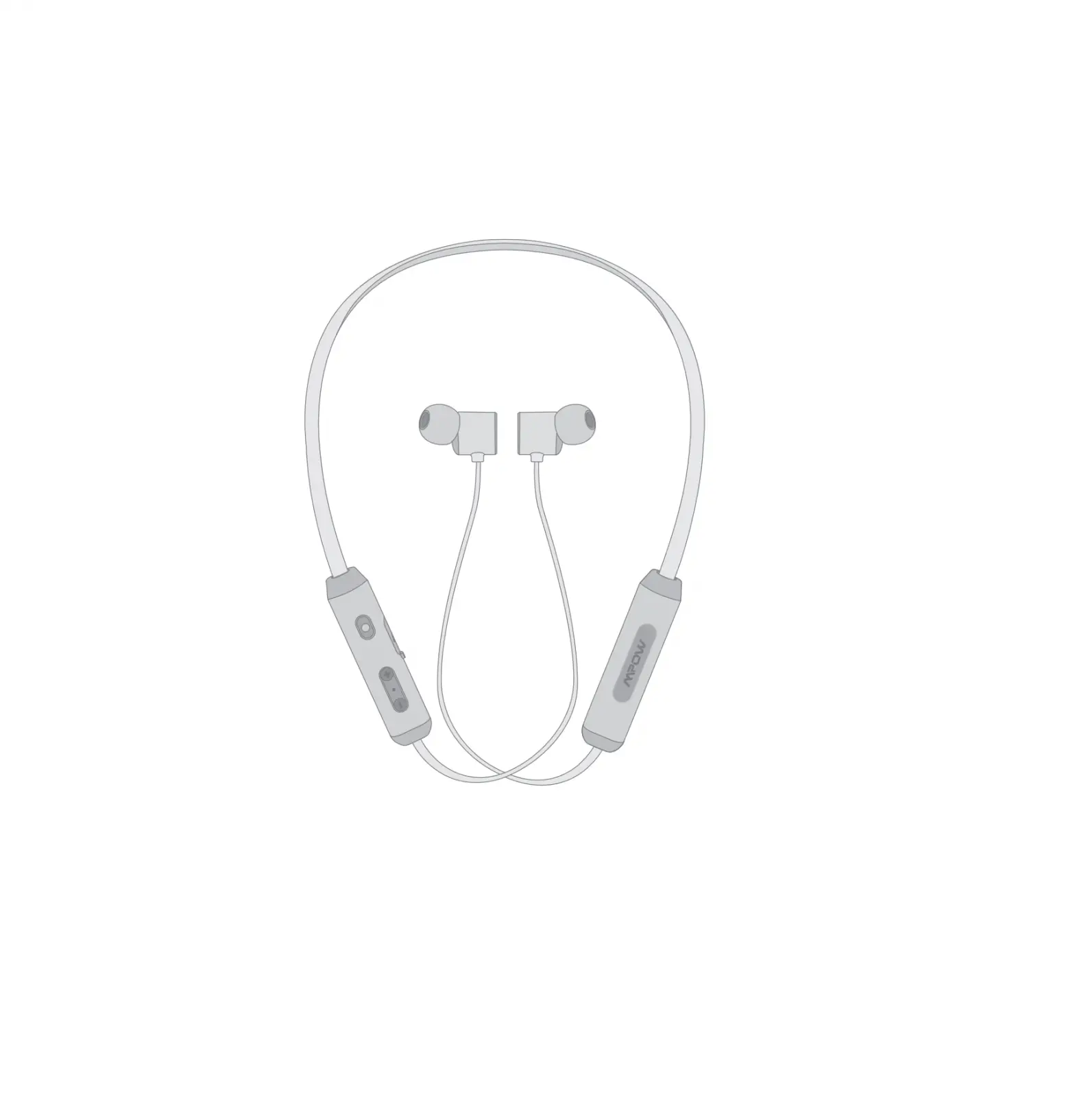
Product Overview
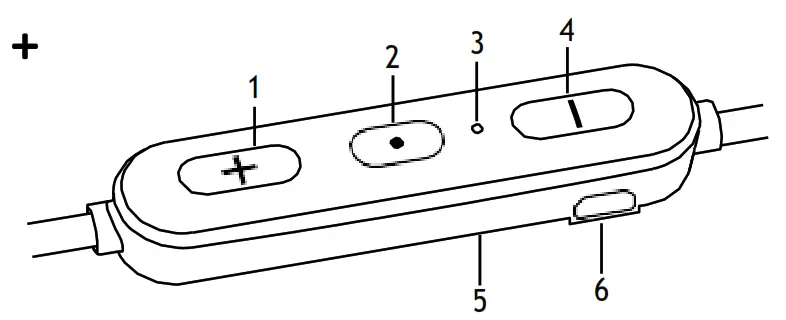
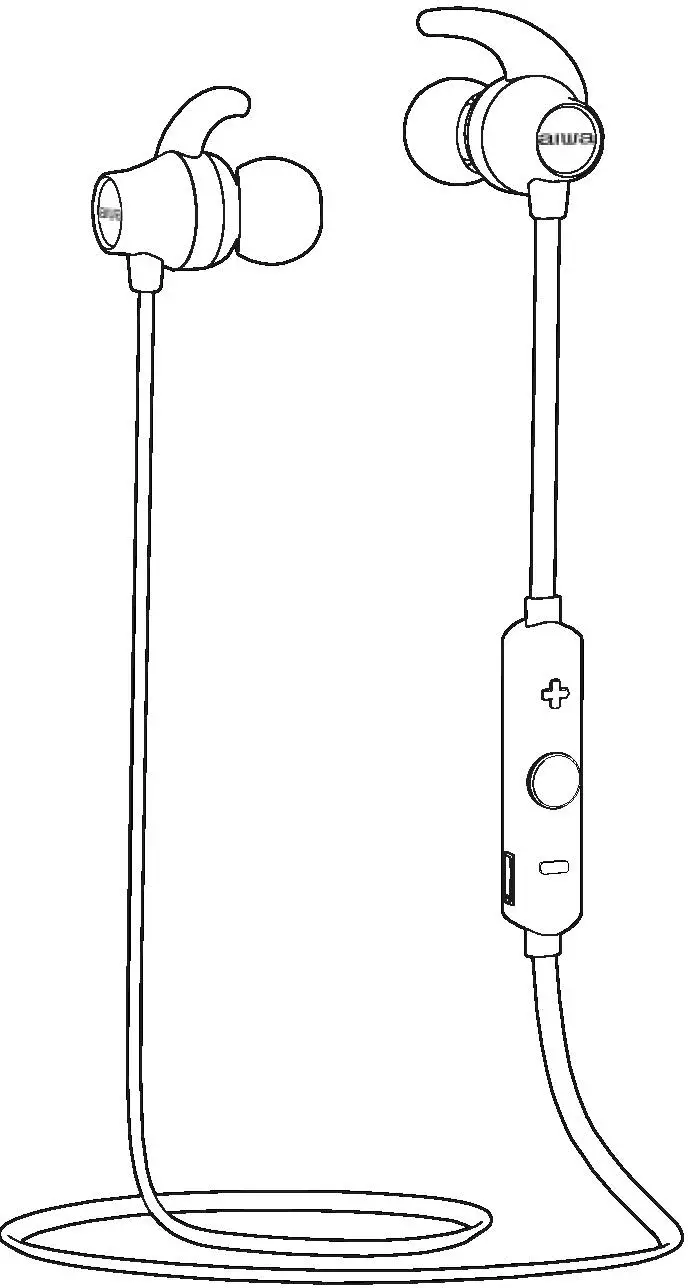
- button
• Increase volume
• Go to next track - button
• Switch the earphones on/off
• Multi-functional - Status indicator
- button
• Decrease volume
• Go to previous track - Microphone
- Charger connector
Charging the Battery
When using the unit for the first time, charge it fully first.
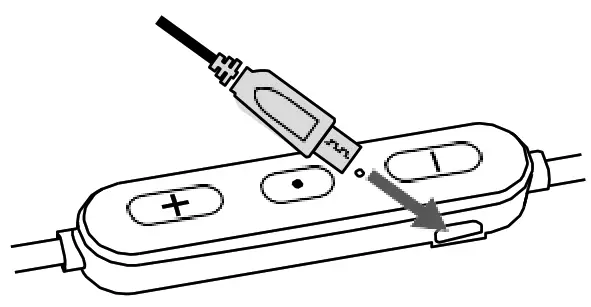
- Connect the USB charging cable to the earphones.
- Connect the other end of the USB charging cable to a powered USB device.
| Status | LED Indicator |
| Low battery | The red indicator will flash slowly. |
| Charging | The red indicator will light up. |
| Fully charged | The blue indicator will light up. |
 While charging the earphones, the Bluetooth function will be disabled.
Switching On/Off
To switch on, press and hold until the blue indicator lights up once.
- If the earphones are already paired with a Bluetooth device before, it will automatically connect with the last paired device when both are in pairing mode.
To switch off, press and hold until the red indicator lights up once.
Bluetooth Pairing
- Ensure the earphones is switched off.
- Press and hold
 or 6 seconds to enter Bluetooth pair mode. The red and blue indicator starts flashing rapidly and alternately.
 If no Bluetooth device is paired within 15 minutes, the earphones will switch off.
 - Activate the Bluetooth feature on your Bluetooth device and start searching. Then select “GLINBBT18”.
- If necessary, enter the passcode, “0000”, to pair and connect the earphones. Some device also ask to confirm the headset connection after paring.
- The blue indicator will blink and the earphones will beep after you have successfully paired the earphones.
 or 6 seconds to enter Bluetooth pair mode. The red and blue indicator starts flashing rapidly and alternately.
Operation
If you receive or make a call while listening to music, the music is paused until you end the call.
| To | Frequency |
| Increase volume | + repeatedly as desired |
| Decrease volume | – repeatedly as desired |
| Call Functions | |
| Answer / end a call | once |
| Reject a call | Hold 2 seconds then |
| Redial last call | twice |
| Playback Functions | |
| Play / pause track | once |
| Skip to next track | Hold + |
| Go to previous track | Hold – |
Not compatible with all smartphone brands; please check your individual smartphone user manual.
Reset the Headphones
To hardware reset the headphones, connect the USB cable to a charging source.
Hints and Tips
Product not working:
- Recharge the product.
- Ensure the product is switched on.
- Ensure your Bluetooth-enabled device’s wireless function is active.
- Ensure there are no other wireless devices in discovery mode.
- Move the product closer to the device.
- Pair again the product and the device.
Specifications
| Model | ELINBBT1 |
| Sensitivity | 95±3 dB |
| Impedance | 16 Ω |
| Rated Input | DC 5V 100 mA 100 mA |
| Frequency Response | 20 Hz – 20 kHz |
| Frequency Band(s) | 2400 – 2482 MHz |
| Max. Radio Frequency | 7 dBm |
| Bluetooth Interface | Bluetooth 4.0 |
| Bluetooth Profiles | A2DP, AVRCP, HFP, HSP |
| Operating Distance | < 10m (open space) |
| Battery Type | Lithium ion 80 mAh |
| Battery Life | Up to 6 hrs |
| Charging Time | 2 hrs |
| Net Weight | 17 g |
Features and specifications are subject to change without prior notice.
DSG Retail Ltd. (co. no. 504877)
1 Portal Way, London, W3 6RS, UK
EU Representative
DSG Retail Ireland Ltd (259460) 3rd Floor Office Suite
Omni Park SC, Santry, Dublin 9, Republic of Ireland
IB-GLINBBT18-200721V3