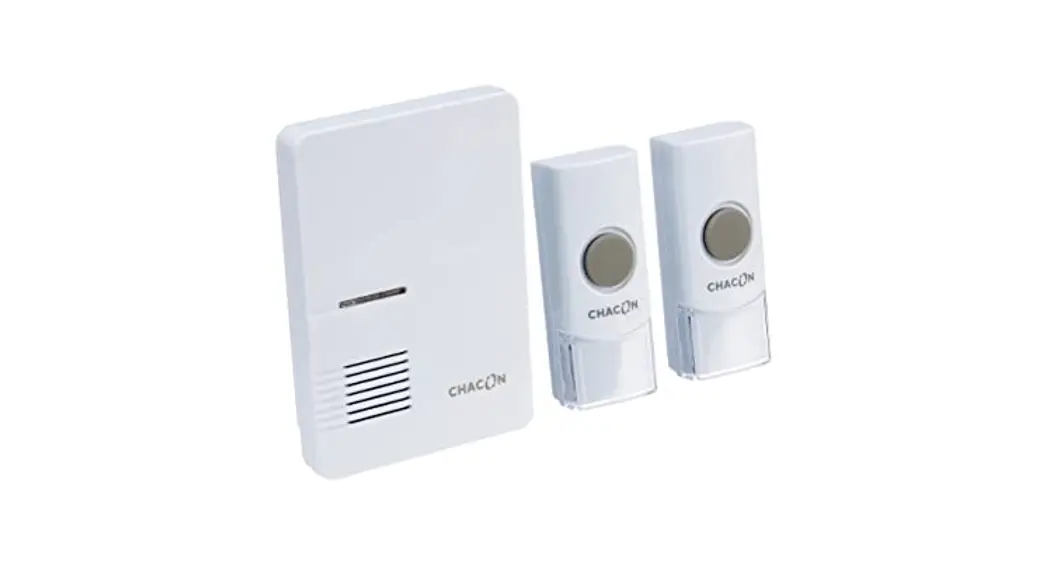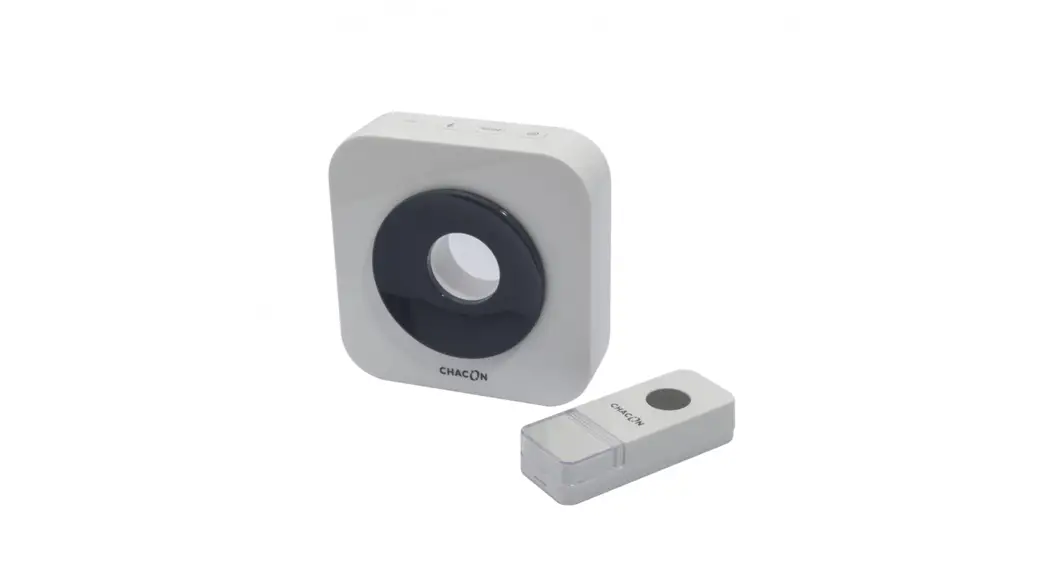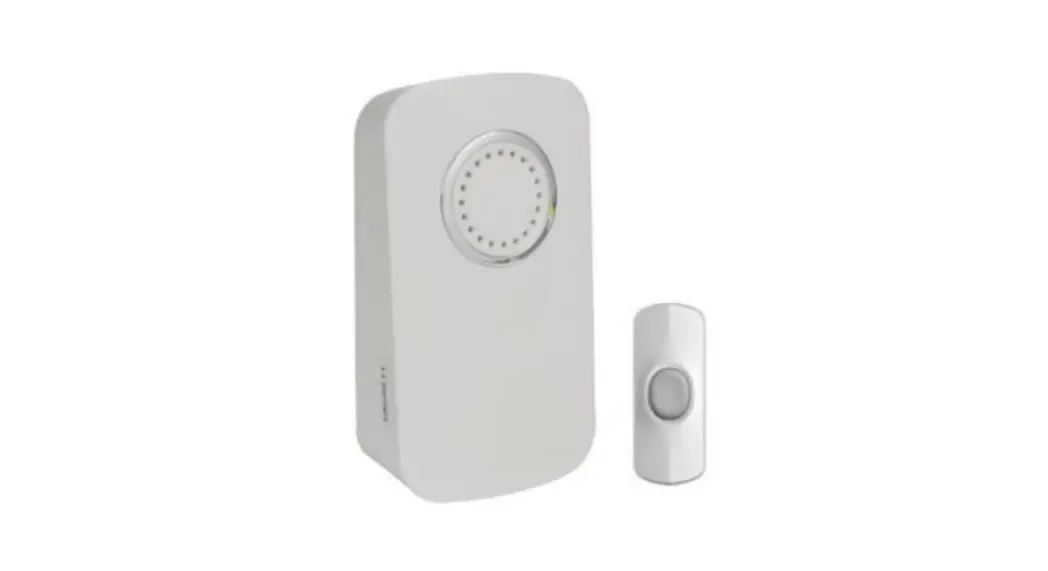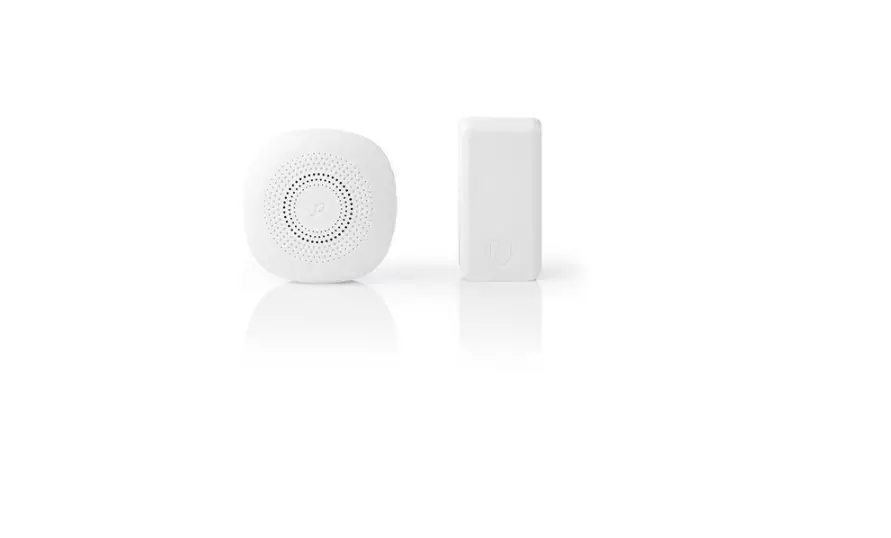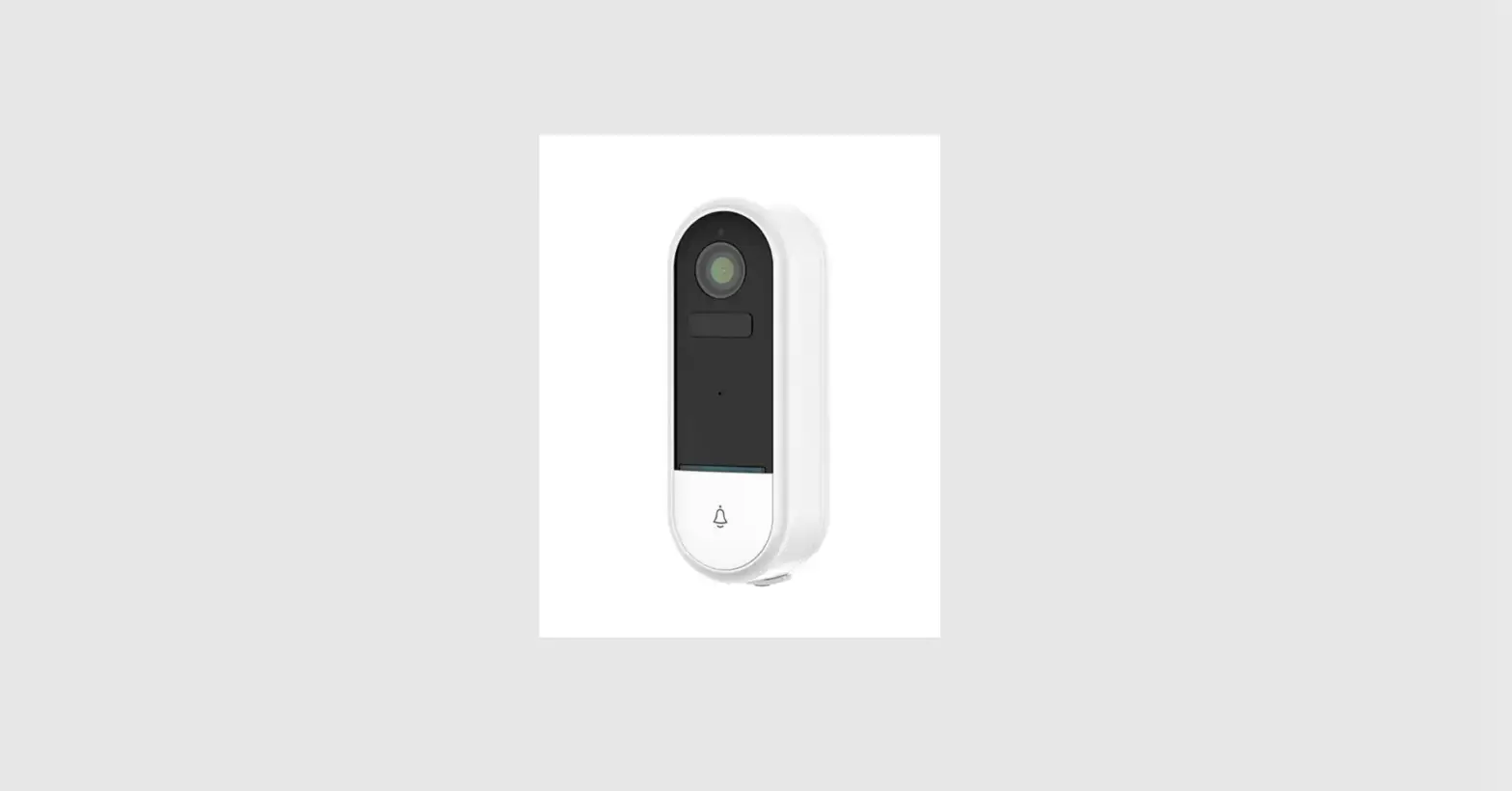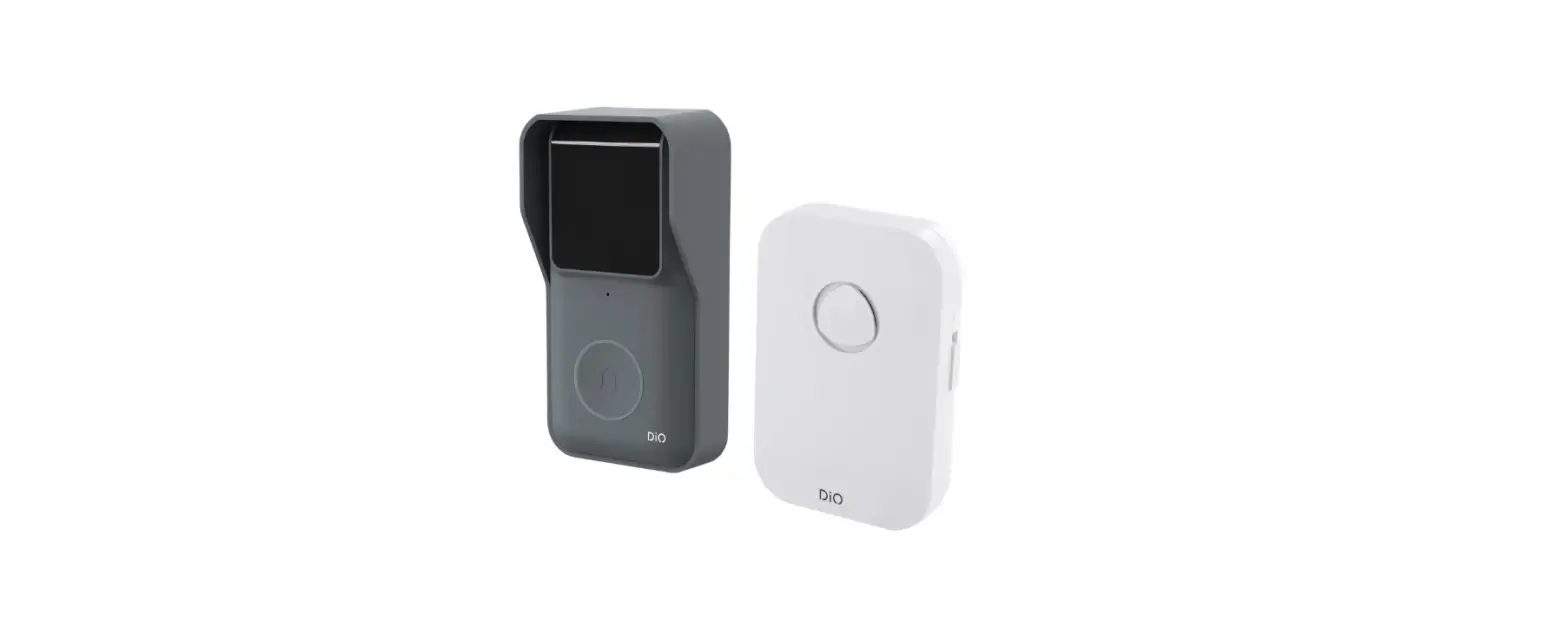
 CHACON DiOBELL-B01 Wireless Connected Doorbell
 CHACON DiOBELL-B01 Wireless Connected Doorbell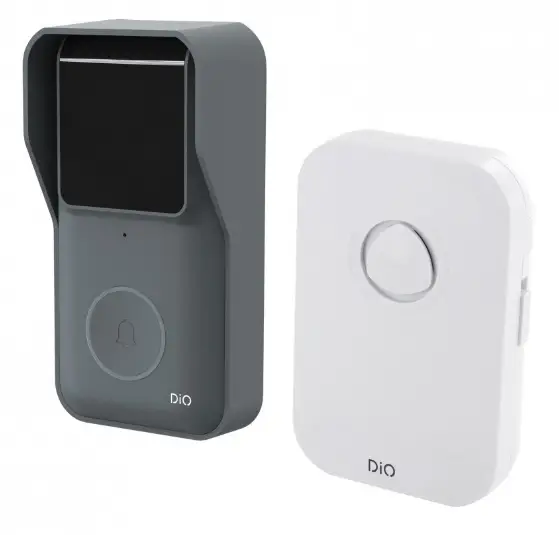
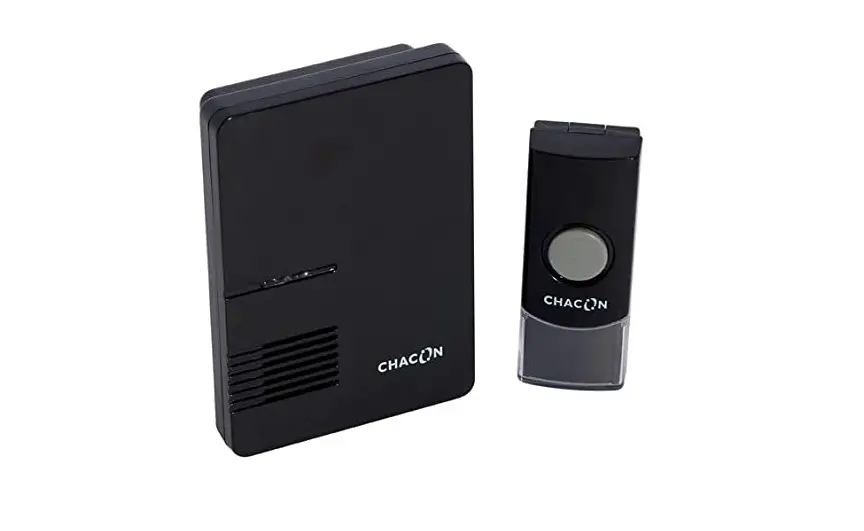
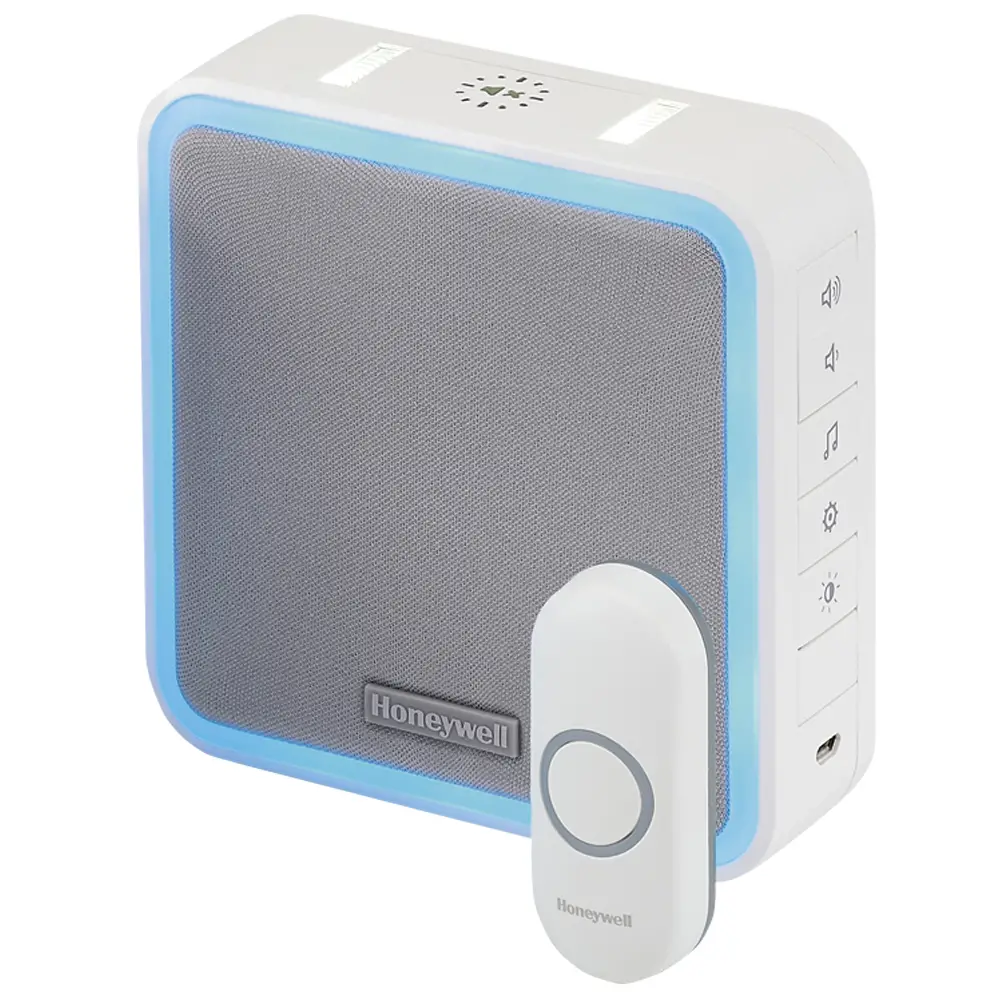
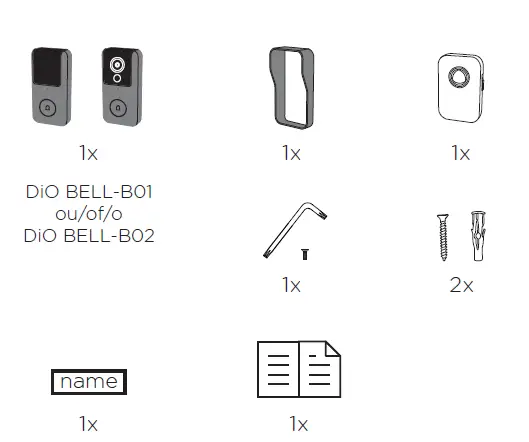
Package contents
Registering your warranty
To register your warranty, fill in the online form at www.chacon.com/warranty
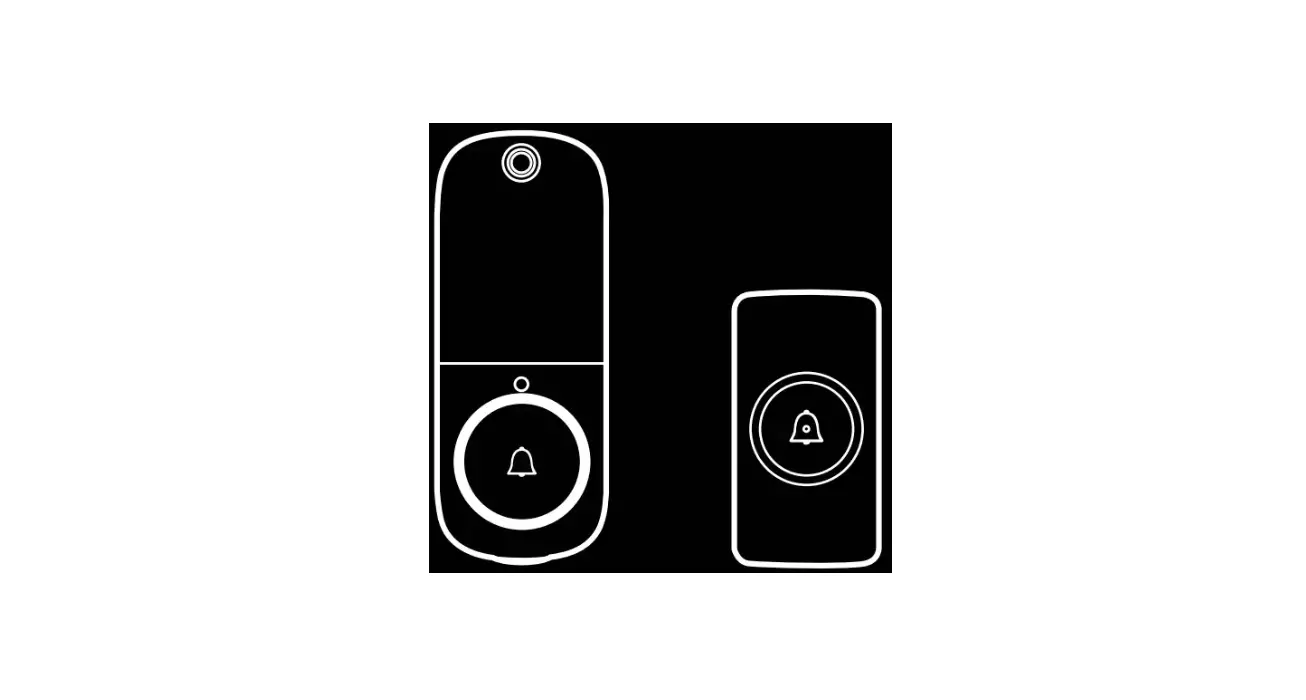
Description of the product


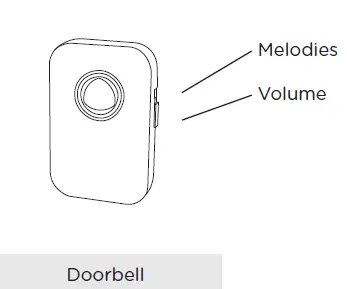
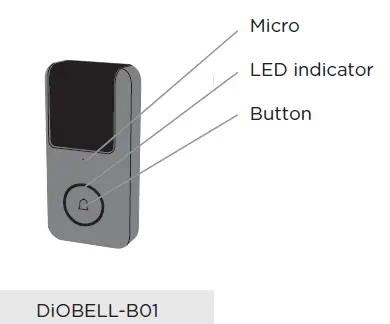
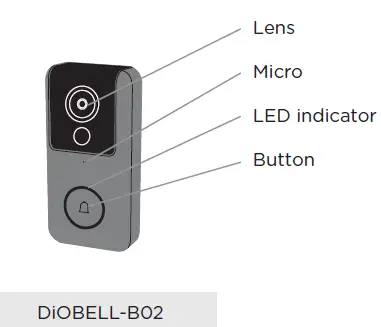
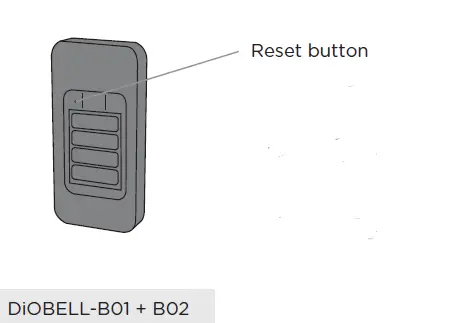
Note
In order to reset the device, press and hold the reset button for 5 seconds.
The doorbell rings when the process is complete.
Installation instructions
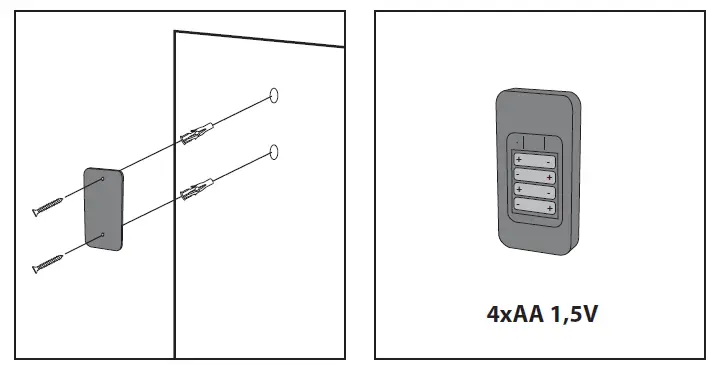
- Fix the battery cover to your wall using the screws provided
- Insert 4 AA batteries into your doorbell

- Fix the doorbell to the battery cover
- Place the protection cover over the doorbell

- Use the fixing key and the screw provided to fix the elements into place.
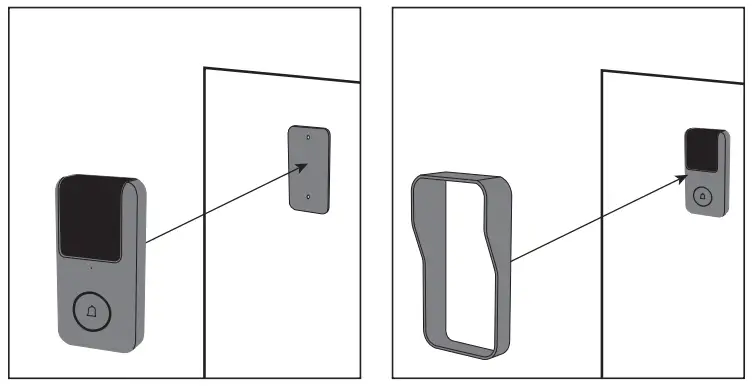
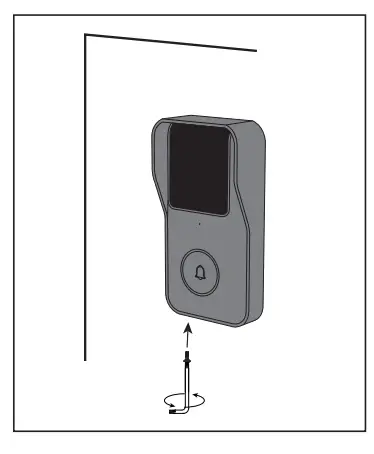
Note
In order to reset the device, press and hold the reset button for 5 seconds. The doorbell rings when the process is complete.
| Flashing red light (slow) | Waiting for configuration |
| Flashing red light (fast) | Searching for WiFi |
| Constant blue light | Camera connected to WiFi |
| Flashing blue light | Access point mode |
Configuring the doorbell
- Adding the doorbell in the app
- Step 1 Connect your smartphone to the WiFi network
- Step 2 Download the DiO one app from the Apple Store or the Android
- Play Store, depending on your device.
- Step 3 Run the DiO one app and register when you use it for the first time.
- Step 4 Follow the steps described in the app to add your doorbell.
Note : Only Wi-Fi access point mode is available for the DIOBELL-B01, please follow the on-screen instructions for pairing.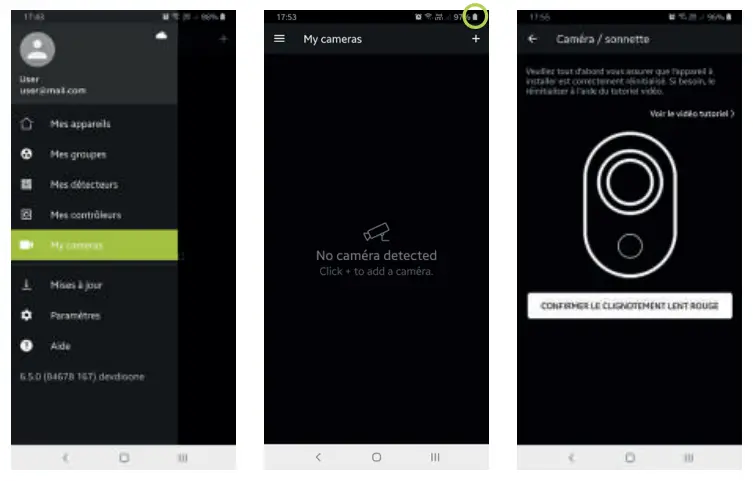
Note
- If you have multiple doorbells, please repeat step 4 to add them one by one.
- To change the WiFi network, restore the camera’s factory settings and follow step 4 to add the doorbell.
For more detailed information, you can download the user manual from www.chacon.com
Pairing the chime
Step 1 Insert two AA batteries into the chime
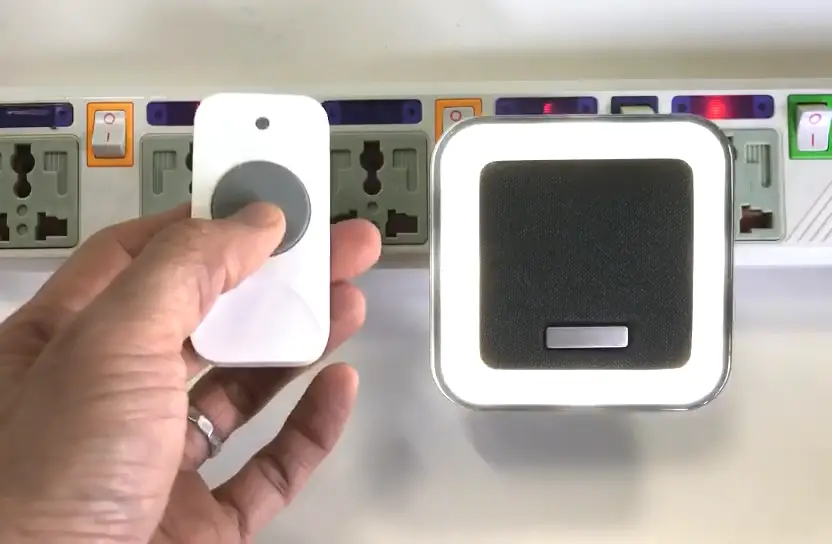
Step 2 Press the button on your doorbell within 120 seconds
General Conditions of Sale and Use
Specifications
| Wired doorbell | |
| Lens type | 1 / 2.9’’ CMOS |
| Resolution | 2 megapixels |
| Lens: | 2.4 mm |
| View angle | 140° |
| Bandwidth | 16 Kbps ~ 2 Mbps |
| Aperture | 1 / 25 ~ 1 / 100,000 per second |
| Audio | Two-way |
| Minimum luminosity | 0.01 [email protected] |
| Wi-Fi | 802.11b/g/n – 2,4GHz only |
| Wi-Fi encryption | WPA-PSK/WPA2-PSK |
| Security | AES128 |
| Operating temperature | -20°C~50°C |
| Power supply | 4 AA batteries |
| Protocols | TCP/IP, HTTP, DHCP, DNS, RTSP |
| Size (mm) | 65 x 125 x 35 |
| Protection rating | IP54 |
| Max. Power | 73,62mW ERP |
| Wireless chime | |
| Radio frequency | 433.92 MHz |
| Power supply | 2 AA batteries |
| Consumption in standby mode | £ 600 uA |
| Operating temperature | 0°C~35°C |
| Max. Power | 0,05mW ERP |
Don’t throw batteries or out of order products with the household waste (garbage). The dangerous substances that they are likely to include may harm health or the environment. Make your retailer take back these products or use the selective collect of garbage proposed by your city.
Hereby, Chacon, declares that the radio equipment type ‘DiOBELL-B01 / DiOBELL-B02’ is in compliance with the Directive 2014/53/EU. The full test of the EU declaration of conformity is available at the following Internet address: http://chacon.com/conformity
Support
 Shop for Chacon and Dio products
 Shop for Chacon and Dio products