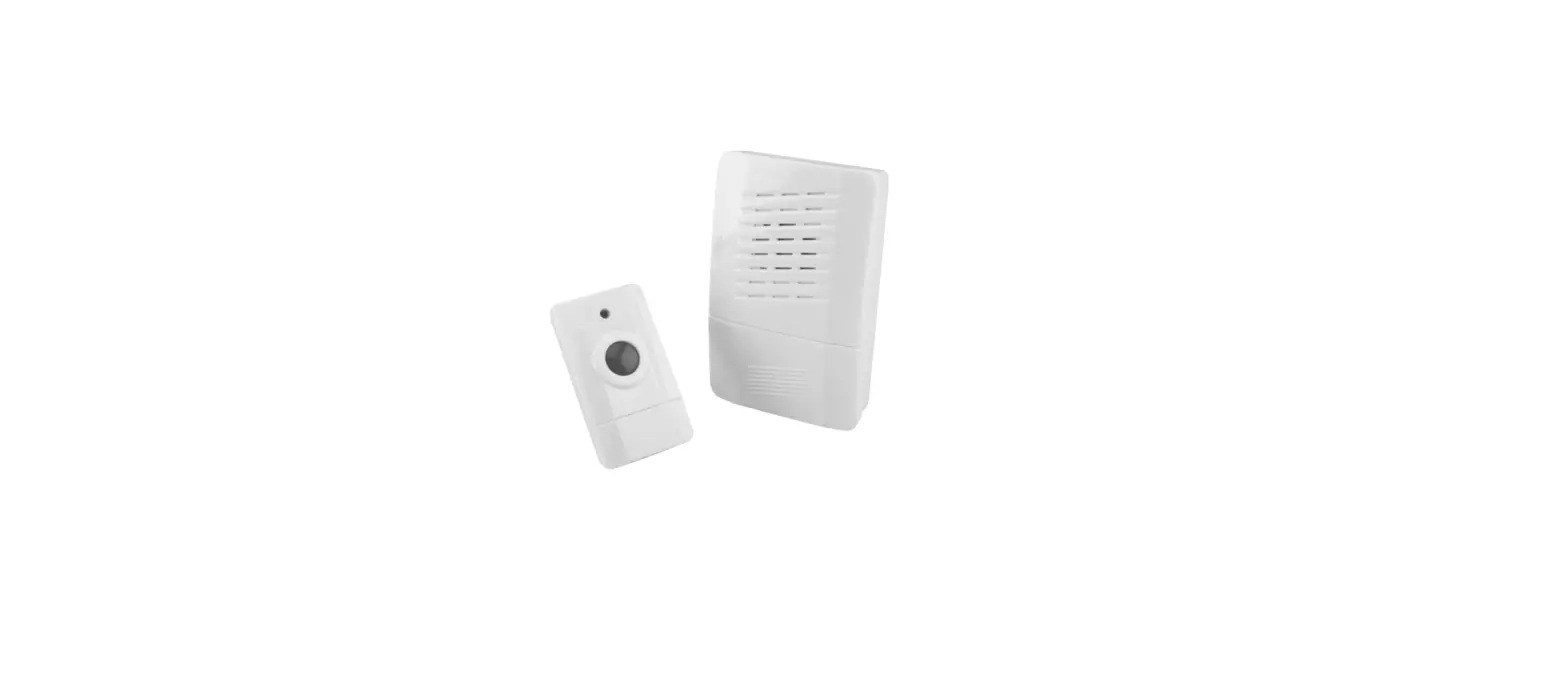
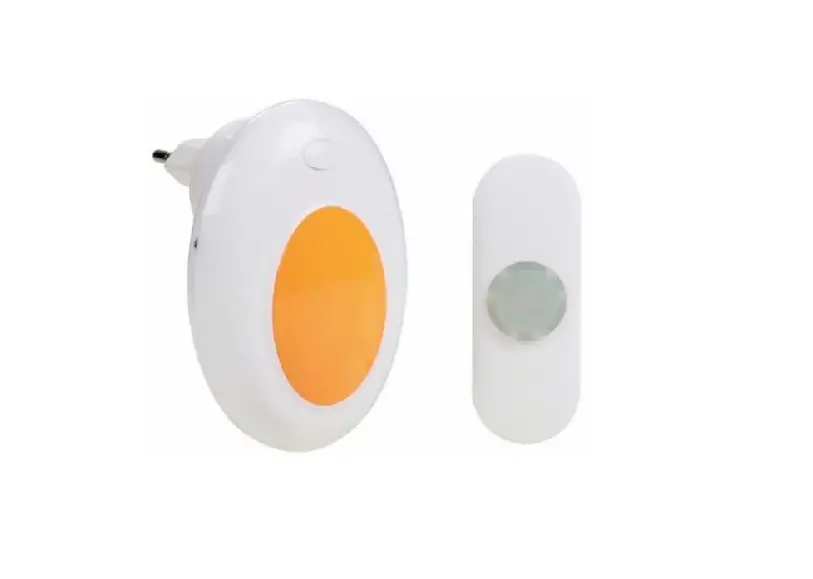
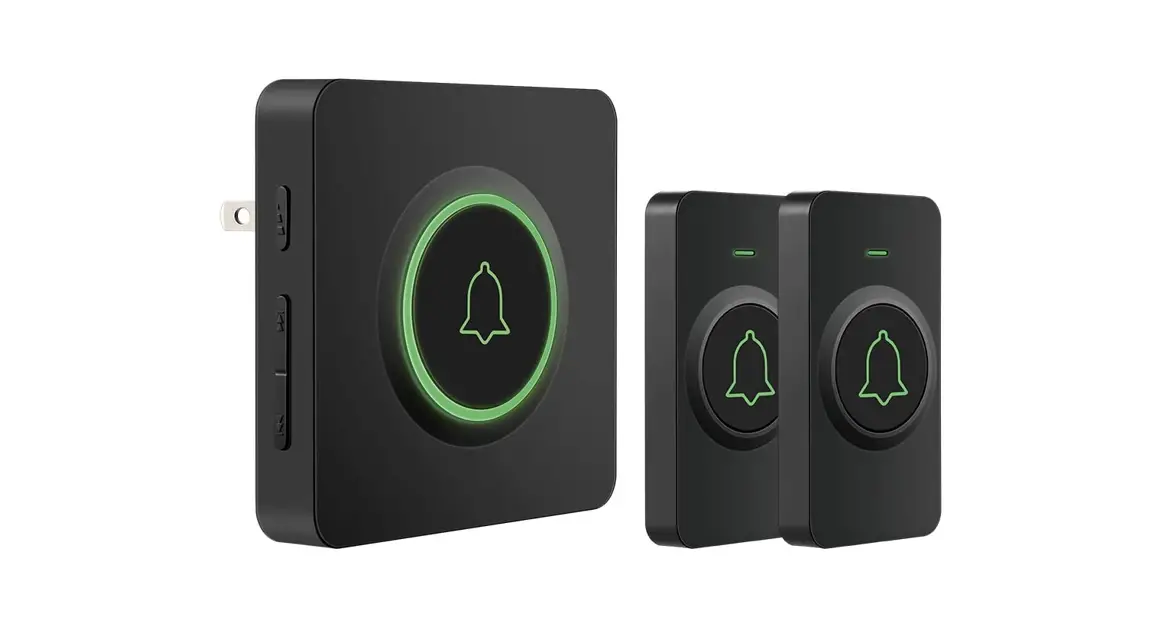
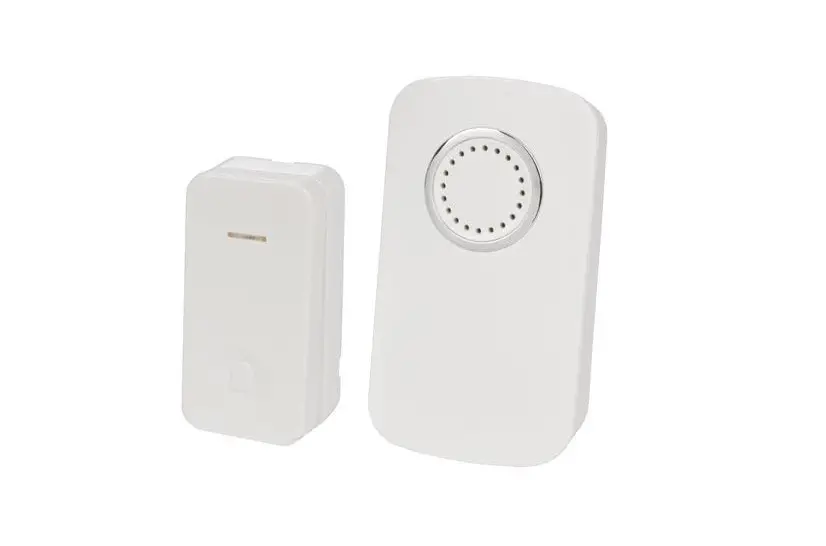
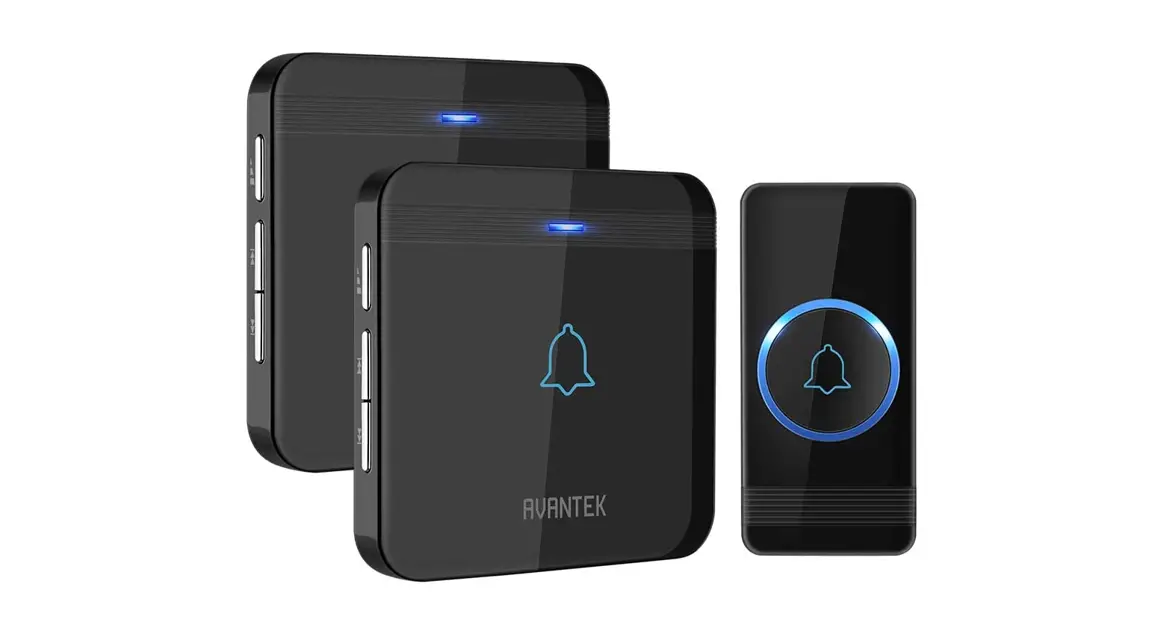
1L69B Wireless Doorbell
Product Information
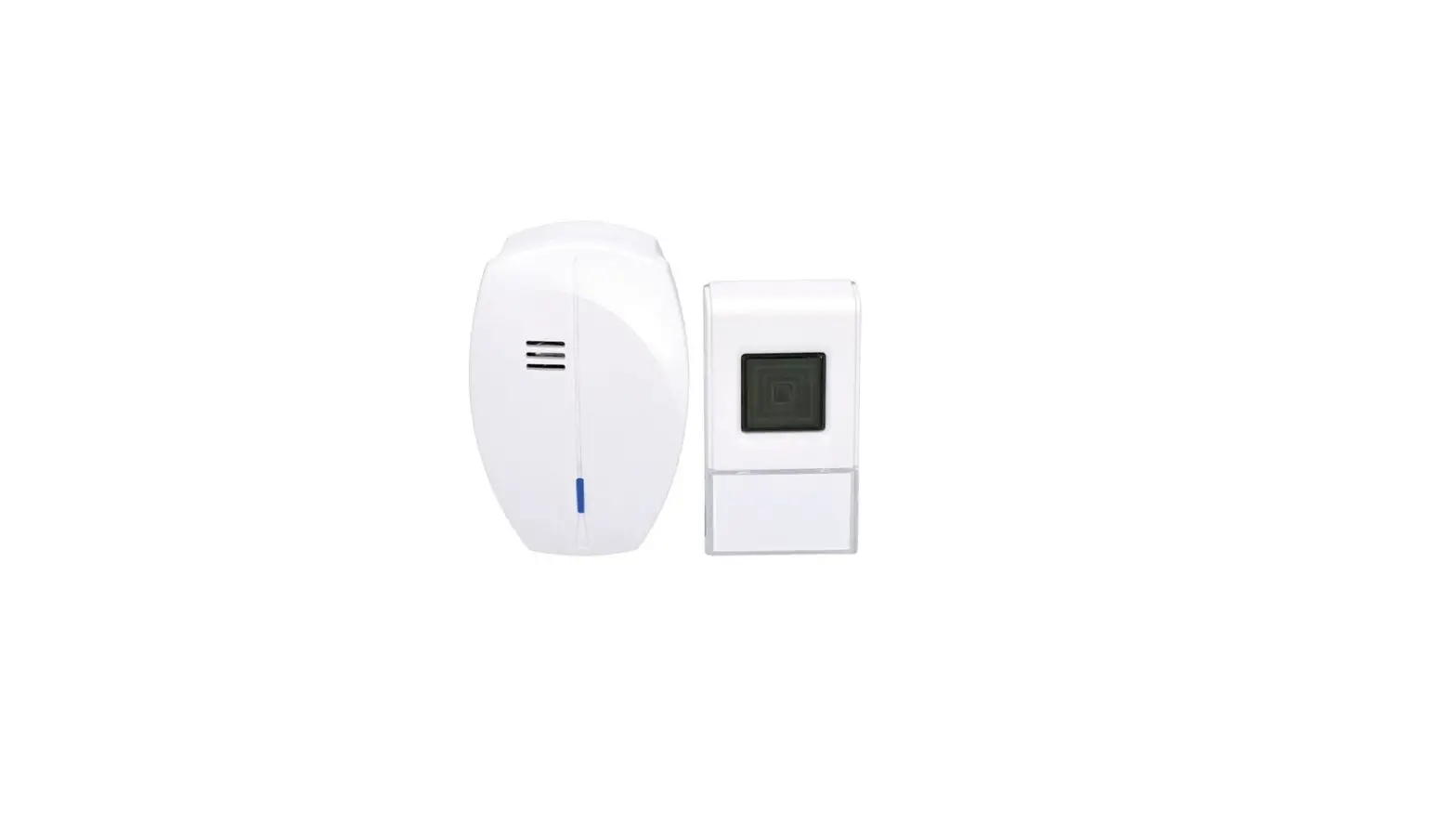
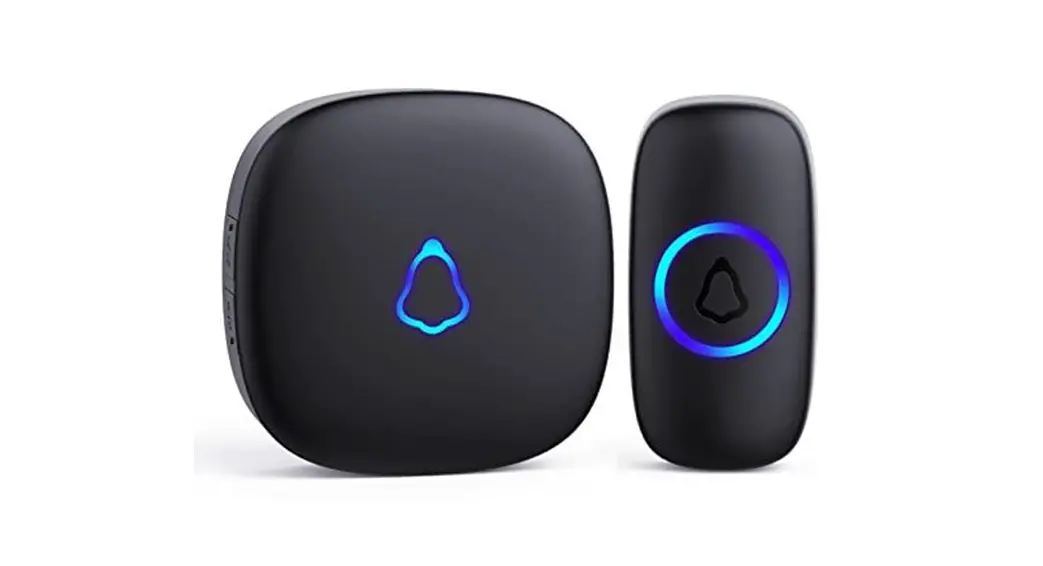
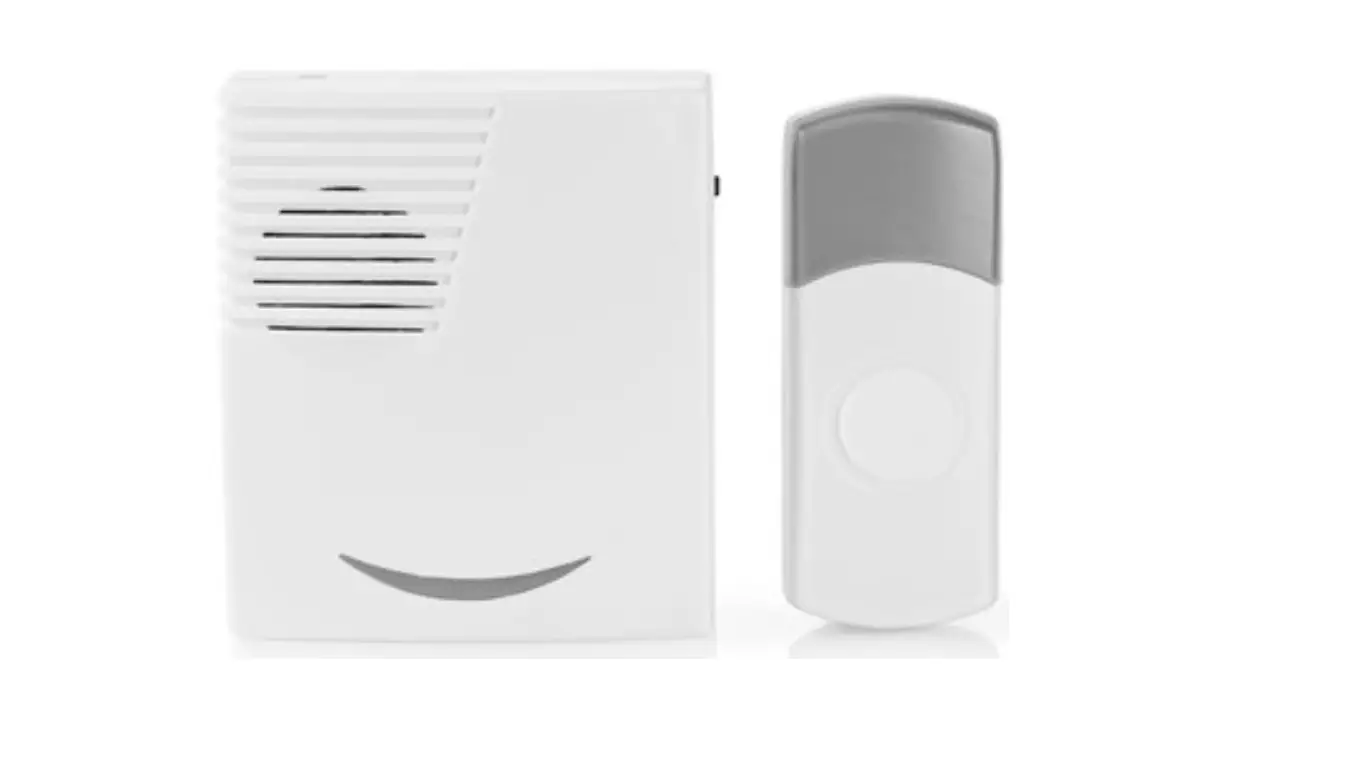
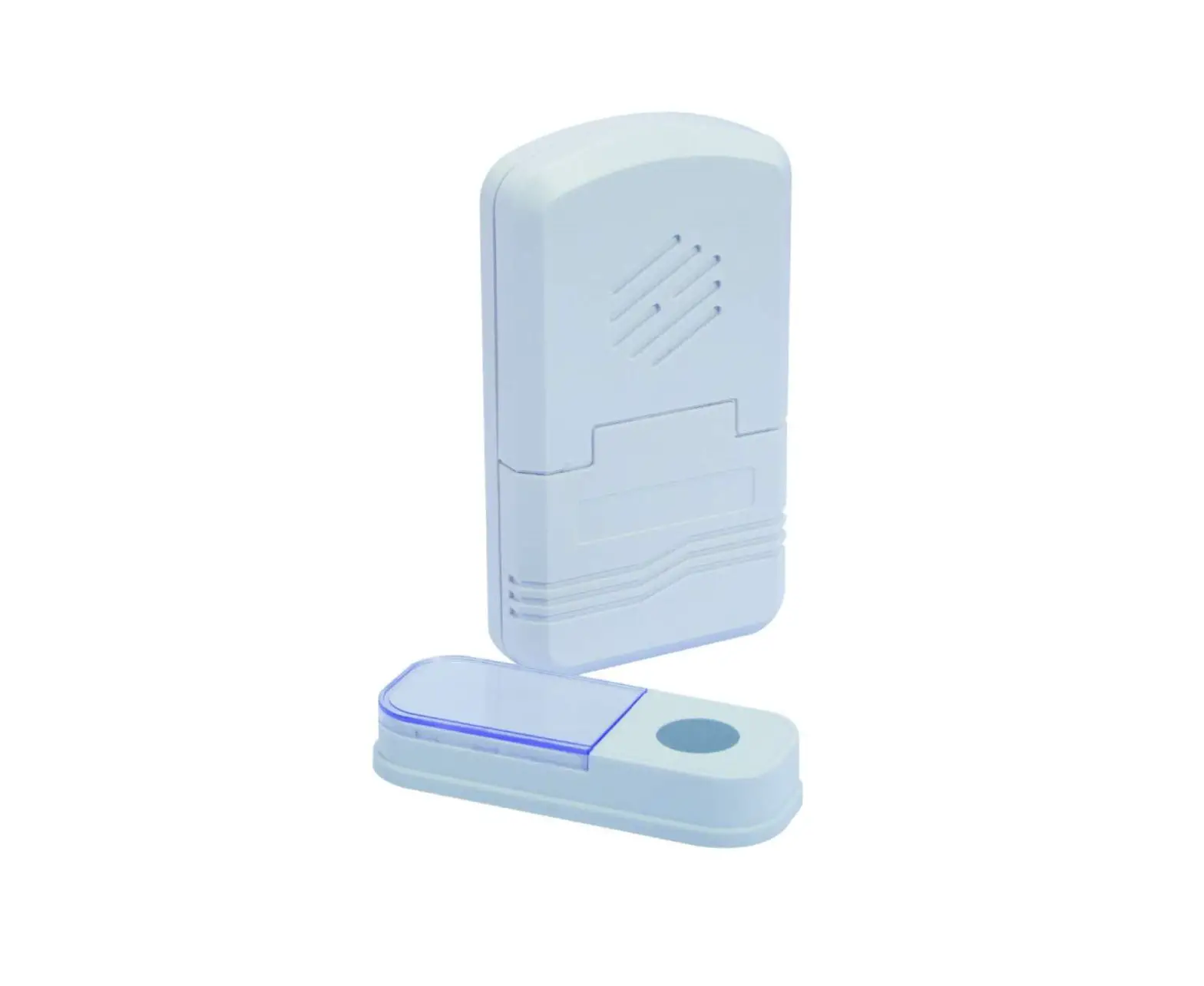
The EN 1L69 and 1L69B Wireless Doorbell is an electronic device
that allows you to hear when someone is at your door. It comes with
a bell that has an LED indicator, a speaker, a button to change the
volume/pairing, and a button to change the ringtone. The bell can
be mounted on any surface using the mounting pad that has drill
holes. The doorbell has a transmission range of 200m in open space
and operates at a frequency of 433.92 MHz. It has four levels of
ringtone volume with a range of 25 – 100 dB(A) and comes with a
receiver power supply of AC 230V/50Hz. The receiver has a low power
consumption in idle state and is protected by a receiver protection
class. The operating temperature for the receiver is between -10°C
to +50°C and for the transmitter, it is between -20°C to +40°C.
Product Usage Instructions
- Choose a suitable location to mount the bell using the mounting
pad provided. - Drill holes on the mounting pad as per the requirement.
- Connect the receiver to an AC power source of 230V/50Hz.
- Turn on the receiver and press the ring button on the bell to
test if it is working. - To change the volume or pair the bell with the receiver, press
the volume/pairing button on the bell and follow the instructions
in the user manual. - To change the ringtone, press the ringtone changing button on
the bell and select the desired ringtone from the options
available.
EN 1L69, 1L69B Wireless doorbell
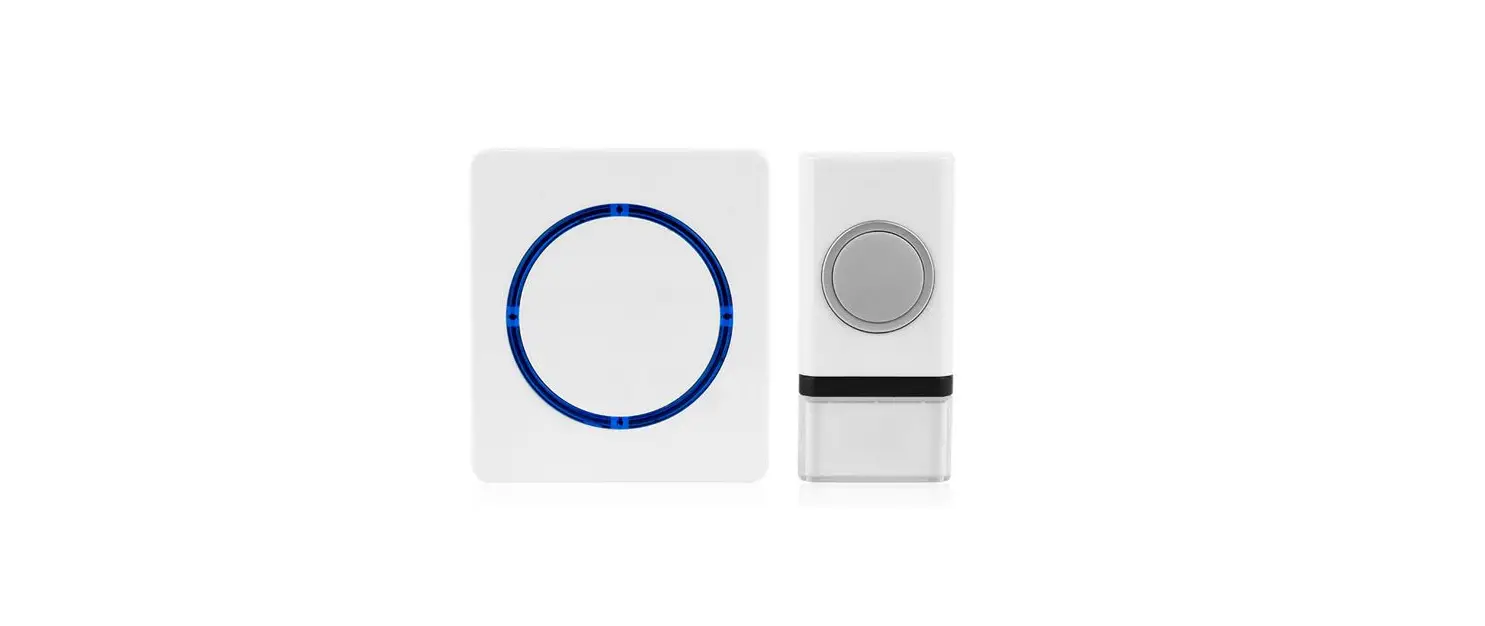
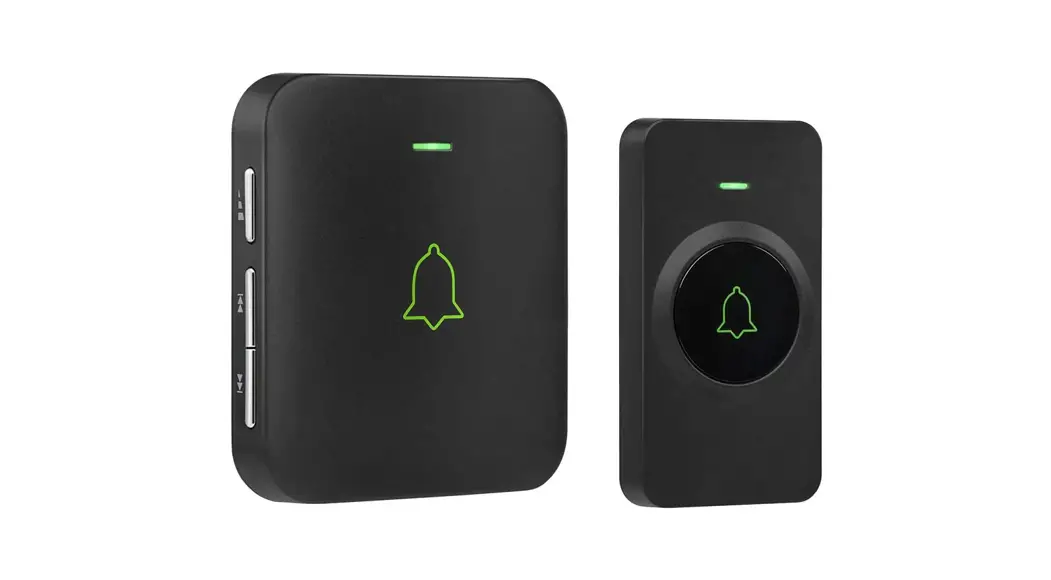
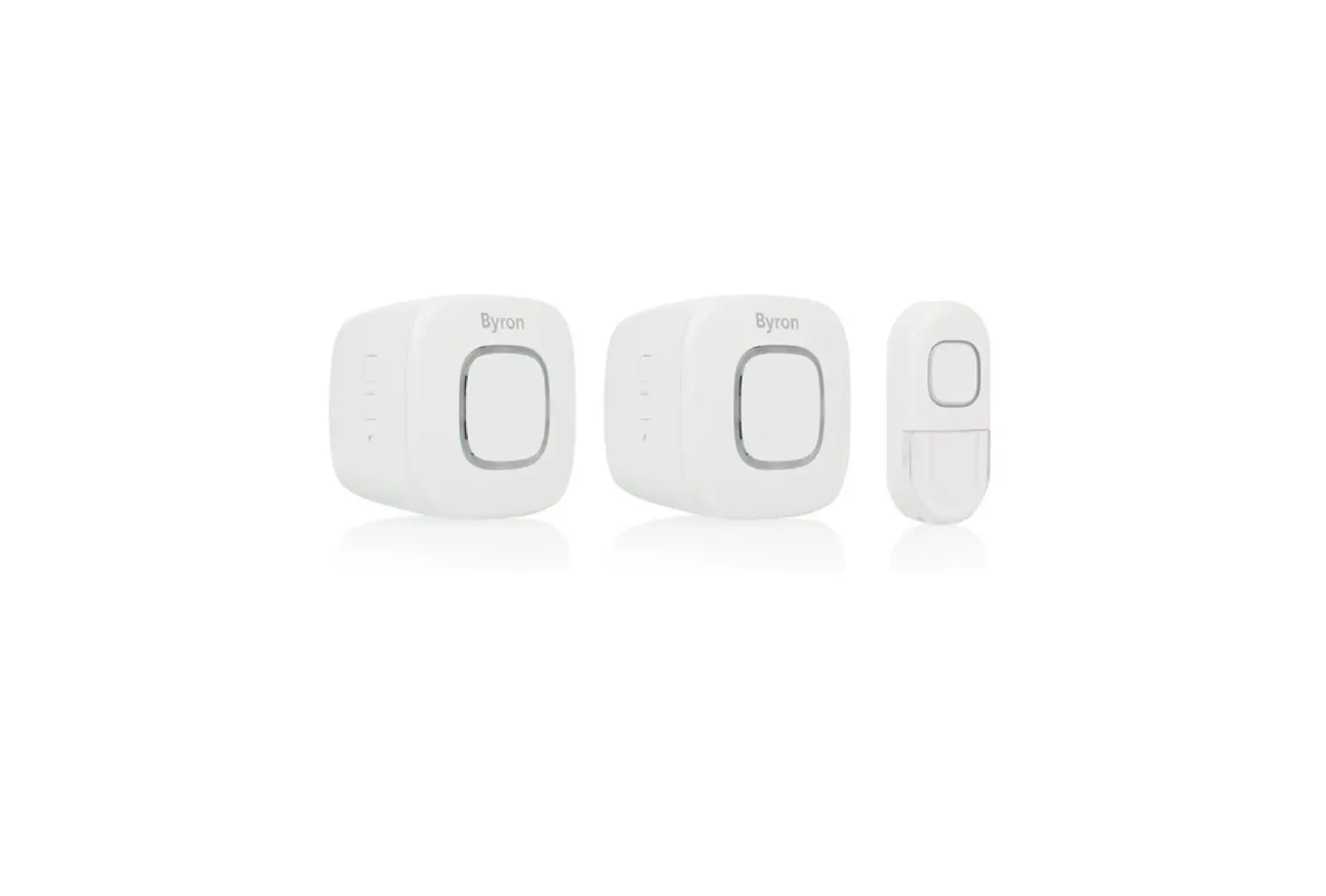
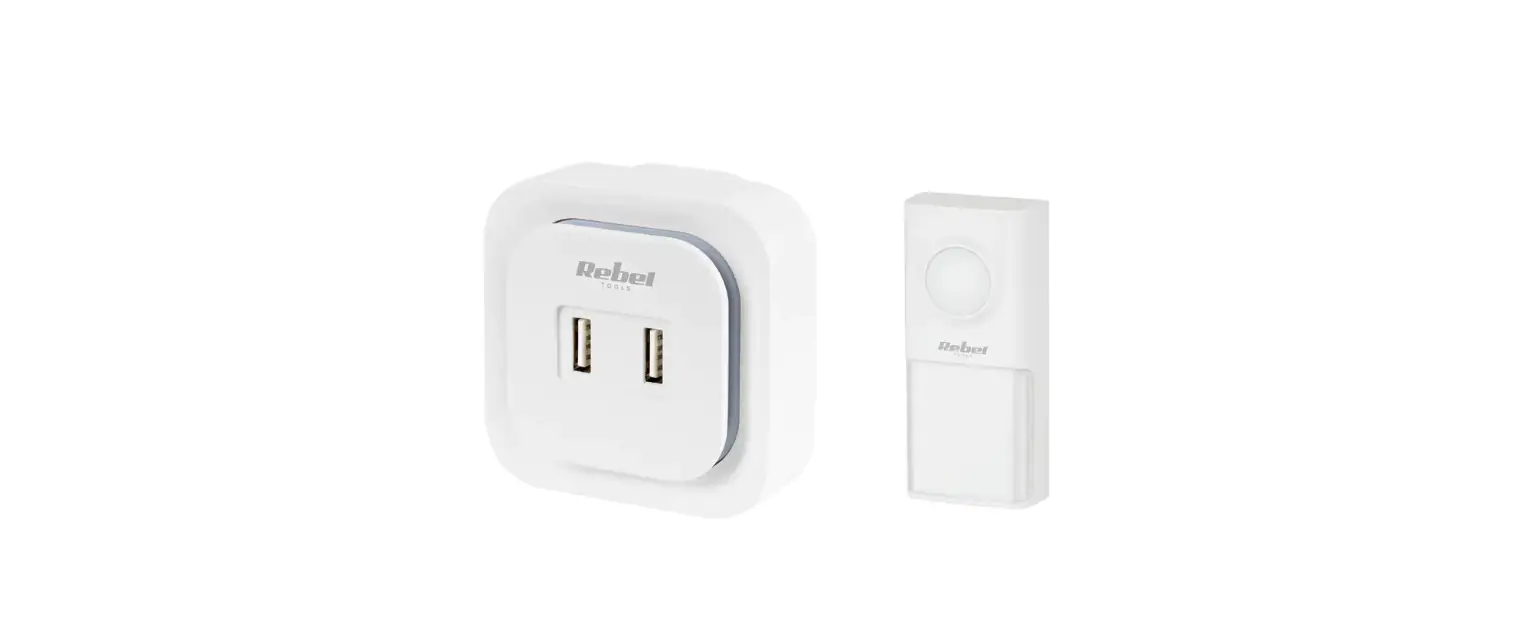
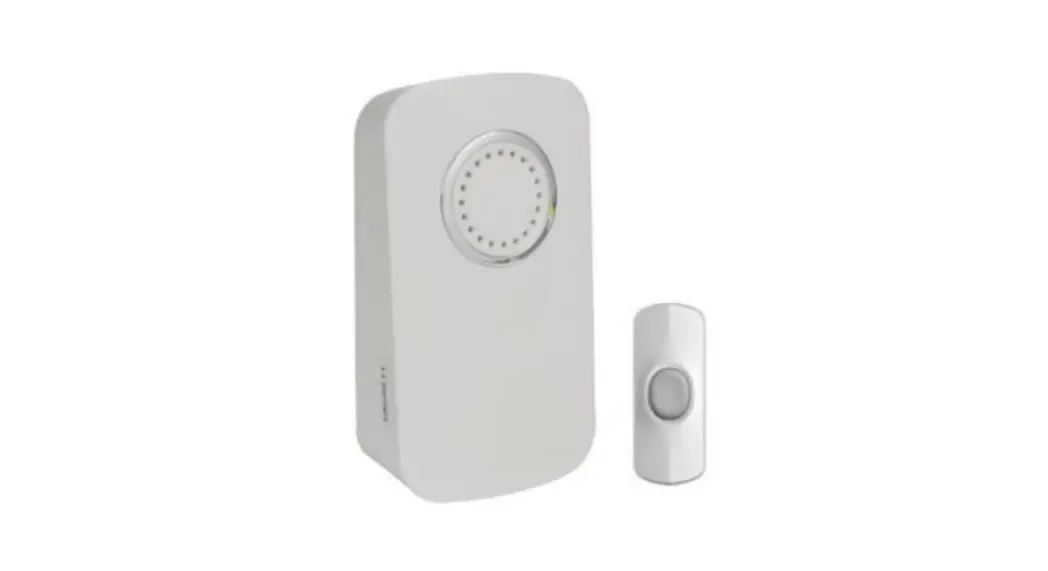
The set consists of a bell button (transmitter) and a bell (receiver). The doorbell is designed for permanent connection to 230 V AC/50 Hz mains. The transmission between the button and the doorbell is via radio waves with a frequency of 433.92 MHz. The range depends on local conditions and can reach up to 200 m in open areas without interference. The set has a so-called pairing function (Learning code ) – the button is able to generate its own pairing code, which is then received by the doorbell and stored in its memory. The set can thus be expanded with additional transmitters or receivers. The pairing function also prevents the set from affecting neighbouring bells. To use the wireless doorbell correctly, read the instruction manual.
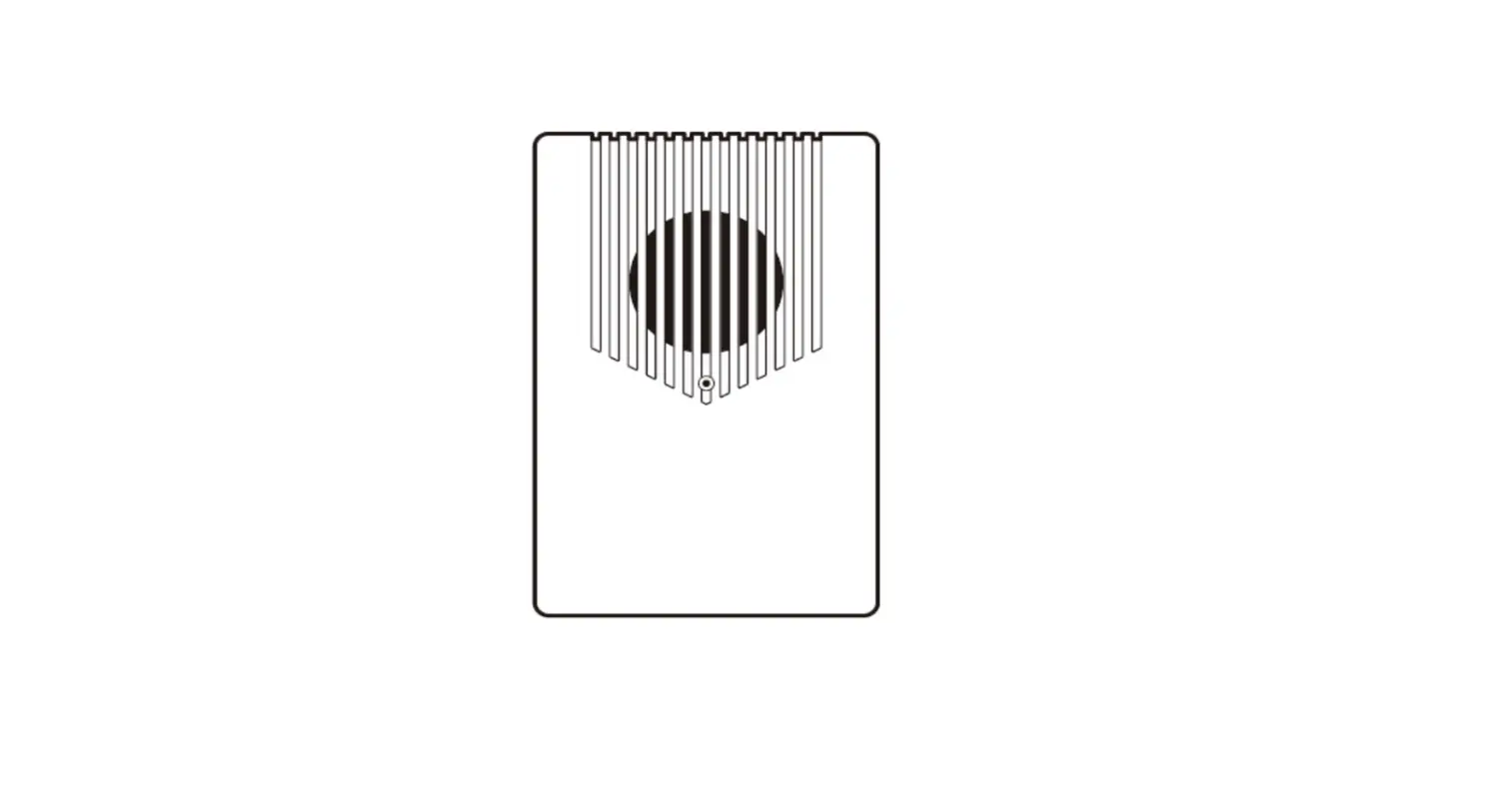
Bell Description:
1.
LED indicator
2.
Speaker
3.
Change volume / Pairing
4.
Changing the ringtone
Button description
1.
LED indicator
2.
Ring button
3.
Drill holes on the mounting pad
Specifications
Transmission range Transmission frequency Ringtone volume Number of melodies Receiver power supply Receiver consumption in idle state Receiver power supply Receiver protection class Receiver’s operating temperature Transmitter’s operating temperature
200m in open space 433.92 MHz 4 levels 25 – 100 dB(A) 64 AC 230V/50Hz <0,4W 1x 3V (CR2032) battery IP56 -10 °C to +40 °C -20 °C to +50 °C
Pairing the button with the bell
1. Plug the doorbell into a 230 V AC/50 Hz socket. 2. Long press the pairing button on the doorbell for approx. 5 seconds. 3. Release the button when the indicator light on the doorbell comes on.
The doorbell switches to the pairing mode, which takes 25 seconds. During this time, press the button on the transmitter. When the doorbell melody sounds, the button is paired (the pairing mode is turned off).
To pair multiple buttons, repeat steps 1, 2, 3 again for each button. A maximum of 8 transmitters can be paired to one receiver. One transmitter can be paired with up to 20 receivers.
Button 1
Button 2
Bell 1
Bell 2
Bell
Button
Button 3
Button 4
Bell 3
Bell 4
Note: The doorbell has an internal memory that stores the codes of the currently paired buttons in case of a power failure. Therefore, there is no need to pair the buttons again after a power outage. The receiver is designed for indoor use only.
To delete paired buttons from memory
1. Hold down the pairing button on the doorbell. 2. Plug the doorbell into the electricity. 3. The LED on the doorbell lights up after about 5 seconds. Release the button. 4. The LED goes off and the memory is cleared.
To select a ringtone and volume
1. Use the or buttons on the ringer to select a ringtone. 2. Press the volume button repeatedly to select one of four levels from 25 110 dB.
Button location
1. Start by pairing the button with the doorbell. 2. Before installation, test the range and reliability of the device in the chosen location. The button is weatherproof. Even so, preferably
choose a location where the button is protected, e.g. in a recess in the wall. 3. Attach the installation pad to the substrate using double-sided tape or screws. 4. Insert the button tabs on the back into the holes of the installation pad. Push in sideways to secure the button position.
Note: Do not place the button directly on metal objects or materials containing metal, such as steel posts or metal-framed doors. In such cases, the device may not operate properly.
Troubleshooting:
If the receiver does not ring repeatedly after pressing the button on the transmitter, check: – that the distance between the transmitter and the receiver is not too great – that there are no strong sources of signal interference between the transmitter and receiver (radio and wireless networks, large metal
objects, reinforced concrete walls, etc.)
Replacing the transmitter battery
1. Open the transmitter cover with a flathead screwdriver.
2. Push gently between the side handles and lift the cover off.
3. Remove the gasket. 4. Tilt the battery plate and slide it out. 5. Insert a new battery, make sure the polarity
is correct. 6. Close the button by reversing the procedure.
Solight Holding s.r.o., declares that the product complies with the requirements and provisions of Directive 2014/53/EU. The equipment can be freely operated in the EU. The Declaration of Conformity can be found at www.solight.cz. The product can be operated under general authorisation No.VO-R/10/05.2014-3
Solight Holding, s.r.o., Na Brn 1972, Hradec Králové 500 06, Czech Republic.
 SOLIGHT.cz | Váš B2B partner a velkoobchod pro Osvětlení, Elektro, Smart Home, Měřící techniku a dalších 1500+ produktů