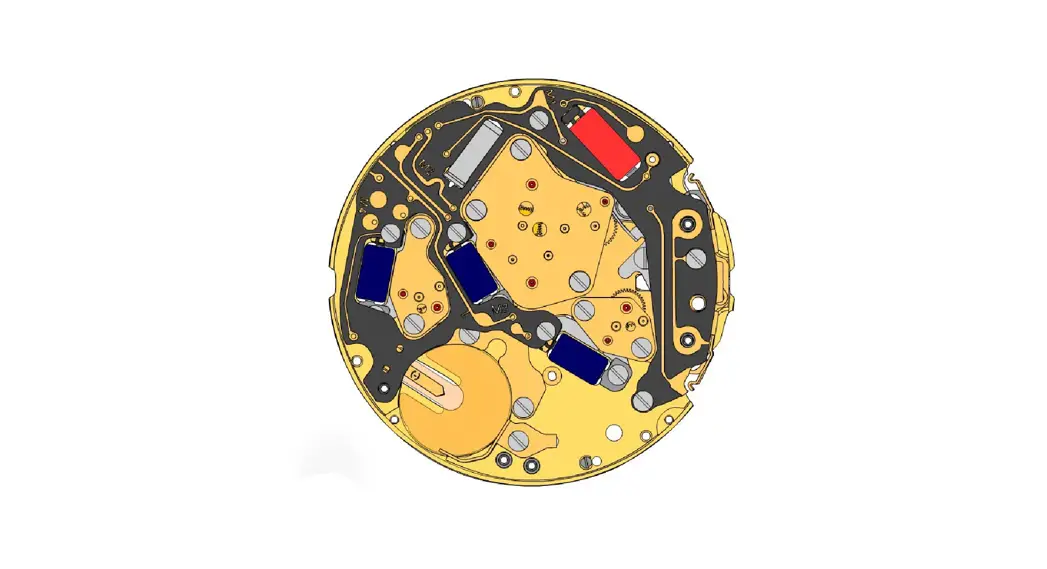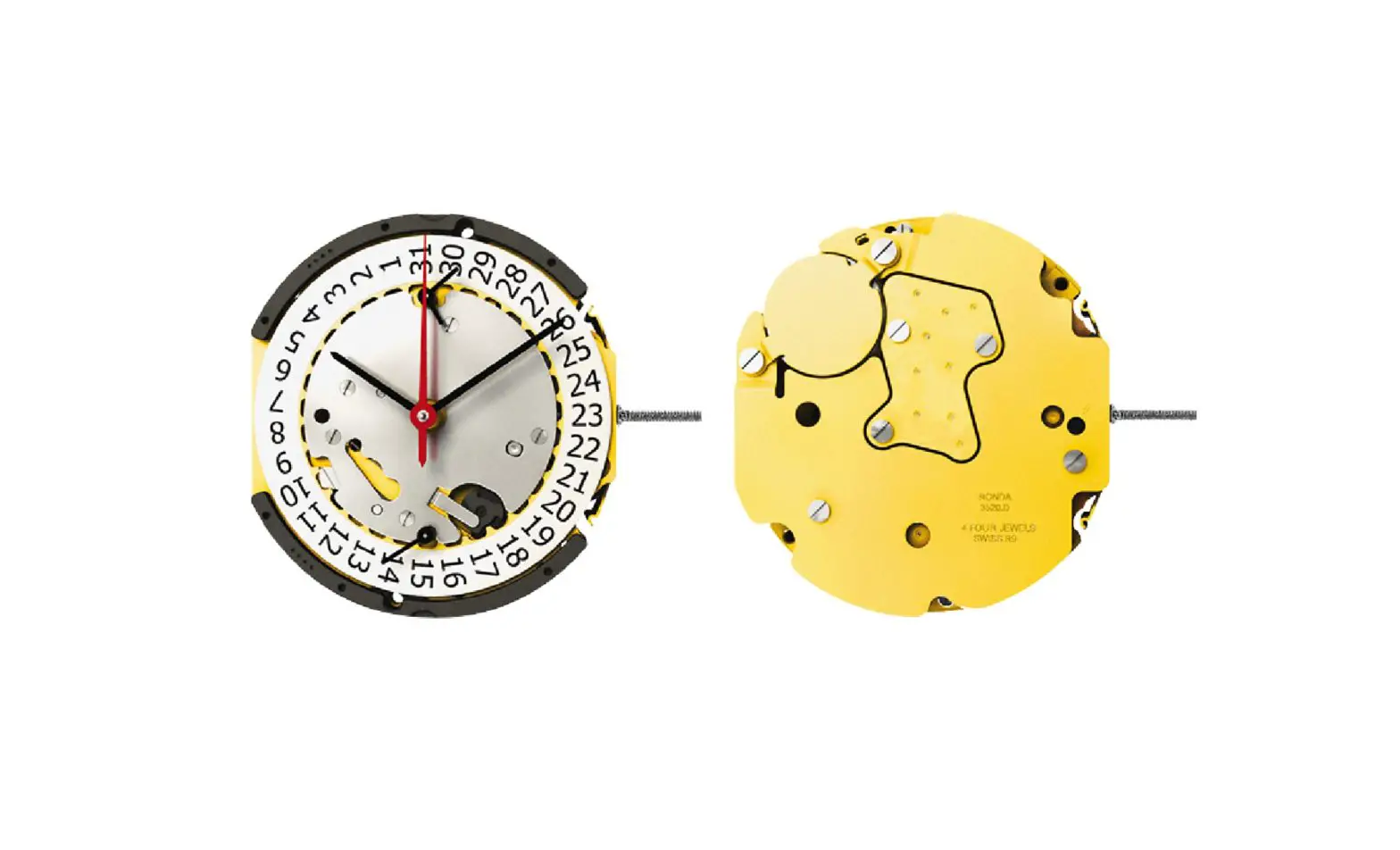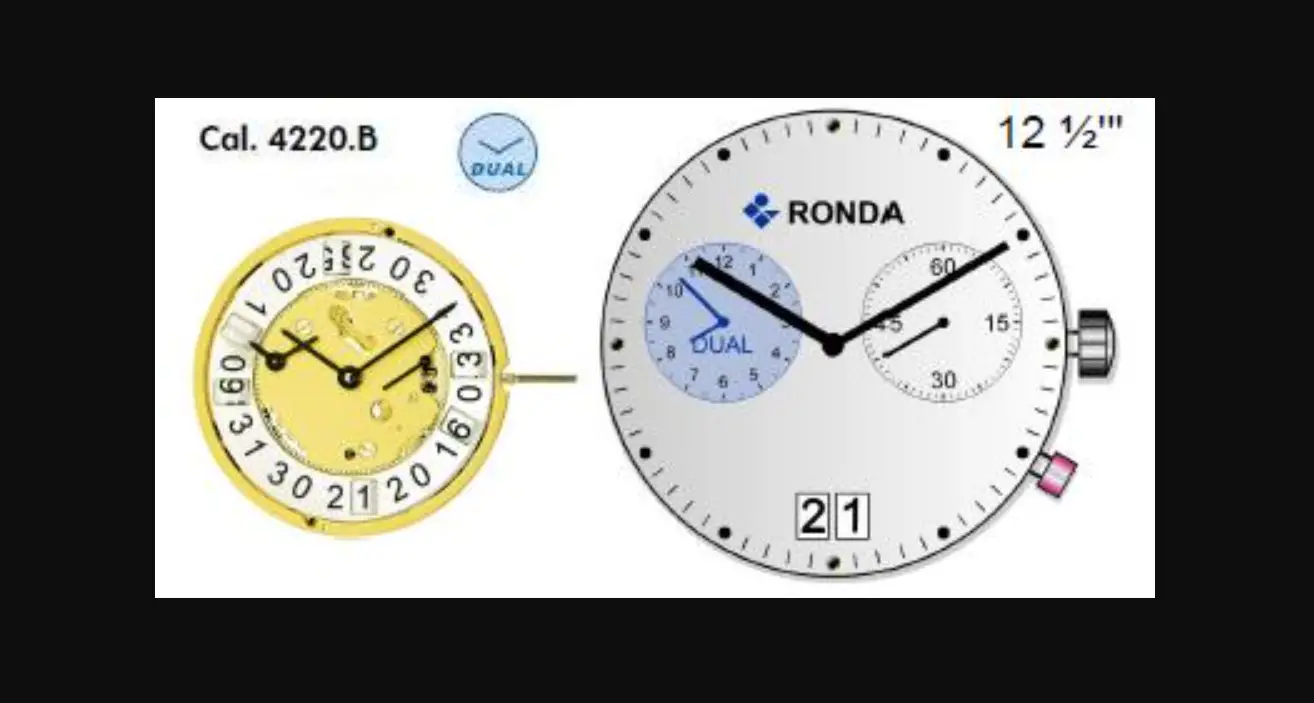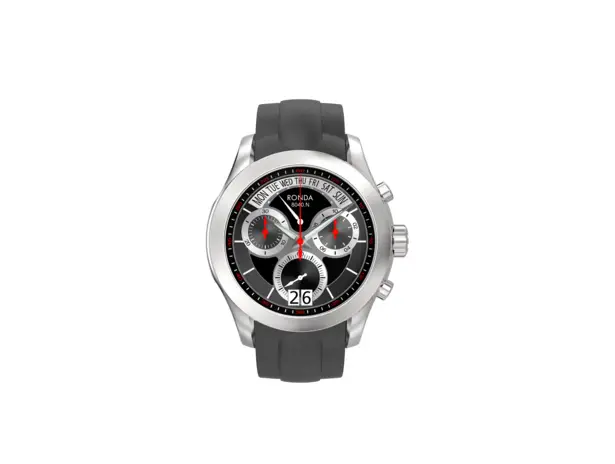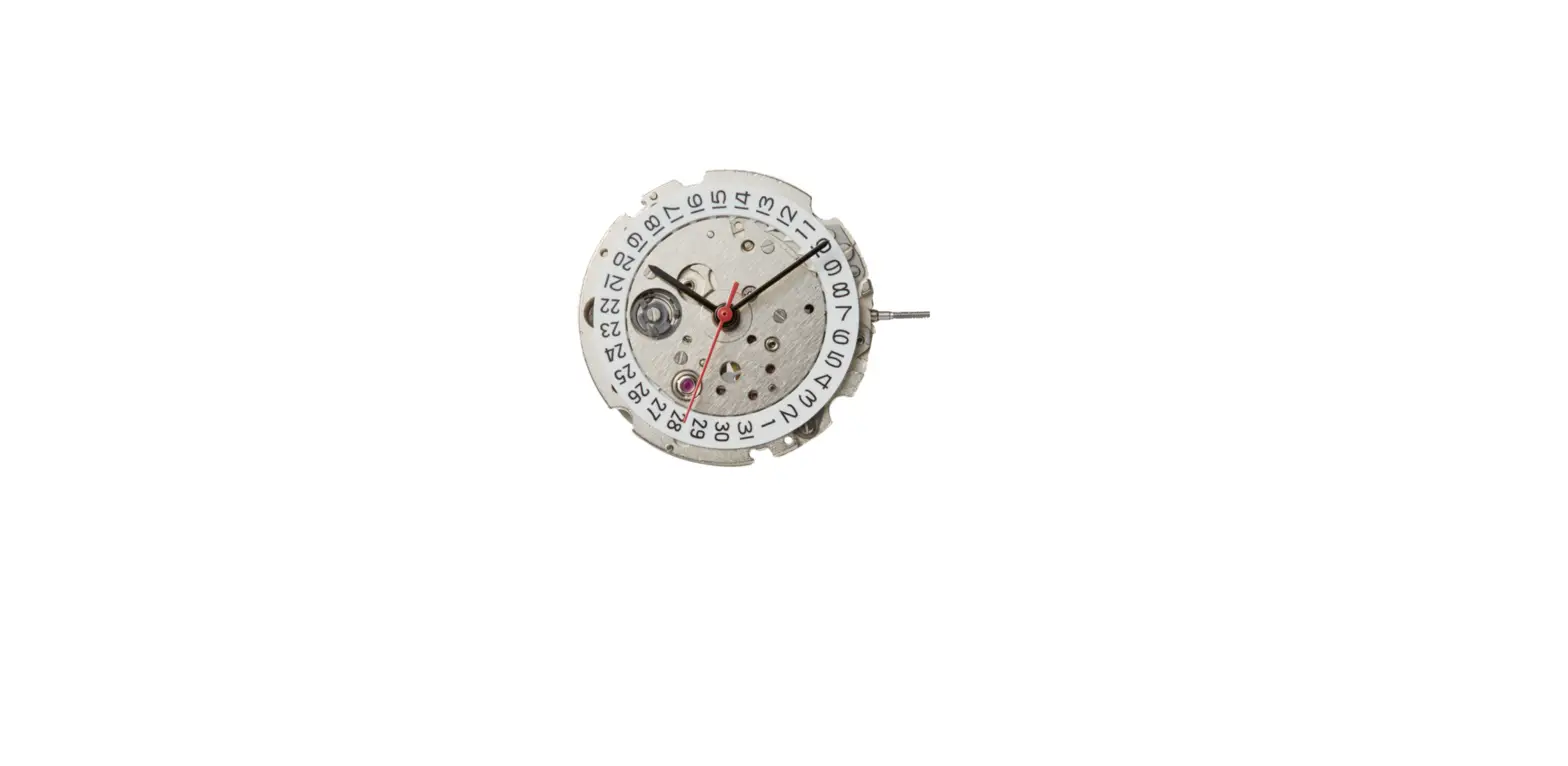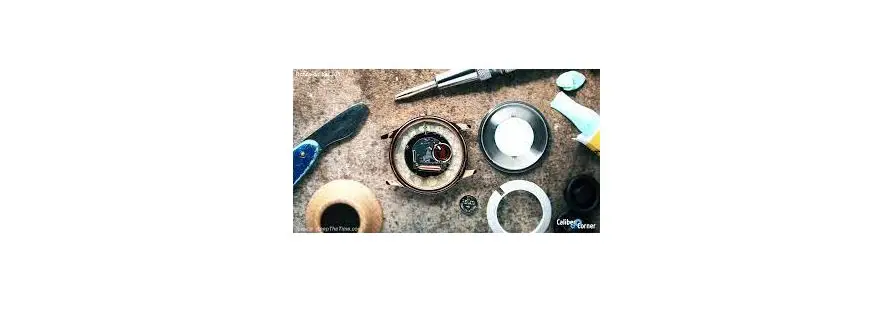

RONDA Normtech 788 Movements Caliber
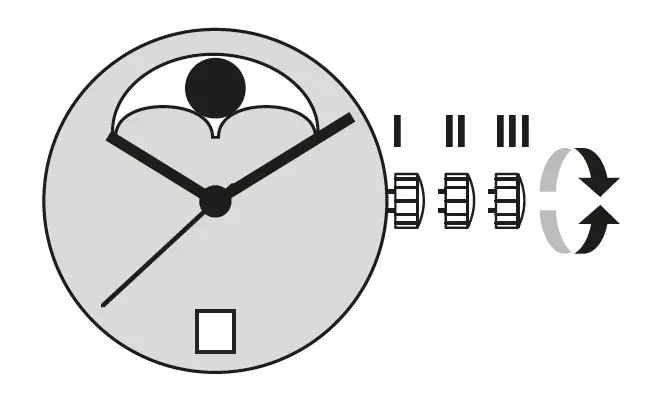
Pos. I
Position of rest (watch running)
Pos. II
Quick-change correction for date
Blocking time for the quick-change day correction is from approx. 9.30 pm and midnight.
- Pull the crown out to position II (watch still running).
- Turn the crown until the current date appears.
- Push the crown back into position I.
Pos. III
Setting the time
- Pull the crown out to position III (watch stopped).
- Turn the crown, until the current time is displayed (remember the 24-hour cycle).
- Push the crown back into position I.
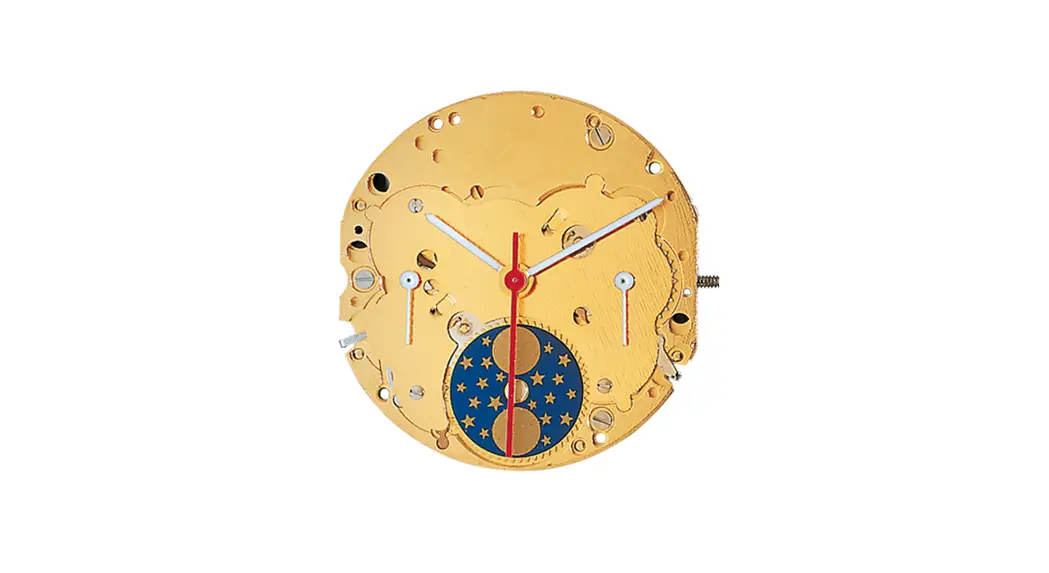
Setting the moon phase display
There is no quick-change correction available setting the moon phase.
- Pull the crown out to position III (watch stopped).
- Turn the hands forward by turning the crown, until the current moon phase display appears.
- P push the crown back into position II and set the current date using the quick change correction.
- Push the crown back into position I.
You have decided to buy a watch, which was assembled by a watchmaker using a Ronda movement. Please note that no watches are produced or distributed under the Ronda brand.
In case of repairs, guarantee claims and questions concerning the functioning of a watch, purchasers and consumers should contact their retailer or the watch manufacturer, for which the relevant information can be found in the sales or guarantee documentation pro-vided with the watch.
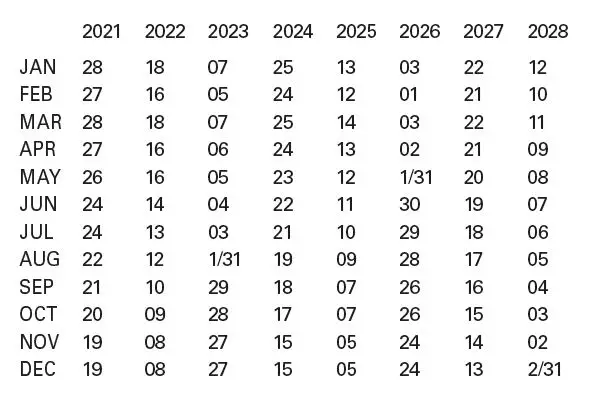
Full moon dates 
Cal. 788:
Battery type: 362 / SR721SW
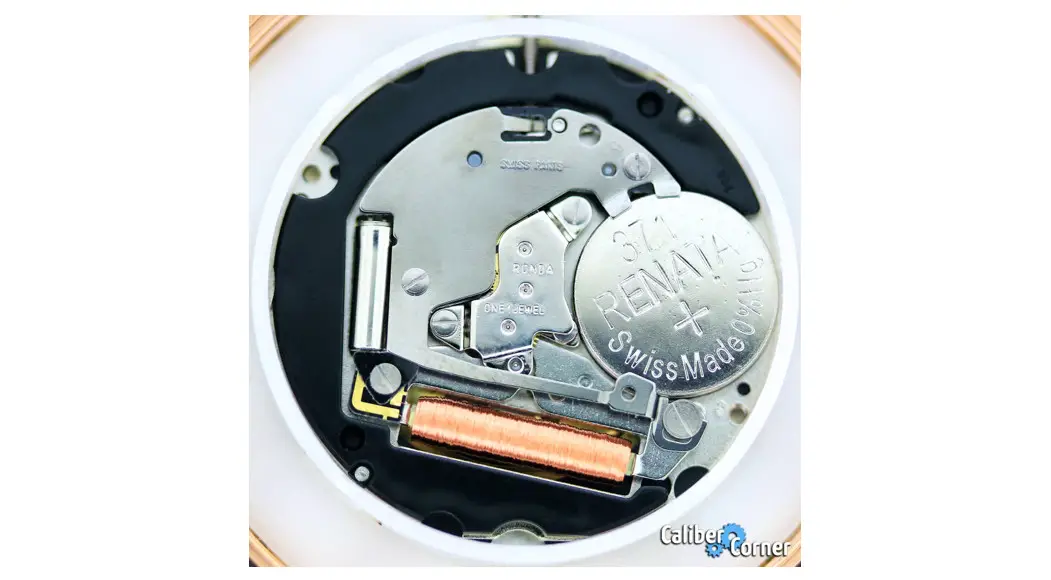
Cal. 708:
Battery type: 371 / SR920SW
Precision: +20 / -10 seconds per month