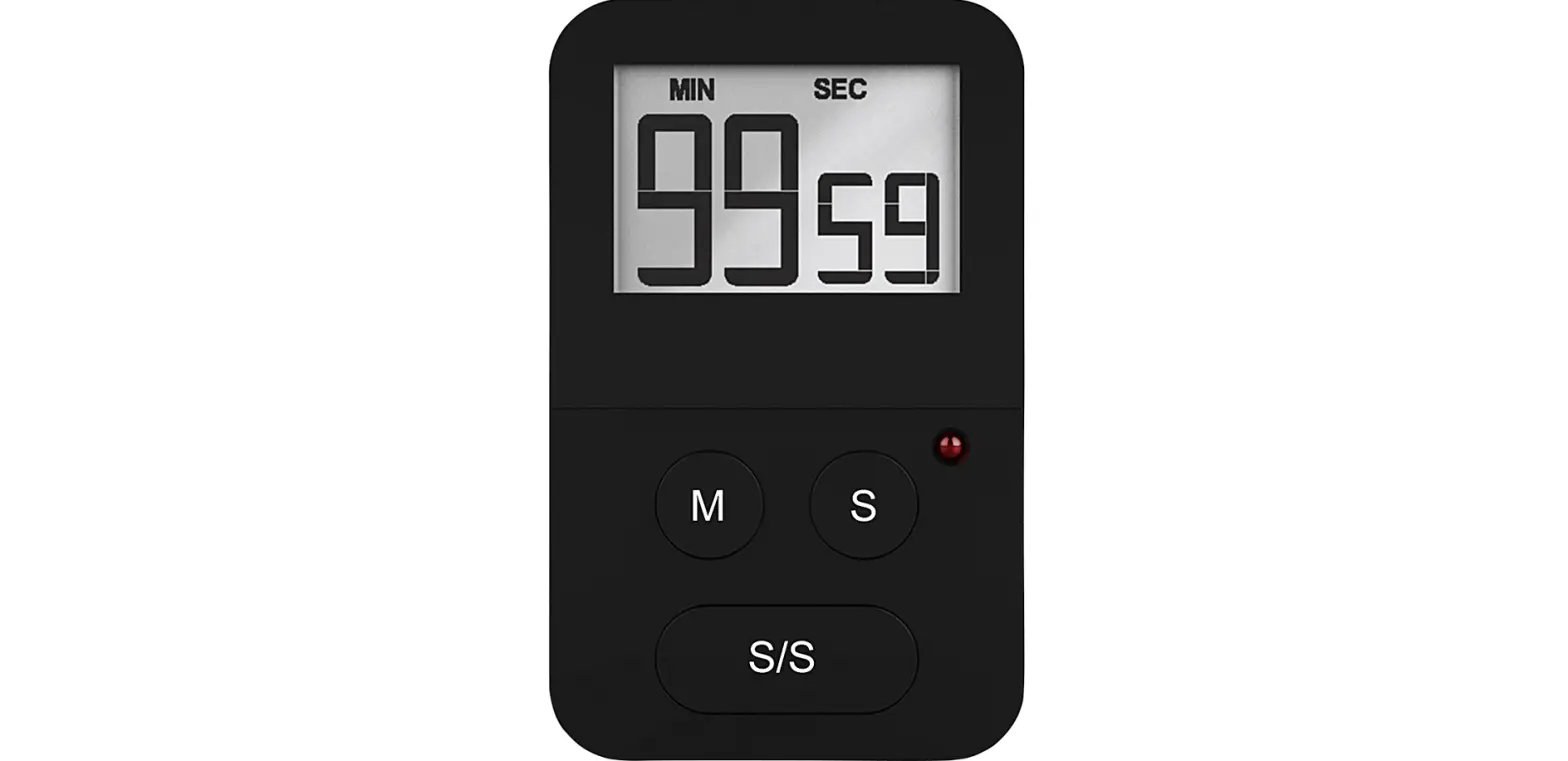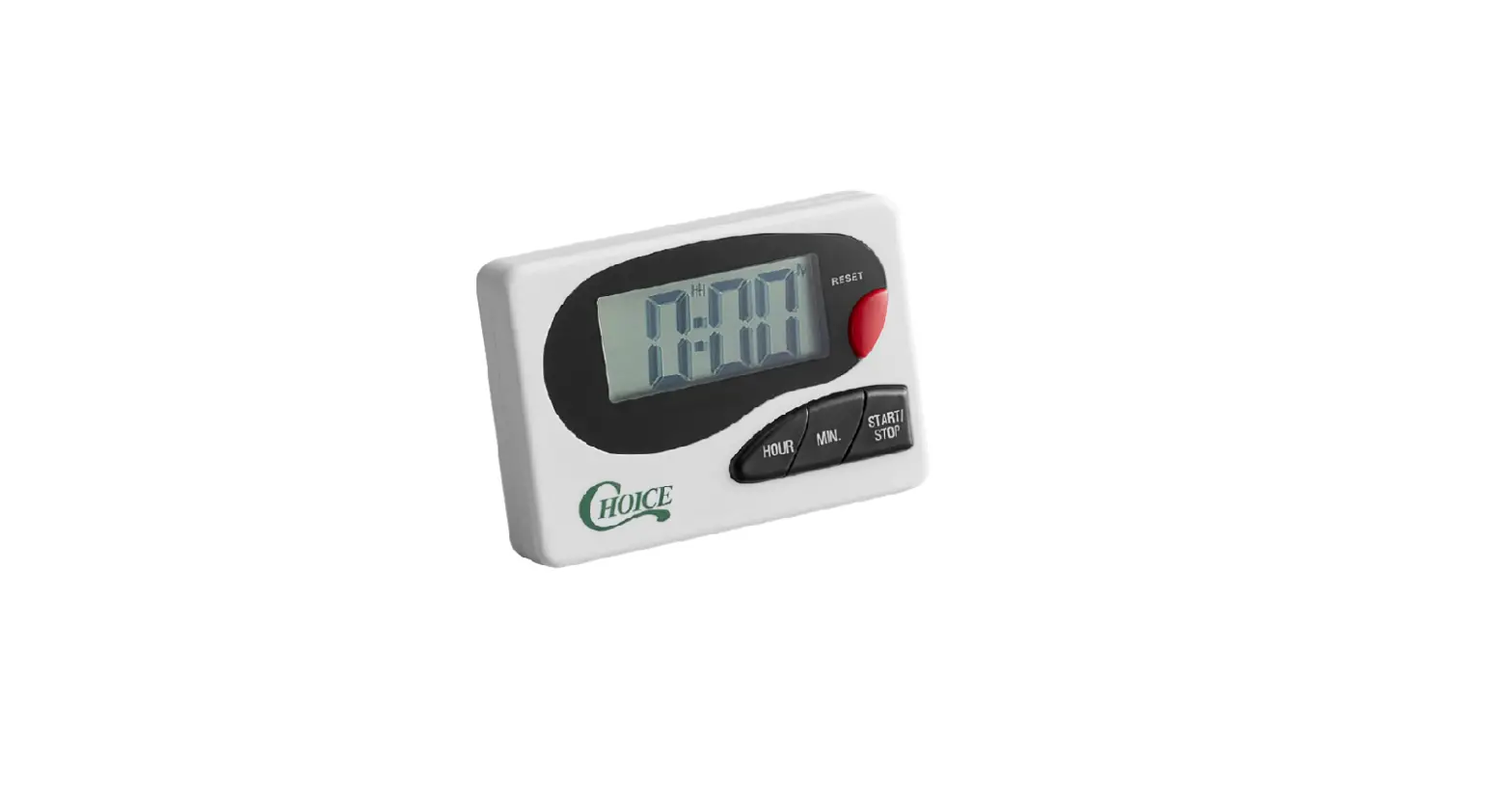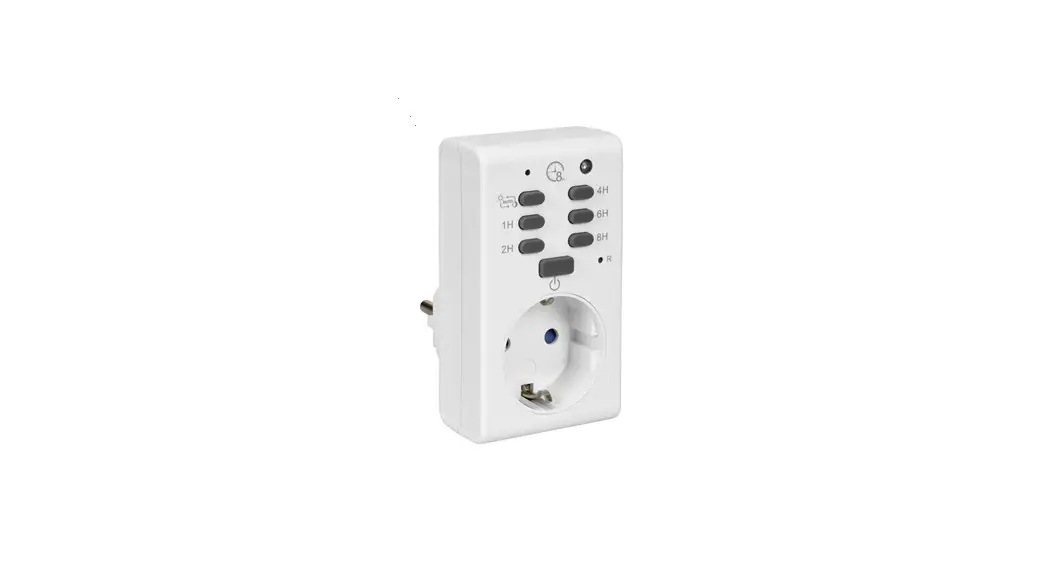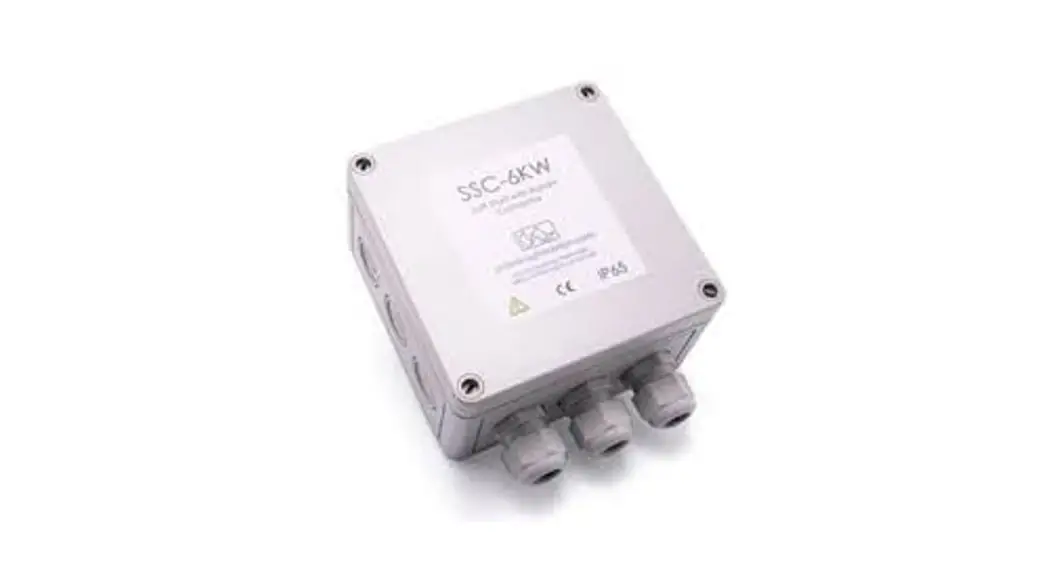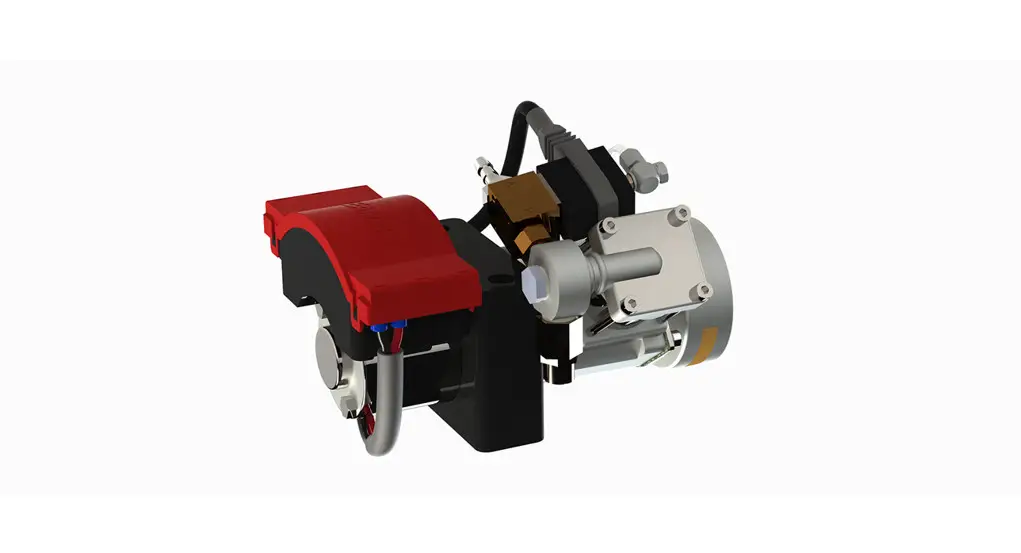
 214578 Timer
Instructions
Work instructions:
Replace timer on Cleanfix control unit
In addition to this manual you will find a video tutorial on our website at: https://cleanfix.org/en/service/instructions-replace-timer
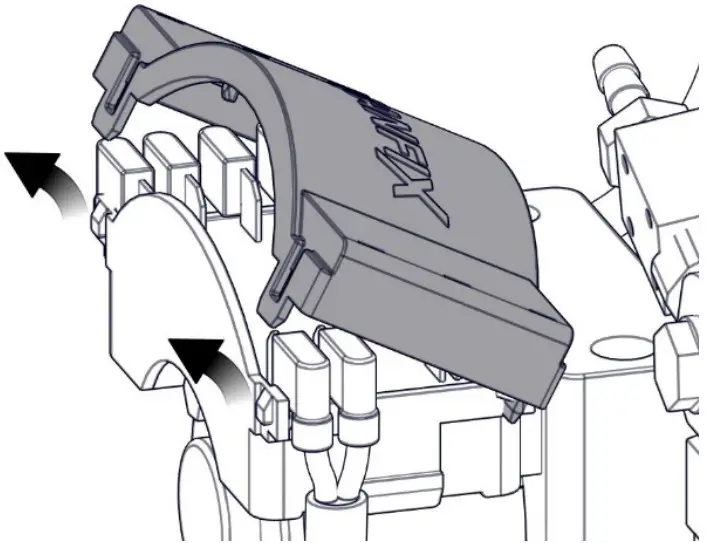 | 1. Remove the Cleanfix cover. |
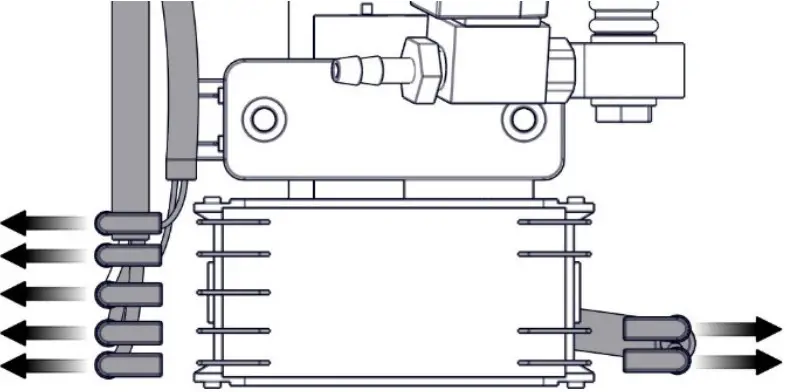 | 2. Remove the terminals from the plugs with a clamping pliers. 3. Cut off the cable tie with a side cutter. |
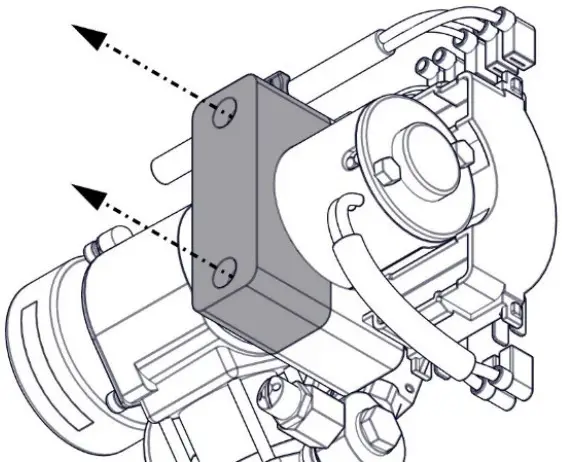 | 4. Unscrew nut and screws of the rear timer housing. |
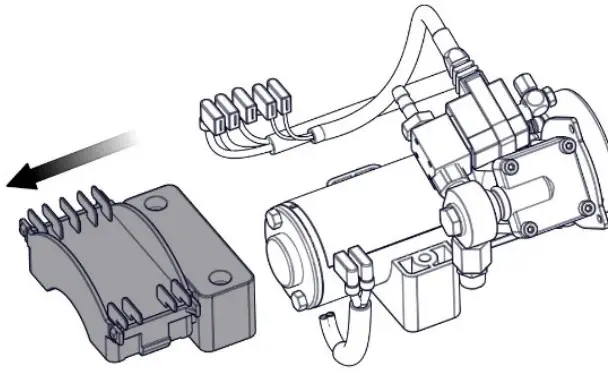 | 5. Remove and dispose the front timer housing. |
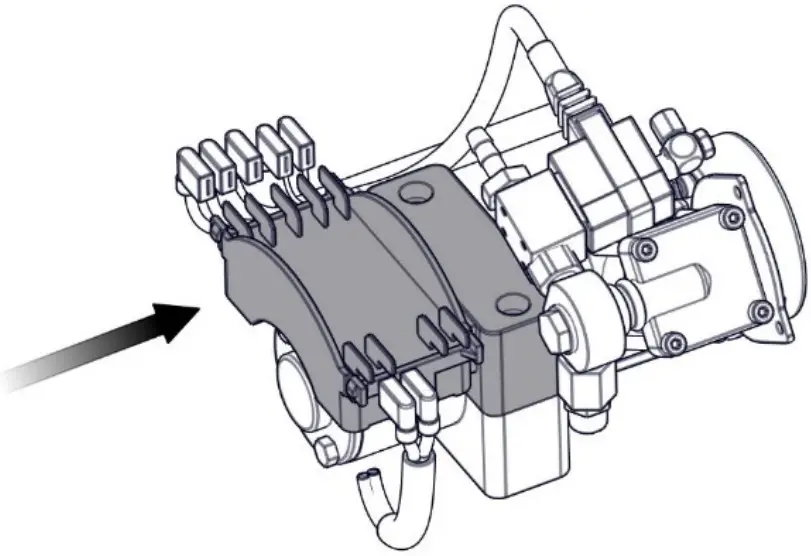 | 6. Replace the new timer front housing. |
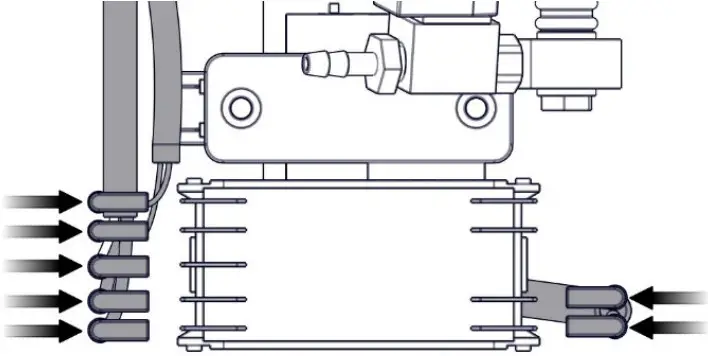 | 7. Connect the terminals to the new plugs again.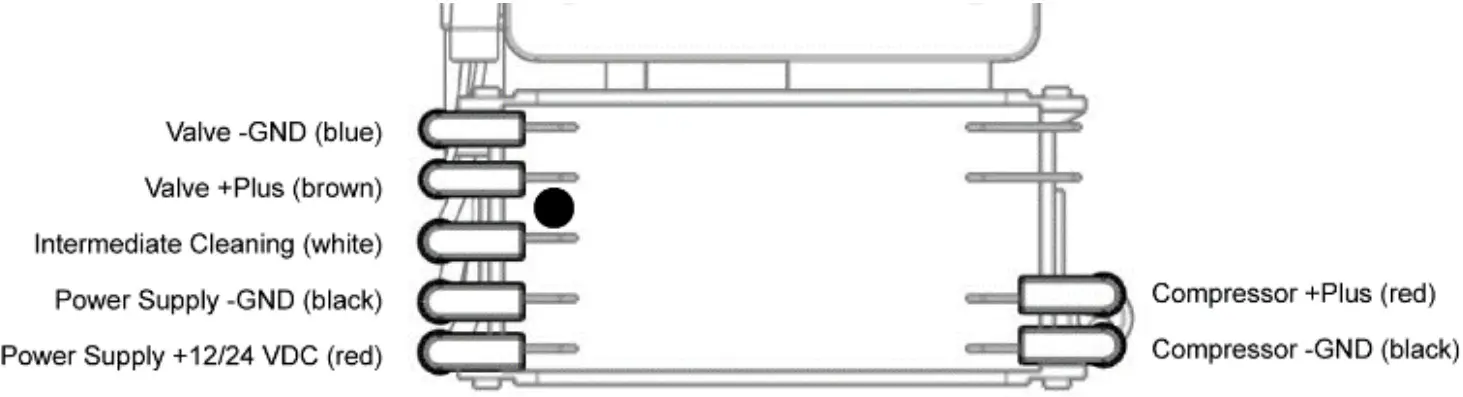 8. Tie the electronic cables with cable ties 8. Tie the electronic cables with cable ties9. Shorten excess lengths of cable ties. |
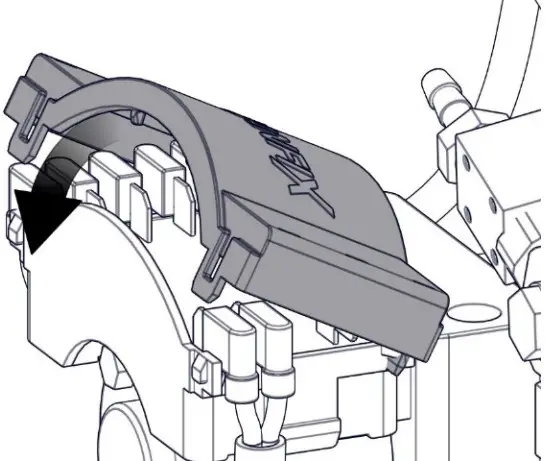 | 10. Clip the Cleanfix cover back on. |
Creator: TW
Document: 214578
Version: 3
Release date: 15.10.2020
Article: Replace timer on Cleanfix control unit
 instructions-replace-timer