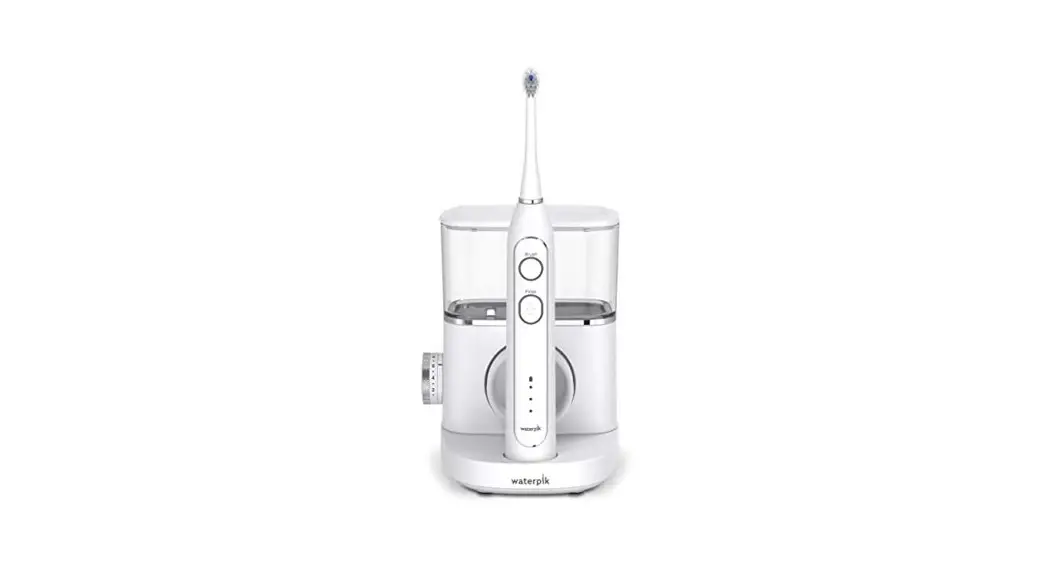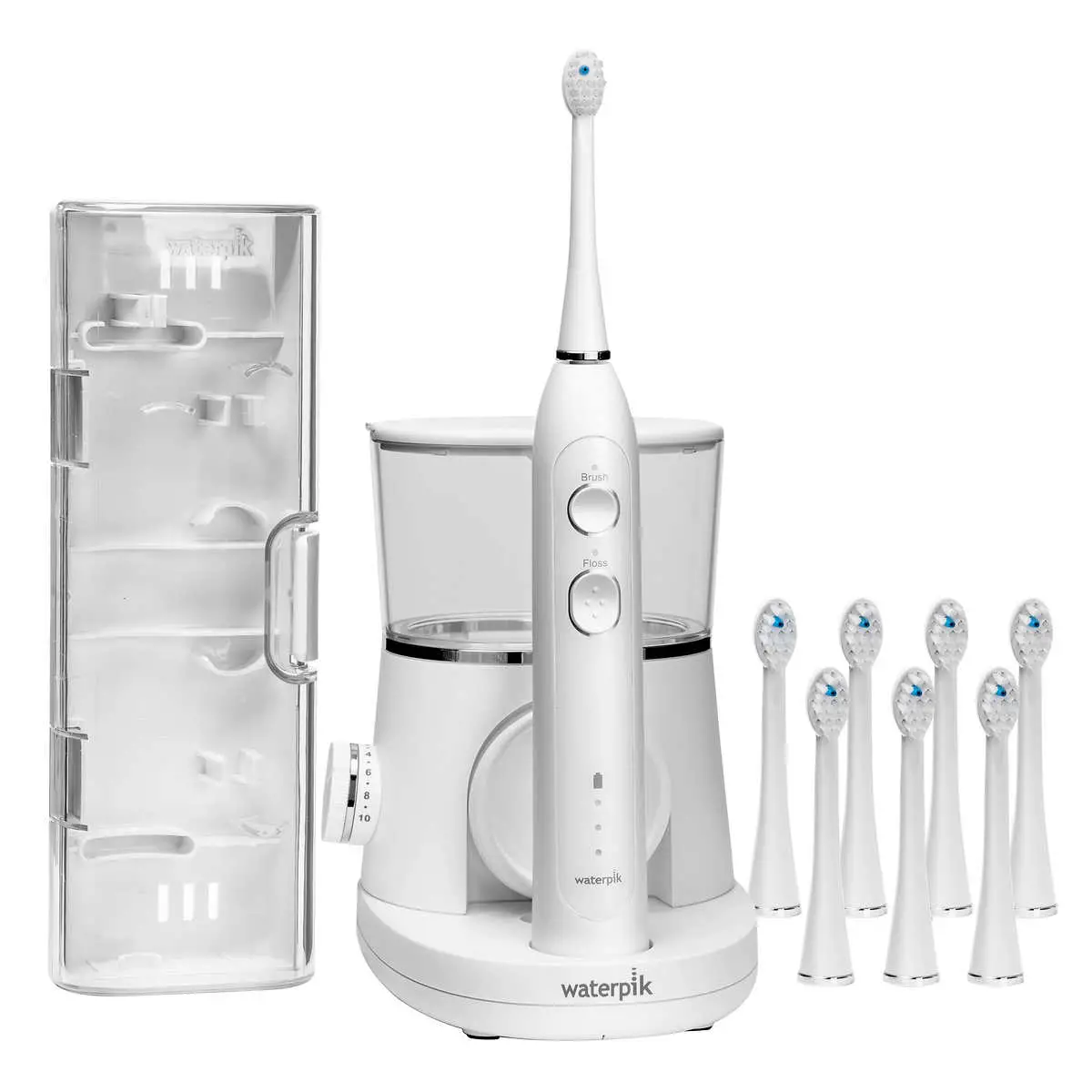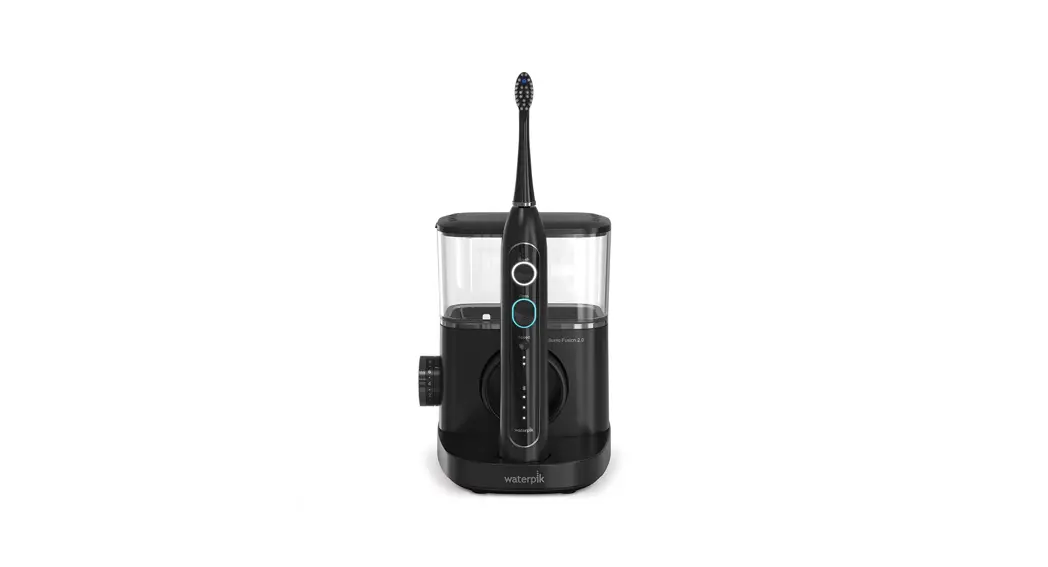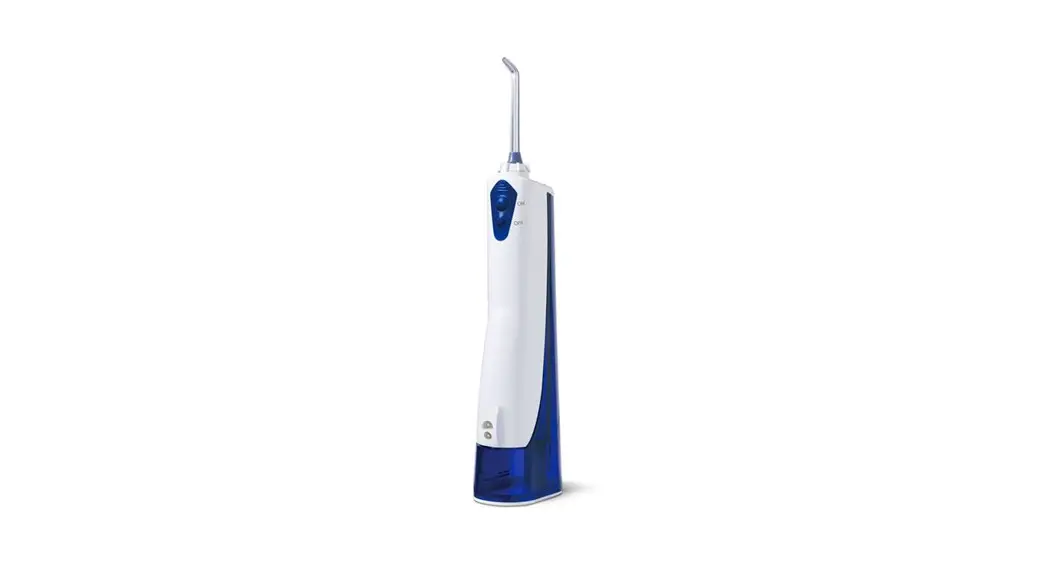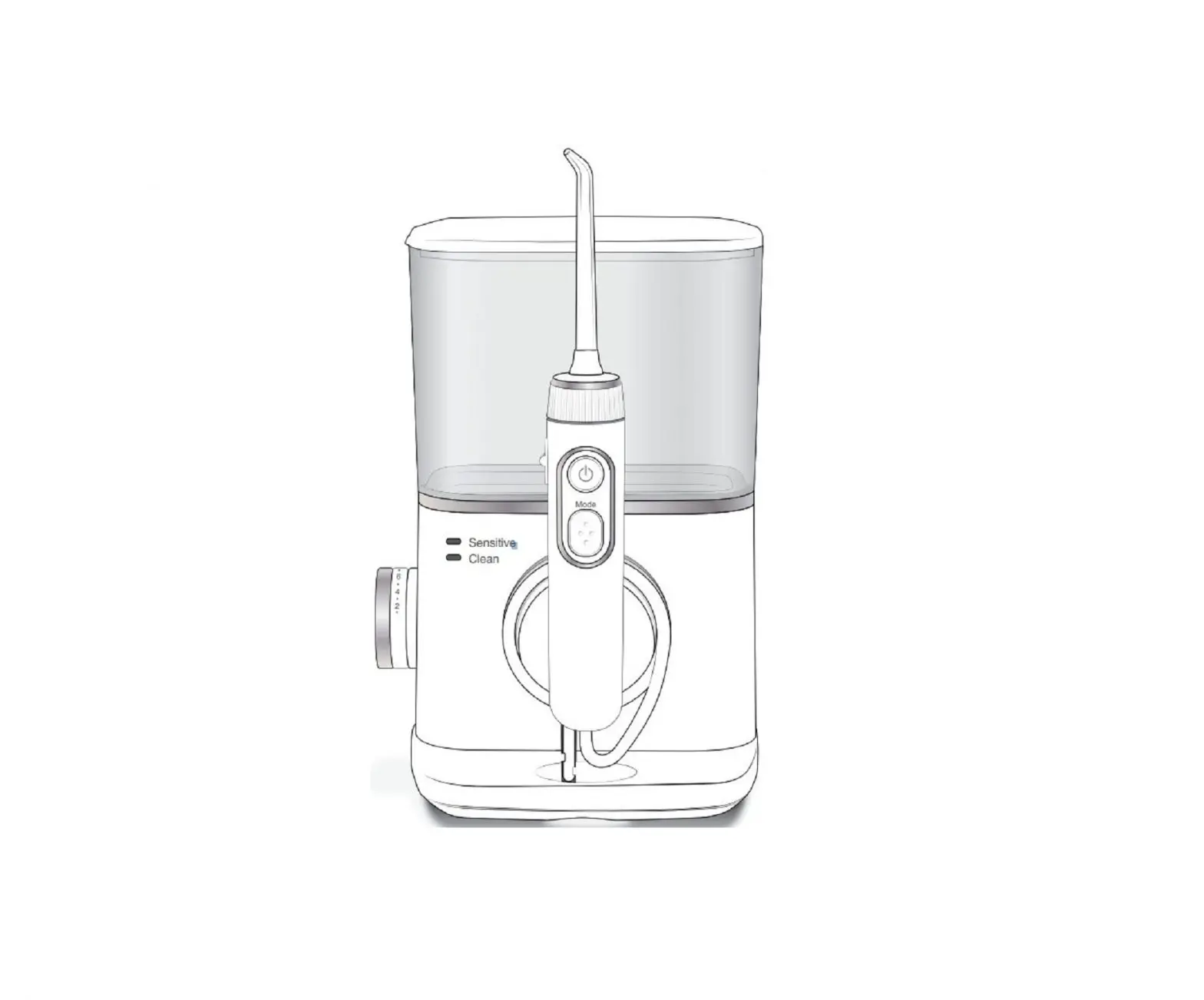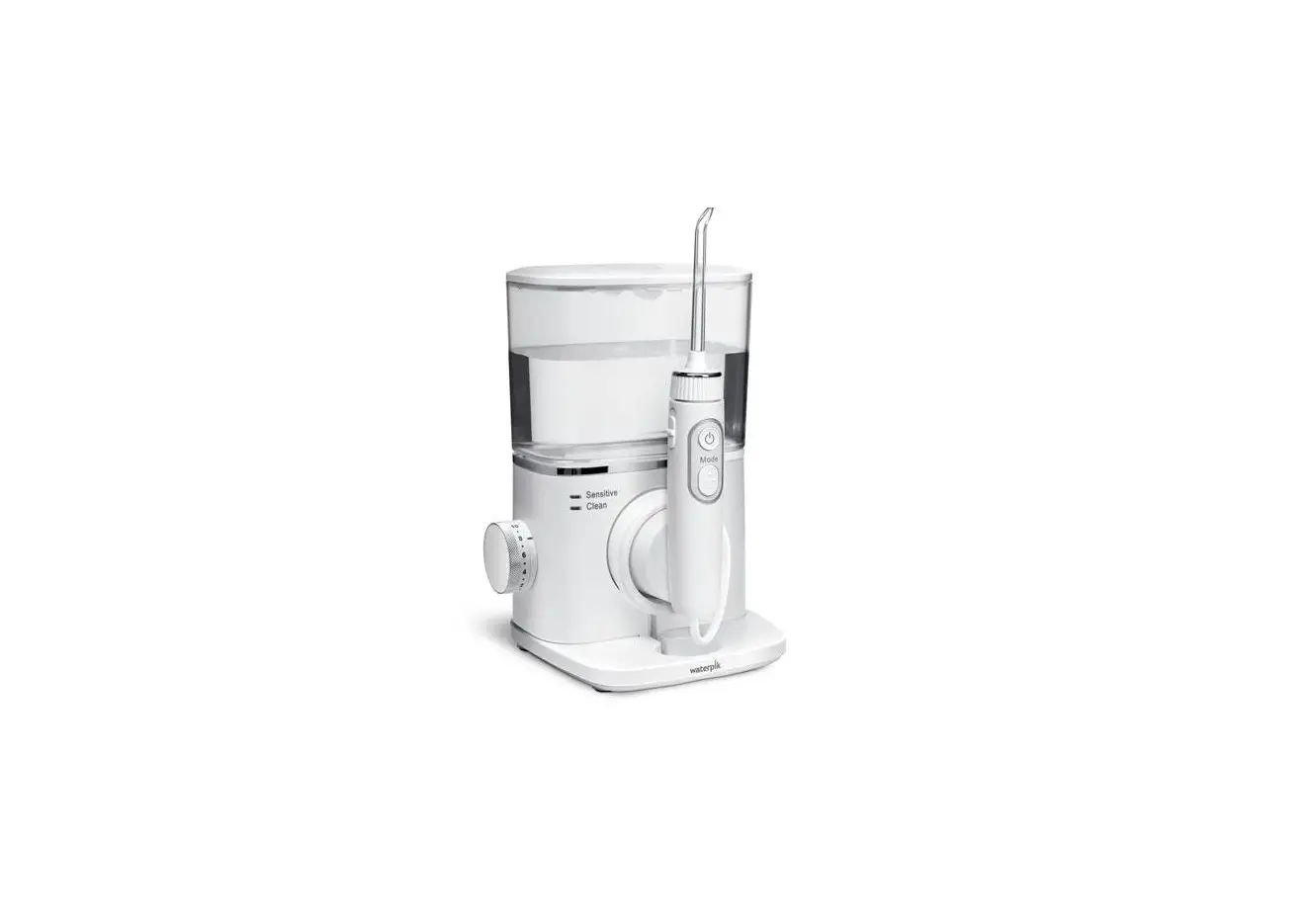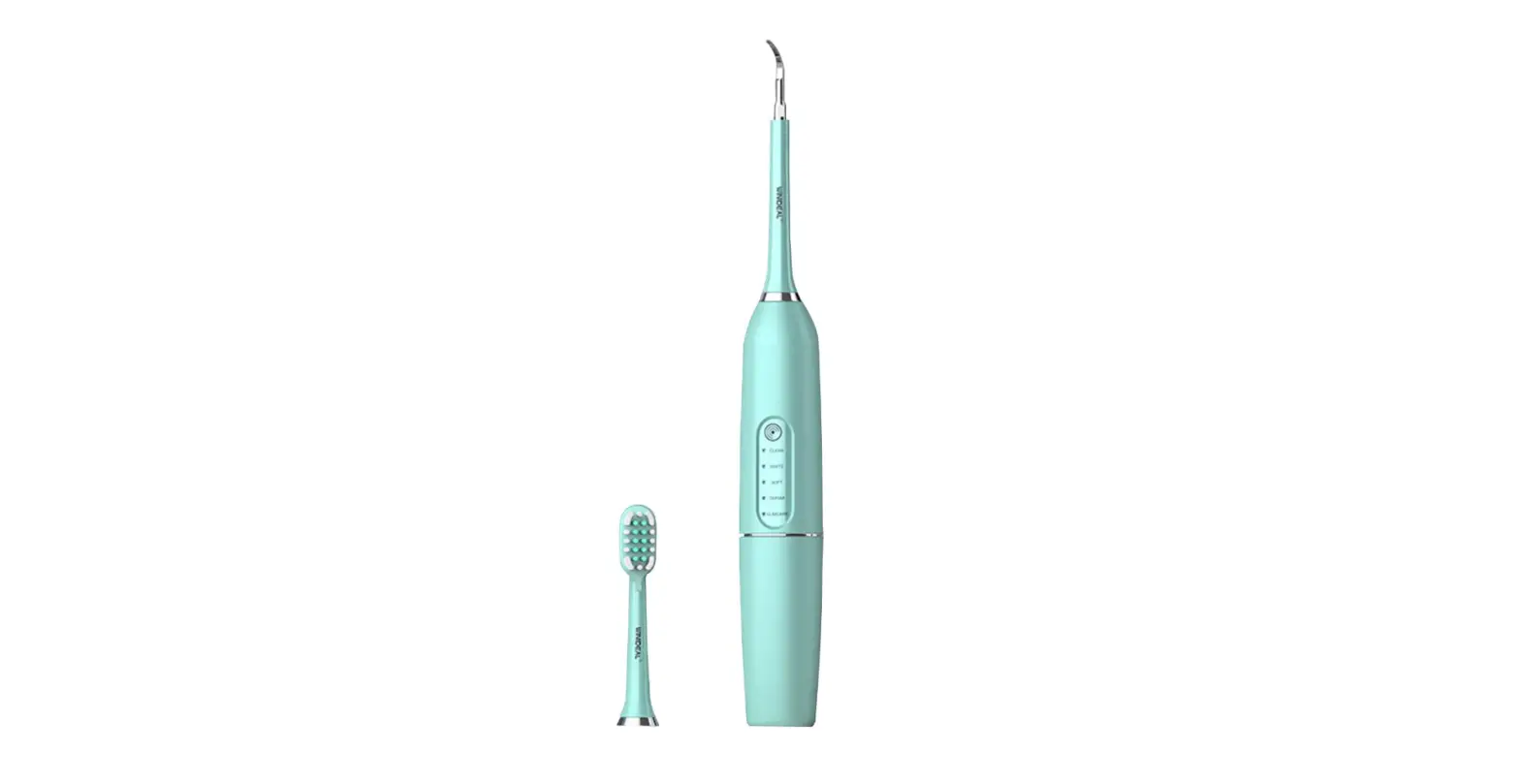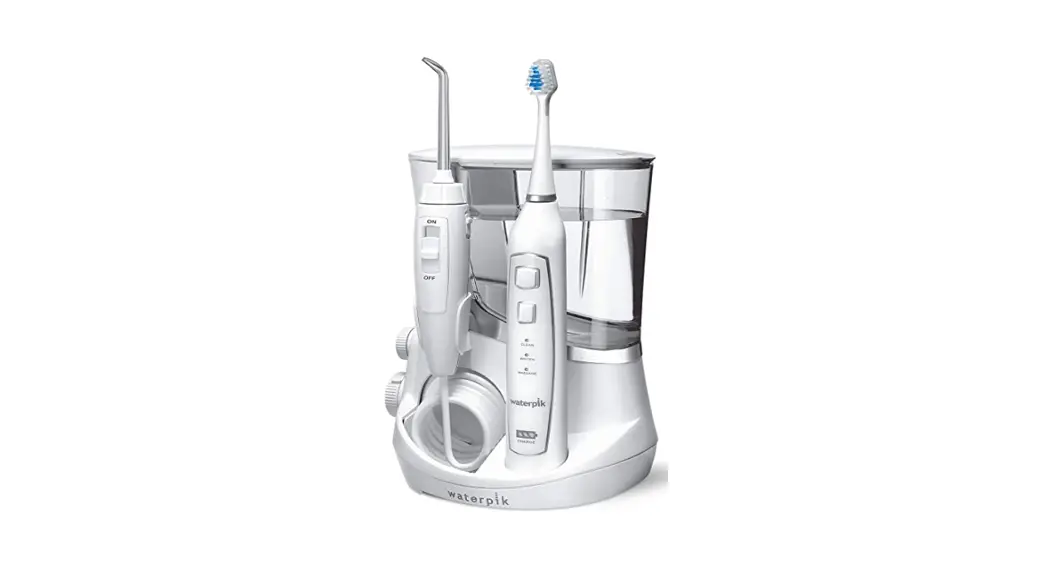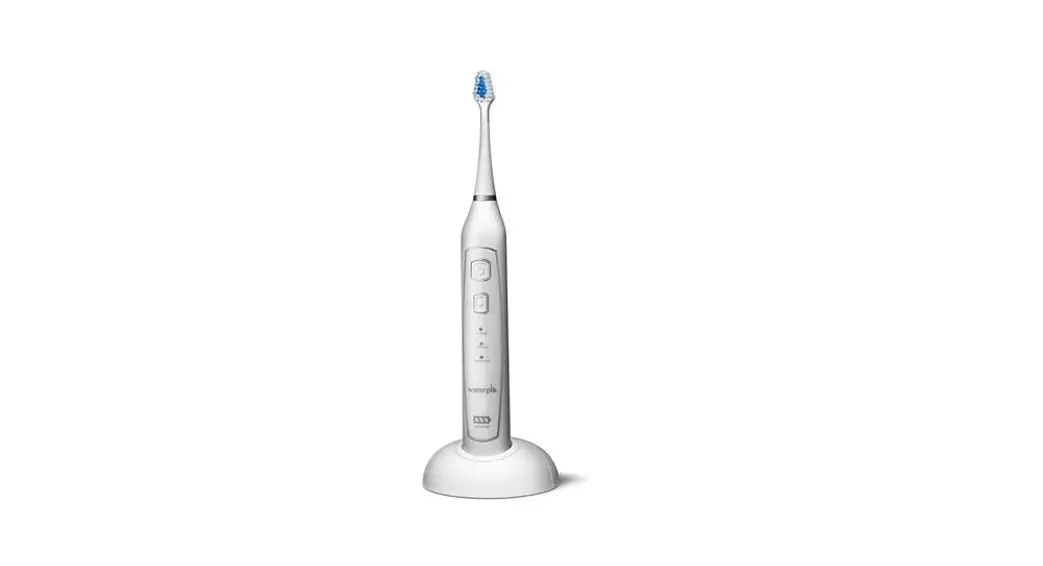
 sonic-fusion® 2.0
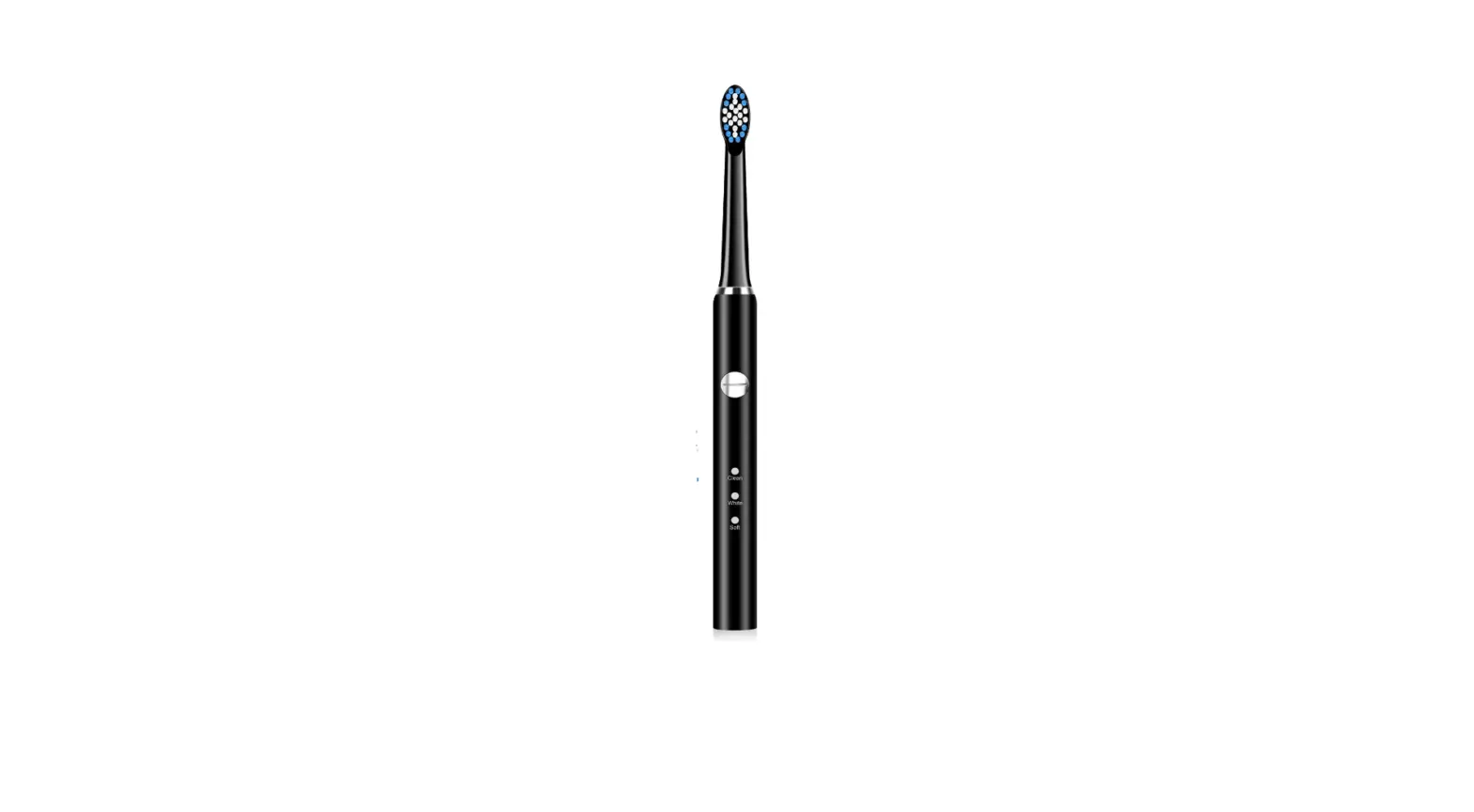
SF-04 Sonic-Fusion Professional Flossing Electric Toothbrush
Congratulations!
You are now on your way to better oral health!
√ Register and Save
Register your product at waterpik.com/registration to receive over $50 in savings (includes 50% OFF your 1st replacement brush heads + FREE shipping!).
√ Write a Review
Creating innovative Waterpik® products that inspire better oral health is
our passion. We invite you to leave a review by sharing your thoughts on the World’s First Flossing Toothbrush on waterpik.com or the retailer’s website
√ We’re Here to Help
We hope you are loving your new Sonic-Fusion® 2.0 flossing toothbrush. If for any reason you are not satis˜ied or have any product questions, please contact our fast and friendly Customer Service Team based in Fort Collins, Colorado.
Sonic-Fusion® 2.0 is backed by a 3-year manufacturer’s warranty
 Call: 1-800-525-2774
Monday-Friday
7 am- 5 pm MST Chat or E-mail ; [email protected]
Quick Start Guide Inside!→
GETTING STARTED
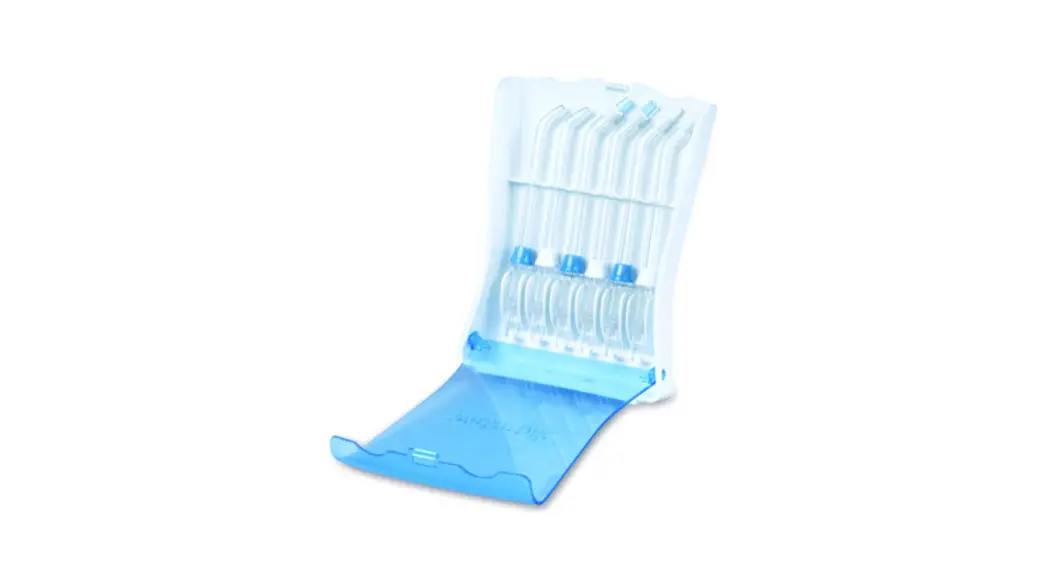
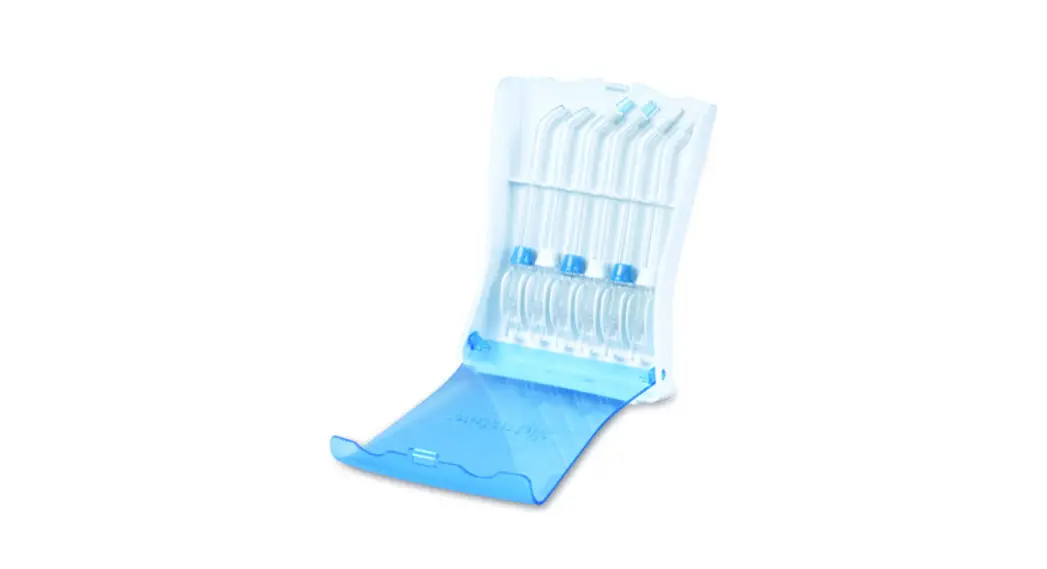
Place toothbrush Into charging base. Attach COMPACT or FULL size flossing brush head
Tip: For the best experience and optimal battery performance, keep the toothbrush stored in the charger base when not in use.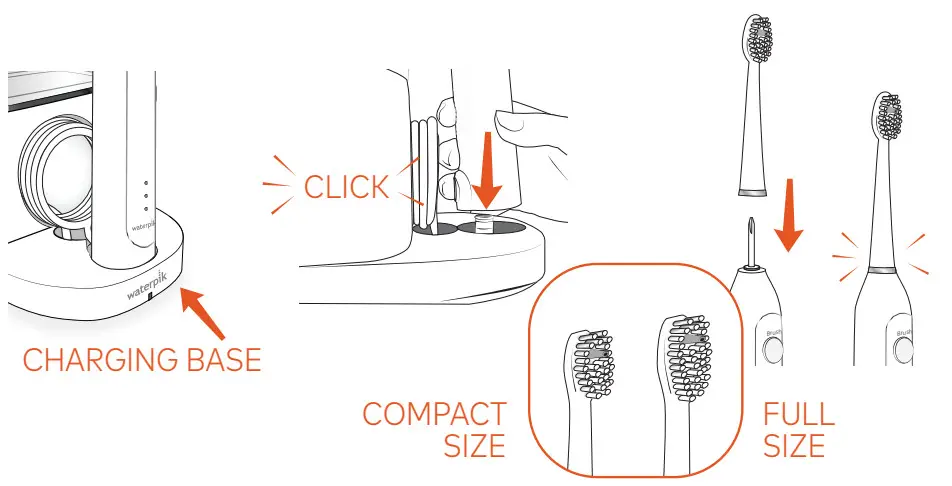
PRIMING UNIT (FIRST TIME USE ONLY)
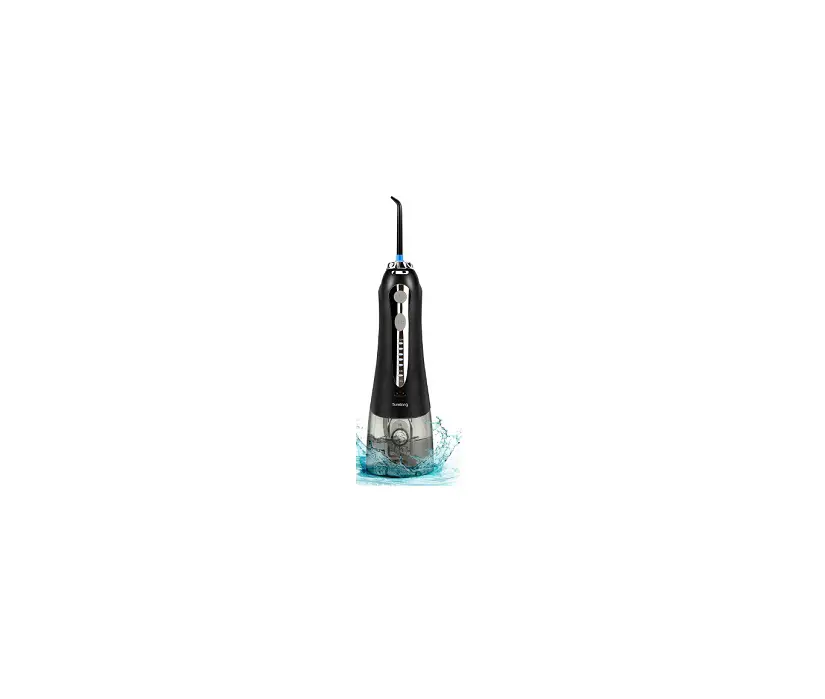
Eli’ reservoir with worm water ono replace it firmly on the base. Point tip into sink.
Press FLOSS button Rotate pressure knob repeatedly between high and low until water flows.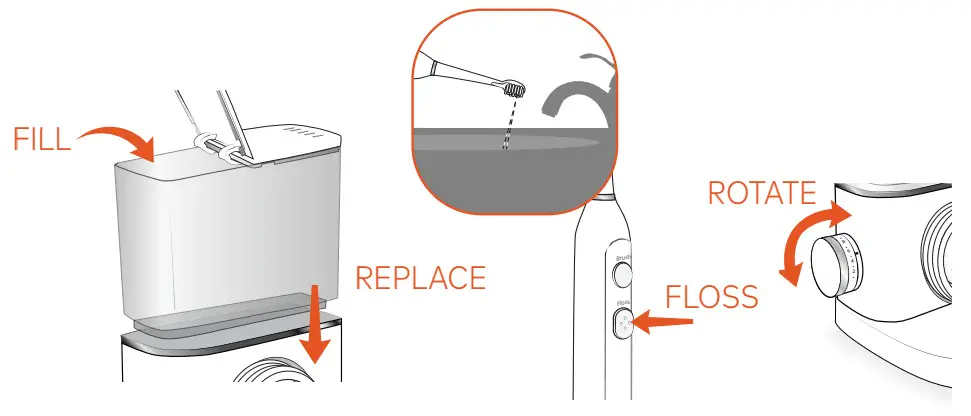
Note: If Floss mode does not turn on, please contact us.
3. NEED HELP?
visit Waterpik.com/WelcomeSF
To watch a How To Video and find additional product support.
Call Us! 1-800-525-2774
BRUSHO
Press BRUSH button, use light pressure and clean all tooth surfaces.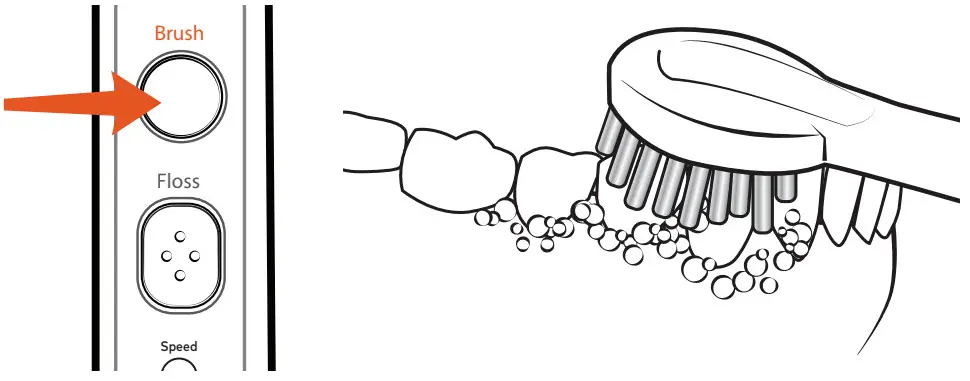
BRUSH SPEEDS
If you wish to change to a different speed, you can do so by pressing the Speed button while brushing.  High: 2 LED’s ON
Low: 1LED ON
FLOSS
Press FLOSS button and adjust water pressure to desired setting. Keep lips partially closed to allow water to flow into sink 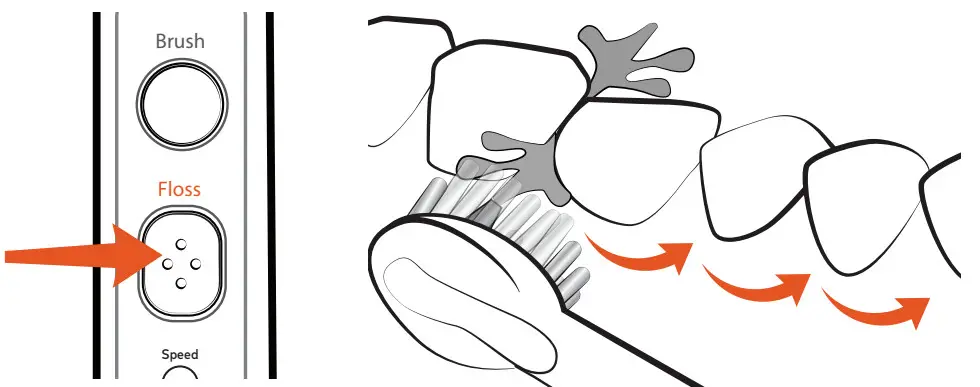
BRUSH + FLOSS
Press BRUSH button, then press FLOSS button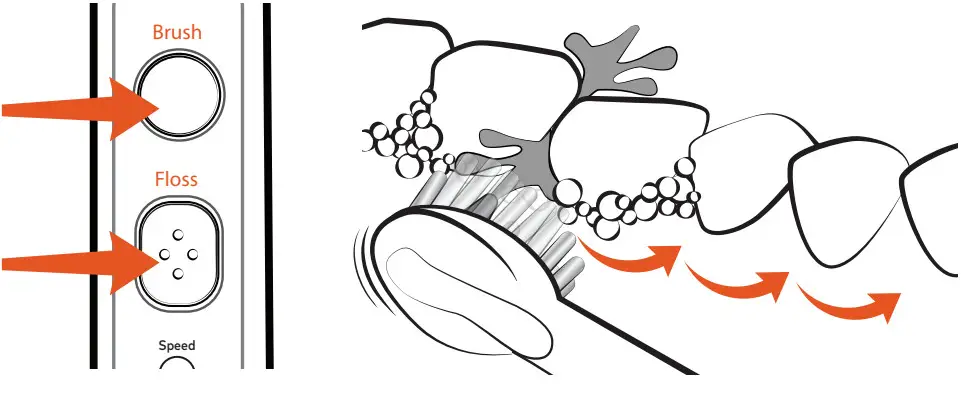
Register and Save!
Save Over $50!
Register at waterpik.com/registration to receive exclusive discount code.
Offer includes 50% OFF + FREE SHIPPING on your next order of Sonic-Fusion® brush heads
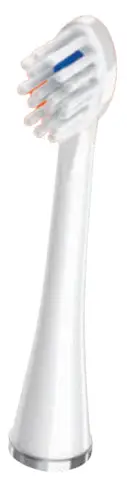 | Compact Size |
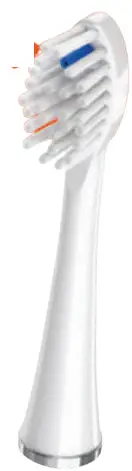 | Full Size |
Two brush head sizes available! Write a Review We’d love to hear from you!
Connect with Us @Waterpik 
Call: 1-800-525-2774
www.waterpik.com
Waterpik® 14 Day Challenge App
Make water ˜ossing a habit! Try our new mobile App for the best water ˜ossing experience.
©2021 Water Pik, Inc.
FN 20028978-FAB This device is compatible with voltages of 100-240 VAC, 50-60 Hz
References
 Waterpik® Water Flossers, Electric Toothbrushes, Shower Heads
-
Waterpik® Registration Form - Oral Health Products
-
Welcome to Better Oral Health | Waterpik®
-
Waterpik® Water Flossers, Electric Toothbrushes, Shower Heads
-
Waterpik® Water Flossers, Electric Toothbrushes, Shower Heads
-
Waterpik® Registration Form - Oral Health Products
-
Welcome to Better Oral Health | Waterpik®
 Waterpik® Water Flossers, Electric Toothbrushes, Shower Heads
 Waterpik® Water Flossers, Electric Toothbrushes, Shower Heads