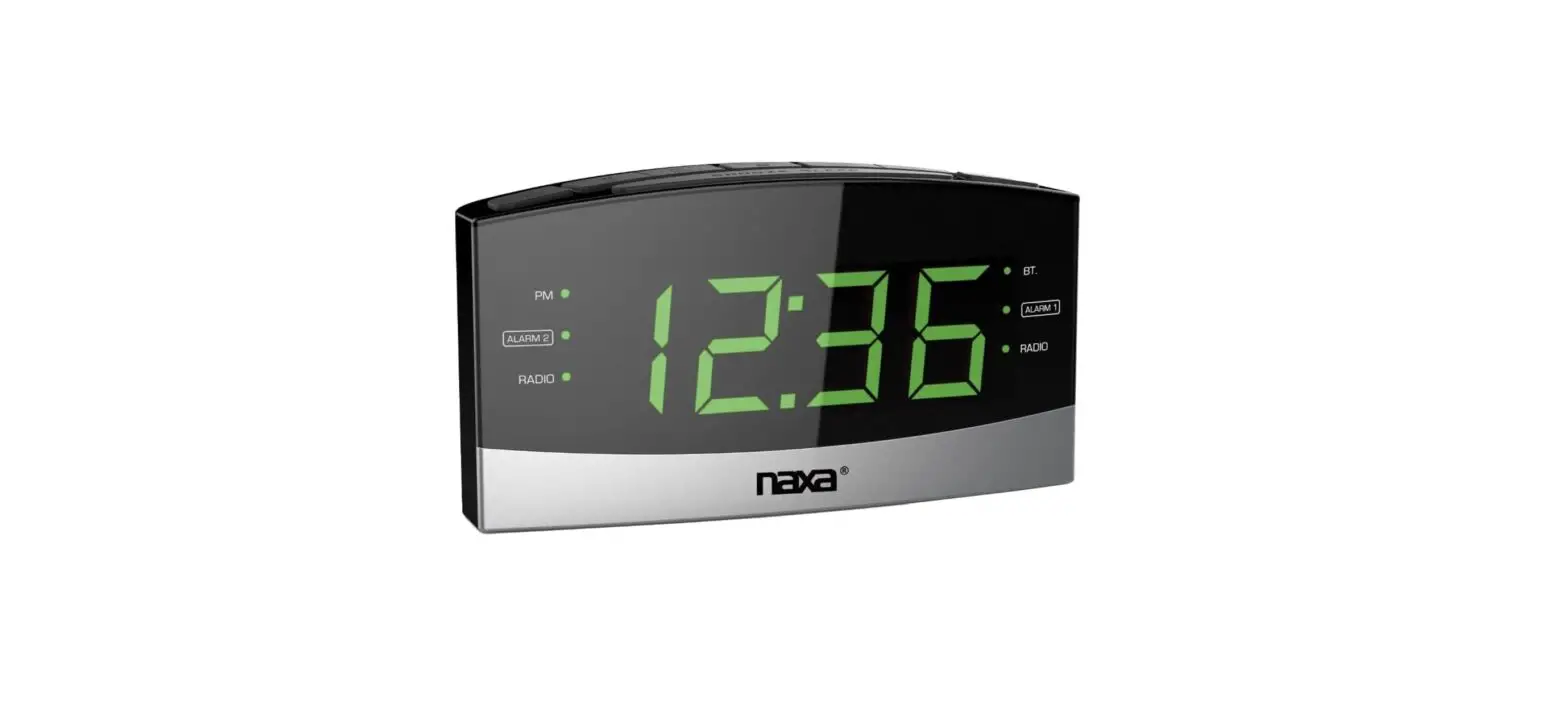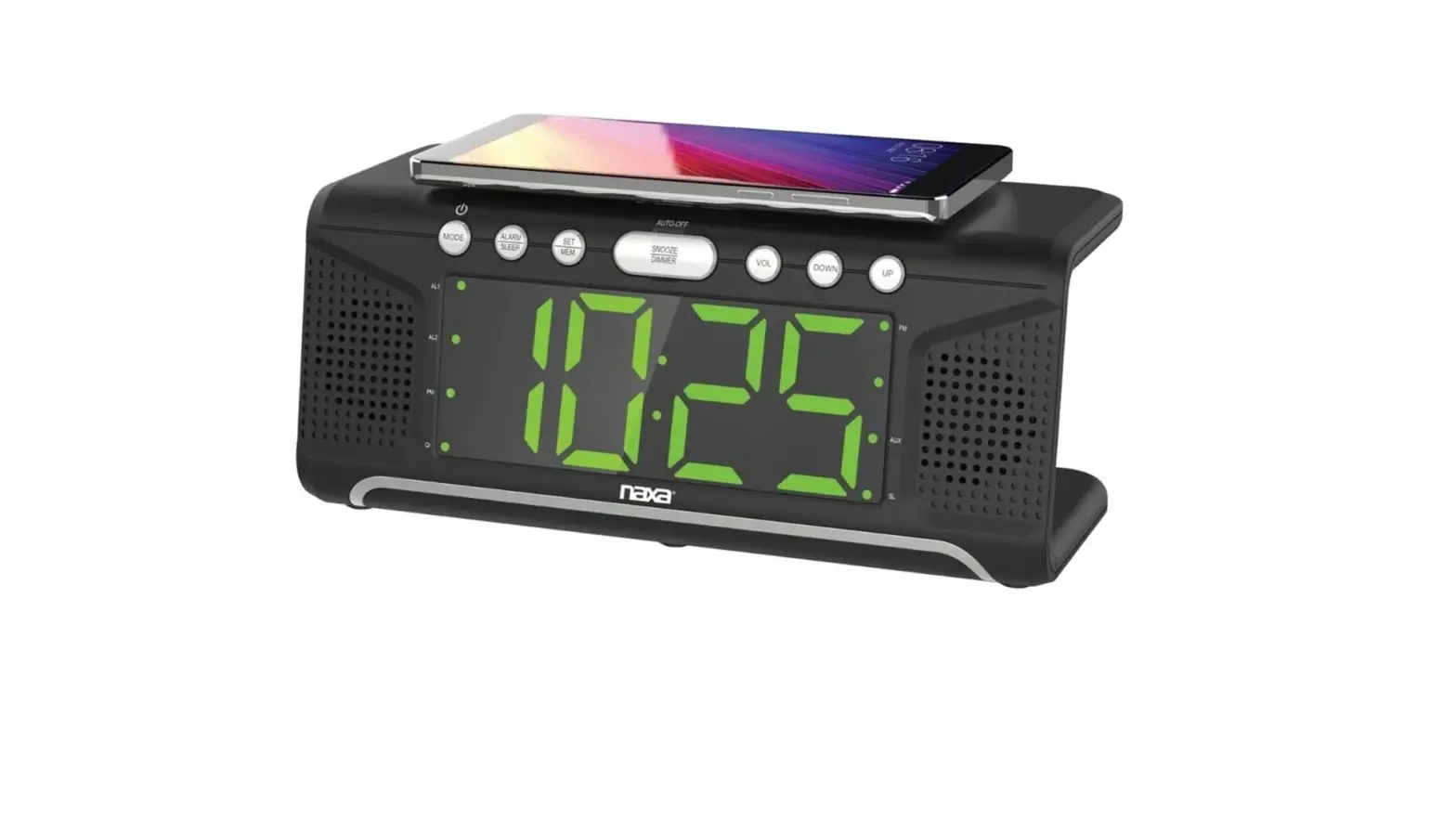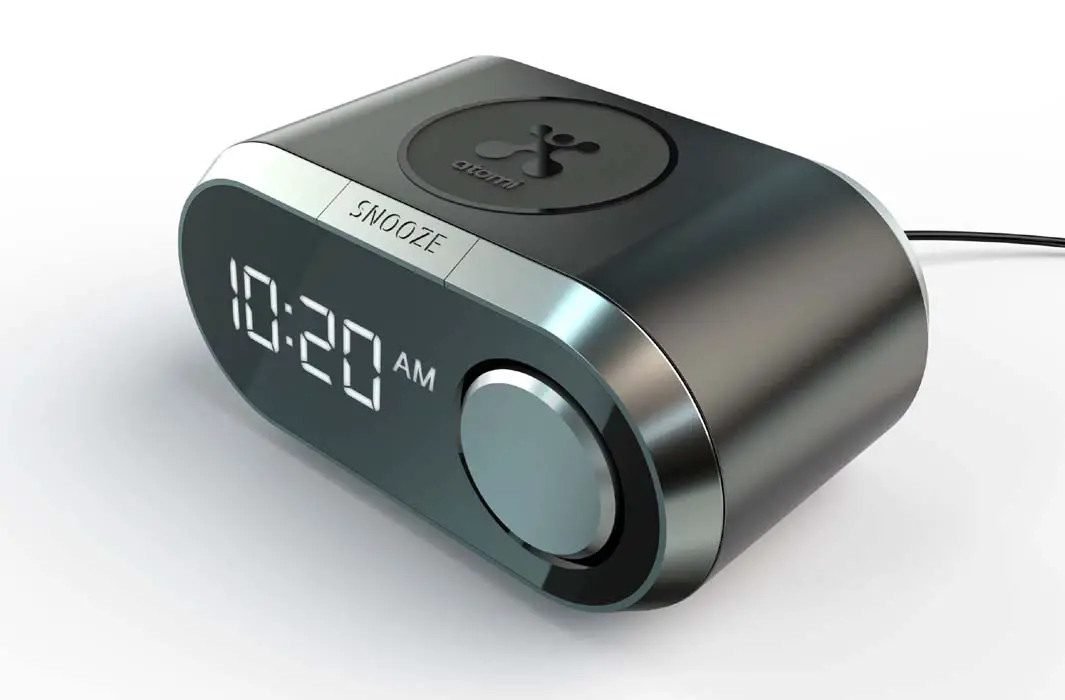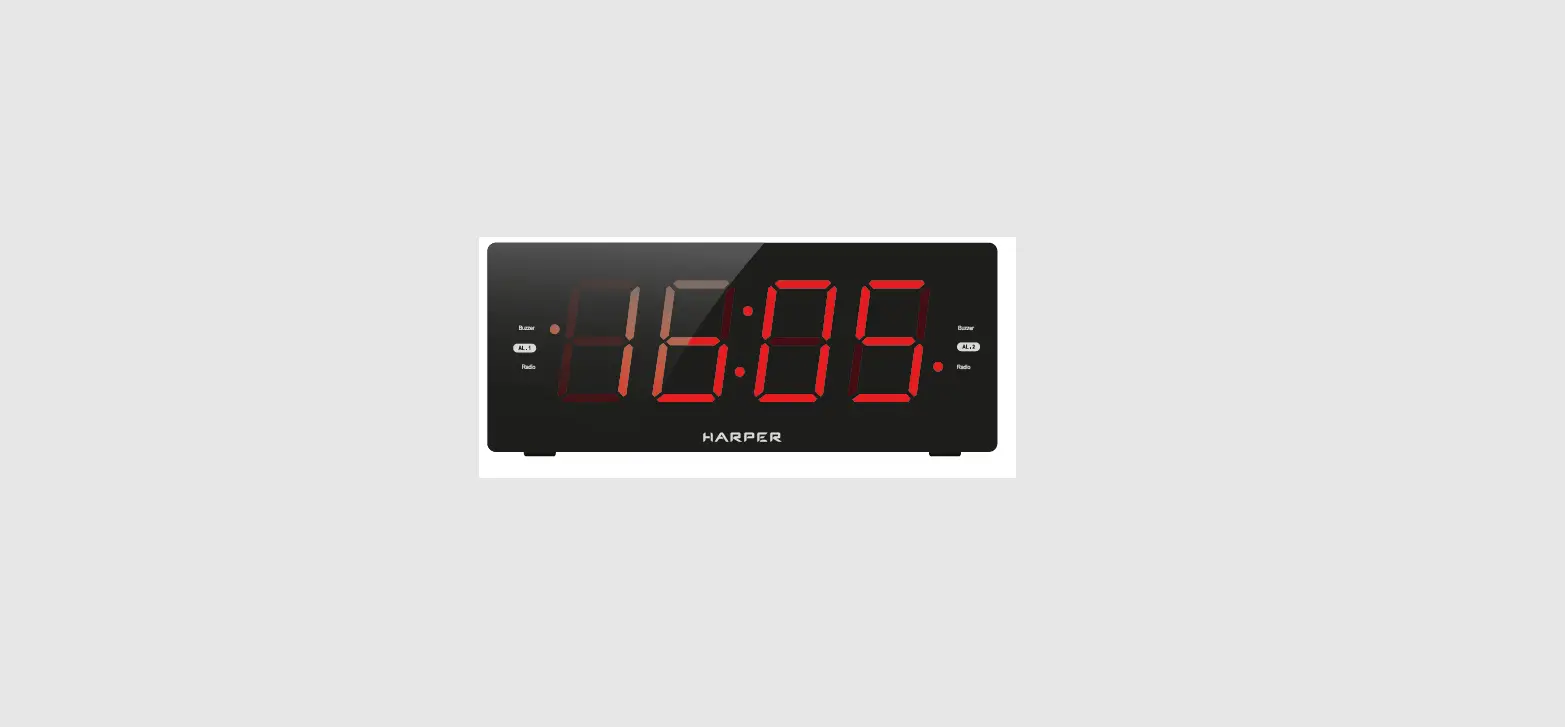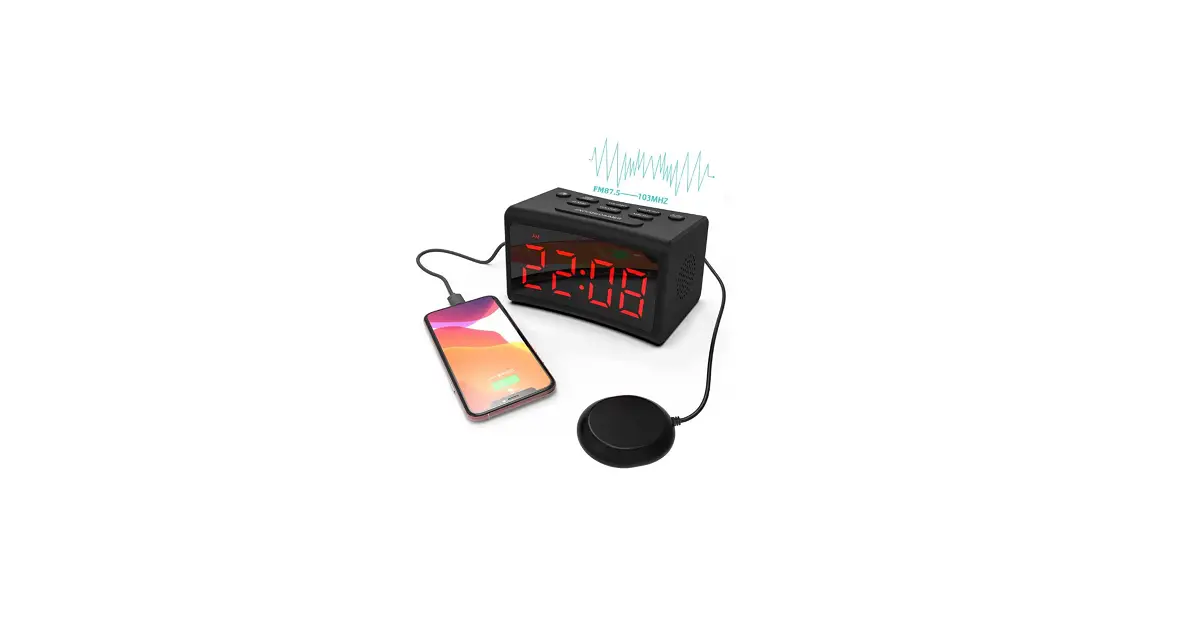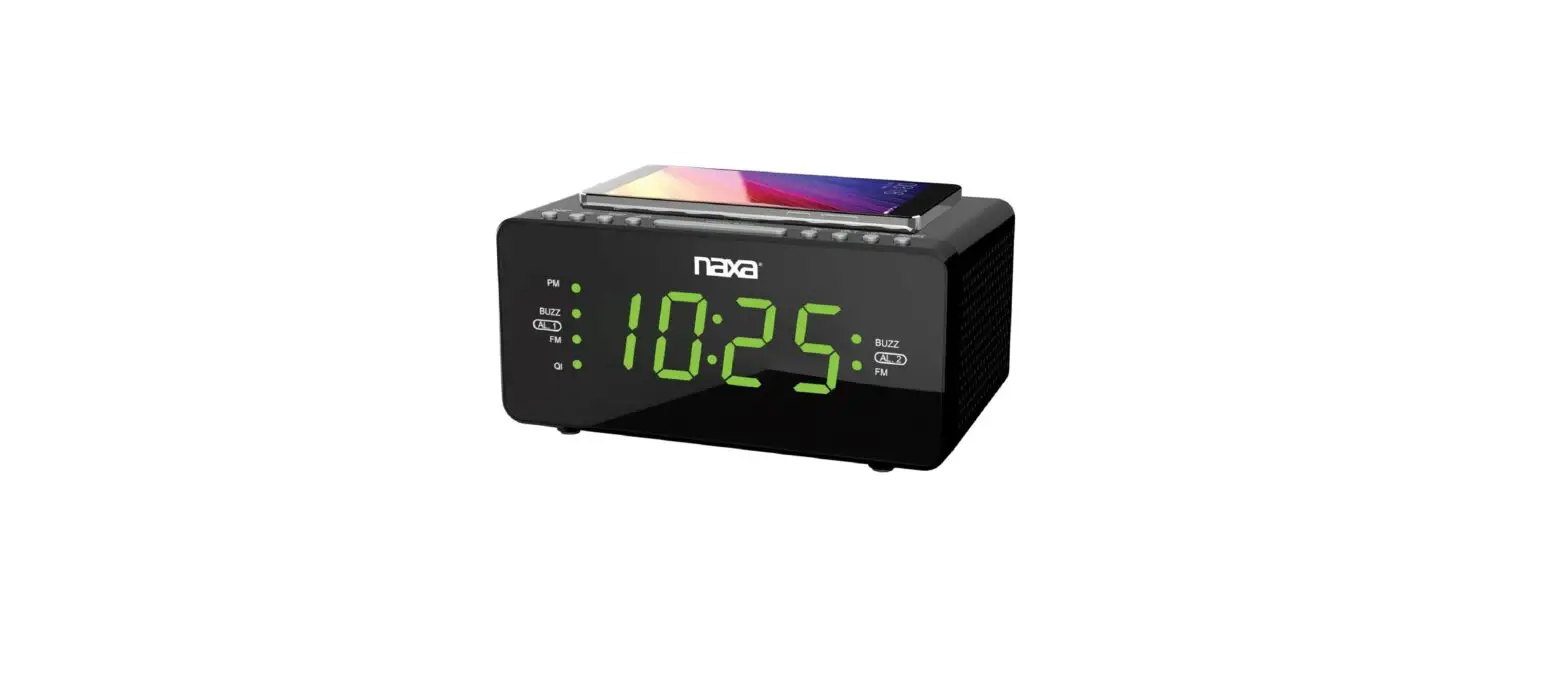

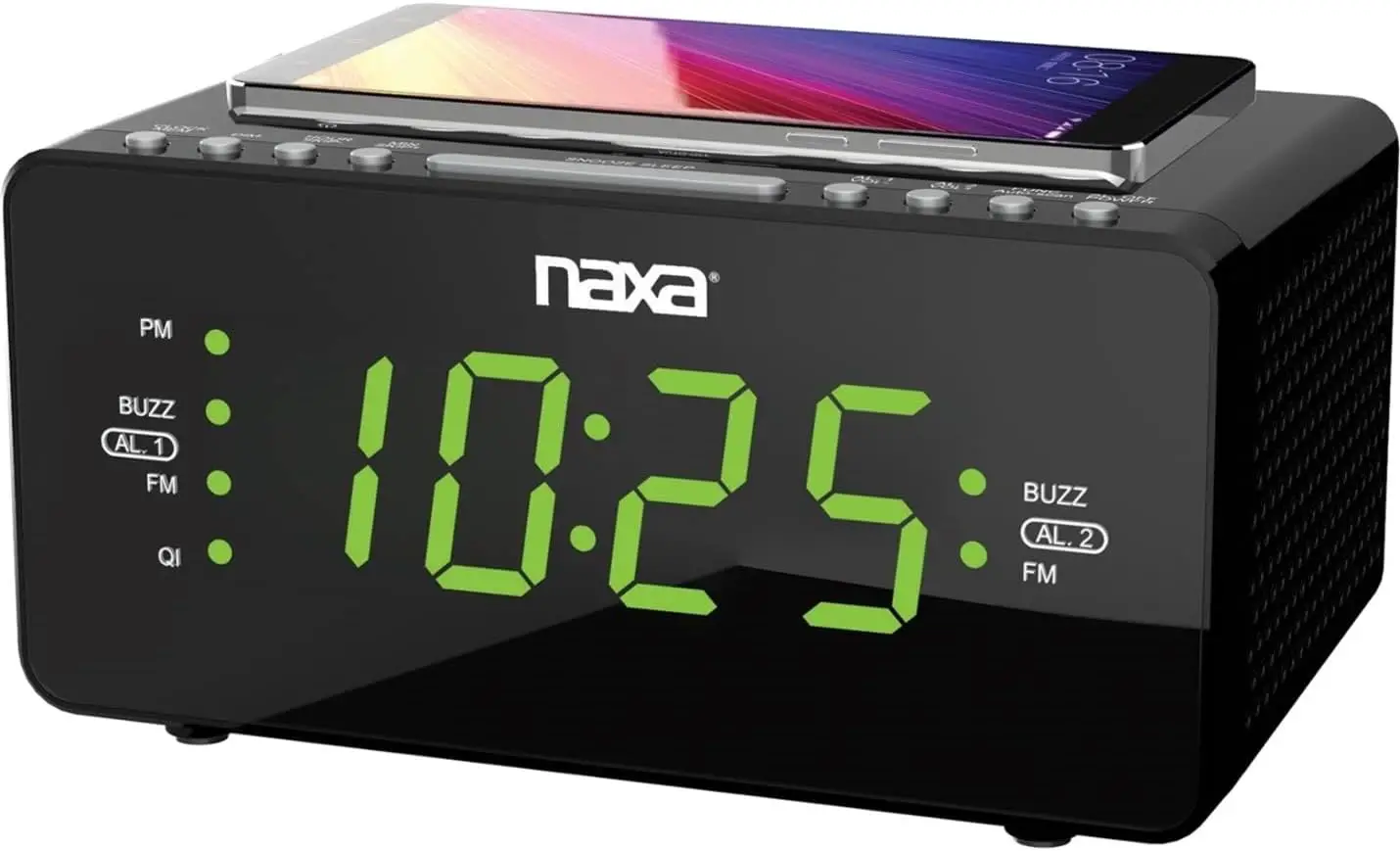
Naxa NRC-191 QI Wireless Dual Alarm Clock
Important Safety Information

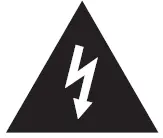
 The lightning flash with arrowhead symbol, within an equilateral triangle, is intended to alert the user to the presence of uninsulated “dangerous volt • age” within the product’s enclosure that may be of sufficient magnitude to constitute a risk of electric shock to a person.
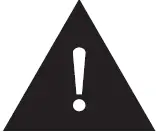
 The exclamation point within an equilateral triangle is intended to alert the user to the presence of important operating and maintenance (servicing) instructions in the literature accompanying the appliance.
- WARNING: This product contains lead, a chemical known to the State of California to cause cancer and birth defects or other reproductive harm. Wash hands after handling.
- WARNING: TO REDUCE THE RISK OF FIRE OR ELECTRIC SHOCK, DO NOT EXPOSE THIS APPARATUS TO RAIN OR MOISTURE.
- Read these instructions.
- Keep these instructions.
- Heed all warnings.
- Follow all instructions.
- Do not use this apparatus near water.
- Clean only with a dry cloth.
- Do not block any ventilation openings. Install in accordance with the manufacturer’s instructions.
- Do not install near any heat sources such as radiators, heat registers, stoves, or other apparatus (including am-
- Do not defeat the safety purpose of the polarized or grounding-type plug. A polarized plug has two blades one wider than the other. A grounding-type plug has two blades and a third grounding prong. The wide blade or the third prong is provided for your safety. If the provided plug does not fit into your outlet, consult an electrician for the replacement of the obsolete outlet.
- Protect the power cord from being walked on or pinched particularly at plugs, convenience receptacles, and the point where they exit from the apparatus.
- Only use attachments/accessories specified by the manufacturer.
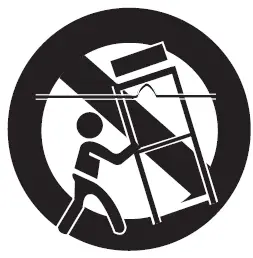
- Use only with the cart, stand, tripod, bracket, or table specified by the manufacturer, or sold with the apparatus. When a cart is used, use caution when moving the cart/apparatus combination to avoid injury from tip-over.

- Unplug this apparatus during lightning storms or when unused for long periods of time.
- Refer all servicing to qualified service personnel. Servic- ing is required when the apparatus has been damaged in any way, such as power-supply cord or plug is damaged, liquid has been spilled or objects have fallen into the apparatus, the apparatus has been exposed to rain or moisture, does not operate normally, or has been dropped.
FCC NOTICE
This device complies with Part 15 of the FCC Rules. Operation is subject to the following two conditions: (1) this device may not cause harmful interference, and (2) this device must accept any interference received, including interference that may cause undesired operation.
Note: This equipment has been tested and found to comply with the limits for a Class B digital device, pursuant to Part 15 of the FCC Rules. These limits are designed to provide reason able protection against harmful interference in a residential installation. This equipment generates, uses, and can radiate radio frequency energy and, if not installed and used in acc -or dance with the instructions, may cause harmful interference to radio communications. However, there is no guarantee that interference will not occur in a particular installation. If this equipment does cause harmful interference to radio or television reception, which can be determined by turning the equipment off and on, the user is encouraged to try to correct the interference by one or more of the following measures:
- Reorient or relocate the receiving antenna.
- Increase the separation between the equipment and the receiver.
- Connect the equipment to an outlet on a circuit different from that to which the receiver is connected.
- Consult the dealer or an experienced radio/TV technician for help.
CAUTION ON MODIFICATIONS
Any changes or modifications not expressly approved by the grantee of this device may void the authority granted by the FCC to operate the equipment.
At a Glance
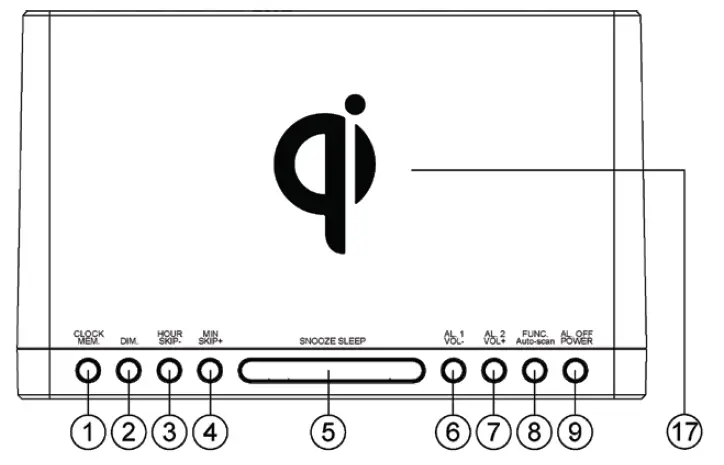
| 1. Clock/MEM | Press and Hold to set Time. Press to cycle through preset stations. Press and hold to store radio preset. |
- 2 DIM: Press to select dimmer level on the display. (Mid, Low, High)
| 3. HOUR/SKIP- | Press to adjust hour setting. (+) Press to adjust radio stations. (-) |
| 4. MIN/SKIP + | Press to adjust minute setting. (+) Press to adjust radio stations. (+) |
| 5. Snooze/Sleep | Press to temporarily shut off alarm for 9 minutes. In FM/AUX Mode, press to set snooze time. (10-90 mins) |
| 6. AL. 1/VOL- | • Press to decrease the volume. • Press to adjust time for Alarm/Clock |
| 7. AL. 2/VOL+ | • Press to increase the volume. • Press to adjust time for Alarm/Clock |
| 8. FUNC / Auto- Scan | Press to toggle between FM/AUX inputs. Press and Hold to Auto-Scan stations and save first 10 into memory preset. |
| 9. AL. OFF/ POWER | Press to power on/off (standby) Press to turn off Alarm |
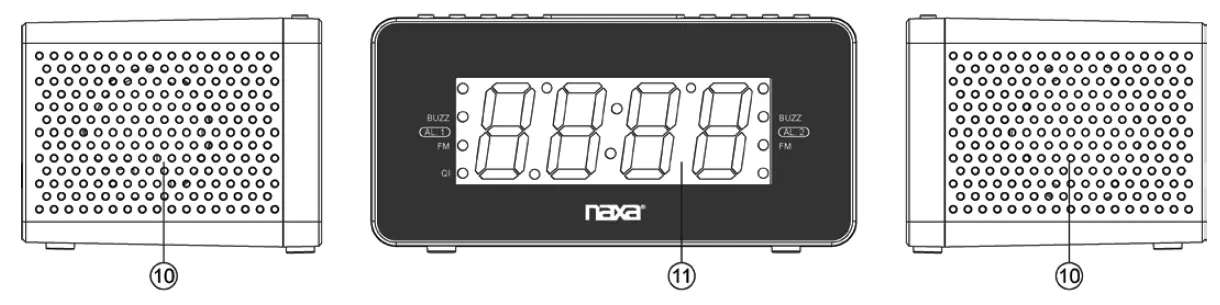
| 10. Speakers | Dual Speakers |
- 11 LED Display: LED Display panel
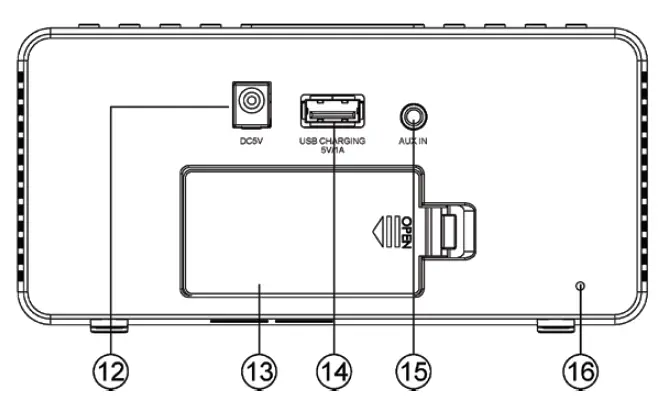
- 12 DC 5V Power Jack: Power Adapter port
- 13 Battery Doora: Battery door cover for 2 (AAA) batteries for time/alarm backup
| 15. AUX IN Jack | |
| 16. FM Antenna Antenna Wire for FM Radio Wire | |
| 17. Qi (Wireless Location where to place mobile Charging) Area phone to charge wirelessly | |

FREQUENTLY ASKED QUESTIONS
DOWNLOAD THE PDF LINK: Naxa Electronics NRC-191 Dual Alarm Clock QI Wireless Charging Instruction Manual