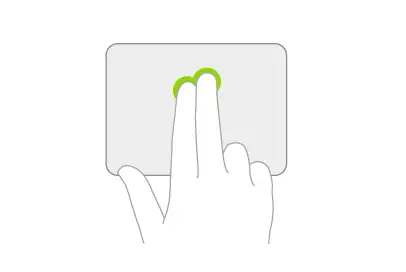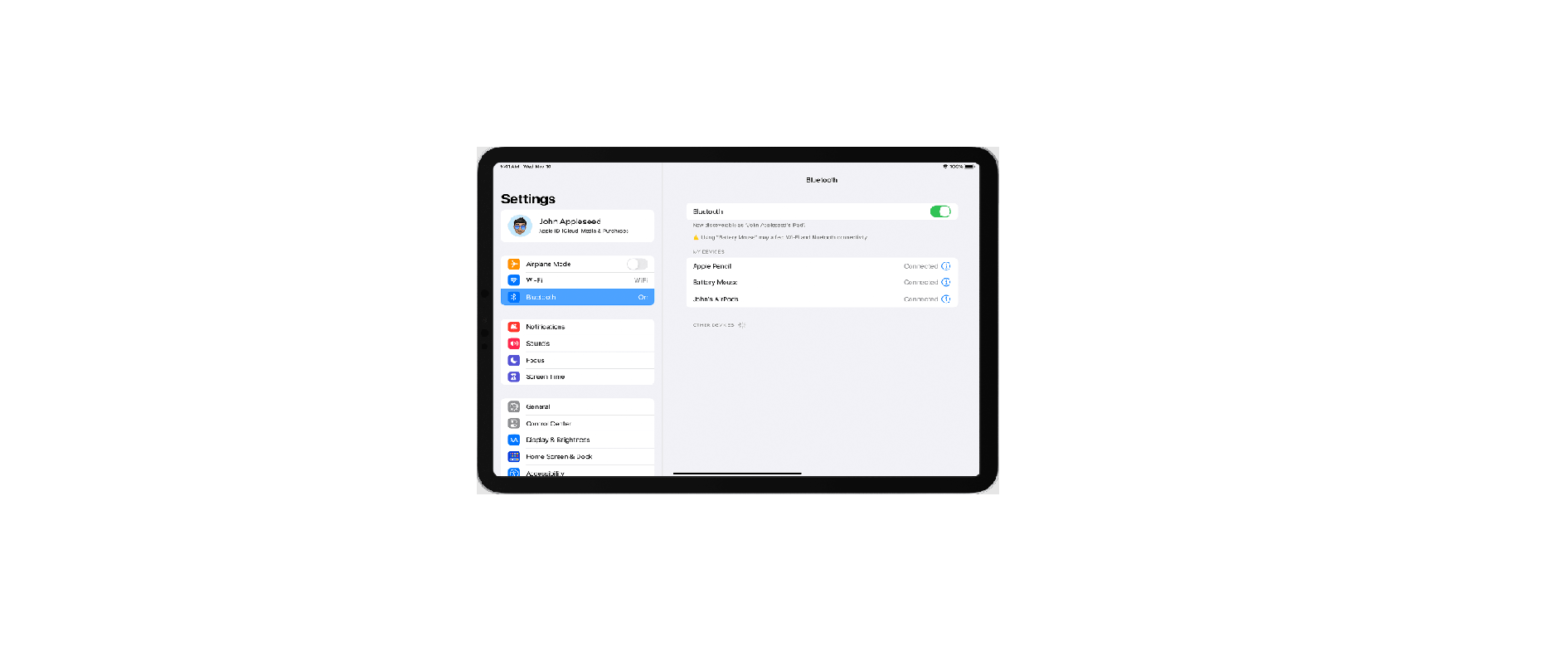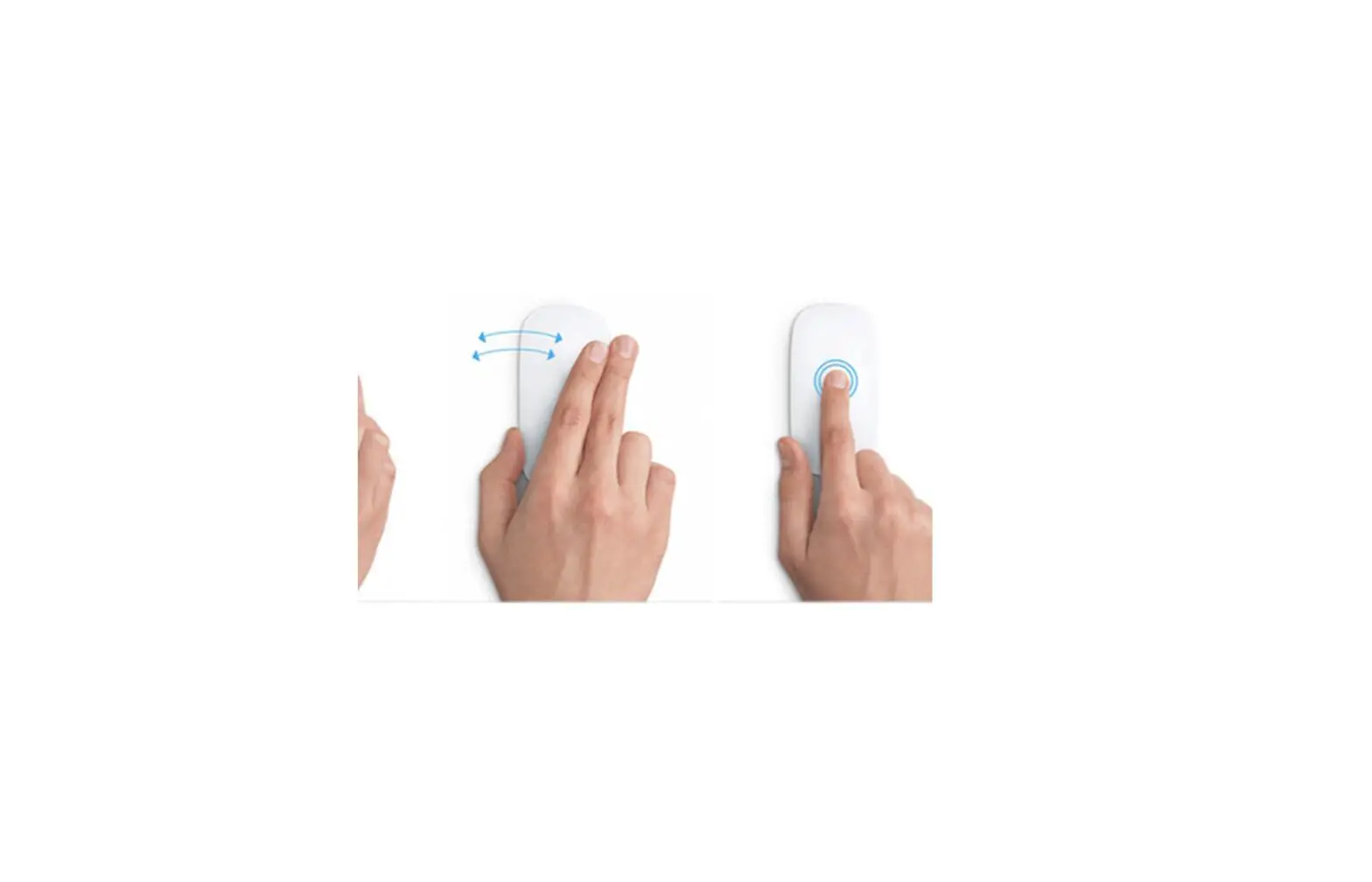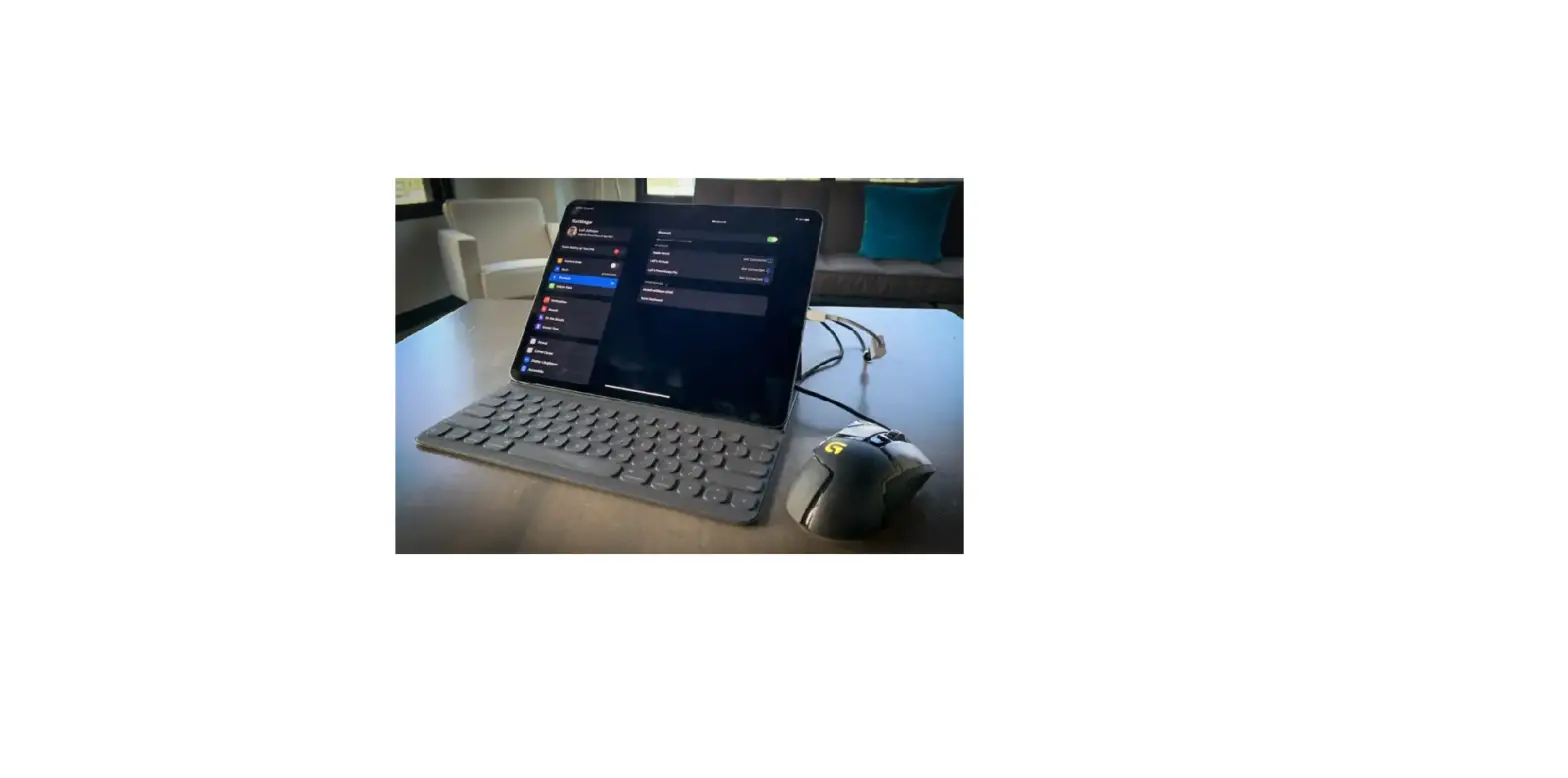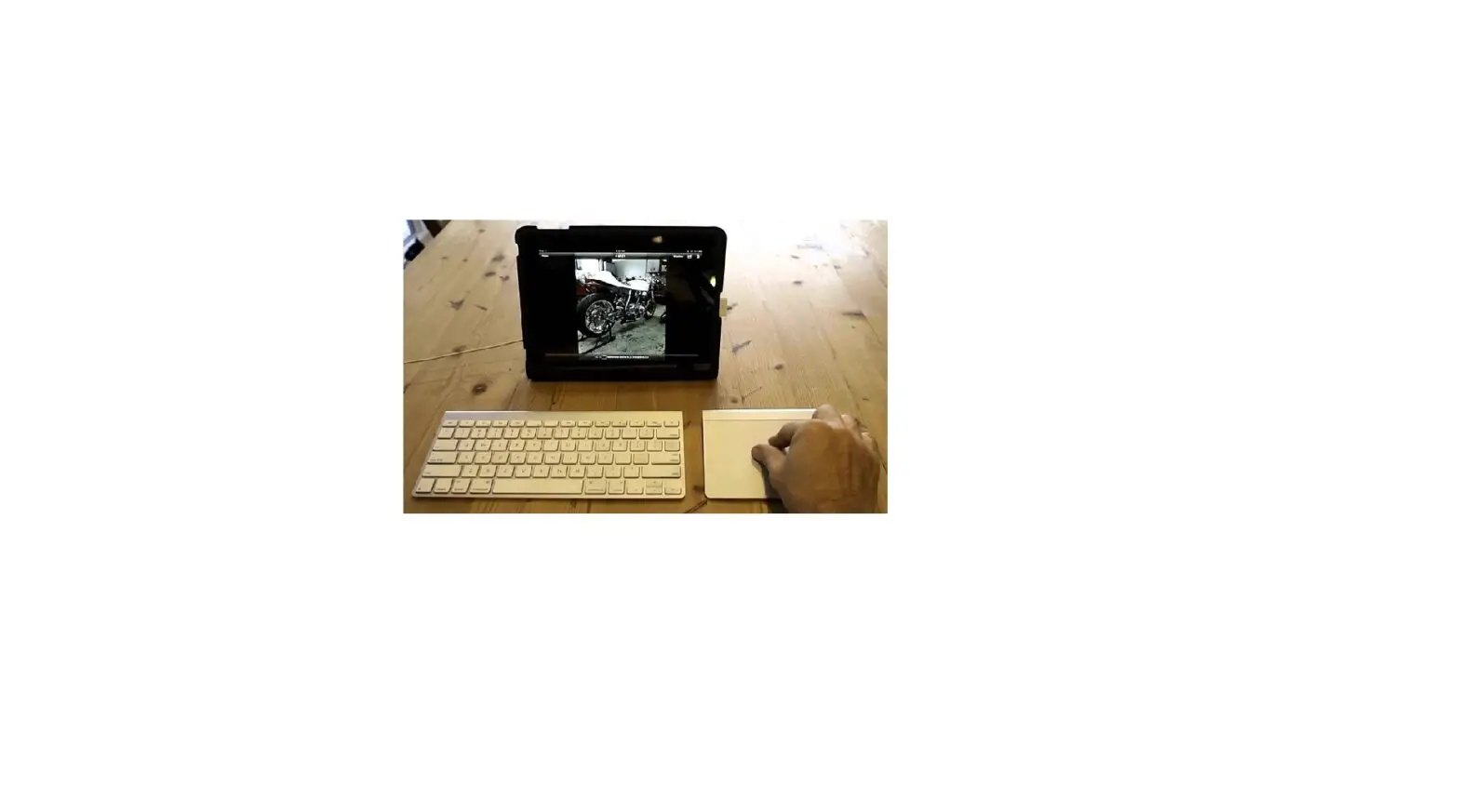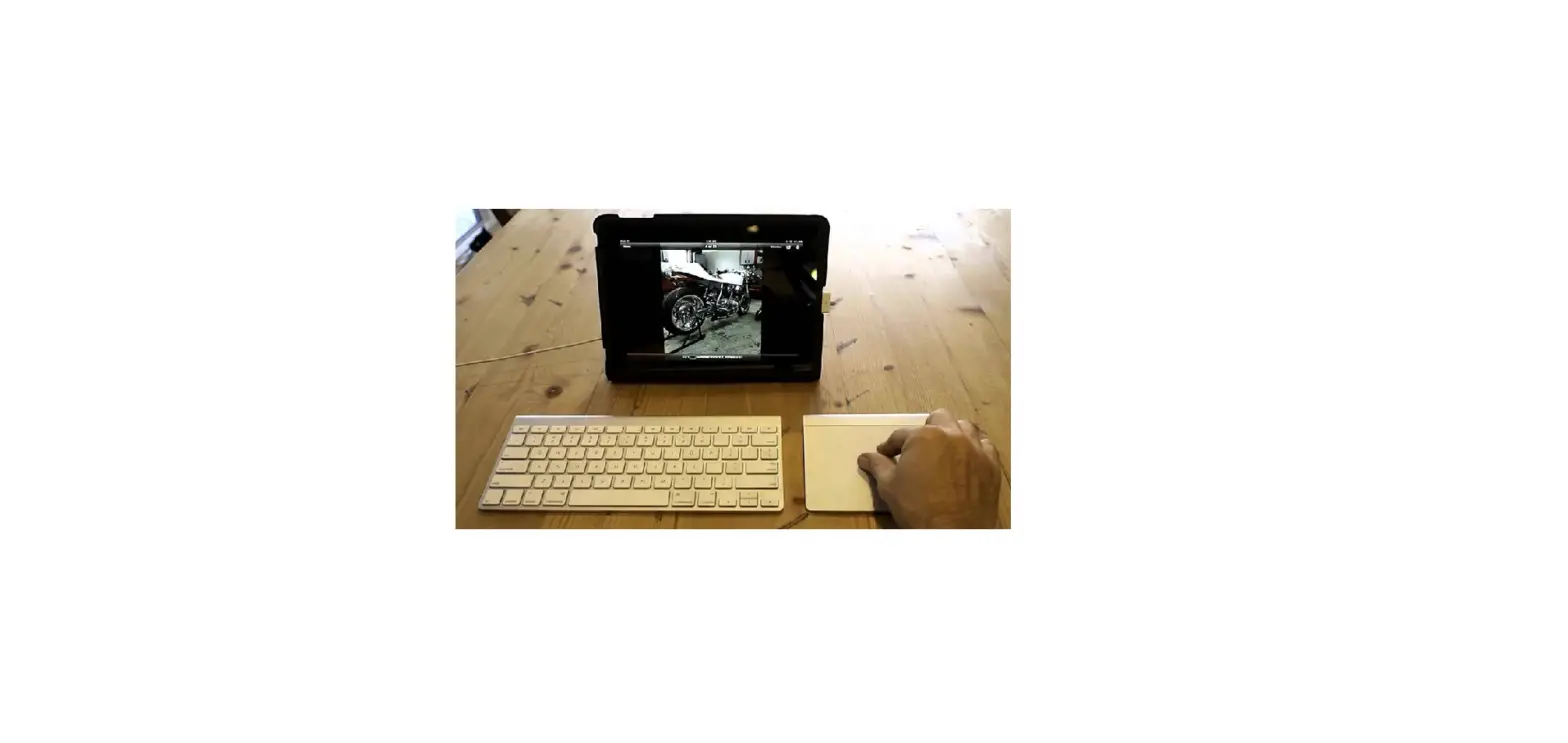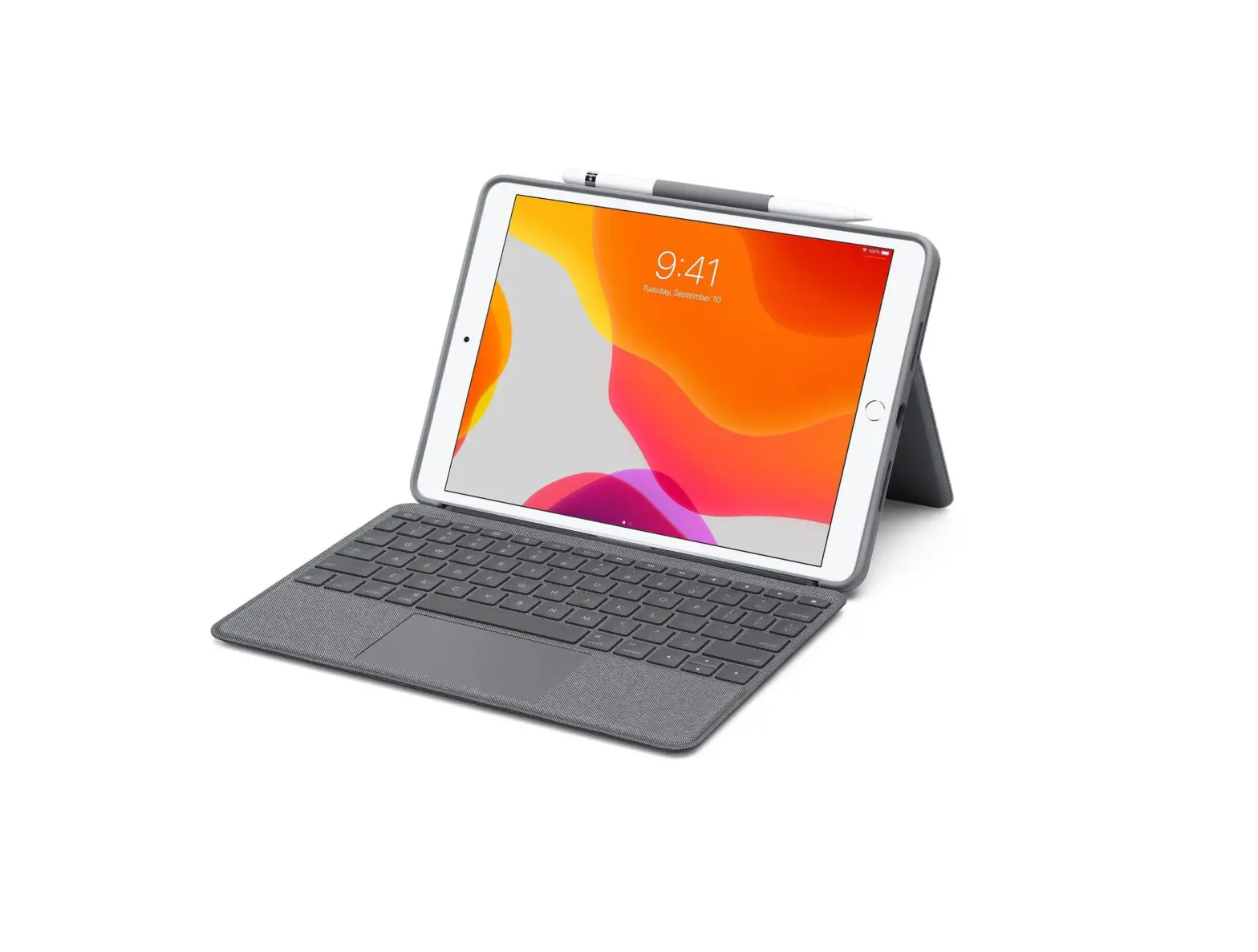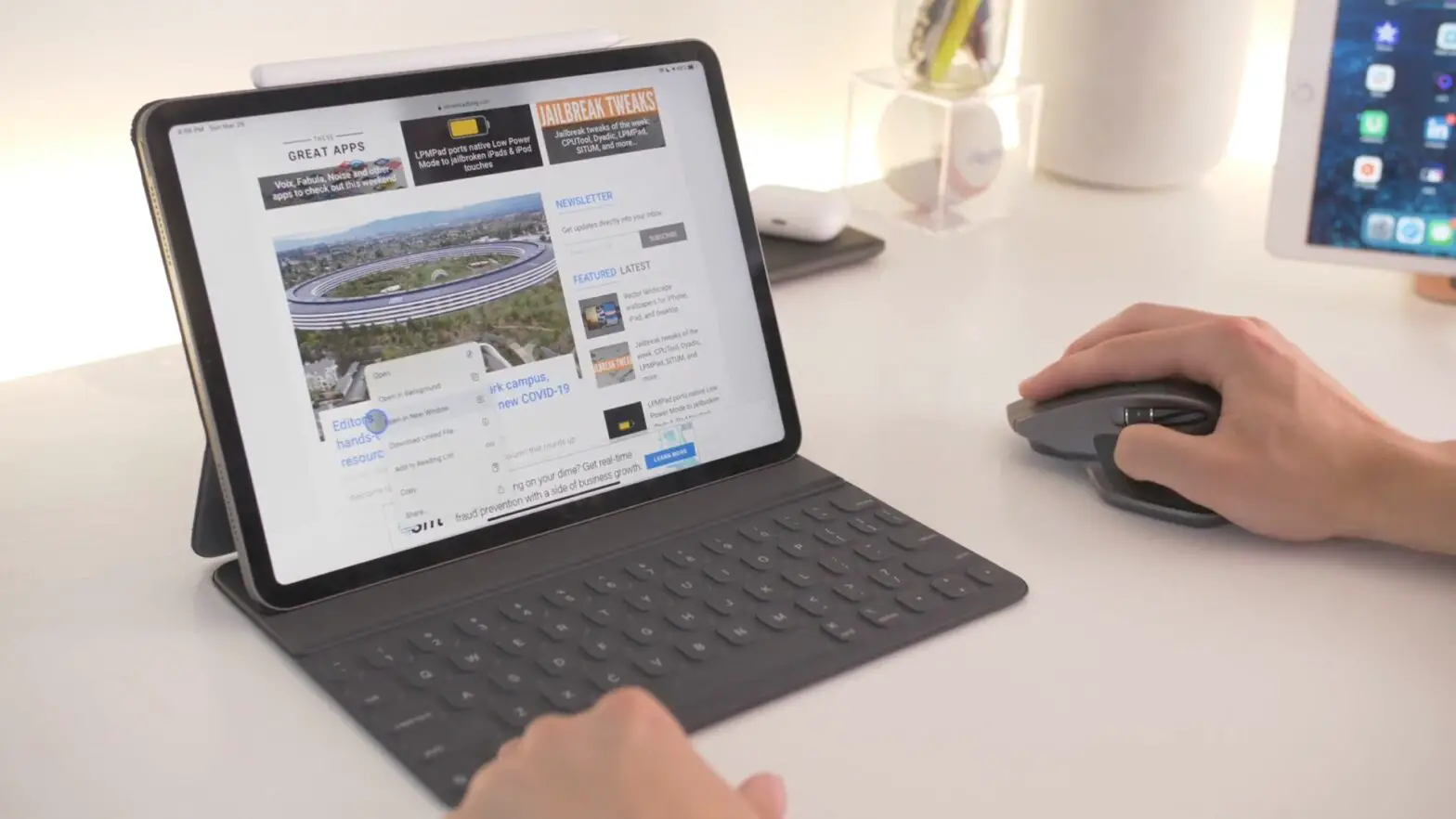
If you use a mouse or trackpad with iPad, you can change the appearance of the pointer by adjusting its color, shape, size, scrolling speed, and more.
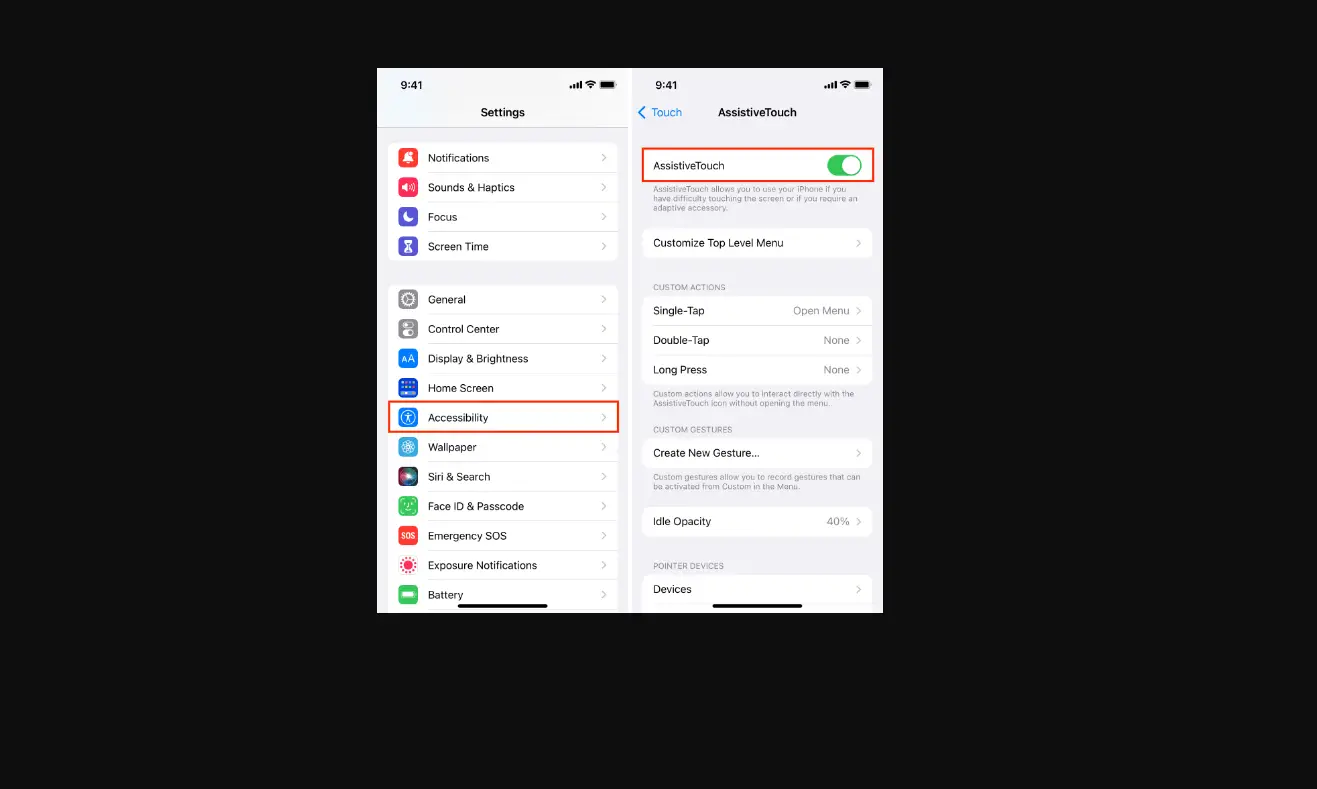
Go to Settings  > Accessibility > Pointer Control, then adjust any of the following:
- Increase Contrast
- Automatically Hide Pointer
- Color
- Pointer size
- Pointer Animations
- Trackpad Inertia (available when connected to a supported multi-touch trackpad)
- Scrolling Speed
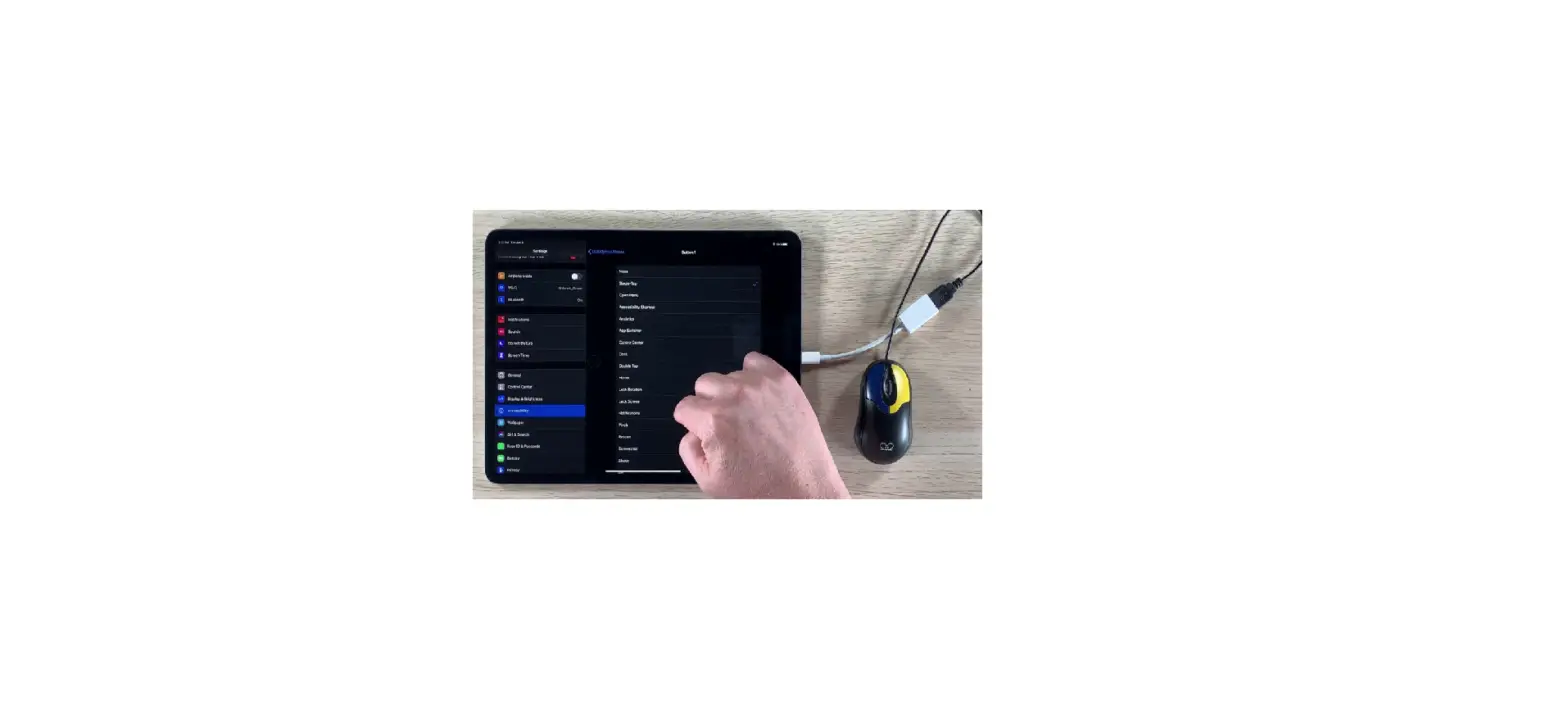
To customize the buttons of the pointing device, go to Settings > Accessibility > Touch > AssistiveTouch > Devices.
See Use VoiceOver on iPad with a pointer device and Zoom in on the iPad screen.