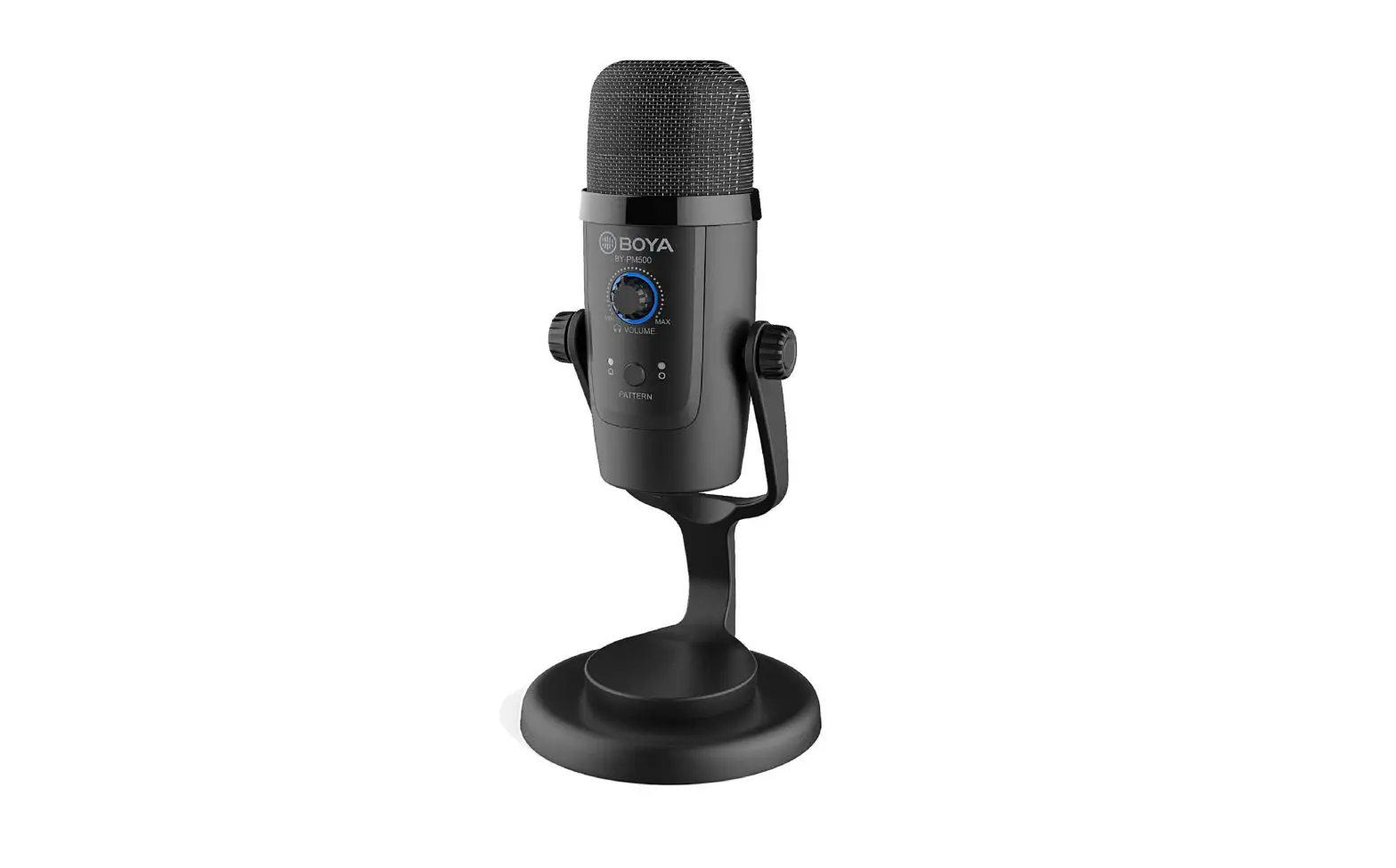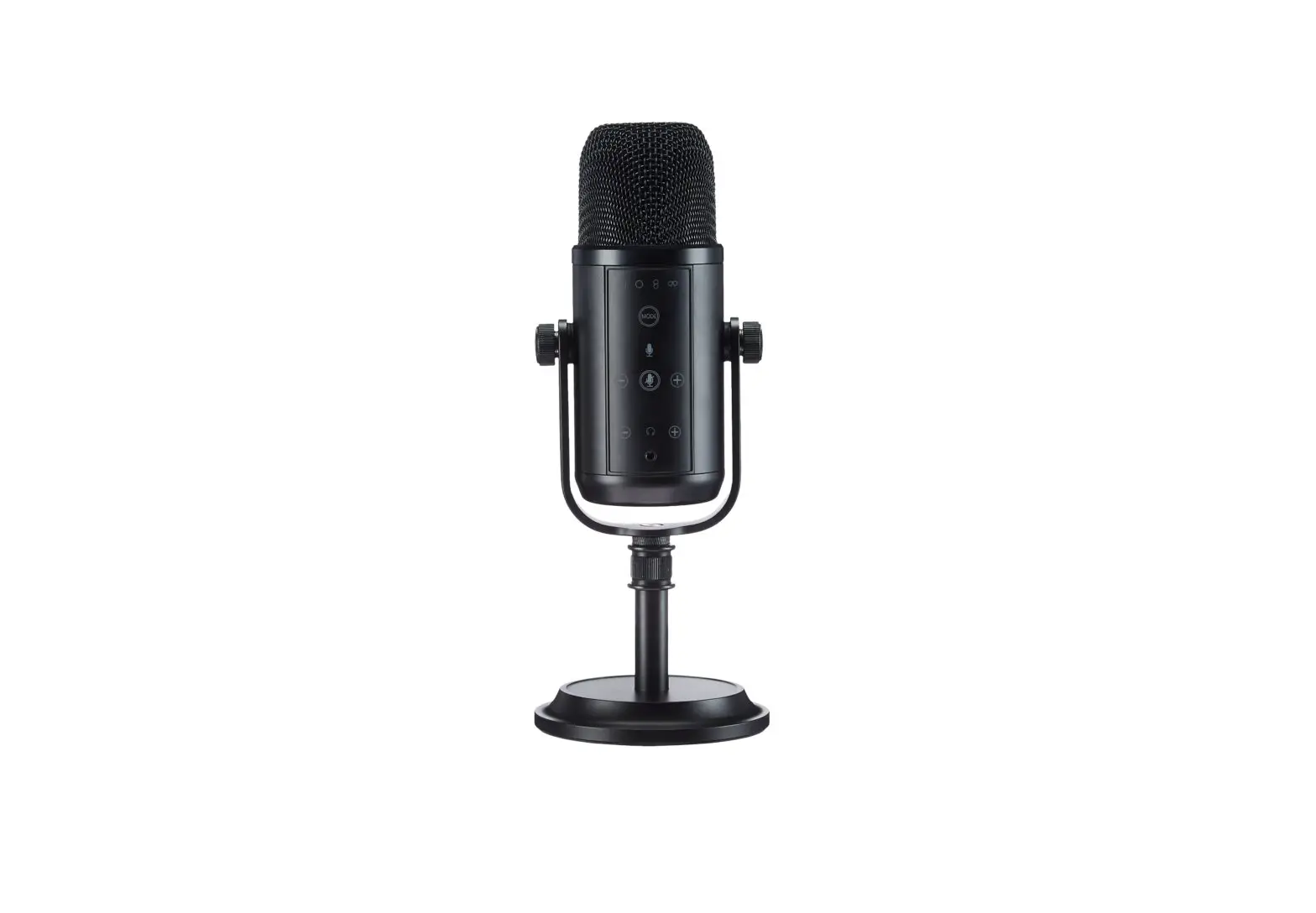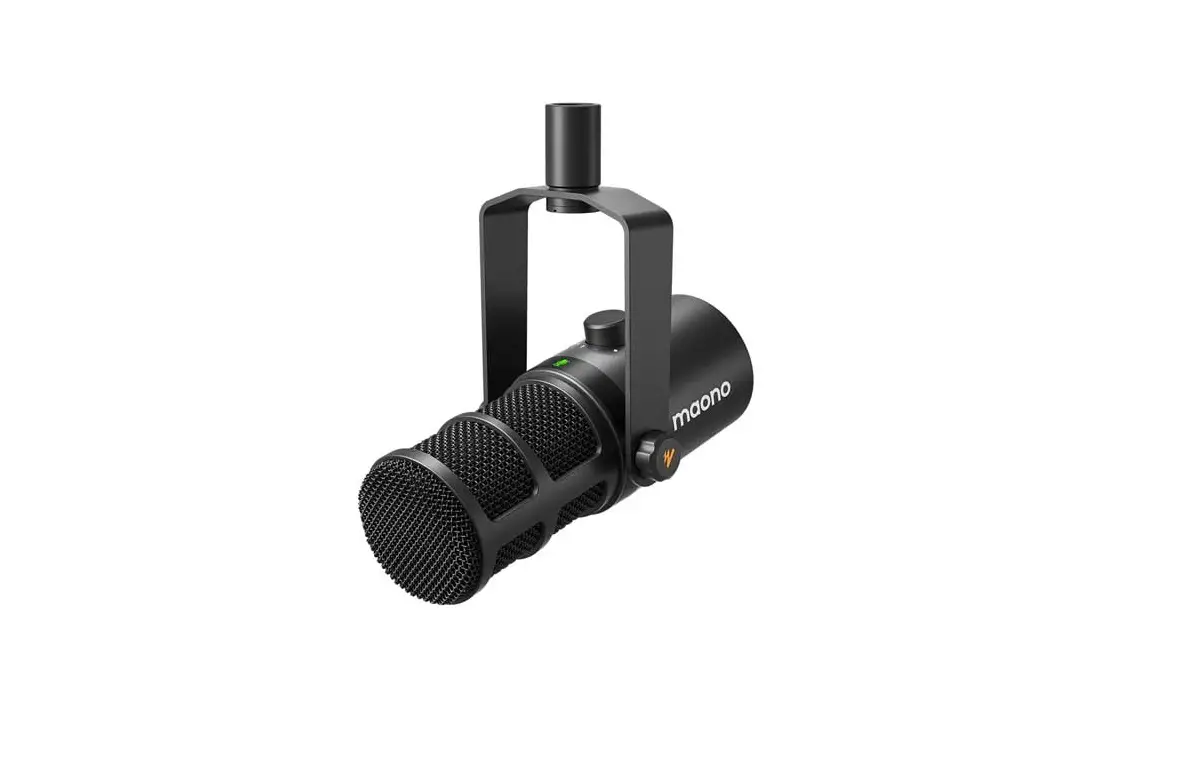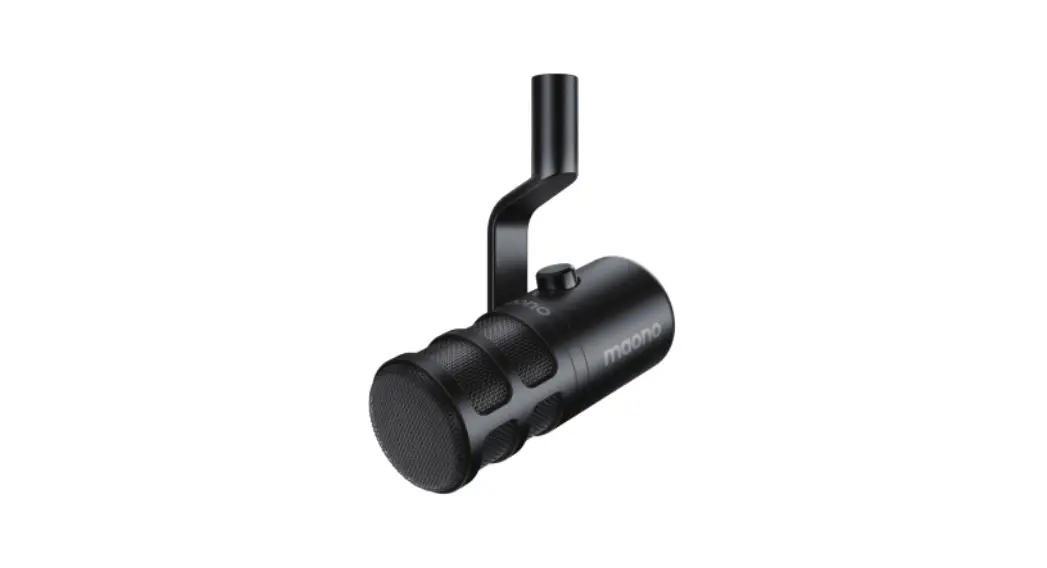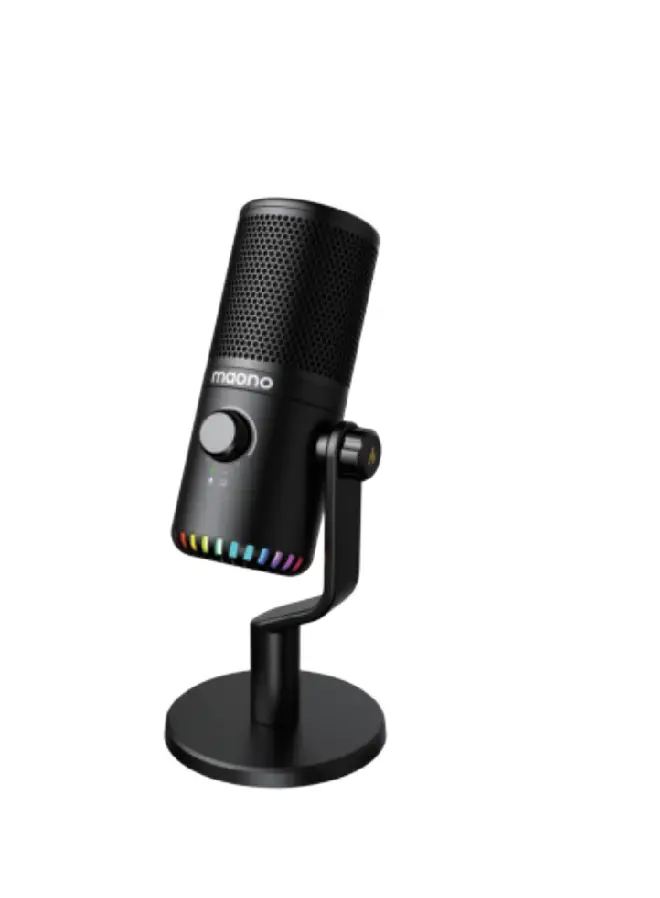
maono DM30 RGB Programmable Condenser USB Microphone
Product Description
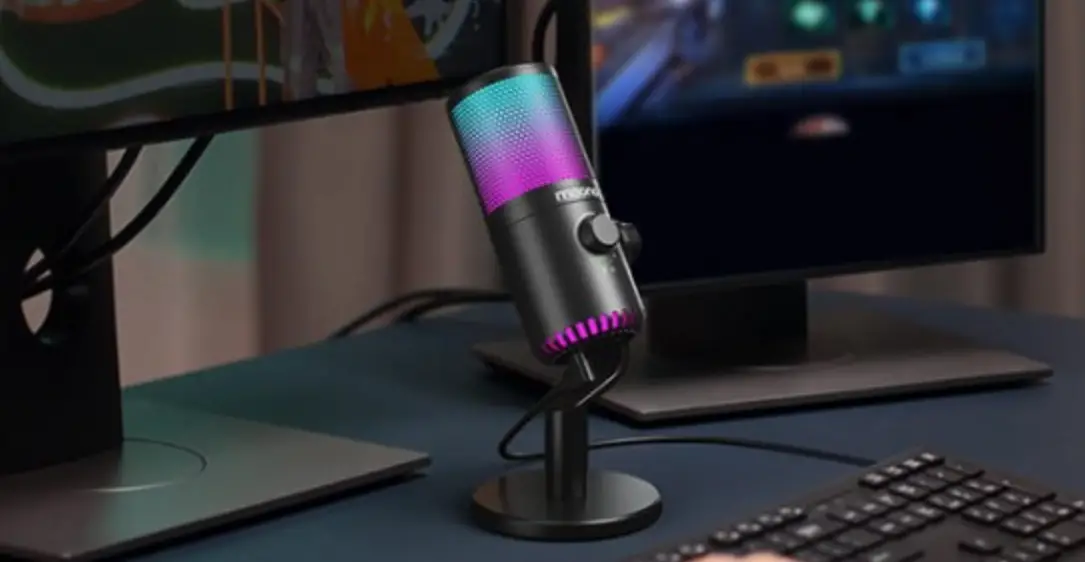
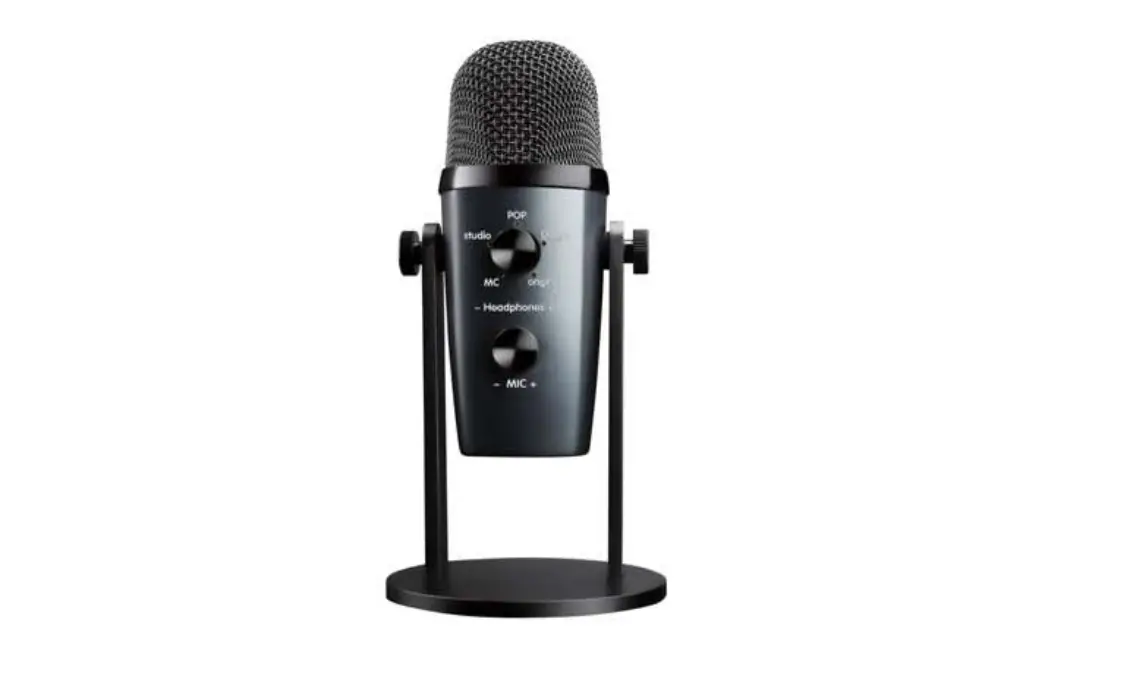
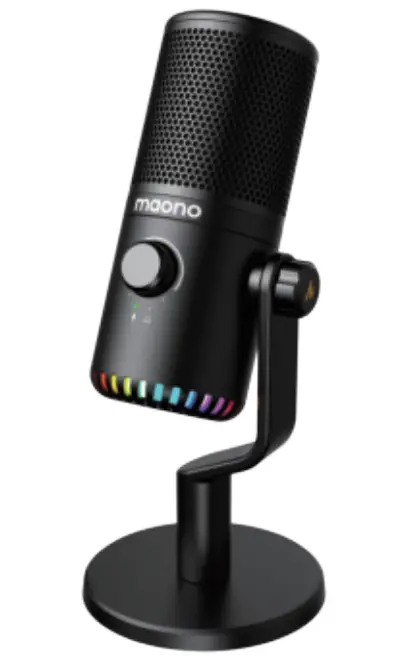
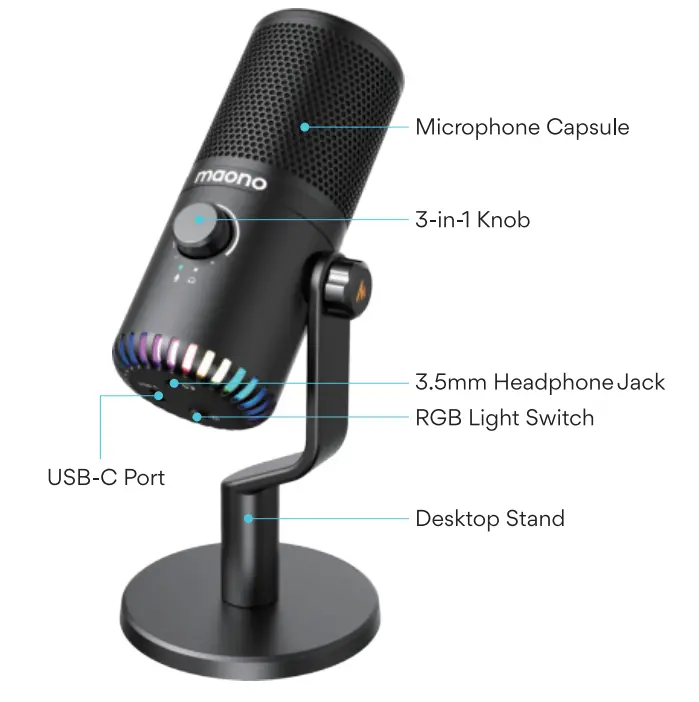
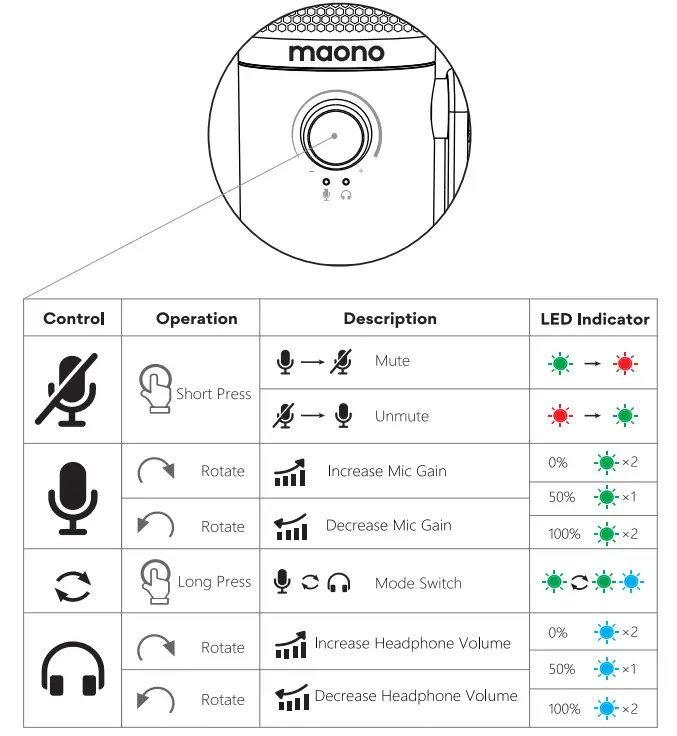
Compact but powerful. DM30 is the next-gen Digital Microphone from Maono. DM30 has a unique single-arm design and utilizes a condenser capsule that captures every nuance from vocals and musical instruments. It features a unique 3-in-1 digital knob that controls the mute switch, microphone gain, and headphones volume, with a simple and intuitive user experience.
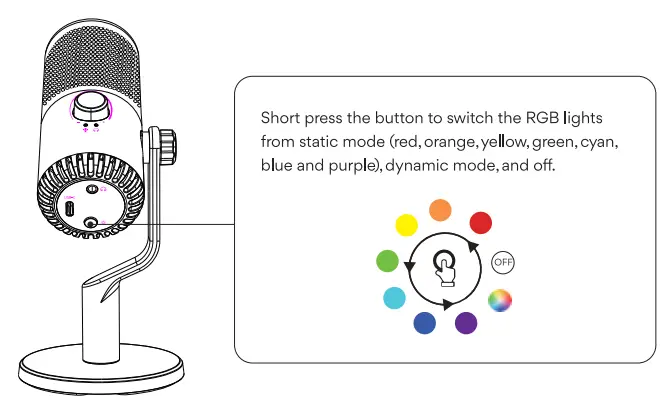
Advanced audio processing features are available through the PC/Mac Maono Link software to offer users more versatility. Gamers and other users would also appreciate the RGB light on the bottom of the microphone, which can be controlled by a hardware button and programmed by Maono Link software.
Features
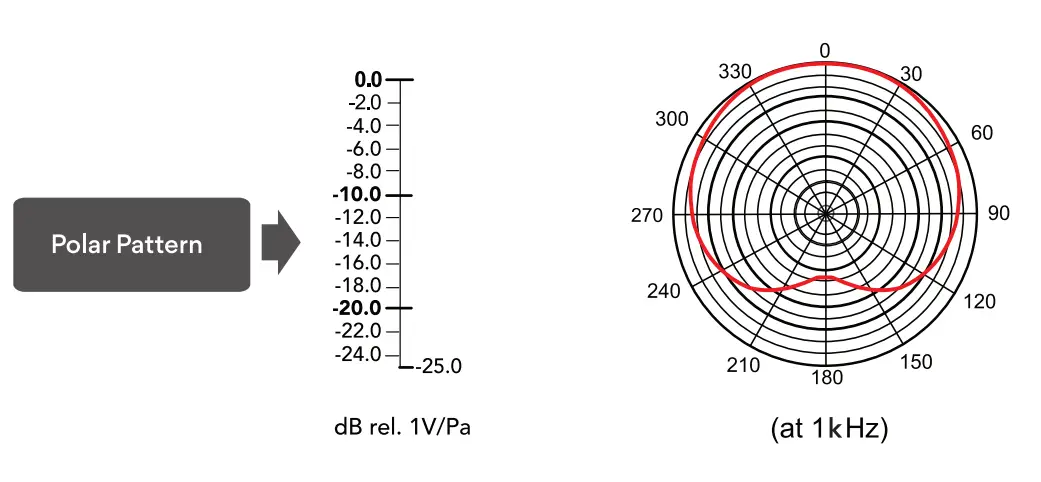
- Cardioid polar pattern
- High-sensitivity audio recording
- Mic gain control
- Real-time monitoring
- Headphone volume control
- Companion software
- All-metal body
Specification
| Pickup device type | Condenser |
| Polar Pattern | Cardioid |
| Sensitivity | – 4 d BFS (1V/Pa at 1kHz) |
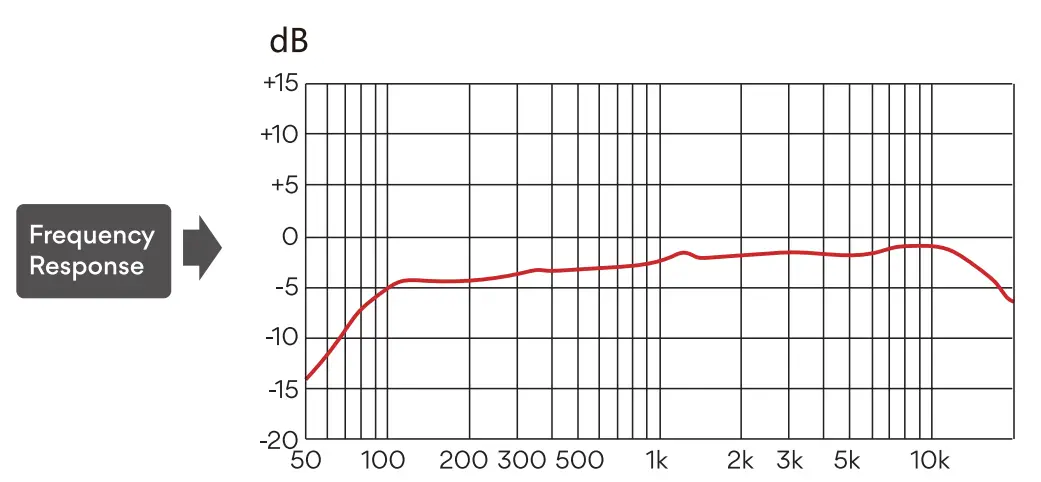
| Frequency Response | 20Hz – 20kHz |
| USB Specifications | USB 2.0 |
Items in package
| USB Microphone | x1 |
| USB-A to USB-C Cable | x1 |
| Desktop stand | x1 |
| User Manual | x1 |

Introduction
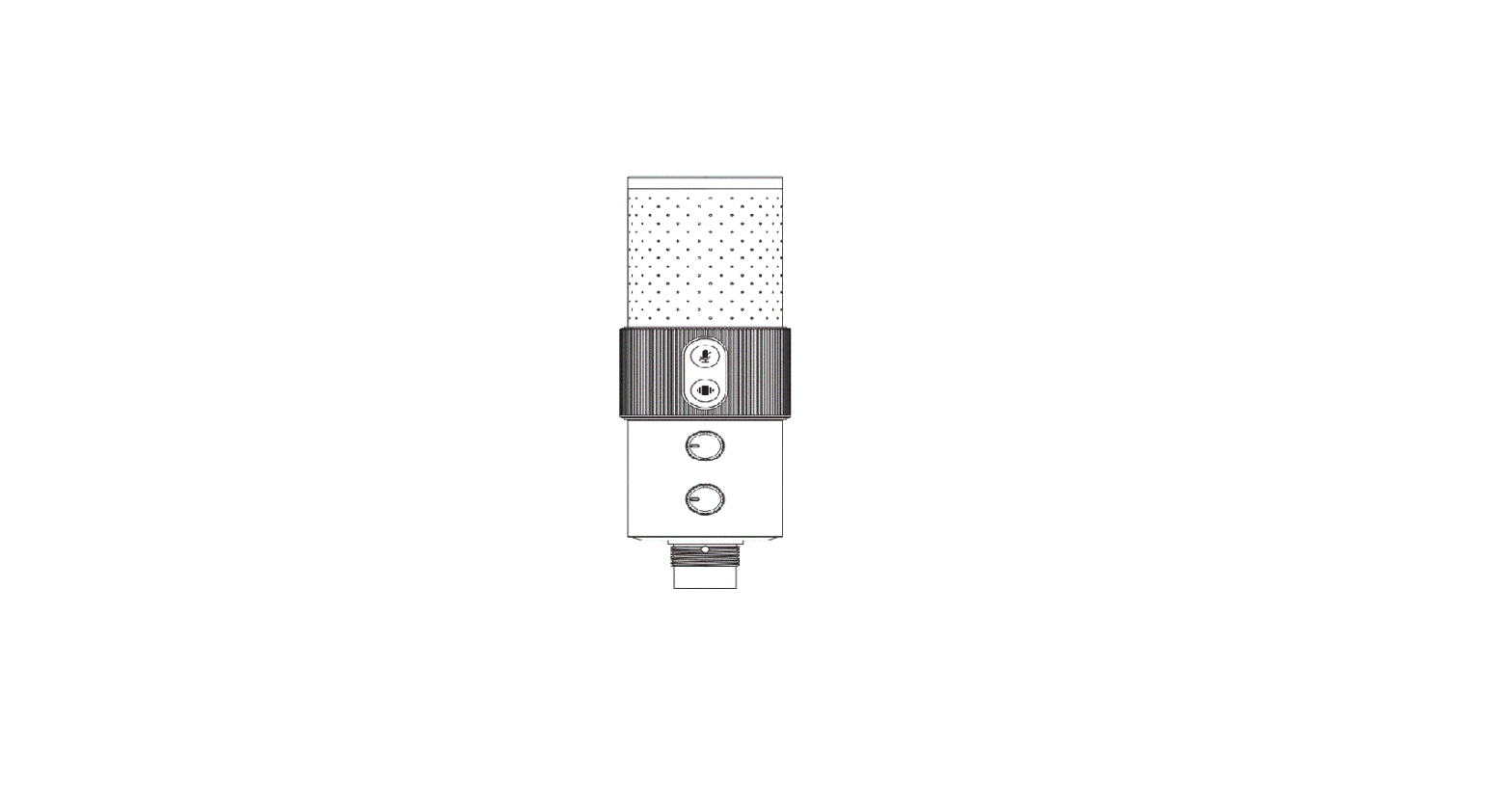
3-In-1 Knob Control

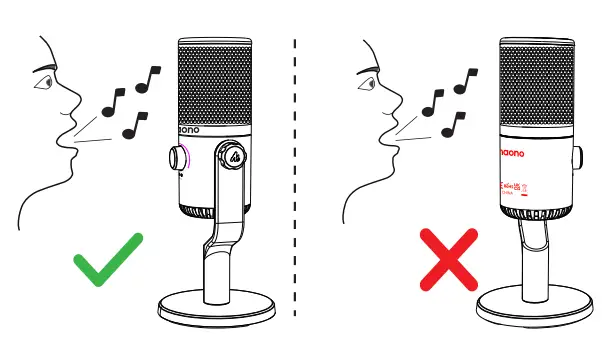
Microphone Placement
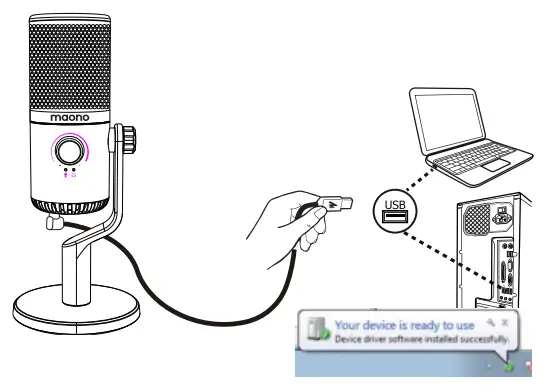
Connect to the Computer
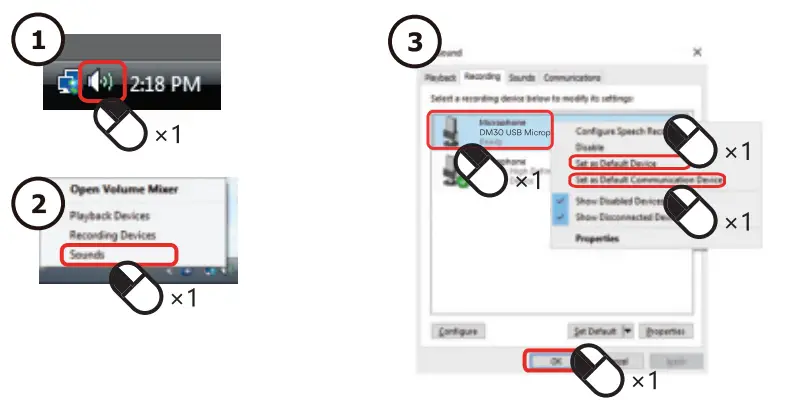
Computer Setup Guide
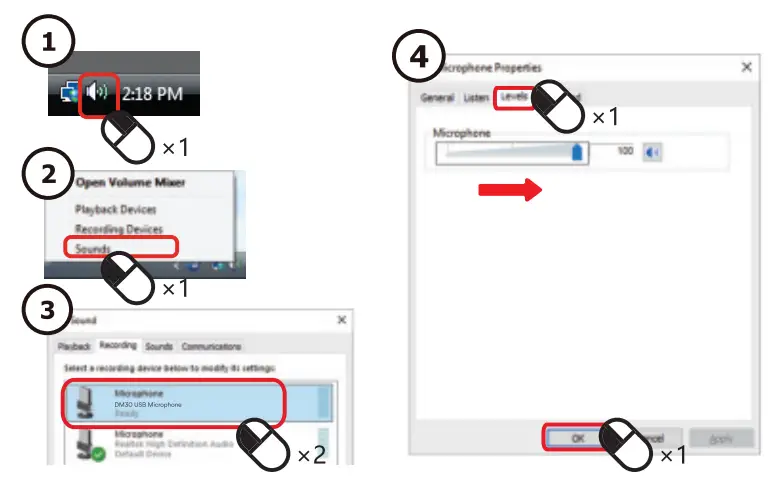
Microphone Level setting
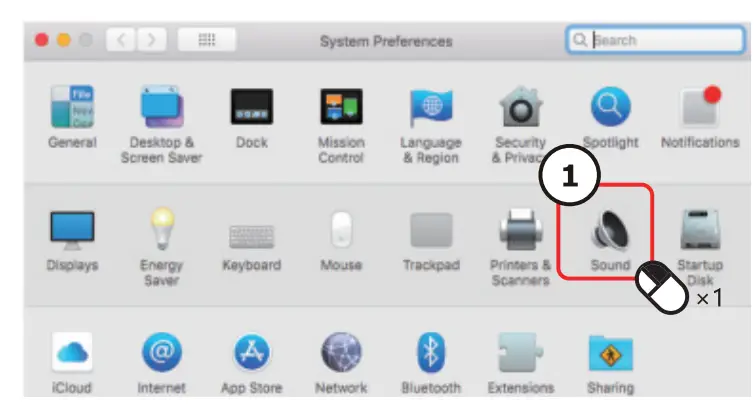
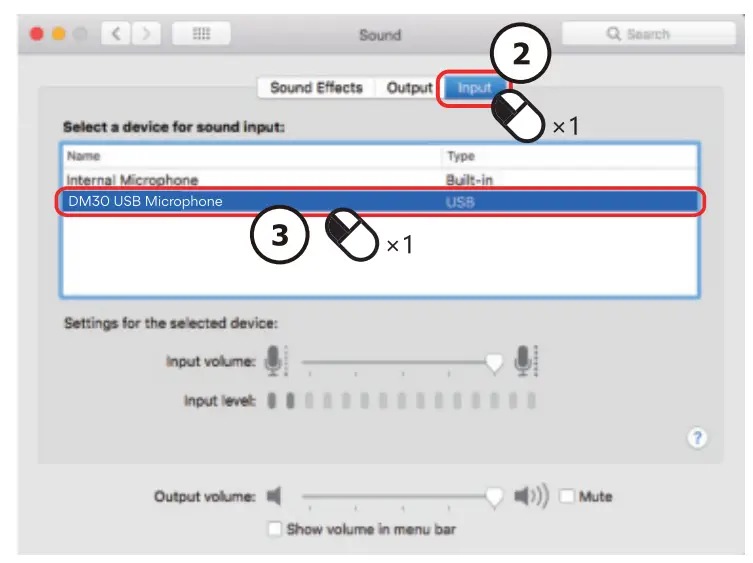
macOS Setup Guide
Notice:· Please use external power adapter when connecting microphones to iOS devices.
Maono Link Guide
Maono Link is available for both Windows 7 or later and macOS 10:14 or later.
To download the software, please go to https://www.m1aono.com
Settings are synced; in real time between hardware and software.
Standard
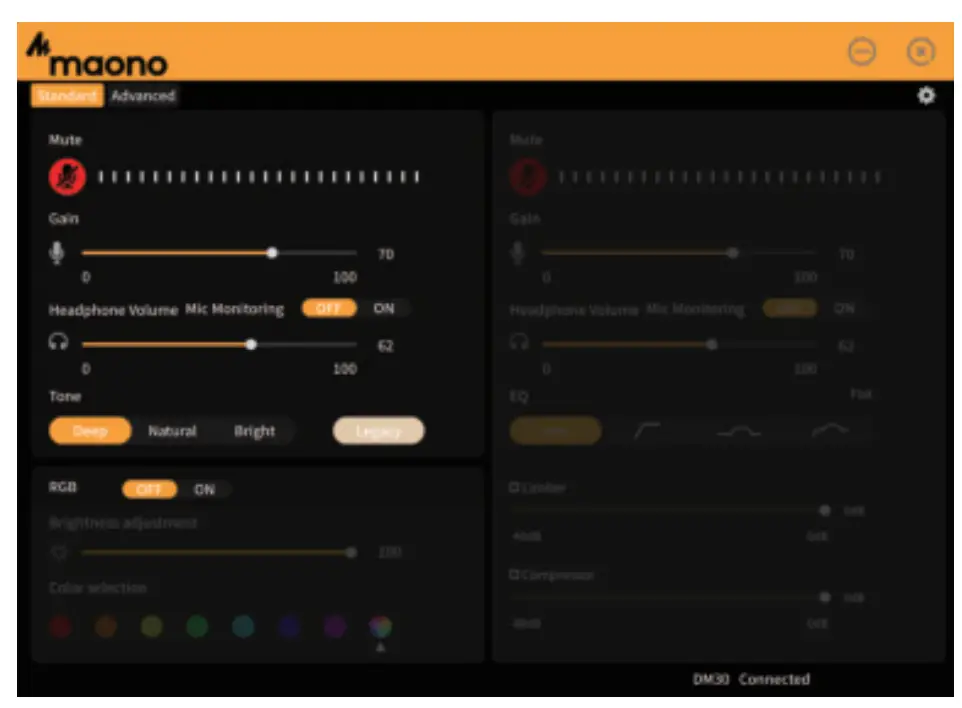
Offers a set of simple and intuitive audio settings, sound effects, and RGB customization.
Advanced
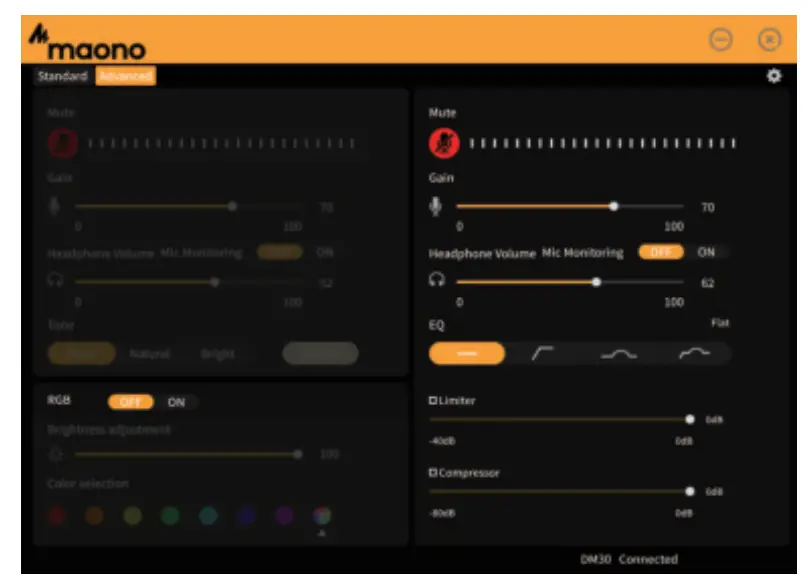
Offers more advanced audio settings. You can use a combination of EQ, limiter, and compressor to customize
- your voice.
RGB Light setting is still available under Pro Mode. You can go to the setting menu from the top right corner to check software and firmware updates.
RGB Light Setting
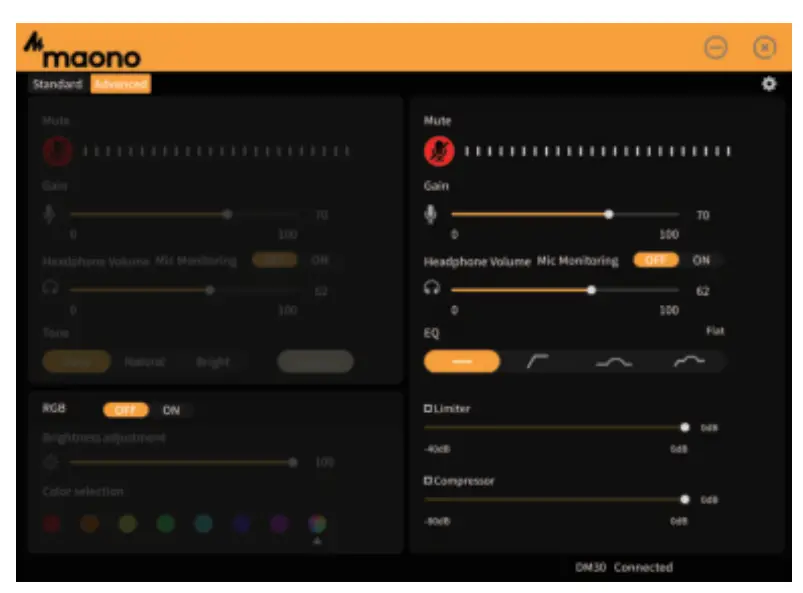
Turning on the RGB light function to adjust brightness and customize light.
Turning off the RGB light function will disable the settings.
Technical support:
[email protected]
www.maono.com
 Final clause:
Information and data contained in this manual are subject to change without notice in advance.
Company: Ging UG (haftungsbeschrankt)
Address: Undinestr. 7;12203 Berlin Germany
Tell: 004917662179550
E-mail: [email protected]
Company: CET PRODUCT SERVICE LTD.
Address: Chase Business Centre, 39-41
Chase Side, London N14 5BP United Kingdom
Email: [email protected]
TEL:+447419325266