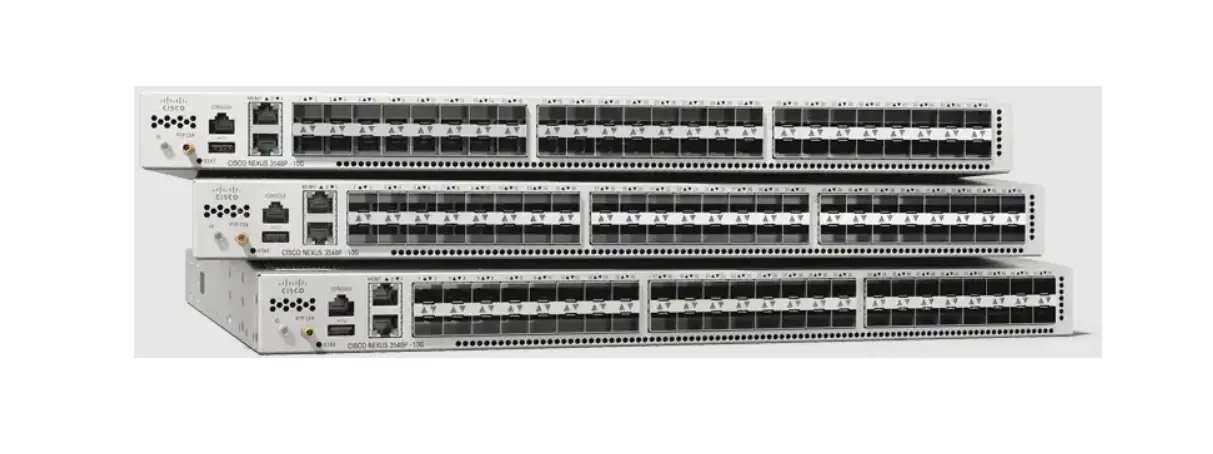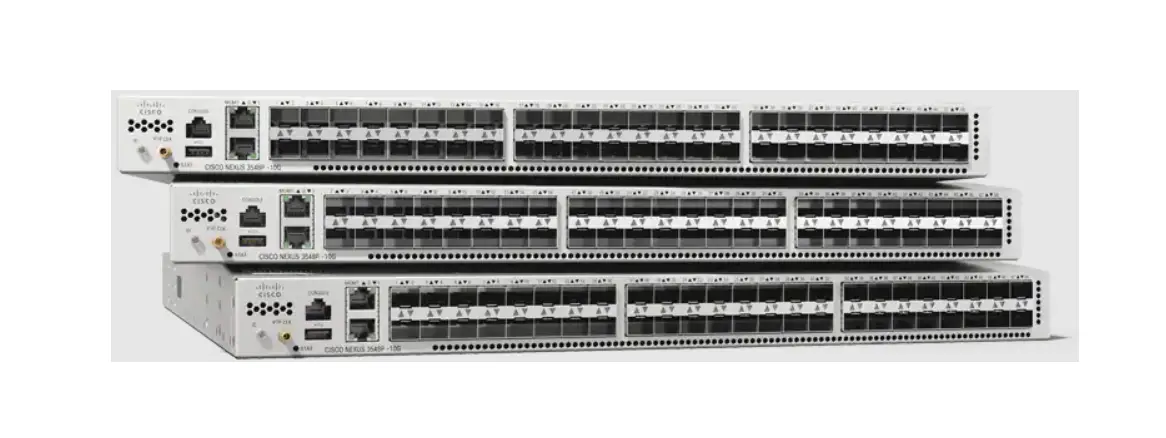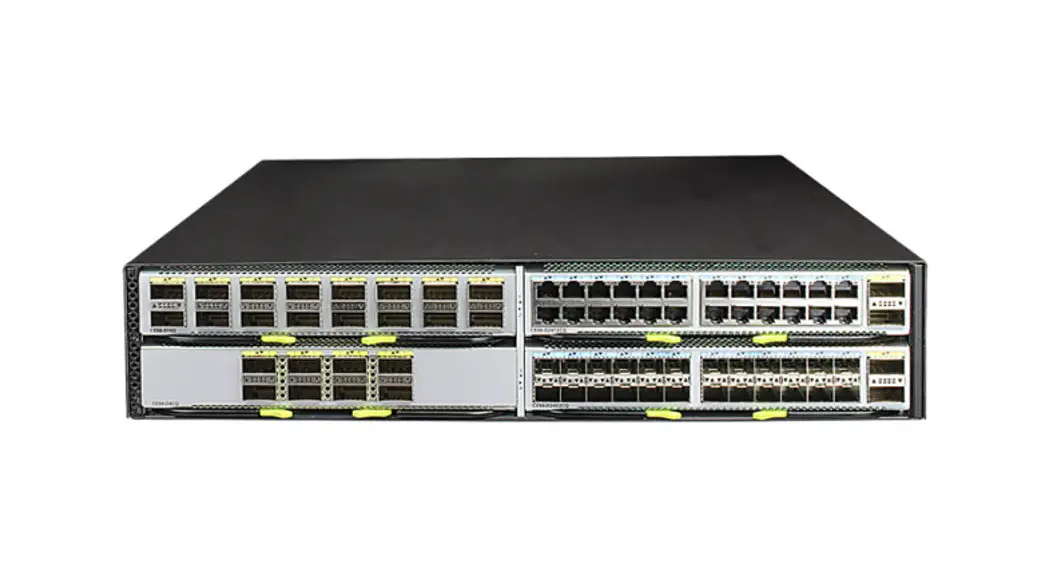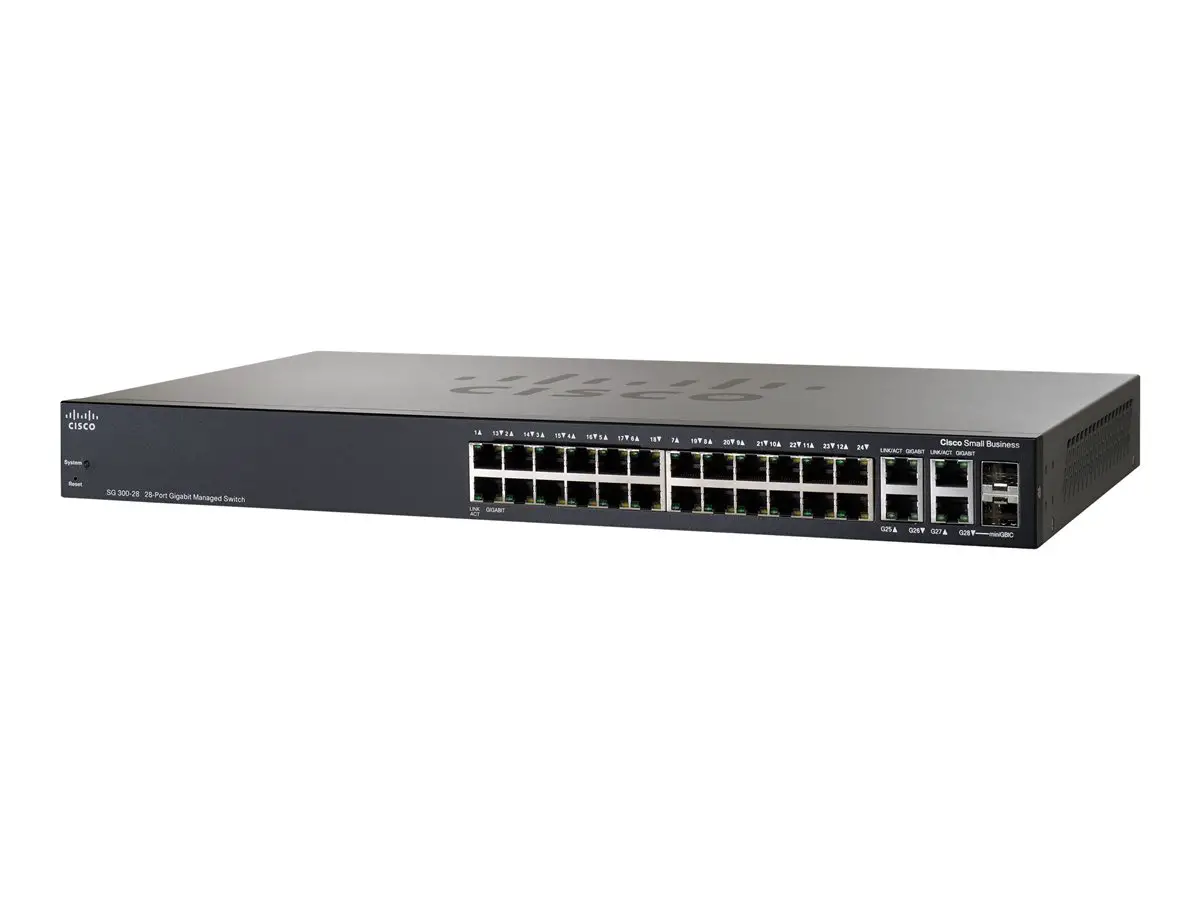
CISCO Nexus 3550-T Data Center Switches

Preface

Audience
This publication is for network administrators who install, configure, and maintain Cisco Nexus switches.
| The documentation set for this product strives to use bias-free language. For the purposes of this documentation set, bias-free is defined as language that does not imply discrimination based on age, disability, gender, racial identity, ethnic identity,sexual orientation,socioeconomic status, and intersectionality. Exceptions may be present in the documentation due to language that is hardcoded in the user interfaces of the product software, language used based on RFP documentation, or language that is used by a referenced third-party product. |

Document Conventions
Command descriptions use the following conventions:
| Convention | Description |
| bold | Bold text indicates the commands and keywords that you enter literally as shown. |
| Italic | Italic text indicates arguments for which you supply the values. |
| [x] | Square brackets enclose an optional element (keyword or argument). |
| [x | y] | Square brackets enclosing keywords or arguments that are separated by a vertical bar indicate an optional choice. |
| {x | y} | Braces enclosing keywords or arguments that are separated by a vertical bar indicate a required choice. |
| [x {y | z}] | Nested set of square brackets or braces indicate optional or required choices within optional or required elements. Braces and a vertical bar within square brackets indicate a required choice within an optional element. |
| variable | Indicates a variable for which you supply values, in context where italics cannot be used. |
| Convention | Description |
| string | A nonquoted set of characters. Do not use quotation marks around the string or the string includes the quotation marks. |
Examples use the following conventions:
| Convention | Description |
| screen font | Terminal sessions and information the switch displays are in screen font. |
| boldface screen font | Information that you must enter is in boldface screen font. |
| italic screen font | Arguments for which you supply values are in italic screen font. |
| < > | Nonprinting characters, such as passwords, are in angle brackets. |
| [ ] | Default responses to system prompts are in square brackets. |
| !, # | An exclamation point (!) or a pound sign (#) at the beginning of a line of code indicates a comment line. |
The entire Cisco Nexus 3550-T Triton switch documentation set is available at the following URL: http://www.cisco.com/en/US/products/ps13386/tsd_products_support_series_home.html
Documentation Feedback
To provide technical feedback on this document, or to report an error or omission, please send your comments to [email protected]. We appreciate your feedback.
Communications, Services, and Additional Information
Communications, Services, and Additional Information
- To receive timely, relevant information from Cisco, sign up at Cisco Profile Manager.
- To get the business impact you’re looking for with the technologies that matter, visit Cisco Services.
- To submit a service request, visit Cisco Support.
- To discover and browse secure, validated enterprise-class apps, products, solutions and services, visit Cisco Marketplace.
- To obtain general networking, training, and certification titles, visit Cisco Press.
- To find warranty information for a specific product or product family, access Cisco Warranty Finder
Cisco Bug Search Tool
Cisco BugSearch Tool (BST) is a web-based tool that acts as a gateway to the Cisco bug tracking system that maintains a comprehensive list of defects and vulnerabilities in Cisco products and software. BST provides you with detailed defect information about your products and software.
Introduction
Introduction
This document describes the Cisco Nexus® configuration limits for Cisco Nexus® 3550-T switches.
The values provided in this guide should not be interpreted as theoretical system limits for Cisco NX-OS hardware or Cisco NX-OS software. These limits refer to values that have been validated by Cisco. They can increase over time as more testing and validation is done
| The documentation set for this product strives to use bias-free language. For the purposes of this documentation set, bias-free is defined as language that does not imply discrimination based on age, disability, gender, racial identity, ethnic identity,sexual orientation, socioeconomic status, and intersectionality. Exceptions may be present in the documentation due to language that is hardcoded in the user interfaces of the product software, language used based on RFP documentation, or language that is used by a referenced third-party product. |
Verified Scalability Limits – Unidimensional
The tables in this section list the verified scalability limits for the Cisco Nexus® 3550-T switches for Cisco NX-OS Release: 10.2(3t). These limits are validated with a unidimensional configuration. The values are provided in these tables focus on the scalability of one particular feature at a time.
Each number is the absolute maximum that is currently supported by this Cisco NX-OS release for the corresponding feature. If the hardware is capable of a higher scale, future software releases could increase this verified maximum limit. Results may differ from the values that are listed in this guide when you try to achieve maximum scalability with multiple features enabled.
Table 1: Cisco Nexus® 3550-T Precision Time Protocol Verified Scalability Limits (Unidimensional)
| Feature | Verified Limits |
| Maximum ports with PTP | 48 |
| Maximum PTP sessions per port | 2 |
Table 2: Cisco Nexus® 3550-T Interfaces Verified Scalability Limits (Unidimensional)
| Feature | Verified Limits |
| DHCP clients per switch 1 | 1 DHCP client (on management port only) |
| Port channel | 12 |
| (1 PO per quad; Total 12 quads x 4 ports=48 ports) | |
| SVIs | 255 (1 SVI is reserved) |
| Feature | Verified Limits |
| Static Network Address Translation (NAT) | 1024 rules 3072 hardware entries |
DHCP supported only on management port along with POAP.
Table 3: Cisco Nexus® 3550-T Layer 2 Switching Verified Scalability Limits (Unidimensional)
| Feature | Verified Limits |
| MAC addresses | SMAC table: 384 (per quad) |
| DMAC table: 768 (per quad) | |
| 2 | |
| MST instances | 64 |
| VLANs | 255 |
2 Layer 2 unidimensional scale only.
Table 4: Cisco Nexus® 3550-T Multicast Routing Verified Scalability Limits (Unidimensional)
| Feature | Verified Limits |
| Outgoing interfaces (OIFs) | 40 (SVI + physical layer 3) or 47 (only on Access port or physical layer 3) |
| IGMP snooping groups | 768 |
| 3 | |
| PIM neighbors | 48 |
| Maximum number of Multicast routes | 384 |
3 Hardware table is shared with the DMAC table
Table 5: Cisco Nexus® 3550-T Security Verified Scalability Limits (Unidimensional)
| Feature | Verified Limits |
| ACLs | Ingress – 1024 IPv4 |
| Only 62 unique ACLs can be configured. Each ACL takes one label. If the same ACL is configured on multiple interfaces, the same label is shared. If each ACL has unique entries, the ACL labels are not shared, and the label limit is 62. |
Table 6: Cisco Nexus® 3550-T Unicast Routing Verified Scalability Limits (Unidimensional)
| Feature | Verified Limits |
| Unicast Routing | |
| BGP neighbors | 48 (IPv4) |
| IPv4 ARP | 4950 (2475 per quad; 4950 system scale) |
| IPv4 host routes 4 | 4950 (2475 per quad; 4950 system scale) |
| IPv4 VLSM Routes | 4000 (2000 per quad; 4000 system scale) |
| OSPF areas | 5 areas |
| OSPFv2 neighbors | 6 |
| Static routes | 512 System scale |
| VRRP groups per interface or I/O module | (1 VRRP group per interface, 200 VRRP groups systemwide) |
4 Please note that not all route distributions can fit in the Cisco Nexus® 3550-T hardware. The hash table is subject to collisions. Depending on the host route pattern, collisions might occur.
Guidelines and Limitations for OSPF Verified Scalability Limits
- To achieve the highest scale, we recommend that you use a single OSPF instance instead of multiple instances.
- Each OSPFv2 scale value may vary when combined with other parameters.
- The graceful restart timeout value can be increased in multidimensional scenarios.
Verified Scalability Limits – Multidimensional
The tables in this section list the verified scalability limits for the Cisco Nexus® 3550-T switch for Cisco NX-OS Release: 10.2(3t). These limits are validated with a multidimensional configuration. The values provided in these tables focus on the scalability of all listed features at the same time.
Each number isthe absolute maximum currently supported by this Cisco NX-OSrelease for the corresponding feature. If the hardware is capable of a higher scale, future software releases may increase this verified maximum limit. Results may differ from the values that are listed here when trying to achieve maximum scalability with multiple features enabled
 Attention Attention | These numbers are not the maximum verified values if each feature is viewed in isolation. For these numbers, see the “Verified Scalability Limits – Unidimensional” section. |
Table 7: Cisco Nexus® 3550-T eBGP/OSPF Profile Verified Scalability Limits (Multidimensional)
| Feature | Verified Limits |
| Number of 10G ports | 48 |
| BGP neighbors | 48 |
| BGP IPv4 /32 unicast routes | 1000 |
| BGP IPv4 VLSM unicast routes | 500 |
| OSPFv2 neighbors | 6 |
| OSPF IPv4 /32 unicast routes | 1600 |
| PIM neighbors | 48 |
| ACL ACEs | 850 |
Table 8: Cisco Nexus® 3550-T iBGP/OSPF Profile Verified Scalability Limits (Multidimensional)
| Feature | Verified Limits |
| BGP neighbors | 48 |
| BGP + OSPF IPv4 unicast routes | 1000 |
| OSPFv2 neighbors | 6 |
| OSPF IPv4 /32 unicast routes | 1600 |
| PIM neighbors | 48 |
| IPv4 (*,G) multicast routes | 320 |
| ACL ACEs | 850 (IPv4) |
Table 9: Cisco Nexus® 3550-T Layer 2/Layer 3 Boundary Verified Scalability Limits (Multidimensional)
| Feature | Verified Limits |
| MAC addresses | 690 |
| OSPFv2 neighbors | 6 |
| OSPF IPv4 /32 unicast routes | 1000 |
| VLAN | 200 |
| SVI | 200 |
| VRRP v4 groups | 200 VRRP |
| PIM neighbors | 200 |
| Feature | Verified Limits |
| IPv4 (*,G) multicast routes | 320 |
| IGMP snooping database entries | 400 |
| vPC port channel | 11 |
| VRF | 63 (total), details as below:
|
| SPAN | 24 |
| STP Logical Ports (PVRSTP) | 1400 (physical ports x VLAN) |
THE SPECIFICATIONS AND INFORMATION REGARDING THE PRODUCTS IN THIS MANUAL ARE SUBJECT TO CHANGE WITHOUT NOTICE. ALL STATEMENTS, INFORMATION, AND RECOMMENDATIONS IN THIS MANUAL ARE BELIEVED TO BE ACCURATE BUT ARE PRESENTED WITHOUT WARRANTY OF ANY KIND, EXPRESS OR IMPLIED. USERS MUST TAKE FULL RESPONSIBILITY FOR THEIR APPLICATION OF ANY PRODUCTS.
THE SOFTWARE LICENSE AND LIMITED WARRANTY FOR THE ACCOMPANYING PRODUCT ARE SET FORTH IN THE INFORMATION PACKET THAT SHIPPED WITH THE PRODUCT AND ARE INCORPORATED HEREIN BY THIS REFERENCE. IF YOU ARE UNABLE TO LOCATE THE SOFTWARE LICENSE OR LIMITED WARRANTY, CONTACT YOUR CISCO REPRESENTATIVE FOR A COPY.
The Cisco implementation of TCP header compression is an adaptation of a program developed by the University of California, Berkeley (UCB) as part of UCB’s public domain version of
the UNIX operating system. All rights reserved. Copyright © 1981, Regents of the University of California.
NOTWITHSTANDING ANY OTHER WARRANTY HEREIN, ALL DOCUMENT FILES AND SOFTWARE OF THESE SUPPLIERS ARE PROVIDED “AS IS” WITH ALL FAULTS. CISCO AND THE ABOVE-NAMED SUPPLIERS DISCLAIM ALL WARRANTIES, EXPRESSED OR IMPLIED, INCLUDING, WITHOUT LIMITATION, THOSE OF MERCHANTABILITY, FITNESS FOR A PARTICULAR PURPOSE AND NONINFRINGEMENT OR ARISING FROM A COURSE OF DEALING, USAGE, OR TRADE PRACTICE.
IN NO EVENT SHALL CISCO OR ITS SUPPLIERS BE LIABLE FOR ANY INDIRECT, SPECIAL, CONSEQUENTIAL, OR INCIDENTAL DAMAGES, INCLUDING, WITHOUT LIMITATION, LOST PROFITS OR LOSS OR DAMAGE TO DATA ARISING OUT OF THE USE OR INABILITY TO USE THIS MANUAL, EVEN IF CISCO OR ITS SUPPLIERS HAVE BEEN ADVISED OF THE POSSIBILITY OF SUCH DAMAGES.
Any Internet Protocol (IP) addresses and phone numbers used in this document are not intended to be actual addresses and phone numbers. Any examples, command display output, network topology diagrams, and other figures included in the document are shown for illustrative purposes only. Any use of actual IP addresses or phone numbers in illustrative content is unintentional and coincidental.
All printed copies and duplicate soft copies of this document are considered uncontrolled. See the current online version for the latest version.
Cisco has more than 200 offices worldwide. Addresses and phone numbers are listed on the Cisco website at www.cisco.com/go/offices.
Cisco and the Cisco logo are trademarks or registered trademarks of Cisco and/or its affiliates in the U.S. and other countries. To view a list of Cisco trademarks, go to this URL: https://www.cisco.com/c/en/us/about/legal/trademarks.html. Third-party trademarks mentioned are the property of their respective owners. The use of the word partner does not imply a
partnership relationship between Cisco and any other company. (1721R)
© 2022 Cisco Systems, Inc. All rights reserved.
Americas Headquarters
Cisco Systems, Inc. San Jose, CA 95134-1706 USA
Cisco has more than 200 offices worldwide. Addresses, phone numbers, and fax numbers are listed on the Cisco Website at www.cisco.com/go/offices.