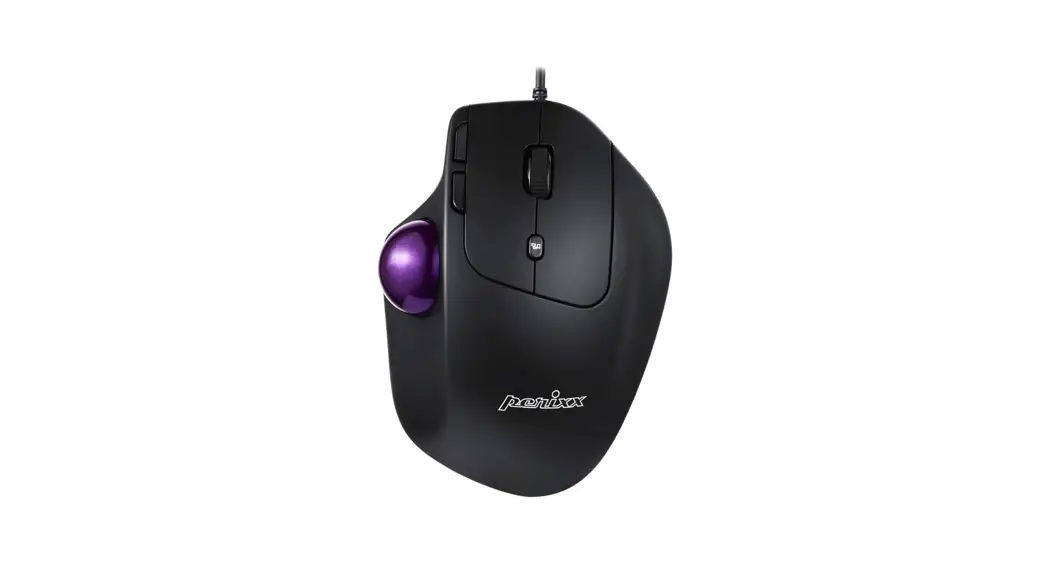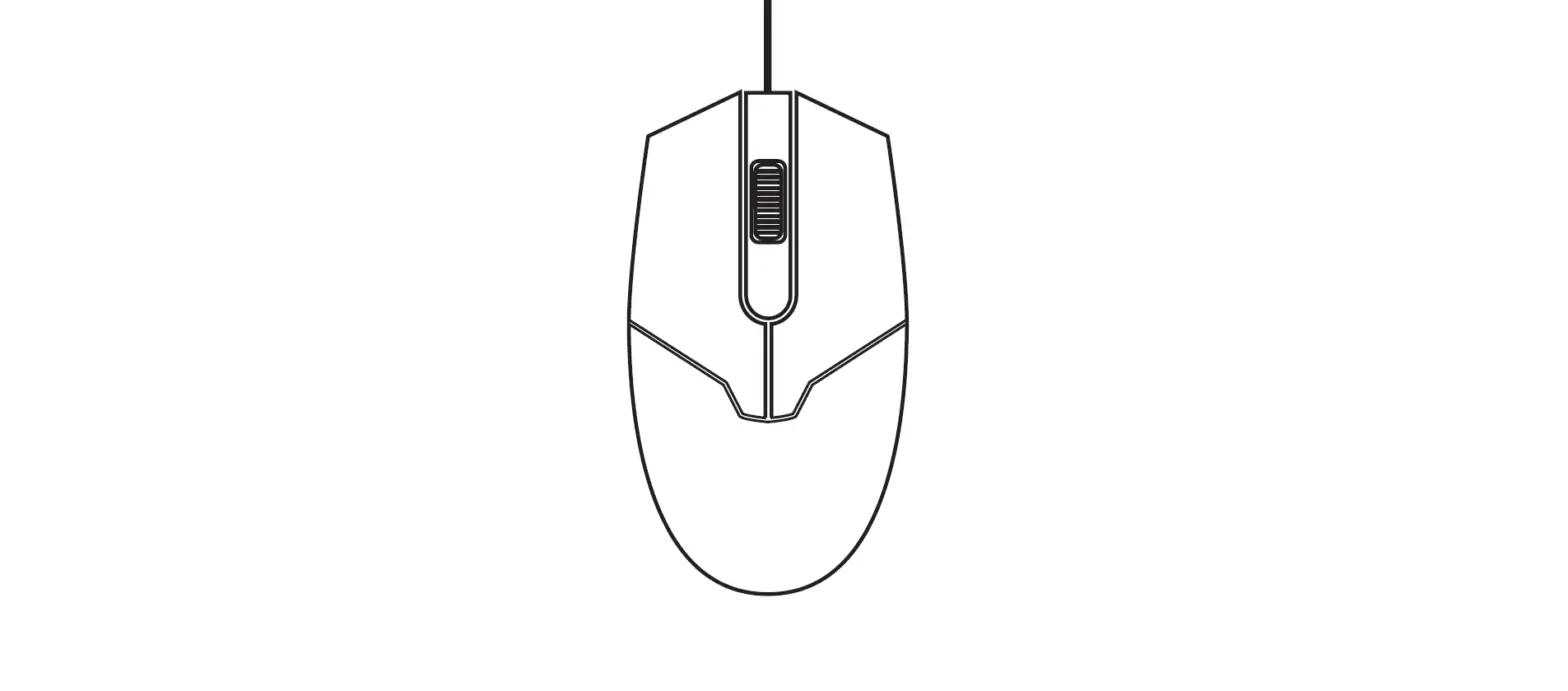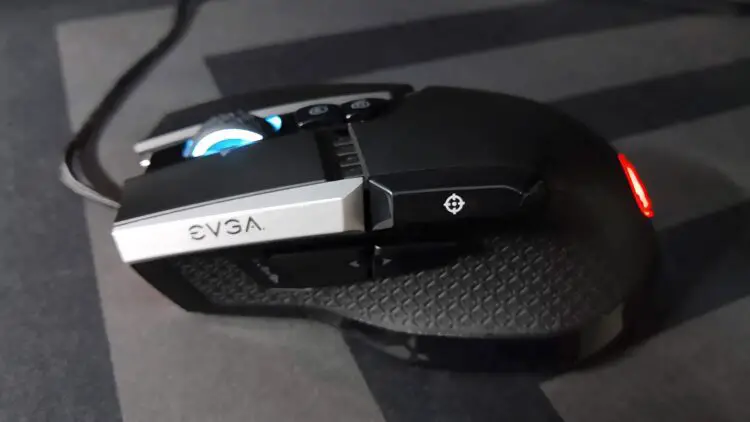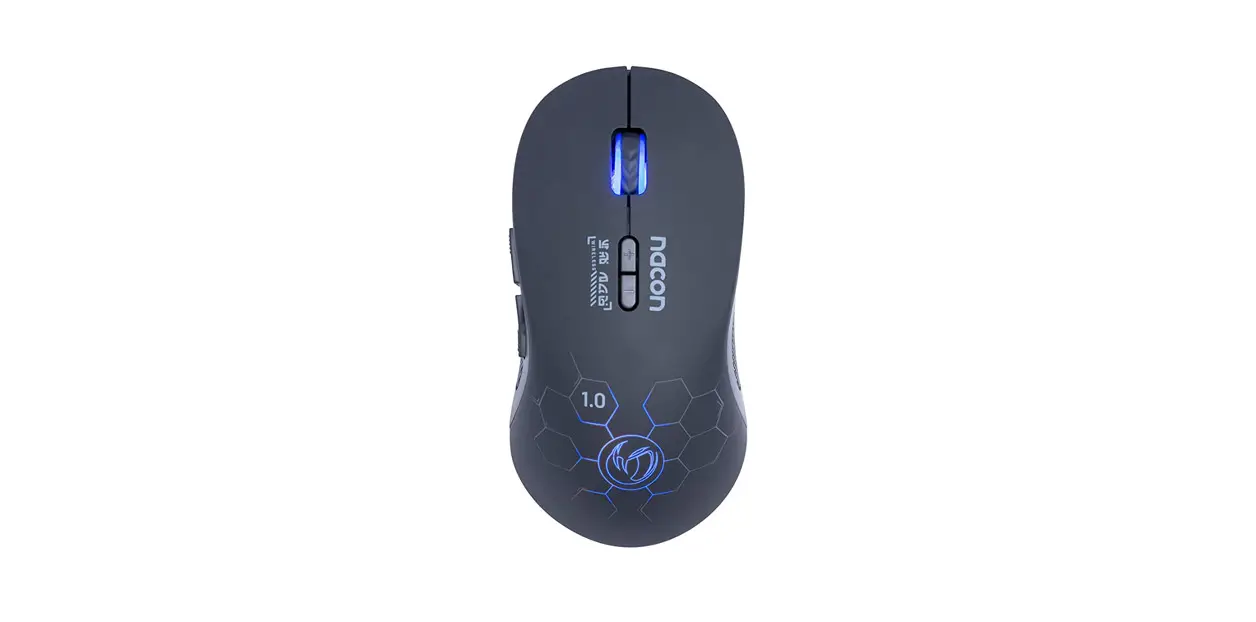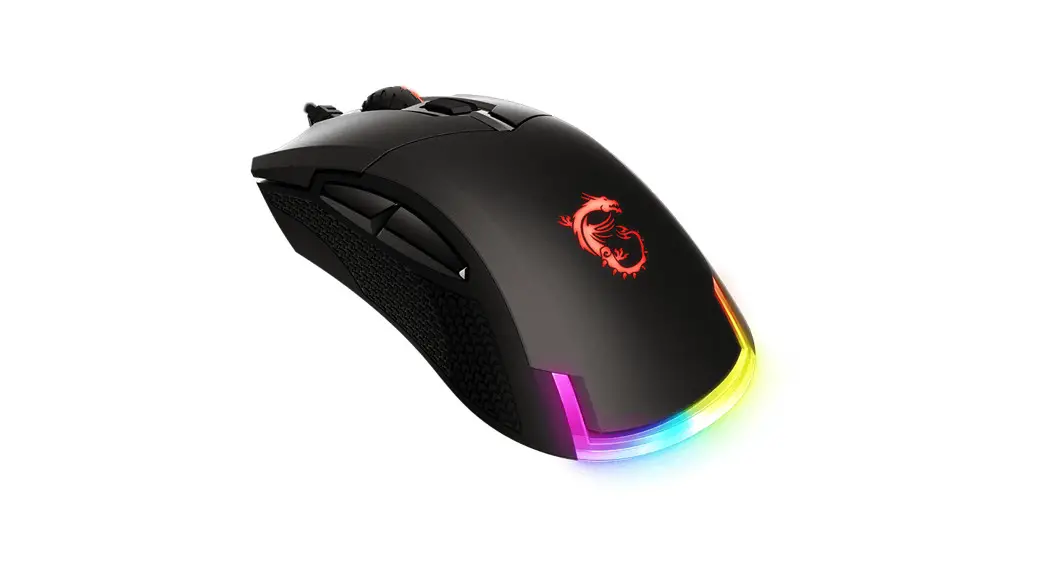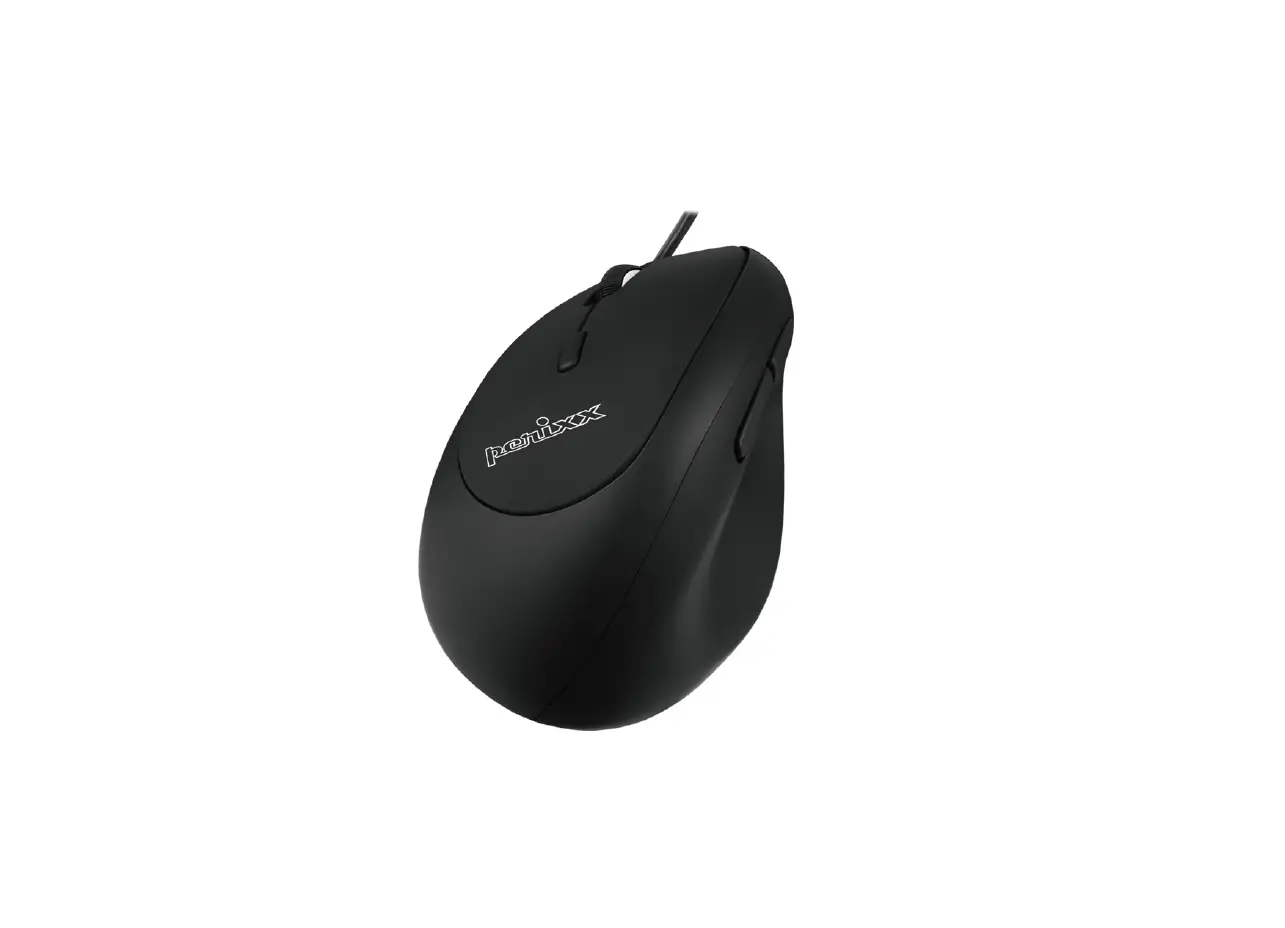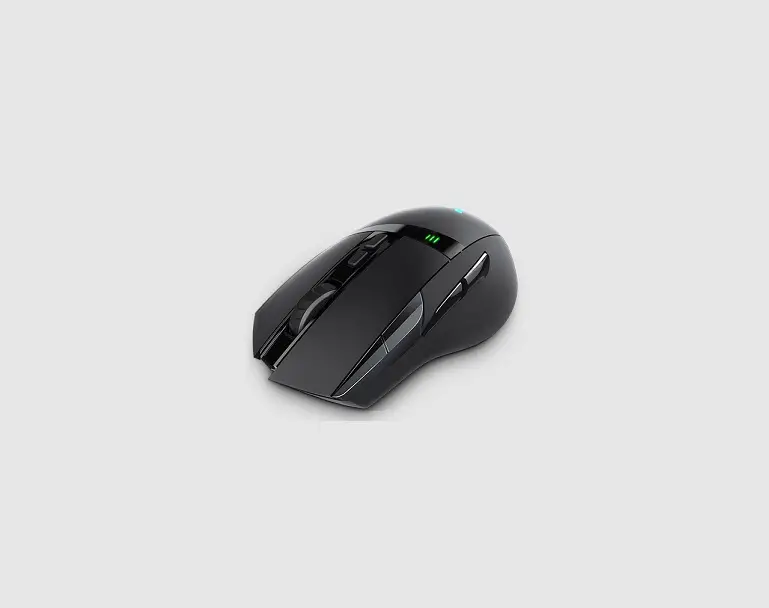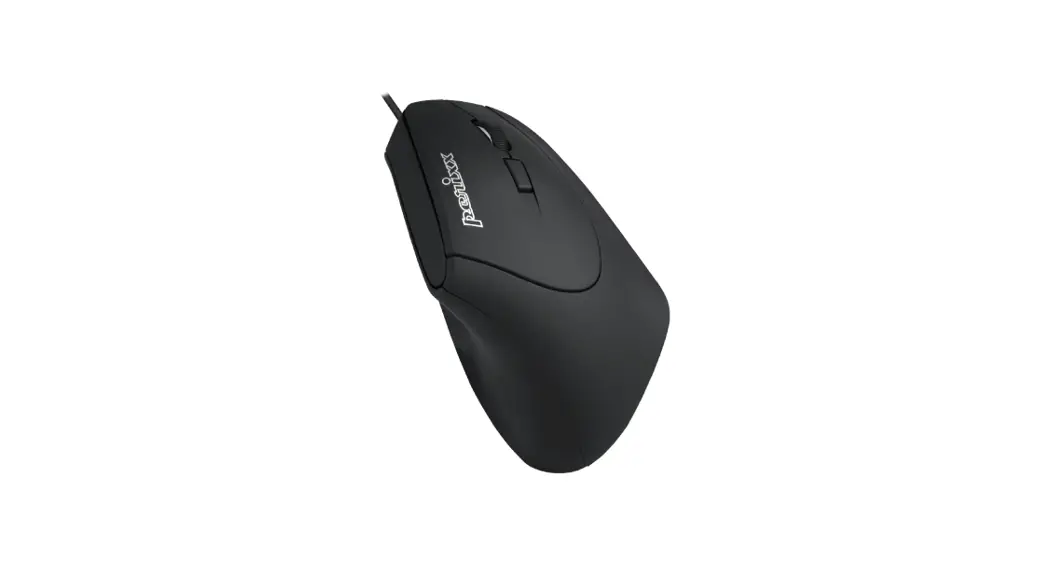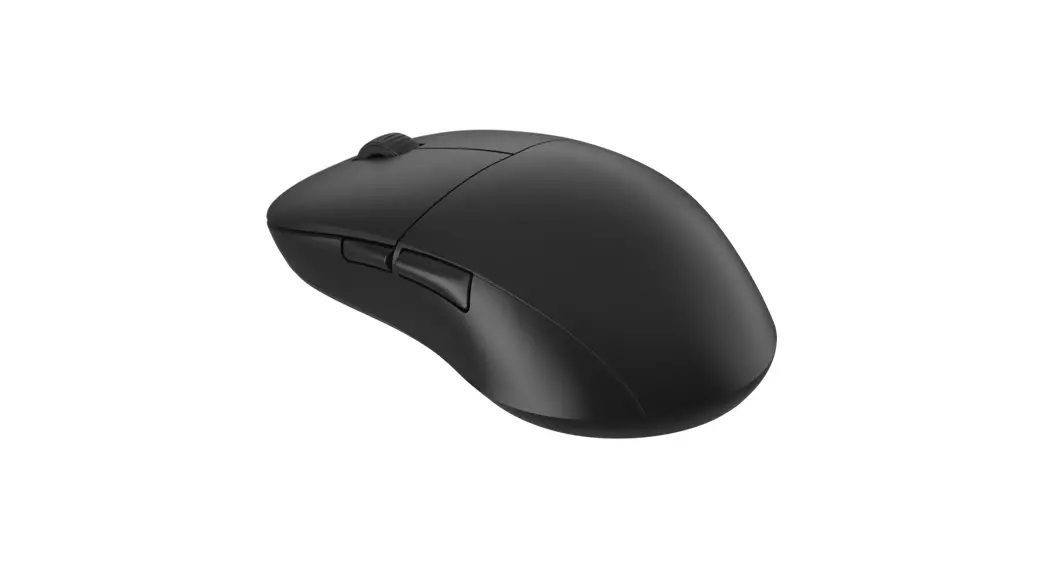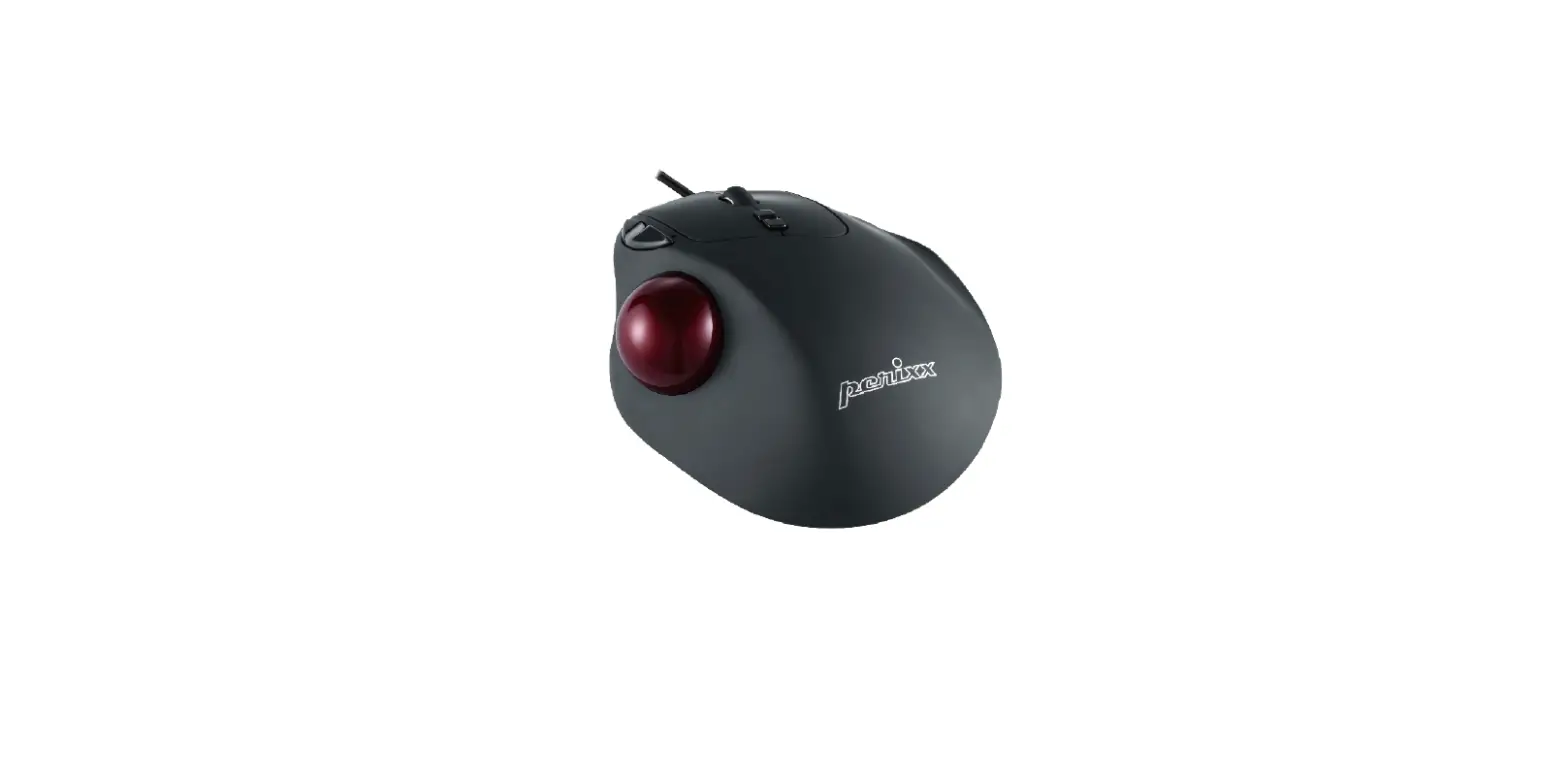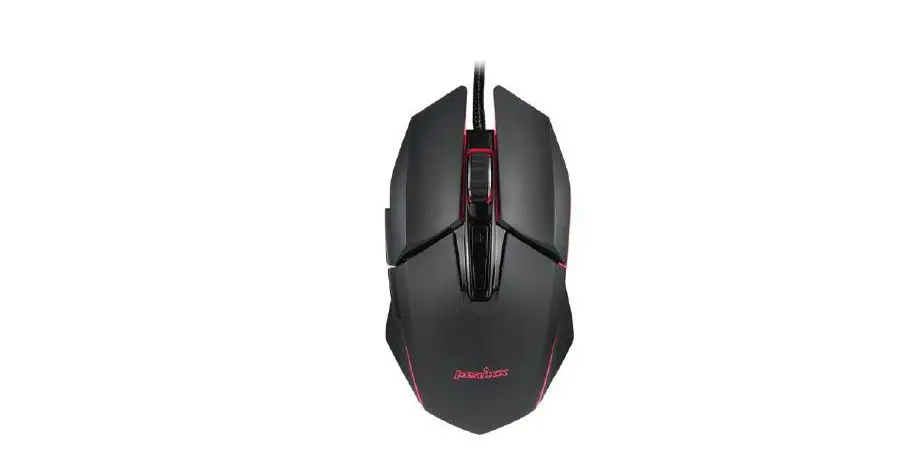
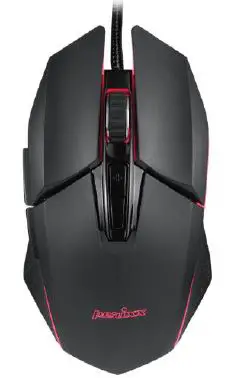
perixx MX-2500 Wired Programmable Gaming Mouse
Overview
FCC Warning
This device complies with Part 15 of the FCC Rules. Operation is subject to the following two conditions:
- This device may not cause harmful interference, and
- this device must accept any interference received, including interference that may cause undesired operation
NOTE:
This equipment has been tested and found to comply with the limits for a Class B digital device, pursuant topart 15 of the FCC Rules. These limits are designed to provide reasonable protection against harmful interference in a residential installation. Th is equipment generates uses and can radiate radio frequency energy and, if not installed and used in accordance with the instructions, may cause harmful interference to radio communications. However, there is no guarantee that interference will not occur in a particular installation. If this equipment does cause harmful interference to radio or television reception, which can be determined by turning the equipment off and on, the user is encouraged to try to correct the interference by one or more of the following measures:
- Reorient or relocate the receiving antenna.
- Increase the separation between the equipment and receiver.
- Connect the equipment into an outlet on a circuit different from that to which the receiver is connected.
- Consult the dealer or an experienced radio/TV technician for help.
NOTE:
Any changes or modifications to this unit not expressly approved by the party responsible for compliance could void the user’s authority to operate the equipment.
Specification
| Interface | USB2.0 |
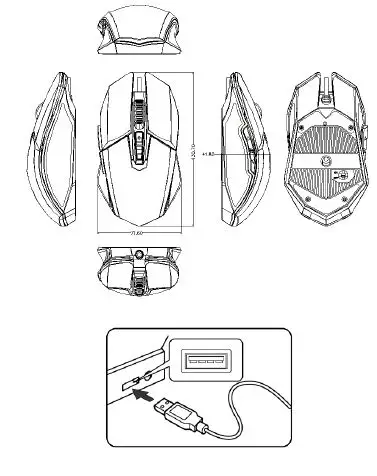
| Size | 131*72*42mm |
| Cable Length | 1800mm |
| Weight | 145g |
| Material | ABS |
| OS requirement | Win 7 / above |
| Key number | 7 |
| DPI | 500-10800 |
| Acceleration | 30G |
| Tracking Speed | 150 IPS |
| Report Rate | 1000Hz |
| Durability | 20 million keypresses |
Important Safety Instructions
- Avoid Dropping.
- Do not disassemble.
- Do no expose to liquids.
- This product is suitable for moderate climates only.
- The maximum ambient temperature during use of this product must not exceed 40 degree. Open flame sources, such as candles, must not be placed on this product.
- Only use a dry cloth or brush to clean this product.
ASSIGNING MOUSE BUTTONS
You can customize your own gaming mouse by choosing the functions that you need.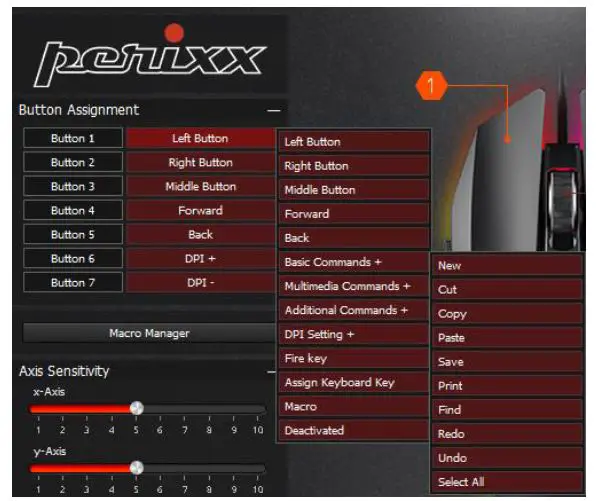
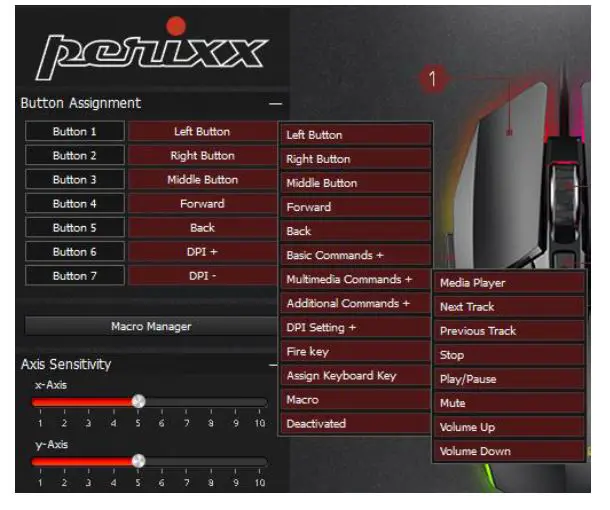
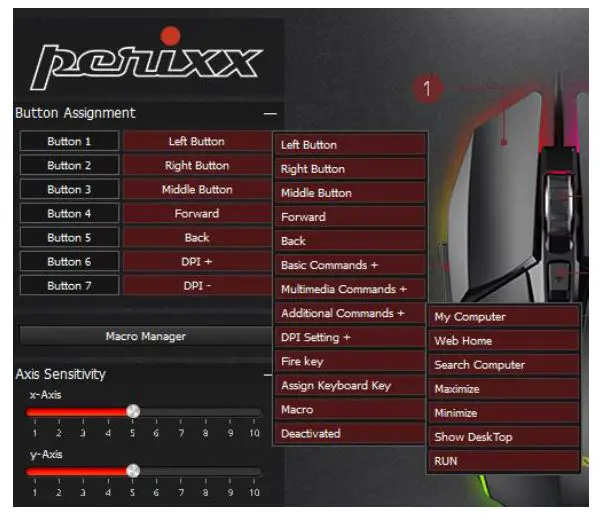
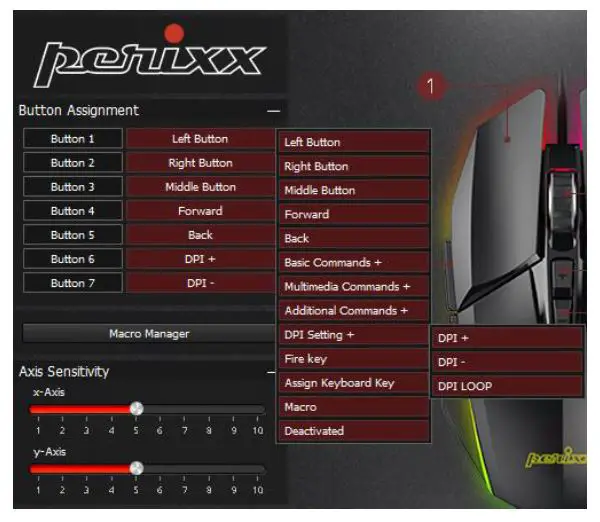
- Left Button
- Right Button
- Middle Button
- Forward
- Back
- Basic Commands+: New, Cut, Copy, Paste, Save, Print, Find, Redo, Undo, Select All Media Commands+: Media Player, Next Track, Previous Track, Stop, Play/Pause, Mute, Volume Up, Volume Down
- Additional Commands+: My Computer, Web Home, Search Computer, Maximize, Minimize, Show Desktop, Run
- DPI Setting+: DPI +, DPI -, DPI Loop
- Fire Key
- Assign Keyboard Key
- Macro
- Deactivated

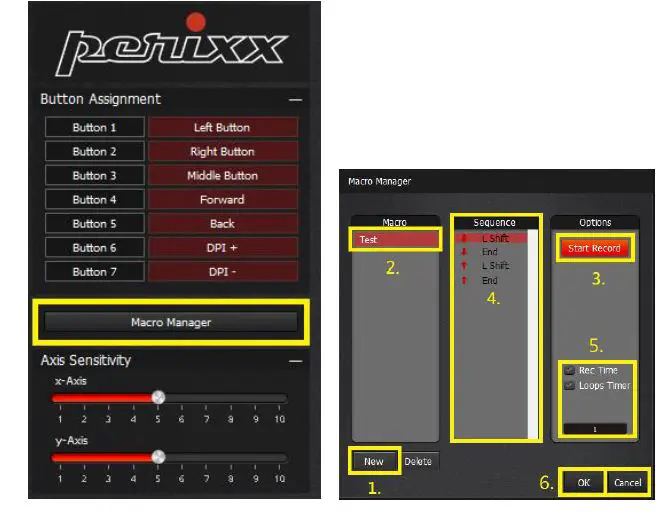
- Click “New” to create your own macro.
- Give the new macro a name.
- Click “Start Record” to record the macro and Click “Stop Record” to save the macro that you just set up.
- Your Keypress Sequence will be recorded in the middle column.
- You can decide the Rec Time (Record Time) and Loops Timer.
- . Click “OK” to save the setting or “Cancel” to leave the program. Once the macro has been recorded, you can easily click “Delete” to delete the macro that you just set up.
AXIS SENSITIVITY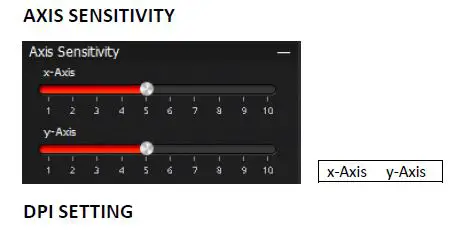
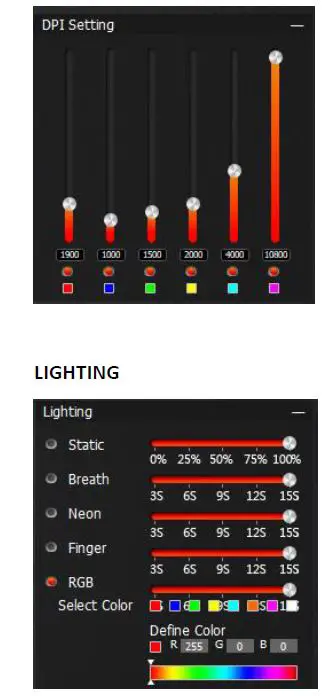
- Static
- Breath
- Neon
- Finger
- RGB: Select Color, Define Color

- Standard 125Hz/8ms
- Office 250Hz/4ms Gaming
- 500Hz/2ms B-Sport
- 1000Hz/1ms
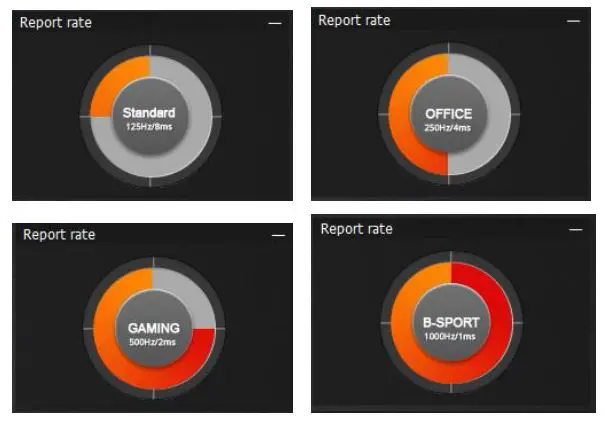
MOUSE SPEED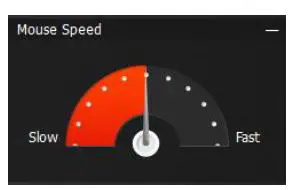
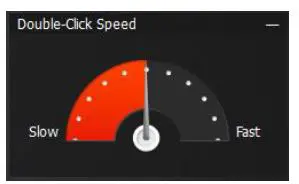
SCROLL SPEED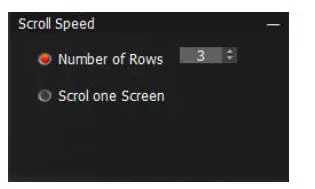
Number of Rows Scroll one Screen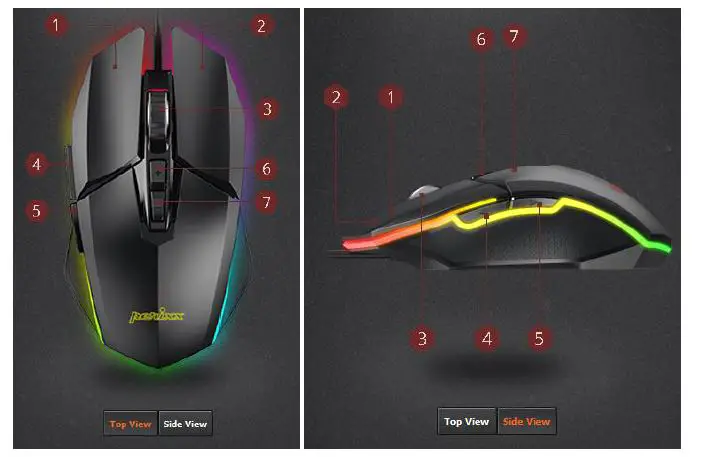
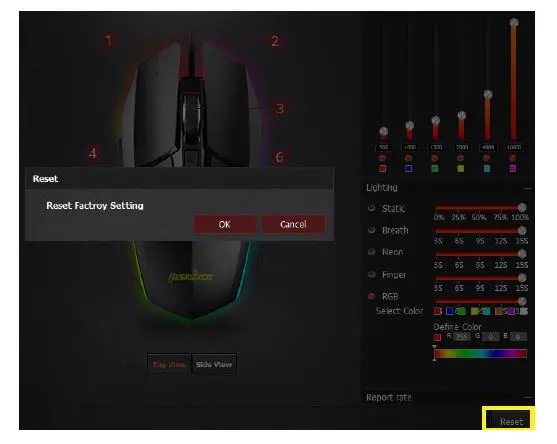
Click “Reset” to get the original setting from the factory. Click “Reset” to get the original setting from the factory. 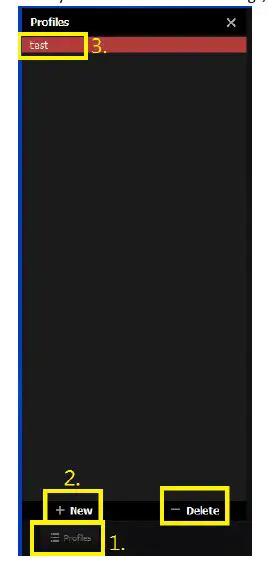
- Click “Profiles”
- Click “New” to create a new profile
- Give the new profile a name.
If you don’t want to use a profile anymore, just click “Delete”.