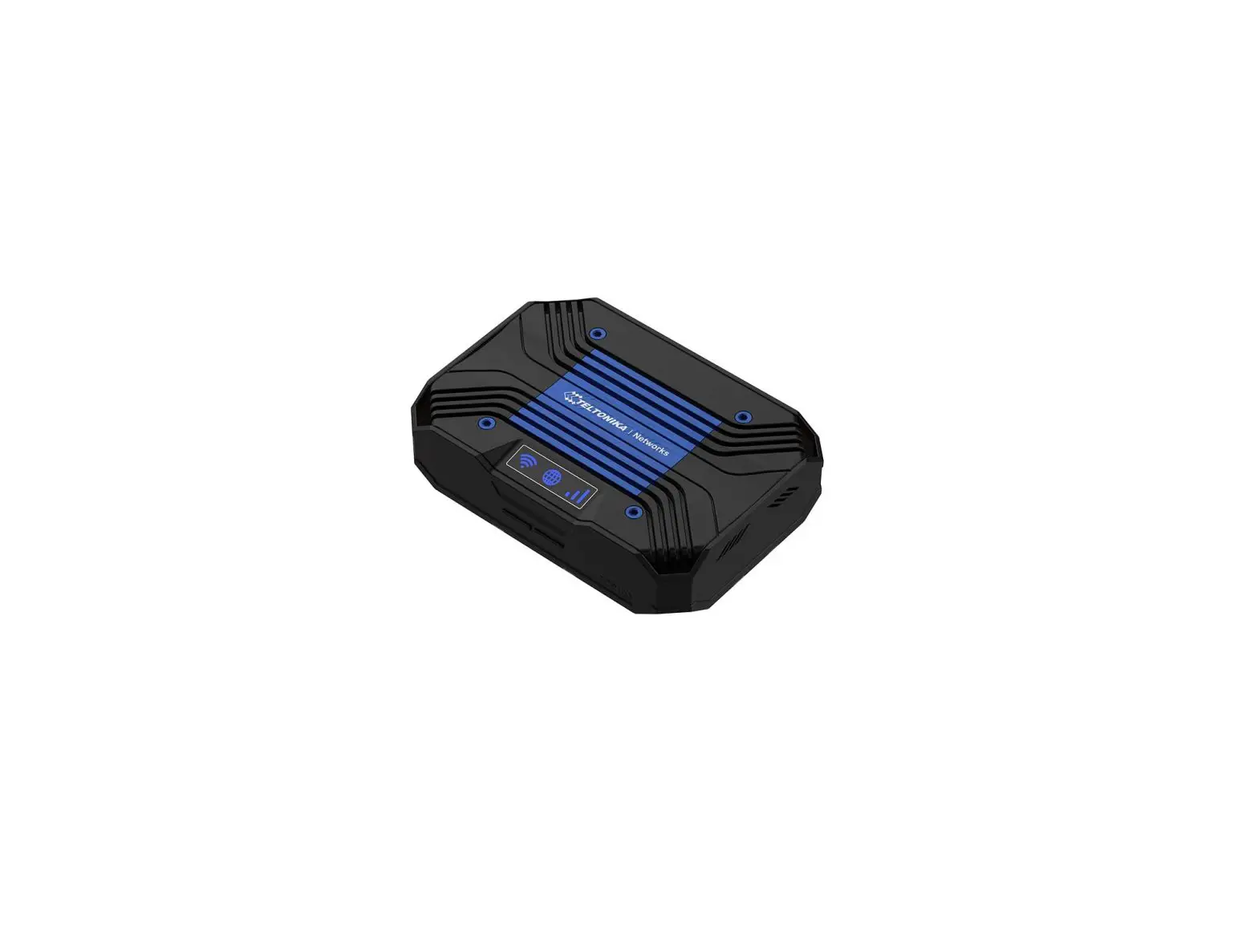
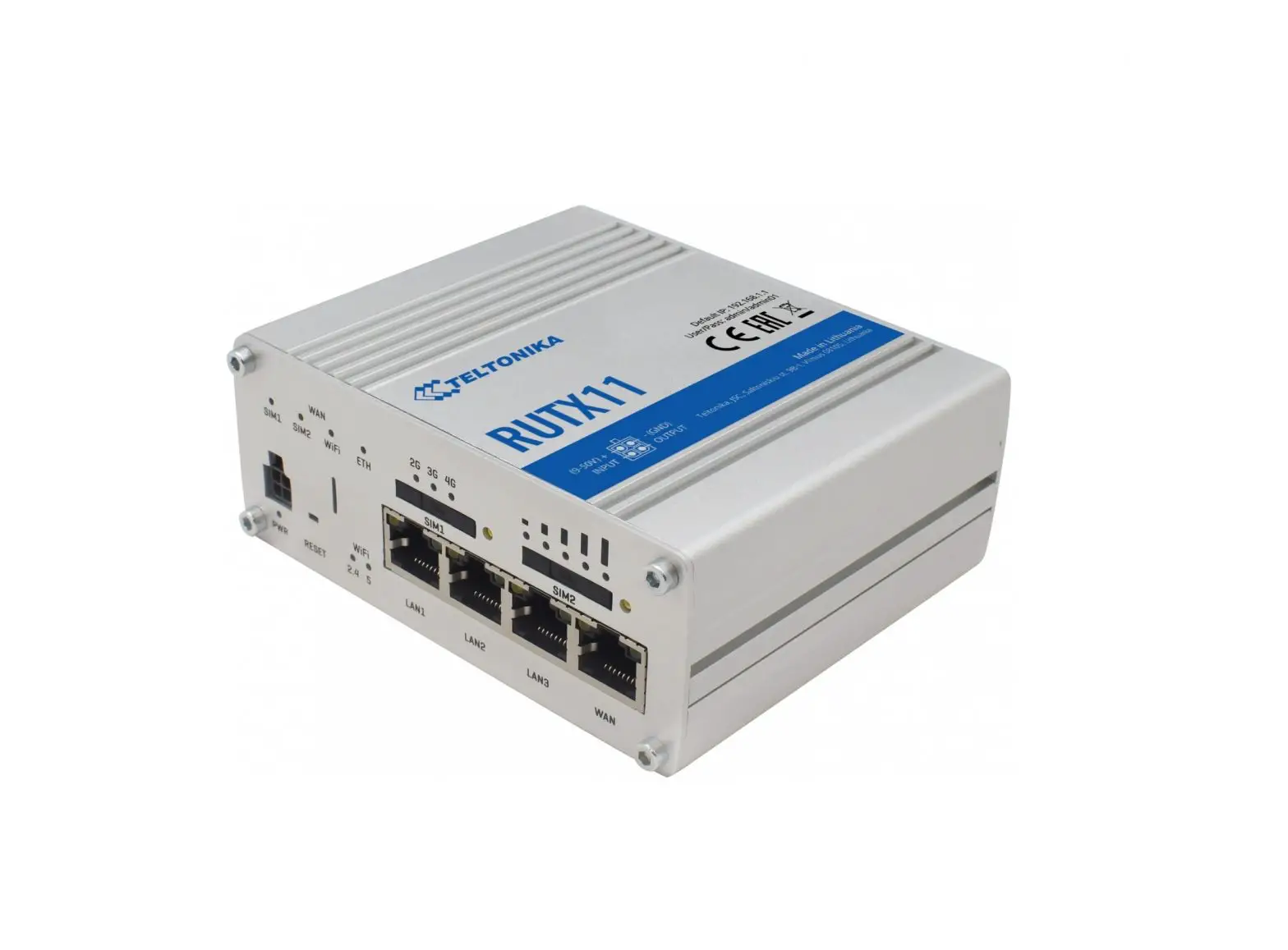
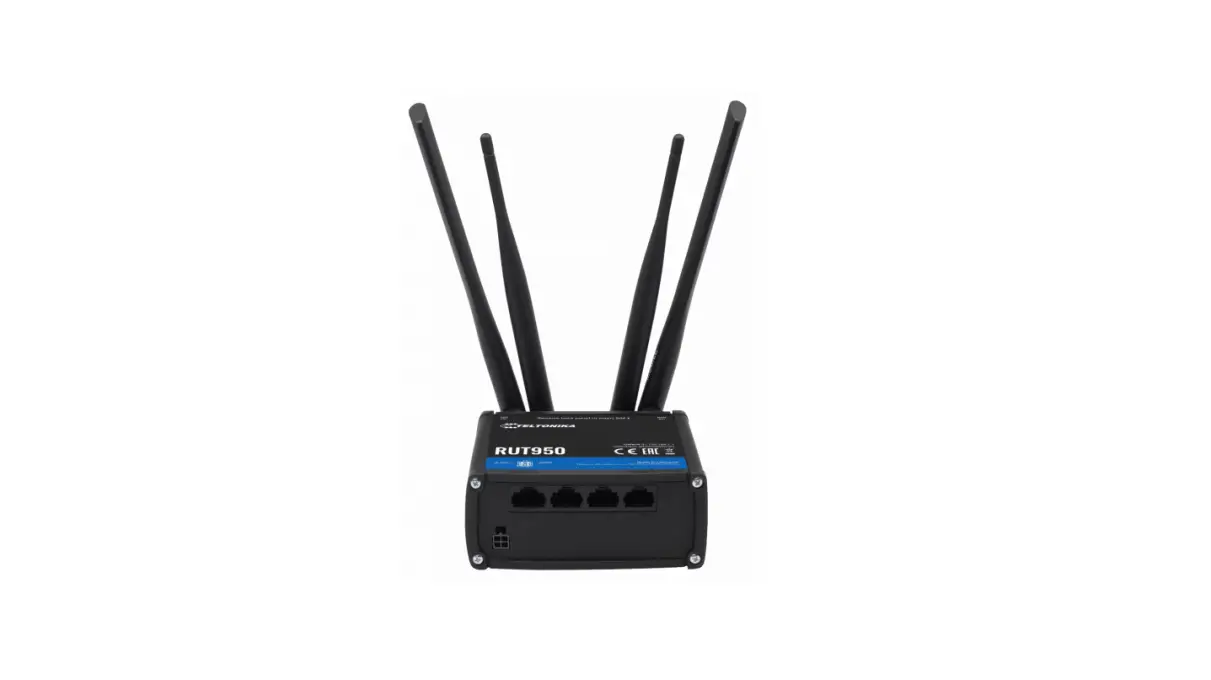
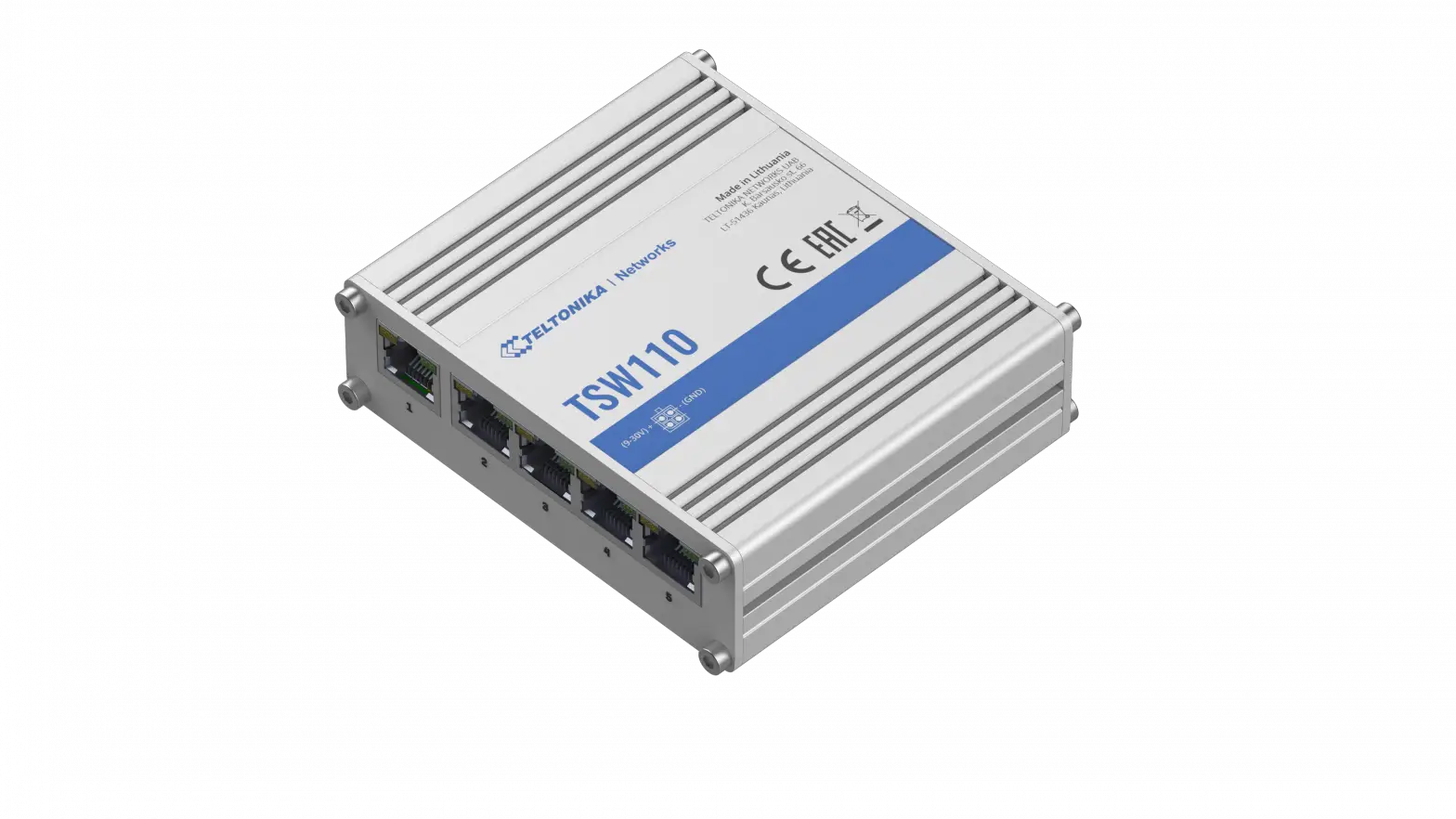
TCR100 4G WiFi Router
Product Information
The TCR100 is a wireless router designed for mobile and fixed
network applications. It features 3G and 4G (LTE) Cat6
technologies, IEEE 802.11 b/g/n 2.4 GHz, and IEEE 802.11 a/n/ac 5
GHz wireless technologies. The router has a SIM card slot and can
support multiple network connections through Ethernet, LAN, and WAN
ports. The TCR100 also has built-in WiFi antennas and mobile signal
strength LEDs.
Front View Features
- Network status icons
- WiFi button
- WPS button
Back View Features
- Reset button
- SIM needle
- Power socket
- Mobile Main antenna connector
- Ethernet port
- WAN port
- SIM holder
- Mobile Aux antenna connector
Technical Information
The TCR100 has a maximum RF power of 24 dBm@WCDMA, 23 dBm@LTE,
20 dBm@WiFi 2.4G, and 23 dBm@WiFi 5G. The integrated antennas
specifications include a 2.4 GHz antenna: 2.4-2.5 GHz, VSWR.
Product Usage Instructions
Hardware Installation
The TCR100 does not require any hardware installation as it is a
wireless router. Simply plug in the power socket and connect the
Ethernet, LAN, or WAN port to your device to start using the
router.
Login to Device
To login to the TCR100, follow the steps below:
- Connect your device to the router through Ethernet, LAN, or WAN
port - Open a web browser
- Type in the IP address of the router (default is
192.168.1.1) - Enter the login credentials (default username is admin and
default password is admin)
Network Status Icons
The TCR100 has network status icons that indicate the mobile
signal strength. The signal strength is indicated by the number of
lit bars. The table below shows the data connection state and SIM
card slot in use:
| Data Connection State | State | SIM Card Slot in Use | Bytes Received/Sent* |
|---|---|---|---|
| Connected | Registered (home); OPERATOR; 4G (LTE) | Ready | 348.7 KB / 223.5 KB |
The WiFi button turns the WiFi on or off. The WPS button is used
to connect devices to the router without entering a password. To
use the WPS button:
- Press the WPS button on the router for 2 seconds
- On the device you want to connect, go to the WiFi settings and
select the TCR100 network - The device will automatically connect to the network without
entering a password
The reset button is used to reset the router to its default
settings. To reset the router:
- Press and hold the reset button for 5 seconds
- The router will restart and the settings will be reset to
default
Mobile Main Antenna Connector, Mobile Aux Antenna Connector,
and Ethernet Port
The TCR100 has a Mobile Main antenna connector and a Mobile Aux
antenna connector for connecting external antennas. The Ethernet
port is used to connect devices to the router through a wired
connection.
SIM Card Slot and SIM Holder
The TCR100 has a SIM card slot for inserting a SIM card. The SIM
holder is used to hold the SIM card in place.
TCR100
Quick Start Guide v1.1
https://wiki.teltonika-networks.com/
FRONT VIEW Network status icons
WiFi button
WPS button
BACK VIEW Reset button
SIM needle Power socket
Mobile Main
LAN
antenna connector Ethernet port
WAN
SIM holder
Ethernet port
Mobile Aux antenna connector
POWER SOCKET PINOUT
Power / Red wire Not connected
HARDWARE INSTALLATION
Ground / Black wire Not connected NETWORK STATUS ICONS
6
5
Buttons
Network status icons
1. Pull out the SIM needle from SIM holder kit. 2. Push the SIM holder kit button with the SIM needle. 3. Pull out the SIM holder. 4. Insert your SIM card into the SIM holder. 5. Slide the SIM holder back into the router. 6. You may store the SIM needle in the designated holder for future use. 7. Attach all antennas. 8. Connect the power adapter to the 4 pin socket and then plug the other end of the power adapter into a power outlet. 9. Connect to the device’s WiFi interface by using SSID and password or scaning QR code provided on the device information label or use an Ethernet cable connected to LAN port.
WiFi button Enables/Disables WiFi radio. WPS button Activates WPS authentication for 120 seconds.
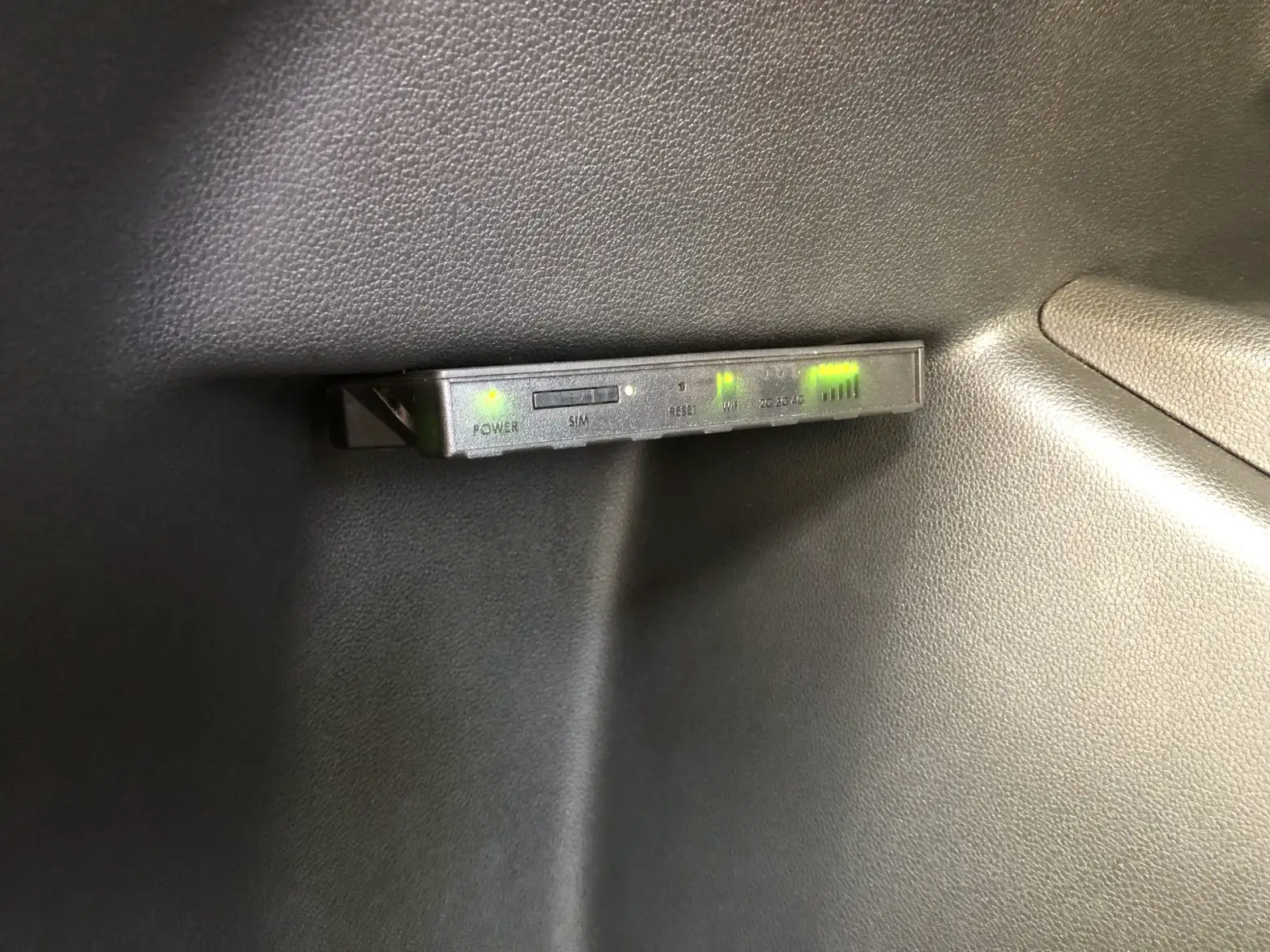
WiFi indication LED. When LED is lit WiFi is enabled.
Internet connection LED. When LED is lit the router has an internet connection, when LED is blinking internet connection has been lost.
Mobile signal strength LEDs. Signal strength indicated by number of lit bars.
LOGIN TO DEVICE
1. To enter the router’s Web interface (WebUI), type http://192.168.1.1 into the URL field of your Internet browser*. 2. To access router’s WebUI use admin as username and password given in the information label on the bottom side of the router (image A), when prompted for authentication. 3. After you log in, you will be prompted to change your password for security reasons. The new password must contain at least 8 characters, including at least one uppercase letter, one lowercase letter, and one digit. This step is mandatory, and you will not be able to interact with the router’s WebUI before you change the password. 4. When you change the router’s password, the Setup wizard will start. The Setup wizard is a tool used to set up some of the router’s main operating parameters. 5. Go to the Overview page and pay attention to the Signal Strength indication (image B). To maximize the cellular performance try adjusting the antennas or changing the location of your device to achieve the best signal conditions.
A.
B.
-50 dBm
Data connection state State SIM card slot in use Bytes received/sent*
Connected Registered (home); OPERATOR; 4G (LTE)
Ready 348.7 KB / 223.5 KB
TECHNICAL INFORMATION
Radio specifications
RF technologies
3G, 4G (LTE) Cat6, IEEE 802.11 b/g/n 2.4 GHz, IEEE 802.11 a/n/ac 5 GHz
Max RF power
24 dBm@WCDMA, 23 dBm@LTE, 20 dBm@WiFi 2.4G, 23 dBm@WiFi 5G
WiFi antennas
Integrated antennas specifications
1. 2.4 GHz antenna: 2.4-2.5 GHz, VSWR<2, peak gain 1.62 dB, omnidirectional 2. 2.4 GHz antenna: 2.4-2.5 GHz, VSWR<2, peak gain 3.97 dB, omnidirectional 3. 5 GHz antenna: 5.1-5.85 GHz, VSWR<2, peak gain 5.02 dB, omnidirectional
Bundled accessories specifications**
Power adapter
Input: 0.6 A@100-240 VAC, Output: 12 VDC, 1.5 A, 4-pin plug
Mobile antenna
698~960/1710~2690 MHz, 50 , VSWR<3, gain*** 4 dBi, omnidirectional, SMA male connector
*To ensure maximum compatibility please use following latest internet browsing applications: Chrome, Firefox, Edge, Opera, Safari, Android Chrome, Android Firefox. **Order code dependent. ***Higher gain antenna can be connected to compensate for cable attenuation when a cable is used. The user is responsible for the compliance with the legal regulations.
In all EU member states, operation of 5150-5250 MHz is restricted to indoor use only.
SAFETY INFORMATION
TCR100 router must be used in compliance with any and all applicable national and international laws and with any special restrictions regulating the utilization of the communication module in prescribed applications and environments.
[BG] Bulgarian, TELTONIKA NETWORKS , TCR100 2014/ 53/EU.
[HR] CroatianOvim TELTONIKA NETWORKS izjavljuje da je ovaj TCR100 u skladu s bitnim zahtjevima i ostalim relevantnim odredbama Direktive 2014/53/EU.
[CZ] Czech [DK] Danish [NL] Dutch [EN] English [EE] Estonian [FI] Finish [FR] French [DE] German [GR] Greek [HU] Hungarian [IE] Irish [IT] Italian [LV] LatvianTELTONIKA NETWORKS tímto prohlasuje, ze TCR100 spluje základní pozadavky a vsechna píslusná ustanoveni Smrnice 2014/53/EU.
Undertegnede TELTONIKA NETWORKS erklærer herved, at følgende udstyr TCR100 overholder de væsentlige krav og øvrige relevante krav i direktiv 2014/53/EU. Hierbij verklaart TELTONIKA NETWORKS dat het toestel l TCR100 in overeenstemming is met de essentiële eisen en de andere relevante bepalingen van richtlijn 2014/53/EU. Hereby, TELTONIKA NETWORKS declares that this TCR100 is in compliance with the essential requirements and other relevant provisions of Directive 2014/53/EU. Käesolevaga kinnitab TELTONIKA NETWORKS seadme TCR100 vastavust direktiivi 2014/53/EU põhinõuetele ja nimetatud direktiivist tulenevatele teistele asjakohastele sätetele. TELTONIKA NETWORKS vakuuttaa täten että TCR100 tyyppinen laite on direktiivin 2014/53/EU oleellisten vaatimusten ja sitä koskevien direktiivin muiden ehtojen mukainen. TELTONIKA NETWORKS déclare que cette TCR100 est conforme aux exigences essentielles et aux autres dispositions pertinentes de la directive 2014/53/EU. Hiermit erklärt TELTONIKA NETWORKS, dass dieser TCR100 den grundlegenden Anforderungen und anderen relevanten Bestimmungen der Richtlinie 2014/53/EU entspricht. TELTONIKA NETWORKS TCR100 2014/53/EU. A TELTONIKA NETWORKS ezzennel kijelenti, hogy a TCR100 típusú berendezés teljesíti az alapvet követelményeket és más 2014/53/EU irányelvben meghatározott vonatkozó rendelkezéseket.
Leis seo, dearbhaíonn TELTONIKA NETWORKS go gcomhlíonann an TCR100 seo bunriachtanais agus forálacha ábhartha eile Threoir 2014/53/EU.
Con la presente, TELTONIKA NETWORKS dichiara che questo TCR100 è conforme ai requisiti essenziali e ad altre disposizioni pertinenti della Direttiva 2014/53/EU.
Ar so TELTONIKA NETWORKS deklar, ka TCR100 atbilst Direktvas 2014/53/EU btiskajm prasbm un citiem ar to saisttajiem noteikumiem.
Siuo dokumentu UAB TELTONIKA NETWORKS deklaruoja, kad sis TCR100 atitinka esminius reikalavimus ir kitas 2014/53/EU Direktyvos nuostatas. Hawnhekk, TELTONIKA NETWORKS tiddikjara li dan l-TCR100 huwa konformi mar-rekwiiti essenzjali u dispoizzjonijiet rilevanti ora tad-Direttiva 2014/53/EU. TELTONIKA NETWORKS Erklærer herved at TCR100 er i samsvar med de grunnleggende krav og øvrige relevante krav i direktiv 2014/53/EU. Niniejszym TELTONIKA NETWORKS deklaruje e TCR100 jest zgodny z zasadniczymi wymaganiami i innymi wlaciwymi postanowieniami Dyrektywy 2014/53/EU. Eu, TELTONIKA NETWORKS declaro que o TCR100 cumpre os requisitos essenciais e outras provisões relevantes da Directiva 2014/53/EU. Prin prezenta, TELTONIKA NETWORKS declar c aparatul TCR100 este în conformitate cu cerinele eseniale i cu alte prevederi pertinente ale Directivei 2014/53/EU. Spolocnos TELTONIKA NETWORKS týmto vyhlasuje, ze smerovac TCR100 je v súlade so základnými poziadavkami a alsími príslusnými ustanoveniami smernice 2014/53/EU. TELTONIKA NETWORKS izjavlja, da je ta TCR100 v skladu z bistvenimi zahtevami in drugimi relevantnimi dolocili direktive 2014/53/EU. Por la presente, TELTONIKA NETWORKS declara que este TCR100 cumple con los requisitos esenciales y otras exigencias relevantes de la Directiva 2014/53/EU. Härmed intygar TELTONIKA NETWORKS att denna TCR100 är i överensstämmelse med de väsentliga egenskapskrav och övriga relevanta bestämmelser som framgår av direktiv 2014/53/EU.
The full text of the EU declaration of conformity is available at the following Internet address: https://wiki.teltonika-networks.com/view/TCR100_CE/RED
[BG] : , . 192.168.1.1 , . https://wiki.teltonika-networks.com/ [HR] Upute za uporabu: Prikljucite napajanje. Otvorite 192.168.1.1 u svom internet pregledniku kako biste konfigurirali ureaj. Vise informacija na https://wiki.teltonika-networks.com [CZ] Návod k pouzití: Pipojte napájecí adaptér k zapnutí pístroje. Otevete 192.168.1.1 ve webovém prohlízeci pro konfiguraci produktu. Více informací najdete v https://wiki.teltonika-networks.com/ [DK] Instruktionsbog: Tilslut strømadapteren for at tænde for enheden. Åbn 192.168.1.1 i en webbrowser til at konfigurere produktet. Mere information i https://wiki.teltonika-networks.com/ [NL] Handleiding: Sluit voedingsadapter aan op het apparaat in te schakelen. Open 192.168.1.1 in een webbrowser om het product te configureren. Meer informatie in https://wiki.teltonika-networks.com/ [EN] Instruction Manual: Connect the power adapter to turn on the device. Open 192.168.1.1 in your web browser to configure it. More information on https://wiki.teltonika-networks.com/ [EE] Kasutusjuhend: Ühendage toiteadapter seadme sisselülitamiseks. Avatud 192.168.1.1 in veebilehitseja seadistada toodet. Rohkem teavet https://wiki.teltonika-networks.com/ [FI] Käyttöohje: Kytke virtalähde päälle laitteen. Avaa 192.168.1.1 in selaimen määrittää tuotteen. Lisää tietoa https://wiki.teltonika-networks.com/ [FR] Mode d’emploi: Connectez l’adaptateur d’alimentation pour allumer l’appareil. Ouvrez 192.168.1.1 dans un navigateur Web pour configurer le produit. Plus d’informations dans https://wiki.teltonika-networks.com/ [DE] Bedienungsanleitung: Verbinden Sie das Netzteil, um das Gerät einzuschalten. Öffnen Sie 192.168.1.1 in einem Web Browser, um das Produkt zu konfigurieren. Weitere Informationen im https://wiki.teltonika-networks.com/ [GR] : . 192.168.1.1 Web . https://wiki.teltonika-networks.com/ [HU] Használati utasítás: Csatlakoztassa a hálózati adaptert a készülék bekapcsolásához. Megnyitása 192.168.1.1 egy webböngészben beállítani a terméket. Több információ https://wiki.teltonika-networks.com/ [IE] Lámhleabhar Treoracha: Ceangail an t-adapter cumhachta chun an gléas a chasadh air. Oscail 192.168.1.1 i do bhrabhsálaí gréasáin chun é a chumrú. Tuilleadh eolais ar https://wiki.teltonika-networks.com [IT] Manuale di istruzione: collegare l’adattatore di alimentazione per accendere il dispositivo. Apri 192.168.1.1 nel tuo browser web per configurarlo. Maggiori informazioni su https://wiki.teltonika-networks.com [LV] Lietosanas instrukcija: Pievienojiet Strvas adapteri, lai ieslgtu ierci. Atvrt 192.168.1.1 ar interneta prlku, lai konfigurtu produktu. Plaska informcija https://wiki.teltonika-networks.com/ [LT] Naudojimosi instrukcija: Prijunkite maitinimo adapter, junkite rengin. Interneto narsyklje atidarykite adres 192.168.1.1 – galite konfigruoti gamin. Daugiau informacijos rasite https://wiki.teltonika-networks.com/ [MT] Manwal tal-Istruzzjoni: Qabbad l-adapter tal-enerija biex tixgel l-apparat. Ifta 192.168.1.1 fil-web browser tiegek biex tikkonfigurah. Aktar informazzjoni dwar https://wiki.teltonika-networks.com [NO] Bruksanvisningen: Koble strømadapteren for å slå på enheten. Åpne 192.168.1.1 i en nettleser for å konfigurere produktet. Mer informasjon på https://wiki.teltonika-networks.com/ [PL] Instrukcja obslugi: Podlcz adapter zasilania, aby wlczy urzdzenie. Otwórz 192.168.1.1 w przegldarce internetowej, aby skonfigurowa urzdzenie. Wicej informacji w https://wiki.teltonika-networks.com/ [PT] Manual de instruções: Conecte o adaptador de alimentação para ligar o aparelho. Abra 192.168.1.1 em um navegador da web para configurar o produto. Mais informações em https://wiki.teltonika-networks.com/ [RO] Instruciuni de utilizare: Conectai adaptorul de alimentare pentru a porni aparatul. Deschide 192.168.1.1 întrun browser web pentru a configura produsul. Mai multe informaii în https://wiki.teltonika-networks.com/ [SK] Návod na pouzitie: Pripojením napájacieho adaptéra zapnite zariadenie. Otvorte vo svojom webovom prehliadaci stránku s IP adresou 192.168.1.1 a nakonfigurujte ho. Viac informácií na https://wiki.teltonika-networks.com [SI] Navodila: Prikljucite napajalnik za vklop naprave. Odprite 192.168.1.1 v spletnem brskalniku nastaviti izdelek. Vec informacij v https://wiki.teltonika-networks.com/ [ES] Manual de instrucciones: Conecte el adaptador de alimentación para encender la unidad. Abra 192.168.1.1 en un navegador web para configurar el producto. Más información en https://wiki.teltonika-networks.com/ [SE] Instruktionsmanual: Anslut nätadap tern för att slå på enheten. Öppna 192.168.1.1 i en webbläsare för att konfigurera produkten. Mer information på https://wiki.teltonika-networks.com/This sign means that all used electronic and electric equipment should not be mixed with general household waste.
This sign means that product meets the requirements of the applicable EU directives.
www.teltonika-networks.com
2022 Teltonika Networks
 Amazone service client telephone tel contacter contact Amazon
 Teltonika Networks - LTE Routers, Gateways & Modems for IoT
 wiki.teltonika-networks.com