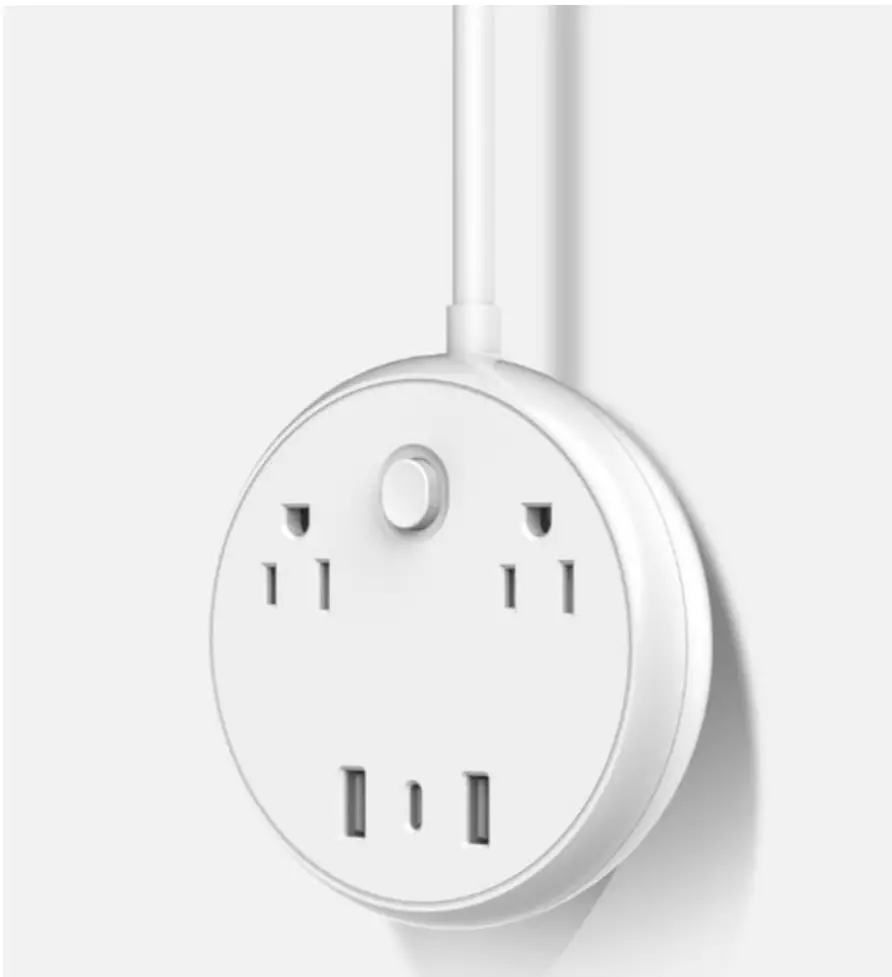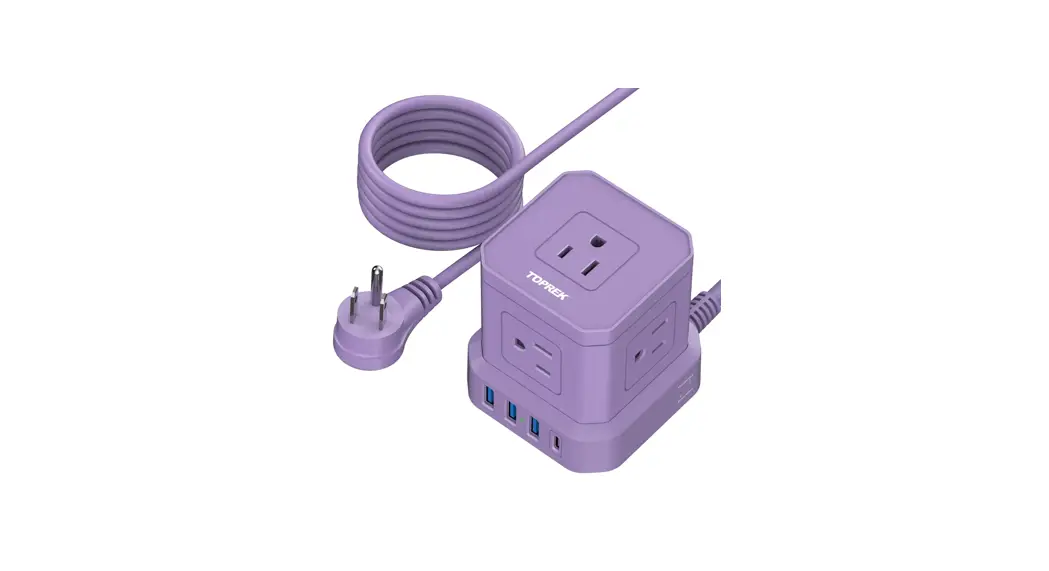
 TP-VE4U5S-C Power Strip with USB-C
User Manual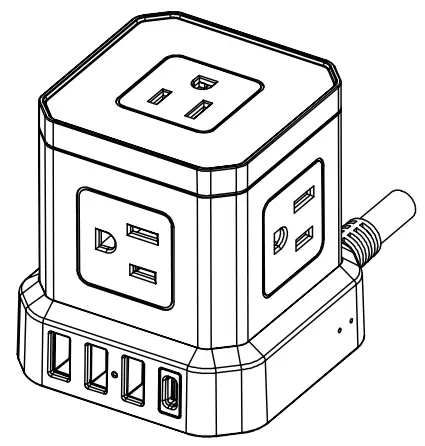
Model: TP-VE4U5S-C
TP-VE4U5S-C Power Strip with USB-C
Thank you for purchasing TOPREK power strip. We are dedicated to ensure you 100% satisfaction, and you can enjoy friendly customer service.
If you have any problems about the product, please contact us via Amazon message or e-mail at the first time, and our friendly customer service team will respond to you as soon as possible.
E-mail: [email protected]
▲ Please read this instruction carefully before using and keep it for future use. And please make use that you use the product as directed, to avoid injury or risk. 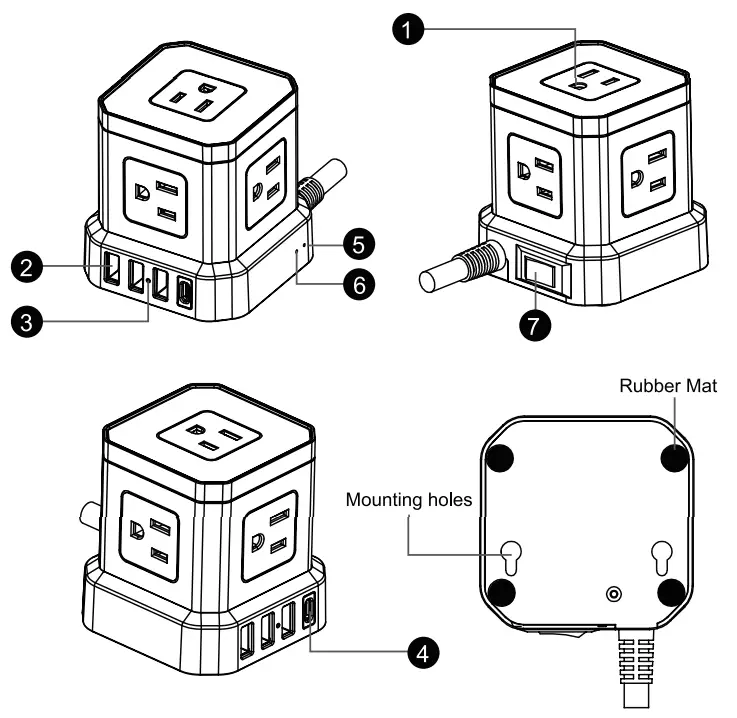
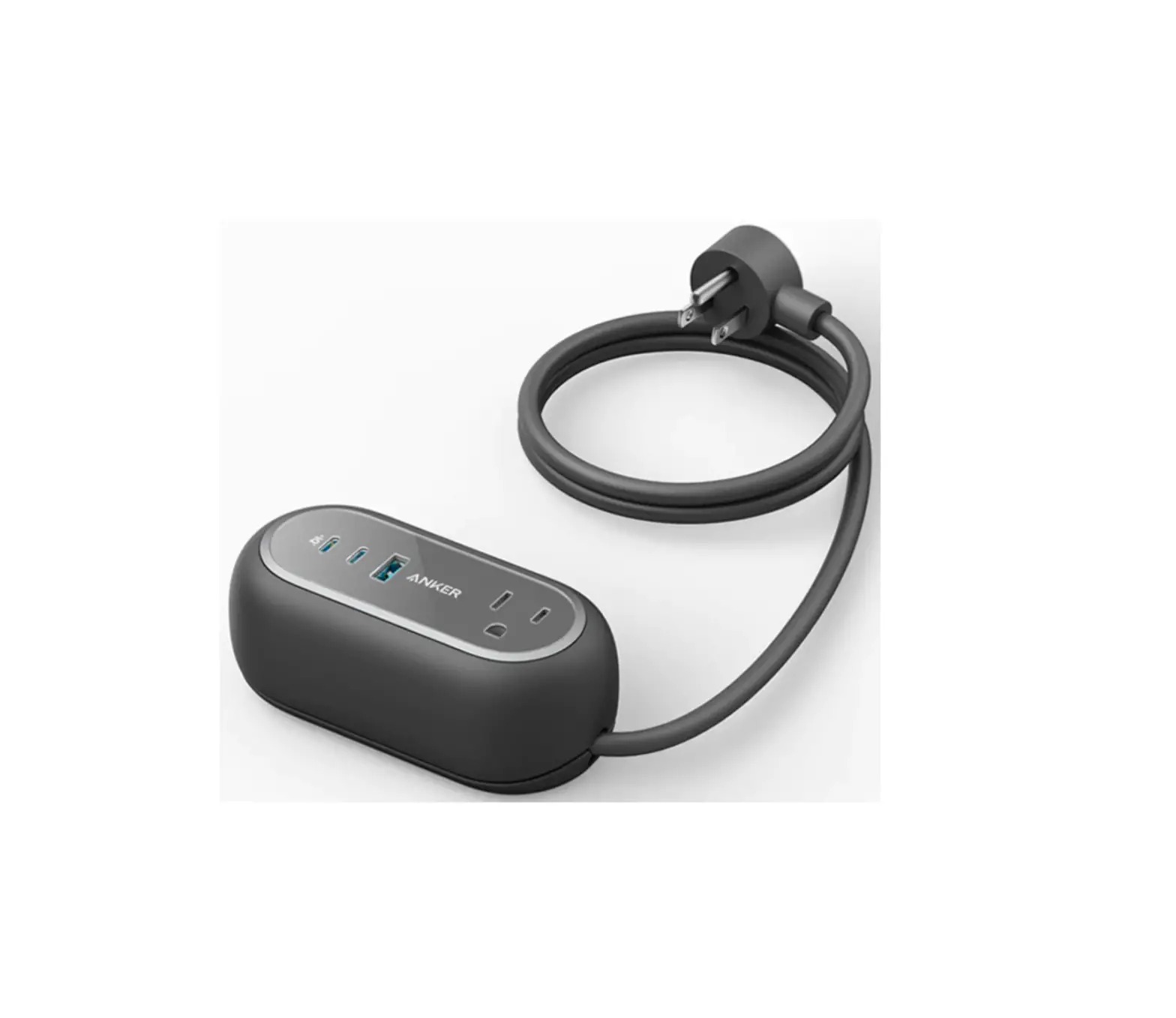
| 1 Ac outlets 2 USB-A Charging Ports 3 LED Power Indicator 4 USB-c Charging Port | 5 LED Protected Indicator 6 LED Grounded Indicator 7 ON/OFF and Overload Switch |
Specifications
| Model | TP-VE4U5S-C |
| Interface | 5 Outlets + 3 USB-A + 1 USB-C |
| Input Voltage | AC 125V 50/60HZ |
| Rated Power | 1250W-10A, 110-125V |
| USB Output | 5V 3.1A MAX (USB-A 5V=2.4A, USB-C 5V 3A MAX) 3.1A MAX (USB-A 5V=2.4A, USB-C 5V 3A MAX) |
| Total DC Output | 15.5W |
| Surge Protection | 700 Joules |
| Material | ABS+PC Shell, 100% Copper Wire |
| Fire Resistance Rating | UL94 V-0 |
Warning
- Check the AC output of the power strip cube before use.
- Be sure to check the rated current of the AC outlets and USB ports before connecting devices.
- Keep the power strip cube out of children’s reach.
- Keep the power strip cube away from heat-emitting appliances such as radiators, inflammable or explosive items.
- Do not use the power strip cube with wet hands or in wet environment.
- Do not disassemble the power strip cube by yourself. If you need technical support, please contact us or turn to electrical engineering for help.
Troubleshooting
- When to Reset
The power stripe cube will automatically shut down when overloaded. When it happen, please unplug all attached devices, and reset the overload protector switch. Be careful not to overload the power strip again. - When USB Ports Don’t Work
Possible reason: the power cable of power strip is not completely plugged into the AC outlet.
Solution: reconnect the power strip cube to the AC outlet.
Possible reason): the ON/OFF switch on the power strip cube may be turned off.
Solution: turn on the ON/OFF switch.
Possible reason@): the total current of the connected electronics exceeds USB max output.
Solution: unplug some of your electrical devices from the power strip cube.
Products sold by TOPREK are guaranteed by 30-day refund and 18-month warranty from the date of purchase.
If you have any issue with our product, want to solve your problem quickly, or any other issues you may have, please feel free to contact us via Amazon message or mail.
E-mail: [email protected]
TOPREK service team is always here for you!
 Made in China