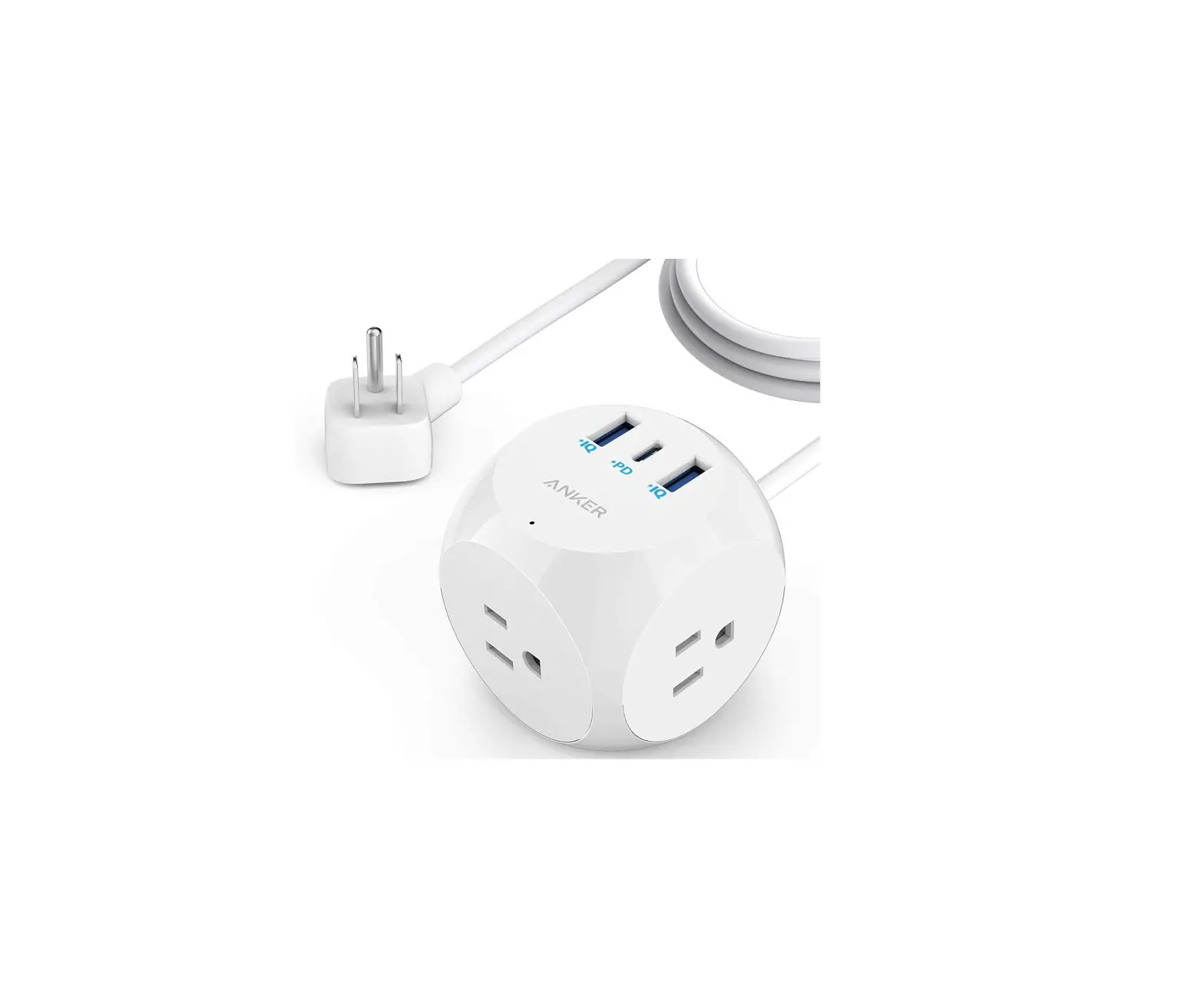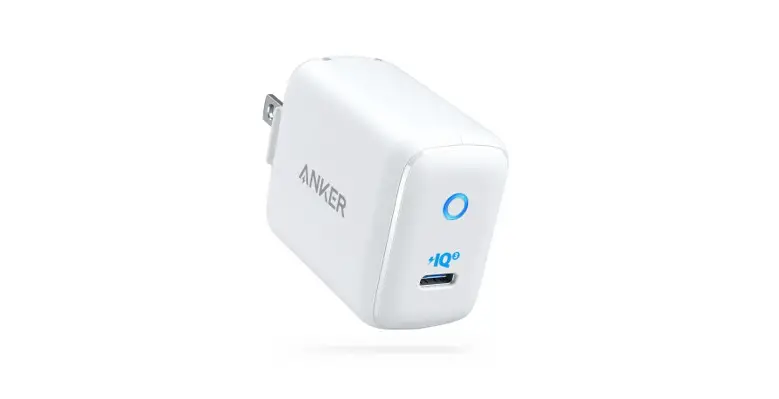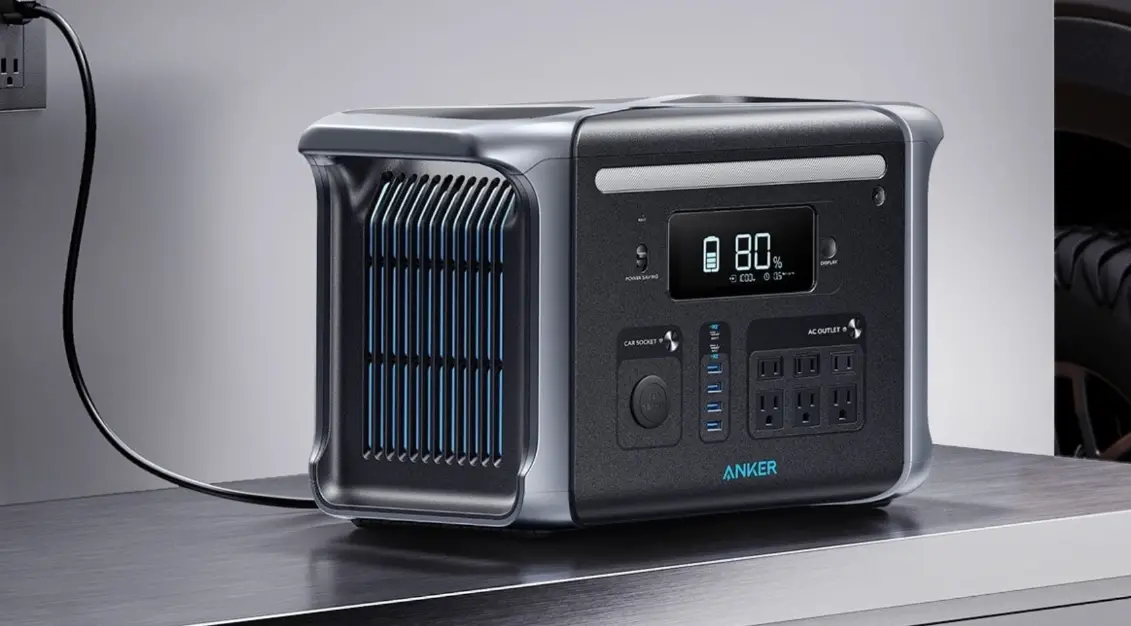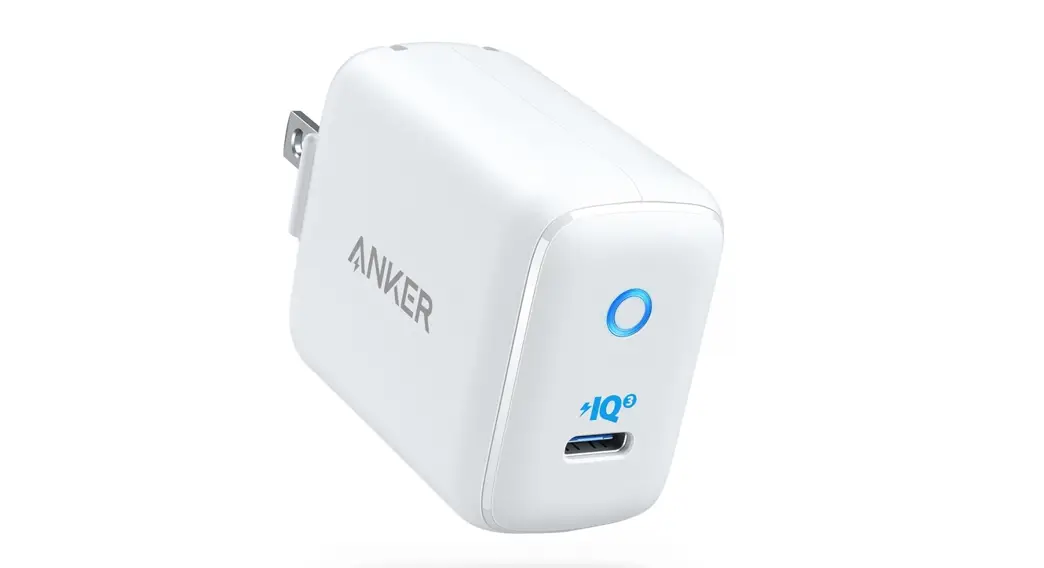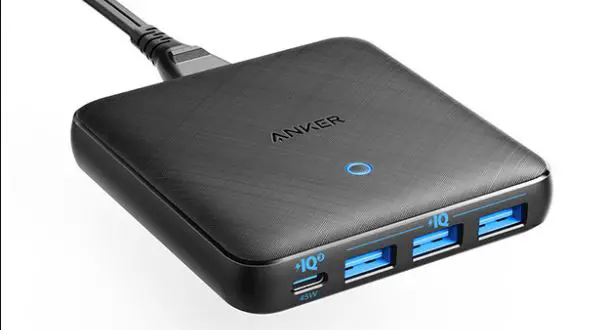

ANKER PowerExtend USB-C 3 Capsule
Overview
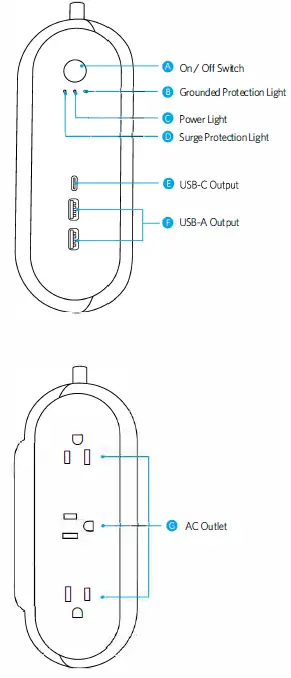
Using Your PowerExtend
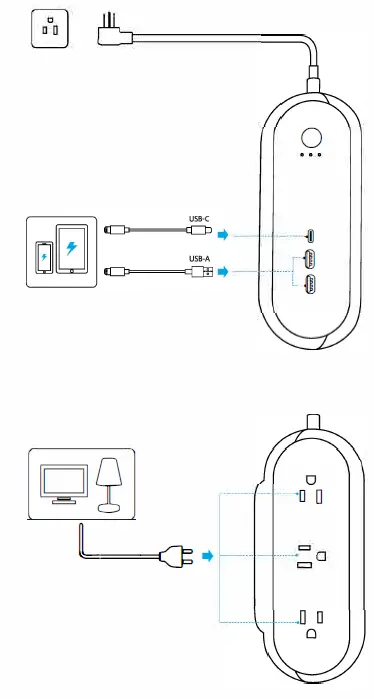
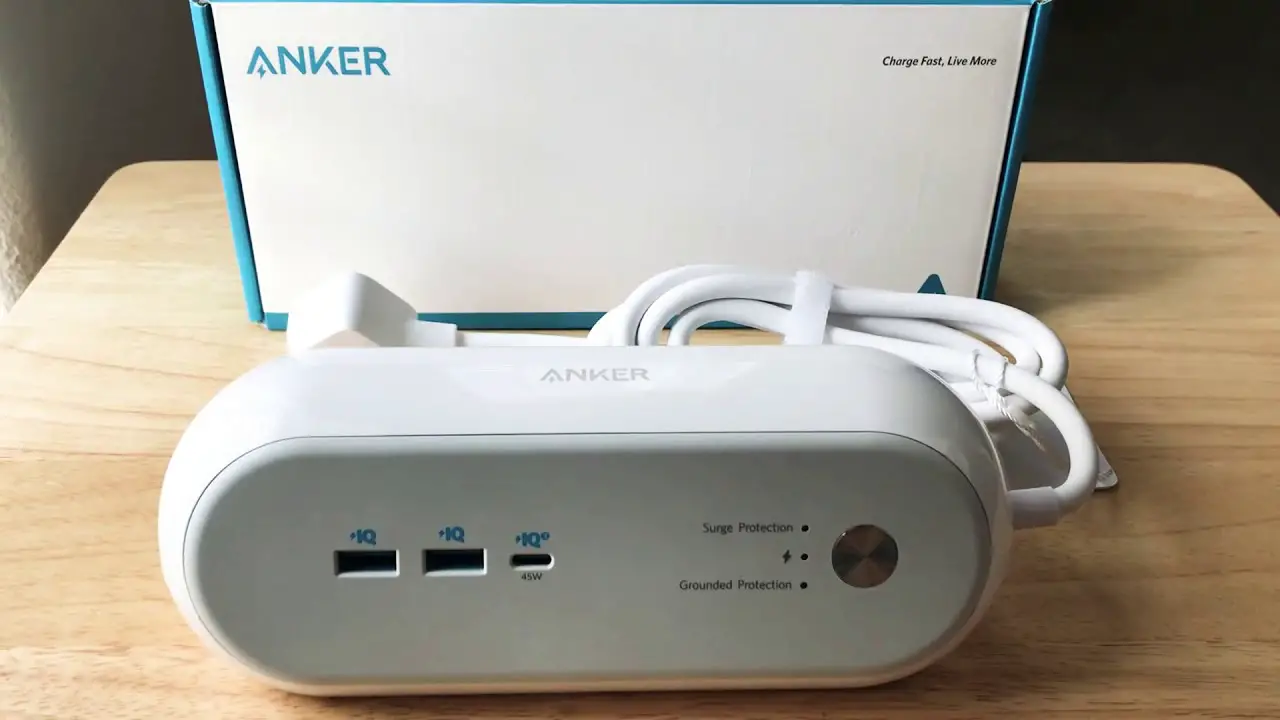
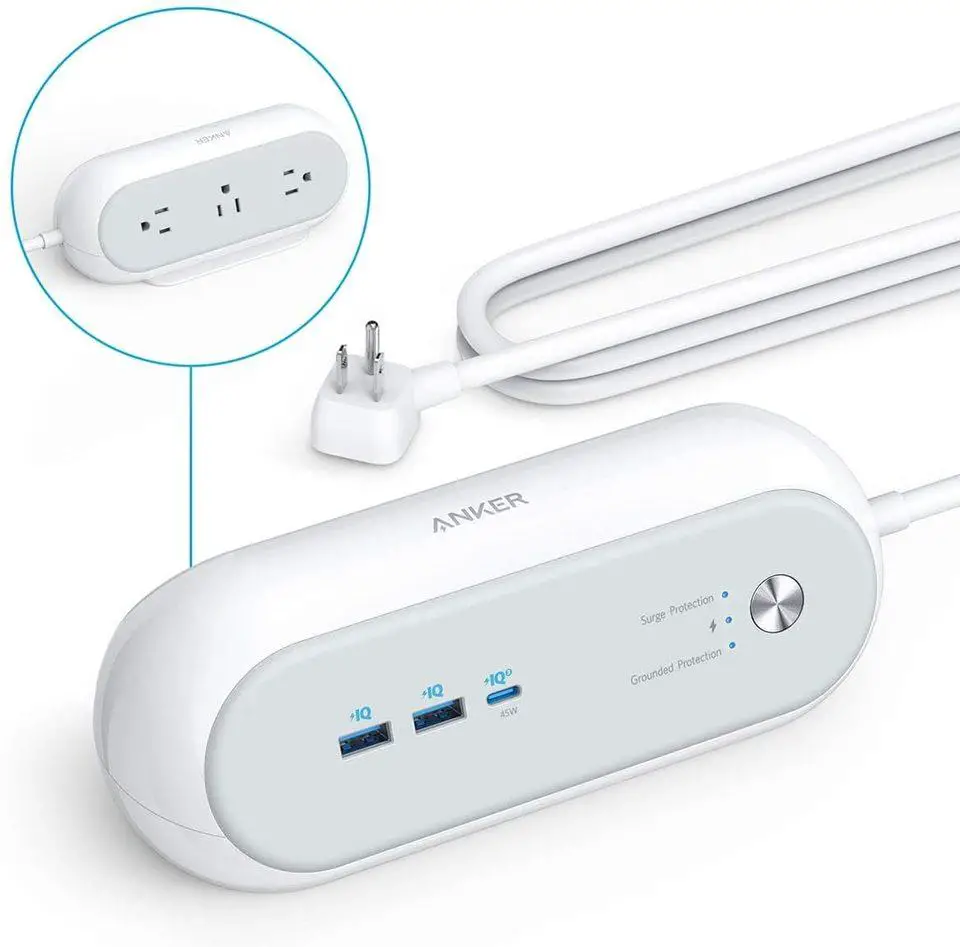
- When the switch is turned on, the Surge Protection Light, Power Light, and Grounded Protection Light will all turn blue.
- Tip: The surge protection feature can protect your computers, smartphones and other electronic equipment against voltage fluctuations, surges, and spikes. If the Surge Protection Light is off, it indicates the surge protector is not functioning normally.
Safety
- Do not connect PowerExtend to an ungrounded outlet.
- Do not use with extension cords.
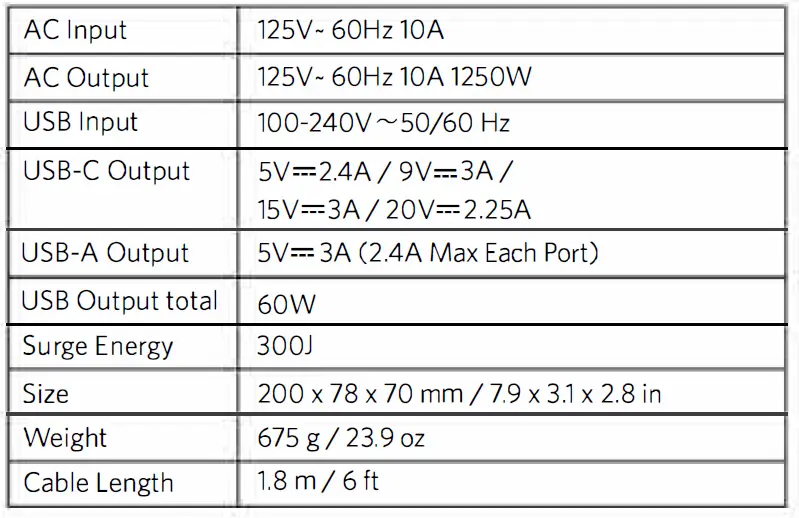
- Do not exceed electrical ratings.
- Use in dry locations and indoors only.
- Install PowerExtend away from heat-emitting appliances such as radiators.
- Keep children away from PowerExtend.
Specifications
Anker Innovations Limited
Room 1318-19, Hollywood Plaza,
610 Nathan Road, Mongkok,
Kowloon, Hong Kong