
CISCO Nexus Dashboard Next Gen Application Services Engine

INTRODUCTION
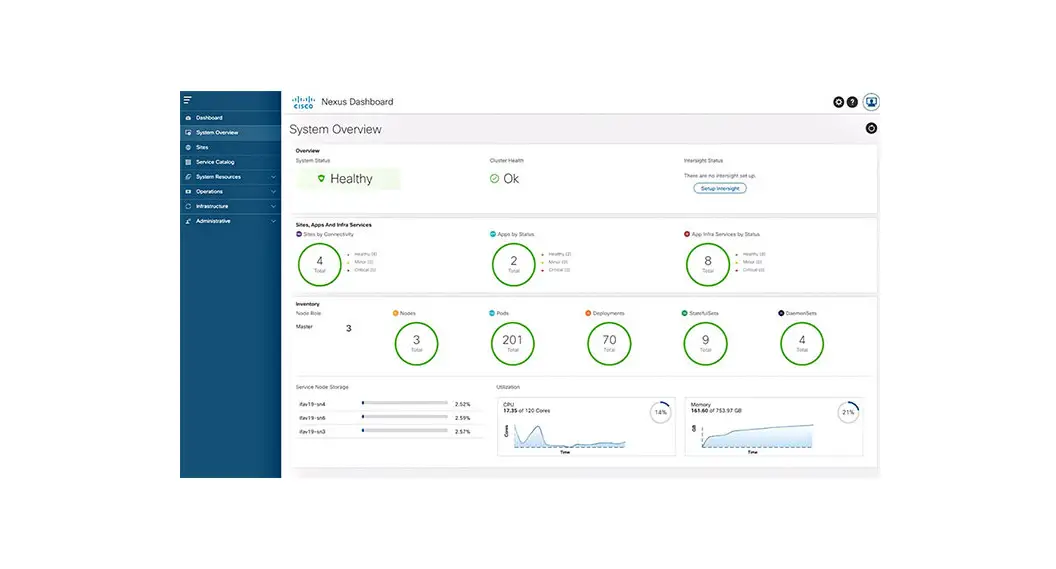
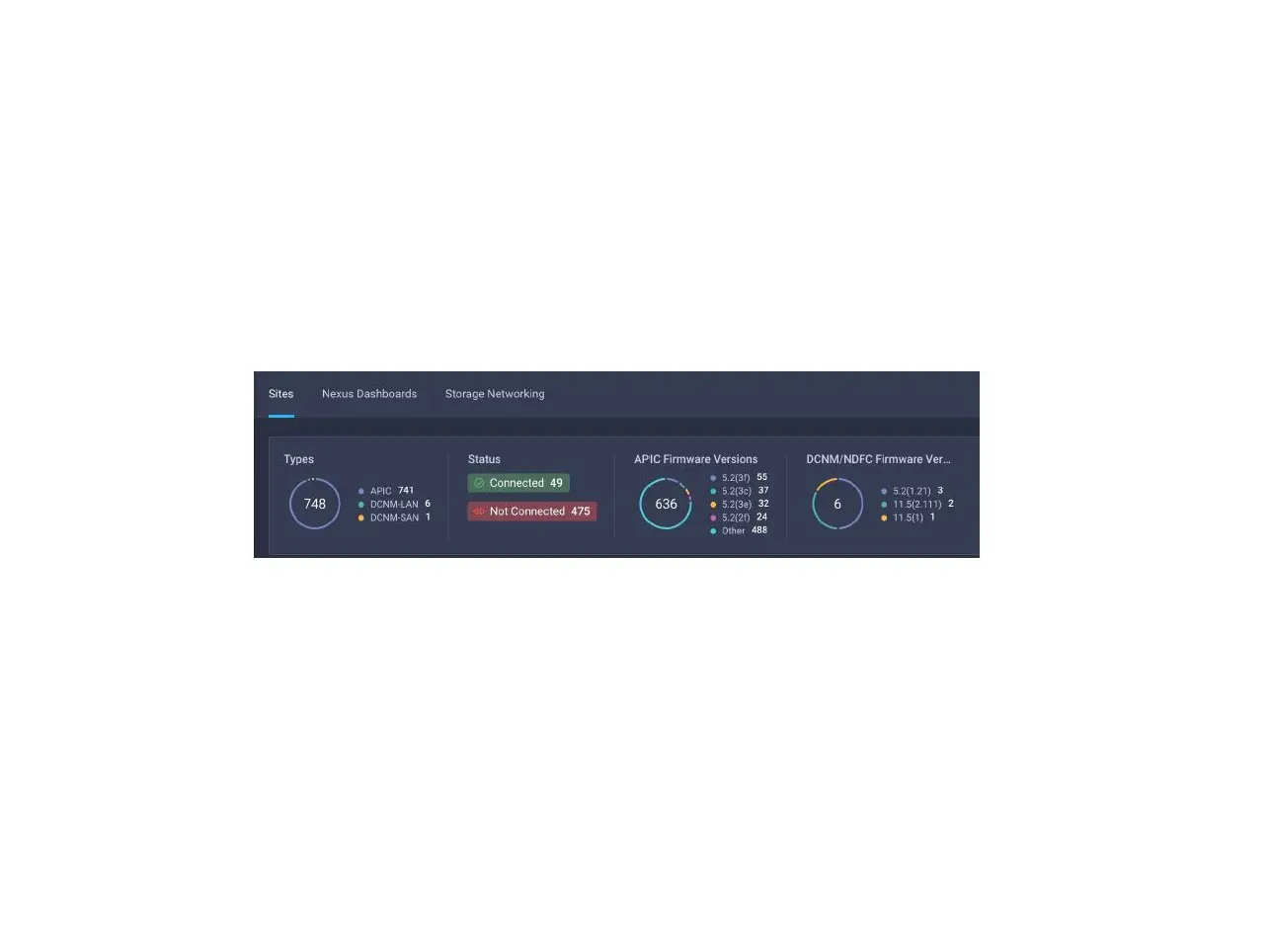
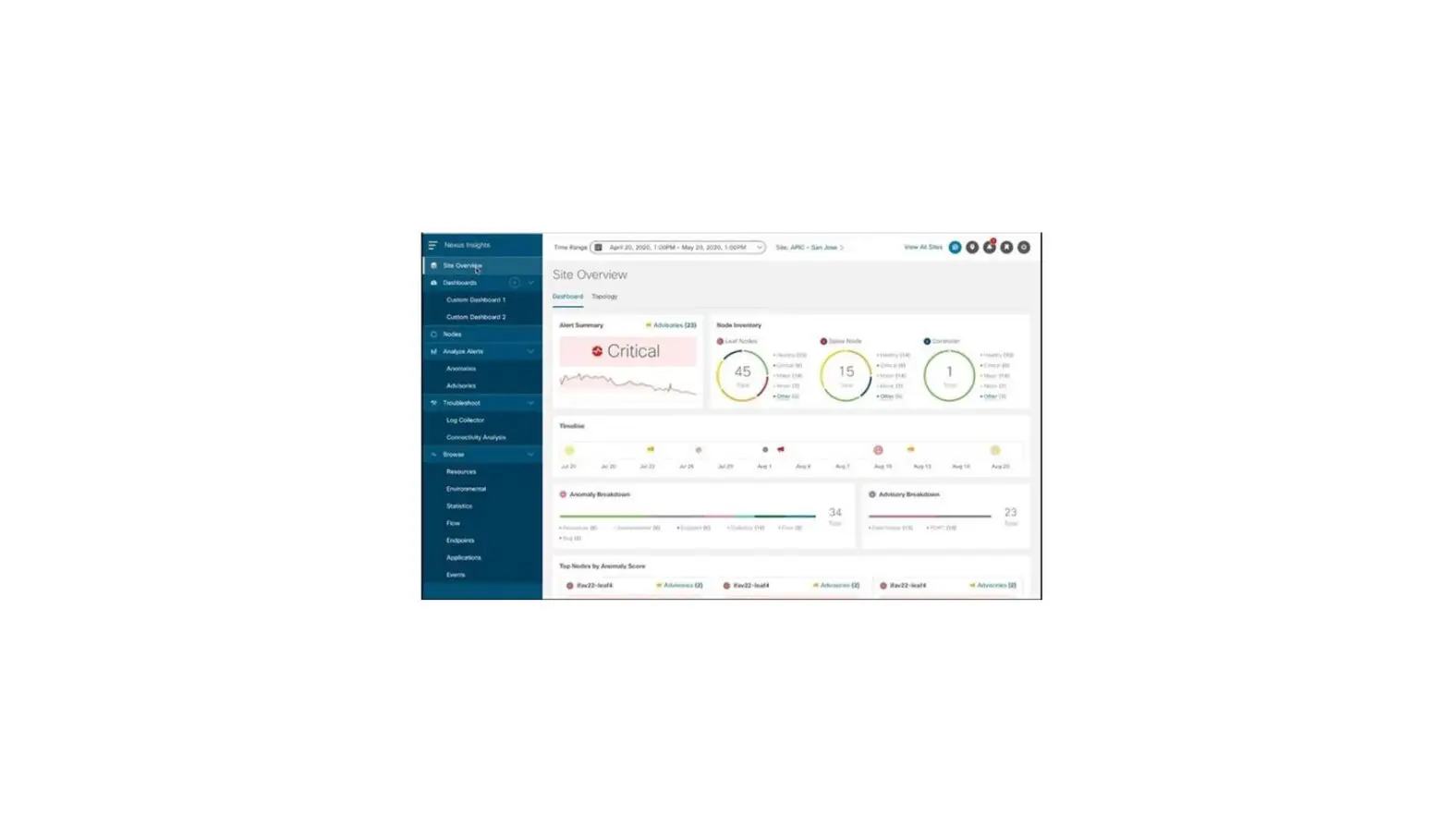
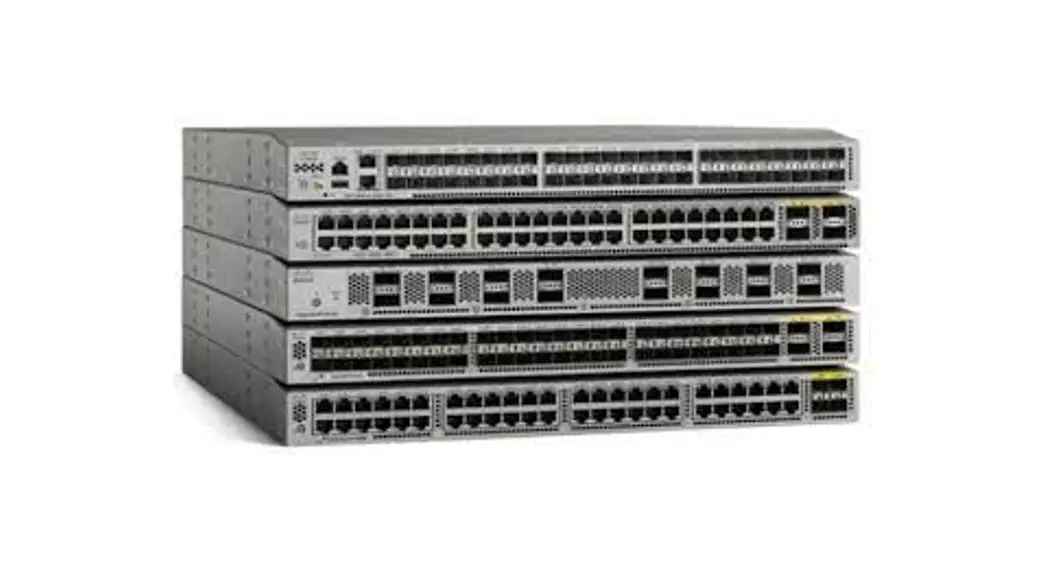
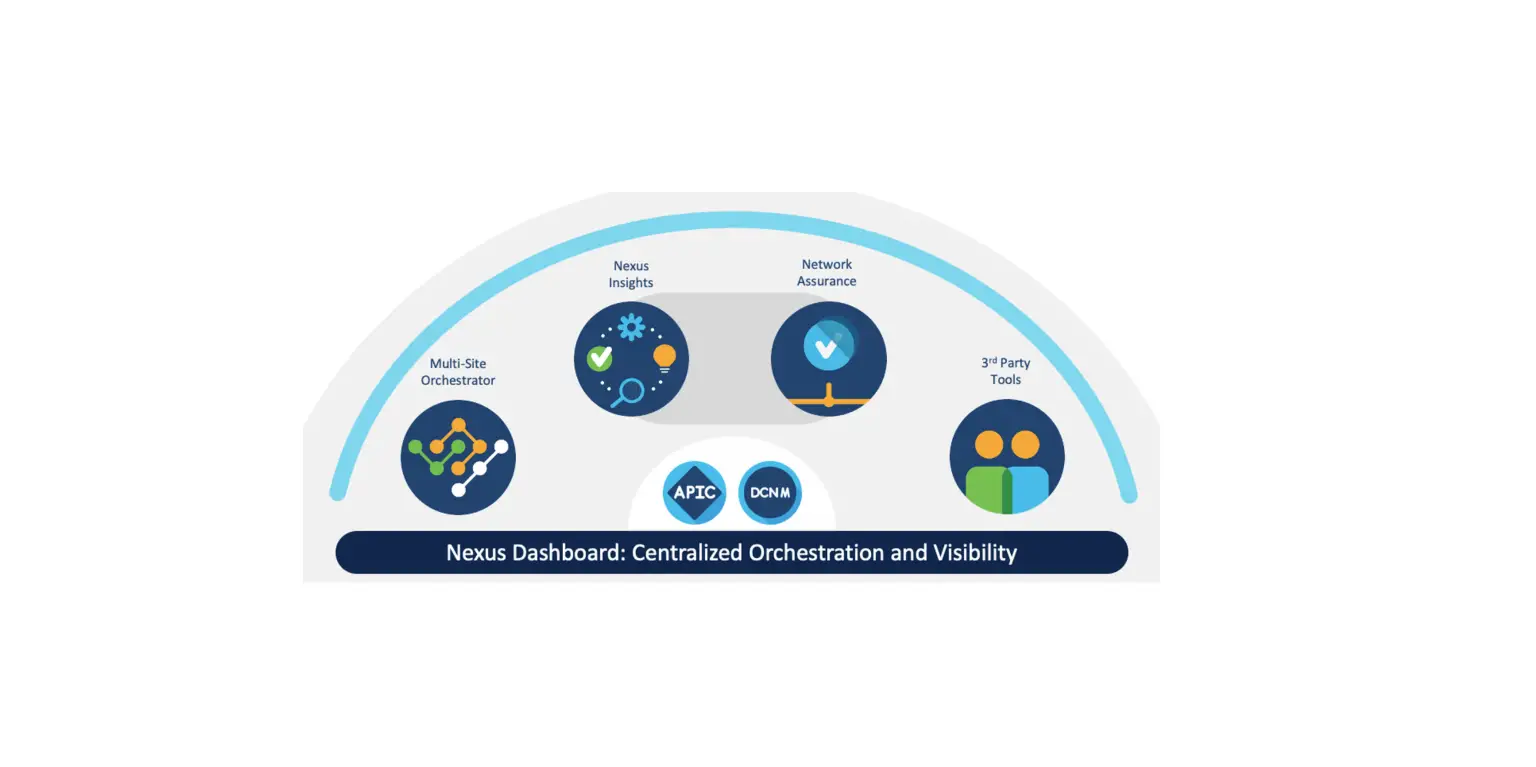
Cisco Nexus Dashboard is the next generation of the Application Services Engine and provides a common platform for deploying Cisco Data Center applications. These applications provide real time analytics, visibility, and assurance for policy and infrastructure.
This document describes the features, issues, and limitations for the Cisco Nexus Dashboard software.
For more information, see the “Related Content” section of this document.
Note: The documentation set for this product strives to use bias-free language. For the purposes of this documentation set, bias-free is defined as language that does not imply discrimination based on age, disability, gender, racial identity, ethnic identity, sexual orientation, socioeconomic status, and intersectionality. Exceptions may be present in the documentation due to language that is hardcoded in the user interfaces of the product software, language used based on RFP documentation, or language that is used by a referenced third-party product.
| Date | Description |
| February 2, 2023 | Additional open issue CSCwe20433. |
| January 31, 2023 | Release 2.3(1c) became available. |
New Software Features
This release adds the following new features:
| Product Impact | Feature | Description |
| Base Functionality | Support for UCS 225 M6 Servers for Physical Nodes | You can now order Nexus Dashboard physical nodes on UCS-225-M6 server hardware. The existing UCS-220-M5 hardware continues to be supported by this release. For more information, see the Cisco Nexus Dashboard Hardware Setup Guide for UCS-C225-M6 Servers. NOTE: Cisco UCS-225-M6 hardware platform does not support Nexus Dashboard Fabric Controller service at this time. |
| Security | Remote Site Certificate Validation | You can now import a site controller’s Certificate Authority (CA) root certificate chain into Nexus Dashboard. This allows you to verify that the certificates of hosts to which your Nexus Dashboard connects (such as site controllers) are valid and are signed by a trusted Certificate Authority (CA) when you add the sites. For more information, see the “Administrative” chapter of the Cisco Nexus Dashboard User Guide. |
| Ease of use | New Look and Feel | The Nexus Dashboard Orchestrator UI has been refreshed. NOTE: Some of the existing configuration procedures in the documentation may still use the older UI screenshots and diagrams. While the look and feel of the new UI is different, the arrangement of the screens and configuration options remains the same. |
Changes in Behavior
If you are installing or upgrading to this release, you must consider the following:
- Before upgrading your existing Nexus Dashboard cluster to this release, you must disable all services running in the cluster.
If you have Nexus Dashboard Fabric Controller service, you must keep it disabled until the cluster is upgraded to release 2.3(1) and the NDFC service is upgraded to release 12.1(2). - If you have Nexus Dashboard Insights service, you cannot upgrade to this release.
For example, if you have Nexus Dashboard Insights and Nexus Dashboard Fabric Controller hosted in the same Nexus Dashboard cluster, cluster upgrade will be blocked by the system. - If you have both Nexus Dashboard Insights and Nexus Dashboard Fabric Controller in your environment but hosted in different Nexus Dashboard clusters, we recommend that you wait until the release of Nexus Dashboard Insights version 6.2.1 with the next Nexus Dashboard release
2.3(1) patch and then upgrade both clusters together. - Beginning with release 2.2.1, service deployment profiles have been replaced with Network Scale settings.
Resource profile selection has been reduced to a number of more intuitive parameters directly related to your deployment use case. These parameters, such as number of switches or flows, describe the fabric size and use case intent and allow the cluster to intelligently determine the resources needed for the service. The parameters are categorized as “Network Scale” and must be provided prior to service deployment, as described in the Cisco Nexus Dashboard User Guide. - The primary cluster, which you use to establish multi-cluster connectivity, must be running the same or later release of Nexus Dashboard as all other clusters in the group.
In other words, you cannot connect a Nexus Dashboard cluster running release 2.3(1) from a primary cluster that is running release 2.2(1).
If you are upgrading multiple clusters that are connected together, you must upgrade the primary cluster first. - After upgrading to this release, we recommend upgrading all the services to their latest versions.
- Nexus Dashboard platform downgrades are not supported.
Open Issues
This section lists the open issues. Click the bug ID to access the Bug Search Tool and see additional information about the issue. The “Exists In” column of the table specifies the releases in which the issue exists.
| Bug ID | Description | Exists in |
| CSCvx93124 | You see a message like: [2021-04-13 13:48:20,170] ERROR Error while appending records to stats-6 in dir /data/services/kafka/data/0 (kafka.server.LogDirFailureChannel) java.io.IOException: No space left on device | 2.3(1c) and later |
| CSCwd48788 | Error during local tar file upload for RHEL platform | 2.3(1c) and later |
| Bug ID | Description | Exists in |
| CSCwe19041 | TLS 1.3 ciphers is not configurable. TLS1.3 ND offers all the three ciphers TLS_AES_128_GCM_SHA256, TLS_AES_256_GCM_SHA384, TLS_CHACHA20_POLY1305_SHA256 | 2.3(1c) and later |
| CSCwe21853 | NDFC service fails to come up after a reboot or power cycle of at least two master nodes of the cluster. | 2.3(1c) and later |
| CSCwe20667 | Upgrade done via Firmware Management of Nexus Dashboard fails. | 2.3(1c) and later |
Resolved Issues
This section lists the resolved issues. Click the bug ID to access the Bug Search tool and see additional information about the issue. The “Fixed In” column of the table specifies whether the bug was resolved in the base release or a patch release.
| Bug ID | Description | Fixed in |
| CSCwc68051 | Using the “Run” feature of the API documentation from a running ND host can result in incorrect requests to internal APIs that are due to the autogenerated documentation and do not indicate problems with the API. And you may see the following error: “Could not find an item type for this item”. | 2.3(1c) |
| CSCwc68090 | Using the “Run” feature of the API documentation from a running ND host can result in incorrect requests to internal APIs that are due to the autogenerated documentation and do not indicate problems with the API. The UI sending request by adding %3A in the URL so the requests are failing. | 2.3(1c) |
| CSCwc76548 | The UI may show an alert stating “Unable to reach NTP server(s). Validation failed for $ip” if an FQDN is used for configuring an NTP server when IPv6 is not configured. This is an incorrect message, the NTP server is likely reachable and the system health status as shown in the system overview or on the command line via `acs health` are correct. | 2.3(1c) |
| CSCwb31364 | The UI login screen may show older ND version, even though ND upgrade is completed successfully. The “Firmware Management” page will report that all nodes have completed upgrade successfully. | 2.3(1c) |
| CSCwc68061 | Using the “Run” feature of the API documentation from a running ND host can result in incorrect requests to internal APIs that are due to the autogenerated documentation and do not indicate problems with the API. And you may see the following error: “Response maximum payload length of 10000 exceeded: (561001 characters)”. | 2.3(1c) |
| Bug ID | Description | Fixed in |
| CSCwb28144 | External Services IPs used by NDFC for following cases may not work 1. Syslog Trap IP 2. POAP IP for tftp/http/scp from switch. 3. End point locator IPs for NDFC GO-BGP connectivity 4. IPFM Telemetry IPs for Streaming telemetry 5. SAN Insights Telemetry Receiver IPs for SAN Analytics telemetry | 2.3(1c) |
| CSCwe20433 | In the Cluster Configuration page of Nexus Dashboard, there may be variations in Network Scale option limits based on the profile when attempting to set them. | 2.3(1c) |
Known Issues
This section lists known behaviors. Click the Bug ID to access the Bug Search Tool and see additional information about the issue.
| Bug ID | Description |
| CSCvy62110 | For Nexus Dashboard nodes connected to Catalyst switches packets are tagged with vlan0 even though no VLAN is specified. This causes no reachability over the data network. In this case, ‘switchport voice vlan dot1p’ command must be added to the switch interfaces where the nodes are connected. |
| CSCvw39822 | On power cycle system lvm initialization may fail on due to a slowness in the disks. |
| CSCvw48448 | Upgrade fails and cluster is in diverged state with one or more nodes on the target version. |
| CSCvw57953 | When the system is being recovered with a clean reboot of all nodes, the admin login password will be reset to the day0 password that is entered during the bootstrap of the cluster. |
| CSCvw70476 | When bringing up ND cluster first time, all three master nodes need to join Kafka cluster before any master node can be rebooted. Failing to do so, 2 node cluster doesn’t become healthy as Kafka cluster requires 3 nodes to be in Kafka cluster first time. |
| CSCvx89368 | After ND upgrade, there will be still pods belonging to the older version running on the cluster. |
| CSCvx98282 | Pods in pending state for a long period upon restart. These pods are usually stateful sets that require specific node placement and capacity must be available on the specific node they are first scheduled. This happens when multiple applications are installed on the same ND cluster and the ND capacity overloaded. |
| CSCvu21304 | Intersight device connector connects to the Intersight over the Cisco Application Services Engine Out-Of- Band Management. |
| CSCwe04619 | The ‘acs health’ command may show a service as unhealthy and kubectl (available in the Tech Support collection) shows the service is in ContainerCreateError state. |
| CSCwd84875 | Two Nodes RMA requires manual intervention. |
Compatibility
For Cisco Nexus Dashboard services compatibility information, see the Cisco Data Center Networking Applications Compatibility Matrix.
© 2020 Cisco and/or its affiliates. All rights reserved.
For Cisco Nexus Dashboard cluster sizing guidelines, see the Nexus Dashboard Cluster Sizing tool.
Cisco UCS-225-M6 hardware platform does not support Nexus Dashboard Fabric Controller service at this time.
Physical Nexus Dashboard nodes must be running a supported version of Cisco Integrated Management Controller (CIMC).
CIMC, Release 4.2(2g) is the recommended version; CIMC, Release 4.0(1a) is the minimum supported version.
Cisco UCS-C220-M3 and earlier servers are not supported for Virtual Nexus Dashboard clusters.
Nexus Dashboard clusters deployed in Linux KVM, Amazon Web Services, or Microsoft Azure support the Nexus Dashboard Orchestrator service only.
Nexus Dashboard clusters deployed in ESX VMware must use the “data” node profile if running the Nexus Dashboard Insights service.
Verified Scalability Limits
The following table lists the maximum verified scalability limits for the Nexus Dashboard platform.
| Category | Scale |
| Nodes in a physical cluster | 3 master nodes 4 worker nodes 2 standby nodes |
| Nodes in a virtual cluster (ESX) | 3 master nodes 3 worker nodes 2 standby nodes |
| Nodes in a virtual cluster (KVM) | 3 master nodes |
| Nodes in a cloud cluster (AWS or Azure) | 3 master nodes |
| Nodes in a Red Hat Enterprise Linux (RHEL) | 3 master nodes |
| Sites per cluster | Depends on the specific services deployed in the cluster: ● For Nexus Dashboard Orchestrator, see the Nexus Dashboard Orchestrator Verified Scalability Guide for a specific release. ● For Nexus Dashboard Fabric Controller, see the Verified Scalability Guide for Cisco Nexus Dashboard Fabric Controller for a specific release. ● For Nexus Dashboard Insights, see the Release Notes for a specific release. |
| Admin users | 50 |
| Operator users | 1000 |
| Category | Scale |
| Service instances | 4 |
| API sessions | 2000 for Nexus Dashboard and Nexus Dashboard Orchestrator 100 for Nexus Dashboard Insights |
| Login domains | 8 |
| Clusters connected via multi-cluster connectivity for single pane of glass experience | 4 |
| Sites across all clusters within the same single pane of glass experience | 12 |
Related Content
| Document | Description |
| Cisco Nexus Dashboard Release Notes | Provides release information for the Cisco Nexus Dashboard product. |
| Nexus Dashboard Capacity Planning | Provides cluster sizing guidelines based on the type and number of services you plan to run in your Nexus Dashboard as well as the target fabrics’ sizes. |
| Nexus Dashboard and Services Compatibility Matrix | Provides Cisco Nexus Dashboard and Services compatibility information for specific Cisco Nexus Dashboard, services, and fabric versions. |
| Cisco Nexus Dashboard Hardware Setup Guide for UCS-C220-M5 Servers Cisco Nexus Dashboard Hardware Setup Guide for UCS-C225-M6 Servers | Provides information on physical server specifications and installation. |
| Cisco Nexus Dashboard Deployment Guide | Provides information on Cisco Nexus Dashboard software deployment. |
| Cisco Nexus Dashboard User Guide | Describes how to use Cisco Nexus Dashboard. |
| Cisco Nexus Dashboard and Services APIs | API reference for the Nexus Dashboard and services. |
Documentation Feedback
To provide technical feedback on this document, or to report an error or omission, send your comments to [email protected]. We appreciate your feedback.
Legal Information
Cisco and the Cisco logo are trademarks or registered trademarks of Cisco and/or its affiliates in the U.S. and other countries. To view a list of Cisco trademarks, go to this URL:
http://www.cisco.com/go/trademarks. Third-party trademarks mentioned are the property of their respective owners. The use of the word partner does not imply a partnership relationship between Cisco and any other company. (1110R)
Any Internet Protocol (IP) addresses and phone numbers used in this document are not intended to be actual addresses and phone numbers. Any examples, command display output, network topology diagrams, and other figures included in the document are shown for illustrative purposes only. Any use of actual IP addresses or phone numbers in illustrative content is unintentional and coincidental.
© 2020 Cisco Systems, Inc. All rights reserved.