Prime 680 Ultra HD Box
User Guide
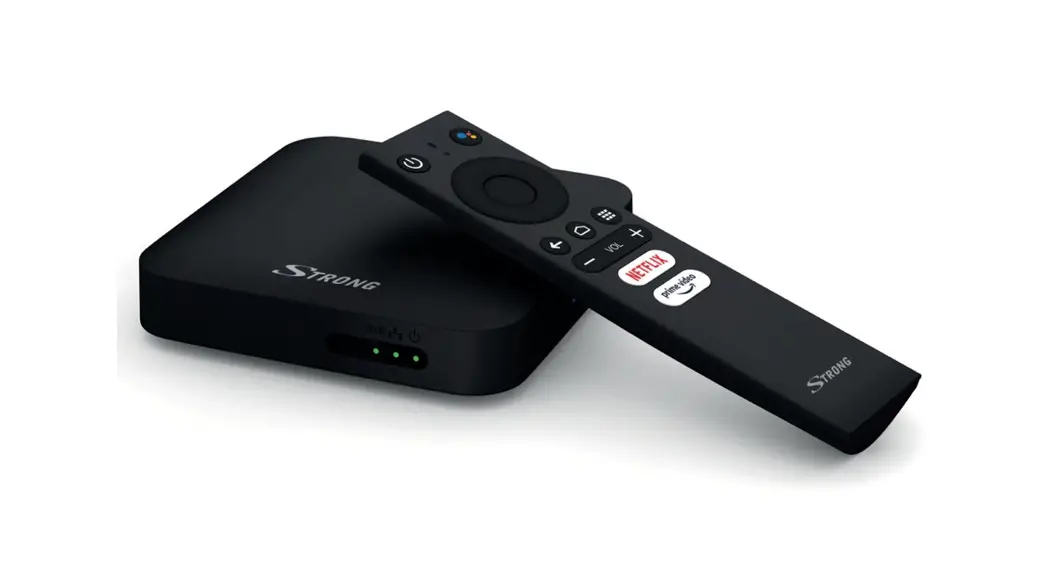
Included in the package
Setup guide
 SATELLITE TV
 IPTV
IPTV
Satellite TV
Connect the TV Box to your TV set with a satellite dish
- Connect the TV box to your TV
Connect your box to your TV set with the HDMI cable. - Connect to a satellite dish
Connect the antenna cable from the satellite dish to the SAT IN 1 in the box. Read more about LNBs on your local webpage. - Insert the Smart Card
The Smart Card is inserted into the card reader with the gold chip facing down and the beveled edge outward. - Connect the TV Box to the power outlet with the power adapter
The TV Box automatically starts when connected to the power outlet. Wait until the LED in the front of the box lights green. If nothing happens, try pressing POWER to start the box. - Finish installing the box
You complete the installation of the box on your tv using the remote control. As one of the steps, you will be asked to connect the box to the internet. You can do this with wifi or with a network cable.
For connection with wifi, follow the on-screen instructions. To connect with a network cable, plug one end of the cable into the network socket on the back and the other into a free network port on your router.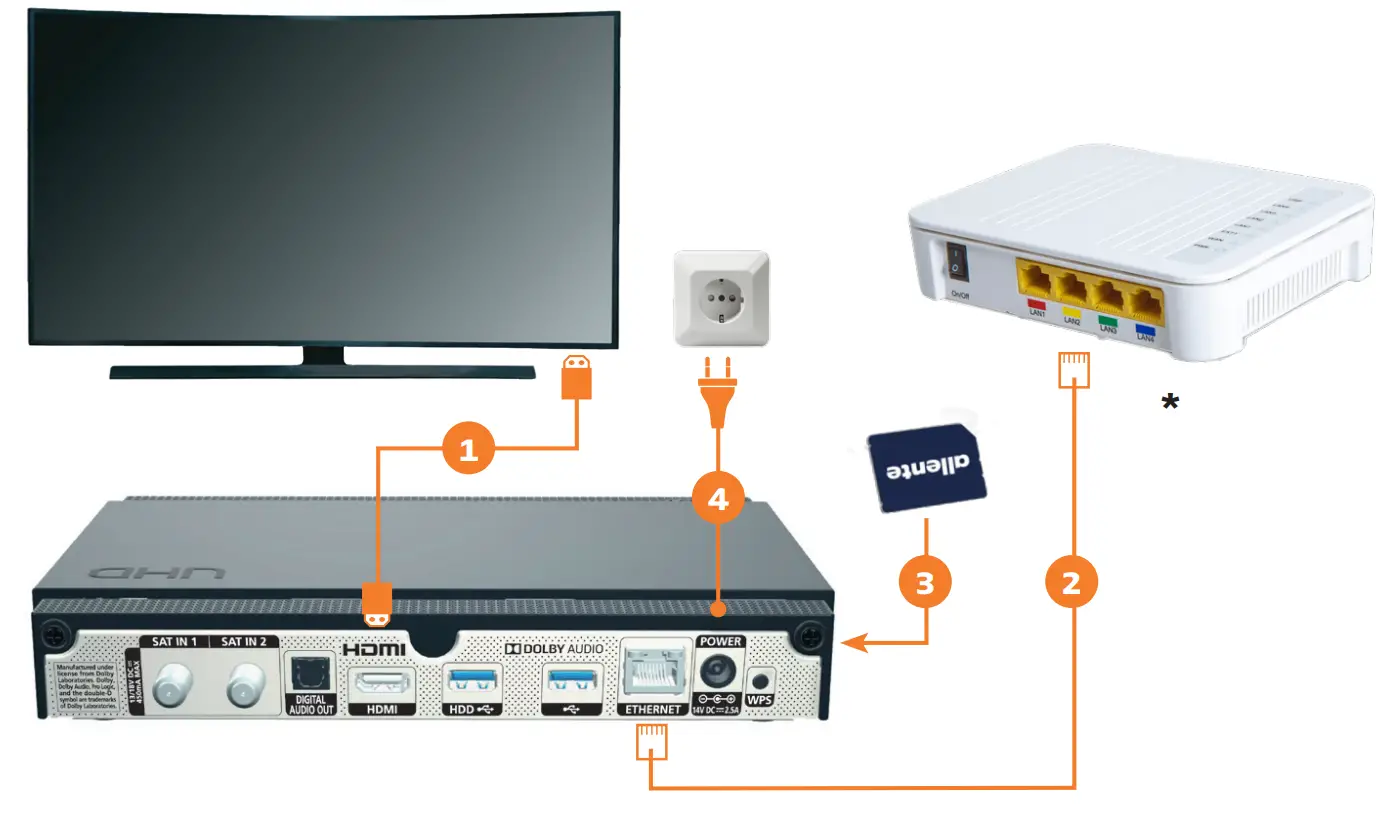
A SMARTER EXPERIENCE, DIRECTLY IN YOUR BOX!
Connect to the internet and plug-in USB memory or hard drive to access full TV and On-Demand experience and all the box’s features. You find more info on your local webpage.
 Allente – Den komplette TV- og streamingløsning
 Allente – TV, streaming og internett
 Allente – tv, streaming och bredband