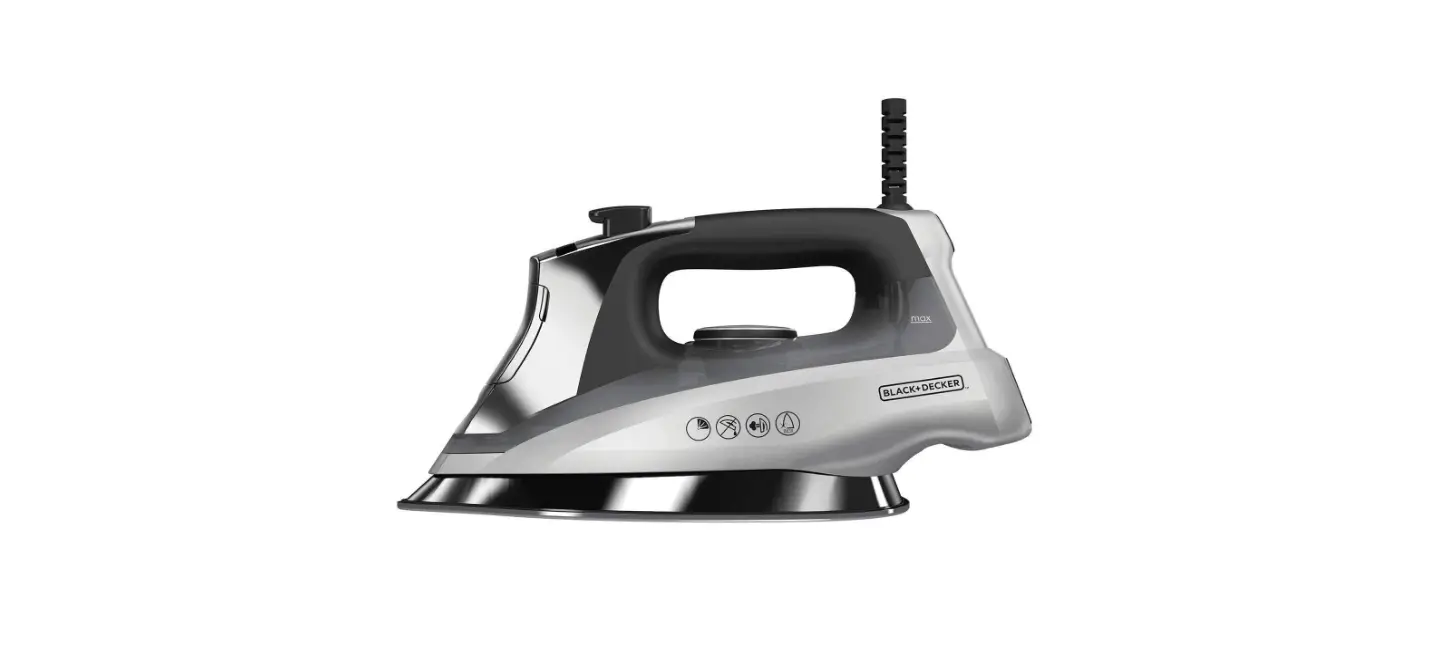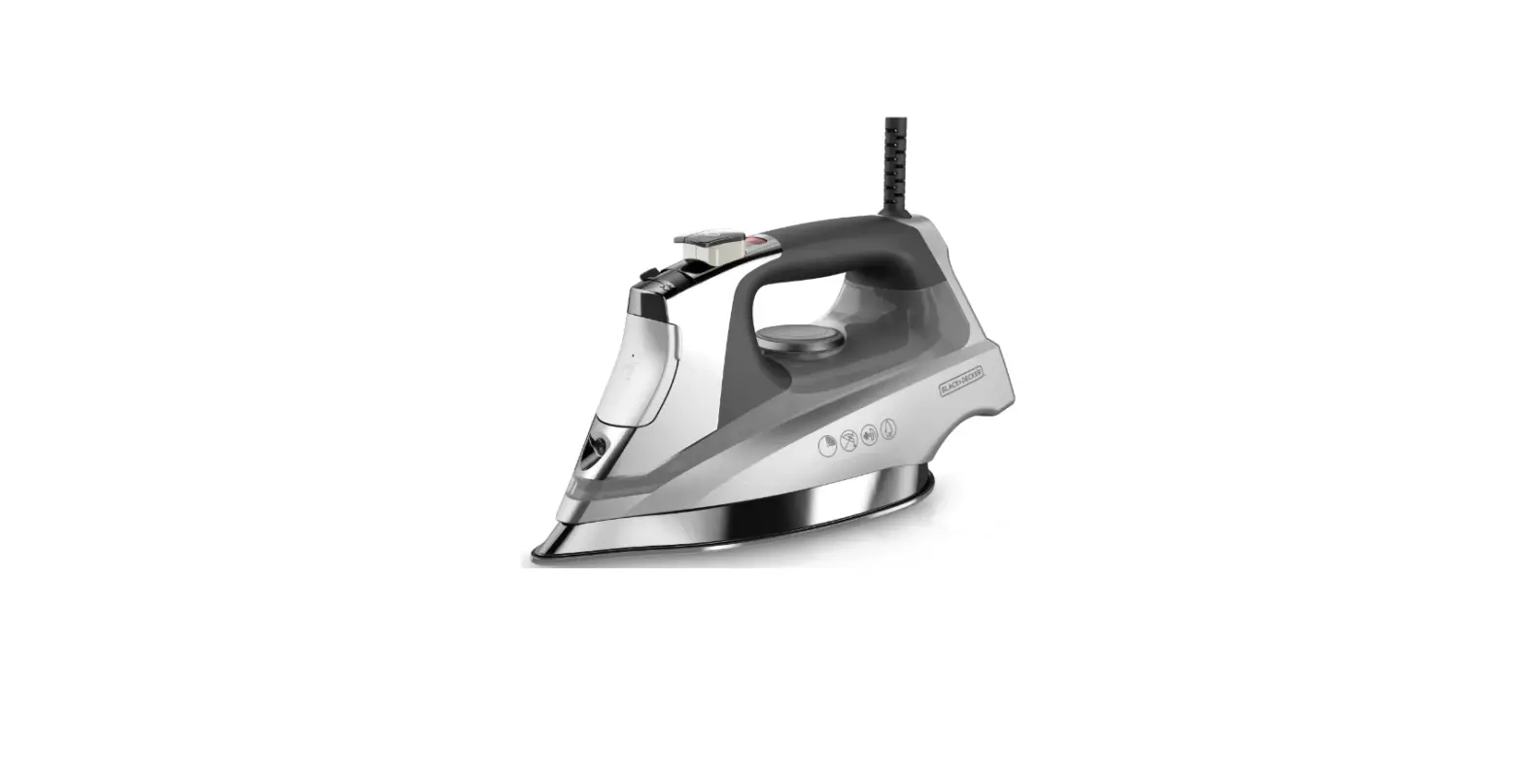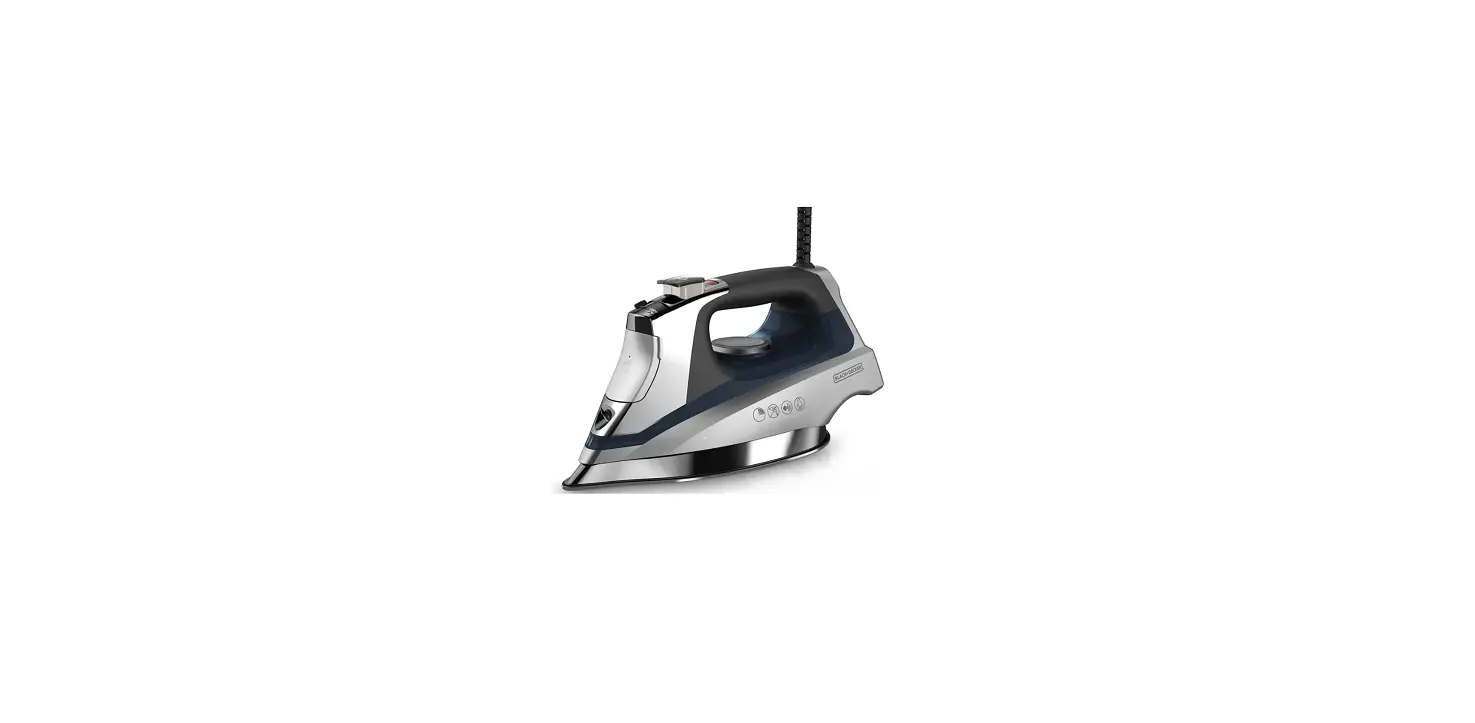

BLACK+DECKER D3030 Allure Professional Steam Iron
IMPORTANT SAFETY INSTRUCTIONS
When using your iron, basic safety precautions should always be followed, including the following:
- READ ALL INSTRUCTIONS BEFORE USING.
- Use iron only for intended use.
- To protect against risk of electric shock, do not immerse the iron in water or other liquids.
- The iron dial should be turned to minimum setting before plugging in or unplugging from the outlet. Never yank cord to disconnect from the outlet; instead grasp plug and pull to disconnect.
- Do not allow cord to touch hot surfaces. Let iron cool completely before putting away. Loop cord loosely around iron when storing.
- Always disconnect iron from electric outlet before filling with water, cleaning, or emptying and when not in use.
- Do not operate the iron if it has been dropped, if there are visible signs of damage to the iron or its cord, or if it’s leaking. To avoid the risk of electric shock, do not dissemble the iron; take it to a qualified service person for examination and repair, or call the appropriate toll-free number on the cover of this manual. Incorrect reassembly can cause risk of electric shock when the iron is used.
- Close supervision is necessary for any appliance being used by or near children. Do not leave iron unattended when plugged in or on an ironing board.
- Burns can occur from touching hot metal parts, hot water, or steam. Use caution when you turn a steam iron upside down—there might be hot water in the reservoir. Avoid rapid movement of iron to minimize hot water spillage.
- This appliance is not intended for use by persons (including children) with reduced physical, sensory, or mental capabilities, or lack of experience and knowledge, unless they have been given supervision or instruction concerning use of the appliances by a person responsible for their safety.
- Children should be supervised to ensure that they do not play with the appliance.
- The iron must be used and rested on a stable surface.
SPECIAL INSTRUCTIONS
- To avoid circuit overload, do not operate another high wattage appliance on the same circuit.
- If an extension cord is absolutely necessary, a 15-ampere cord should be used. Cords rated for less amperage can result in a risk of fire or electrical shock due to overheating. Care should be taken to arrange the cord so that it cannot be pulled or tripped over.
SAFETY FEATURES
POLARIZED PLUG
This appliance has a polarized plug (one blade is wider than the other). To reduce the risk of electric shock, this plug is intended to fit into a polarized outlet only one way. If the plug does not fit fully into the outlet, reverse the plug. If it still does not fit, contact a qualified electrician. Do not attempt to modify the plug in any way.
TAMPER-RESISTANT SCREW
Warning: This appliance is equipped with a tamper-resistant screw to prevent removal of the outer cover. To reduce the risk of fire or electrical shock, do not attempt to remove the outer cover. There are no user-serviceable parts inside. Repair should be done only by authorized service personnel.
Note: If the power supply cord is damaged, it should be replaced by qualified personnel or in Latin America by an authorized service center.
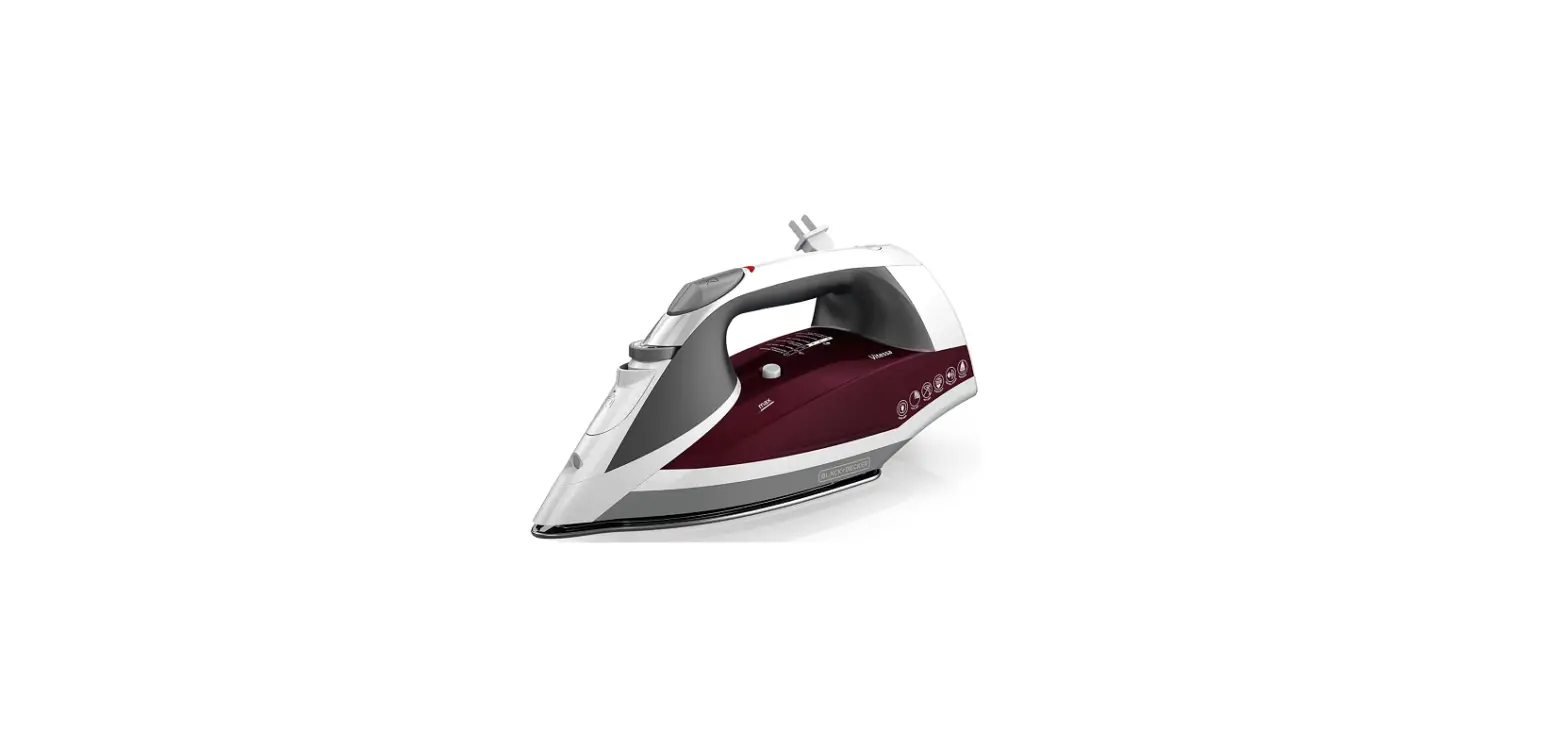
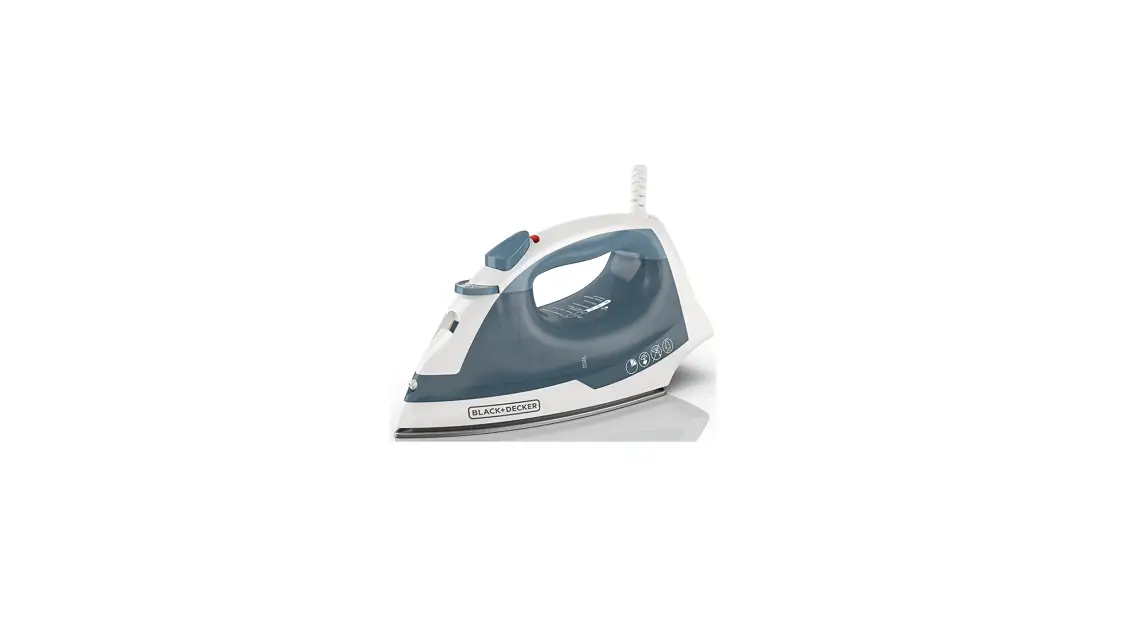
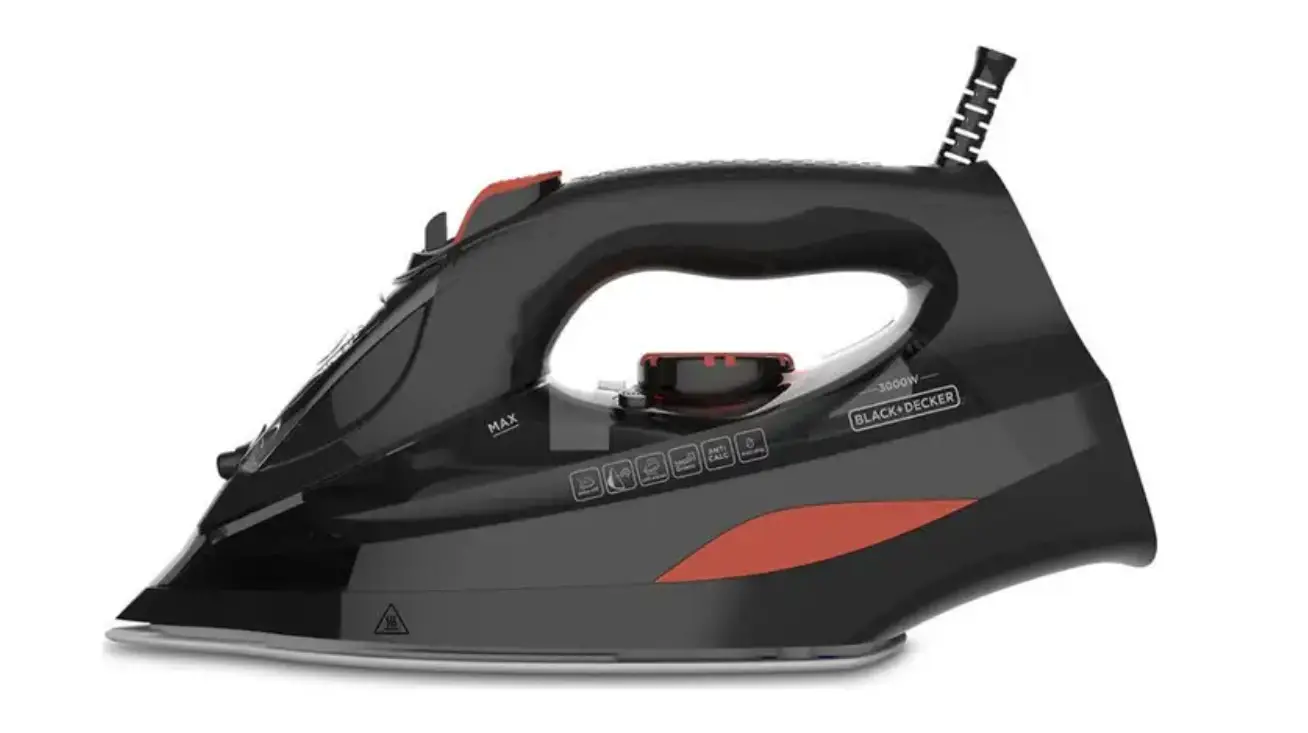
GETTING TO KNOW YOUR ALLURE IRON
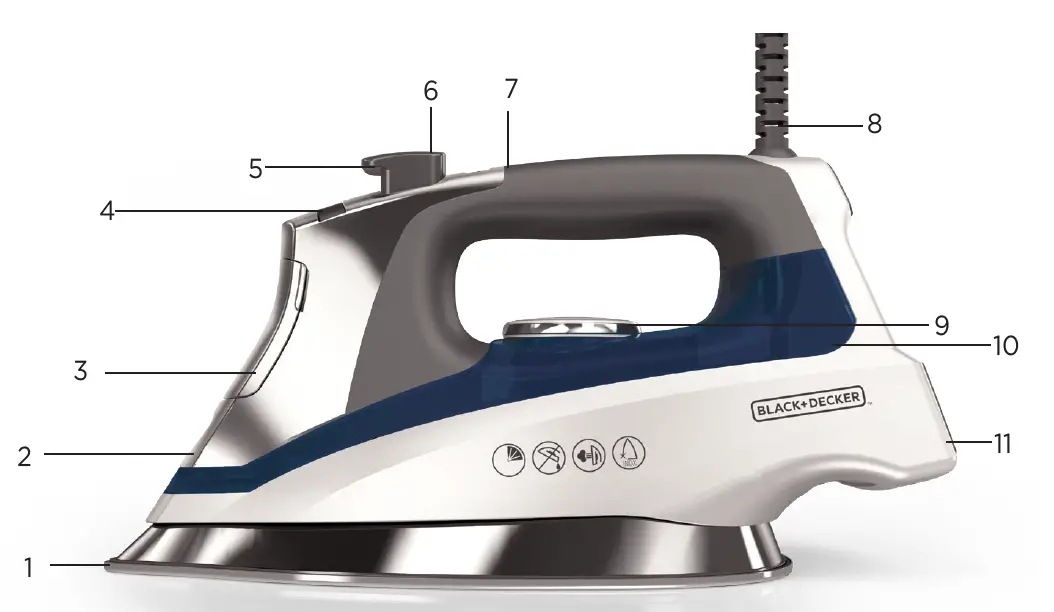
- Soleplate
- Spray nozzle
- Water-fill cover
- Variable steam dial
- Spray mist button

- Burst of steam button

- Power/auto off light
- 360˚ pivoting cord
- Temp dial
- Water tank
- Heel rest


HOW TO USE
This product is for household use only.
- Remove all labels, tags and stickers attached to the body, cord, or soleplate of the iron.
- Remove and save literature.
FILLING THE WATER TANK
- With the iron on a flat surface with the soleplate down, open the water-fill cover.
- Using a clean measuring cup, pour water into opening until water reaches the “MAX” level mark on the side of the water tank. Do not overfill. Close the water-fill cover securely.
- Stand the iron on the heel rest.
- To refill at any time during the ironing process, unplug the iron and follow the above procedure.
USING YOUR IRON
- Plug the iron into an outlet. The red Power Indicator Light will illuminate on the handle, indicating that the iron is heating.
- Read the manufacturer’s fabric labels for material content and clothing care recommendations to help select the correct temperature and steam settings.
- Select the temperature on the iron by turning the “Temp” dial until you’ve reached the desired setting. A setting guide is printed on the base of the iron for quick reference.
- The Power Indicator light will turn off when it has reached the selected temperature.
- To dry iron (iron without steam), it is not necessary to empty the water tank; simply move the variable steam selector dial all the way to the left on the Dry Iron setting.
- To iron with steam, push the variable steam dial to the desired amount of steam. For optimal results, the steam settings should be used with the following temperature settings.
- No Steam: Silk and Blends (1 and 2)
- Steam Setting 1: Wool (3)
- Steam Setting 2: Cotton (4)
- Steam Setting 3: Linen (5)
- When finished ironing, turn the dial to the MIN setting and unplug from the outlet.
- Stand iron on its heel rest and allow it to cool off.
ADDITIONAL FEATURES
Burst of Steam
Use for ironing in the vertical and horizontal position. Press the Burst of Steam button to generate a burst of steam. For best performance, leave several seconds between bursts.
Spray Mist
Press the Spring Mist button to generate a spray of water. Spray Mist is used to dampen tough wrinkles while dry or steam ironing. Do not spray silk.
3-way Auto Shut Off
The iron will automatically shut off after 30 seconds of inactivity if left on its soleplate or side. If left vertically on the heel rest, it will shut off after 8 minutes. When the iron is in Auto-Shut Off, the red light on the handle will blink. Simply move the iron to take it off stand-by.
IRONING TIPS AND TRICKS
- The iron can be filled with ordinary tap water; if your water is hard, you may want to use distilled water.
- For optimum performance, allow the iron to stand on the heel rest about two minutes after filling before beginning to iron.
- If you’re unsure of the fabric’s content, test a small area (on the inside seam or hem) before you proceed to iron the entire garment or cloth.
- Whenever ironing a garment with mixed fabrics, select the fabric setting for the most delicate fabric. For example, when ironing a shirt that is 65% cotton and 35% polyester, use the “blends” setting (number 2.)
- Whenever temperature settings are changed to a higher or lower temperature, allow the iron to stand a minute or so to allow heat up or cool down. Test garment by pressing a small hidden area to make sure temperature of iron is correct.
CLEANING AND CARE
This product contains no user serviceable parts. Refer to service qualified service personnel.
CLEANING OUTSIDE SURFACES
- Make sure the iron is unplugged and has completely cooled.
- Wipe the soleplate and outer surface with soft, damp cloth. Water and small amounts of gentle household soaps, such as dishwashing liquid, can be used. Never use heavy-duty cleaners, vinegar or abrasive scouring pads that may scratch or discolor the iron.
- After the iron has been thoroughly dried, turn the iron back on and lightly steam over an old cloth. This will help remove any reside left in the vents.
- When finished cleaning, turn iron off and allow time to cool before storing.
AUTO-CLEAN™ SYSTEM
For optimal results over time, it is recommended that you clean your iron about once a month to keep the steam vents free of build-up.
- Fill the water tank well below the MAX fill line. Plug in the iron.
- Select the Cotton Fabric setting (Number 4) on the Temp dial and stand the iron on its heel while it preheats.
- Once the iron has reached the desired temperature; turn it off and then unplug it from the outlet.
- Hold iron over a sink with the soleplate facing down.
- Move the variable steam dial over to the AutoClean™ setting
- and hold it in that position. Be careful, as hot water and steam will come out of the vents.
- Continue to hold the dial in the position until all of the water has emptied. If necessary, move the iron side-to-side and front-to-back to aid the process.
- When finished, release the dial from the AutoClean™ position and place the iron on its heel rest.
- Plug the iron back in and allow it to heat for about 2 minutes to dry out any remaining water.
STORING YOUR IRON
- Once the iron is turned off and unplugged from the outlet, allow it to cool.
- Check that the variable steam dial is set to dry.
- Wrap the cord loosely around the iron.
- Store vertically on its heel to prevent water leaking from the soleplate.
NEED HELP?
For service, repair or any questions regarding your appliance, call the appropriate 800 number. Please DO NOT return the product to the place of purchase. Also, please DO NOT mail product back to the manufacturer, nor bring it to a service center. You may also want to consult the website listed on the cover of this pamphlet.
WARRANTY INFORMATION
(Applies only in the United States and Canada)
What does it cover?
- Any defect in material or workmanship provided; however, Spectrum Brands’ liability will not exceed the purchase price of product.
For how long?
- Two years from the date of original purchase with proof of such purchase.
What will we do to help you?
- Provide you with a reasonably similar replacement product that is either new or factory refurbished.
How do you get service?
- Save your receipt as proof of date of sale.
- Visit the online service website at www.prodprotect.com/applica, or call toll-free 1-800-231-9786, for general warranty service.
- If you need parts or accessories, please call 1-800-738-0245.
What does your warranty not cover?
- Damage from commercial use
- Damage from misuse, abuse or neglect
- Products that have been modified in any way
- Products used or serviced outside the country of purchase
- Glass parts and other accessory items that are packed with the unit
- Shipping and handling costs associated with the replacement of the unit
- Consequential or incidental damages (Please note, however, that some states do not allow the exclusion or limitation of consequential or incidental damages, so this limitation may not apply to you.)
How does state law relate to this warranty?
- This warranty gives you specific legal rights. You may also have other rights that vary from state to state or province to province.
FAQs
What disadvantages may a steam iron like the BLACK+DECKER D3030 have?
Because steam irons require more frequent refills and produce less heat than steam generators or other steaming systems, it could take some time to iron your goods with one.
What is the normal lifespan of a BLACK+DECKER D3030 steam iron?
Even the most expensive steam irons should last between 10 and 20 years. However, considering the chance that technology will improve significantly over the following 20 years, you might choose to update before your iron becomes obsolete.
What happens when the BLACK+DECKER D3030 steam iron is used without water?
Yes. To remove the remaining water from your steam iron, just unplug it, let it cool, and then drain the water tank. Choose the dry/steam setting if your iron has one; otherwise, choose “MIN.” Choose the dry/steam setting if your iron has one.
What benefits do steam irons like the BLACK+DECKER D3030 offer?
The simplest method for giving your garments a freshly pressed look and at-home feel is to use a steam iron. Your clothing’s fibres become moistened by the steam from the iron, which makes pressing them easier. The steam also keeps the fibres in place for a longer period of time.Yes. To remove the remaining water from your steam iron, just unplug it, let it cool, and then drain the water tank. Choose the dry/steam setting if your iron has one; otherwise, choose “MIN.” Choose the dry/steam setting if your iron has one.
How much electricity does the steam iron BLACK+DECKER D3030 consume?
Every day, a steam iron or flatiron requires roughly 800-2000 watts. For instance, your iron will use approximately 5 kWh of electricity if you leave it on for 10 minutes each day for a month. You can determine the precise amount your model needs despite having one of the highest rates of electricity consumption among your equipment.
How should I care for my BLACK+DECKER D3030 steam iron?
Clean the anti-calc valve thoroughly. Turn off the iron’s power and let it to cool for 45 minutes to accomplish this. Keep your soleplate smooth and spotless. Use a moist, smooth cloth to clean the soleplate of your Tefal Access Easy to keep it functioning properly. Observe the post-use instructions.
What steam iron wattage is recommended for the BLACK+DECKER D3030?
Each iron we suggest has a minimum of 1,500 watts, which is adequate for the task. I’ve discovered via testing that low-wattage irons are unable to generate enough heat and steam to remove stubborn wrinkles.
For steam irons like the BLACK+DECKER D3030, what kind of water is best?
Use distilled or demineralized water in order to increase the lifespan of your iron or steamer (50 percent tap water and 50 percent demineralized water could also be used).
Does the steam iron BLACK+DECKER D3030 produce better results on clothing?
According to The Laundress, steaming your clothing not only removes wrinkles but also destroys bacteria that causes odours, keeping clothes fresh between washes—ideal for items that you can’t wash frequently (or at all) or that are only suitable for dry cleaning.
How long does it take a steam iron like the BLACK+DECKER D3030 to heat up?
Normally, it takes two minutes for your iron to begin to heat up. Your iron will alert you when it reaches the proper temperature for the cloth type you chose using the “Wait” and “Ready” indicators.
How can you keep a steam iron like the BLACK+DECKER D3030 from corroding?
Use only pure water to fill steam irons at all times. Even municipally generated, unfiltered water includes minerals that may harm or clog your iron.
After each use, empty the iron’s water tank. A microfiber cloth can be used to dry any leaks.
In a steam iron like the BLACK+DECKER D3030, can you use boiling water?
It might also cause stains on your clothes and damage the lifespan of your iron. Even though using cooled, boiled water and avoiding keeping water in your iron between uses could help reduce lime scale formation, you should still get into the habit of regularly descaling your iron.
A steam iron like the BLACK+DECKER D3030 can you put vinegar in?
If you have a steam iron, you can also clean the vents by adding water and distilled white vinegar to the water reservoir.
How can you clean a smelly BLACK+DECKER D3030 steam iron?
Pour into the iron half a cup of distilled white vinegar and half a cup of distilled water. Look within the steam vents for any buildup of white residue or other objects, and if found, gently clean them with a toothbrush or toothpick dipped in vinegar. The iron needs to be plugged in, set to steam, and let to cool for five minutes.
Can you use fragrance with the BLACK+DECKER D3030 steam iron?
Using water that has been chemically descaled, perfumed water, water directly from the dryer, vinegar, starch, descaling agents, ironing aids, or other chemicals may cause water to spit out, leave brown stains on your garments, damage to your steam iron, or break your garment steamer.