 BoaPod™
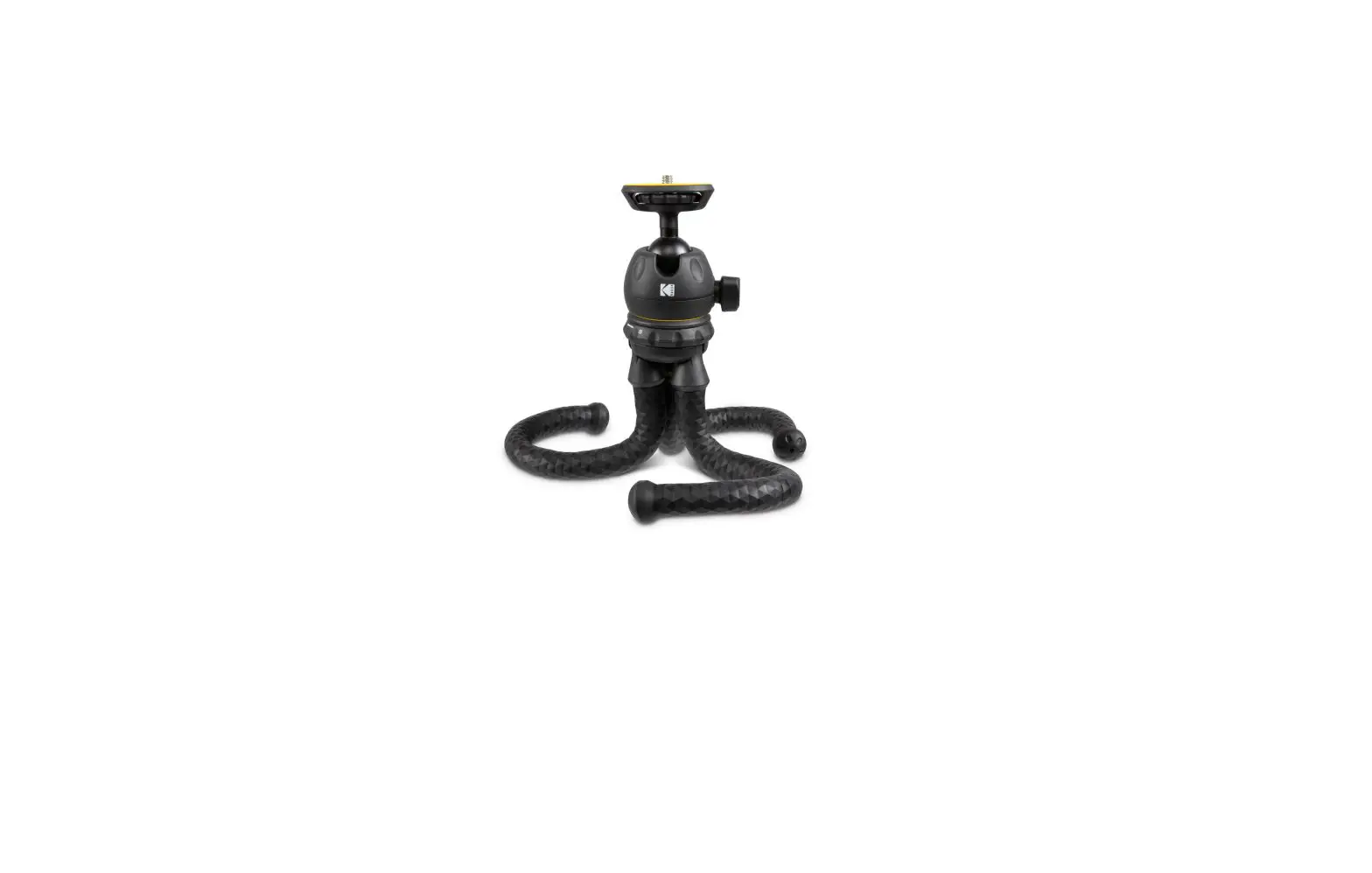
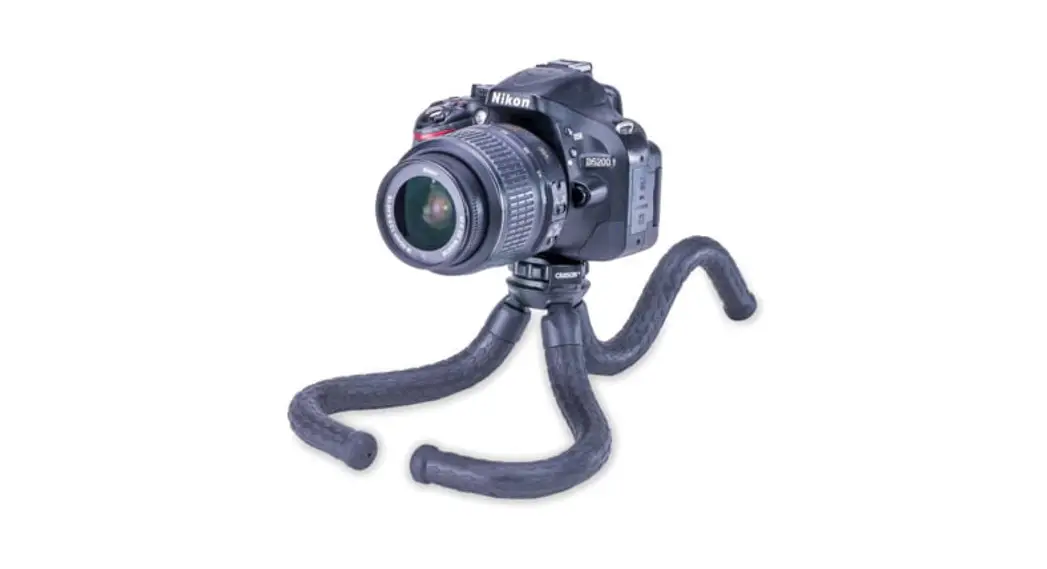
Flexible Leg Tripod
TR-050
Congratulations on selecting your new BoaPod™ flexible leg tripod! In order to achieve optimum performance, please follow instructions for proper use and care.
PRODUCT SPECIFICATION:
| Max Load: Weight: | 2.64 lbs. |
| Dimensions: Accessories: | 0.71 lbs. |
| Max Load: Weight: | 2.2” x 2.4“ x 12.2” |
| Dimensions: Accessories: | Smartphone Adapter |
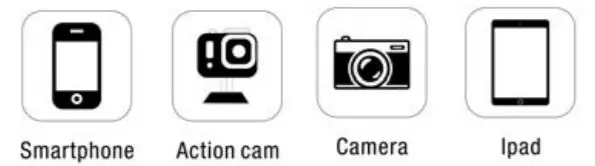
SETTING UP BOAPOD:
Important: Make sure BoaPod™ is level and steady before mounting any optic to it.
 |  |
 |  |
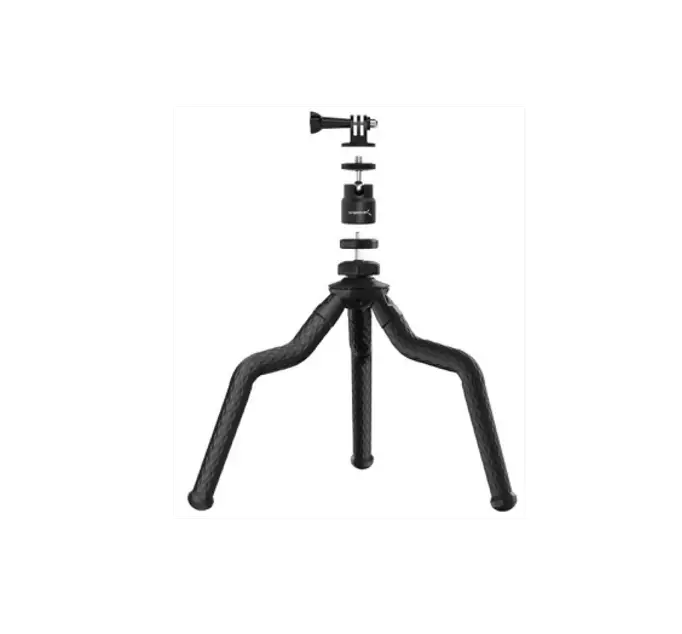
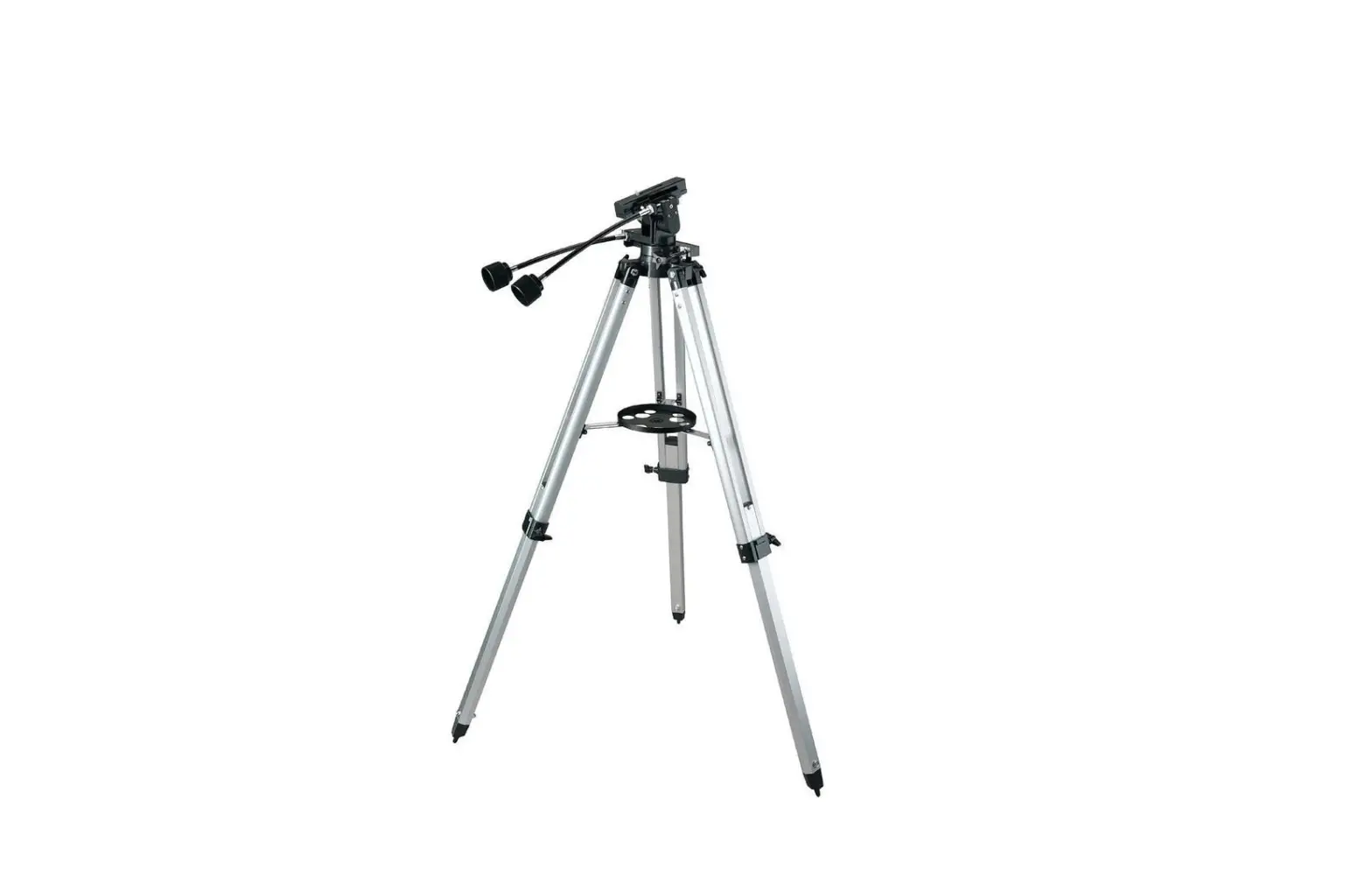
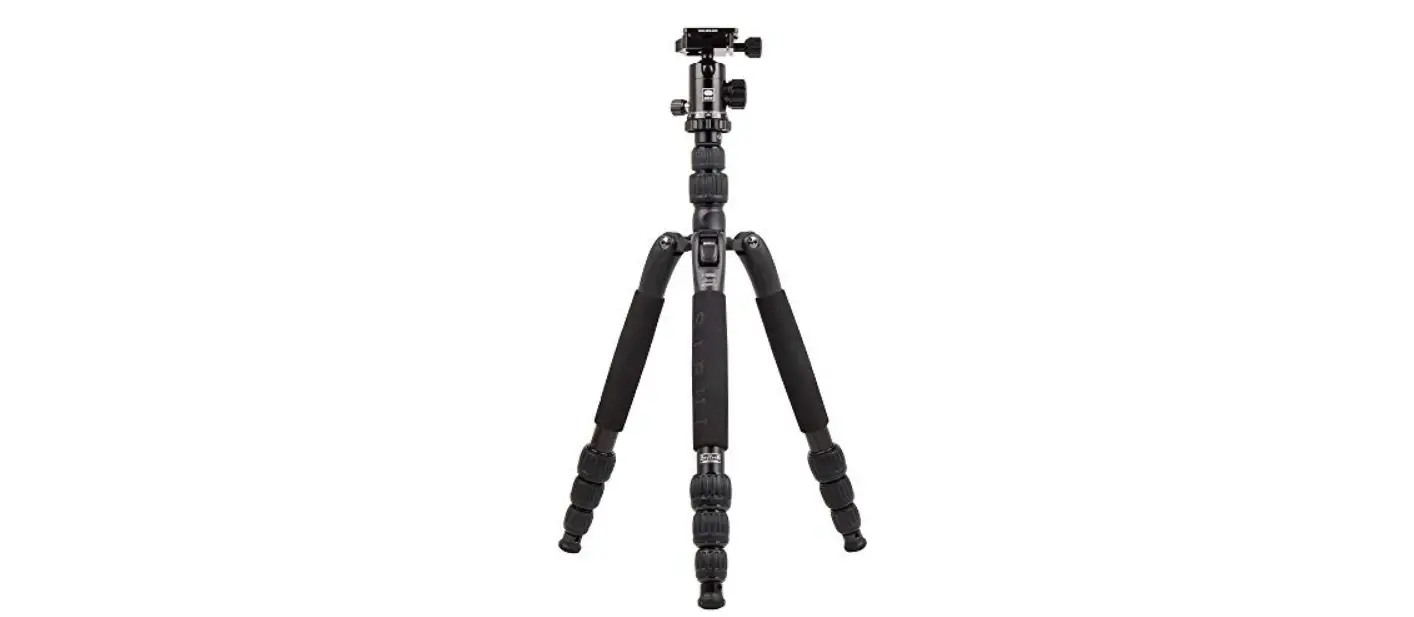
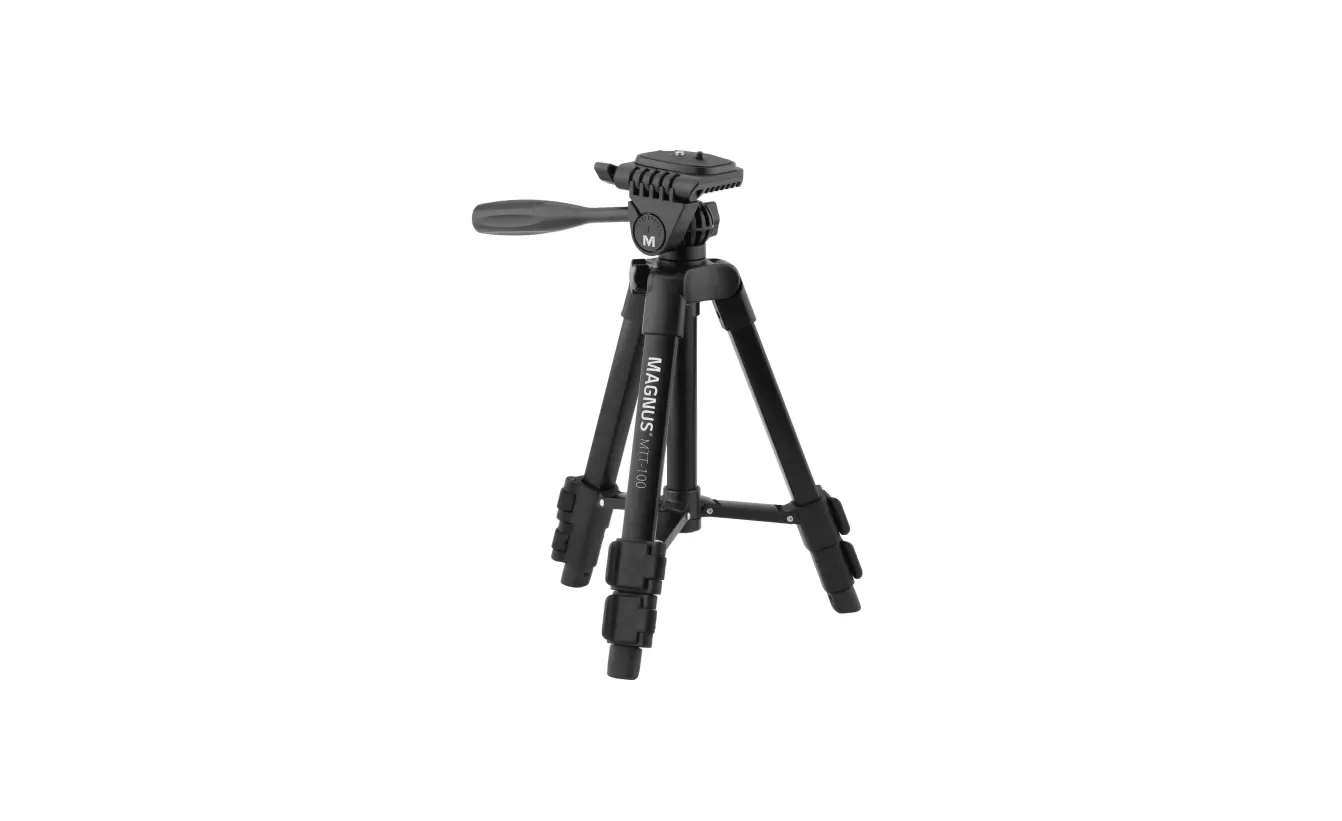
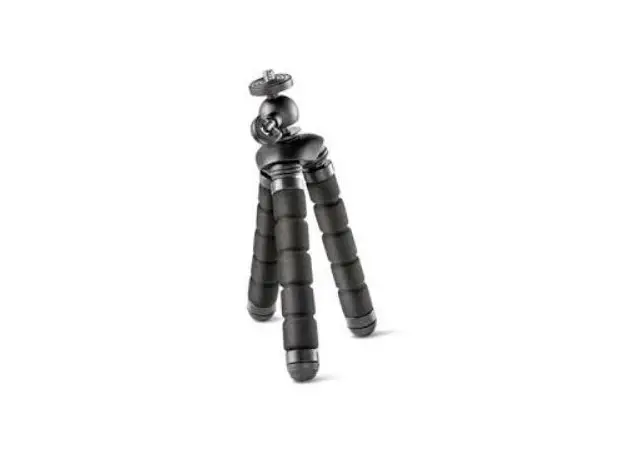
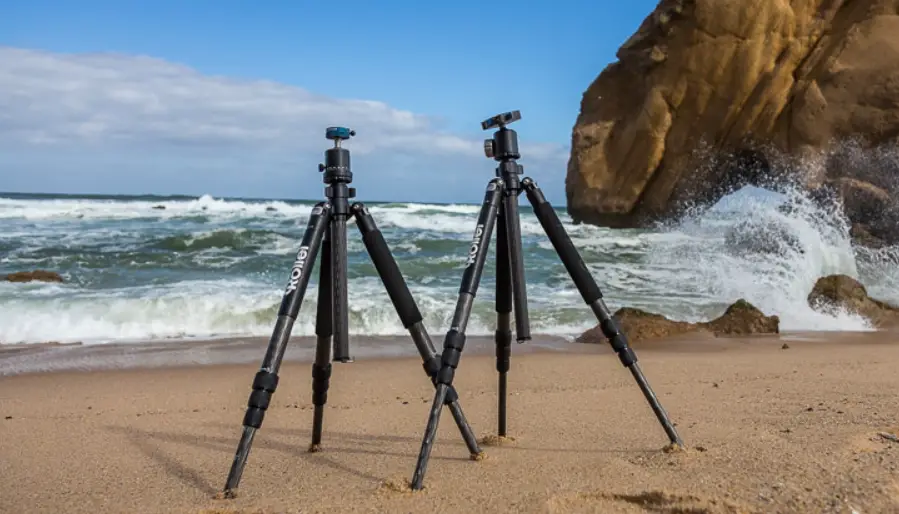
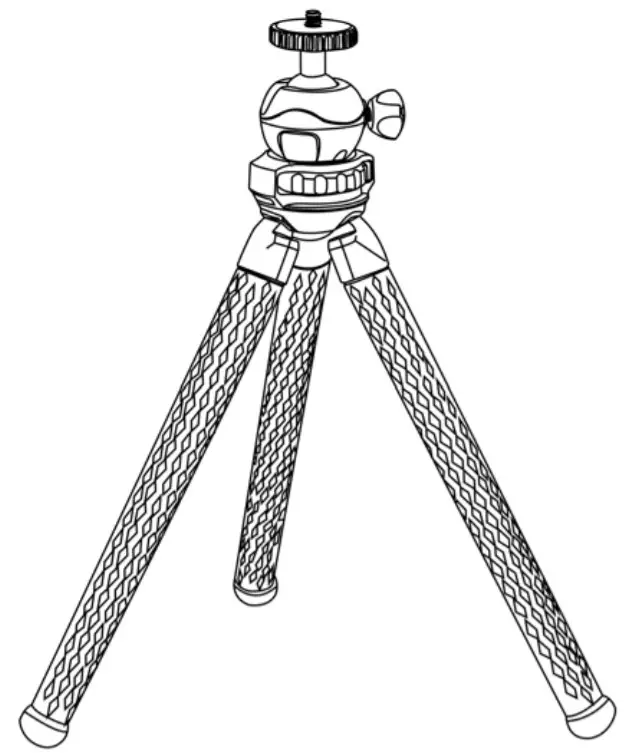
- The BoaPod™ can be set up as a traditional tripod.
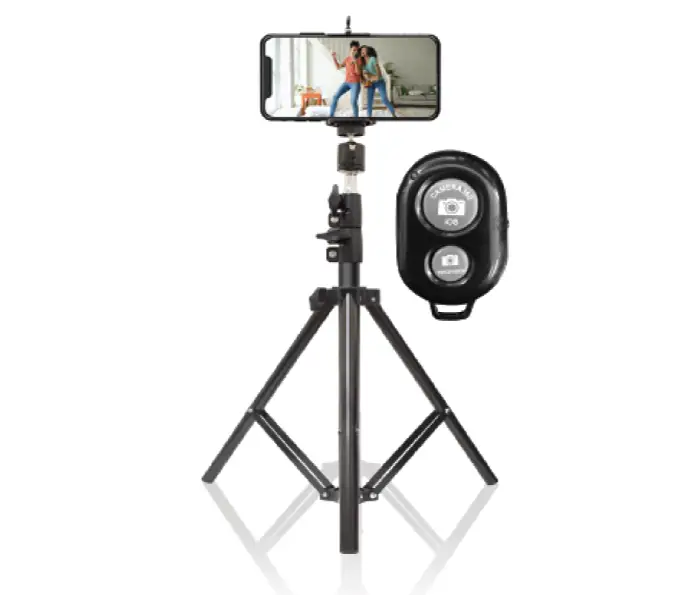
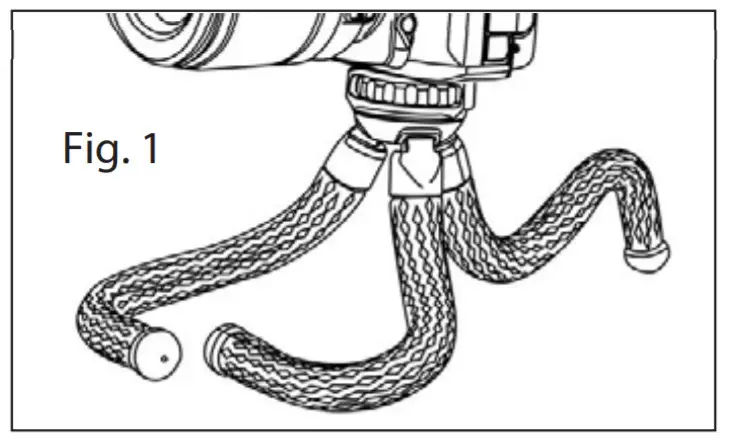
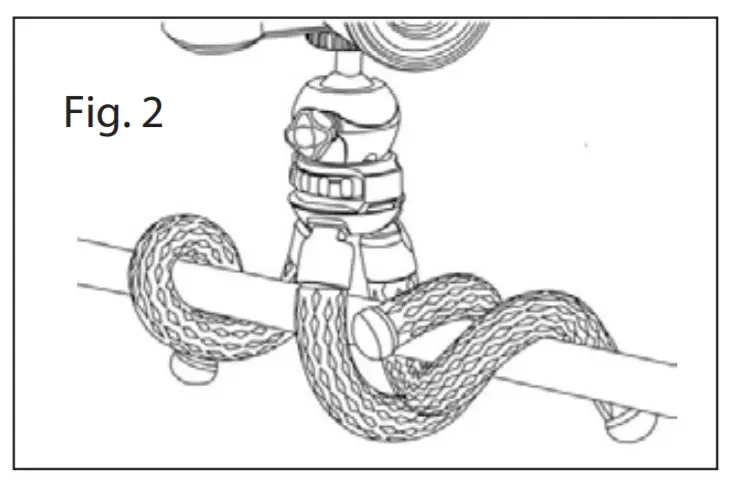
Includes Smartphone Adapter & Remote Shutter Button - Twist tripod legs into any position.
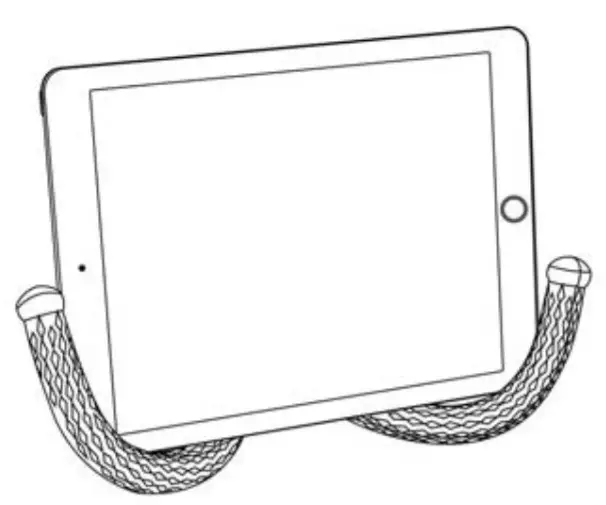
Wrap it around a pole or branch, hang it from a fence, or place on an uneven surface (Fig. 1-2). - The flexible legs can also be positioned to become a table stand for your tablet or book.
MOUNTING OPTIC TO BOAPOD:
IMPORTANT:
- Do not exceed the max load capacity of a tripod.
- Remove optic before setting up, taking down, adjusting, or transporting your tripod.
- Make sure the optic is securely fastened to a tripod.
- Do not over-tighten locks as this may damage the locking mechanisms.
MOUNTING OPTIC TO BOAPOD:
Comes with a removable 360° fluid ball head with ¼ universal mounting screw.
For Use With Ball Head:
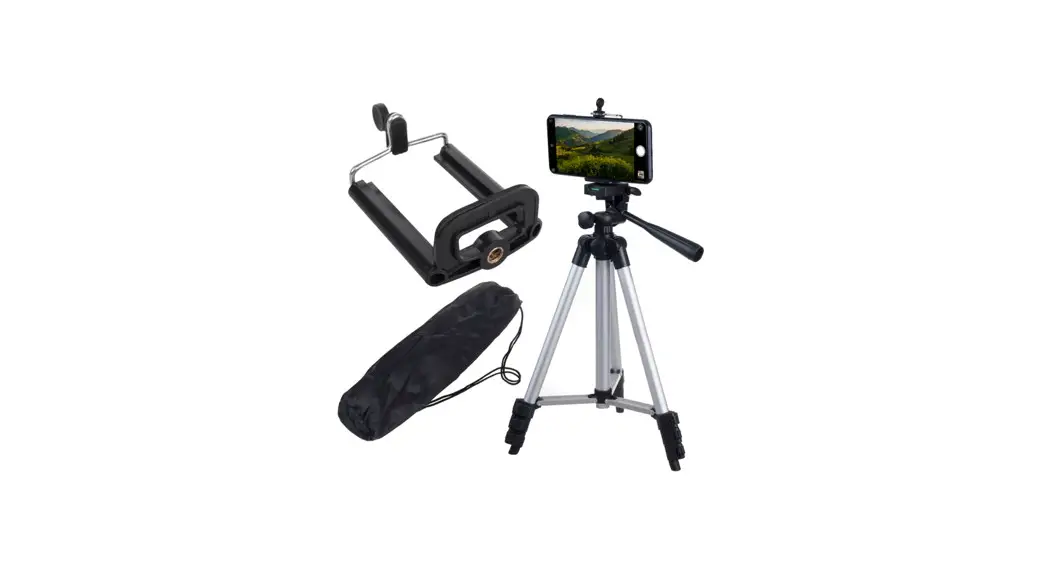
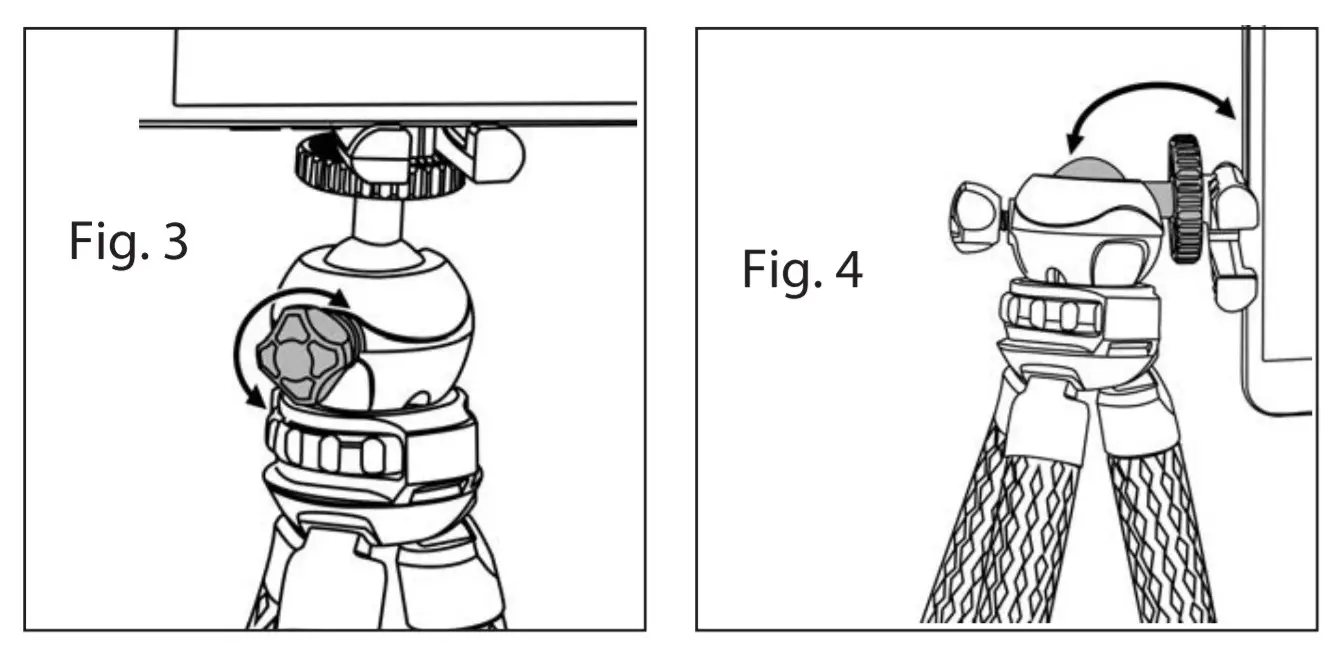
Screw optic, camera, or adapter to thread on top of ball head until tight. To adjust the position of the ball head, loosen the lock by turning counter-clockwise (Fig. 3). Rotate the ball head as desired (Fig. 4) and tighten securely.
For Use Without Ball Head:
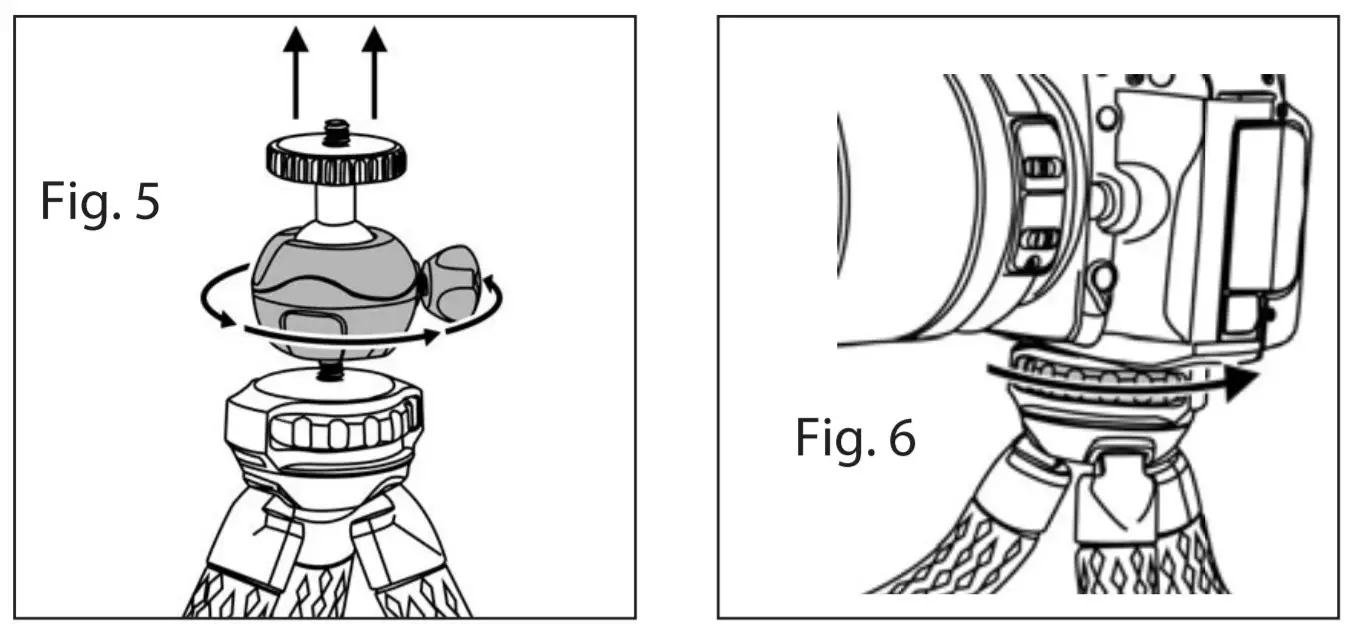
The ball head can be removed by twisting counter-clockwise (Fig. 5). You can then mount an optic, camera, or adapter directly to a tripod. Turn the circular knob counterclockwise to tighten (Fig. 6). To remove, turn the circular knob clockwise.
USING PHONE ADAPTER:
 |  |
 | |
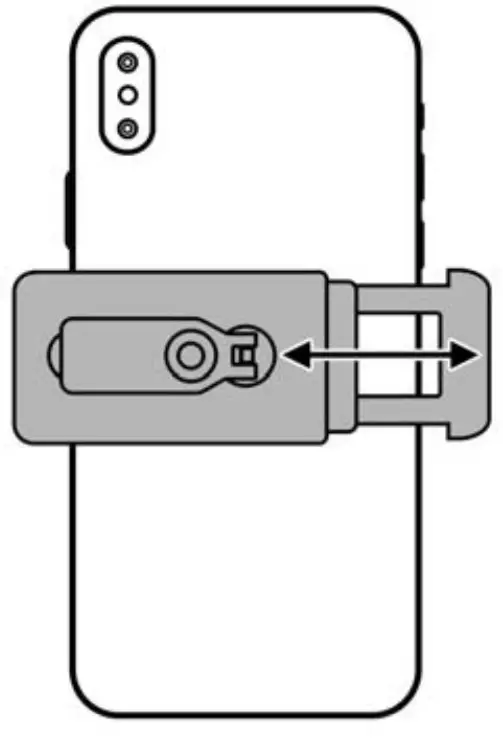
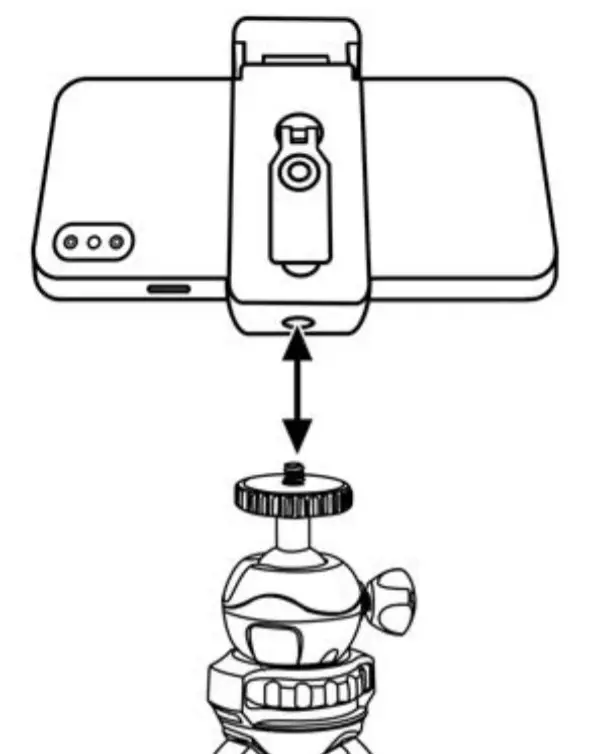
- Pull open the smartphone adapter and attach to the back of the phone.
- Thread adapter onto the top of ball head until tight.
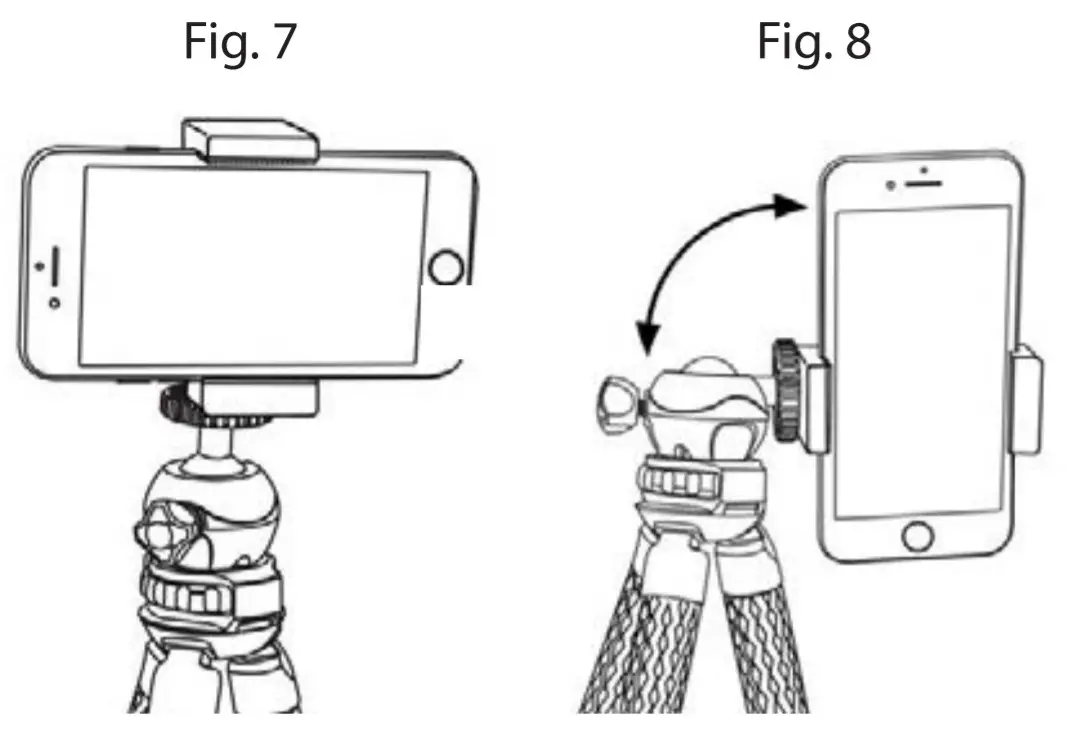
- Phone can be in either landscape (Fig. 7) or portrait position (Fig. 8) using ball head.
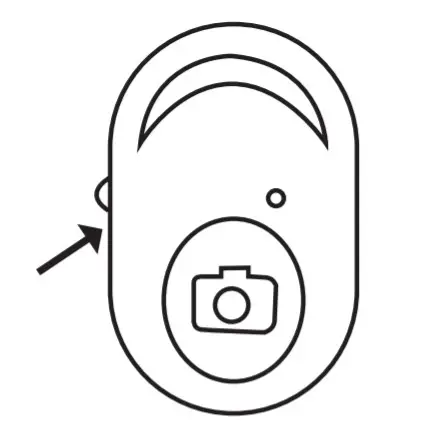
Enable Bluetooth function on your smartphone. Use the On/Off switch on the side of the remote shutter button to turn on. A light will flash to indicate it’s on. A code will pop up on your smartphone “My Devices” list. Select connect. Remote will now act as the shutter button for your smartphone. To take photos, press the camera icon. To take a quick video, press and hold the camera icon until done. For longer videos, switch to video mode on your smartphone and press the camera icon to start/stop the video. Shutter button comes with CR2032 lithium battery installed and ready to use. Turn off remote to conserve battery when not in use.
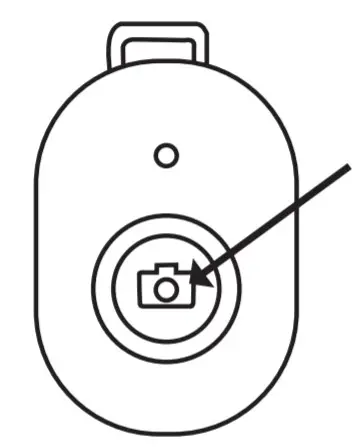
If your remote shutter button does not have an on/off switch, press and hold the center button till the light flashes. A code will pop up on your smartphone “My Devices” list. Select connect. Remote will now act as the shutter button for your smartphone. To take photos, press the camera icon. To take videos, switch to video mode on your smartphone and press the camera icon to start/stop the video. Shutter button comes with CR2032 lithium battery installed and ready to use. To turn it off, hold the center button till the light flashes.
Customer Service: If you experience any difficulties please contact us and we will be happy to help you.
 |  |  |

For warranty information, visit www.carson.com/warrantwww.carson.com
Carson Optical 2070 5th Avenue, Ronkonkoma, NY 11779 I Tel: 631-963-5000
 Carson Optical