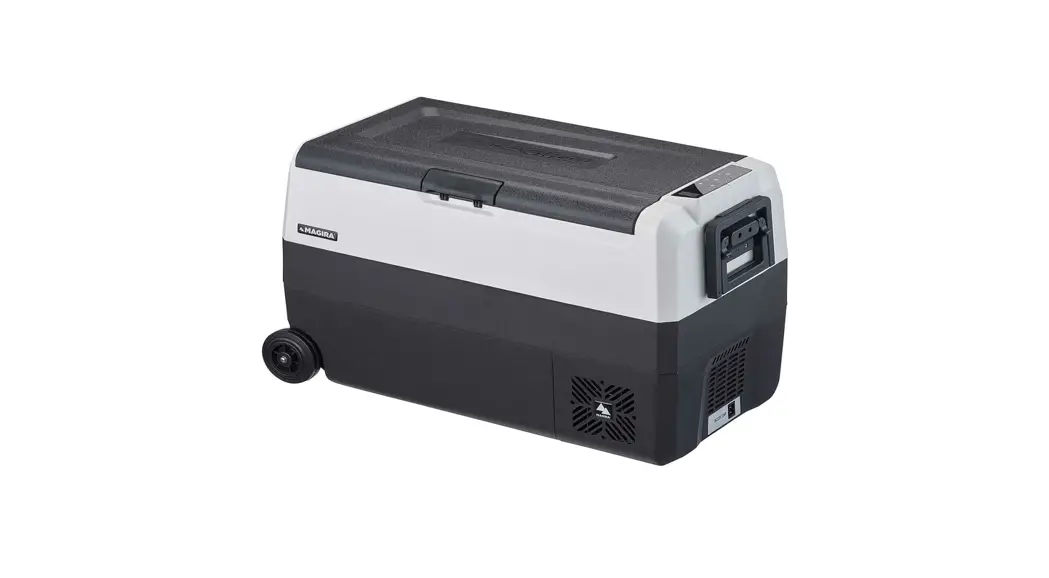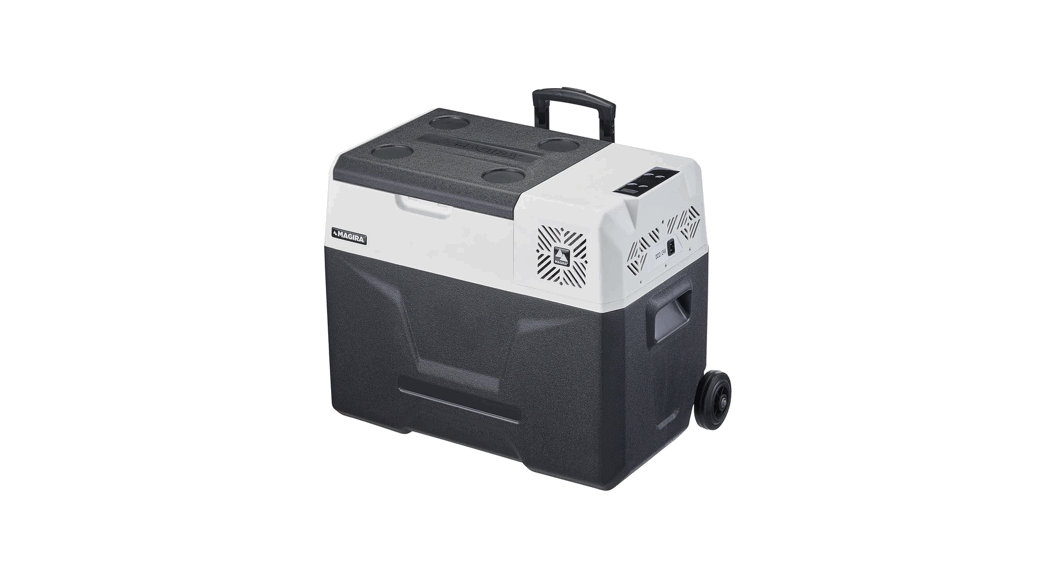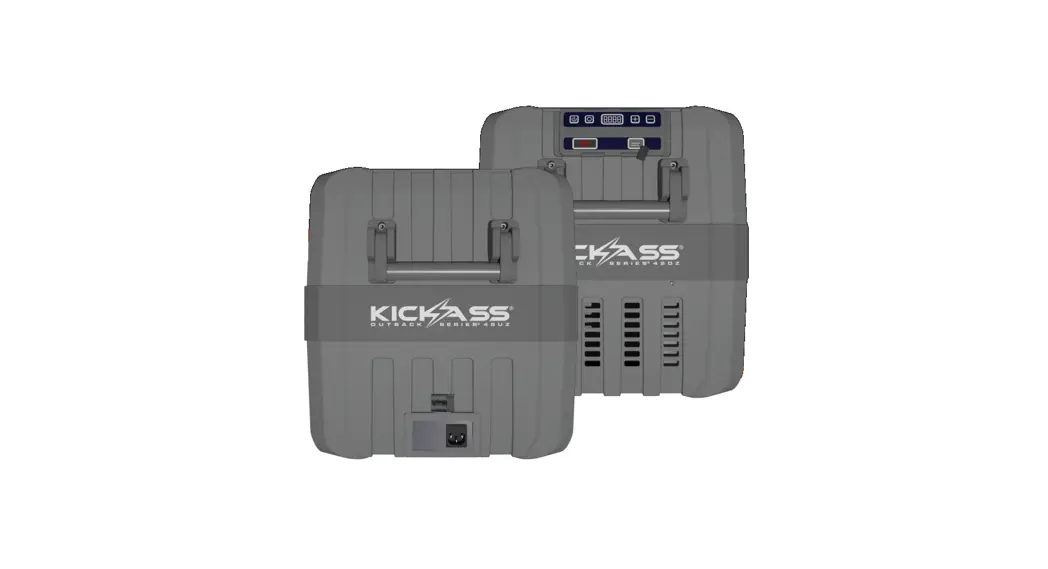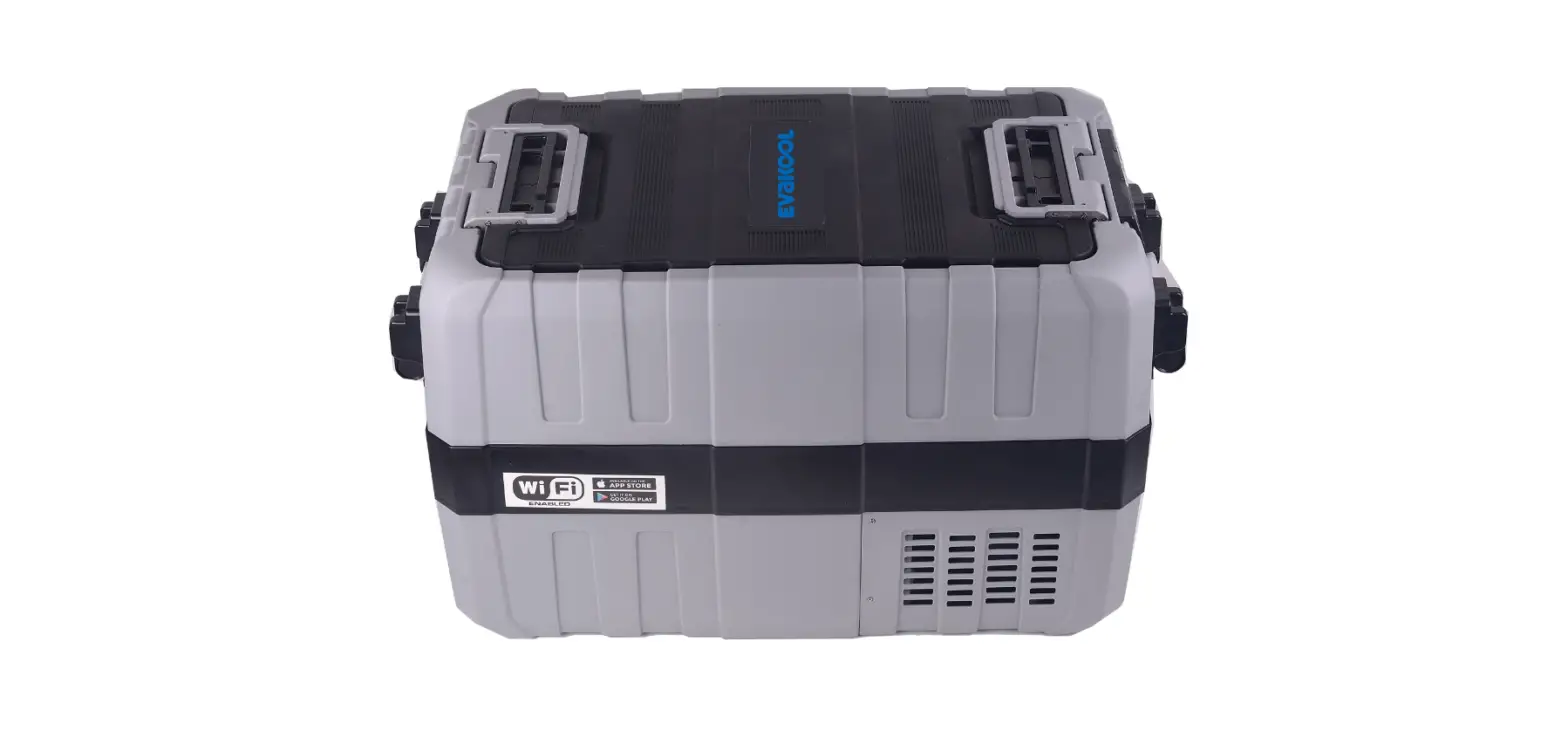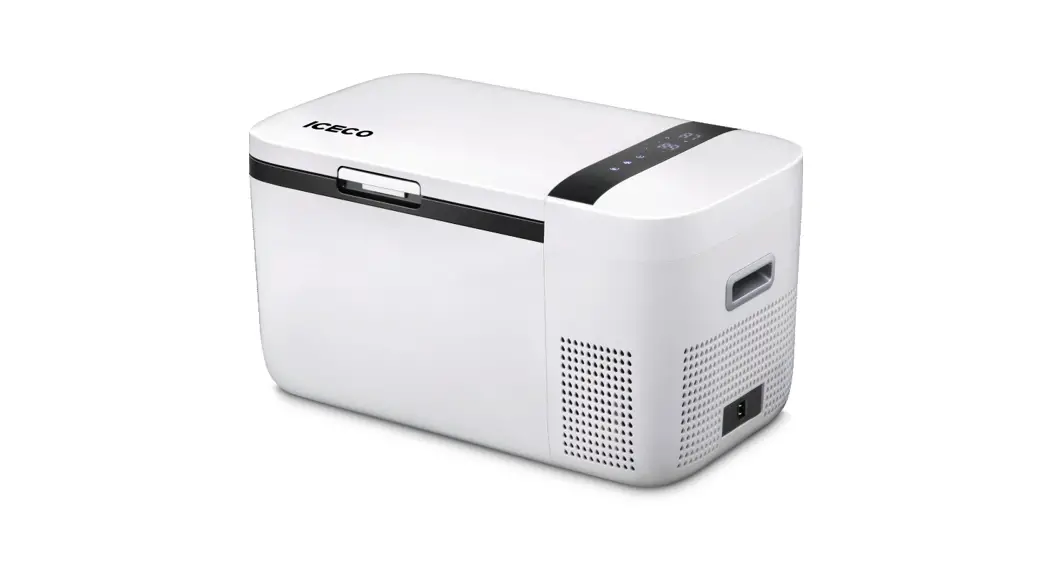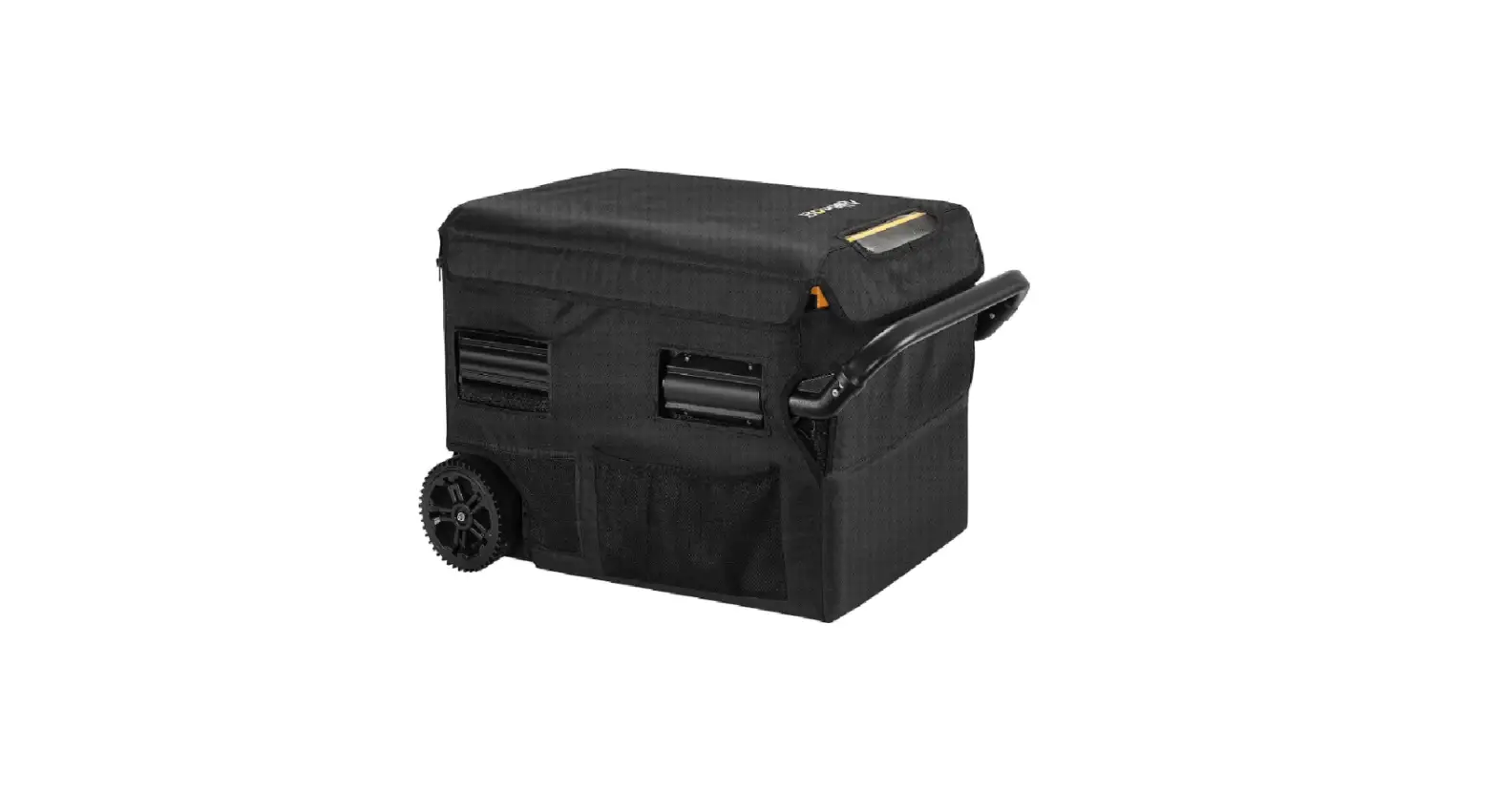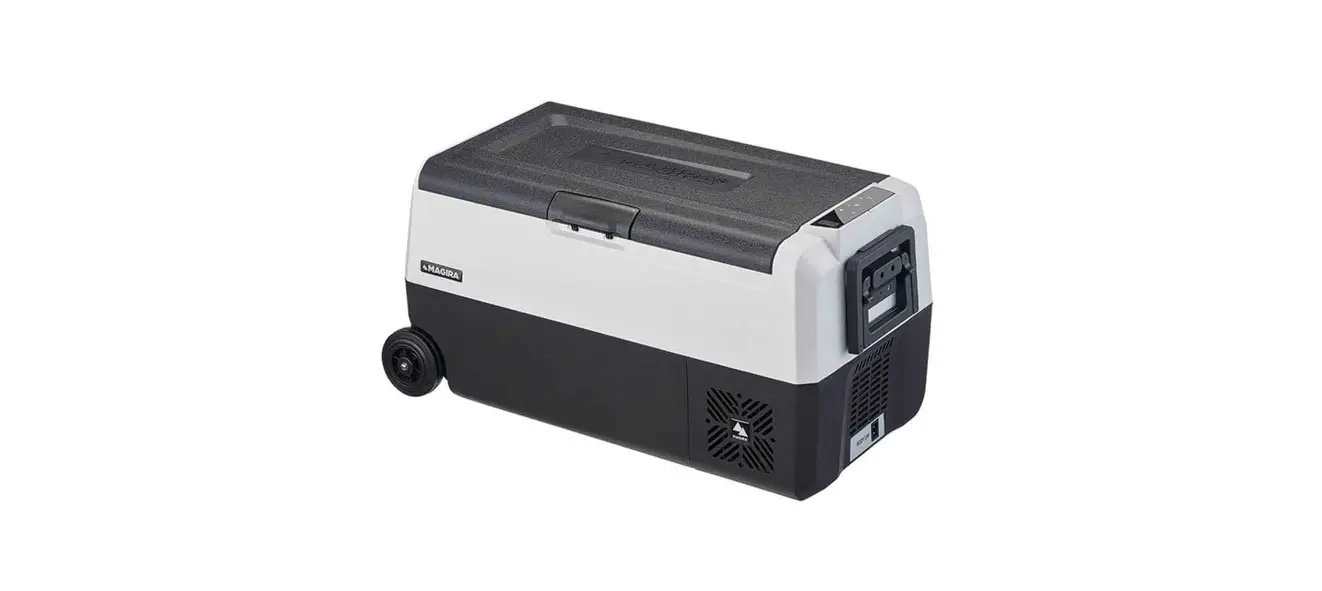
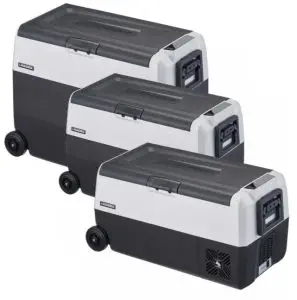
 ARCTIC DF36-C Mobile Dual Zone Fridge
Instruction Manual
⊲ MAGIRA Fridge-Control
Important Safety Information
Please read these operating instructions carefully before the initial operation and keep them in a safe place. If you hand over your mobile fridge (hereinafter referred to as „device“), please also hand over these operating instructions
The manufacturer is not liable for damage caused by improper use or incorrect operation. This is a warning sign. It is used to warn of the possible danger of injury. Observe all safety instructions with this icon to avoid possible injury or death.
You will find the complete operating instruction and updates for your product at www.magira.eu
Warnings in these operating instructions are classified as follows for better differentiation:WARNING
Indicates a hazardous situation which, if not avoided, could result in death or serious injuryCAUTION
Indicates a hazardous situation which, if not avoided, may result in minor or moderate injuryATTENTION
Indicates a hazardous situation which, if not avoided, may result in damage to property or damage to the device
WARNING
Please observe the safety instructions. If you have any questions, please contact our customer center. You can find the telephone number on the back.
Safety Instructions
Non-observance of these safety instructions may result in serious injuries or even death!
- Children aged between 3 and 8 years may only load and unload the device. Commissioning is not permitted. Children under 3 years of age must be kept away from the device.
Parents are liable for their children - Cleaning and maintaining of the device is not allowed by children without supervision
- Children are not allowed to play with this device
- Every user must have received instruction in the safe use of the device and understand the resulting dangers
- Children over 8 years of age may only use this device if they are supervised and have understood the instructions
- Persons with reduced physical, sensory or mental abilities or a lack of experience and knowledge may use this device only after instruction and if they have understood them
Risk of Death by Electric Shock
- If the device shows visible damage, you are not allowed to put it into operation
- If the connection cable is damaged, it must be replaced by a qualified person to avoid any hazards.
- Repairs on this device may only be done by qualified technical staff
- Nonobservance can result in considerable dangers
Risk of Explosion
Do not store explosive substances such as aerosol cans in the deviceRisk of Fire
- When setting up the device, ensure that the connecting cable is not pinched or damaged
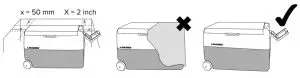
- Keep the ventilation openings clear on all sides, ensure that there is sufficient ventilation for installation constructions
- Do not use mechanical devices or other aids to accelerate the defrosting process
- Do not damage the cooling circuit
CAUTIONRisk of Health
- First, check whether the cooling capacity is sufficient for your application and whether it meets the requirements for cooling your food or drugs
- Foodstuffs may only be stored in the device in their original packaging or suitable containers
- If the lid of the device is left open for a long period of time there may be a strong temperature increase in the cooling compartments
- If you do not use the device for a longer period of time, please switch it off. Defrost the device completely. Clean and dry all surfaces thoroughly (see chapter 4)
- Leave the lid open (at least in the ventilation position) to prevent mold growth.
- Clean the surfaces that may come into contact with food regularly
ATTENTIONRisk of Damage
- Only transport the device in an upright position
- Compare the existing power supply with the voltage specification on the nameplate
- Do not use any electrical appliances inside the mobile fridge unless it is recommended by the manufacturer
- The device may not be exposed to rain
- At the end of its service life, this device must be disposed of correctly (see chapter 7)
Product Description
Device
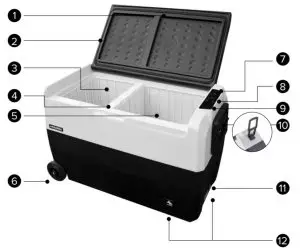
| 1. Lid | 7. Display Left Cooling Zone |
| 2. Sealing Ring | 8. Display Right Cooling Zone |
| 3. Left Cooling Zone | 9. USB-Port |
| 4. Removable Partition Wall | 10. Folding Handle |
| 5. Right Cooling Zone | 11. Connection for Power Cable |
| 6. Wheels | 12. Cooler Ventilation |
Display
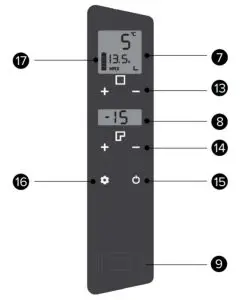
| 7. Display Indication – Temperature Left, Battery Protection, Mode, Bluetooth | 14. Temperature control right zone |
| 8. Display Indication – Temperature Right | 15. On/Off Button |
| 9. USB-Port | 16. SET – Settings |
| 13. Temperature control left zone | 17. Battery Indicator – Not relevant for this model |
Handling
Connecting the Device
Only connect the device to the power supply system with the supplied cable
To 12V On-board Power Supply of Vehicles
For connection to the 12V/24 V on-board power supply of vehicles, please use this connection cable. Use the 12V/24 V socket (cigarette lighter)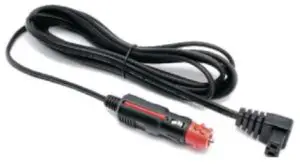 To Electrical Grid
Use this cable to connect the device to the 110 V/230 V electrical grid.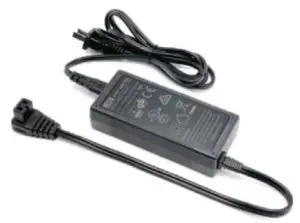 Switch On
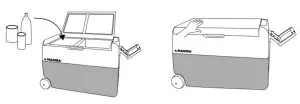
If the device is connected to the power supply, press the On/Off button 11 for at least 3 seconds to start the device.
For optimum cooling performance, use food that has already been cooled down.
Settings
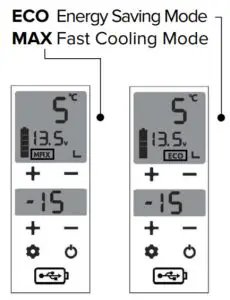
Press the SET button 12 briefly to enter the different modes of the device.
Then press the SET button 12 again to switch the desired mode.
Please note:
The factory setting for delivery is MAX
Set Temperature
To set the temperature in the cooling zone, press the respective temperature controls +/- 13 for the left cooling zone and +/- 14 for the right cooling zone.
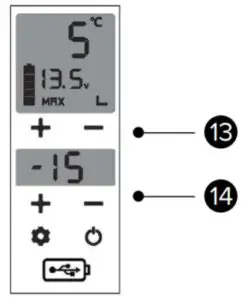
The cooling zones can be set differently using the respective temperature controllers.
Please note that the left cooling zone can never be colder than the right cooling zone
Example:
| ✔ Left: 5 °C | Right: − 15 °C |
| ✔ Left: 5 °C | Right: 5 °C |
| ✔ Left: – 15 °C | Right: − 15 °C |
| ✖ Left: – 15 °C | Right: 5 °C |
Using the Device Without Power
Please ensure an uninterrupted power supply during operation.
The device is not designed for operation without a power supply and can only keep its temperature to a limited time, depending on the outside temperature.
Using the Device in a Car (Battery Protection)
The unit is equipped with a three-stage battery monitor. To protect your battery, the unit switches off when the respective battery voltage falls below (error F1).
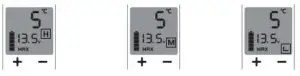
- Use the High mode if you have connected the device to your starter battery
- Use the Medium mode if you have connected the device to your starter battery and the conditions are good (e.g. no severe cold, no severe heat, no long periods of standing)
- Use the Low mode only when using separate supply batteries to ensure vehicle starting. If this mode is used when connected to the starter battery, it may not be possible to start the vehicle
Adjustment:
Press the SET button 16 for at least 3 seconds until the currently set mode (H, M, or L) flashes.
Then press the SET button 16 again to switch the desired mode.
The corresponding mode will be saved as soon as the letter stops blinking.
| Mode | Low | Medium | High | |
| 12 V | PV | 8.5 | 10.1 | 11.1 |
| SV | 10.9 | 11.4 | 12.4 | |
| 24 V | PV | 21.3 | 22.3 | 24.3 |
| SV | 22.7 | 23.7 | 25.7 |
PV = Protection Value
Undervoltage protection, as soon as this voltage is reached, the device immediately switches off all consumers and cannot be switched on again.
SV = Startup Value
If this voltage is dropped below, the compressor will not start to cool down again. The control remains active until the voltage rises again and the device can operate normally or the voltage drops below the Protection Value (protective shutdown)..
Error Codes
| Code | Error Message | Trouble Shooting |
| Fl | Battery Protection (Over- or Undervoltage) | Please check the power supply and battery monitor |
| F2 | Fan Safety Shut Down | Please check the ventilation holes for any foreign objects or dirt Check if the fan can spin free |
| F3 | Cooling System Overpressure | Please contact the customer service |
| F4 | Cooling System Overload | Cut the device from the power supply and let it cool down for one hour. If the problem still comes up, contact the customer service |
| F5 | Thermal Protection Cooling System or Ambient Temperature over +75 °C | Cut the device from the power supply and let it cool down for one hour. Make sure, that the ambient temperature is below +75 °C. If the problem still comes up, contact customer service. Please make sure to not use the device at ambient temperatures above +75 °C |
| F6 | Hardware Failure | Cut the device from the power supply and contact the customer service |
| Temperature Sensor Short Circuit | Cut the device from the power supply and contact the customer service | |
| F8 | Temperature Sensor Open Circuit | Cut the device from the power supply and contact the customer service |
Switch Off and Store
To switch off the device, press the On/Off button 11 for at least 3 seconds and unplug the device from the power supply system.
When the device is not in use, please remove all food, clean the device (see chapter 4) and store it safely and dry.
Leave the lid open a little to ensure air circulation.
Cleaning
Safety Instructions
- Disconnect the device from the power supply system before cleaning!
- Do not immerse the device in the water!
- Do not expose the device to running water
Proper Cleaning of the Device
- Only clean the device when it is switched off
- Take out all food before cleaning
- To defrost, remove the plugin the bottom
- Wipe the inside of the appliance with a damp cloth and, if necessary, a little kitchen cleaner and rub it dry
- Leave the lid open a little bit for air circulation
 Intend ed Use
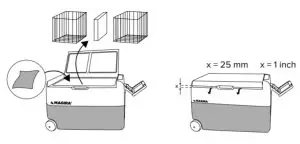 Intend ed Use
The mobile fridge is suitable for:
✔ Use in vehicles
✔ Camping purposes
✔ Cooling food and keep food frozen
The mobile fridge is not suitable for:
✖ Storage of corrosive or solvent-containing substances
✖ Freezing of food products
Disclaimer of Warranty
The statutory warranty period shall apply. In case of a defect, please contact the manufacturer or your authorized distributor.
To process your warranty or repair request, you must send the following documents:
- Copy of the invoice with date of purchase
- Description of the error as detailed as possible
Disposal
 If possible, place the packaging material in the recycling waste
 If the device is finally taken out of operation, please contact the nearest recycling centre for information or you’re authorized distributor about the applicable disposal regulations
Technical Data
| Model Arctic | DF36-C | DF50-C | DF60-C |
| Capacity | 36 L | 50 L | 60 L |
| Consumption | 80 W | ||
| Temperature Range | −20 °C up to +20 °C | ||
| Voltage DC | 12/24 V | ||
| Mains Voltage AC | 100/230 V | ||
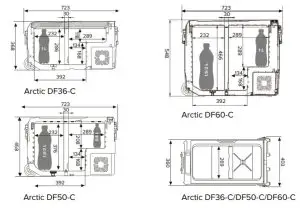
| Dimensions L x W x H (mm) | 723 x 360 x 368 | 723 x 360 x 458 | 723 x 360 x 548 |
| Weight | 14 kg | 15.5 kg | 17 kg |
| Consumption 24h at 16 °C* | 220 Wh | 167 Wh | 237 Wh |
| Consumption 24h at 32 °C* | 322 Wh | 386 Wh | 326 Wh |
| Cooling Zones | 2 | ||
| Battery Protection | ✔ | ||
| LED Display | ✔ | ||
| Electronic Control | ✔ | ||
| Pull Function | ✔ | ||
| USB Connection | ✔ | ||
| Flexible Lid | X | ||
* 4 °C cooling temperature
A brand of
batterium GmbH
Robert-Bosch-Straße 1
71691 Freiberg am Neckar
Germany
Tel.: +49 (0)7141 / 141 08 60
Fax: +49 (0)7141 / 141 08 65
E-Mail: [email protected]
www.magira.eu