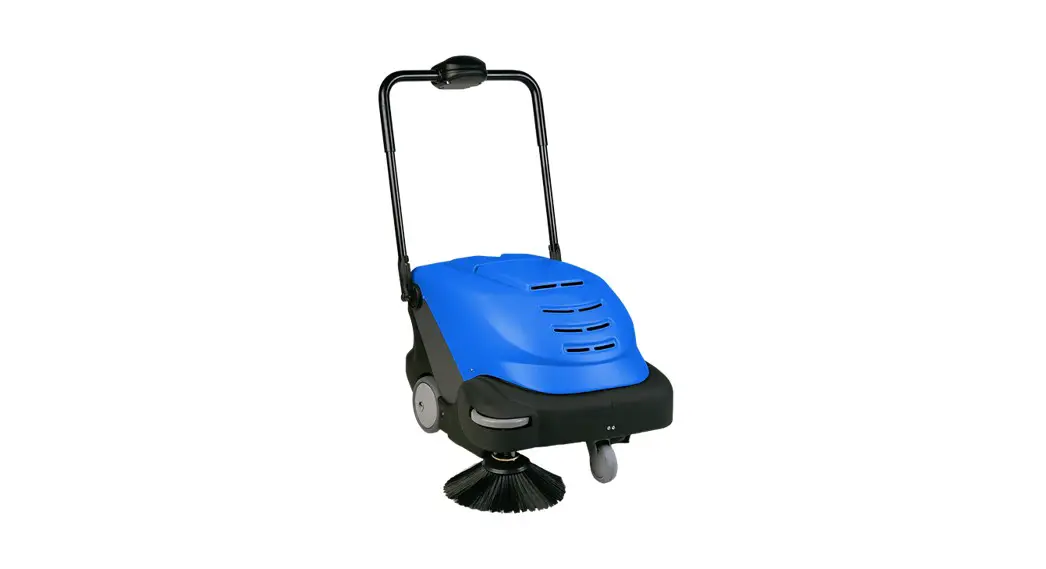
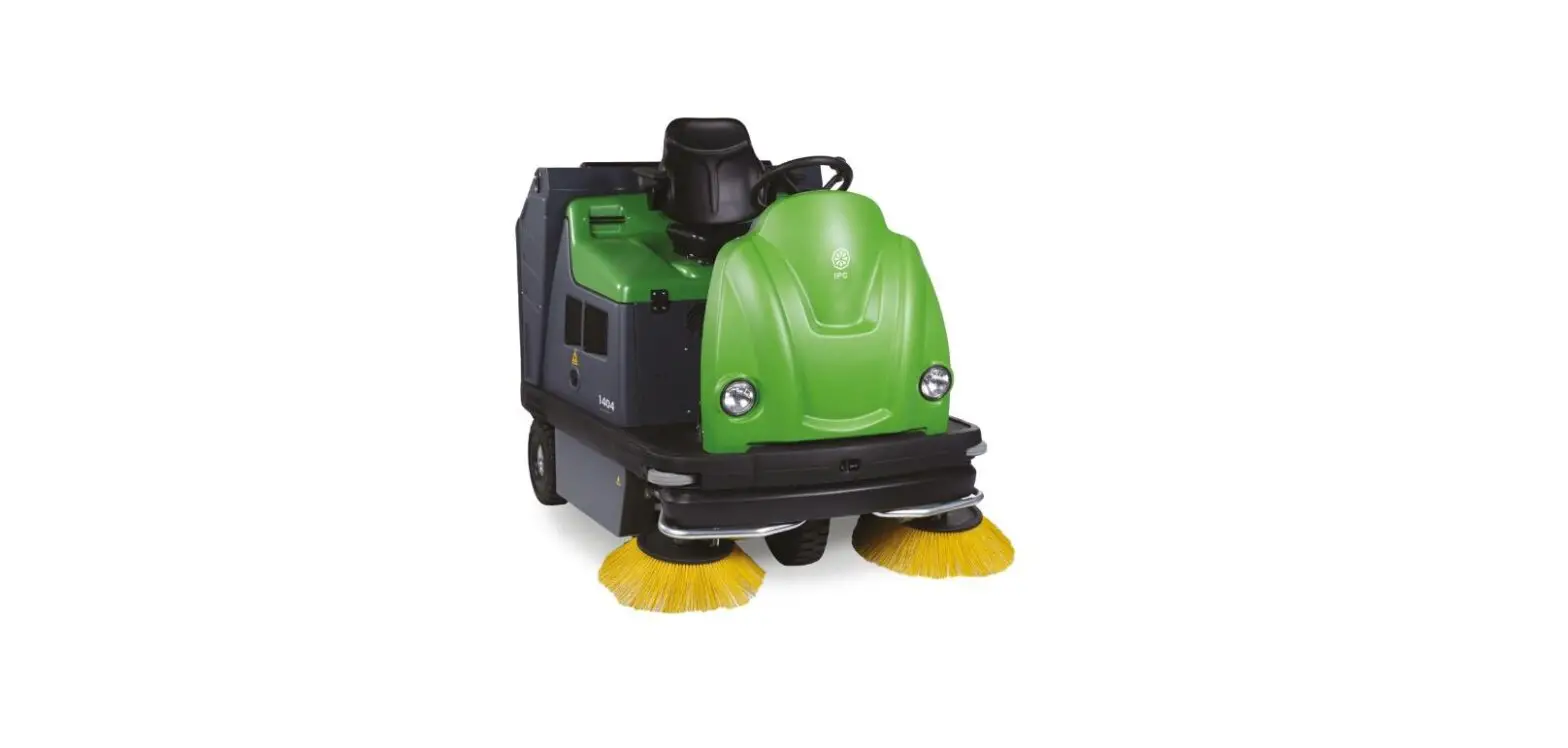
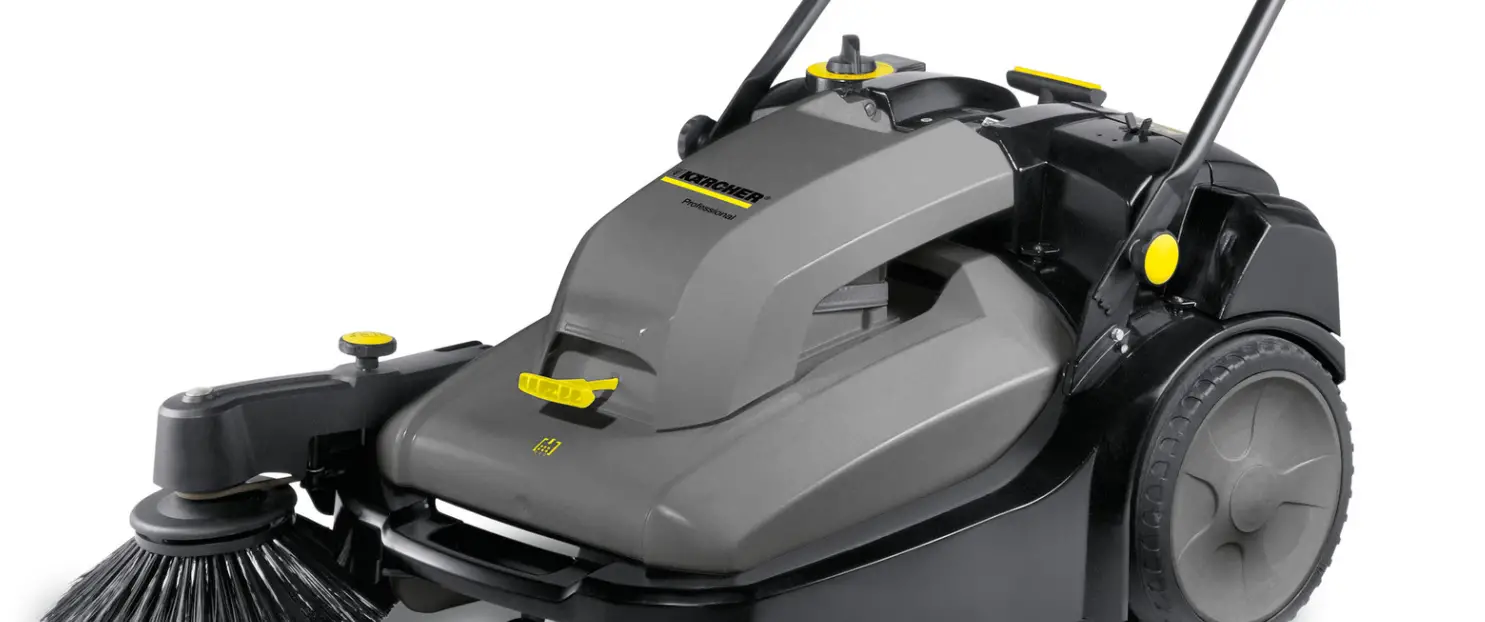
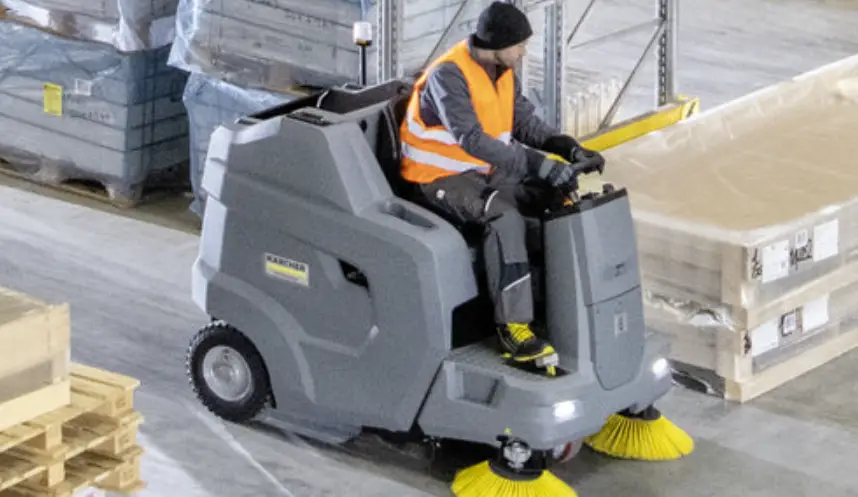
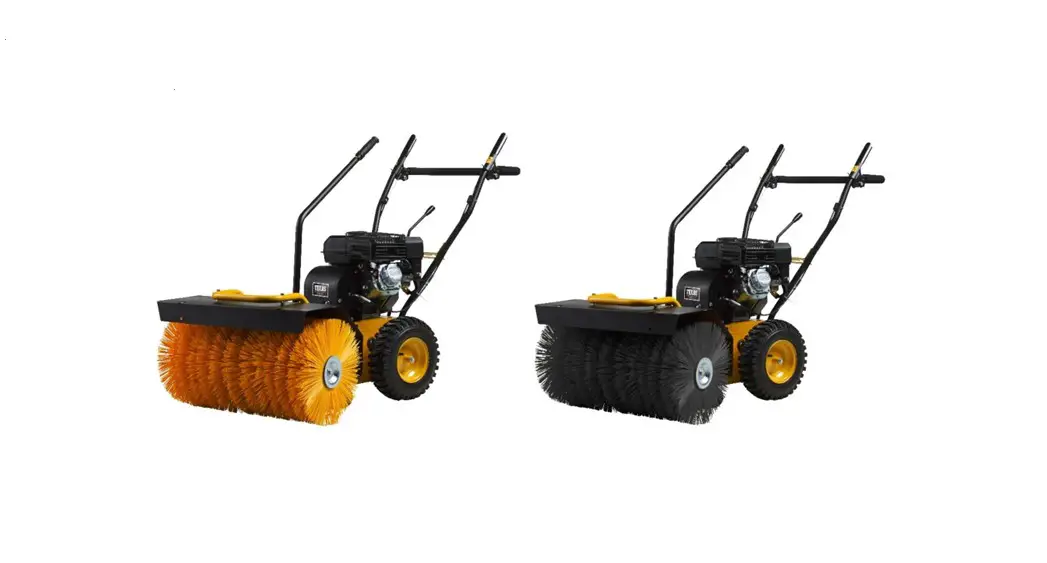
Gladiator 1404 58 Inch Ride-On Sweeper
Product Information: Gladiator 1404
The Gladiator 1404 is a powerful cleaning machine designed for
efficient floor maintenance. It comes with various features and
functions to ensure effective cleaning results. Before using the
machine, it is essential to read the user and maintenance manual
provided in the packaging for detailed instructions and
guidelines.
Preparation and Operation:
- Disengage the parking brake by pressing on the brake
pedal. - Power on the machine.
- Pull and push down the lever to lower the side brushes.
- Push the lever to select the desired brush pressure (ranging
from 1 to 6). - Toggle the switch to change the drive direction to either
Forward or Reverse. - Press the accelerator pedal to activate the drive.
- Turn the dial to adjust the travel speed.
- Press and hold the switch for at least 3 seconds to manually
activate the filter shaker. - Press the switch to lift the tray.
- Pull the lever to tip the tray for easy emptying.
- Press the switch to adjust the level of the tray.
- Empty the tray.
Daily Maintenance:
- Check that the suction filters are tight and clean.
- Inspect and remove any debris wrapped around the side brushes
and on the central brush. - Charge the machine as needed.
It is important to follow these instructions and perform regular
maintenance to ensure optimal performance and longevity of the
Gladiator 1404.
Gladiator 1404
Quick Guide
This guide is intended for quick consultation only and does not replace the user and maintenance manual. Before using this machine, read the user maintenance manual contained in the machine’s packaging and follow all the instructions.
PREPARATION AND OPERATION
1
2
3
Disengage parking brake by pressing on the brake pedal.
Power on.
4
5
Pull and push down lever to lower side brushes.
6
6
Push to select brush pressure. 6
7
Toggle switch to change drive direction Press accelerator pedal to activate
to Forward or Reverse.
drive.
7
Turn to adjust travel speed.
Press and hold for +3 sec. to manually activate filter shaker.
Dustbane Products Ltd., 1000 Last Mile Dr., Ottawa, ON K1G 6Y1·Tel: 1-800-387-8226Fax: 1-800-363-5309www.dustbane.ca
Press switch to lift tray.
Pull lever to tip tray.
Press switch to adjust level.
Empty tray.
DAILY MAINTENANCE
Check that the suction filters are tight and clean.
24V Check that the suction filters are tight and clean.
Check tChaht teChecheksCcukhcCtethtchhiokaeanttchttkhafitetltthtehhsraeuestcstatuihsorceentuiosftcniilugttfechiilrttotesioraansnnraedfrifielttcilegtltiehrgesathtanraasn.rneddactcilgreleehaatnn.at. ingdhcltean. and cleCahnec. k that the suction filters are tight and clean.
Charge machine.
Check and remove any debris wrapped around the side brushes and on the central brush.
Dustbane Products Ltd., 1000 Last Mile Dr., Ottawa, ON K1G 6Y1·Tel: 1-800-387-8226Fax: 1-800-363-5309www.dustbane.ca
 Dustbane Products Ltd. - Homepage