
ember CM191002US Temperature Control Smart Mug²

Using Your Ember
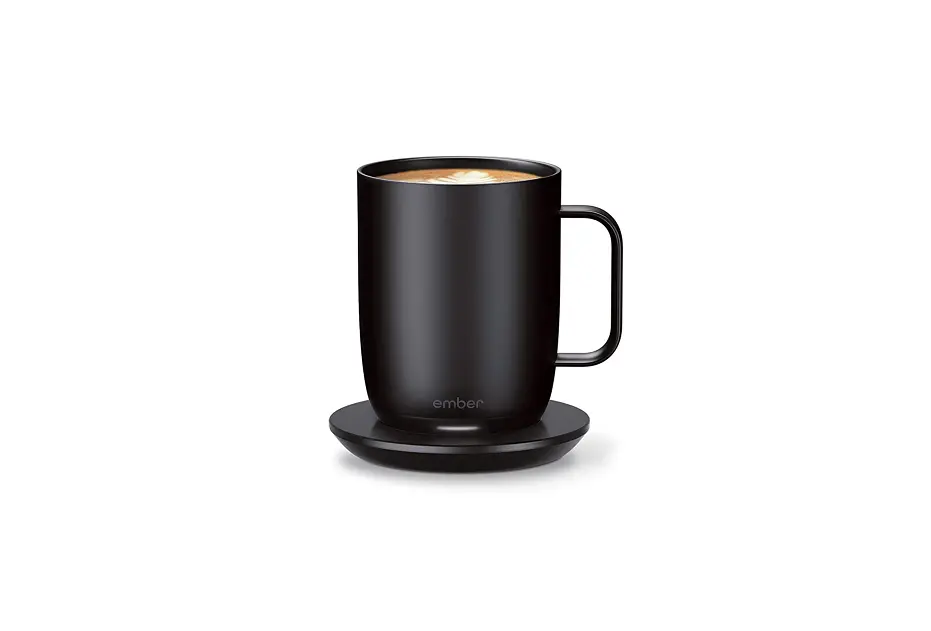
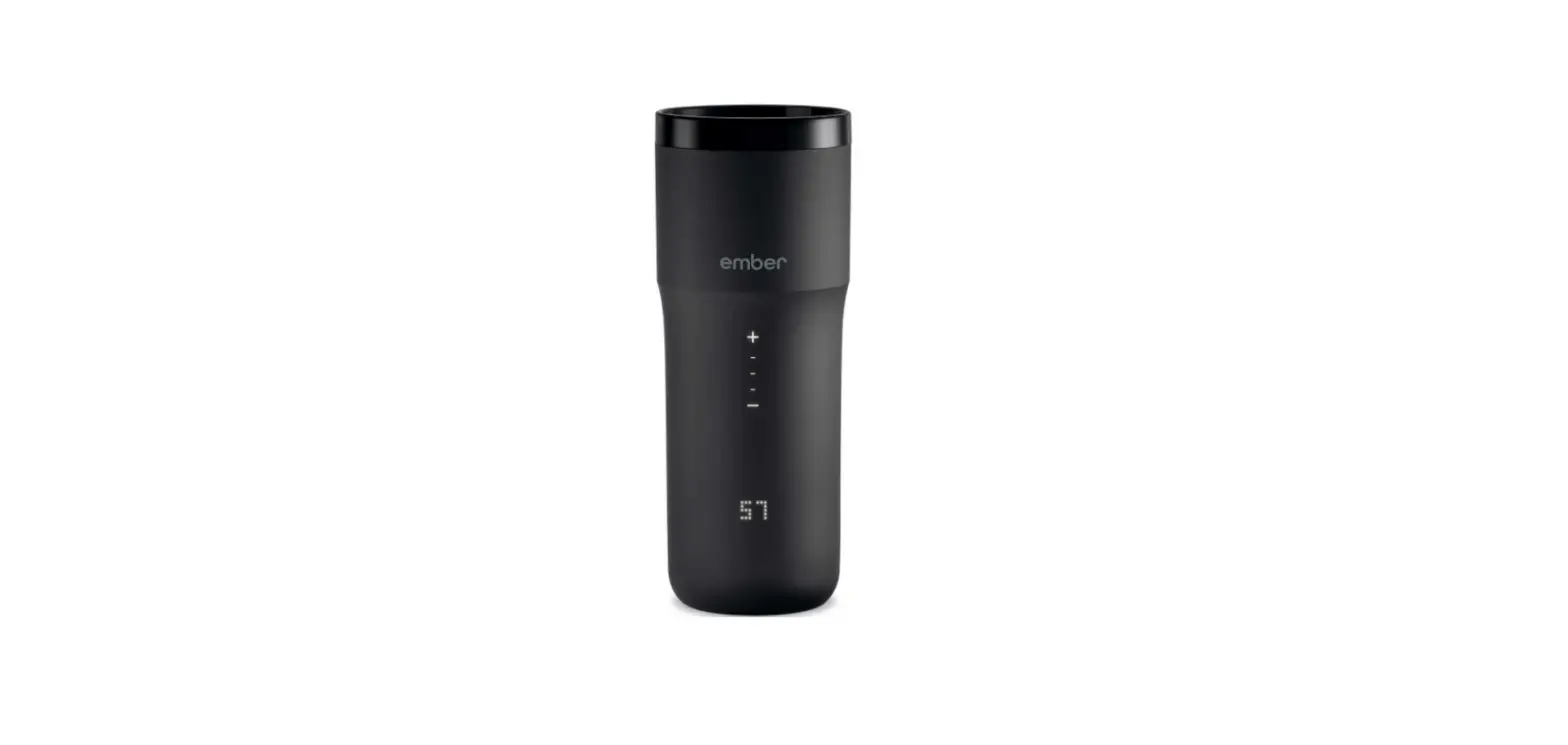
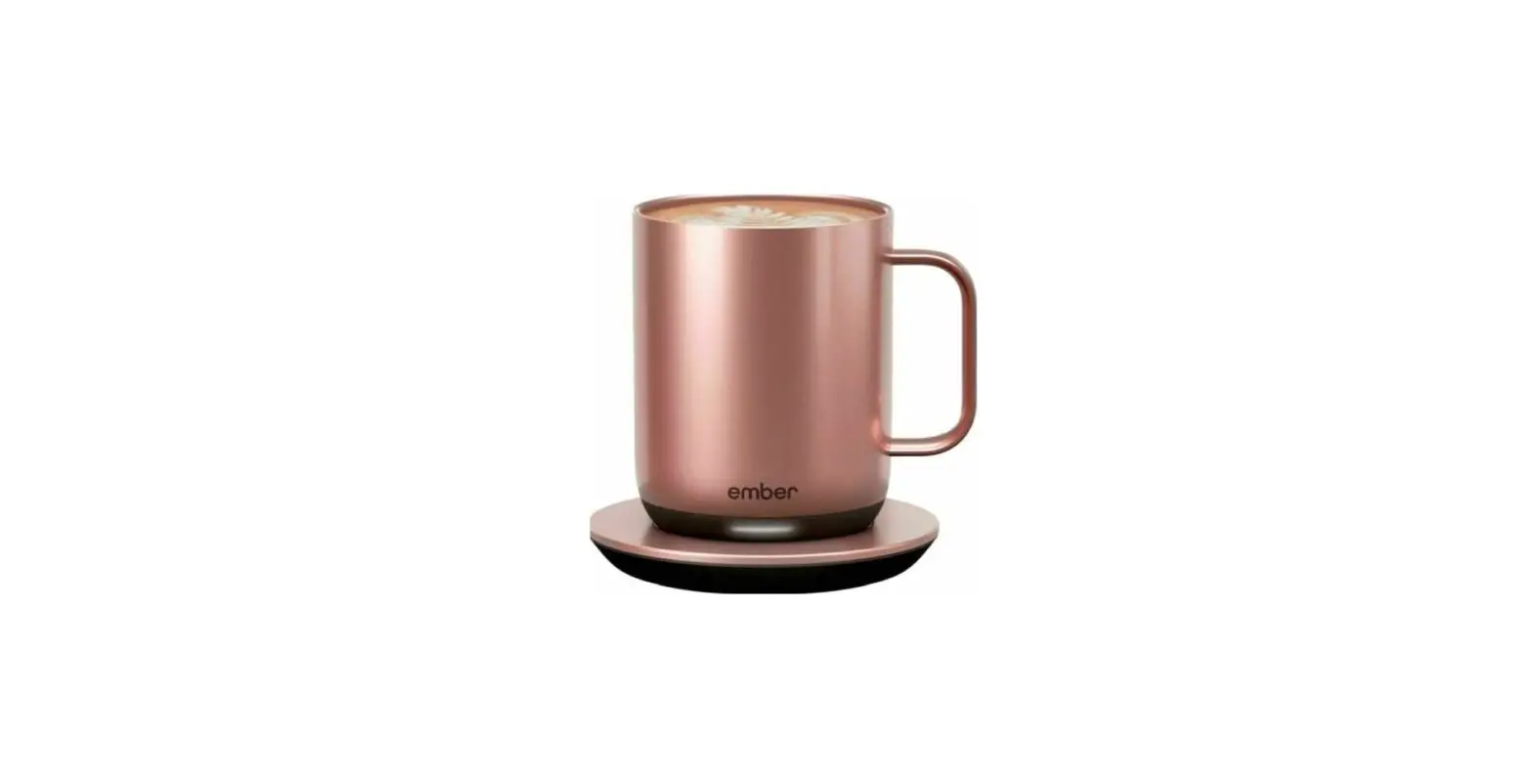
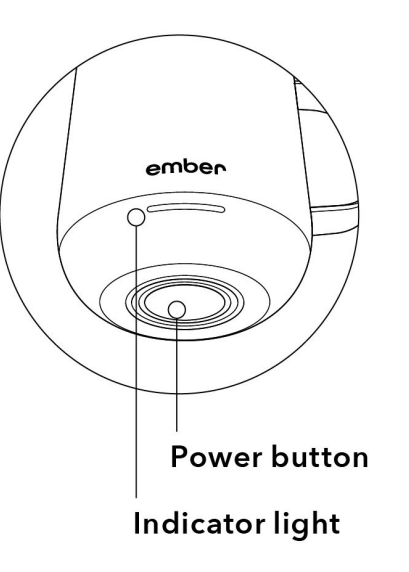
To turn your mug on, press the power button located at the base. Ember only needs to be turned on once. Intuitive technology allows Ember to “sleep” when not in use and “wake up” as soon as you pick up your mug. Out of the box, Ember will keep your drink at 130°F. You can adjust the drinking temperature using the Ember app.
- On: Press once
- Off: Press and hold 2 seconds
- Pair: Press and hold 5 seconds, light will blink blue
- Reset: Press and hold 7 seconds, light will blink yellow
Indicator light
- Target temperature reached: Solid white
- Over/undertarget temperature: Slow pulsing white
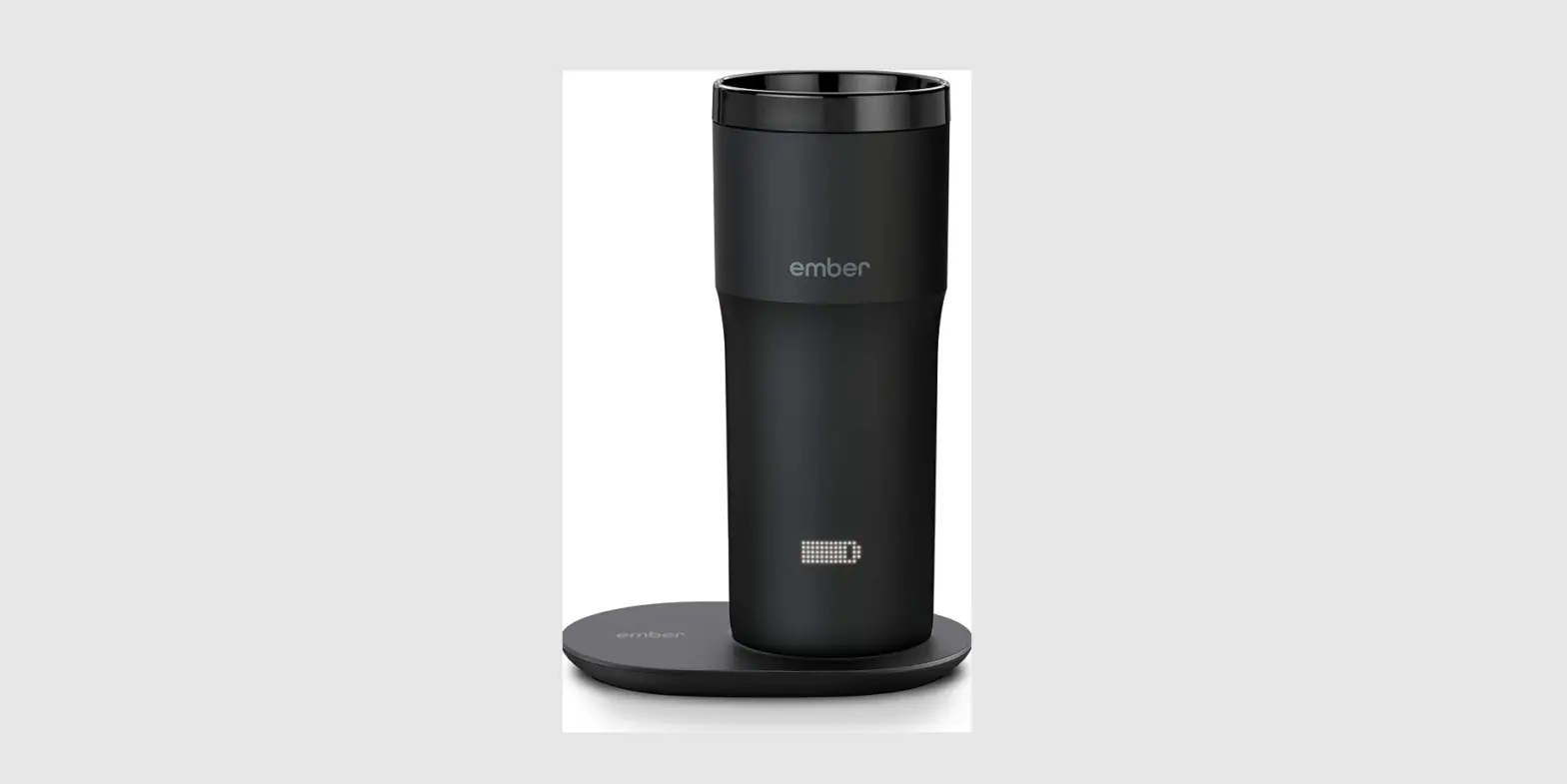
- Flat battery: Solid red
- Charging:Slow pulsing red
- Fully charged: Solid green
Questions?
Visit www.ember.com/support
or email us at [email protected]n We’re happy to help.