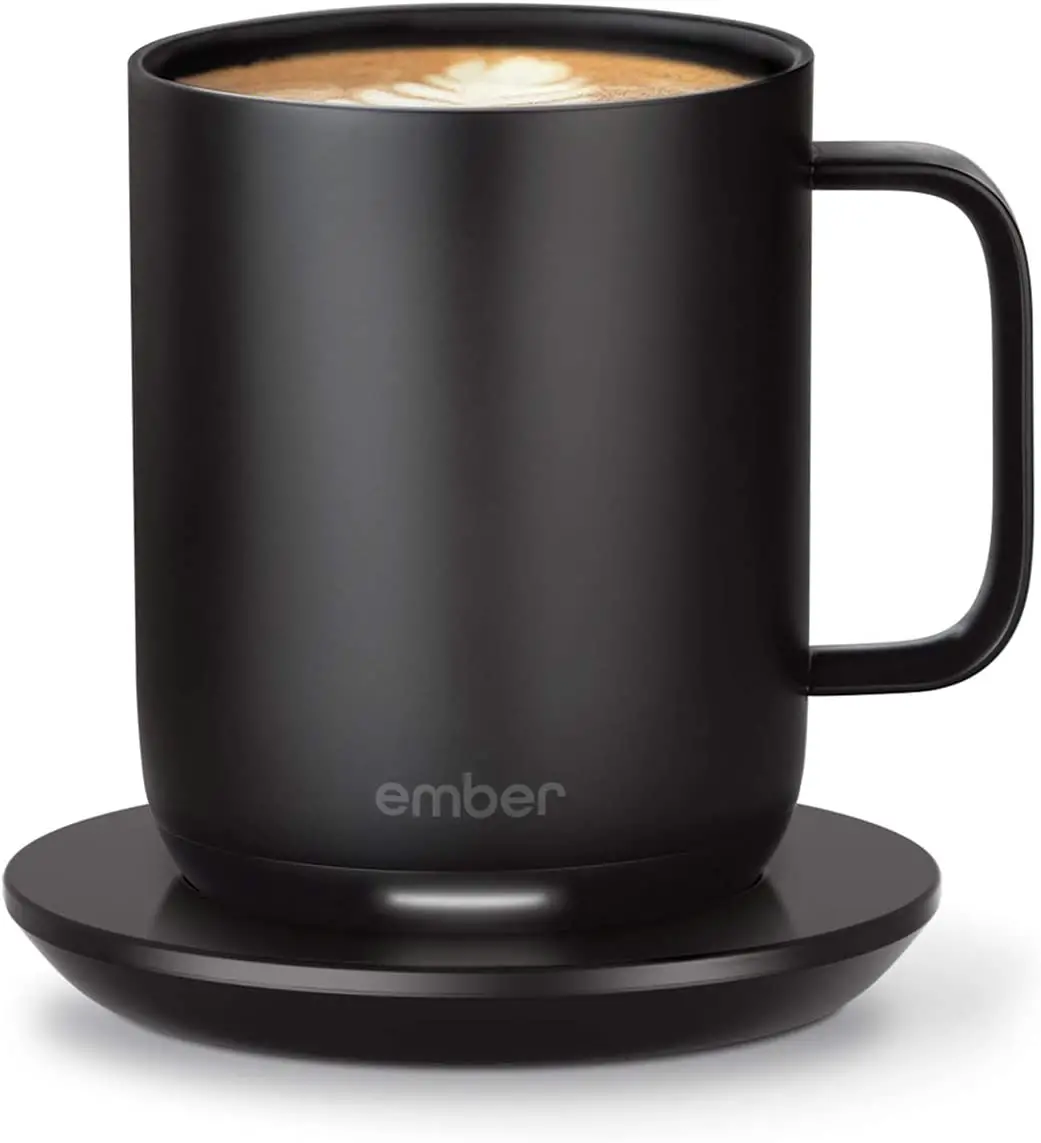
ember TM191200US Temperature Control Smart
Travel Mug Instructions

EN To set up your Ember, download the latest version of the app.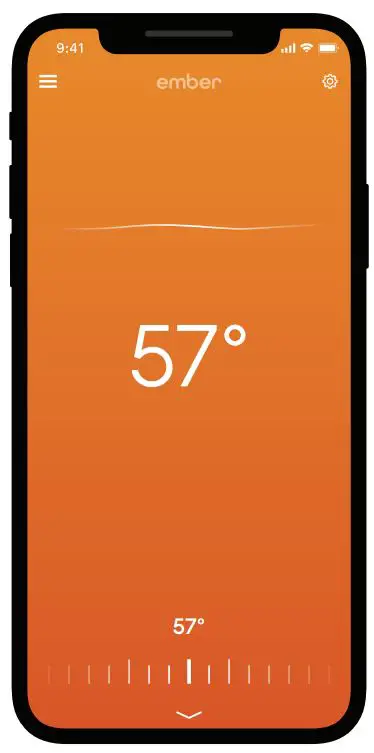


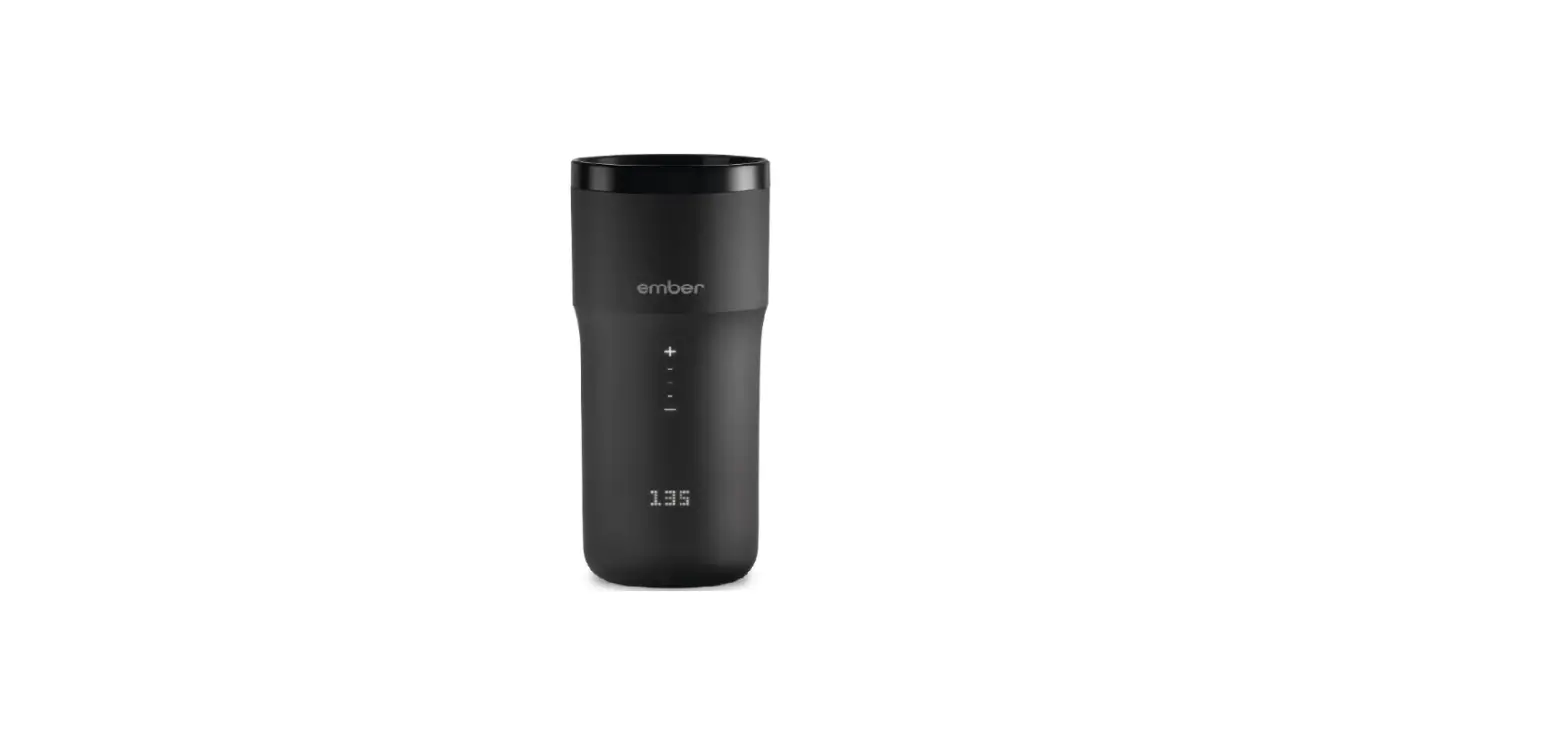
Out of the box, Ember will keep your drink at 135°F.
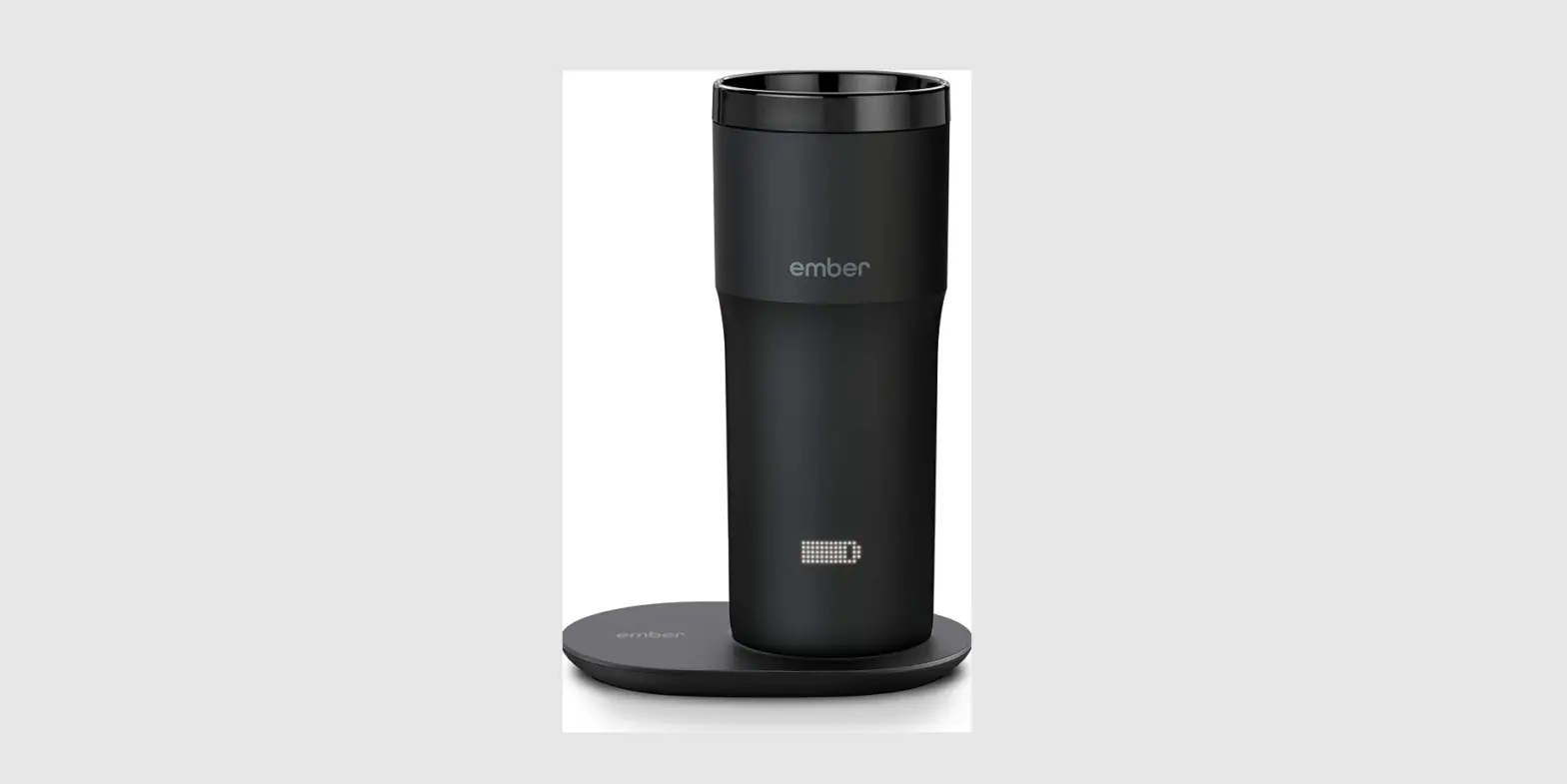
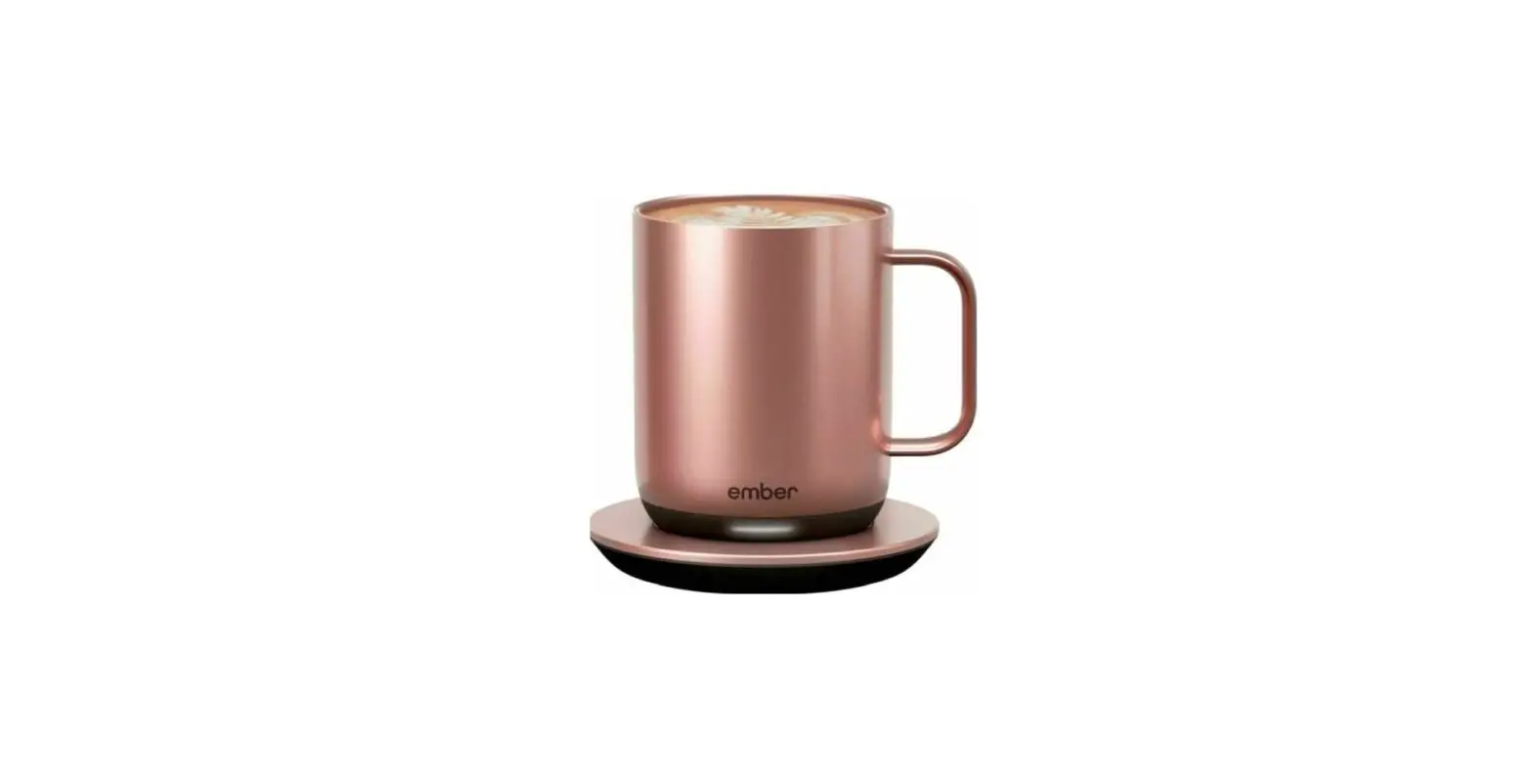
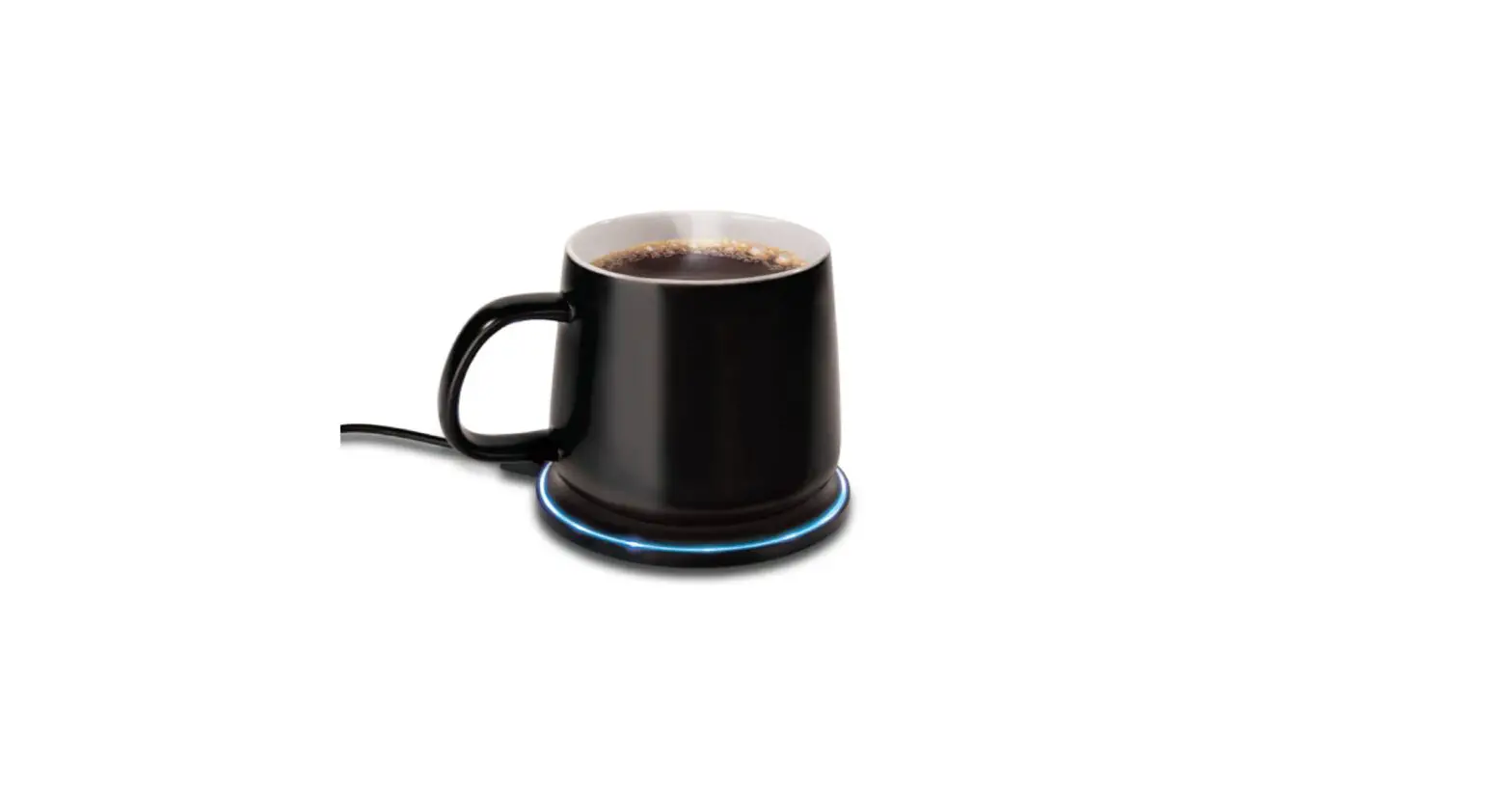
You can adjust the drinking temperature on the mug, or via the Ember app.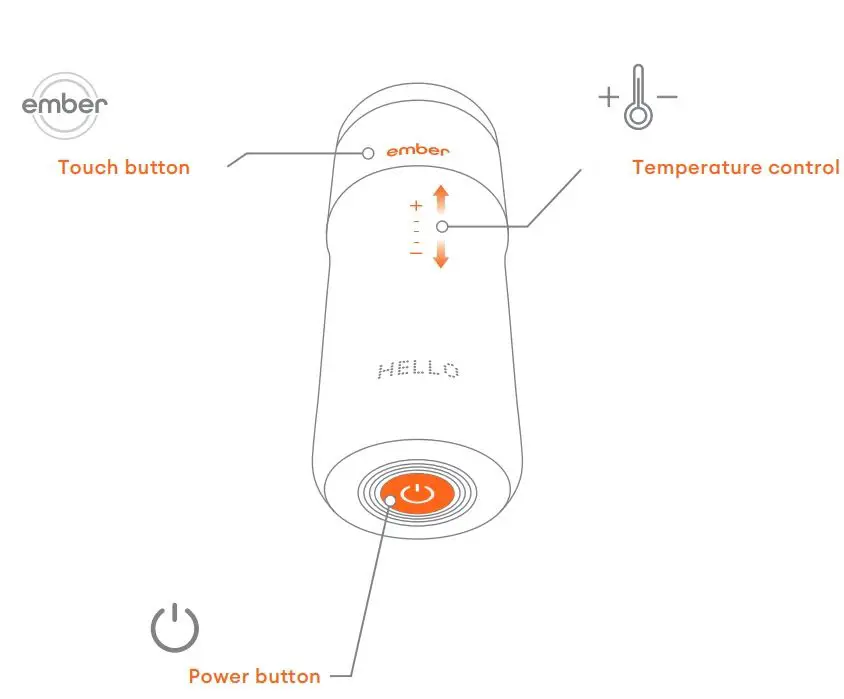 Portable battery life varies by product. Enjoy all-day ba ery life by regularly placing mug on its included charging coaster. Visit ember.com/battery for more information.

On – Press power button once

Off – Press and hold power button for 2 seconds

Pairing mode – Press and hold power button for 5 seconds
 Reset – Press and hold power button for 7 seconds
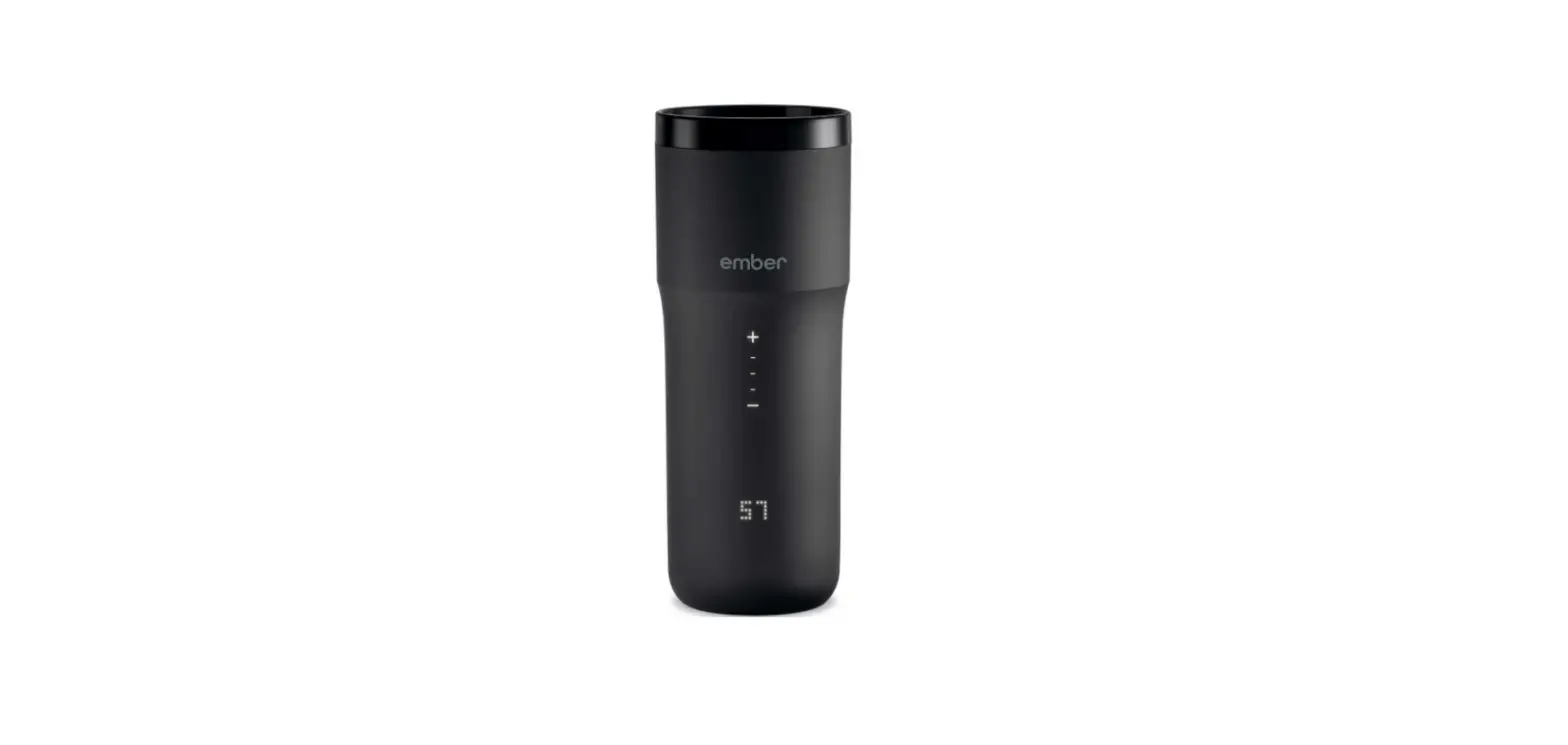
 View current temperature – One tap on Ember logo
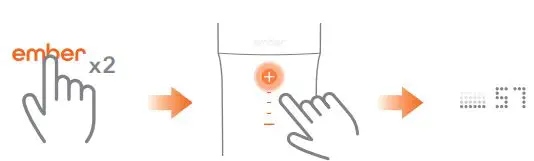 Change temperature – Two taps on Ember logo, then tap `+’ or `-‘

View mug name – Three taps on Ember logo

View battery life – Four taps on Ember logo
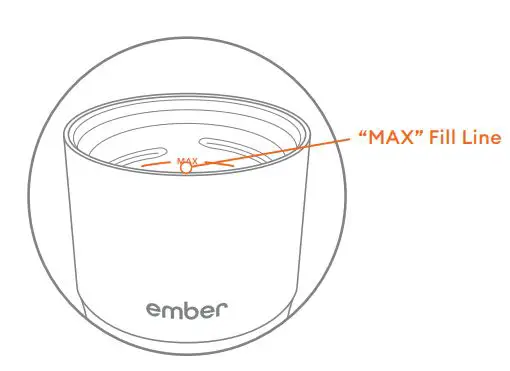 Do not fill your Ember above the “MAX” fill line inside your mug.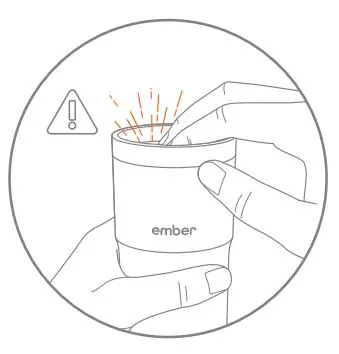
Hot contents may create internal pressure resulting in a hot liquid spray when opening the lid. Always have the mug positioned away from the face when pressing down on the lid to properly release pressure.
©2019 Ember Technologies, Inc. All rights reserved. 1002437-A
Use caution when consuming hot beverages. Let them cool down before consuming. Keep Ember out of reach of children when filled with hot beverages.
 Ember is hand wash only. May use bottle brush to clean inside of mug. Please do not put Ember in the dishwasher.
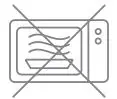
Do not microwave Ember! Ember is an electronic device, which should never go in a microwave.
 Dry it well. Ensure gold rings at the base of the mug and pins on charging coaster are dry before charging.
 Questions? We’re happy to help.
 Ember®: The World’s First Temperature Control Mug®