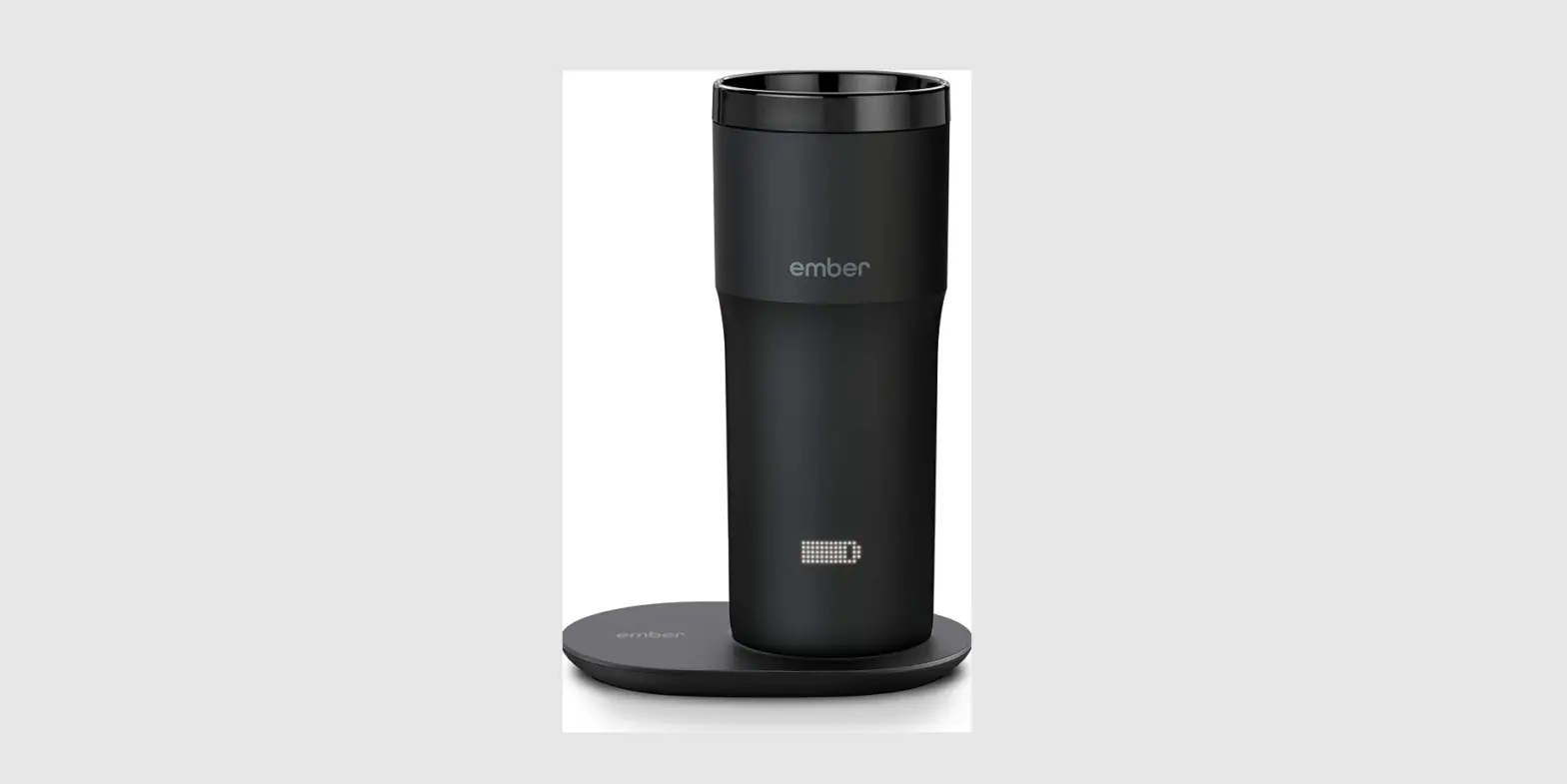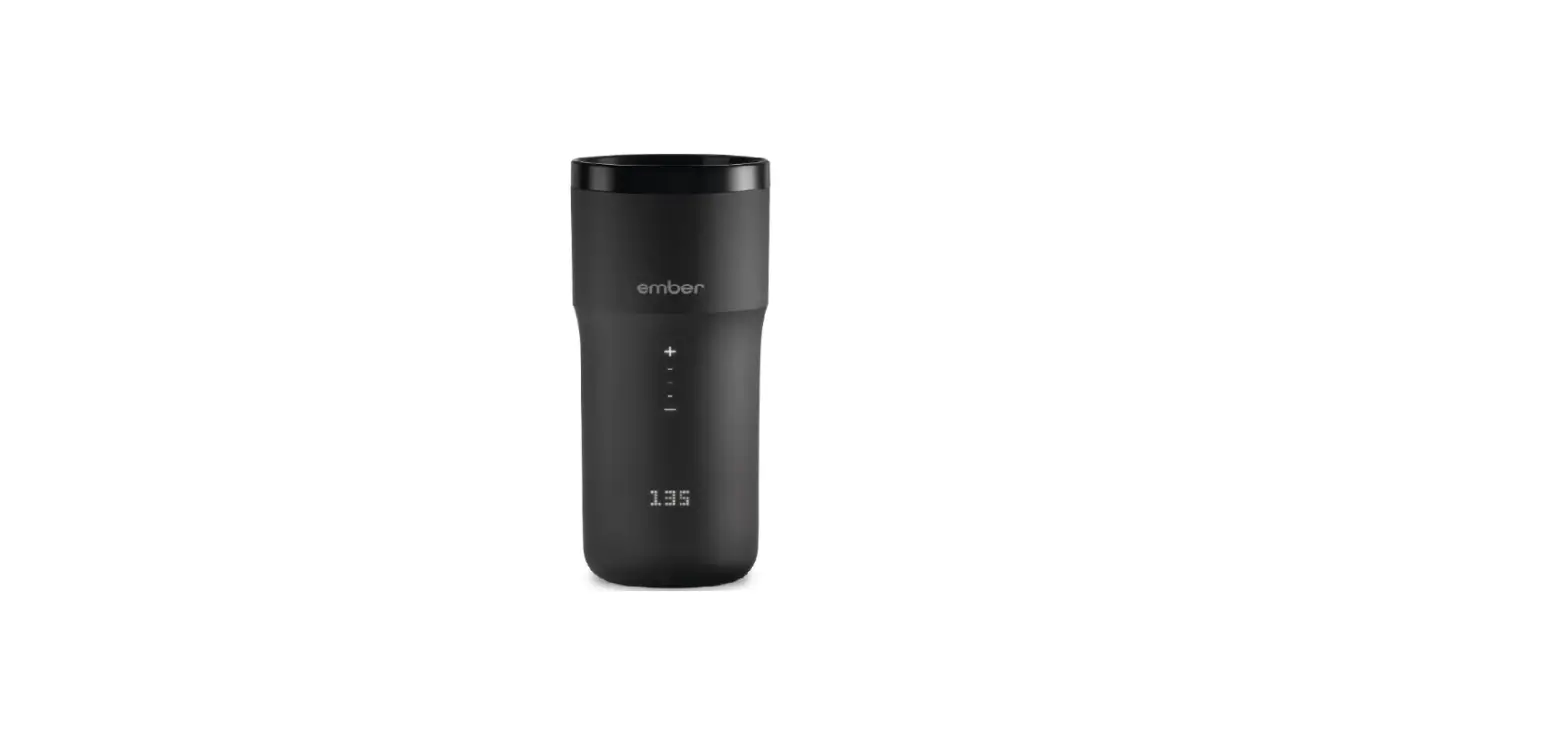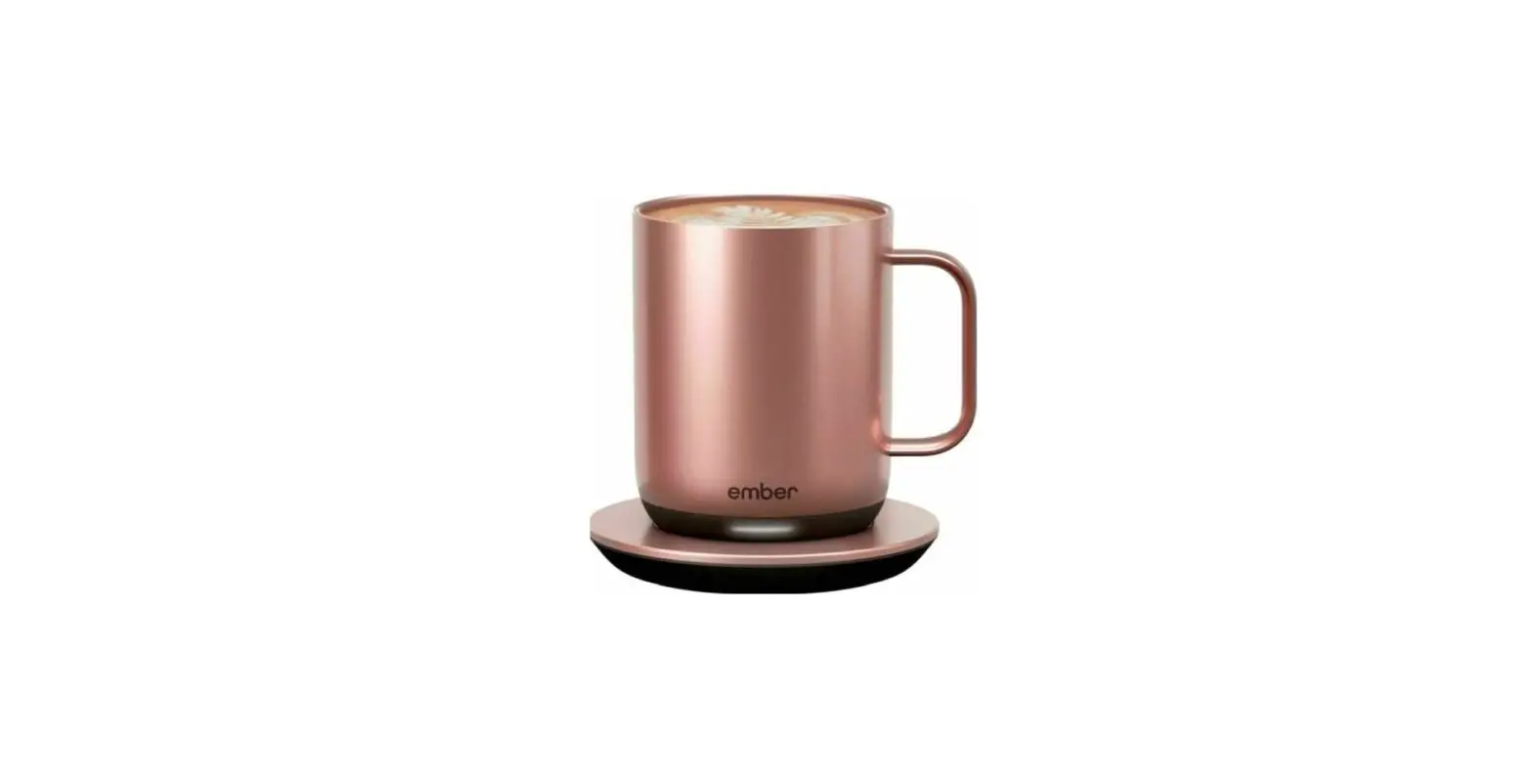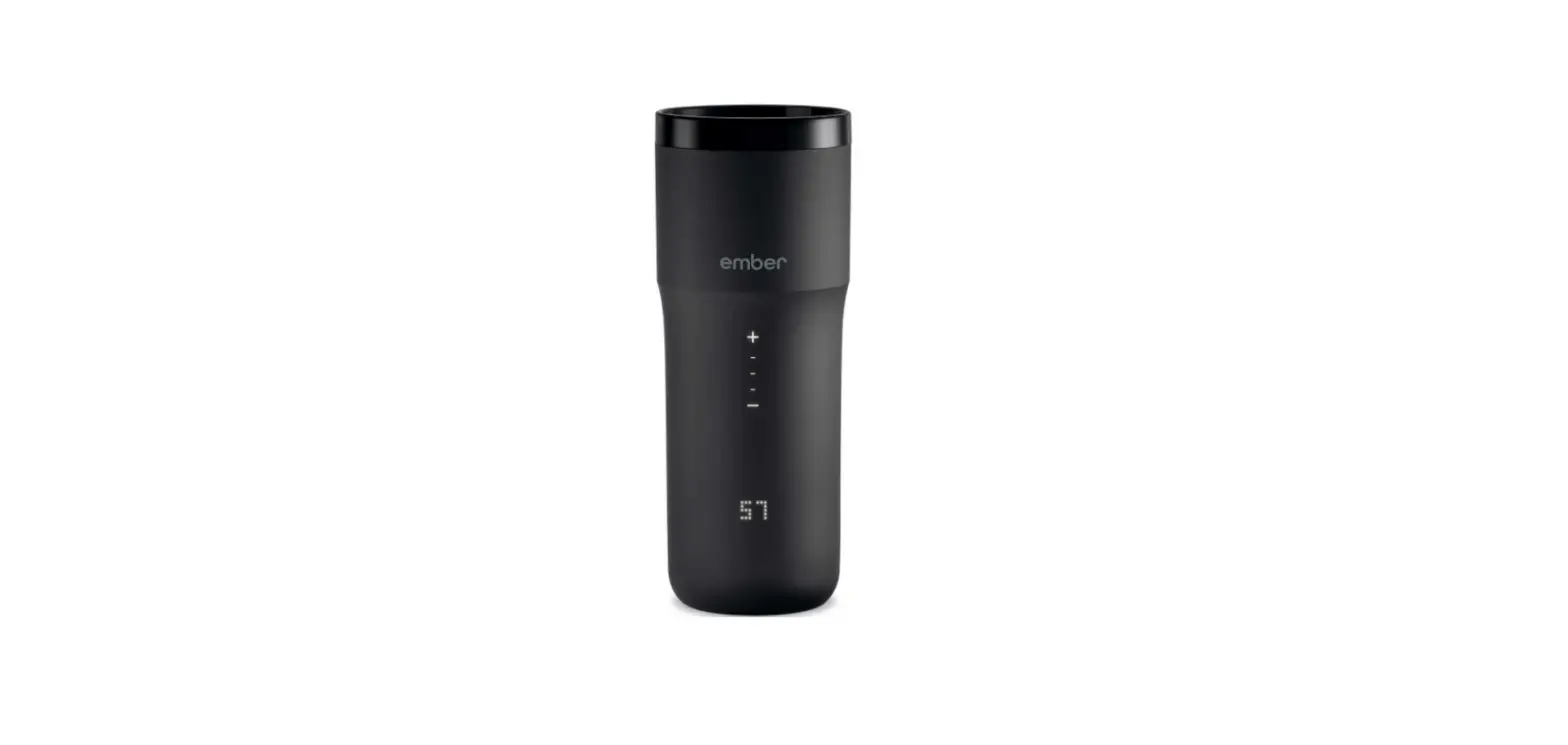

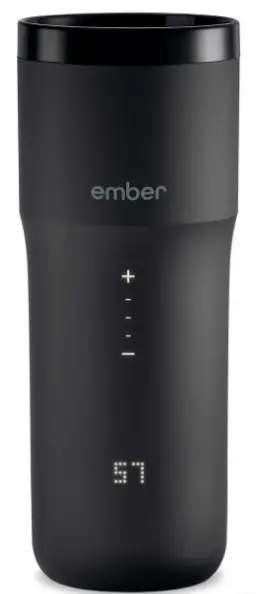
ember TM191200US 12 Oz Black Temperature Control Smart Travel Mug2
To set up your Ember, download the latest version of the app.
Using your Ember
To turn your mug on, press and hold the ember logo located on the front of the mug far 3 seconds. Out of the box, Ember will keep your drink at 130° F You can adjust the drinking temperature using the dial at the base of the mug, or via the Ember app.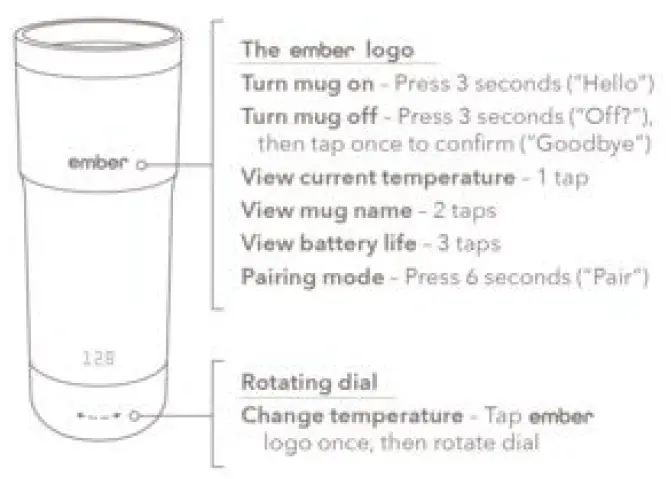
Questions?
Visit www.ember.com/support or email us at [email protected] We’re happy to help.
Follow us on Social
- @ember
- facebook.com/ember
- @embertech
- pinterest.com/ember