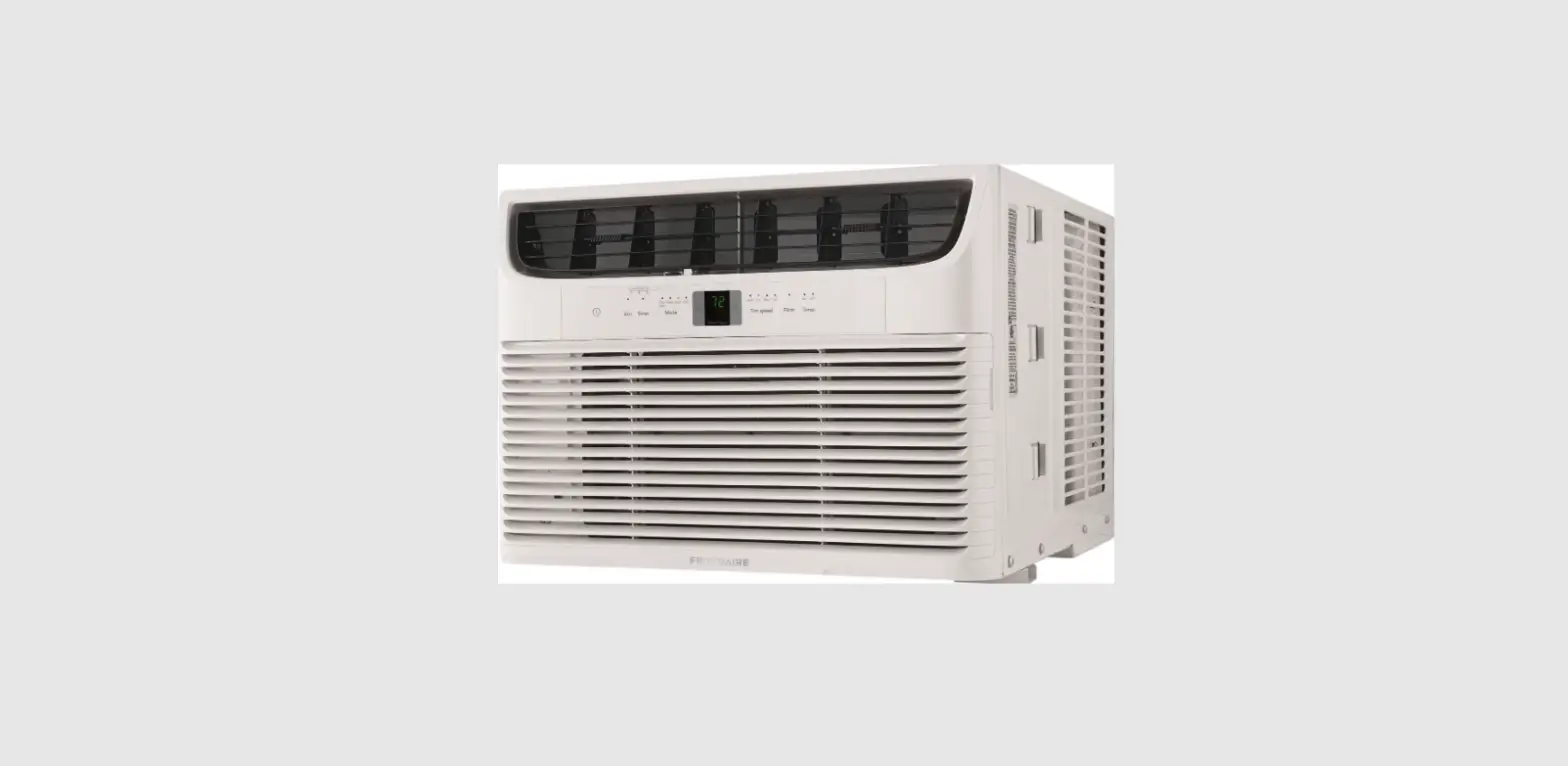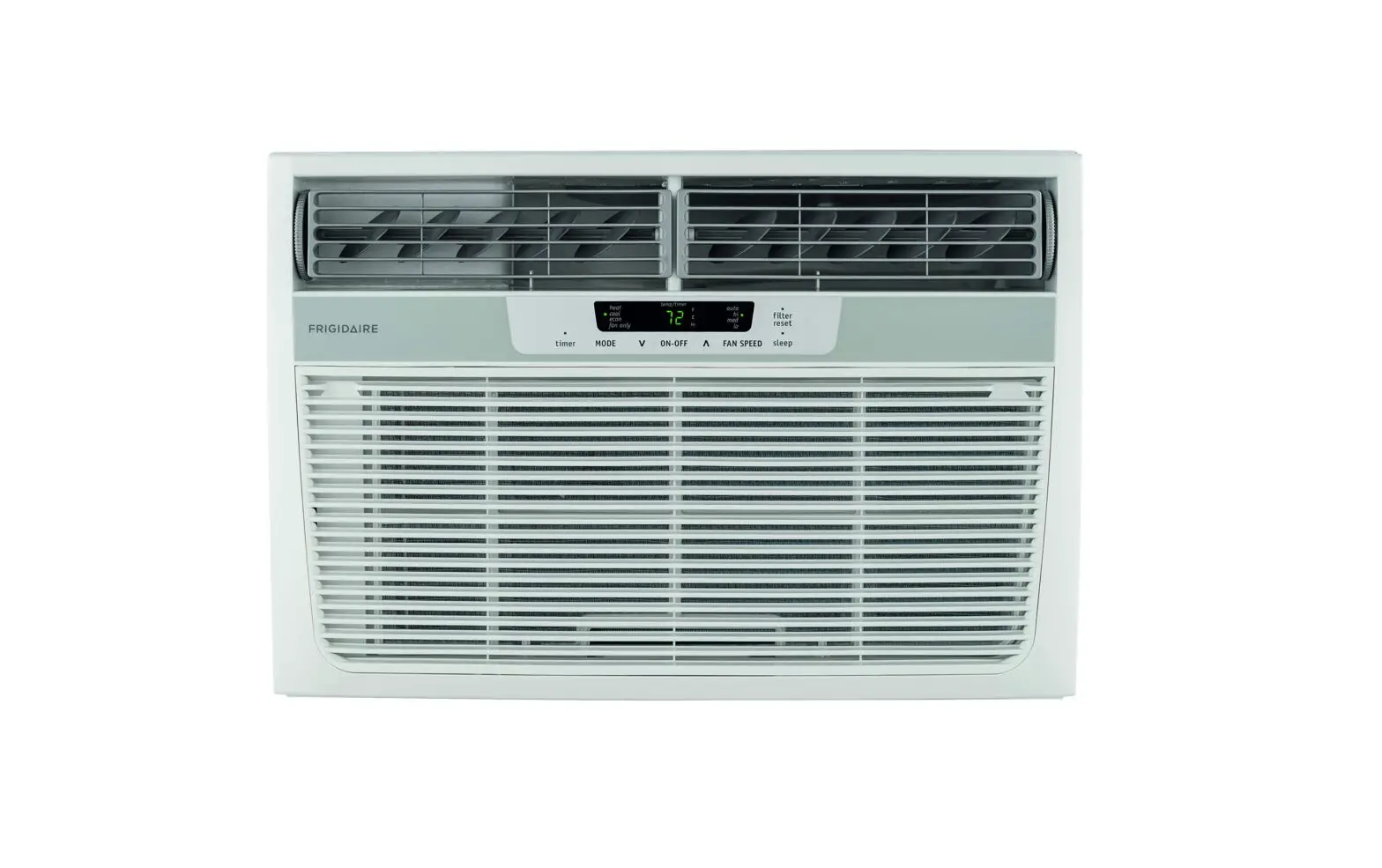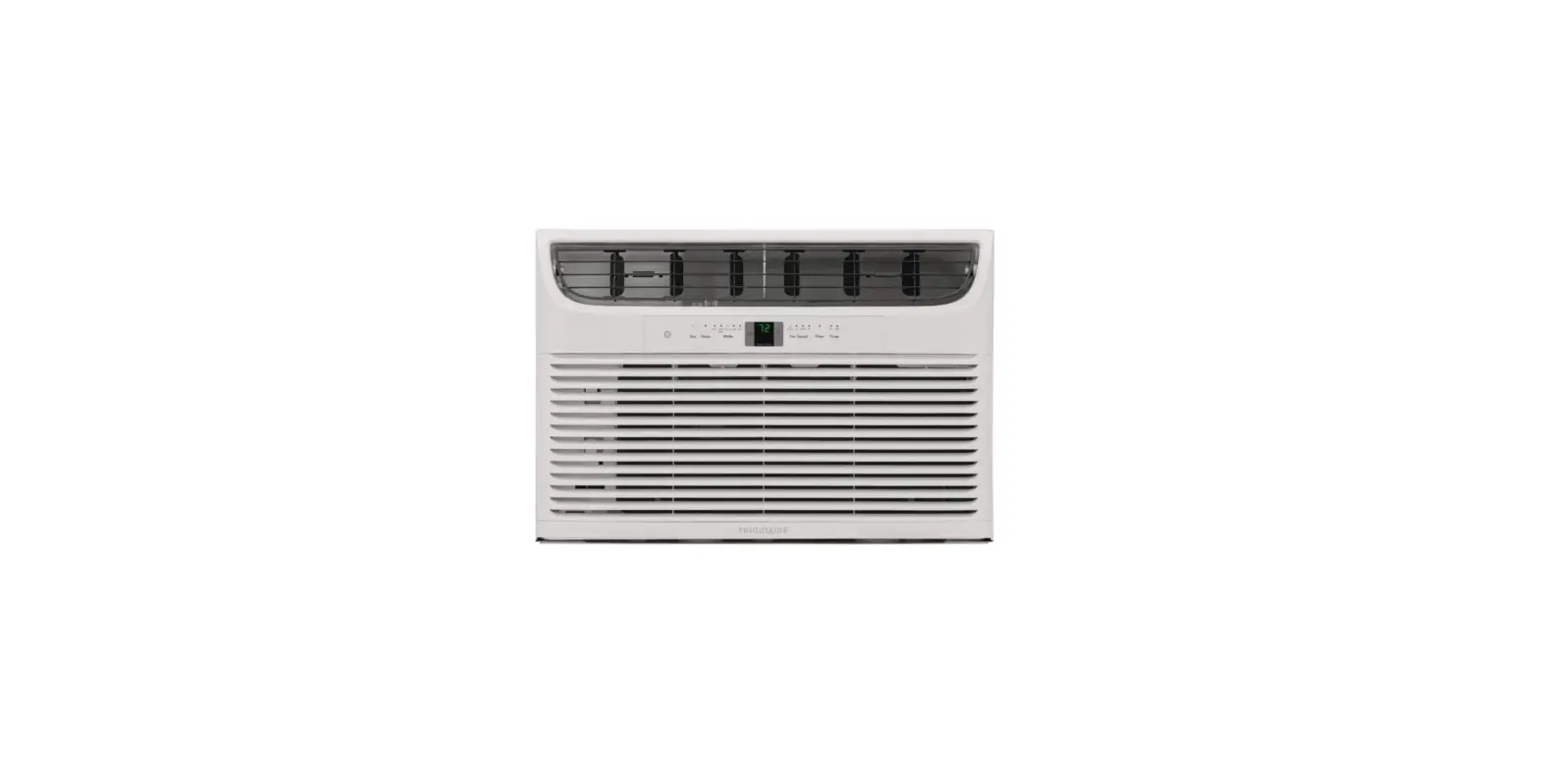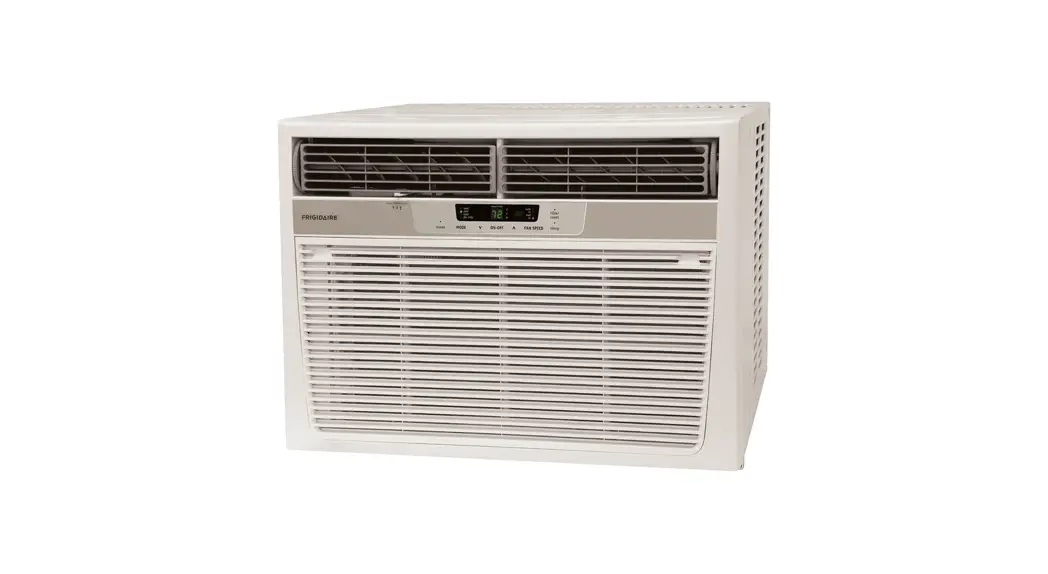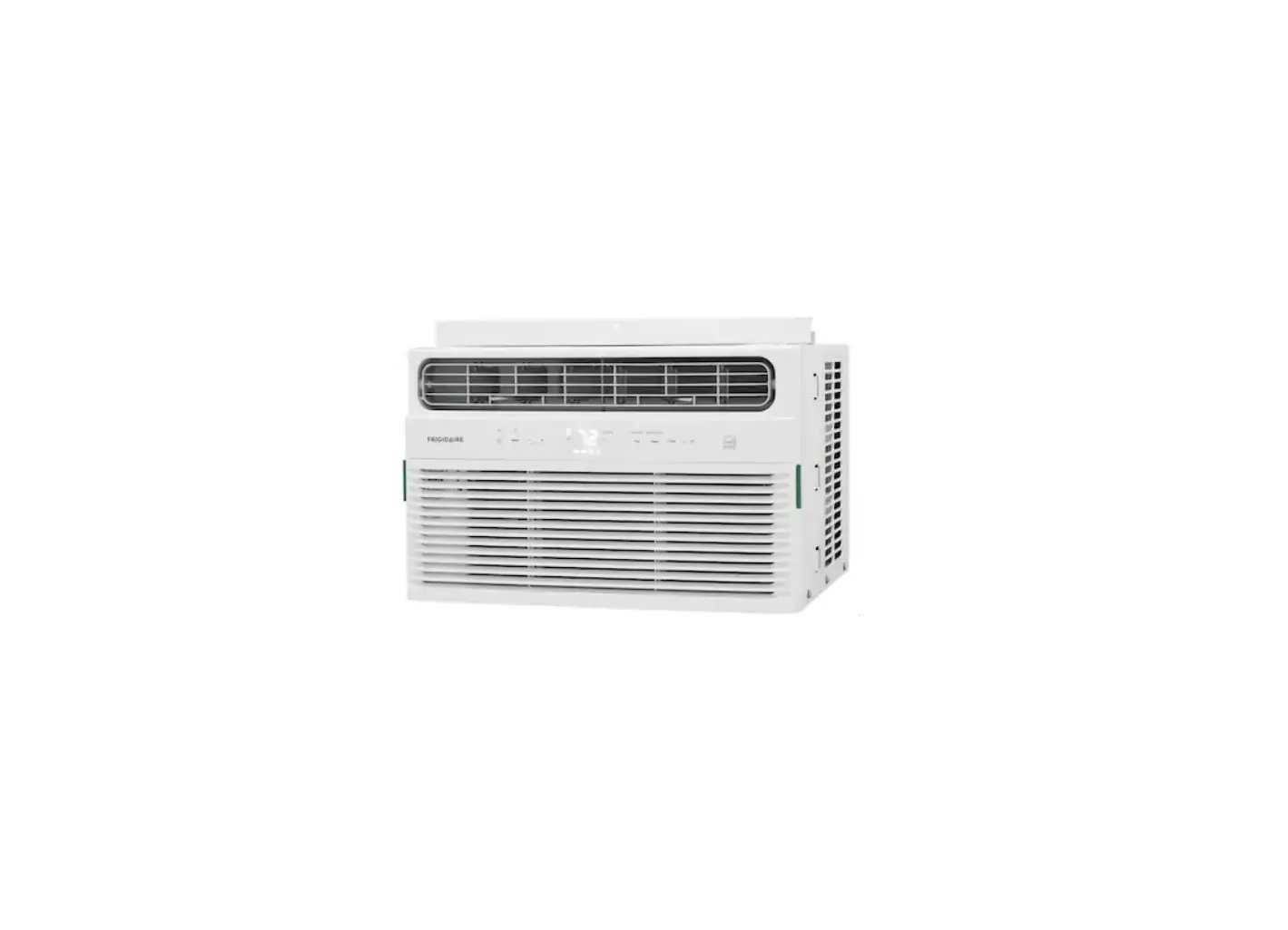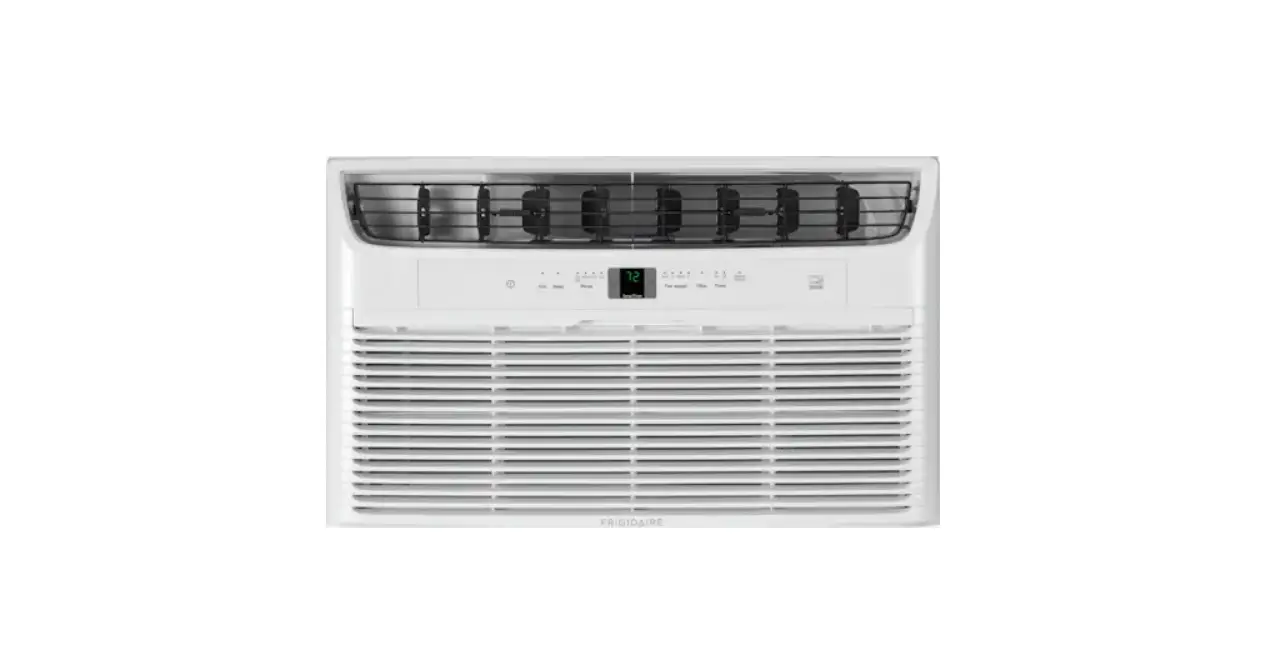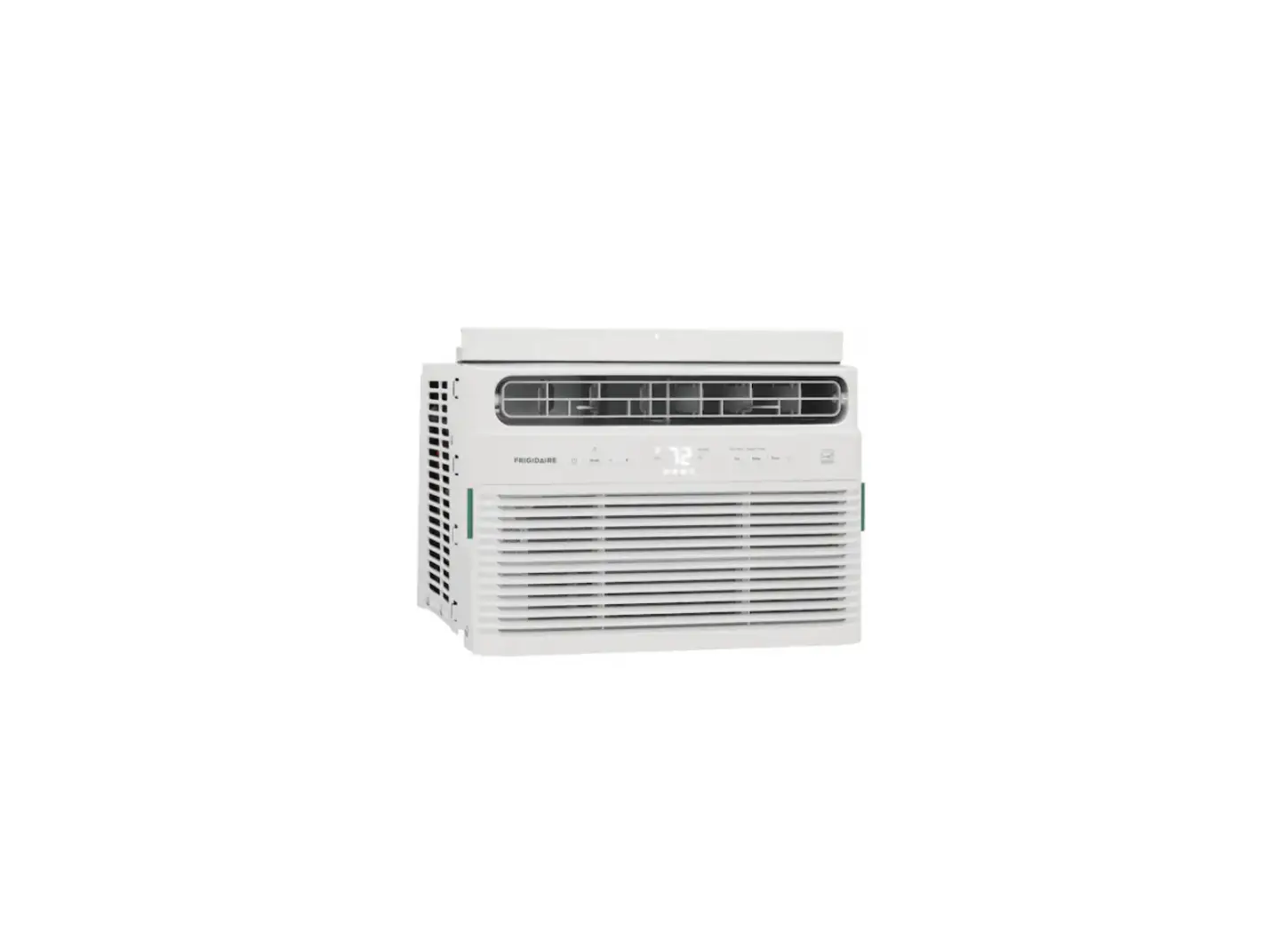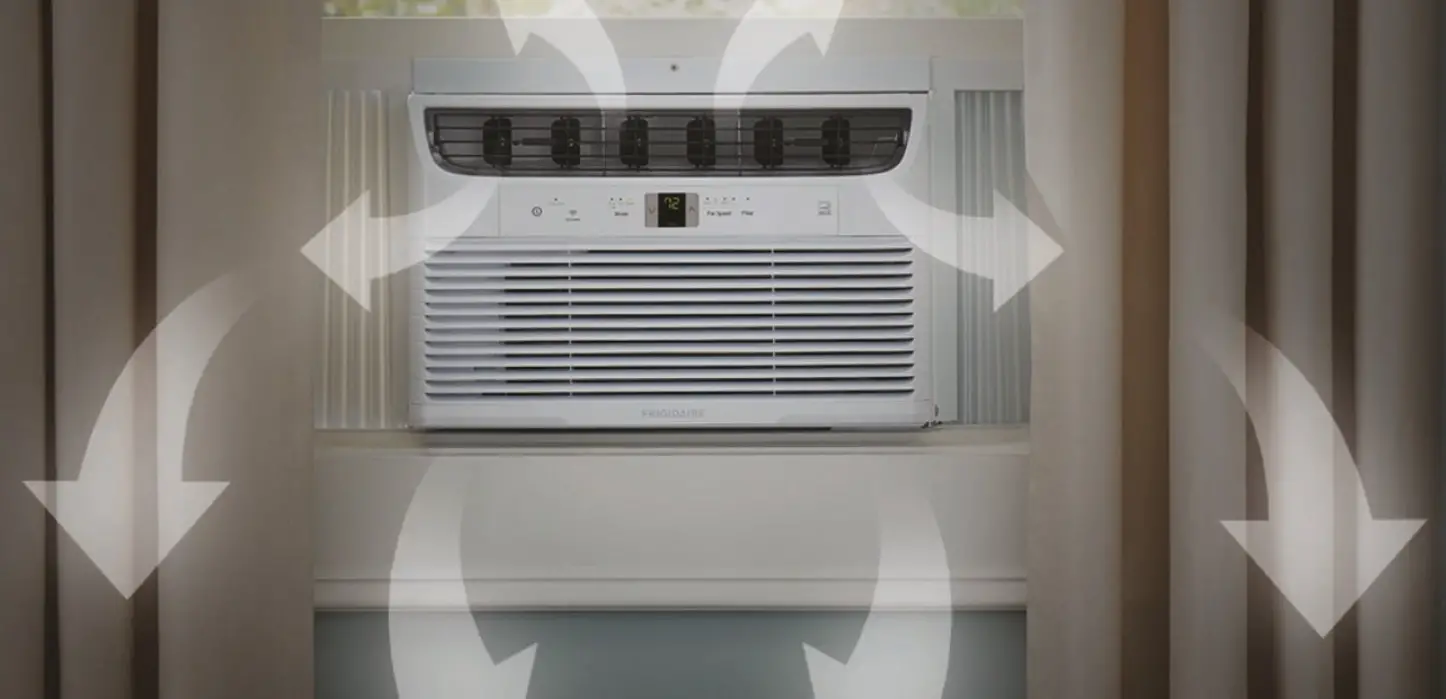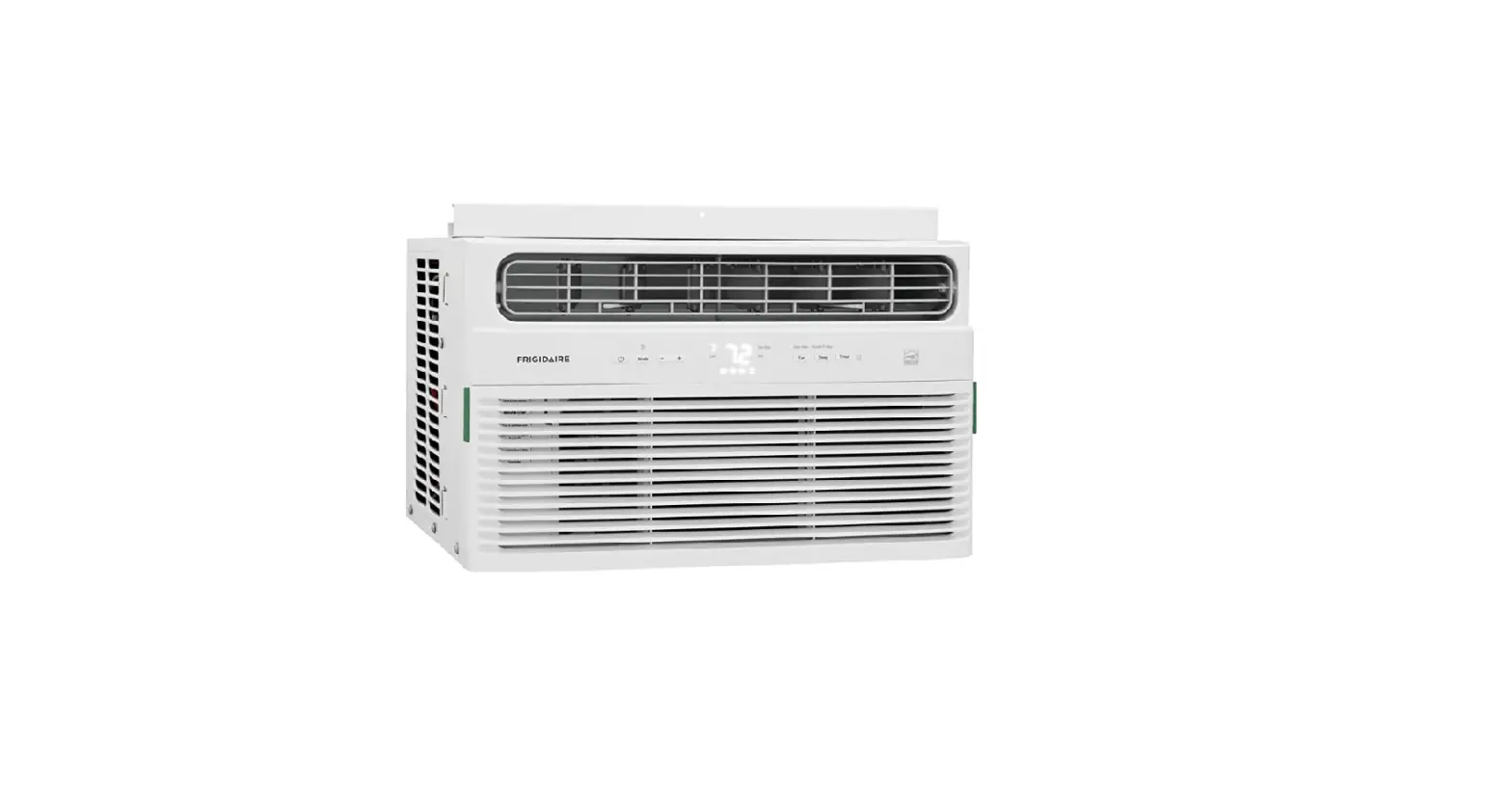

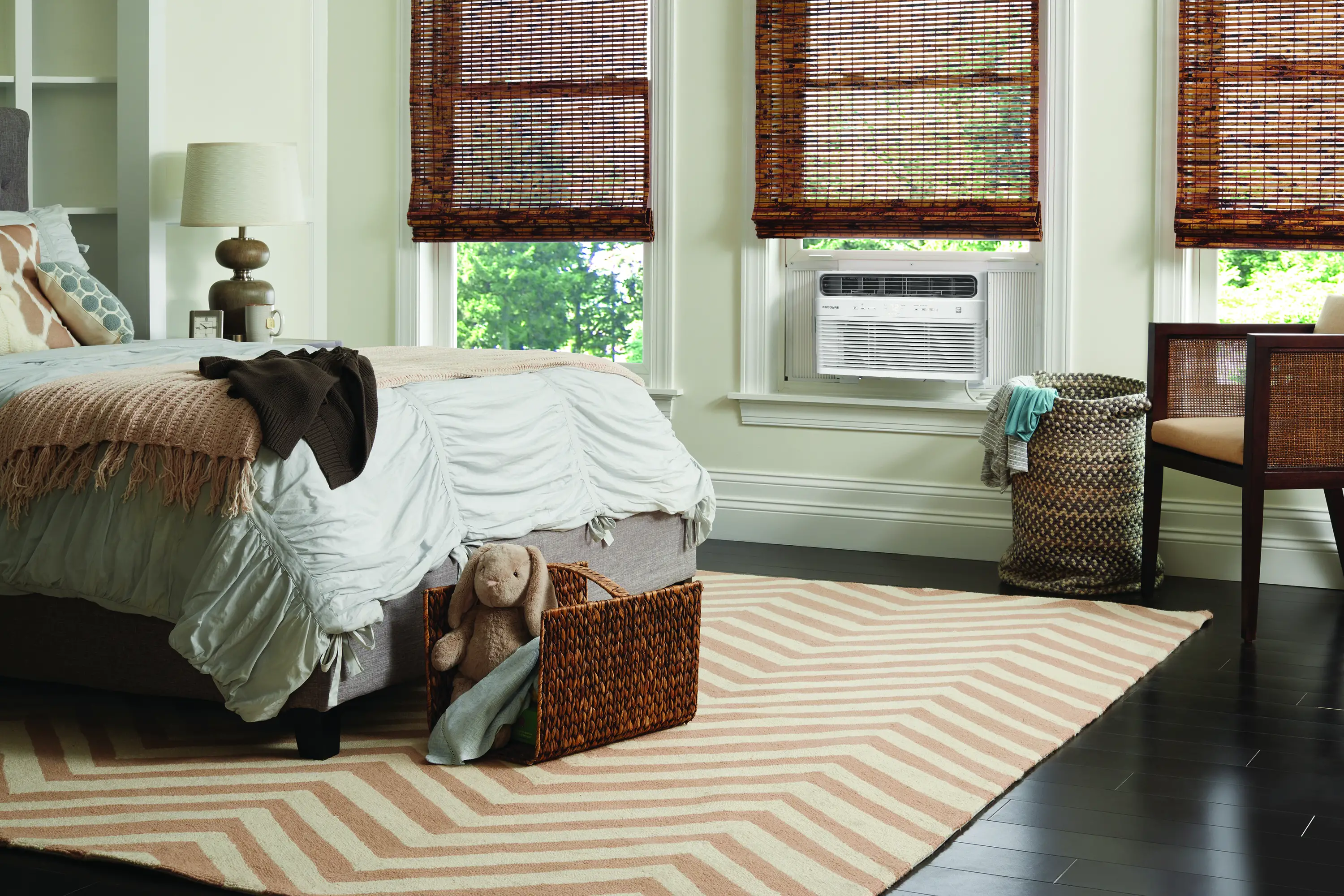
Getting started with your
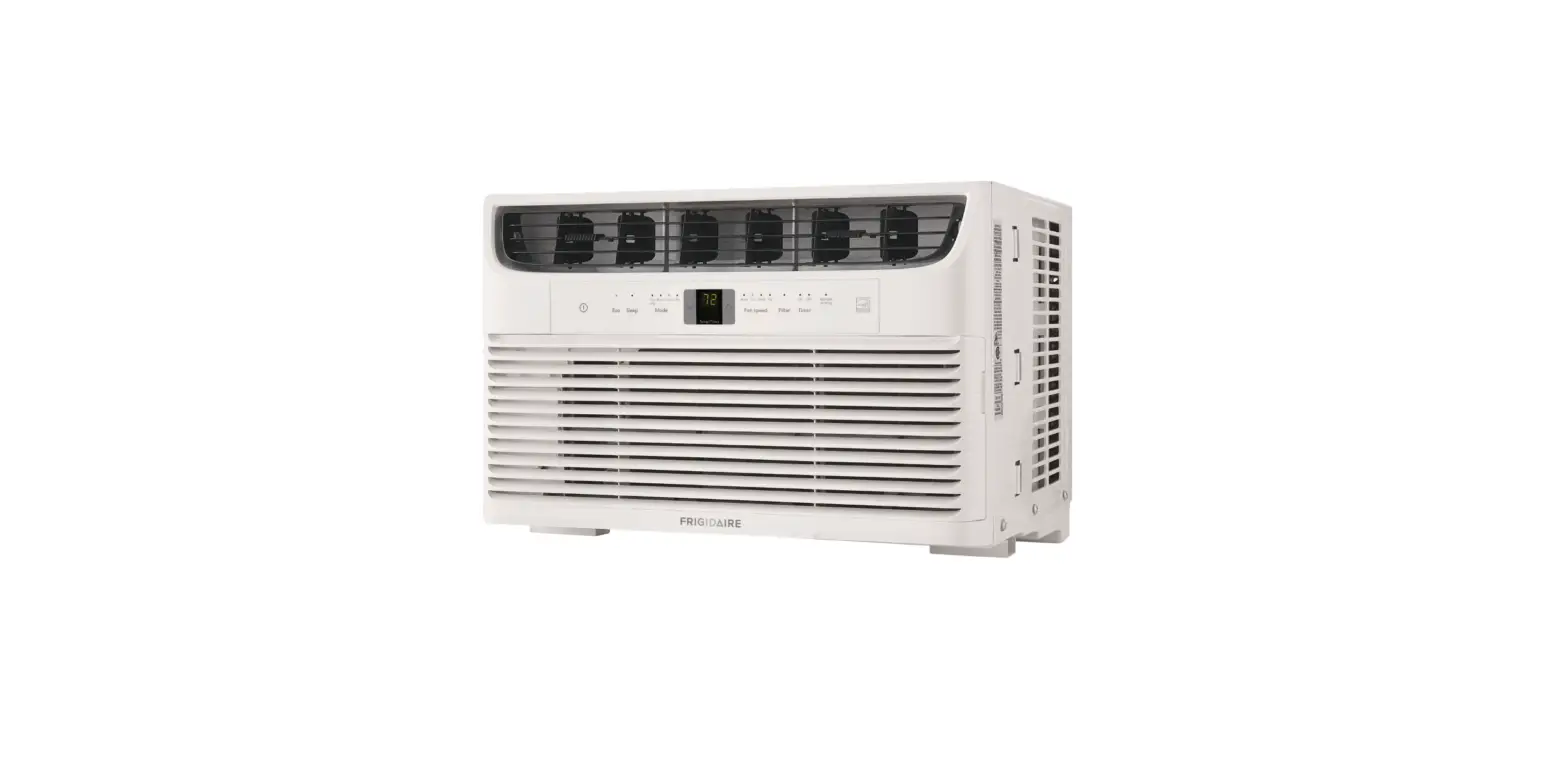
room air conditioner
Before you start
 Only install unit according to the supplied Installation Instructions.
When plugging unit in, always press the RESET button on the Current Device.
You’re in control


To Get Started
Press On/Off button. That’s it!
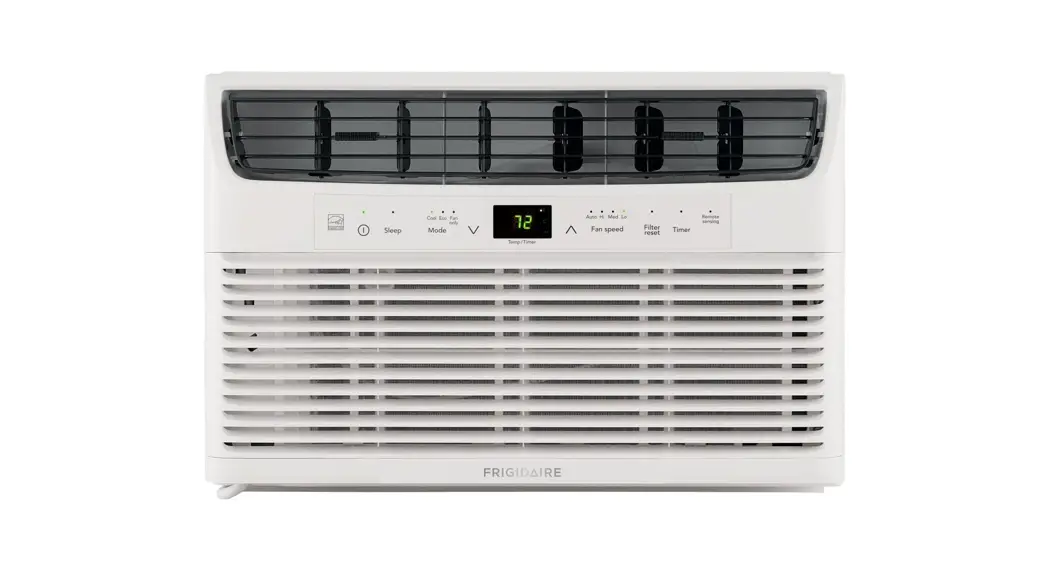
The unit is programmed to start in Eco mode, with auto fan speed and a temperature setting of 72°F. To change the temperature setting press – or + button.
* In Eco mode (Energy Saver mode), cooling will turn off once the set temperature is reached. Every 10 minutes fan will run so room temperature can be sensed. To Change Mode
Press Mode button to choose the desired mode. To Adjust Fan Speed
Press Fan button to increase fan speed.
You may also select Auto Fan, which will speed up or slow down fan speeds automatically based on significant changes in room temperature. To Go to Sleep
Press the sleep button. Temperature increases 4°F or 2°C over 1 hour and then holds this elevated setting for 7 hours. To Activate Child Lock
Press and hold the Mode button for 3 seconds. In the Child Lock state, the control panel will be locked. Press the Mode button for another 3 seconds to deactivate. To Set the Timer
Press the Timer button. Then enter up to 24 hours for automatic turn on or shut off. When unit is On, the value entered is the time that the unit will shut off. When unit is Off, the value entered is the time that the unit will turn on. Press and hold the Timer button for 2 seconds to cancel the timer setting. To Change Temperature Unit
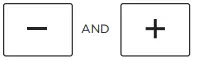
Press and hold the – and + buttons together for 3 seconds to change the display temperature unit between °F and °C. To Clean the Dust Filter
After 250 hours of use the Dust Filter light will illuminate to remind you to clean dust filter. Press and hold the “Fan” button 5 seconds and the light will go off. PureAir™ Premium Allergen Filter (sold separately)
If the PureAir™ Premium Allergen Filter is installed, the PureAir™ Filter light will illuminate white. After 1440 hours of use the light will illuminate red to remind you to replace a new Filter. Press Sleep button for 5 seconds to reset light.

 To Change Mode
 To Adjust Fan Speed
 To Go to Sleep
 To Activate Child Lock
 To Set the Timer
 To Change Temperature Unit
 To Clean the Dust Filter
 PureAir™ Premium Allergen Filter (sold separately)
Upgrade your AC with a PureAir™ Premium Allergen Filter
Your air conditioner has a reserved space for PureAir™ Premium Allergen Filter (sold separately). Enjoy fresher room air with the PureAir™ Filter that captures household dust, dust mite debris, pet hair, dander, smoke, and other fine particles.
 https://www.frigidaire.com/QR-PDP/FRPARAC10/
Remember
Your Use & Care Guide has complete descriptions of all these features and more. Please read it carefully and keep in a safe place.
We are here for you

Scan the QR Code to the right or visit
frigidaire.com • frigidaire.ca
for owner support https://www.frigidaire.com/Owner-Center/
16122000A72490
 Kitchen, Laundry, Home Appliances & Accessories | Frigidaire
 Frigidaire