 Battery Multi-Charger Kit User Guide
How to Use the Battery Multi-Charger
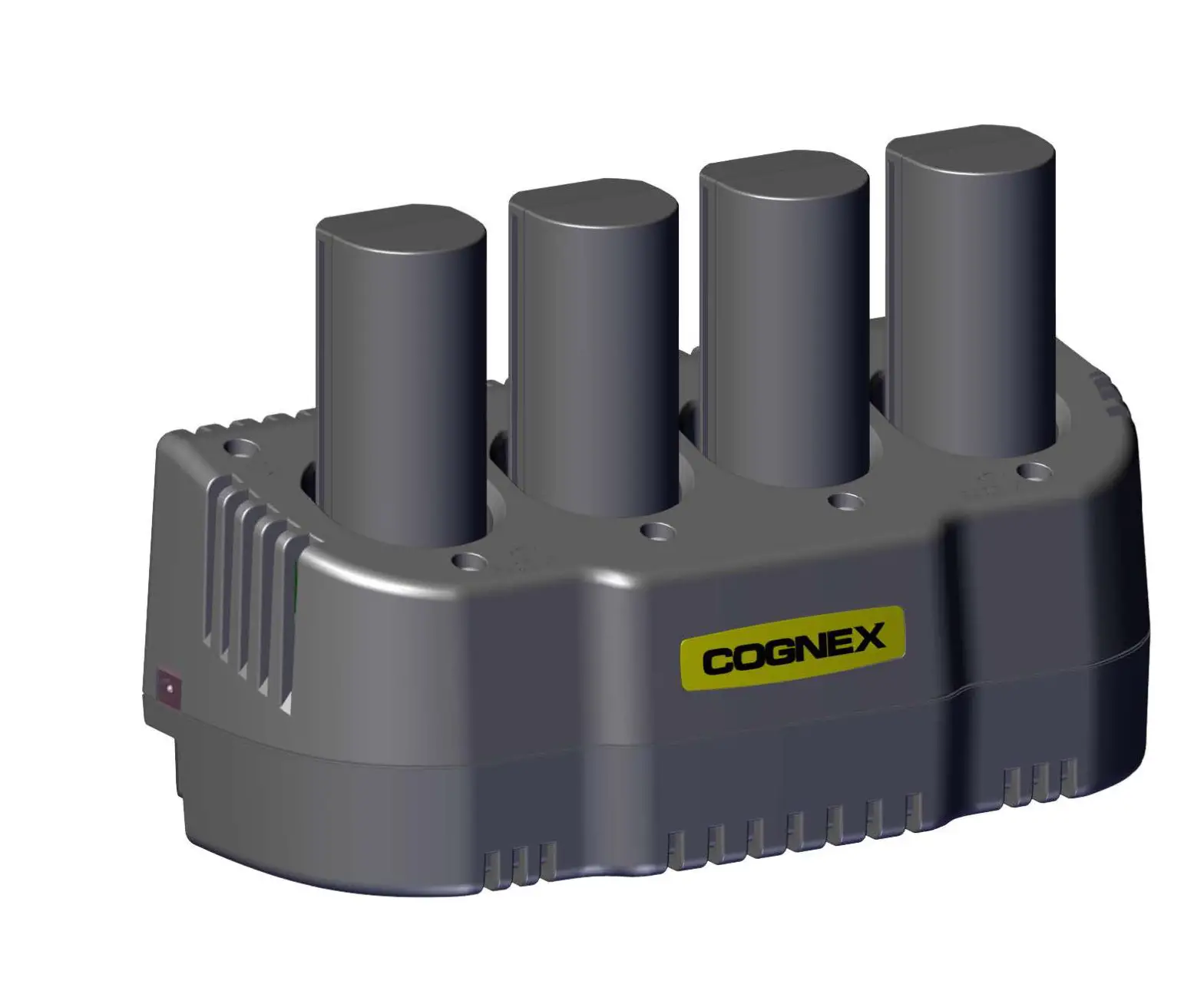
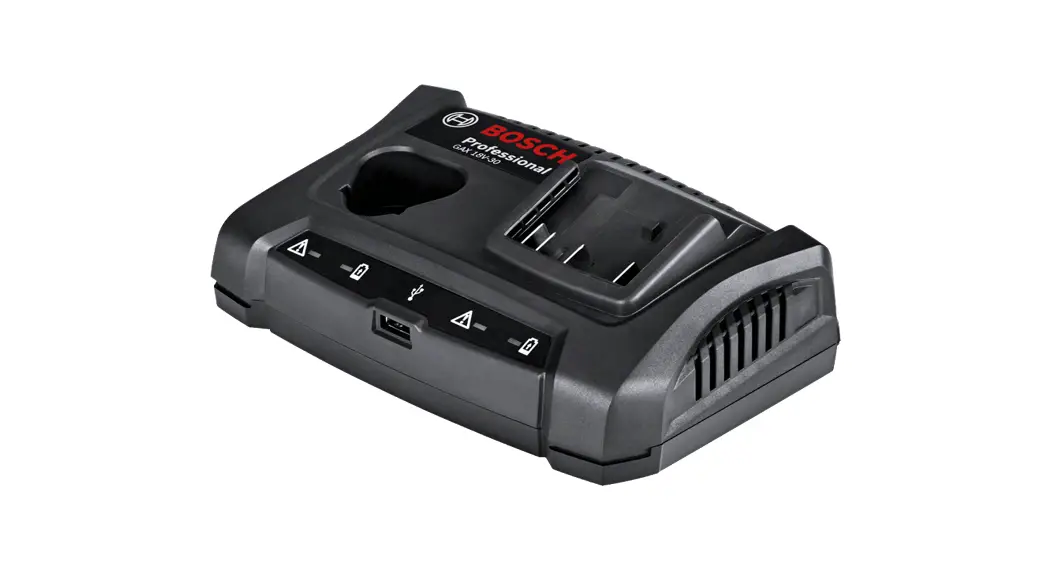
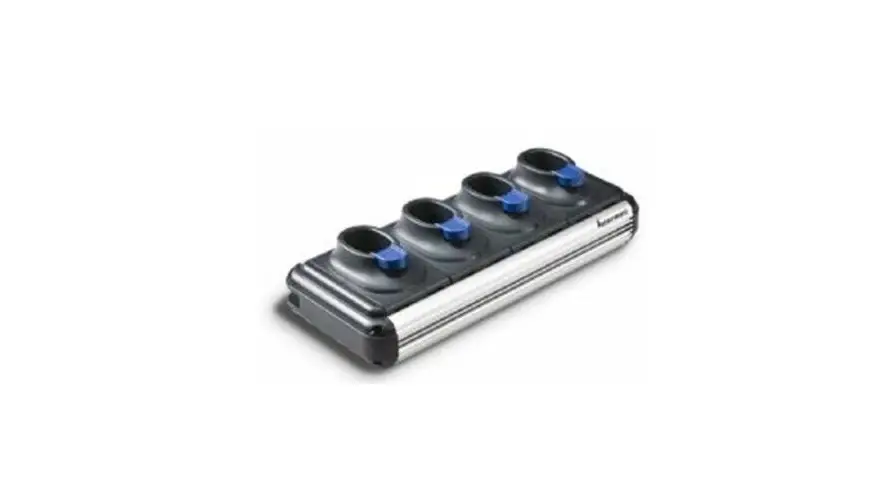
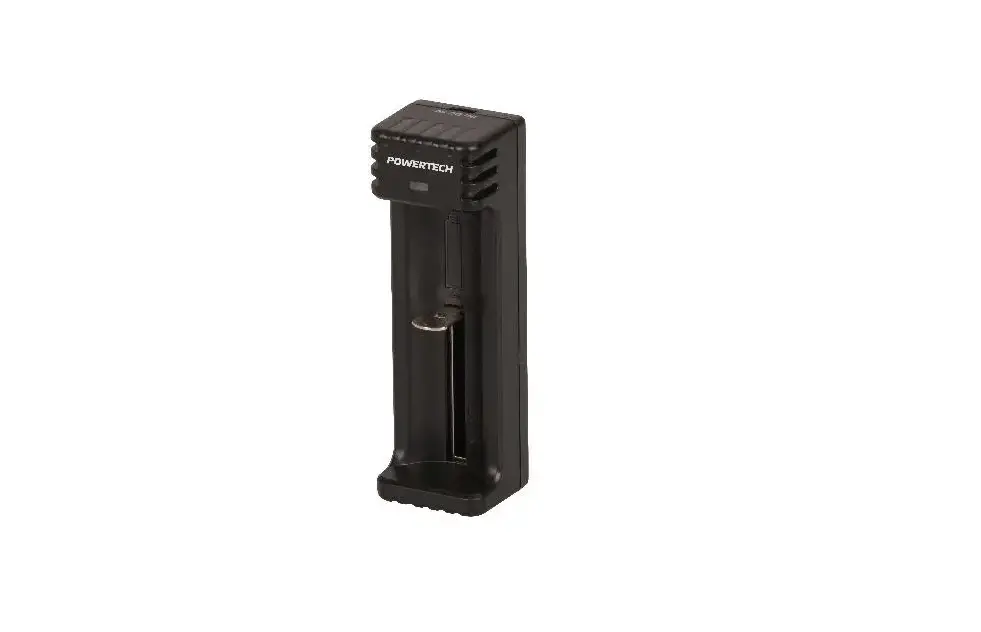
The Battery Multi-Charger allows you to charge spare battery packs for the Mesa Pro.
Batteries charge best at room temperature (about 68°F or 20°C). Batteries will not charge (or might charge slowly) at temperatures below 32°F (0°C) or above 122°F (50°C).
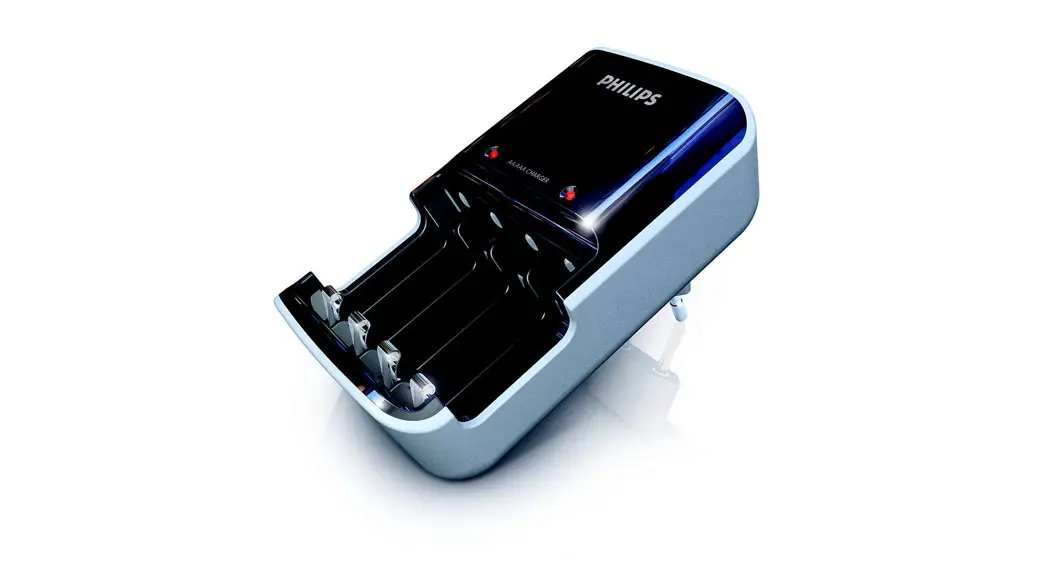
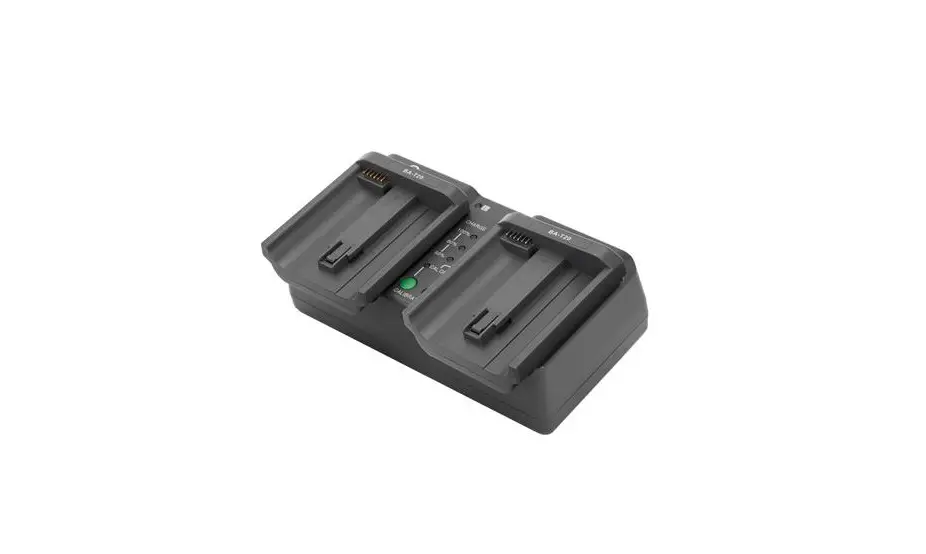
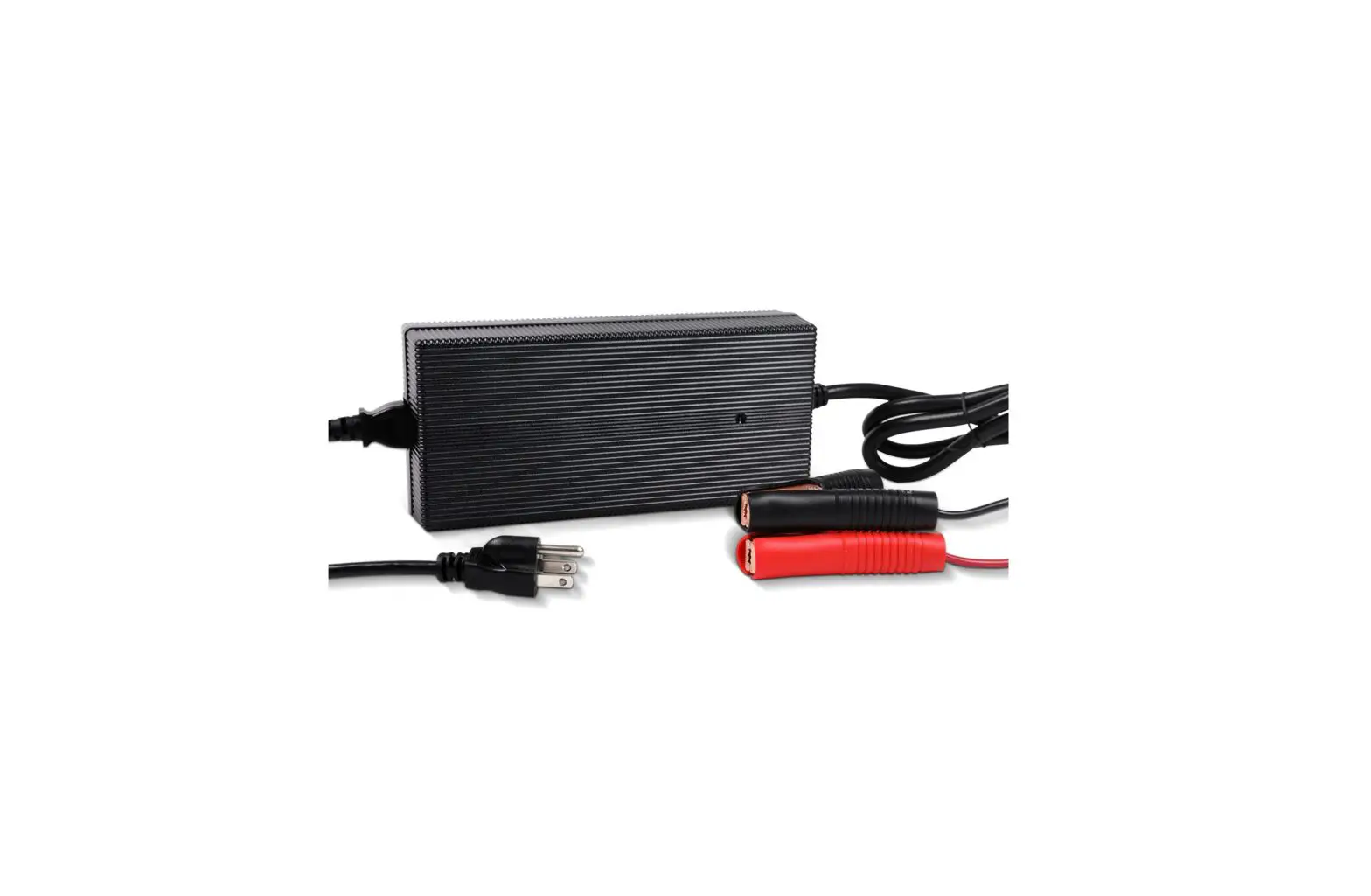
Power the Battery Multi-Charger by using the AC wall charger provided with your Mesa Pro. Insert the battery pack into the Battery Multi-Charger, orienting it so that the battery contacts meet the charging contacts in the Battery Multi-Charger. The LEDs will start to flash slowly from the right with each light representing a 25% charge.
The Battery Multi-Charger can charge two battery packs at once. If needed, it can be mounted.
Battery Multi-Charger LED Indicator
The LED indicates the charging status:
- 4 LEDs solid, on: The battery pack is fully charged.
- 4 LEDs blinking (slow): The battery pack is too hot or too cold to charge.
- 1 LED blinking (slow): The battery pack is charging.
- 1st and 4th LED blinking (slow): The battery has a fault and is unable to charge.
- Off: There is no power. The battery is not charging.
Juniper Systems, Inc.
Logan, UT, USA
Phone: 435.753.1881
Email: [email protected]
Juniper Systems Ltd.
Bromsgrove, UK
Phone: +44 (0) 1527 870773
Email: [email protected]
junipersys.com
©Copyright Juniper Systems 16Nov22. All rights reserved. Part Number 31599-00
 Juniper Systems, Inc. | Rugged Tablets and Handhelds