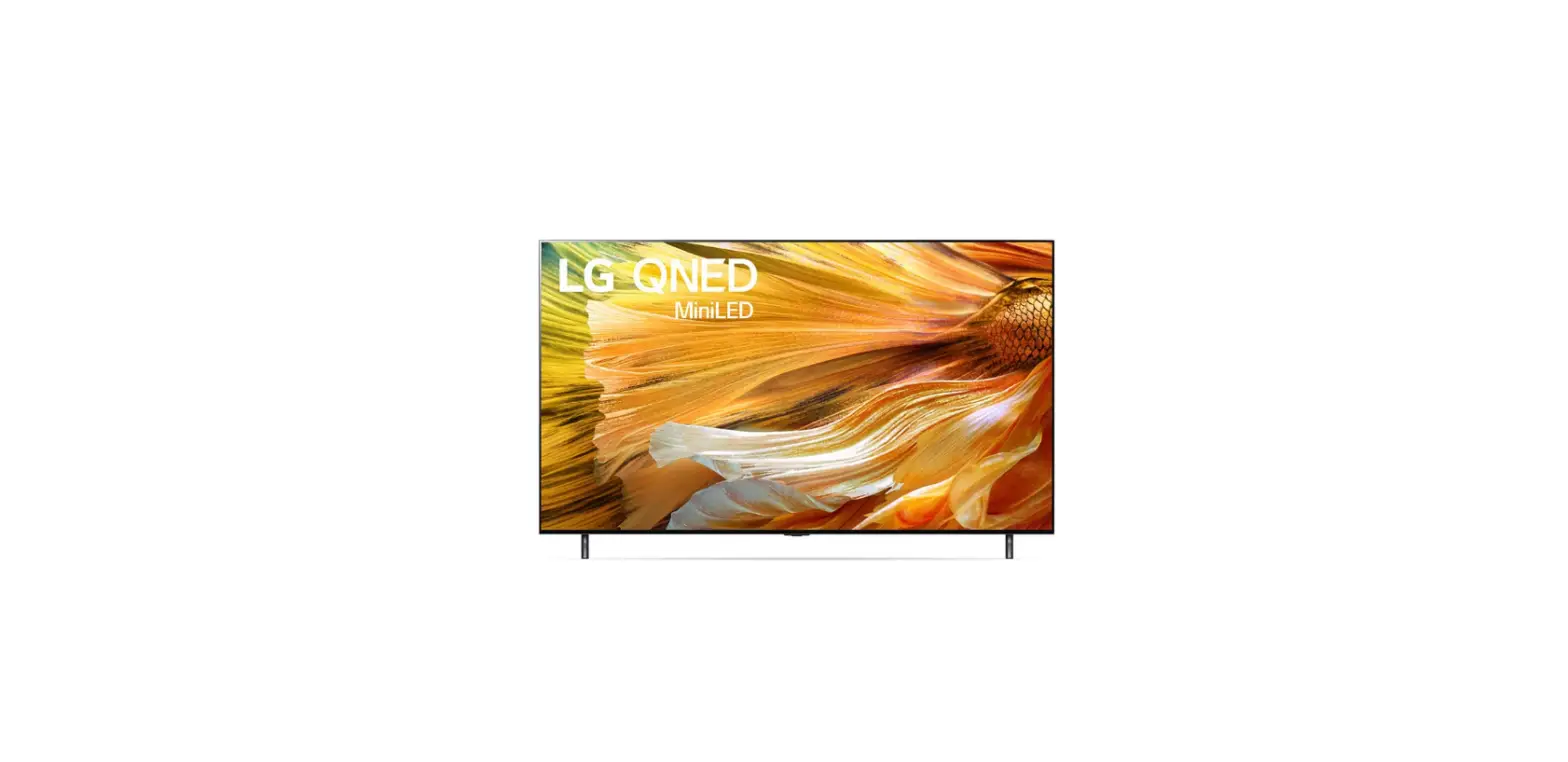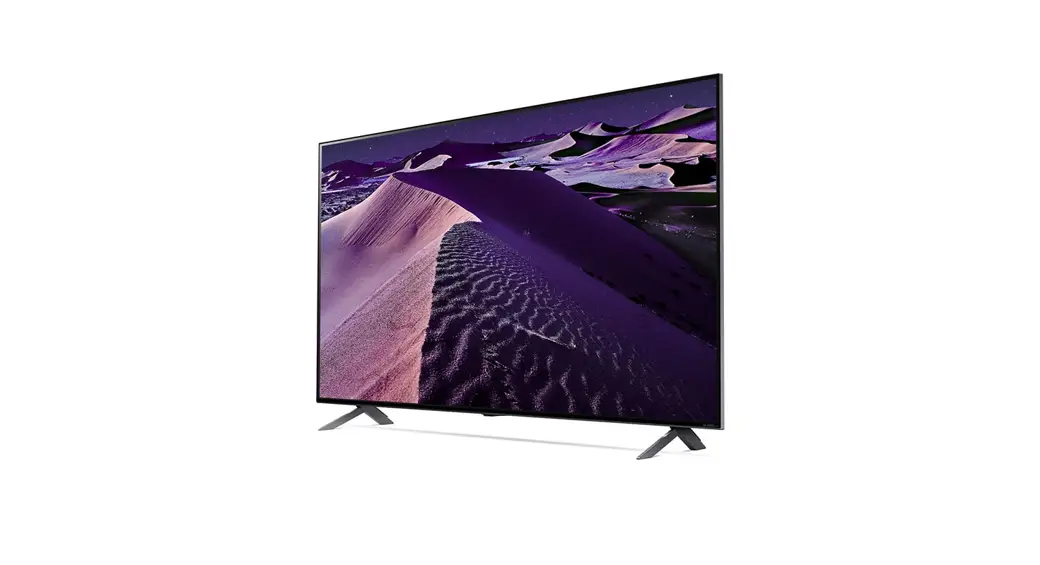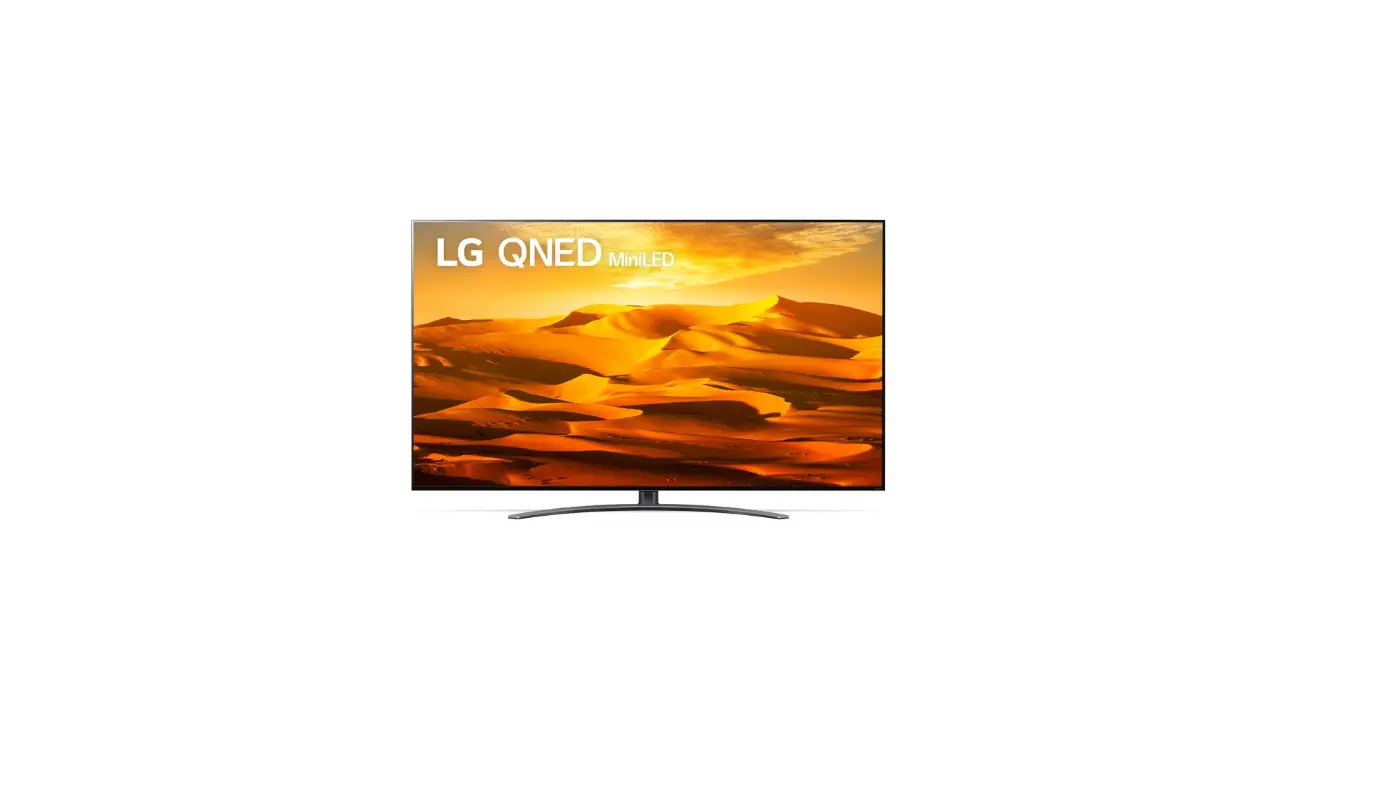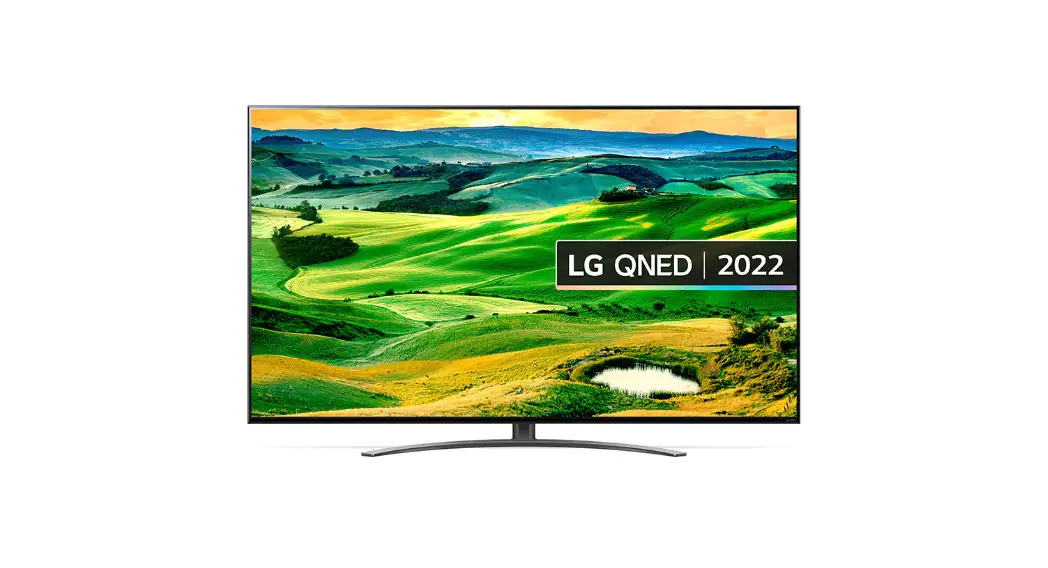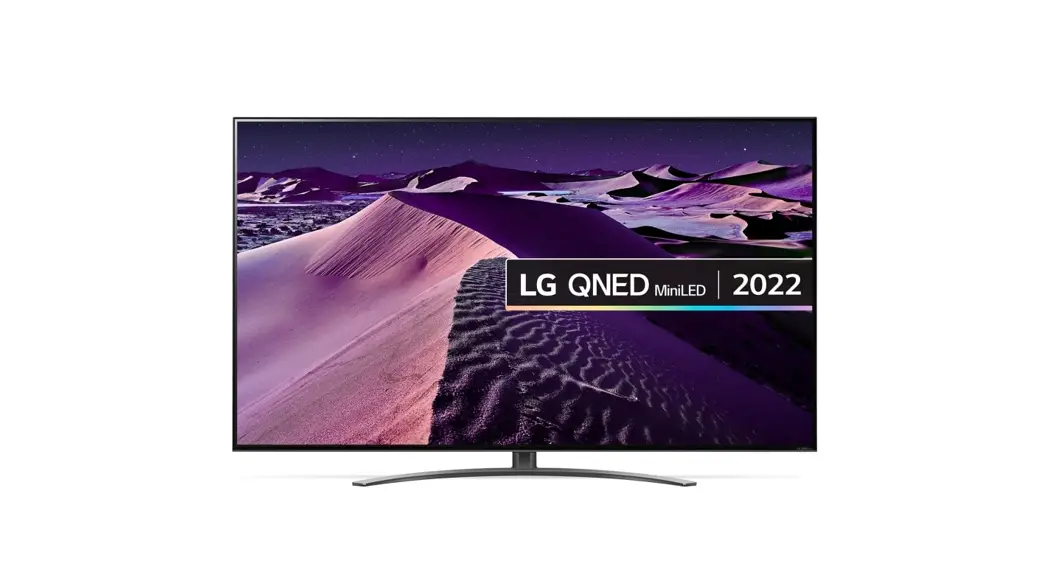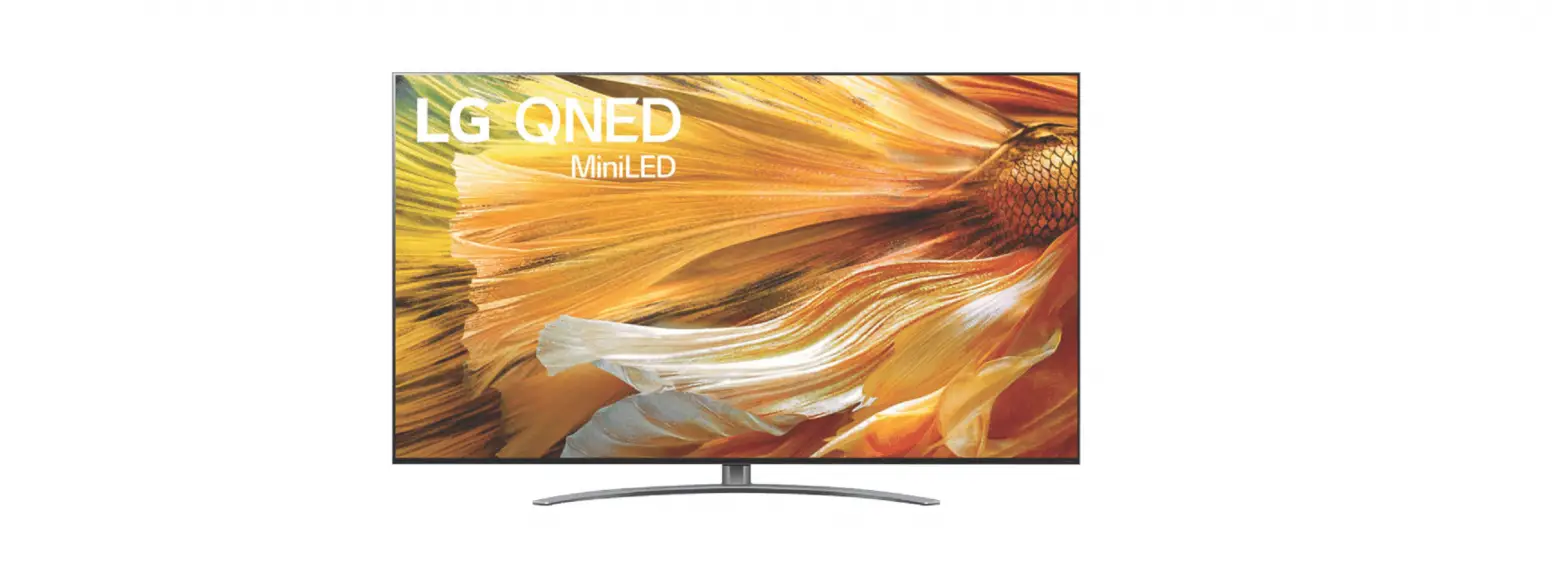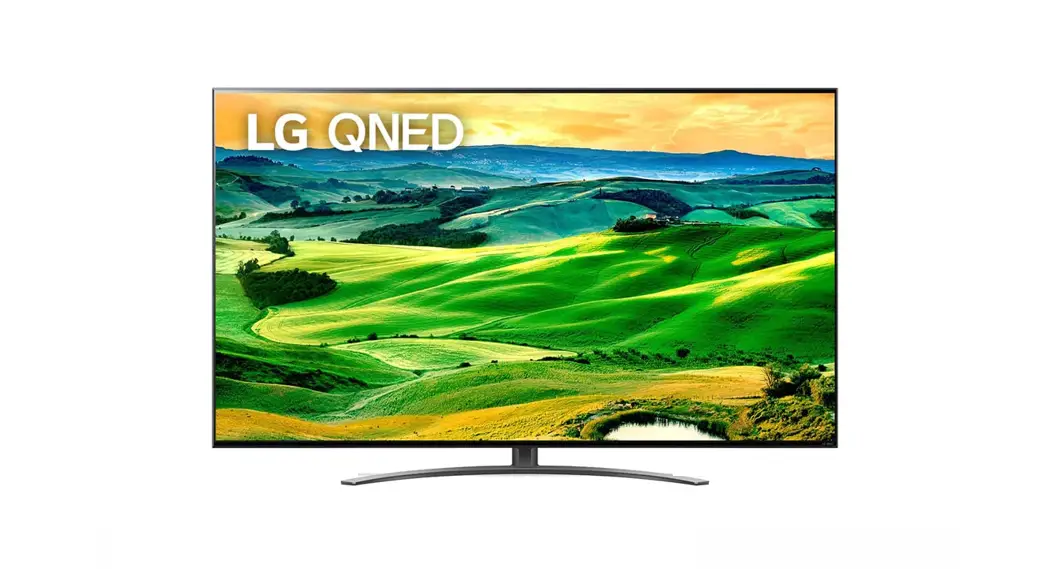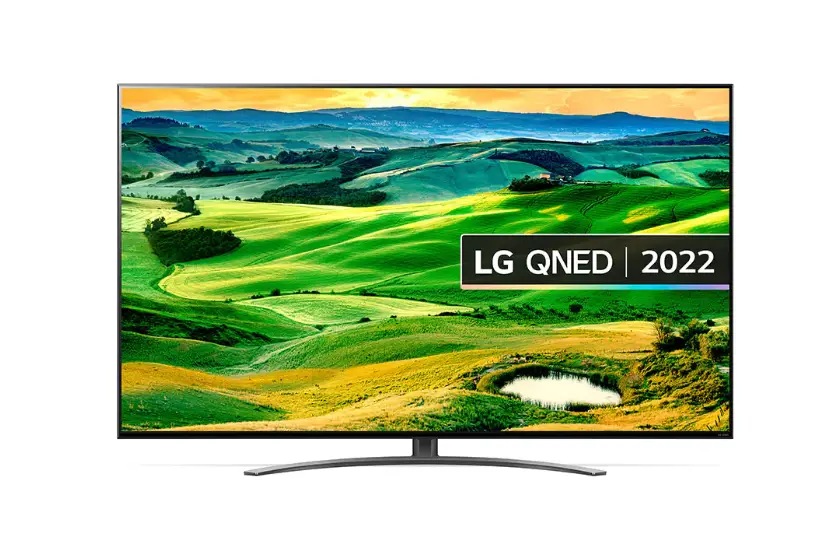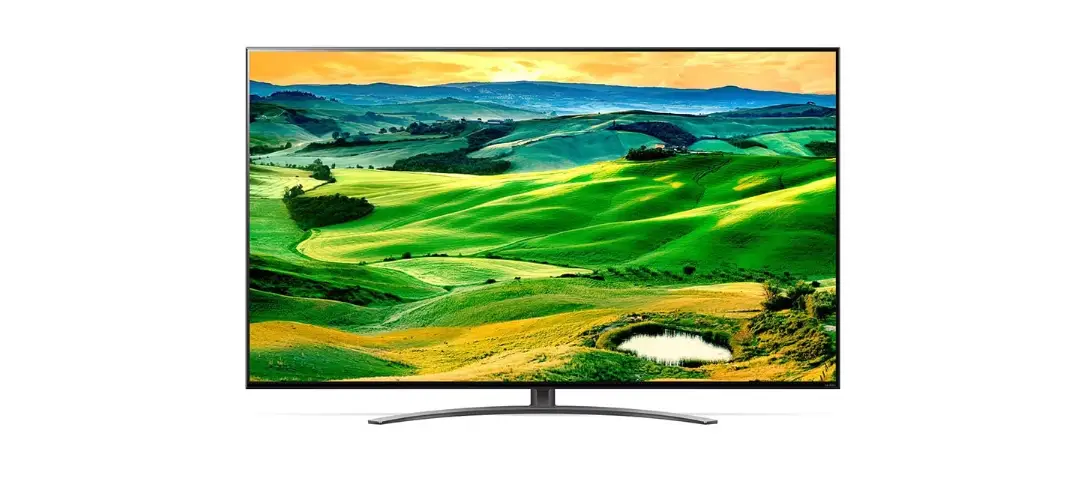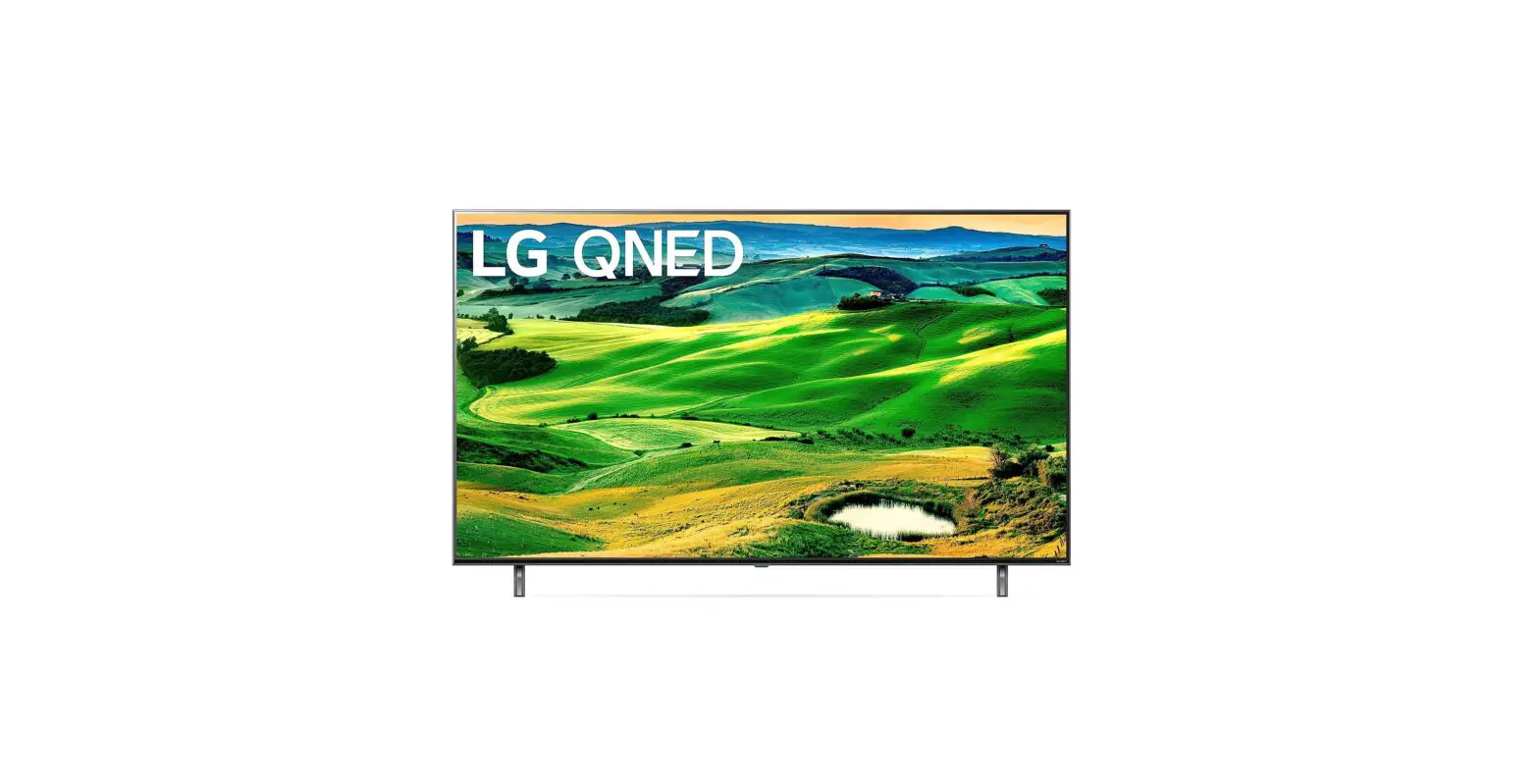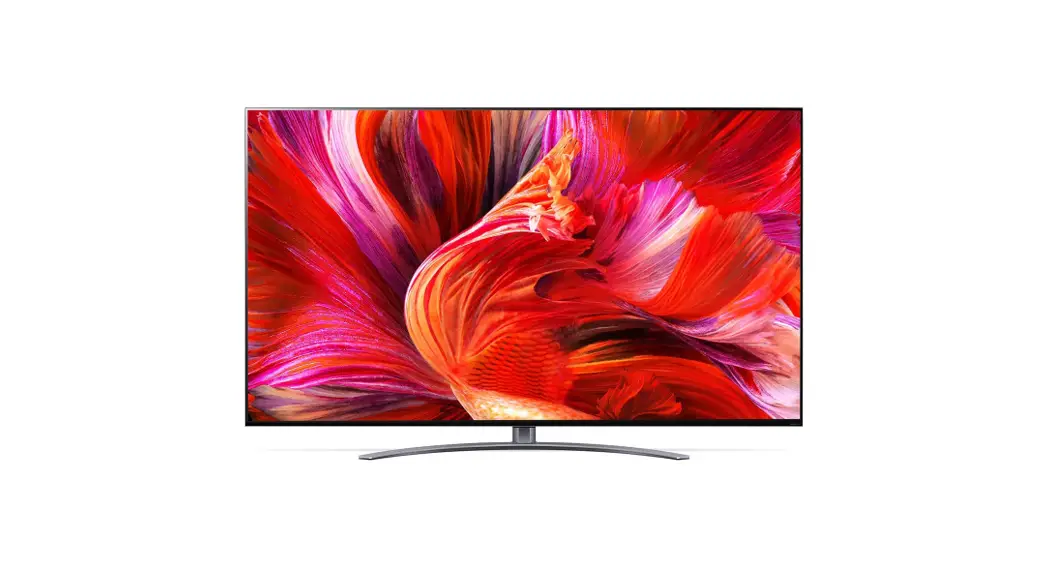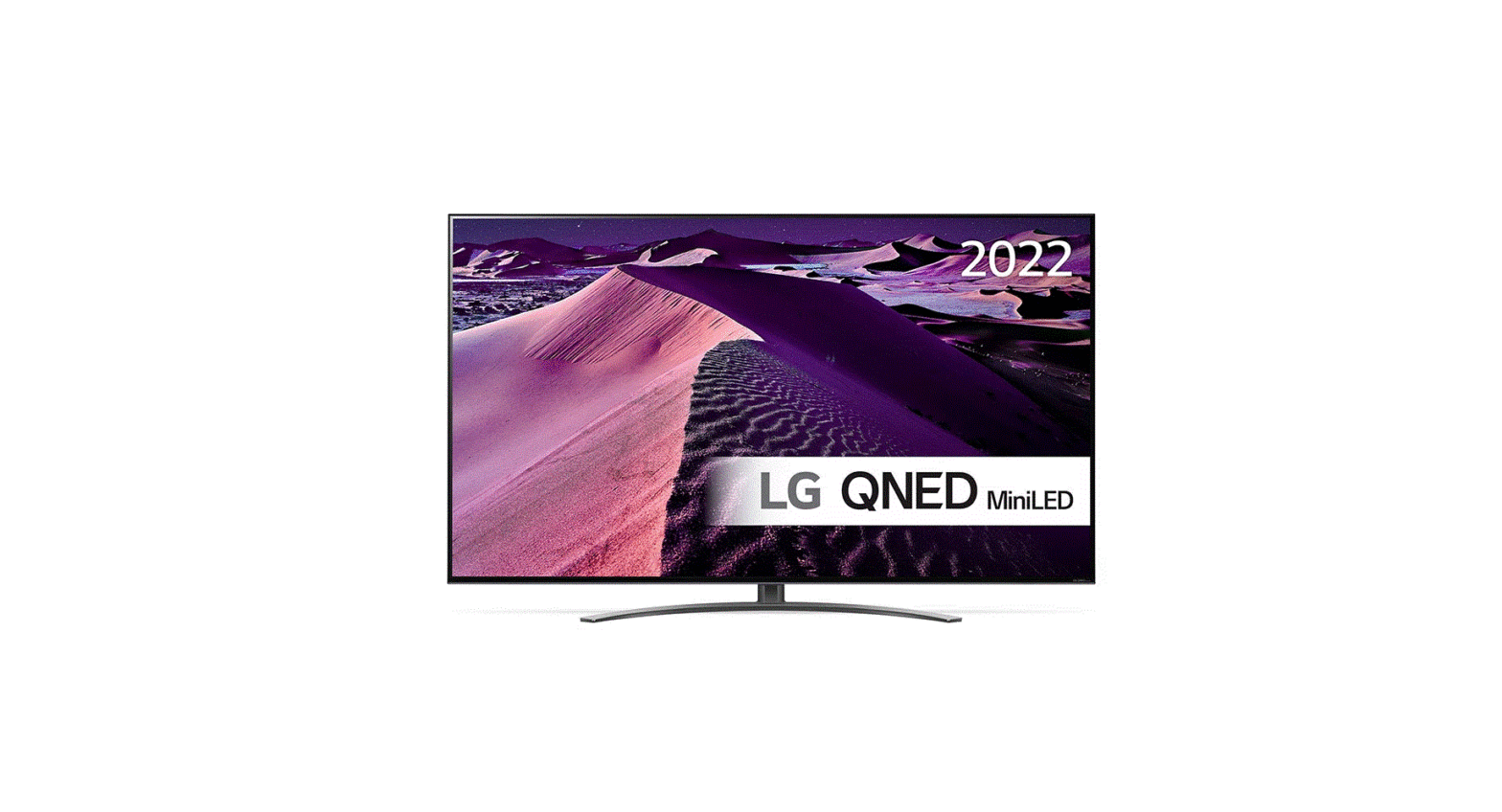

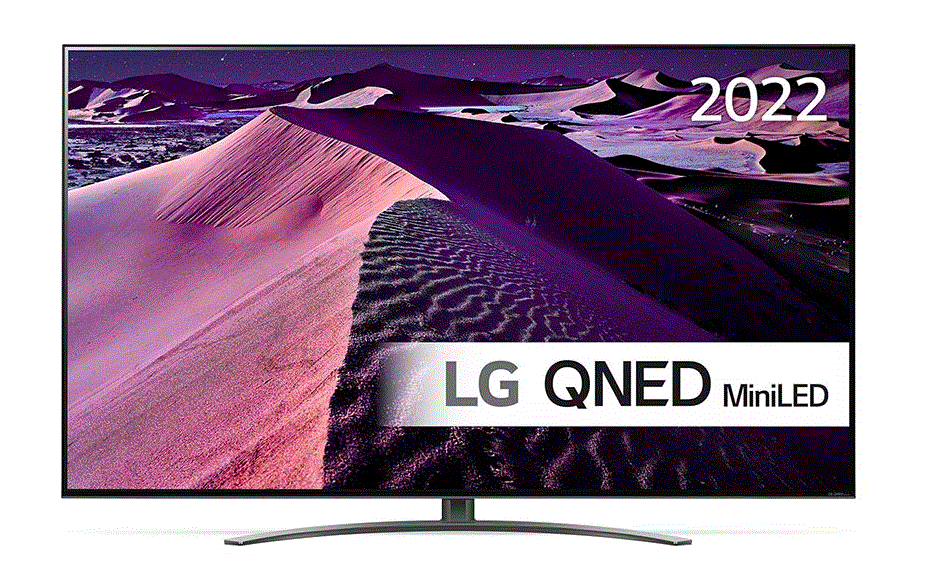
QNED86 4K Smart MiniLED TV
Product Information
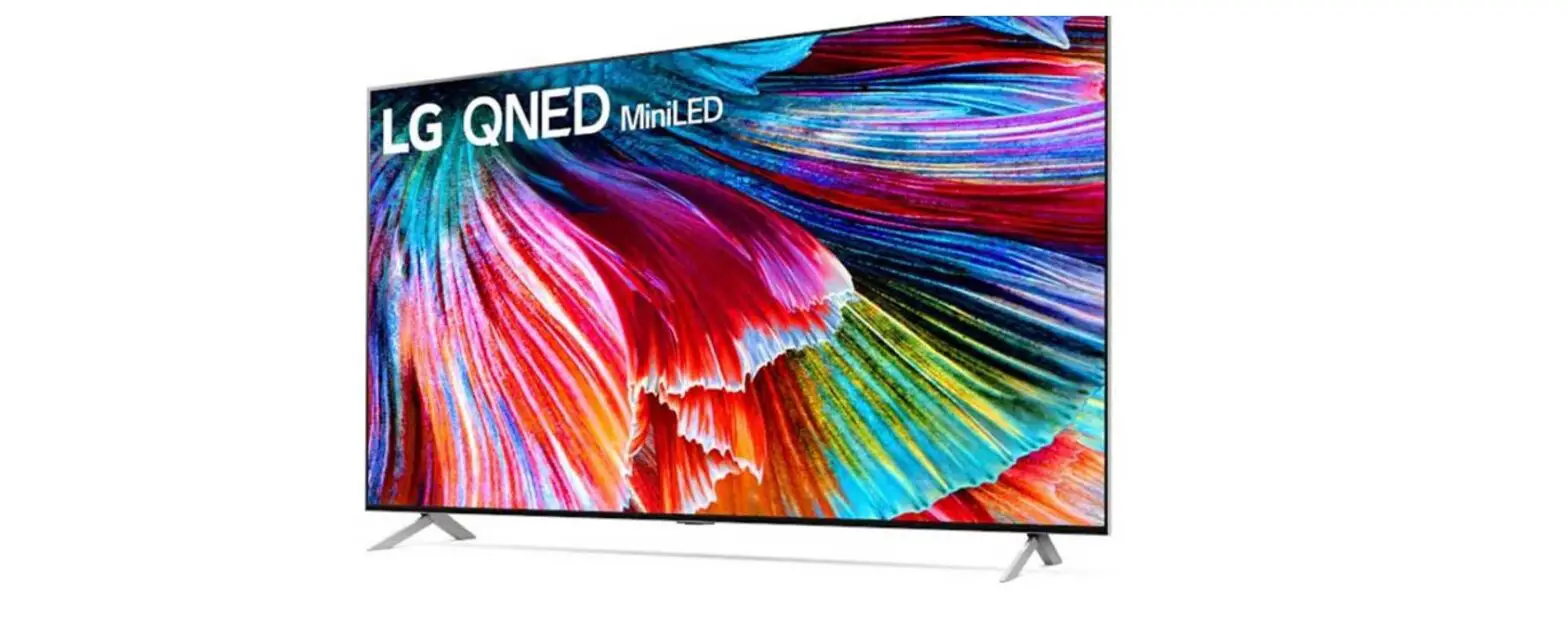
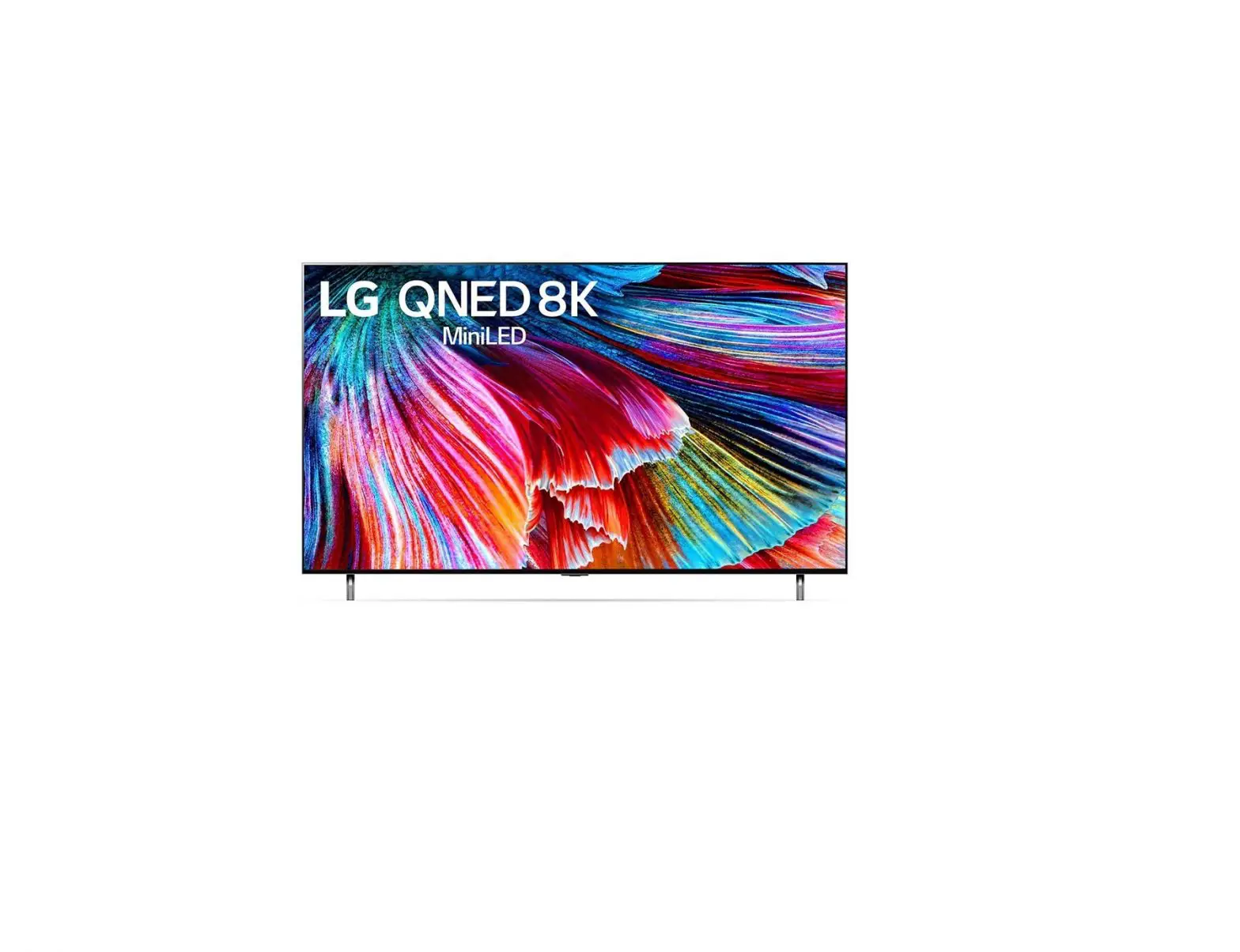
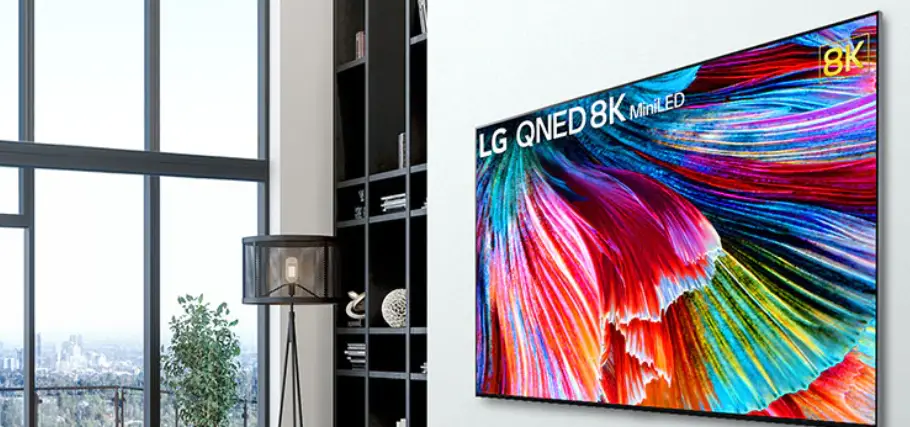
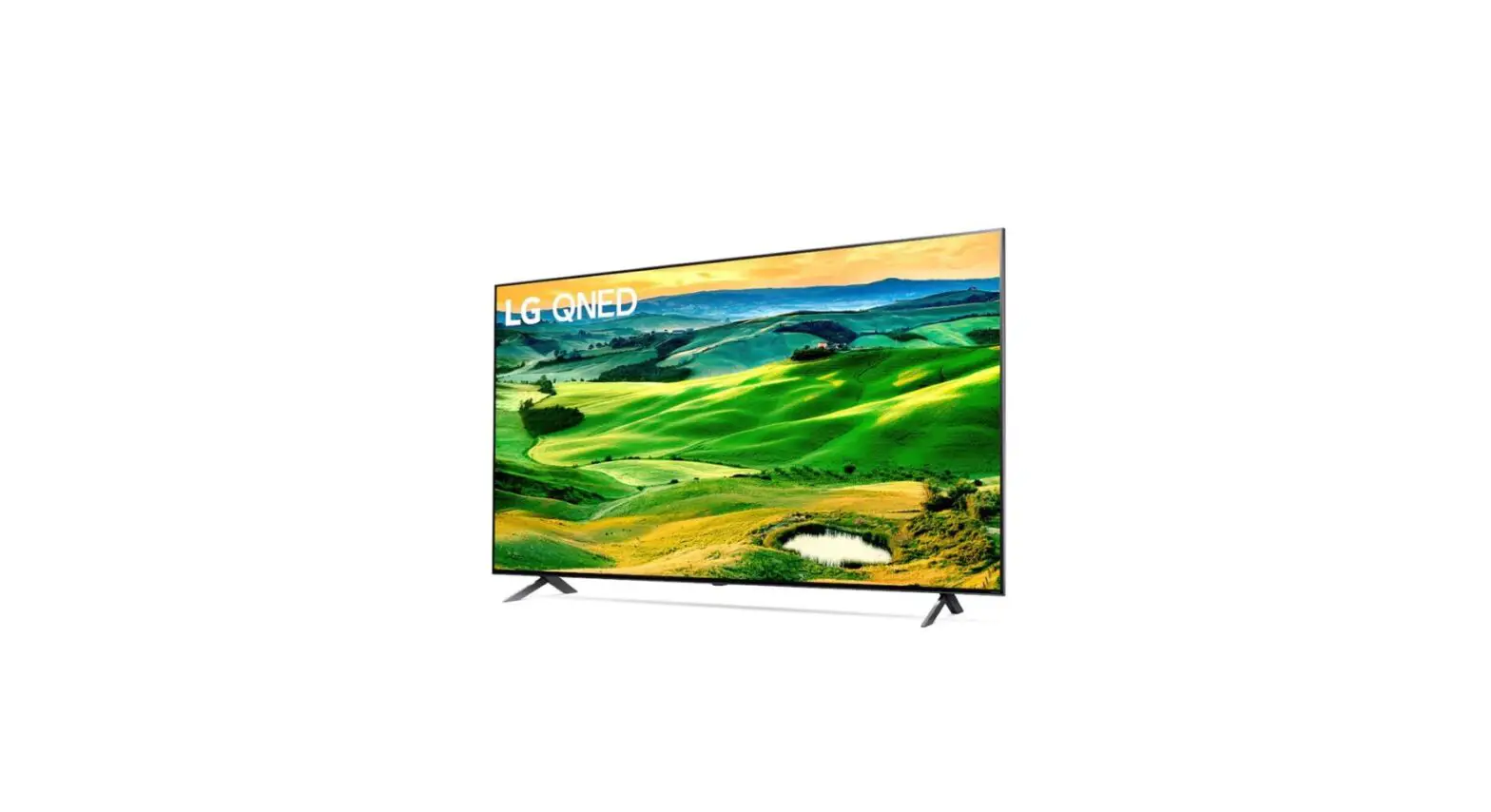
The QNED series of televisions are high-end television sets that come in various sizes ranging from 55 inches to 65 inches. The QNED86*, QNED87*, QNED91*, QNED96*, and QNED99* models are included in this series. These televisions have a sleek design and come with various features such as 4K resolution, HDR support, and HDMI connectivity. The power requirement for these televisions is AC 100-240 V~ 50/60 Hz.
Product Usage Instructions
- Unpack the television carefully and ensure that all the components are present.

- Refer to the installation manual to mount the television on a stand or wall mount.

- Connect the power cord to the television and plug it into an AC outlet.

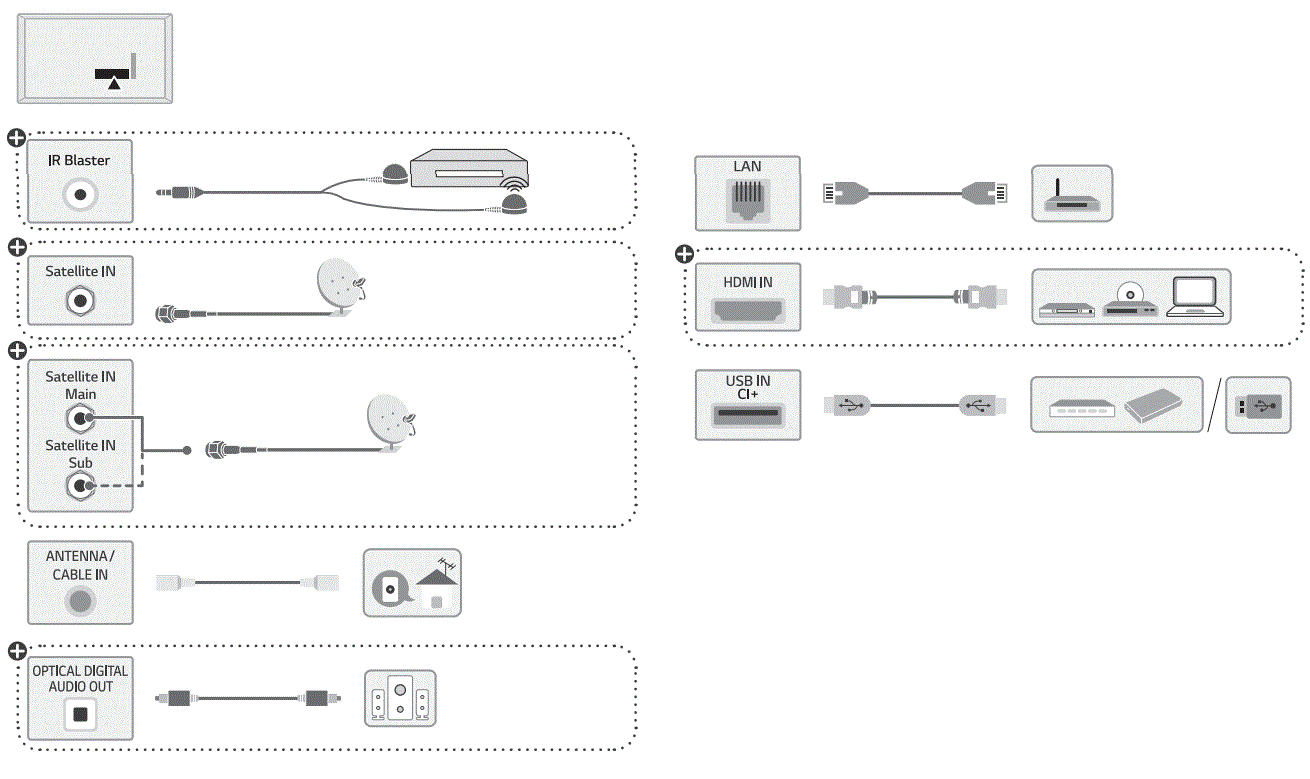
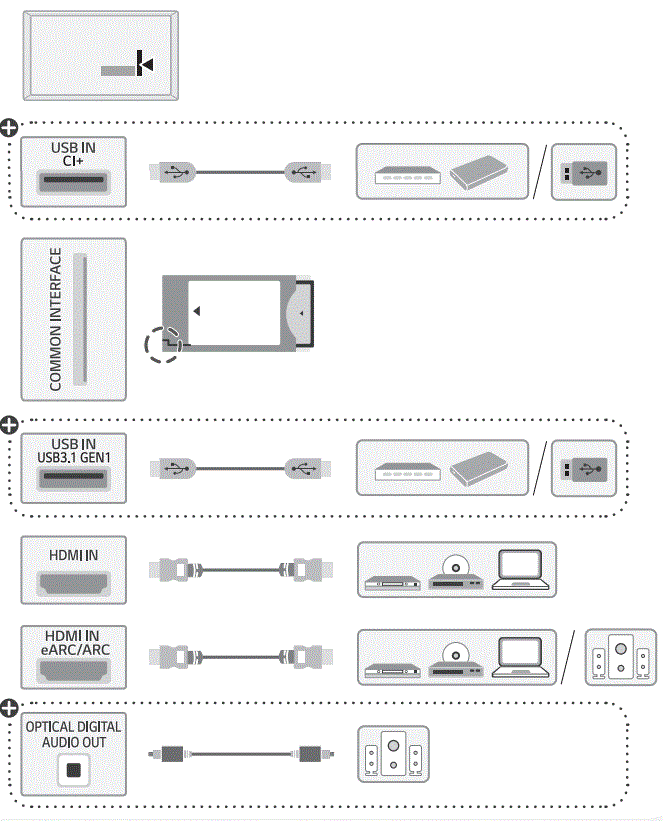
- Connect any external devices such as a Blu-ray player or gaming console to the television using an HDMI cable.

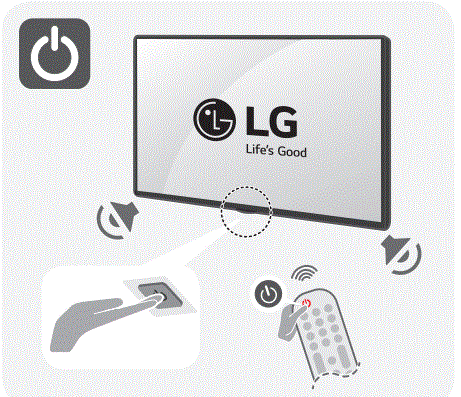
- Turn on the television using the power button on the remote control or the television set.

- Use the remote control to navigate through the menu and select the desired settings such as language, input source, and network connection

- Enjoy watching your favorite movies or TV shows on the QNED series of televisions!
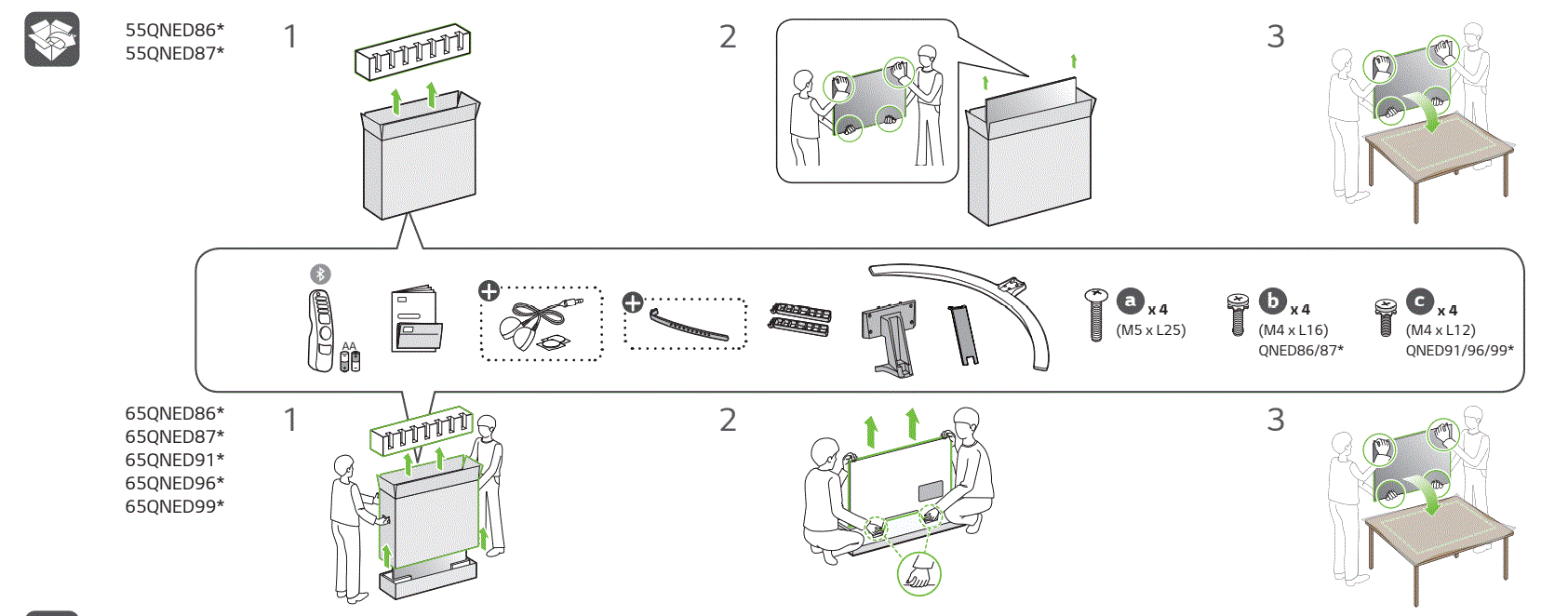
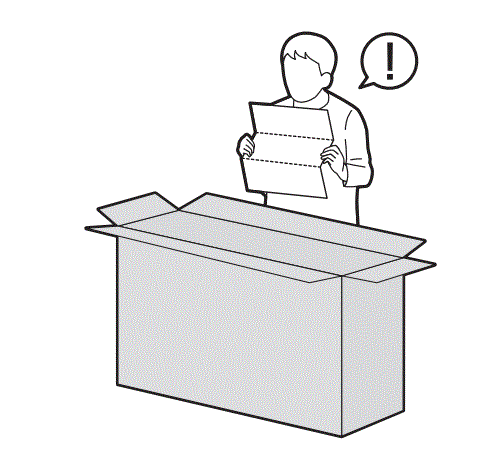
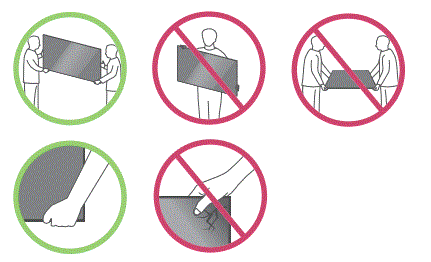
HANDLE WITH CARE
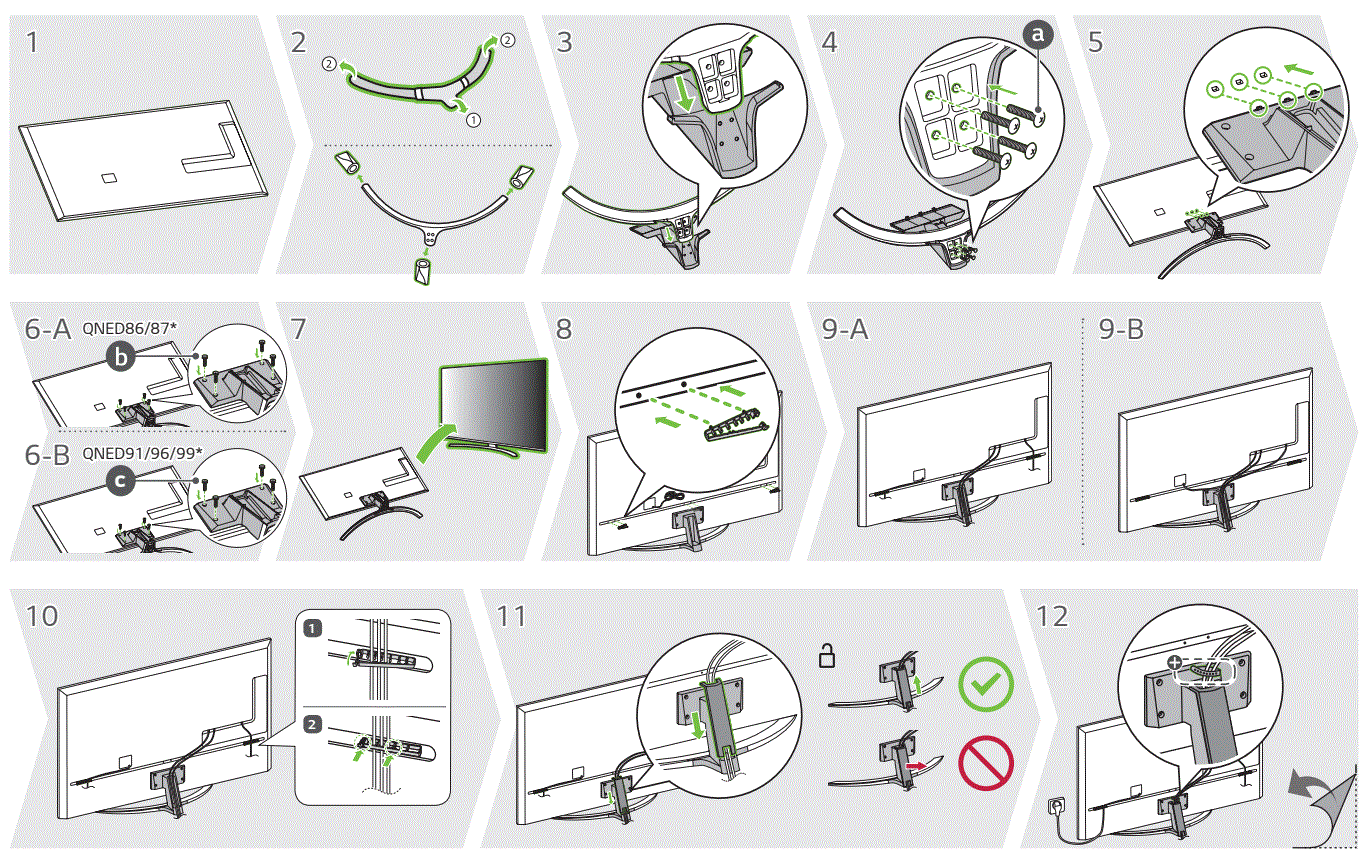
ASSEMBLING GUIDE
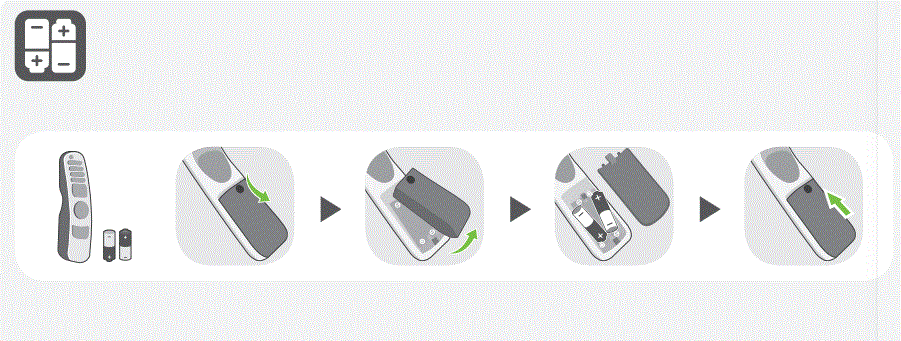
BATTERY REPLACEMENT
DIMENSIONS
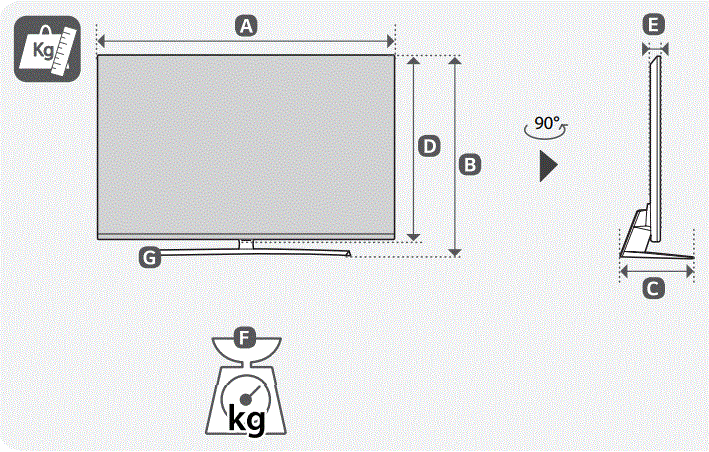
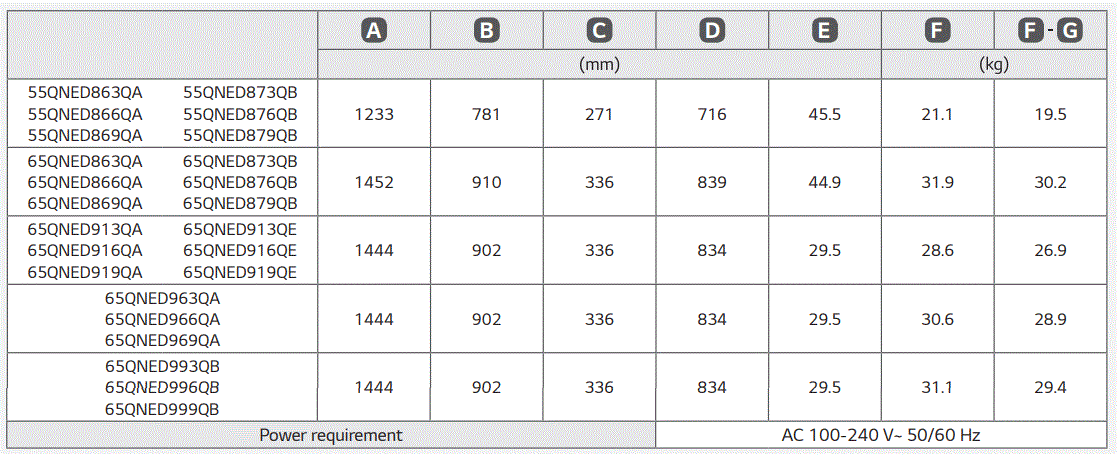
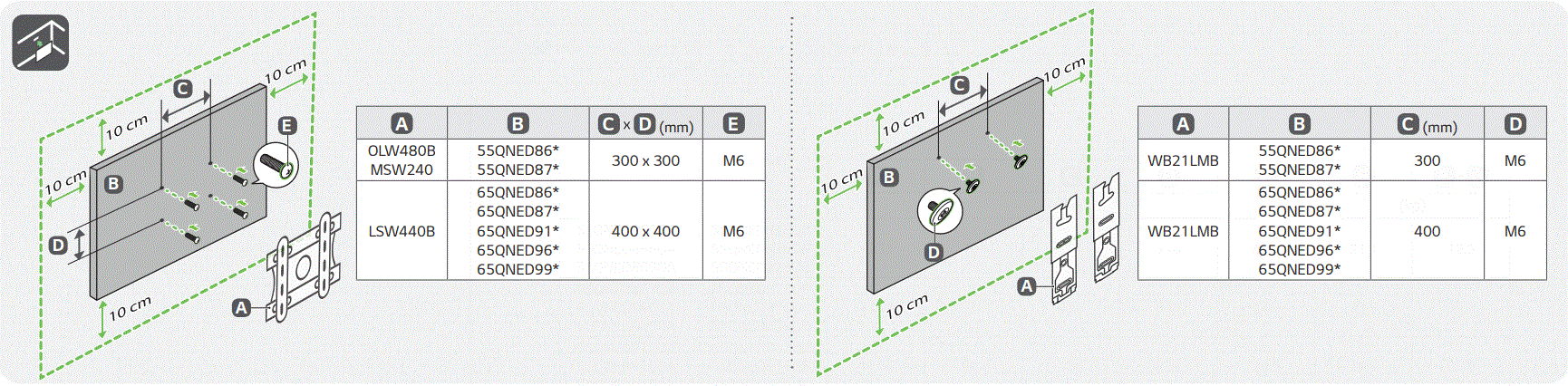
SCAN THE CODE TO SEE THE INSTRUCTIONAL MANUAL IN OTHER LANGUAGES OR FOLLOW THE LINK www.lg.com/support