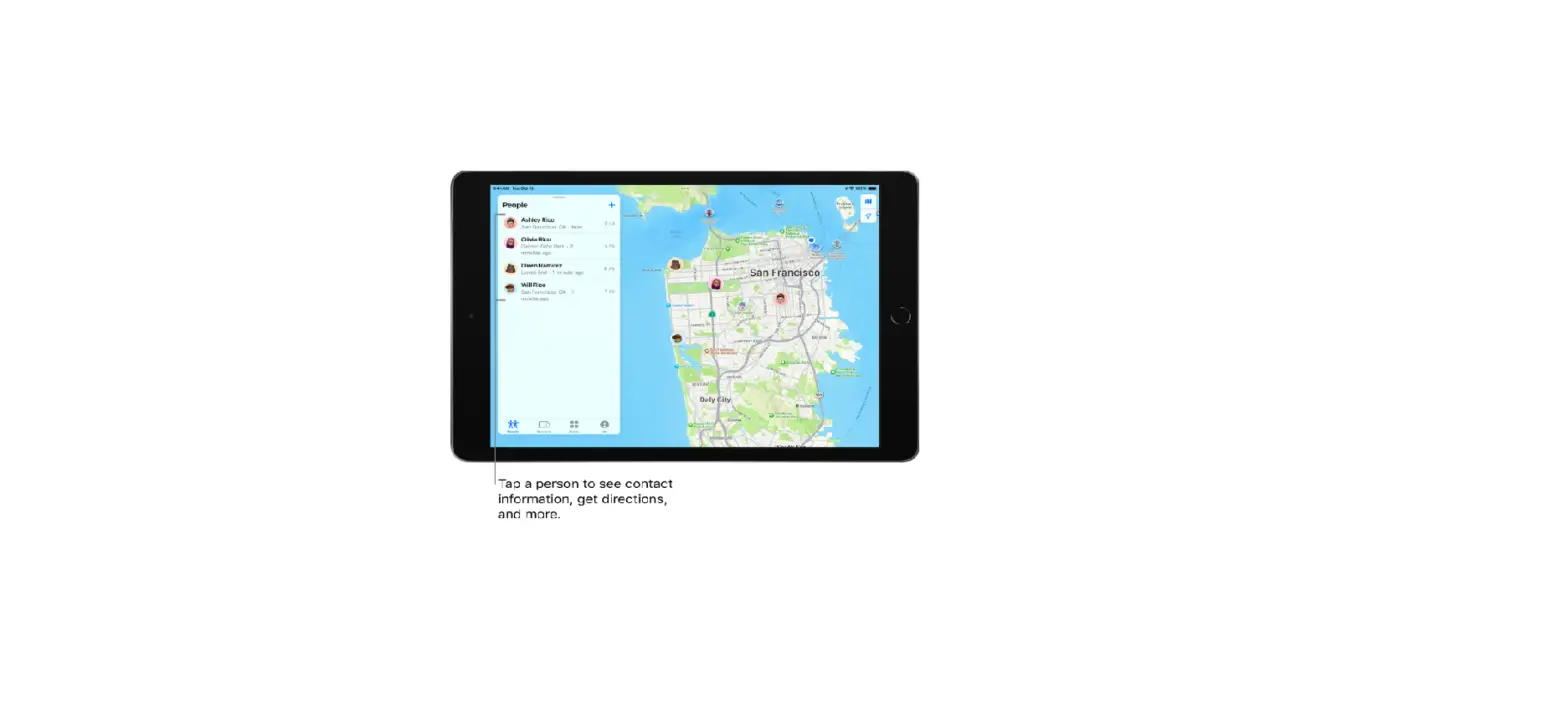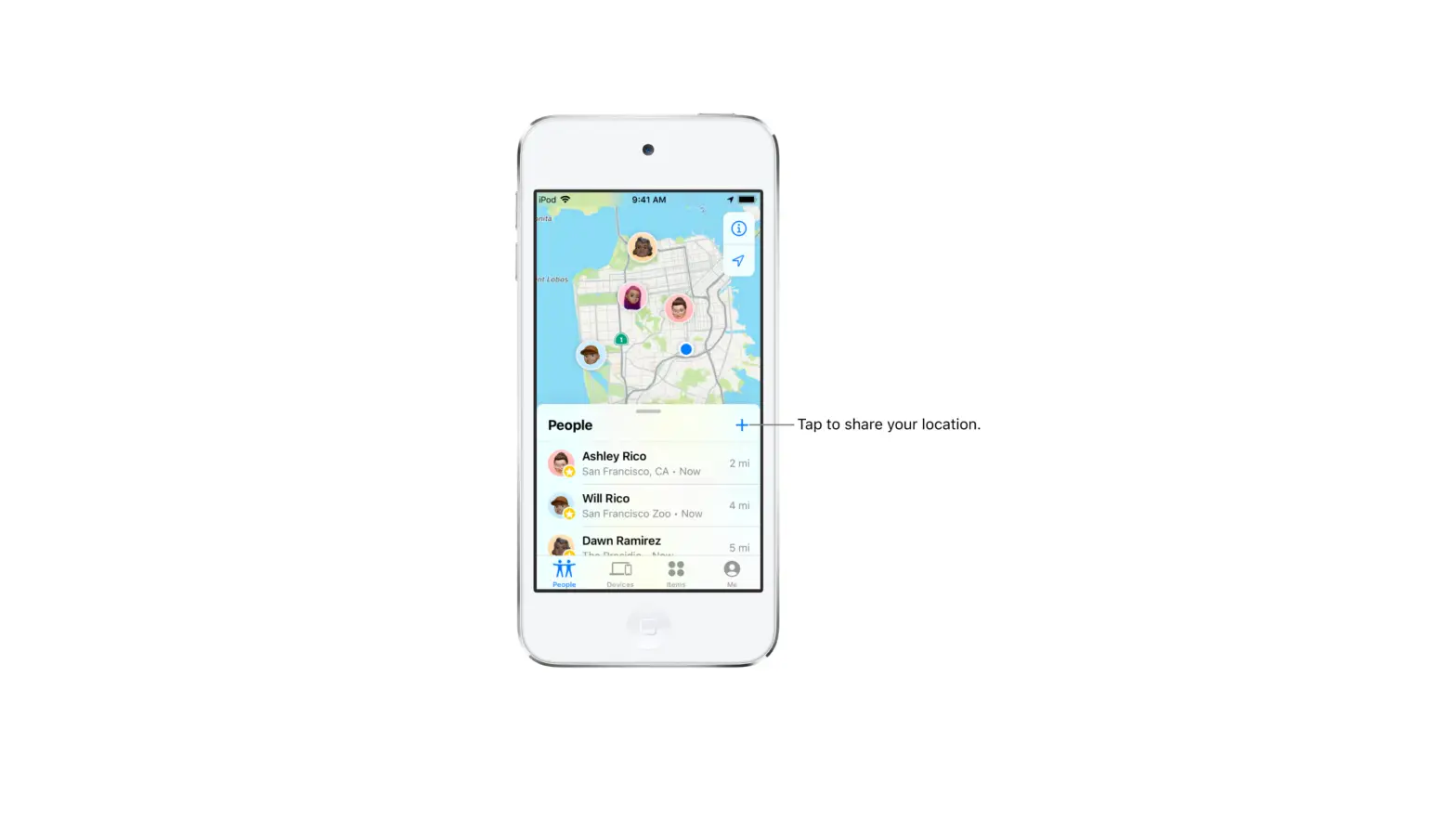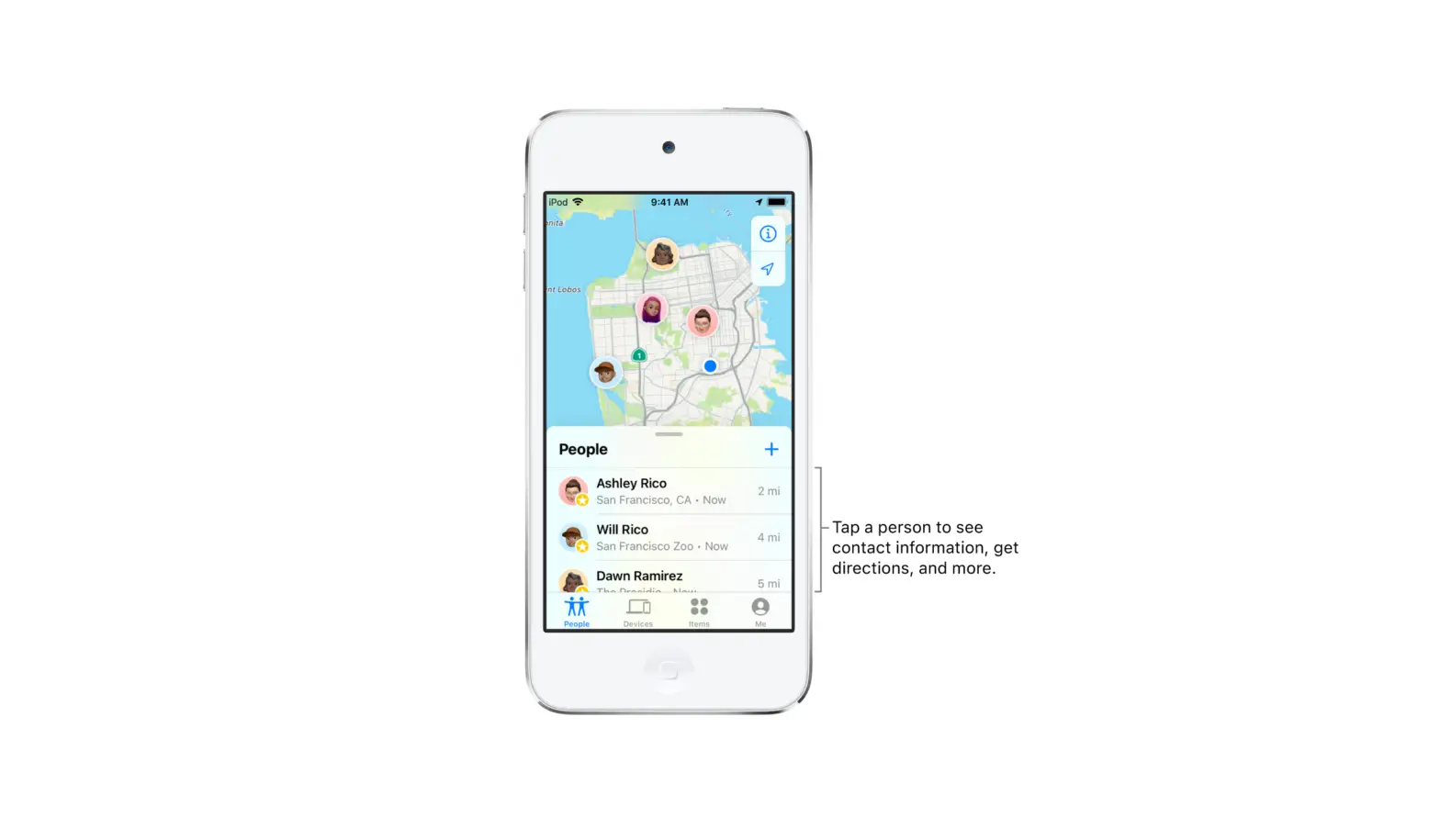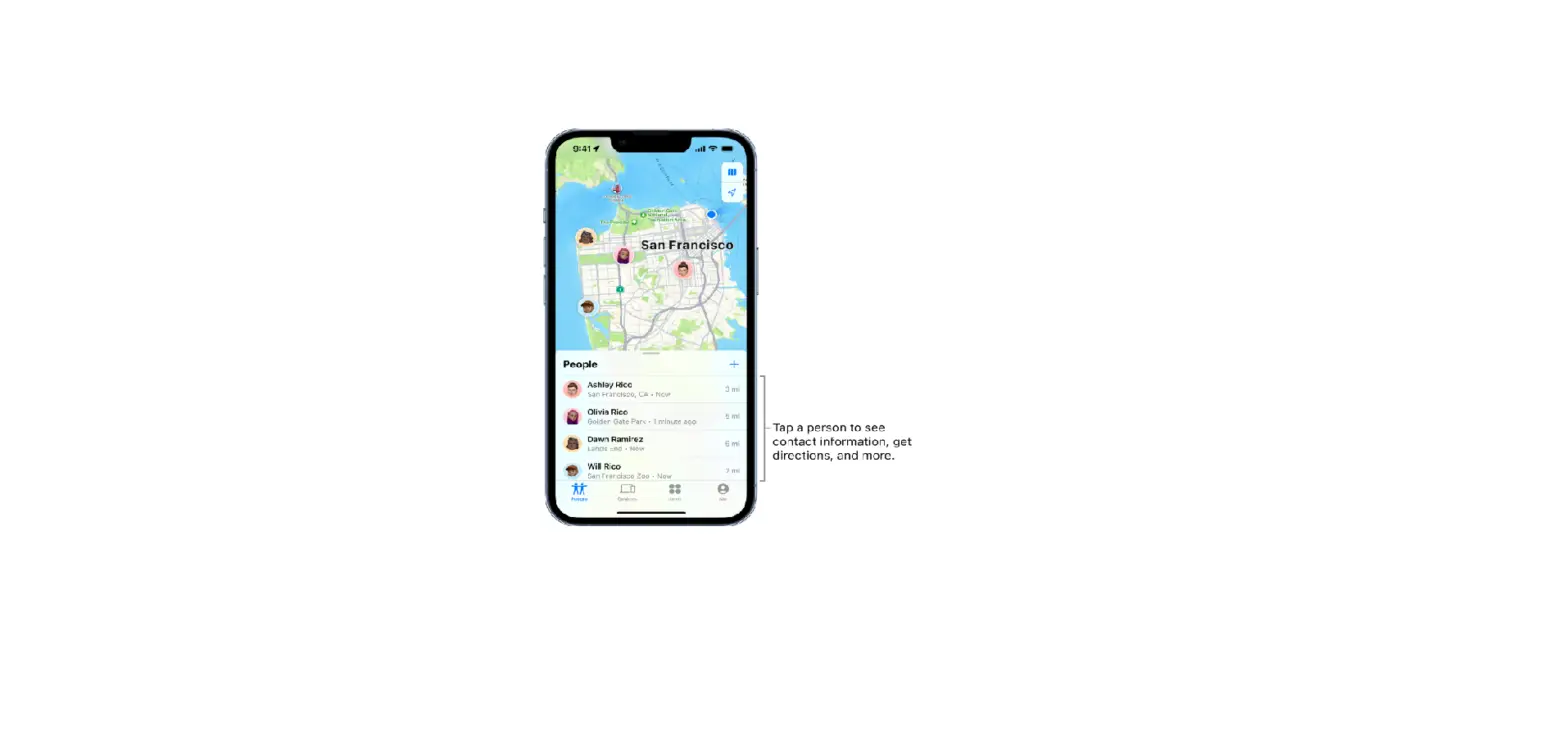
Favorite friends appear at the top of the People list and are marked by a star.
- Tap People, then find the person you want to mark as a favorite.
- Do one of the following:
- Tap the name of the person, then tap Add [name] to Favorites.
- Swipe left across the person’s name, then tap the star.
To remove a friend from your Favorites, swipe left and tap the star, or tap the friend, then tap Remove [name] from Favorites.