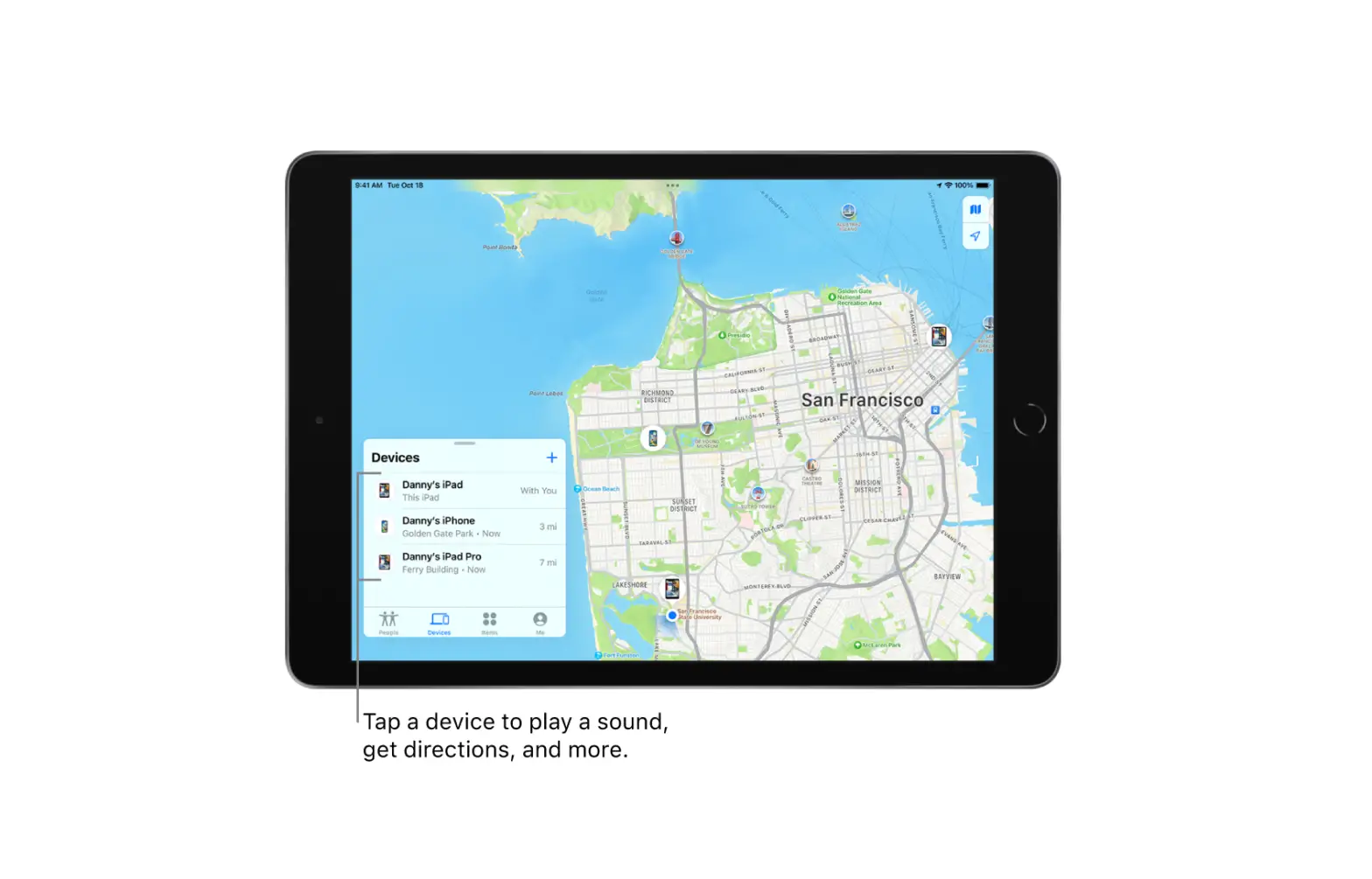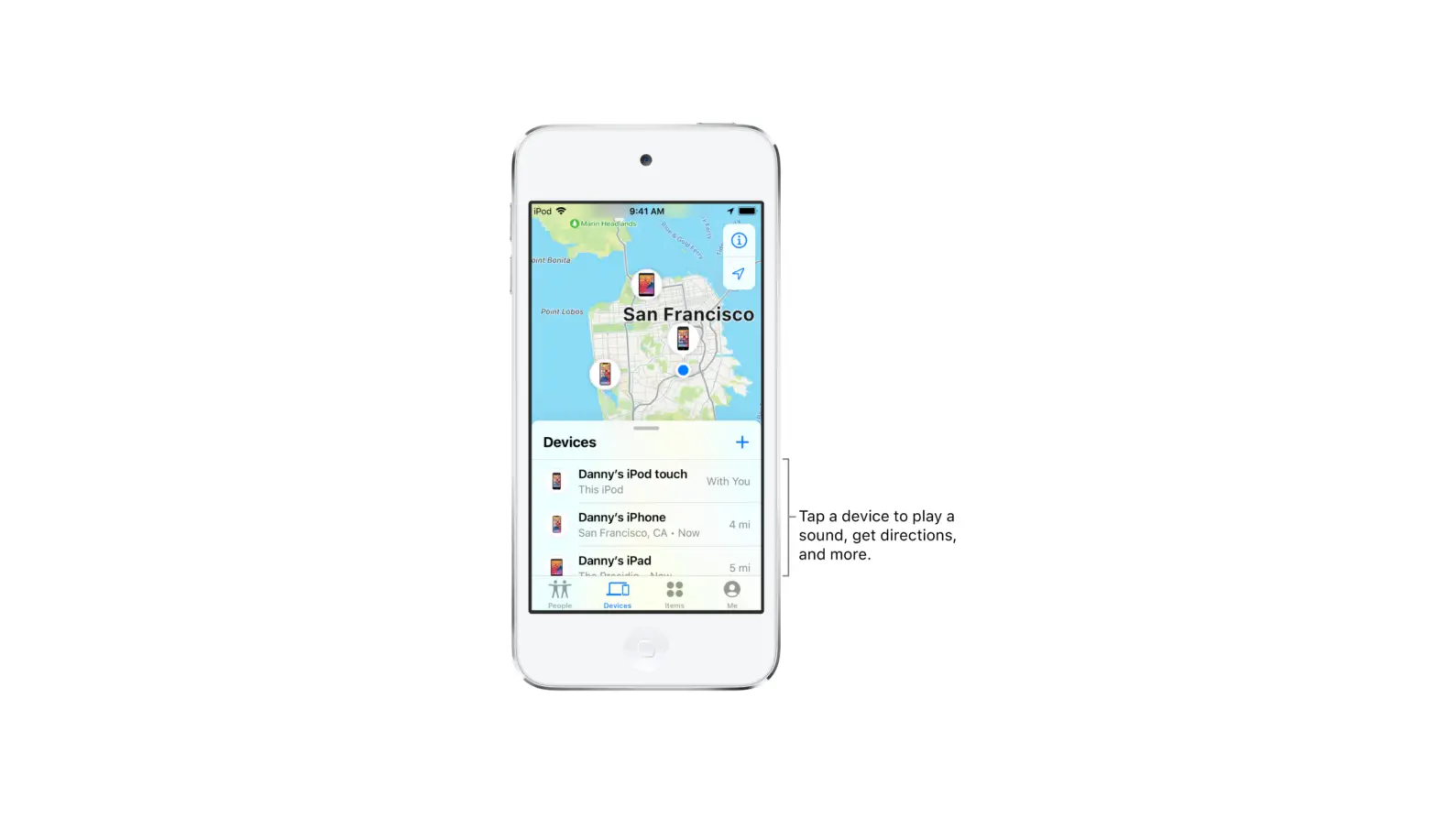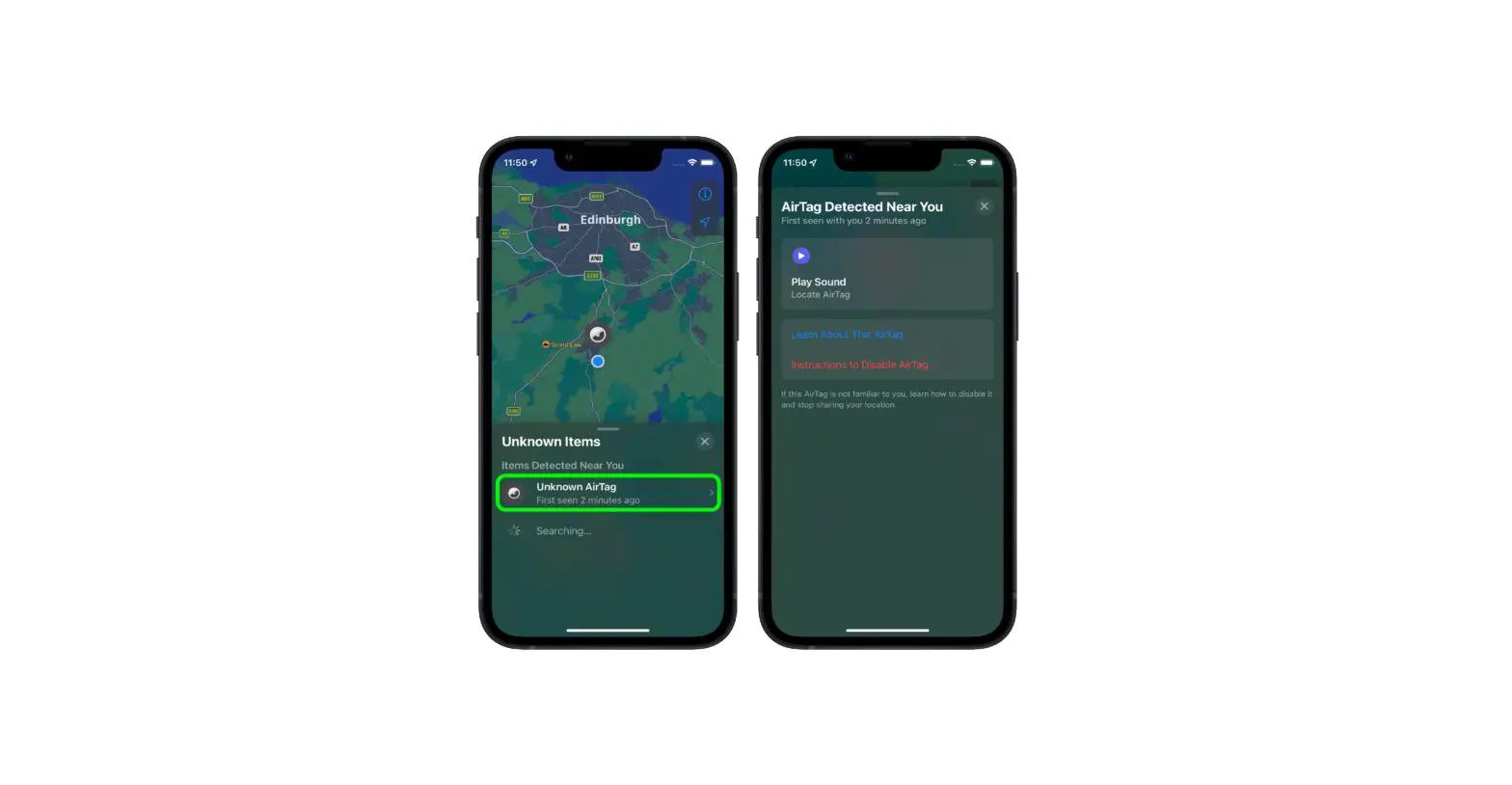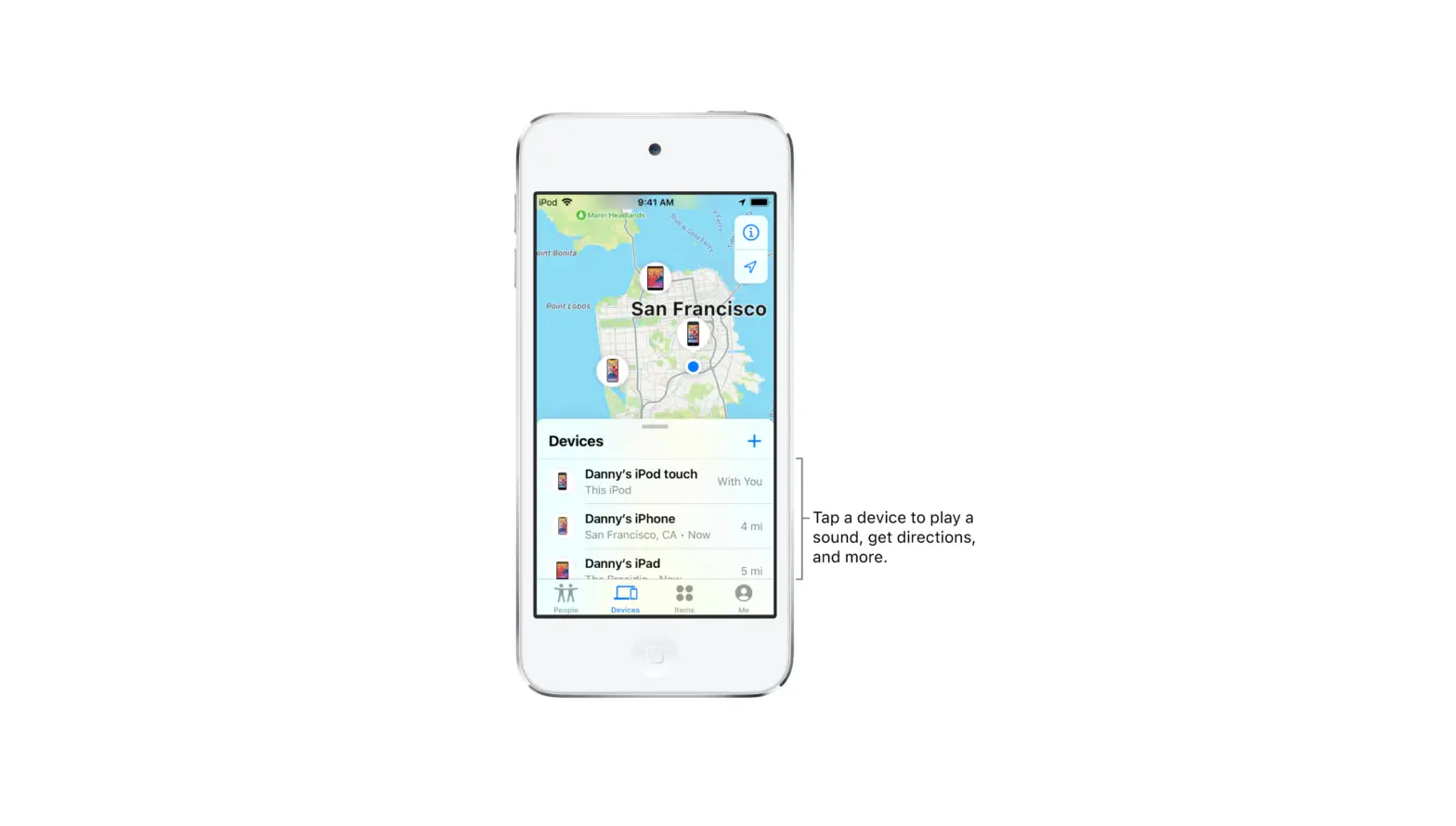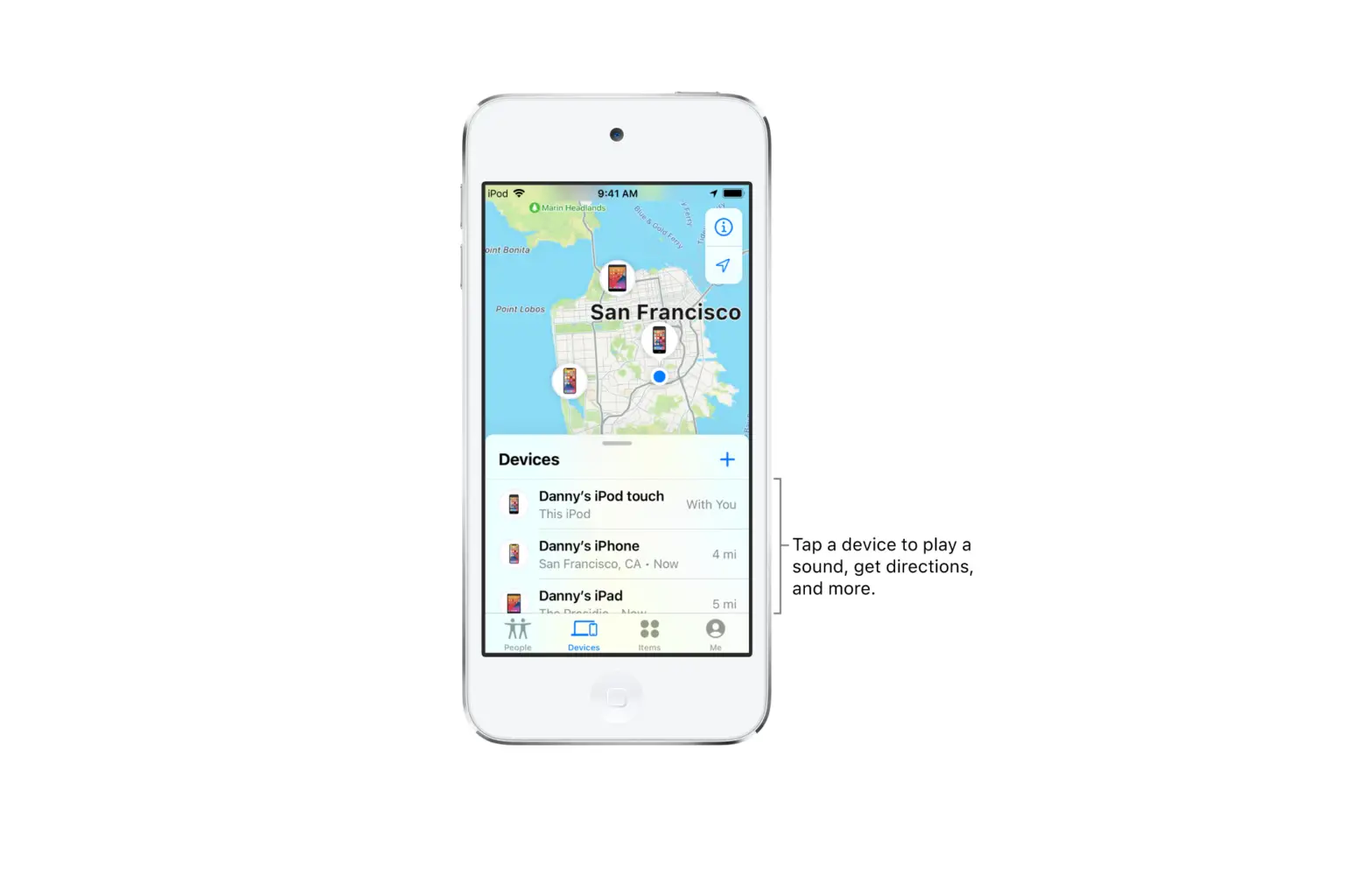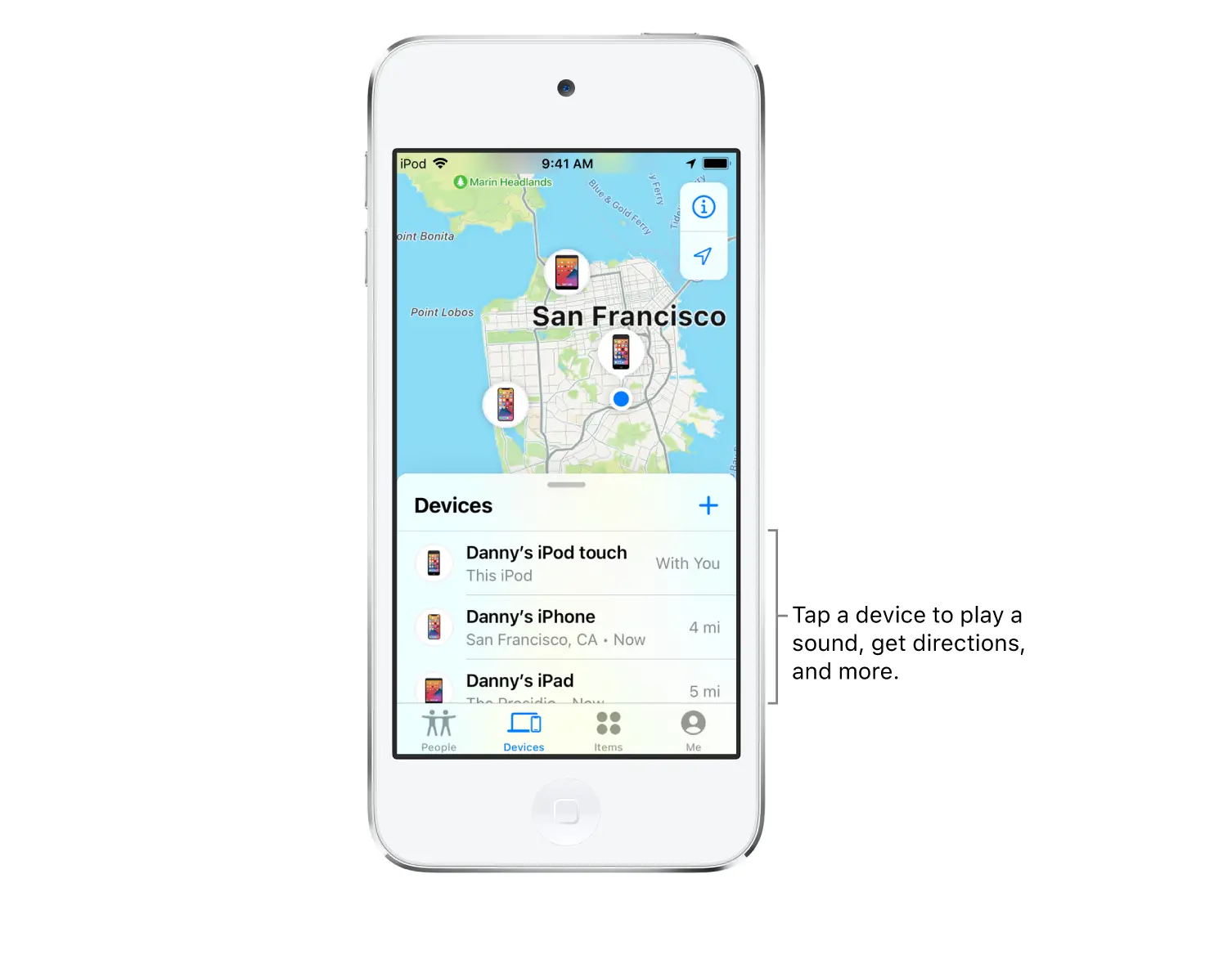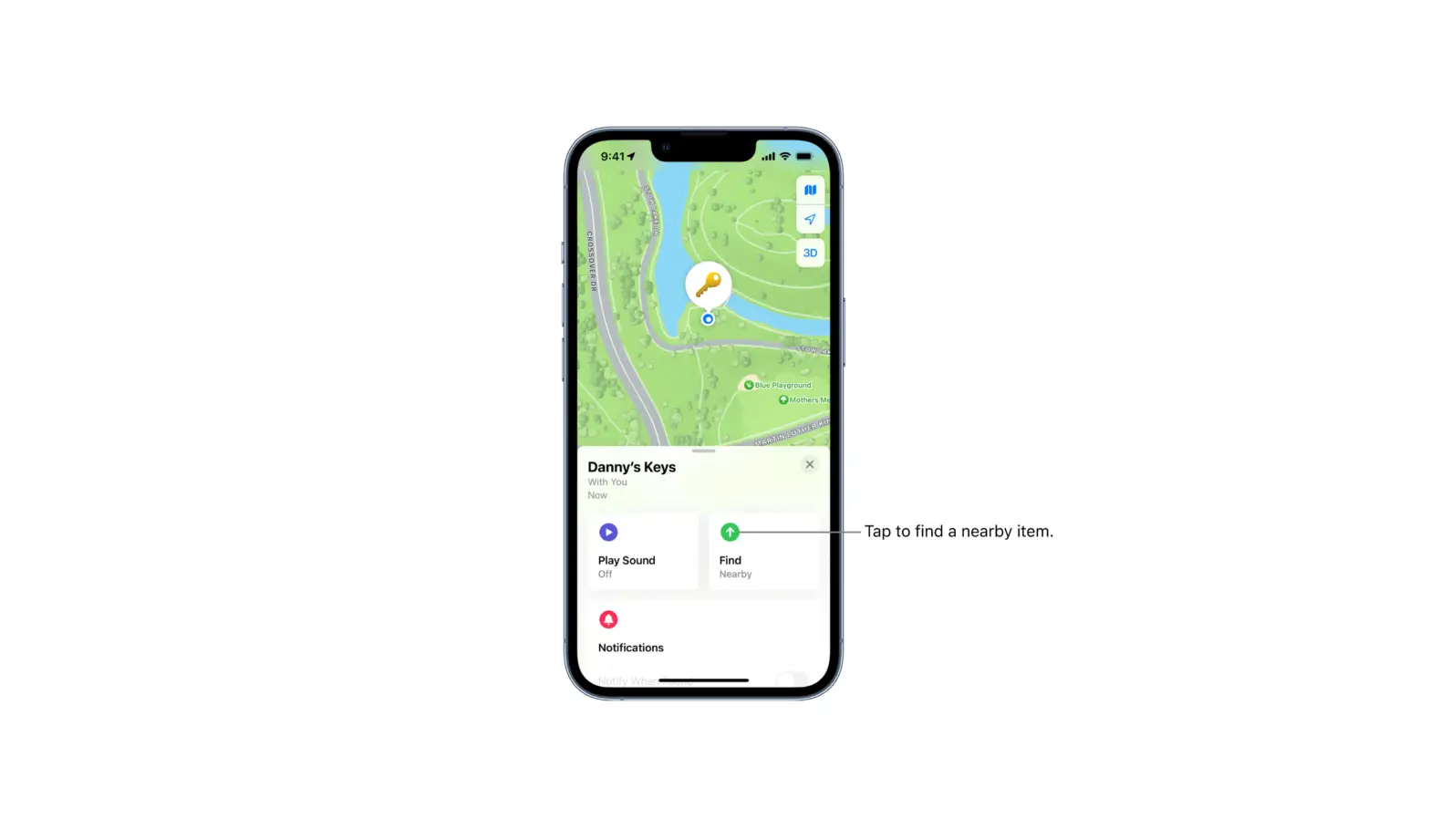
If your AirPods or Beats headphones (supported models) are paired with your iPhone, iPad, or iPod touch, you can play a sound on them using Find My.
- Tap Devices, then tap the name of the AirPods or Beats headphones you want to play a sound on.
- Tap Play Sound. If your AirPods or AirPods Pro are separated, you can mute one by tapping Left or Right to find them one at a time.
- If the device is online: It plays a sound immediately for two minutes.
A confirmation email is also sent to your Apple ID email address.
- If the device is offline: You receive a notification the next time your device is in range of your iPhone, iPad, or iPod touch.
- If the device is online: It plays a sound immediately for two minutes.