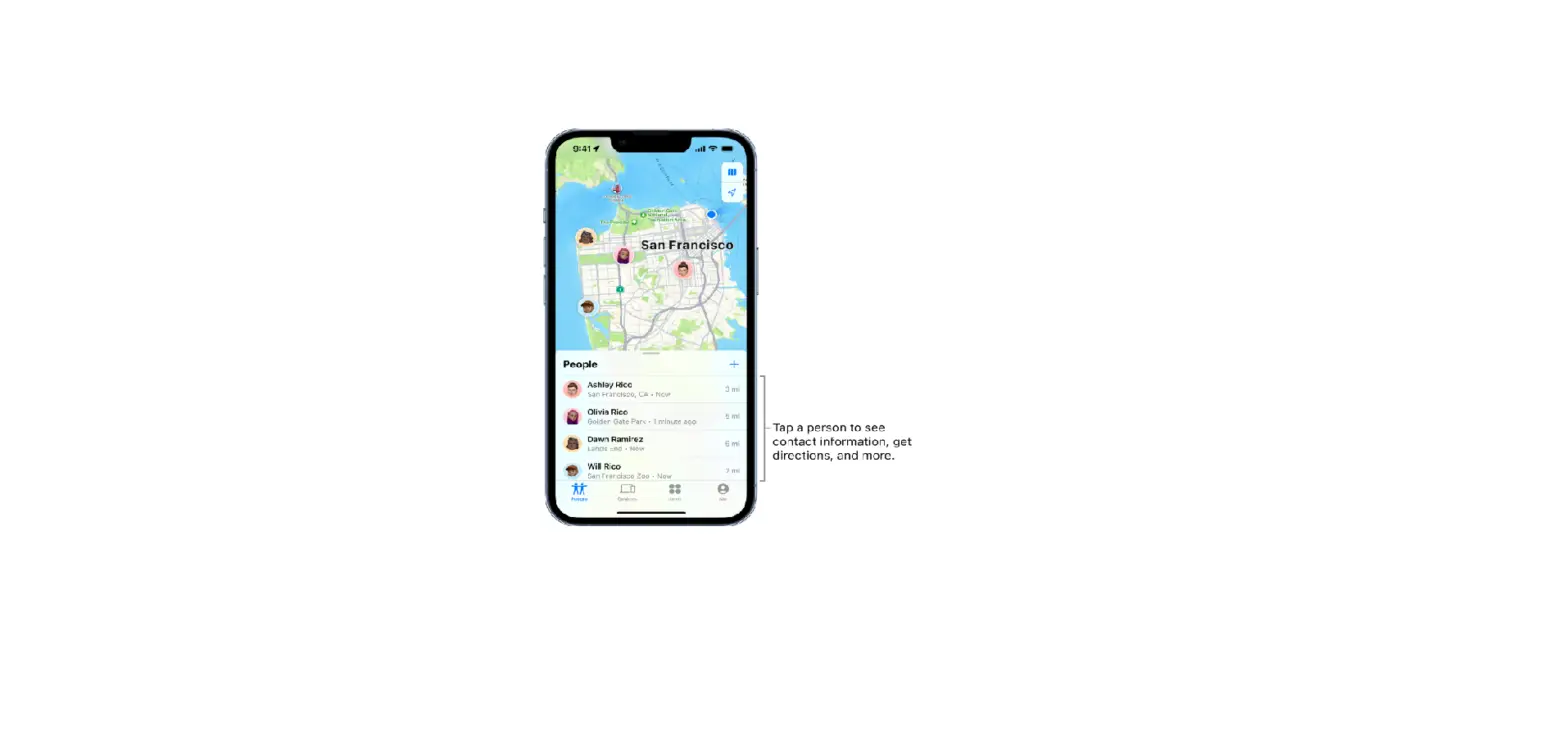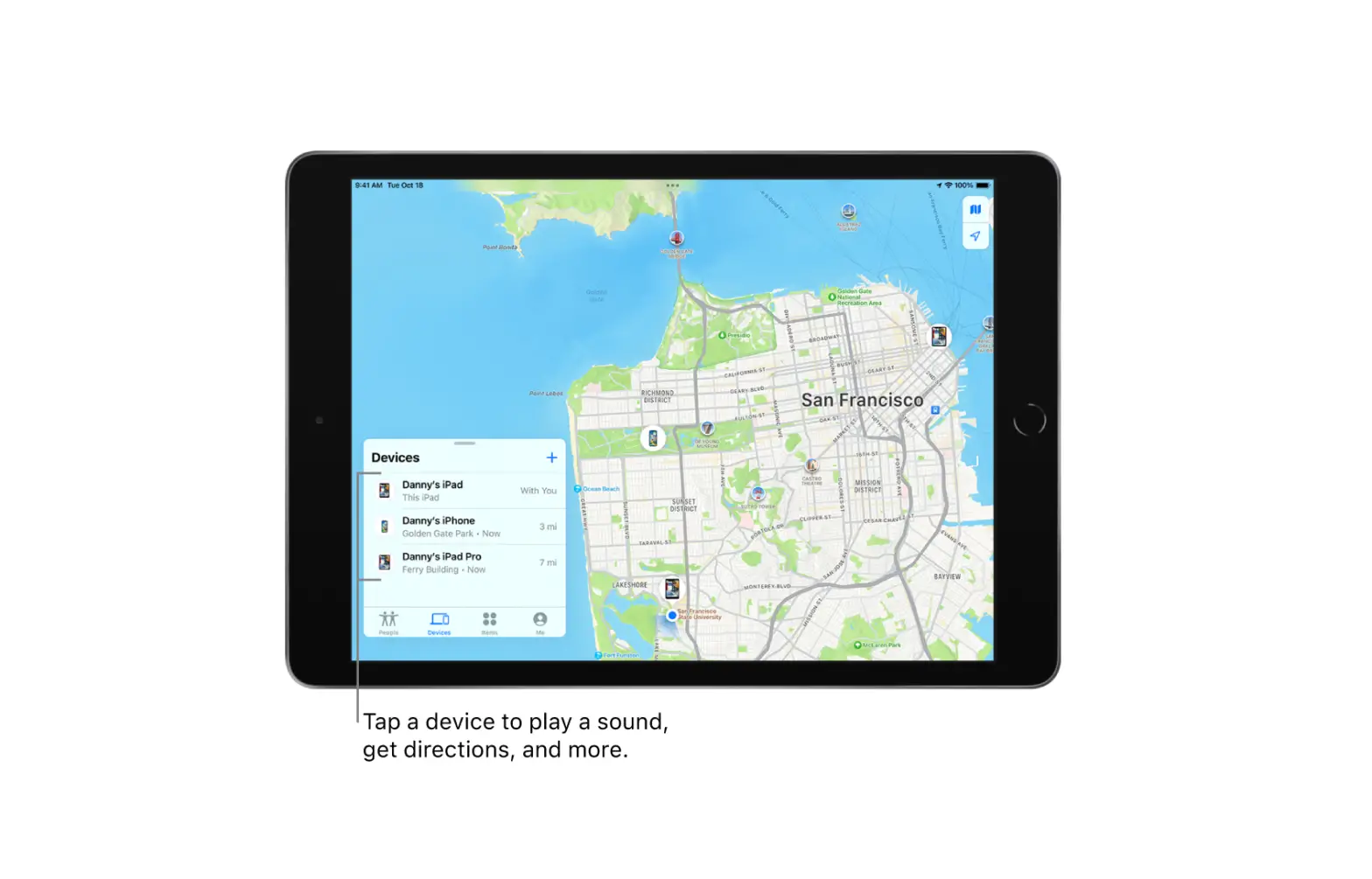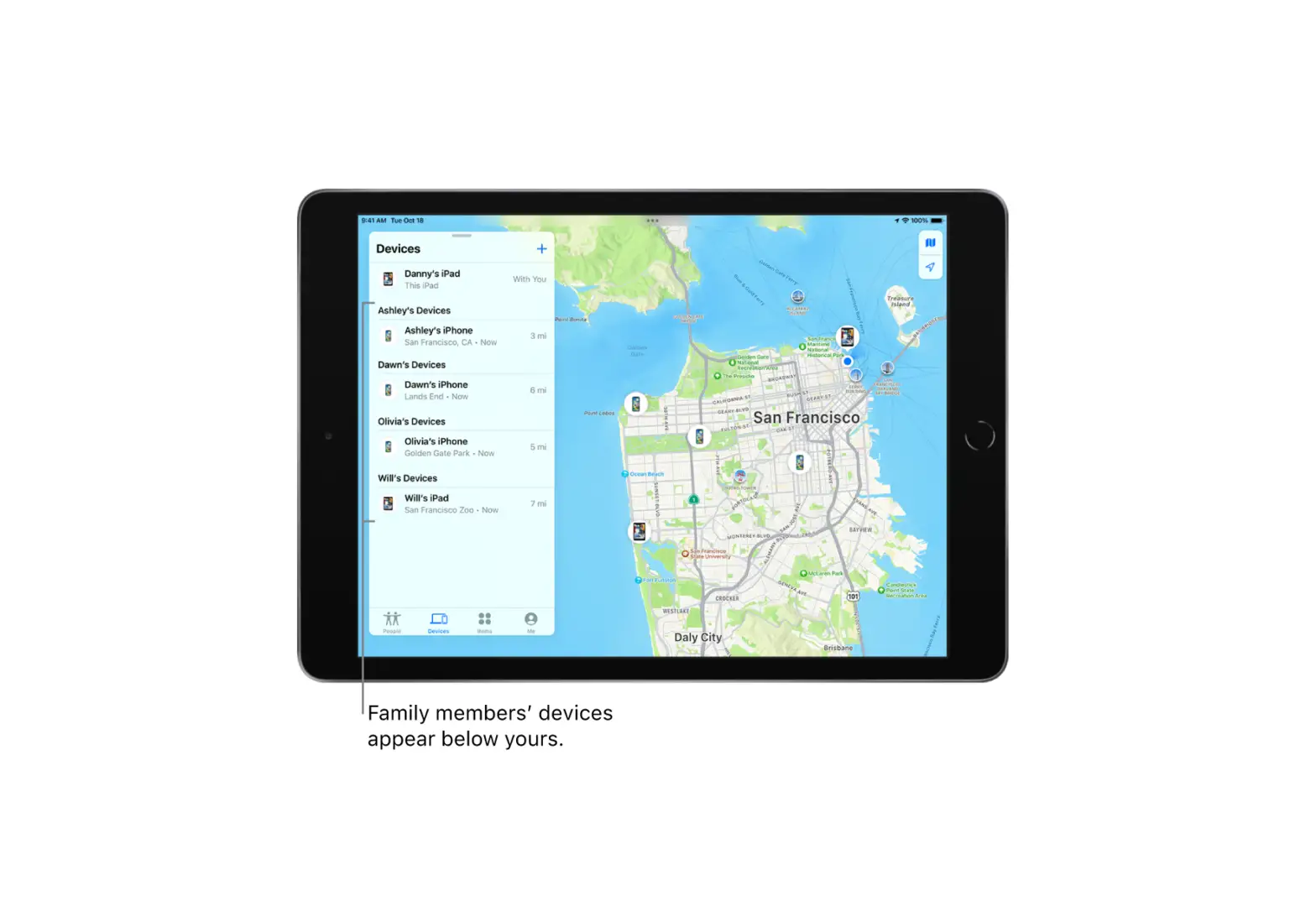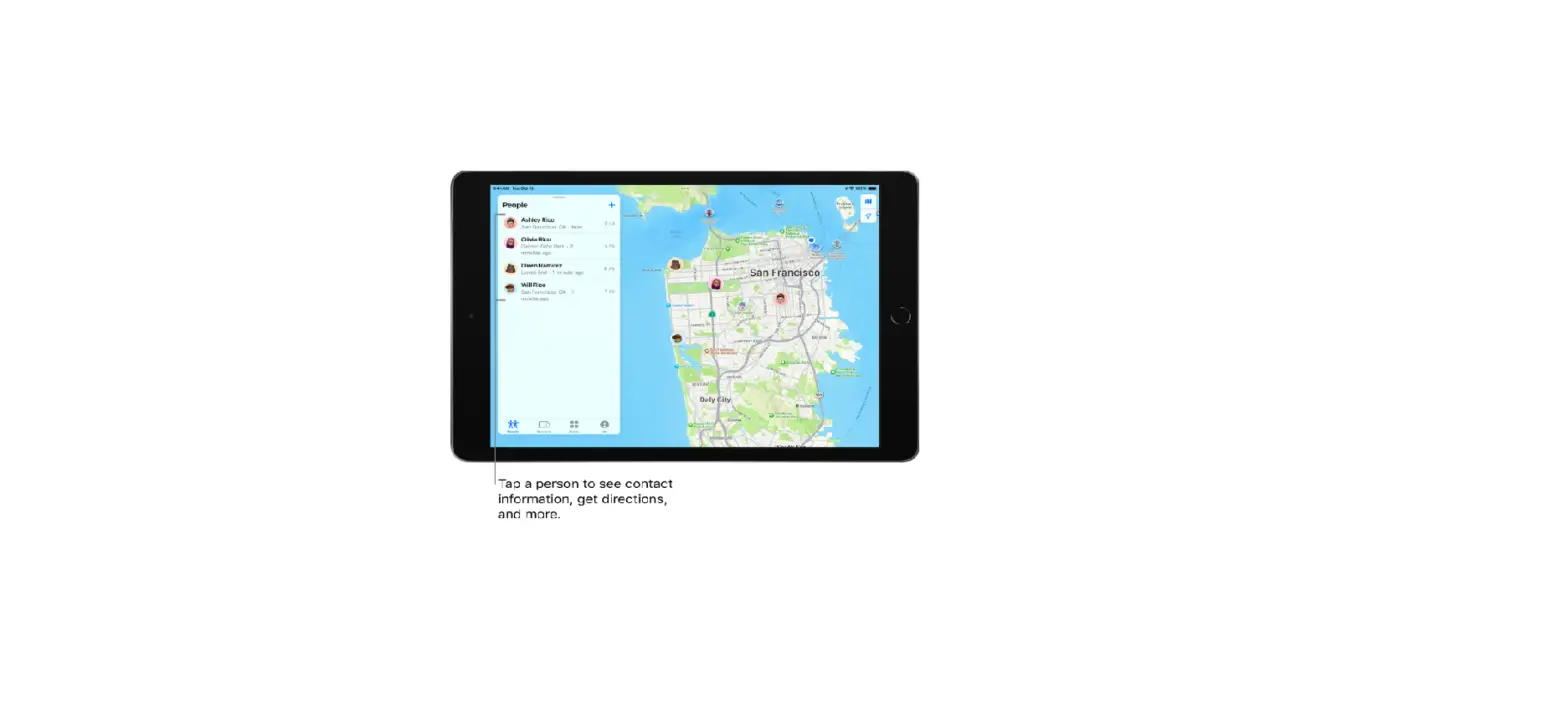
In the Find My app  , once you share your location with a friend, you can ask to see their location on a map.
Ask to see a friend’s location
- Tap People, then tap the name of the person whose location you want to see.
If you don’t see a person’s name, make sure you’re sharing your location with them.
- Tap Ask To Follow Location.
After your friends receive and accept your request, you can see their locations.
Remove a friend
When you remove a friend, that person is removed from your People list and you are removed from theirs.
- Tap People, then tap the name of the person you want to remove.
- Tap Remove [name], then tap Remove.