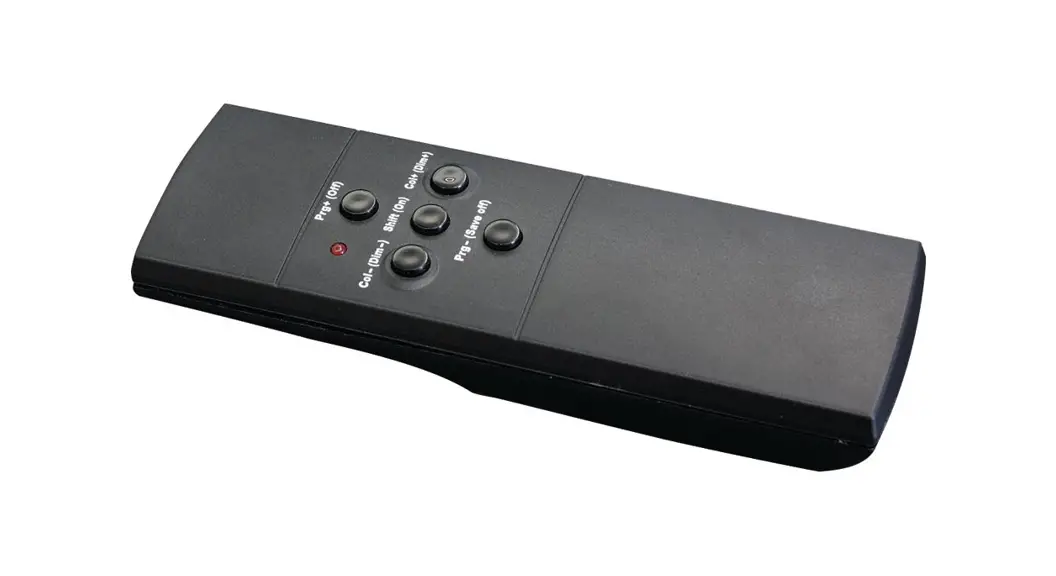
KDDY109B One Control Two Control System
Product Information
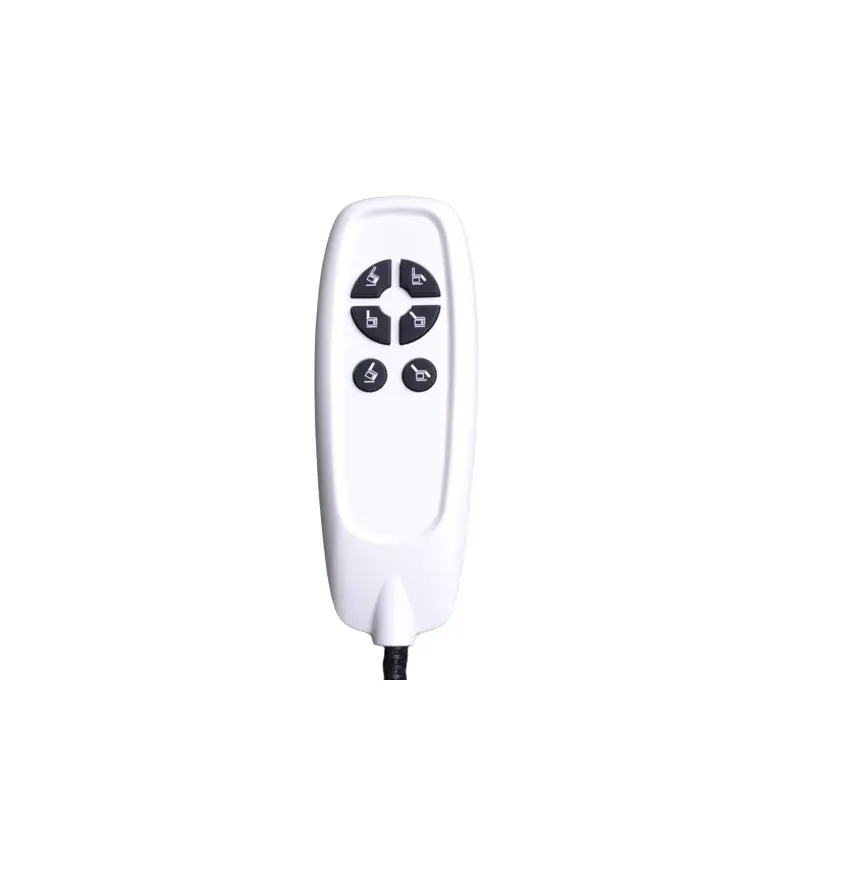
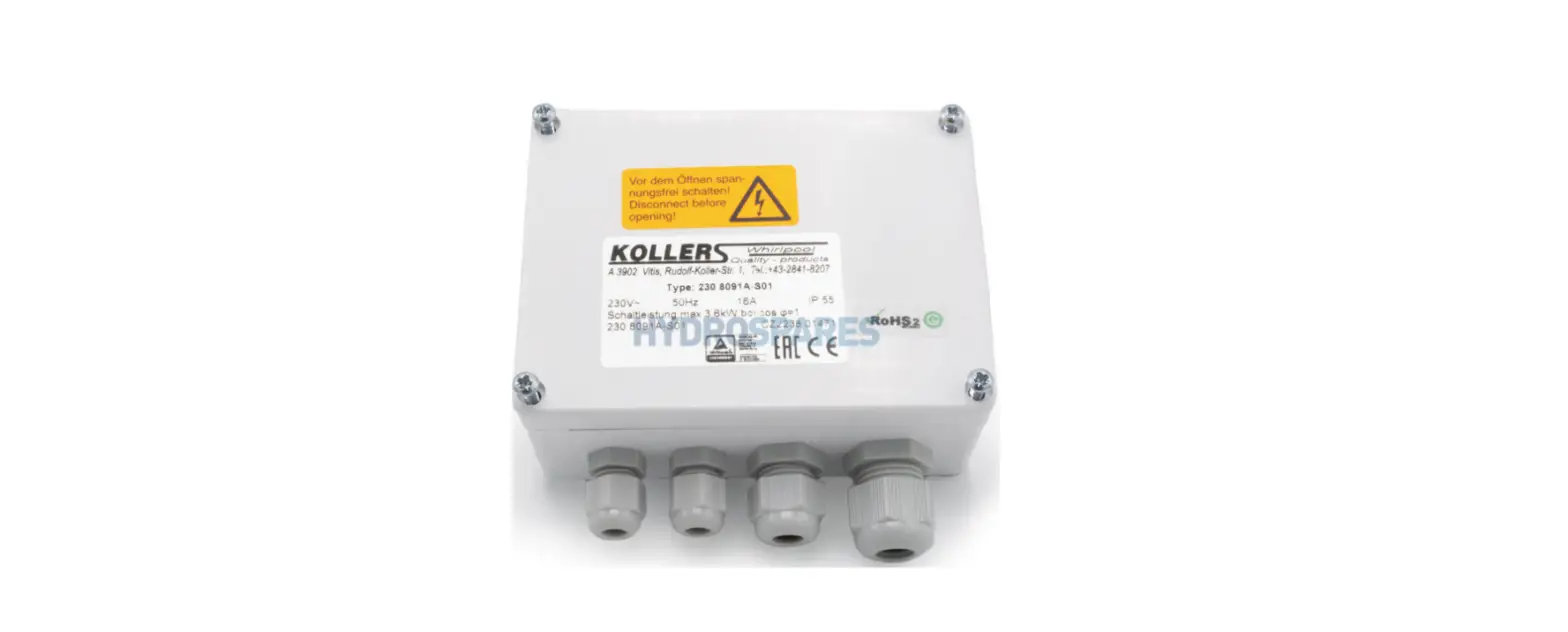
The product is a control system consisting of two components:
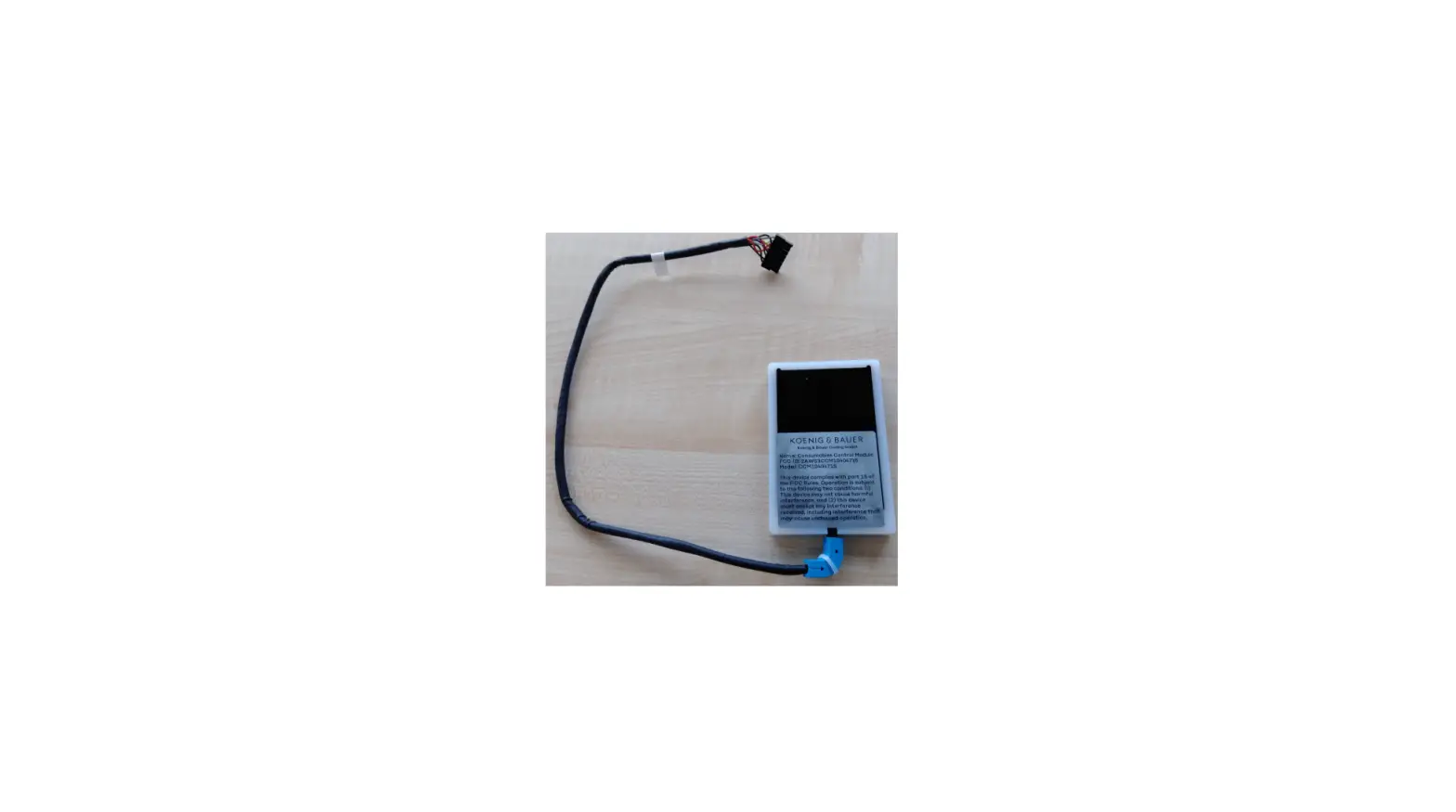
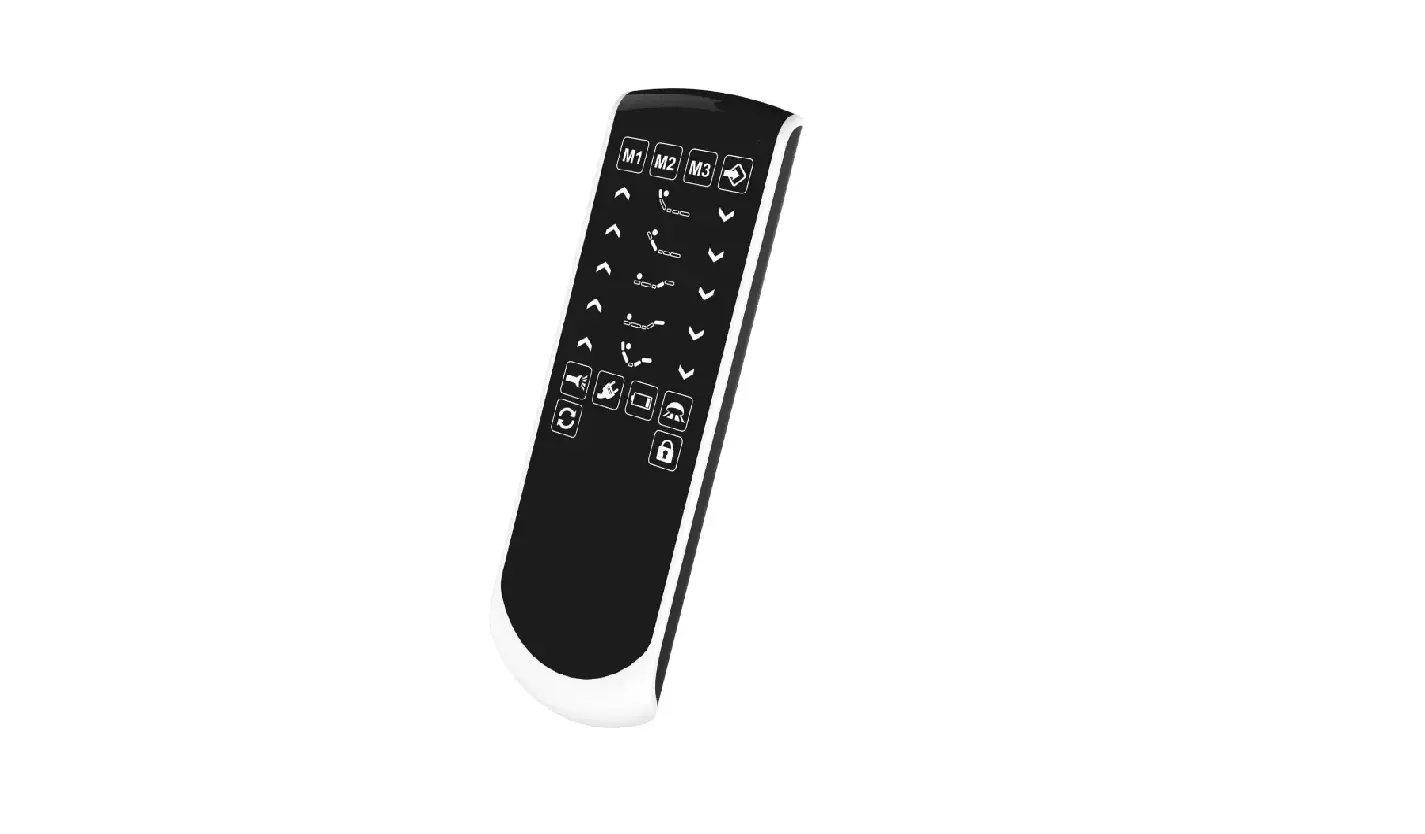
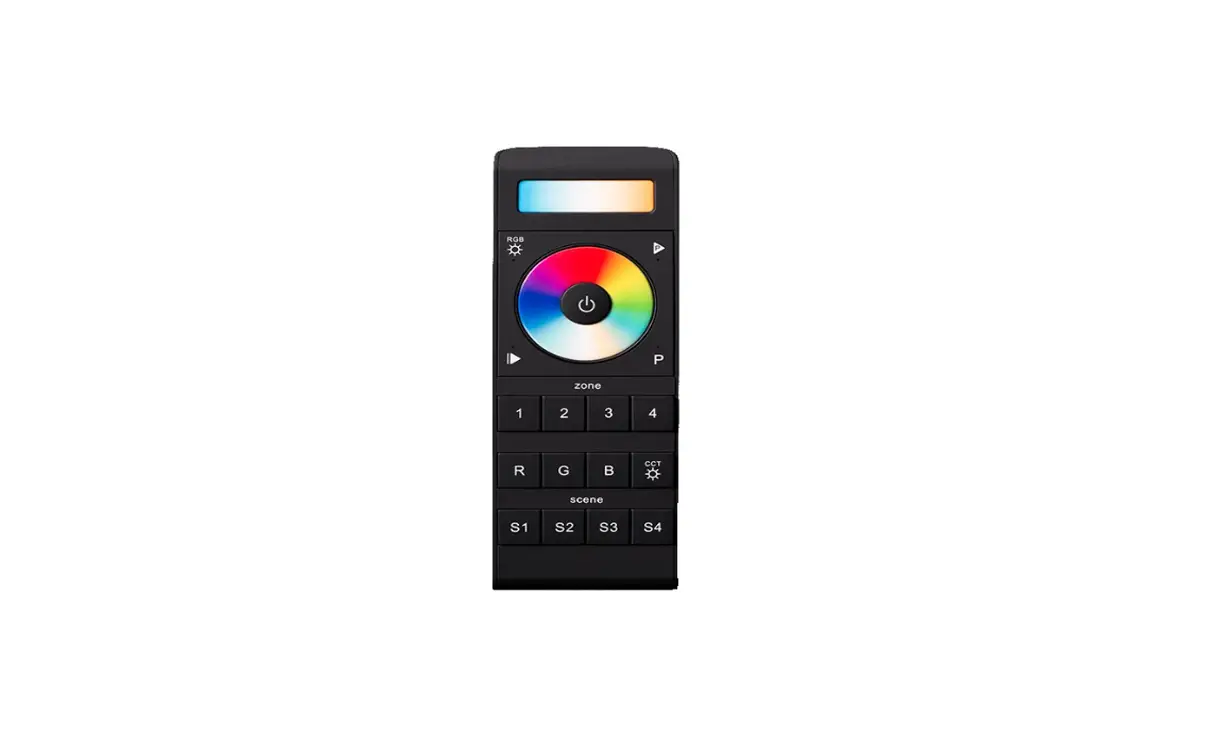
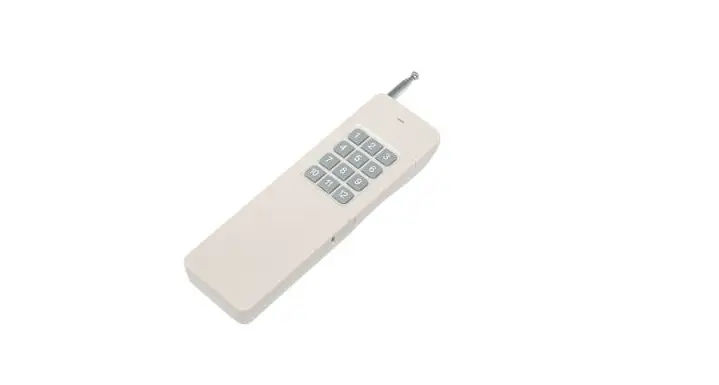
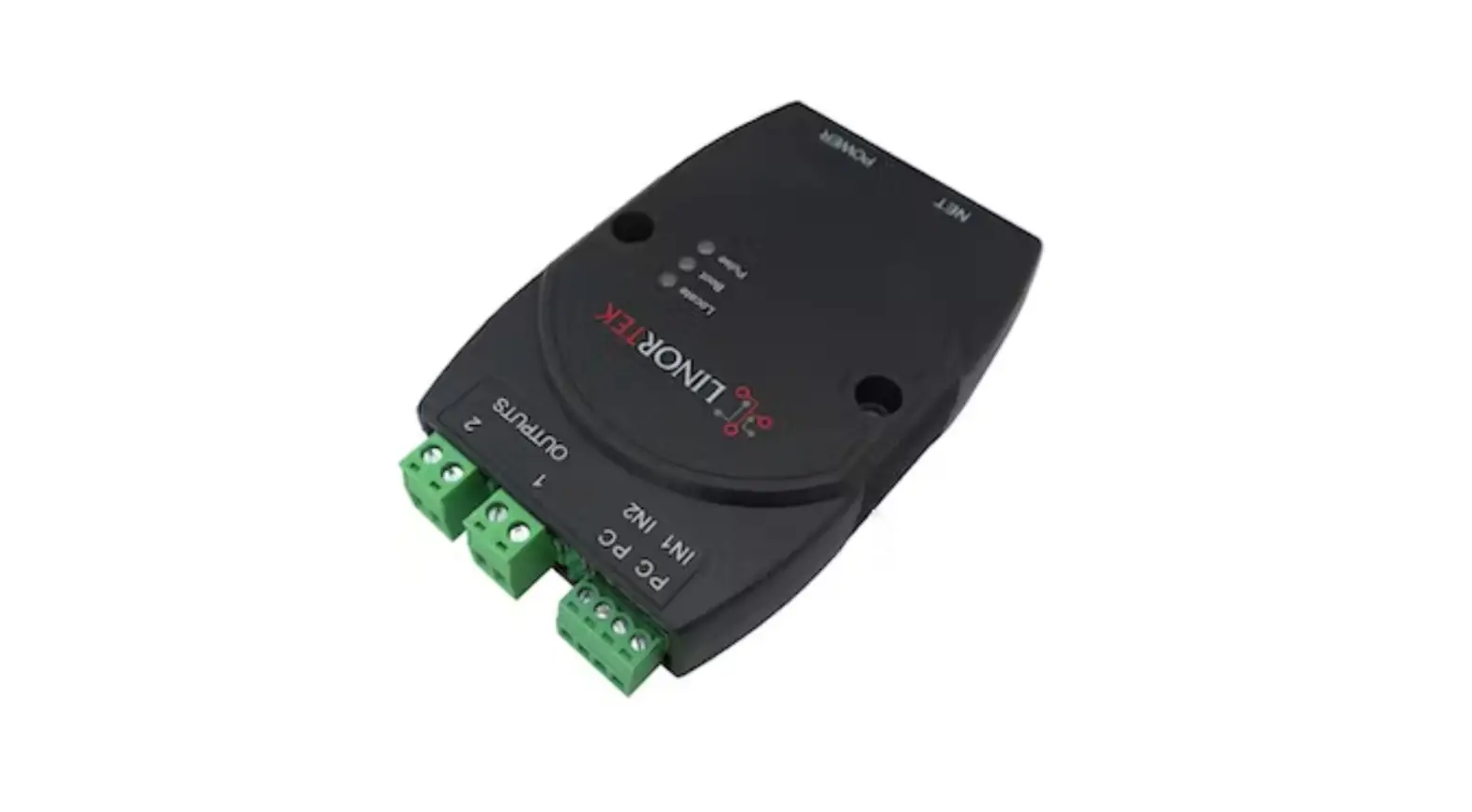
the KDDY109B hand control device and the KDH243B control box. It
also includes a power supply box, two push rods (Push Rod 1 and
Push Rod 2), a lamp, and a vibrating motor. The KDH243B control box
has an input voltage range of AC 110-240V 50/60Hz and a rated
output of 29V DC/5A. The KDDY109B hand control device operates on
4.5V and has 14 keys.
Product Usage Instructions
- To preset a position:
- Press K1 to stop the push rod at a fixed position during
operation (Leisure mode). - Press K2 to stop the push rod at a fixed position during
operation (Incline tilt mode). - Press K5 to stop the push rod at a fixed position during
operation (zero gravity mode). - Press K6 to prevent the putter from moving.
- Press K10 to stop the push rod at a fixed position during
operation (Anti-Snore mode) (head push rod stroke: 18mm, leg push
rod stroke: 0mm).
- Press K1 to stop the push rod at a fixed position during
- To modify the memory position:
- Press and hold 6+1/6+2/6+5/6+10 at the same time.
- After the backlight flashes for 3 seconds, the control box will
remember the current position of the push rod. - Hold down 6+1/6+2/6+5/6+10 for 3 seconds to remember the
current position, overwriting the previous position. - The control box will buzz once and the backlight will turn
off. - Press K1, K2, K10, or K5 again, and the push rod will run to
the corresponding memory position.
- To stop the push rod during operation:
- Press any key except Flat (K9) and Frogram (K6).
- To control Push Rod 1 (head push rod):
- Press K3 to extend the push rod. Release to stop.
- Press K4 to retract the push rod. Release to stop.
- To control Push Rod 2 (leg push rod):
- Press K7 to extend the push rod. Release to stop.
- Press K8 to retract the push rod. Release to stop.
- To control both Push Rod 1 and Push Rod 2 simultaneously:
- Long press K9 and after 3 seconds, release to simultaneously
extend both push rods. - During the operation of the push rod, press any key to stop the
push rod, except Flat (K9) and Frogram (K6).
- Long press K9 and after 3 seconds, release to simultaneously
- To switch vibration modes:
- Short press K14 to switch between vibration modes.
- Mode 1: Intermittent vibration with a slower frequency of 1,123
cycles. - Mode 2: Intermittent vibration with a faster frequency.
KDDY109B + KDH243B one control two control system function
I System connection diagram
manual
II Product list The serial number
1
2 3
4 5 6 7
Name (code name)
Hand control device Control box Power supply box Push Rod 1 (H) Push Rod 2 (F) Lamp with Vibrating motor
Model and Specificatio n KDH243
KDDY109 KDDY01B
KDYJT014 KDYJT014 DY056 ZYD060
Num note ber
1
1 1
1 1 1 2
III Performance Parameters
1. Control box performance parameters:
Input voltage
AC 110-240V 50/60Hz
Rated output (single
29V DC/ 5A (10% work system, maximum 2 minutes of continuous
channel)
work and 18 minutes of stop)
2. Manual controller performance parameters:
Input voltage
4.5V
Number of keys
14
1
Outline of KDDY109B
Outline of H243B
2
IVManual controller key function description
3
1 Function of hand control device:
The serial number
name
function
note
1
Preset
position
1, K1 light touch press, the push 1 Press any key to
rod running to a fixed
stop the push rod
position (Leisure mode) stop
during operation;
(head push rod travel: 42mm,
2 Perform the head
leg push rod travel: 43mm).
putt first, then the
2. Press K2 gently and stop the leg putt
push rod running to a fixed
position (Incline tilt mode)
(head push rod travel: 48mm, leg
push rod travel: 32mm)
3. Press K5 gently and stop the
push rod running to a fixed
position (zero gravity mode)
(head push rod travel: 23mm, leg
push rod travel: 37mm)
4, K6 touch press, the putter does
not move.
5. K10 gently presses the push
rod to a fixed position (Anti-
Snore mode) and stops (head
push rod stroke: 18mm, leg push
rod stroke: 0mm).
2
Place of
Press and hold
1 The position can be
memory
6+1/6+2/6+5/6+10 at the
modified by the
same time. After the backlight customer according to
4
flashes for 3
the itinerary after
seconds, the control box
delivery; Hold down
will remember the current
6+1/6+2/6+5/6+10
position of the push
for 3S to remember the
rod; At the same time, the
current position
buzzer buzzes once and the
(overwriting the
backlight is off. Press K1,
previous position); At
K2, K10 or K5 again, and
the same time, the
the push rod will run to
control box buzzes once
the corresponding memory
and the backlight
position;
flashes three times.
2 Press any key to
stop the push rod
during operation;
3
Push bar 1
Press K3, push rod out,
(head bar H) release will stop;
lift
Press K4, push rod
retract, release will stop;
4
Putter 2
Press K7, push rod out,
(leg putter release will stop;
F) lift
Press K8, push rod
retract, release will stop;
5
Putt 1 and putt 1. Long press K9 and pull
1. Short press is
2 (head
back putter 1 and putter 2 at invalid
and leg) fall the same time after 3S;
together
2. During the operation
2. During the operation of the push rod, press
of the push rod, you can any key to stop the push
release the key (Note:
rod, except Flat(K9) and
press any key and the push Frogram (K6).
5
rod will stop, except Flat
(9) and Frogram (6).
6
Vibration mode 1, short press K14, each Mode 1: intermittent
switching and vibration mode switch
vibration with a slower
vibration
starts from 1,123 cycle in frequency;
intensity
turn;(Note: The
Mode 2: intermittent
selection
corresponding indicator
vibration with higher
light is highlighted)
frequency;
2, long press K14, vibration Mode 3: intermittent
mode automatically switch vibration with the
(1S
fastest frequency;
at each interval), release The three modes are
will stop, to stay in the switched sequentially;
current gear vibration mode If the
operation;
change button is not
operated within 15
minutes, the vibrating
motor will
automatically shut down
(select the motor
strength for the last
time and start to
calculate the time).
7
3 Short press K12,
The vibration motor can
vibration motor enhancement be opened by the rise
(intensity
button of the vibration
is divided into four
motor (12) or by
gears), each time press
pressing the vibration
gradually strengthen.
mode (14) (Note: the
6
4 Short press K13, the intensity of the
vibration motor weakens (the vibration motor is in
strength is divided into gear 3 at this time).
four gears), and gradually
decreases with each
press, and the motor
stops with the fourth press.
5 Short press K11 to
stop the vibrating motor.
8
Lamp with
K15 Gently press (the
button on the back of the
hand controller), and the
light belt will turn on.
Press it again, and the
light belt will turn off.
9
pairing
Method 1: Long press the
pairing button of the
control box for 3 seconds
to enter the pairing state;
Press the hand
controller K3 and K7
within 15 seconds, hold
for 3 seconds, the control
box buzzes once, the pairing
button stops blinking, and
the background light of the
hand controller flashes
for 3 times, the pairing is
successful;
7
10
Clearing
matches
Method 2: Power on the control box again after 5 seconds of power failure, and the control box enters the pairing state; Press the hand controller K3 and K5 within 15 seconds, hold for 3 seconds, the control box buzzes once, the pairing button stops blinking, and the background light of the hand controller flashes three times, the pairing is successful; Method 1: Long press the pairing button of the control box for 3 seconds to enter the pairing state; Press the hand controller K4 and K8 within 15 seconds and hold for 3 seconds. The control box buzzes once, the pairing button stops blinking, and the background light of the hand controller flashes for 3 times. The pairing is successful. Method 2: Power on the
8
control box again after 5
seconds of power failure,
and the control box enters
the pairing state; Press the
hand controller K4 and K8
within 15 seconds and
hold for 3 seconds. The
control box buzzes once,
the pairing button stops
blinking, and the background
light of the
hand controller flashes
for 3 times. The pairing is
successful.
11
factory data Method 1: Long press the
reset
pairing button of the
control box for 3 seconds
to enter the pairing
state; Press the hand
controller K3 and K8
within 15 seconds and hold
for 3 seconds. The control
box buzzes once, the pairing
button stops blinking, and
the background light of the
hand controller flashes
quickly for 3 times.
Method 2: Power on the
control box again after 5
9
seconds of power failure,
and the control box enters
the pairing state; Press the
hand controller K3 and K8
within 15 seconds and hold
for 3 seconds. The control
box buzzes once, the pairing
button stops blinking, and
the background light of the
hand controller flashes
quickly for 3 times.
12
One control When the manual controller
two
is paired with the control
box A, it can be paired with
the control box B, so
that one controller can
control the action of the
control box at the same time
V Precautions 1, before use, please be sure to correctly connect according to the system connection diagram, and then switch on the main power supply; 2, children, the elderly and the disabled, please use under supervision; 3. Do not plug or remove any connection line when the power supply is switched on, which may cause operation function failure. In this case, you can cut off the main power supply and reconnect it after about 30 seconds. 4. Before the first use, the wireless hand controller should be paired with the control box. See Step 9 for the specific method; 5, the first use needs to be reset, to ensure that the memory position is accurate, the specific method to operate K9; 6, the control box can be paired with two hand controllers, if paired with the third, the first will be cleared. 7. Please replace the battery of the manual controller in time. If it is not used for a long time, the battery should be taken out.
10
VI warning This device complies with part 15 of the FCC Rules. Operation is subject to the following two conditions: (1) This device may not cause harmful interference, and (2) this device must accept any interference received, including interference that may cause undesired operation.
FCC warning:
Any Changes or modifications not expressly approved by the party responsible for compliance could void the user’s authority to operate the equipment.
Note: This equipment has been tested and found to comply with the limits for a Class B digital device, pursuant to part 15 of the FCC Rules. These limits are designed to provide reasonable protection against harmful interference in a residential installation. This equipment generates uses and can radiate radio frequency energy and, if not installed and used in accordance with the instructions, may cause harmful interference to radio communications. However, there is no guarantee that interference will not occur in a particular installation. If this equipment does cause harmful interference to radio or television reception, which can be determined by turning the equipment off and on, the user is encouraged to try to correct the interference by one or more of the following measures: -Reorient or relocate the receiving antenna. -Increase the separation between the equipment and receiver. -Connect the equipment into an outlet on a circuit different from that to which the receiver is connected. -Consult the dealer or an experienced radio/TV technician for help.
The device has been evaluated to meet general RF exposure requirement. The device can be used in portable exposure condition without restriction.
Preparation:
Review:
11