
GSM Agent
Installation & Features Guide
User’s Manual
Version: 1.0
GSM Agent App
Copyright
© 2018 GIGA-BYTE TECHNOLOGY CO., LTD. All rights reserved. The trademarks mentioned in this manual are legally registered to their respective owners.
Disclaimer
Information in this manual is protected by copyright laws and is the property of GIGABYTE.
Changes to the specifications and features in this manual may be made by GIGABYTE without prior notice. No part of this manual may be reproduced, copied, translated, transmitted, or published in any form or by any means without GIGABYTE’s prior written permission.
For More Information
For related product specifications, the latest firmware and software, and related information, please visit our website at: http://www.gigabyte.com
For GIGABYTE distributors and resellers, additional sales & marketing materials are available from our reseller portal: http://reseller.b2b.gigabyte.com
For further information & technical assistance, please contact your GIGABYTE sales representative.
You may also message the GIGABYTE server directly by email, Facebook or Twitter
Email: [email protected]
Facebook: https://www.facebook.com/gigabyteserver
Twitter: https://twitter.com/GIGABYTEServer
About GSM Agent
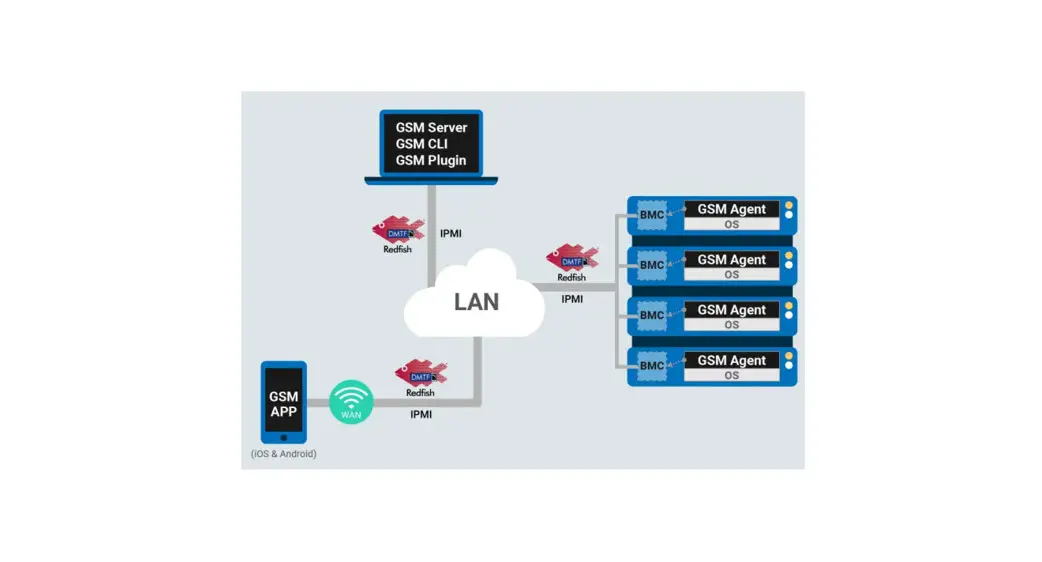
GSM Agent is part of the GSM (GIGABYTE Server Management) software suite. It is a software program to complement and assists the remote monitoring and management of GIGABYTE servers.
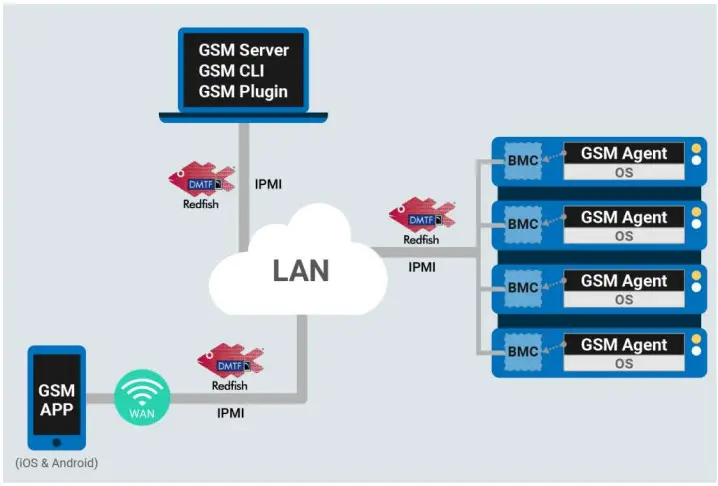
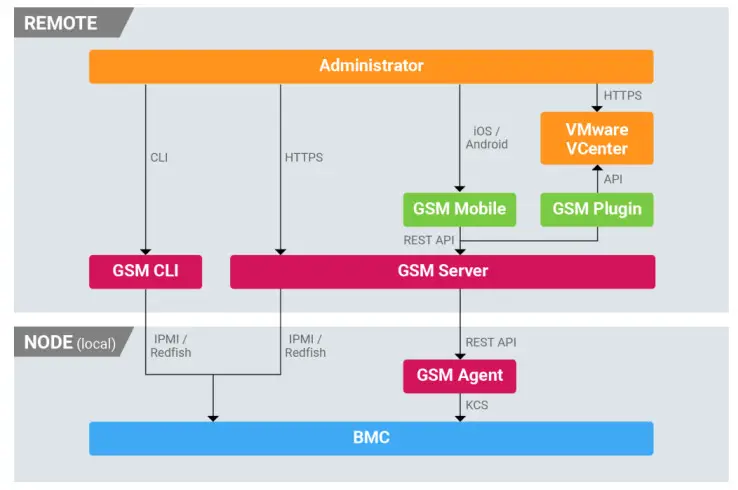
GSM Agent should be installed locally on each GIGABYTE server node. It collects node information (CPU/memory/HDD/PCIe devices) from the operating system and shares this information with the local BMC.
This information can then be used and displayed by GSM Server, GSM’s remote monitoring and management software platform.
GSM Agent can be used with both Linux & Windows operating systems.
Installation/Startup/Uninstallation
Installation
OS: Ubuntu
Before installation, please ensure packages Sudo and ufw are already installed. Otherwise, GSM Agent installation will fail.
#apt-get install sudo ufw
#dpkg -i gsmagent_x.x_all.deb
OS: Fedora / RHEL / CentOS
Before installation, please ensure packages Sudo and ufw are already installed. Otherwise, GSM Agent installation will fail.
# yum install Sudo firewalld
# rpm -ivh GSM_agent-x.x-1.x86_64.rpm
OS: Windows Server
Execute GSM_Agent_x.x.exe
Startup
GSM Agent starts automatically when the system boots each time.
For Windows systems, the user needs to add ports 8080 and 8443 to the firewall exception.
For Ubuntu or Linux systems, if /dev/ipmi0 doesn’t exist, the user should use the command “ mod probe ipmi_devintf”
Uninstallation
OS: Ubuntu
# dpkg -r gsmagent
OS: Fedora / RHEL /CentOS
# rpm -e GSM_agent-x.x-1.x86_64
OS: Windows Server
System > Control Panel > GSM Agent Installer
Using GSM Agent
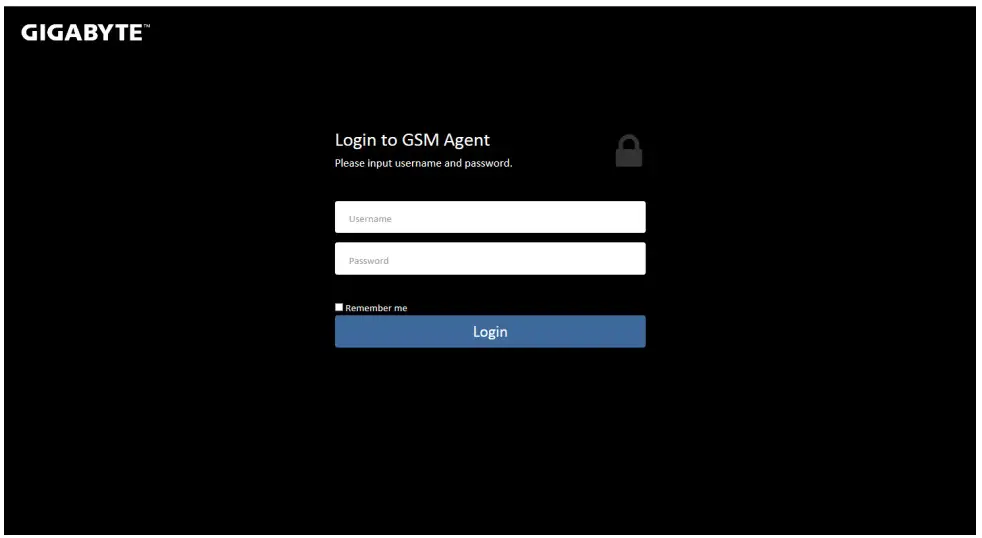
Logging in
Connect using http://localhost.8080/GSM_Agent/
Default username: admin
Default password: password
Main Dashboard
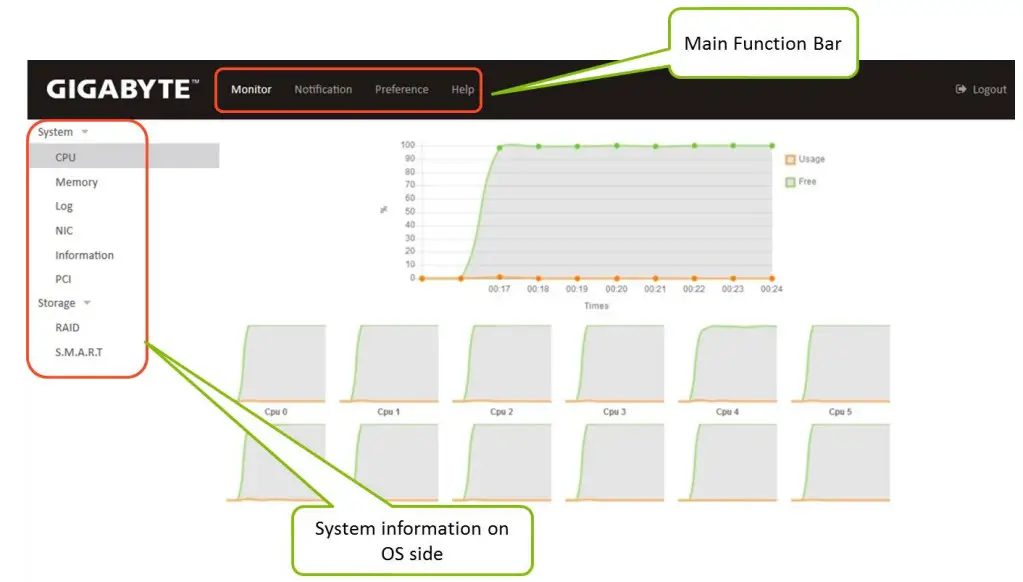
Monitor Functions
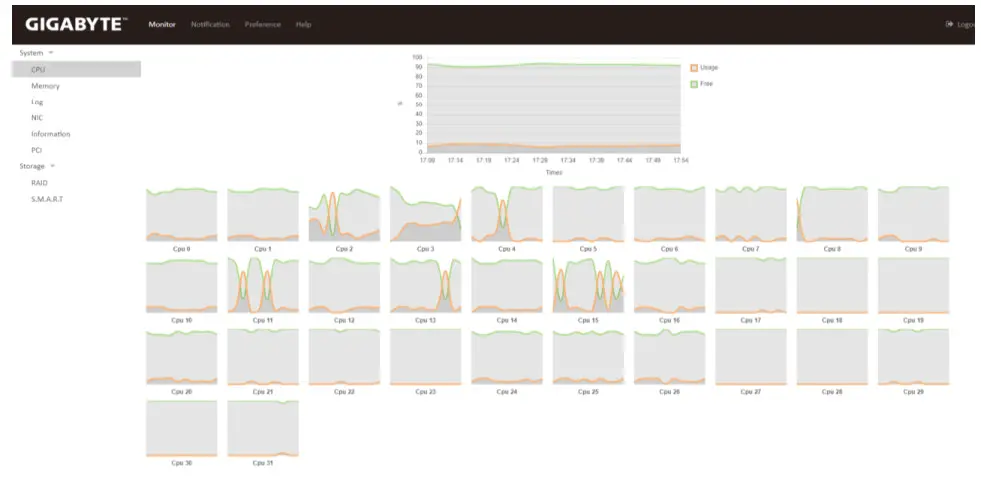
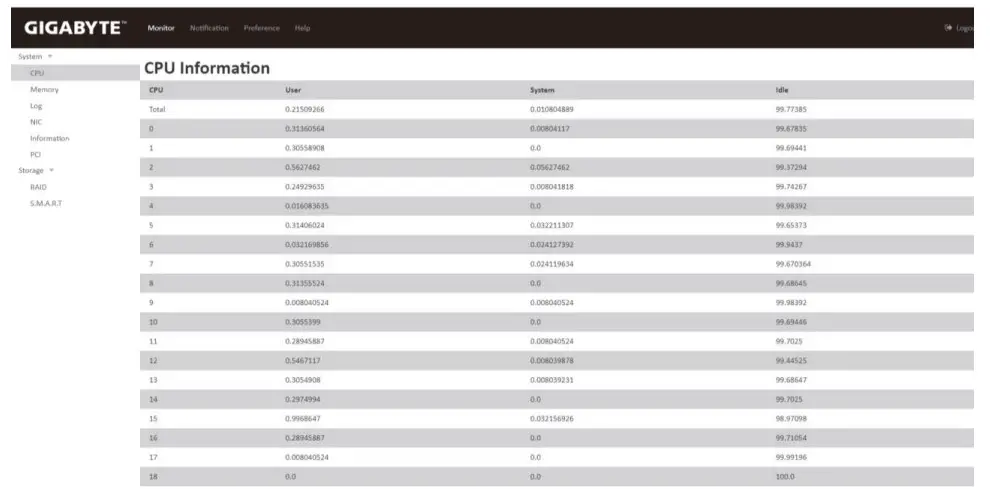
System: CPU
Displays idle/usage information about CPUs or cores
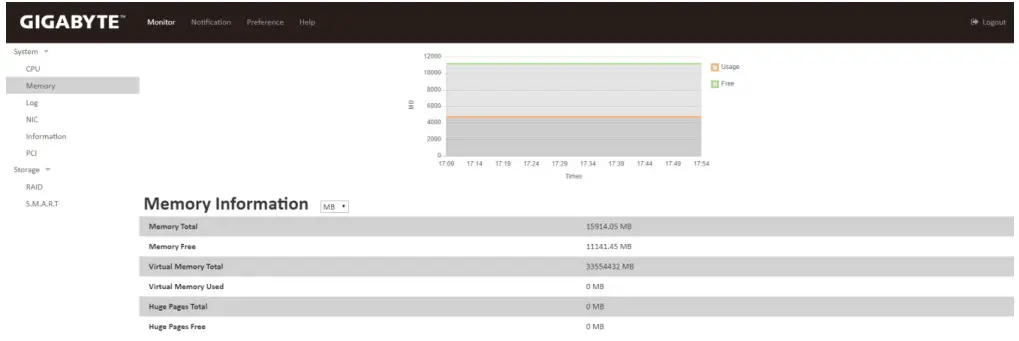
System: Memory
Displays usage status of memory, virtual memory, and huge pages
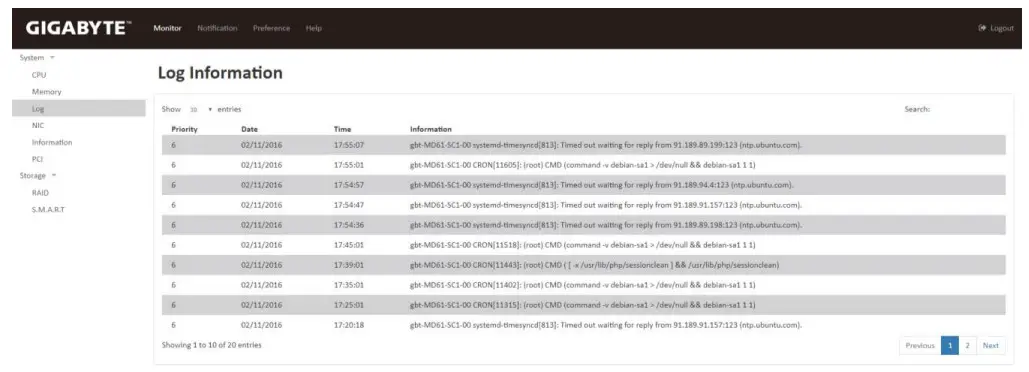
System: Log
GSM Agent records events from the system and BMC on this page
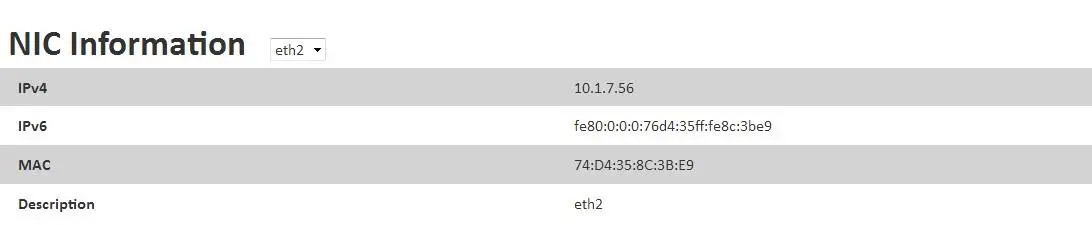
System: NIC
This page displays information about the system’s network configuration including IP address, MAC address and interface name.
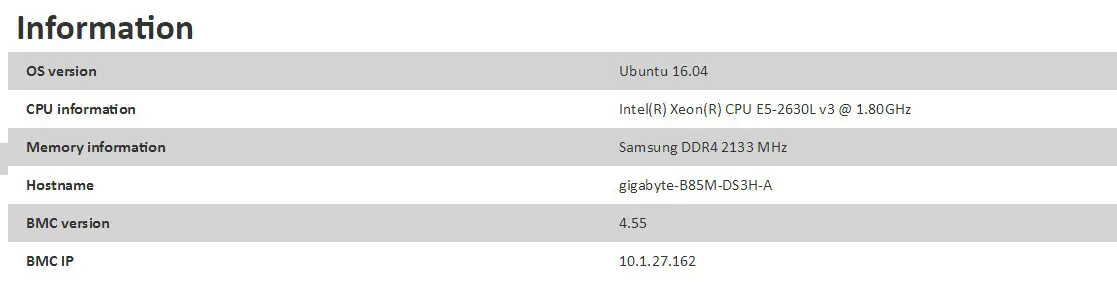
System: Information
This page displays system information about the OS, CPU, Memory, Hostname, BMC Version, and BMC IP.
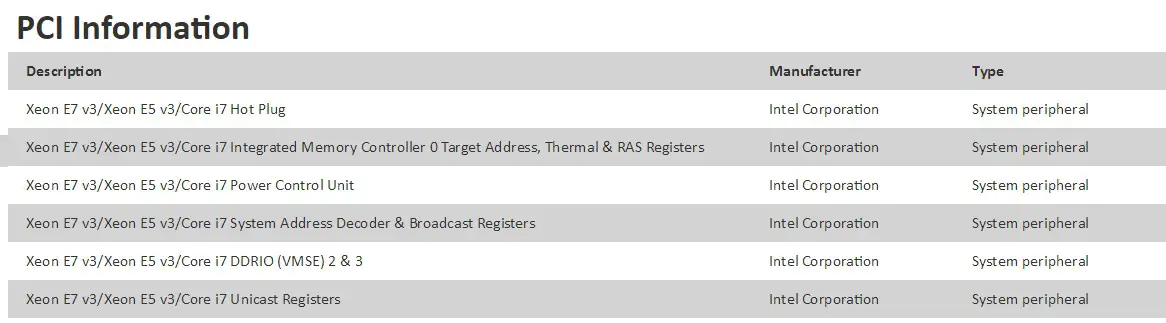
System: PCI
This page displays information about PCIe devices installed in the system
Storage: RAID
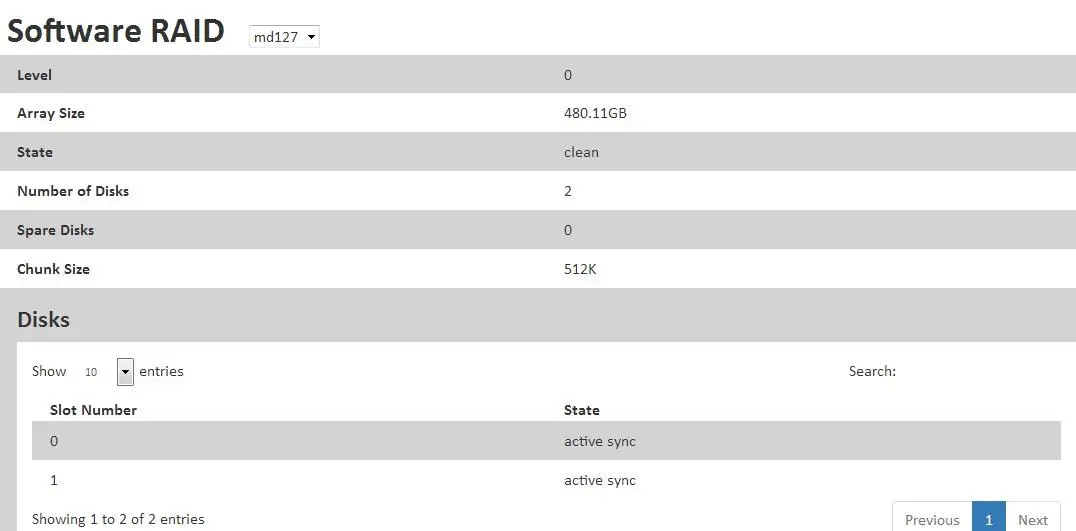
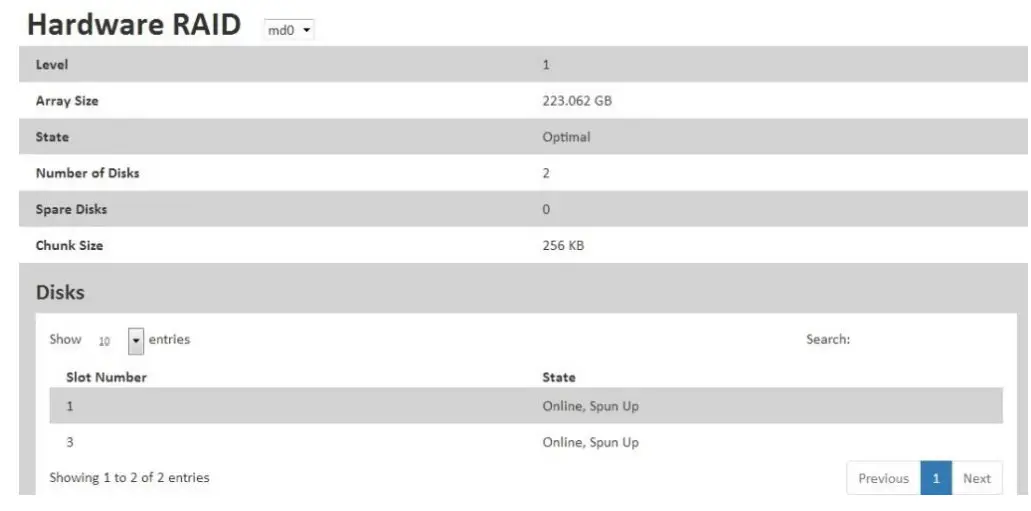
This page lists RAID health data from logical and physical layers. It includes two RAID types, hardware and software.
Software RAID array info:
Level: RAID level
Array Size: RAID array size
State: Health state
Number of Disks: Number of devices
Spare Disks: Number of spare devices
Chunk Size: Component disks
Hardware RAID array info:
Level: RAID level
Array Size: RAID array size
State: Health state
Number of Disks: Number of devices
Spare Disks: Number of spare devices
Chunk Size: Component disks
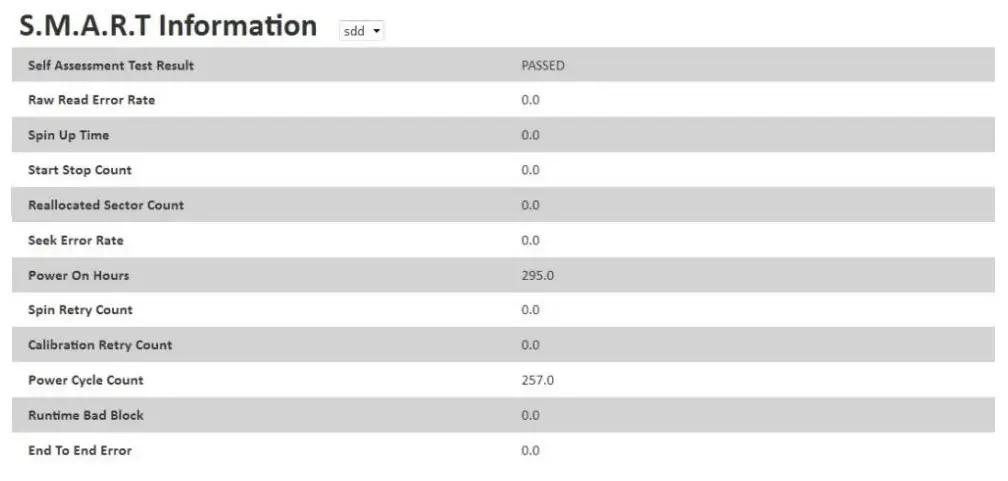
Storage: S.M.A.R.T.
The S.M.A.R.T. page lists the current health state of each disk
Notification Function
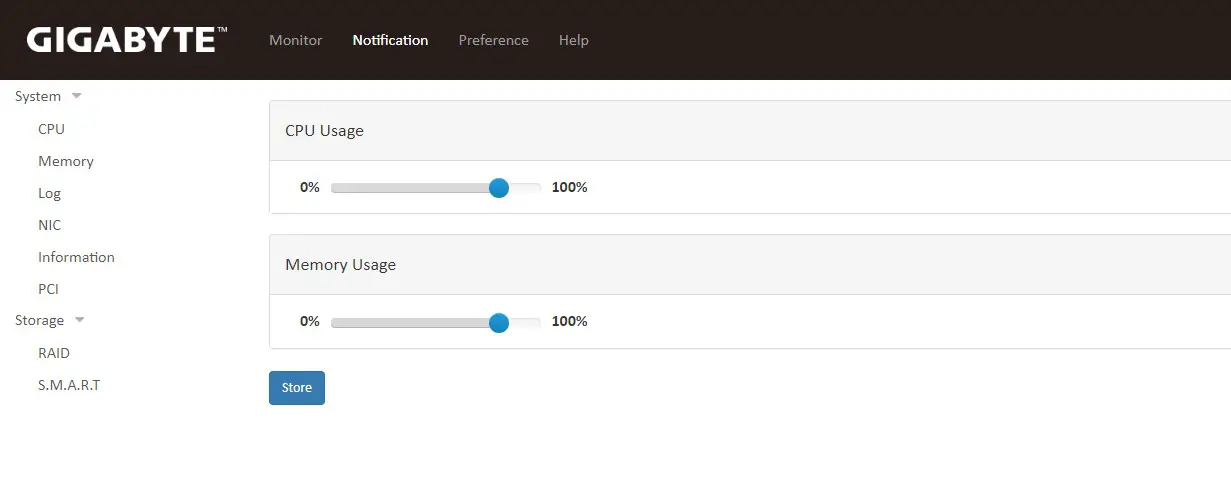
Notification allows you to set an upper limit for CPU and memory usage.
When the system is running and the CPU or memory usage reaches or exceeds the set limit, GSM Agent will send an alert to the user.
Preference Functions
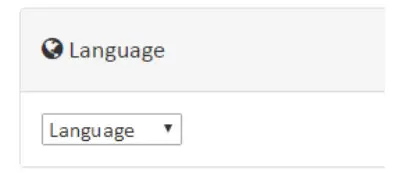
Language
Select the language setting for GSM Agent
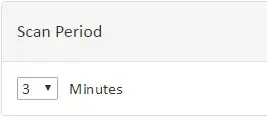
Scan Period
Select the scan period setting for retrieval of system information
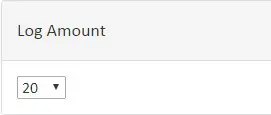
Log Amount
Set the default number of entries for the Monitor: System: Log page
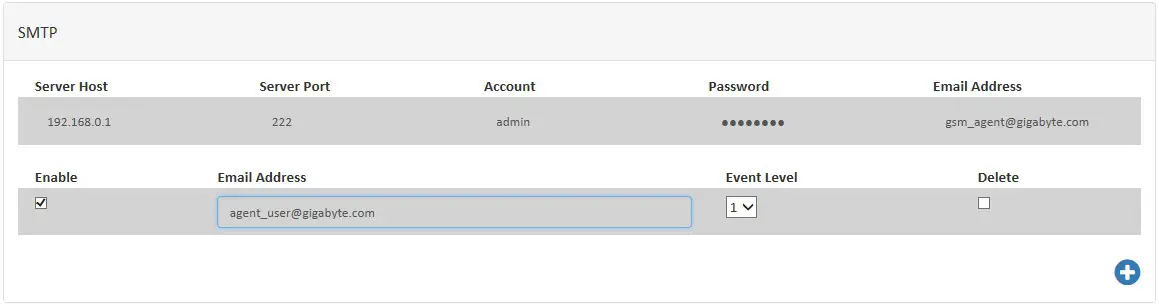
SMTP
Configure SMTP information to send an email when the system is abnormal.
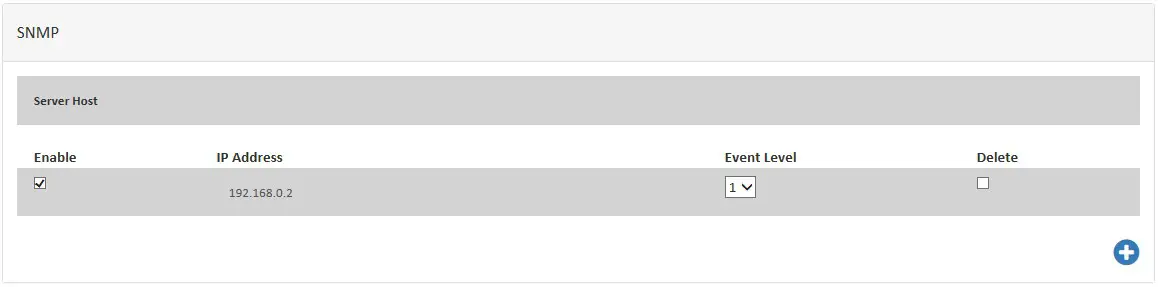
SNMP
Configure SNMP trap IP to receive events when the system is abnormal
LDAP
Configure LDAP server for LDAP authentication

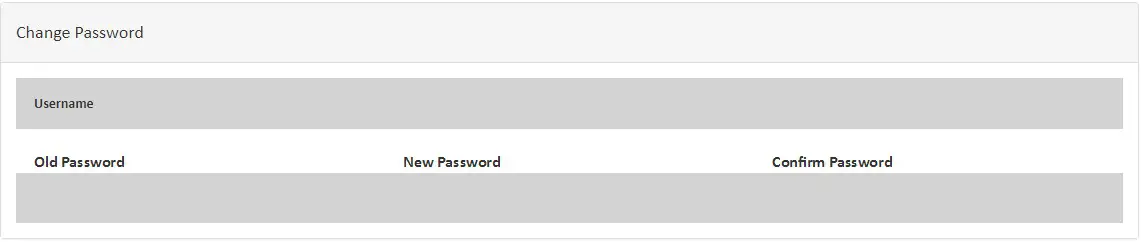
Change Password
Change GSM Agent login password
Update
Update GSM Agent software version (.war file)

Help
Provides basic visual help guidance for each function within GSM Agent (similar to the contents of this user guide)
 reseller.b2b.gigabyte.com
 GIGABYTE Global