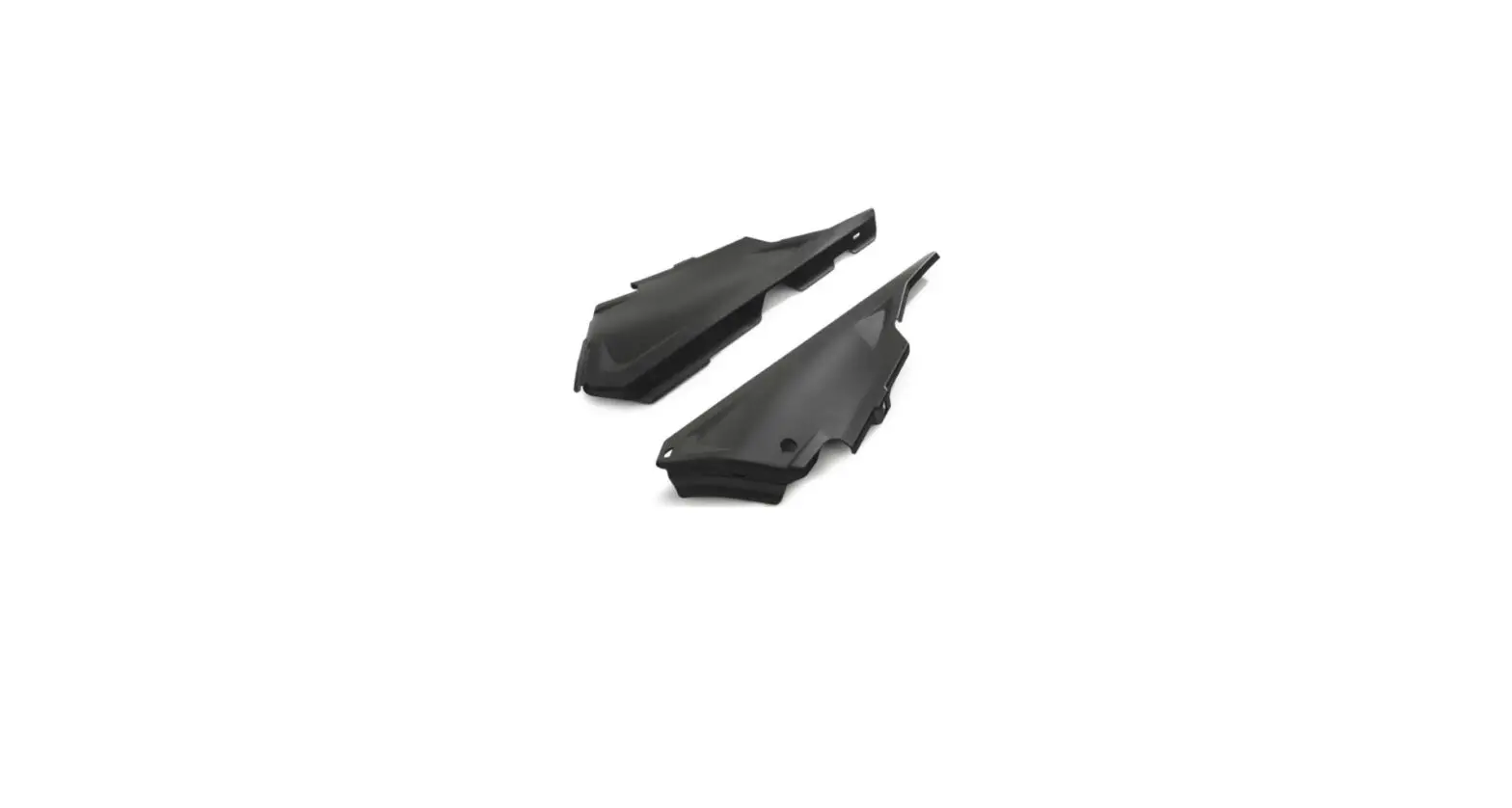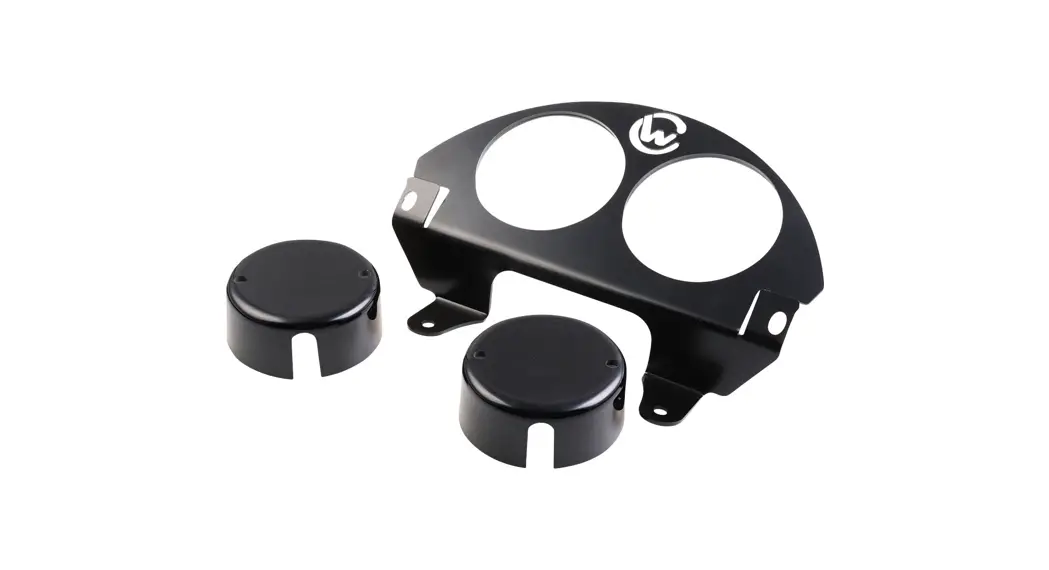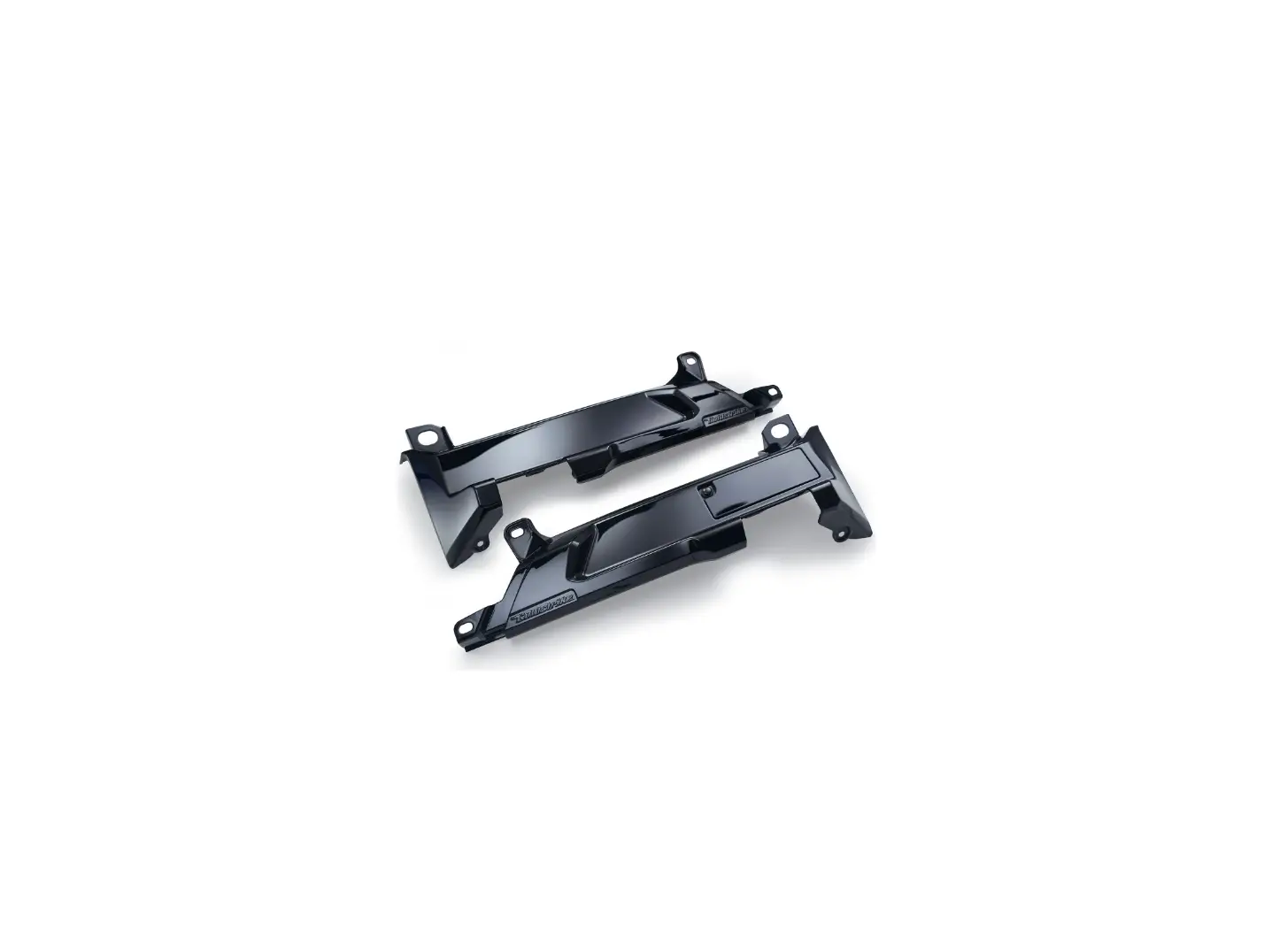

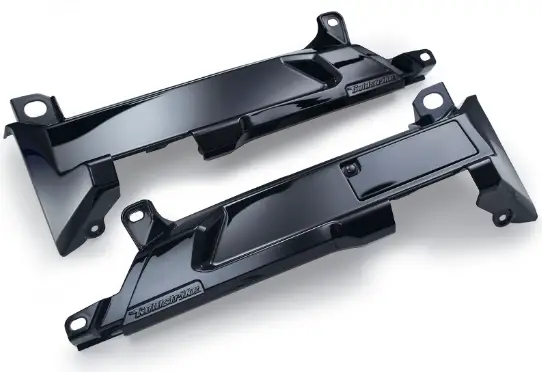
Goldstrike3D G0078180 Passenger Floorboard Mount Covers
INTRODUCTION
All Ciro products are designed for “easy assembly” and/or “plug and play”. We recommend a competent mechanic install our products, using standard mechanical procedures to assure a safe and successful installation. Read completely and understand the instructions prior to starting installation.
NOTE: Ciro products are designed and manufactured under very strict quality control. Ciro warrants that products sold to the original purchaser shall be free from any defects in materials and workmanship for a period of 3 (three) years from the date of purchase, and a limited lifetime warranty against LED failure. Ciro will have no obligation if the customer cannot show proof of purchase. Warranty will not be granted unless the part is properly installed, unmodified and maintained. Ciro will not be liable for any consequential and incidental damages, including labor, or non-Ciro products. Please visit Ciro3d.com for our complete warranty policy
Included Items
- 1 Right side cover
- 1 Left side cover

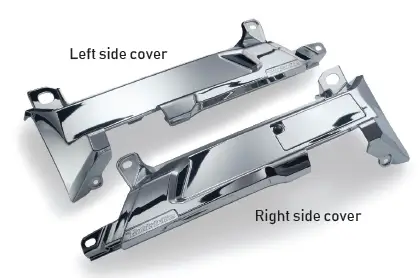
Installation Instructions: part numbers 78180, 78181
- Place bike on center stand and allow time for engine to cool.
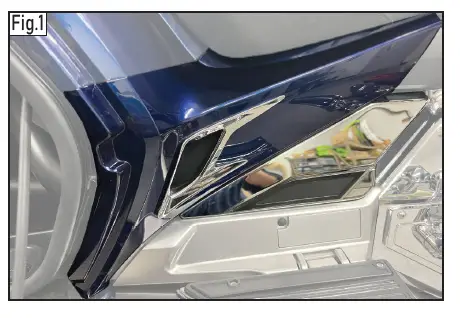
- Open right saddlebag and remove side cover panel.

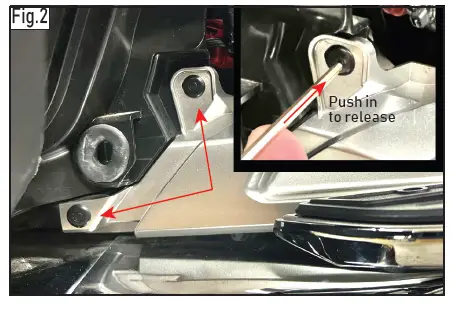
- Remove two push darts and set aside for reinstall. Push center pin till it clicks to release.

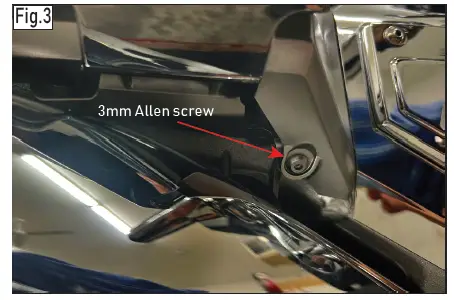
- Remove 3mm Allen screw at bottom of cover.

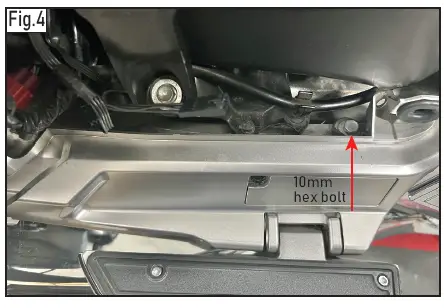
- Remove 10mm hex bolt at top left of cover.

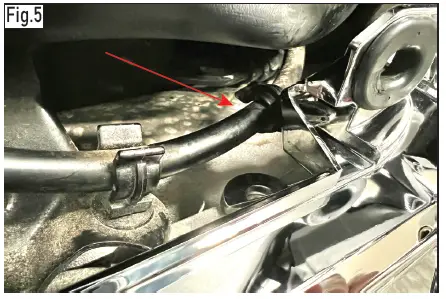
- Pull wire cable from clip and remove cover. Right side only.

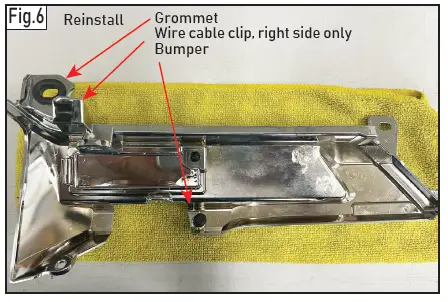
- Remove grommet, wire cable clip and bumper from old cover and install on new cover.

- Install new right side cover in reverse order.
- Left side installation the same procedure except there is no wire clip on the cover
QR CODE

 Ciro3D: Motorcycle Accessories & Parts
 The leader in Honda Gold Wing & Motorcycle Parts & Accessories – Goldstrike