Replying to Emails
1. Open  Email.
2. Open the email you want to reply to and touch  .
.
 To reply to all recipients of the original email, touch
  .
.
3. After drafting your message, touch  to send the email.
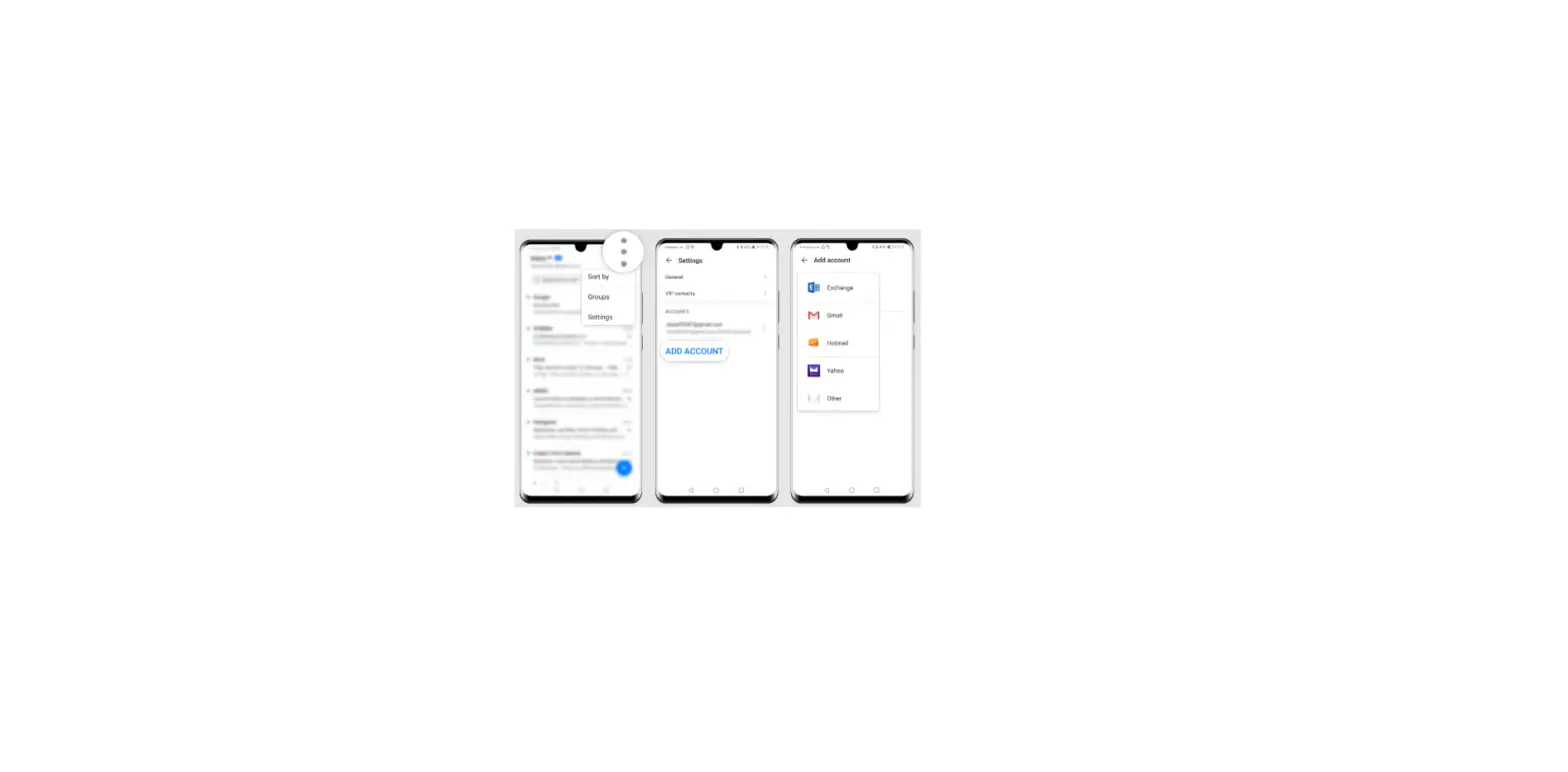
Configuring fast responses: Touch  > Settings. Select an account and touch Quick responses to create or edit a fast response.
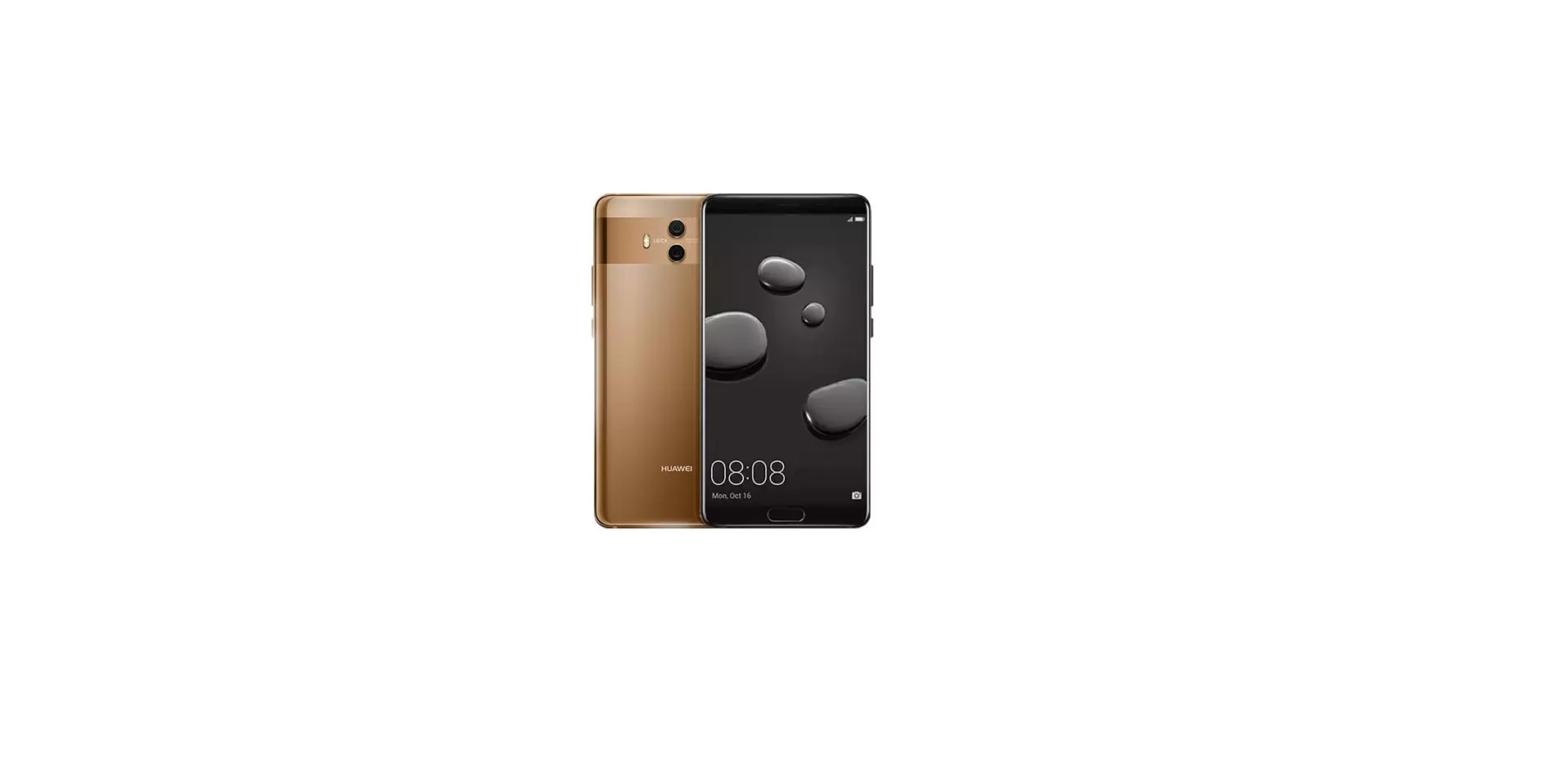
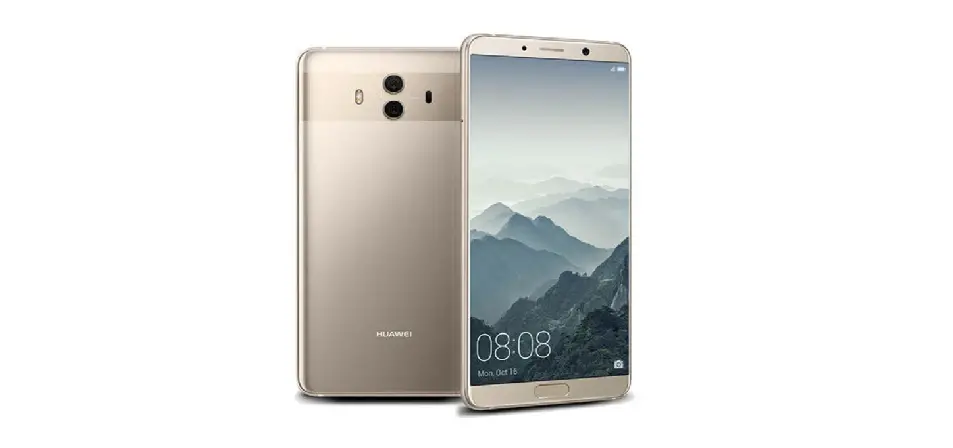
Questions about your Huawei Mate 10? Post in the comments!
Huawei Mate 10 Manual [PDF]