Blocking Spam Messages
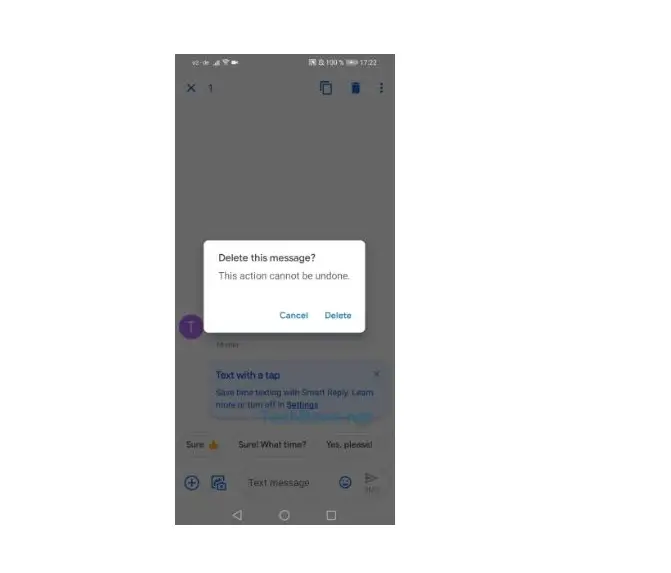
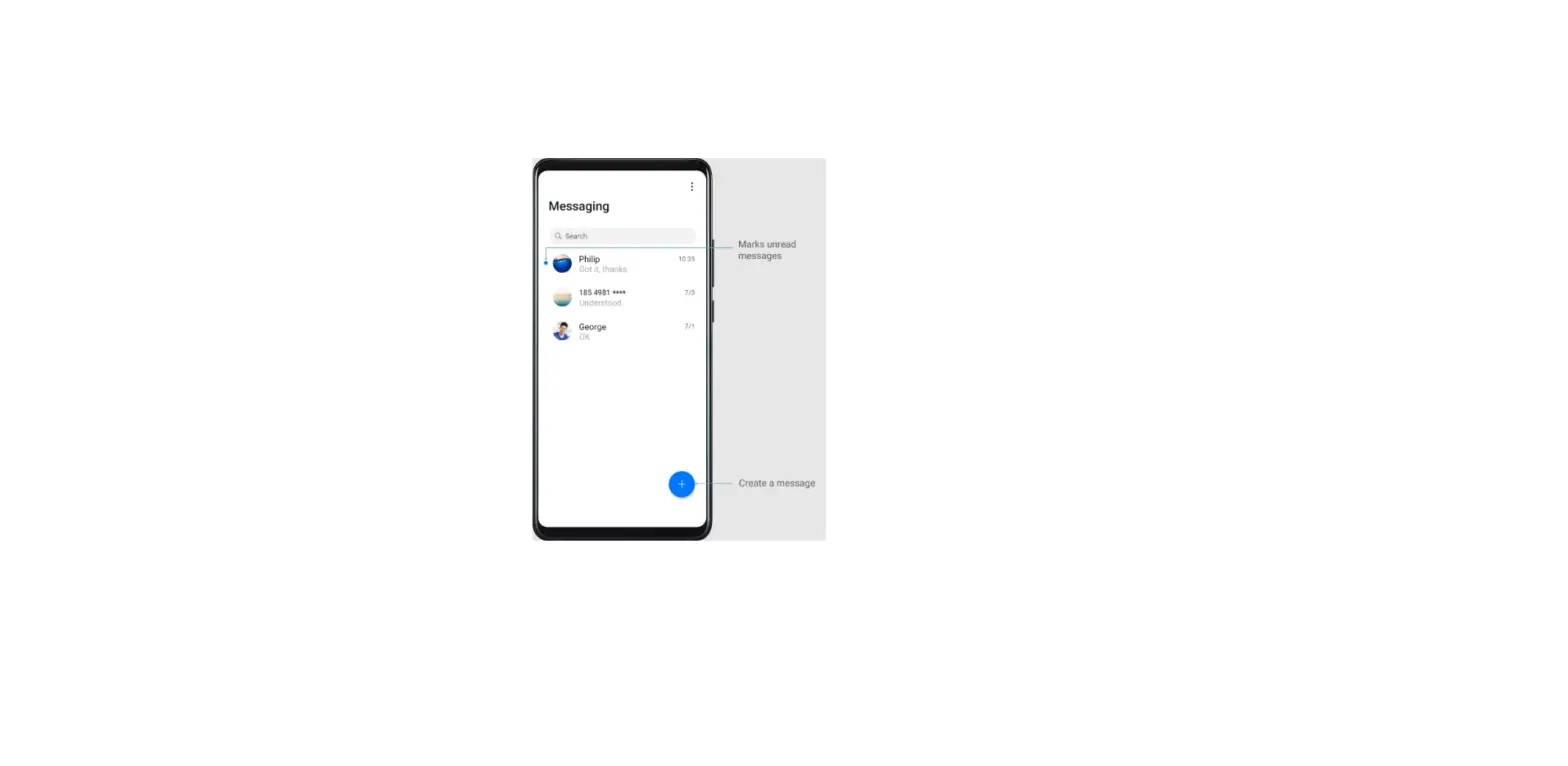
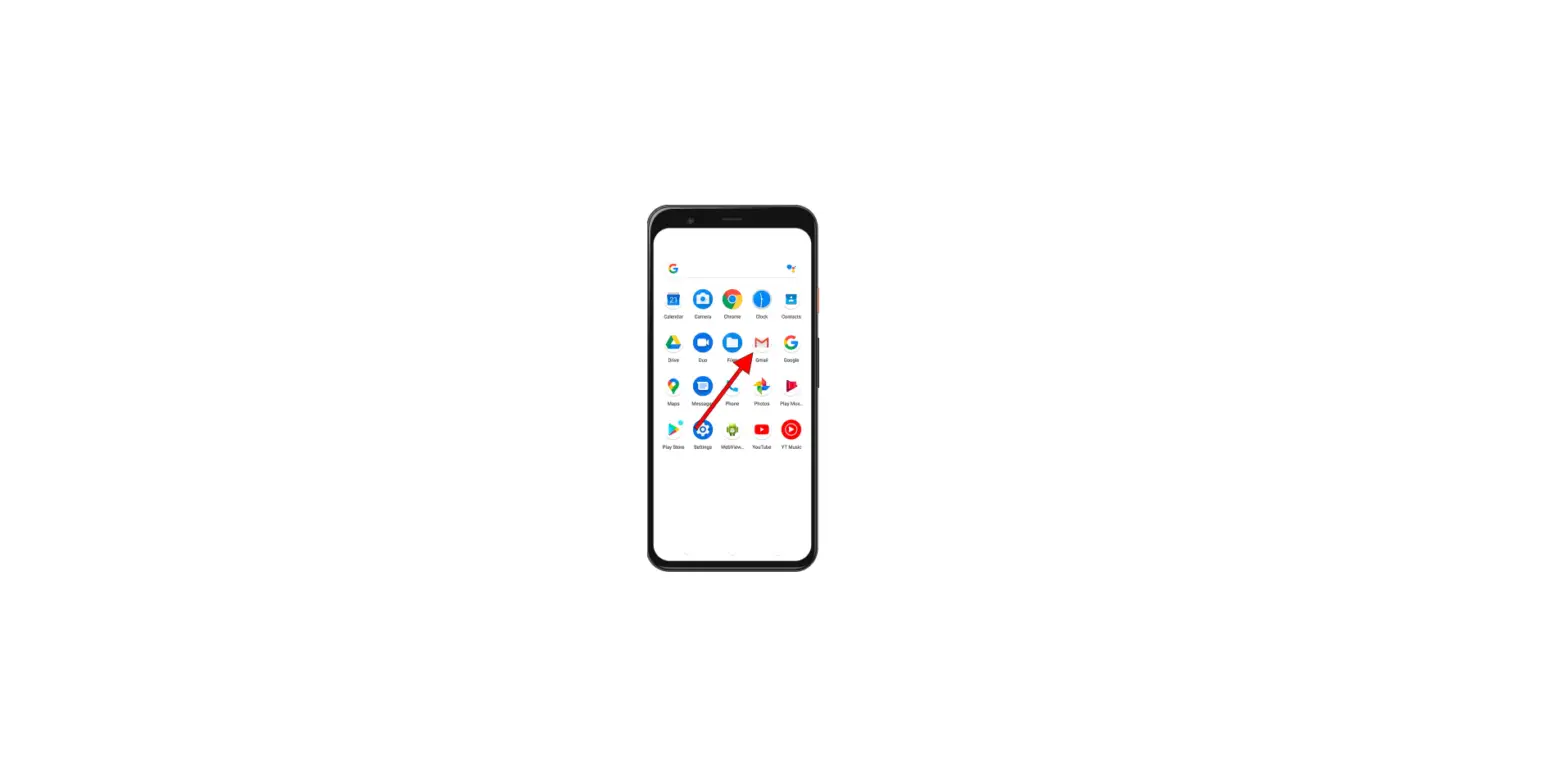
1. Open  Messaging.
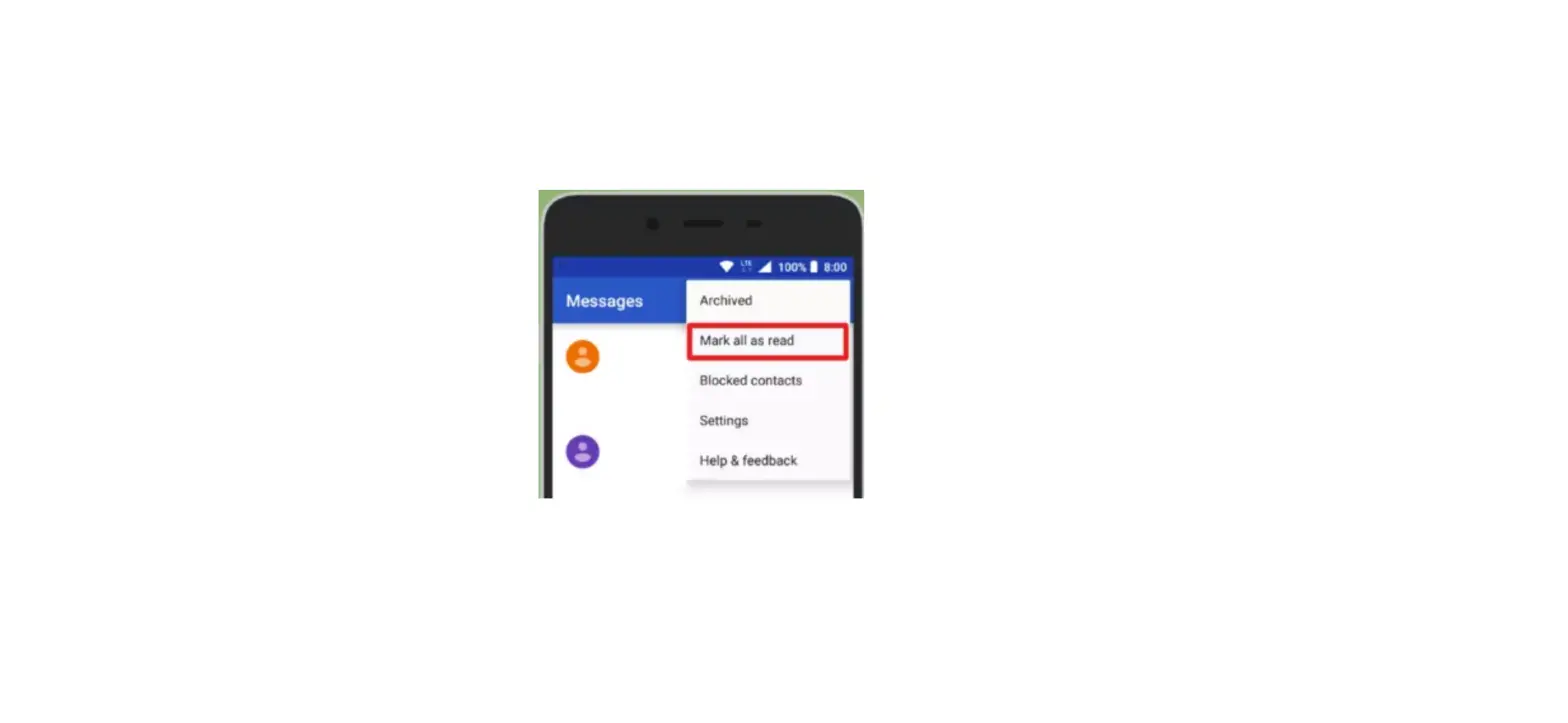
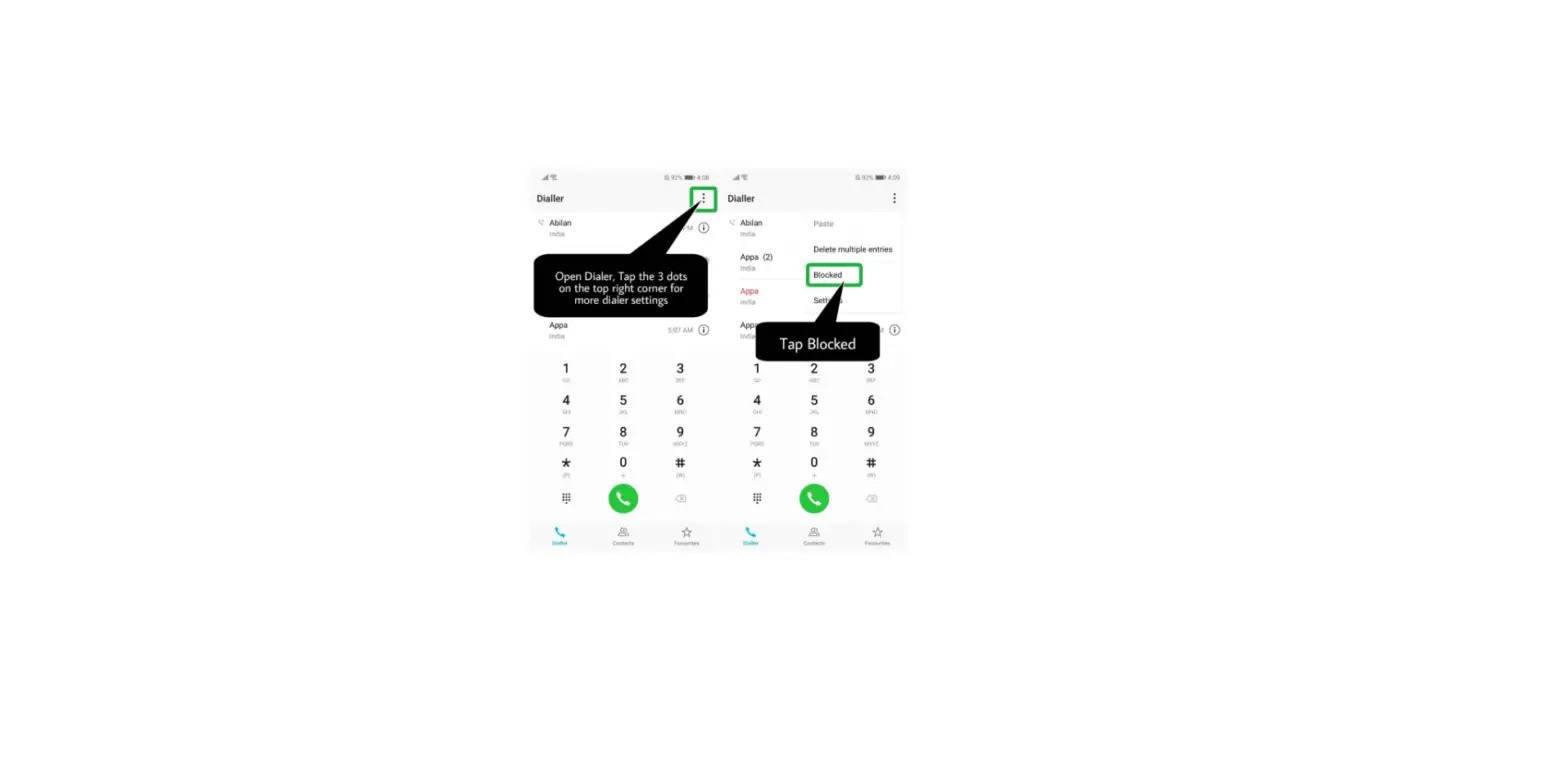
2. In the list of message threads, touch  > Blocked.
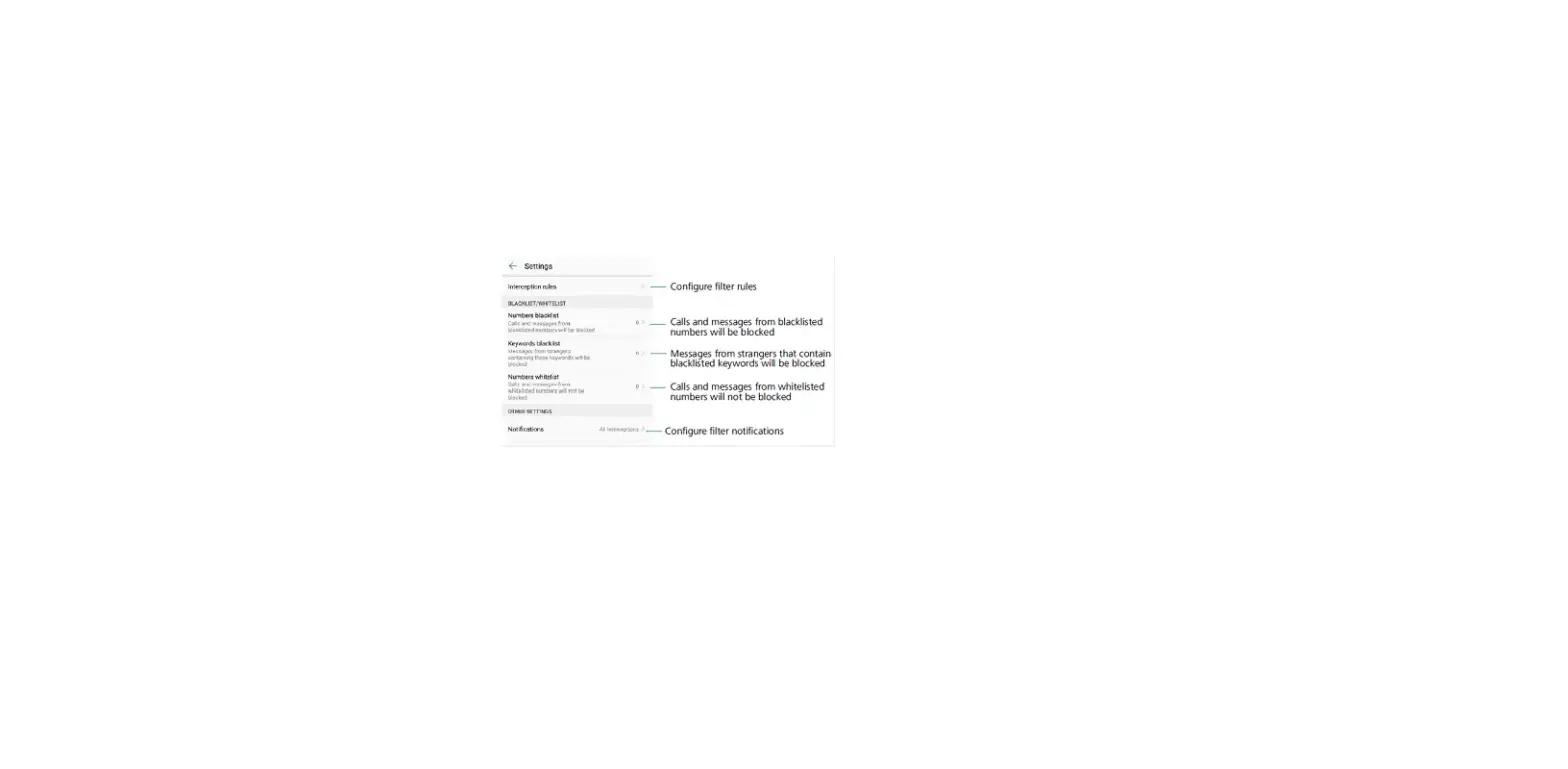
3. Touch  to configure the harassment filter settings and the blacklist.
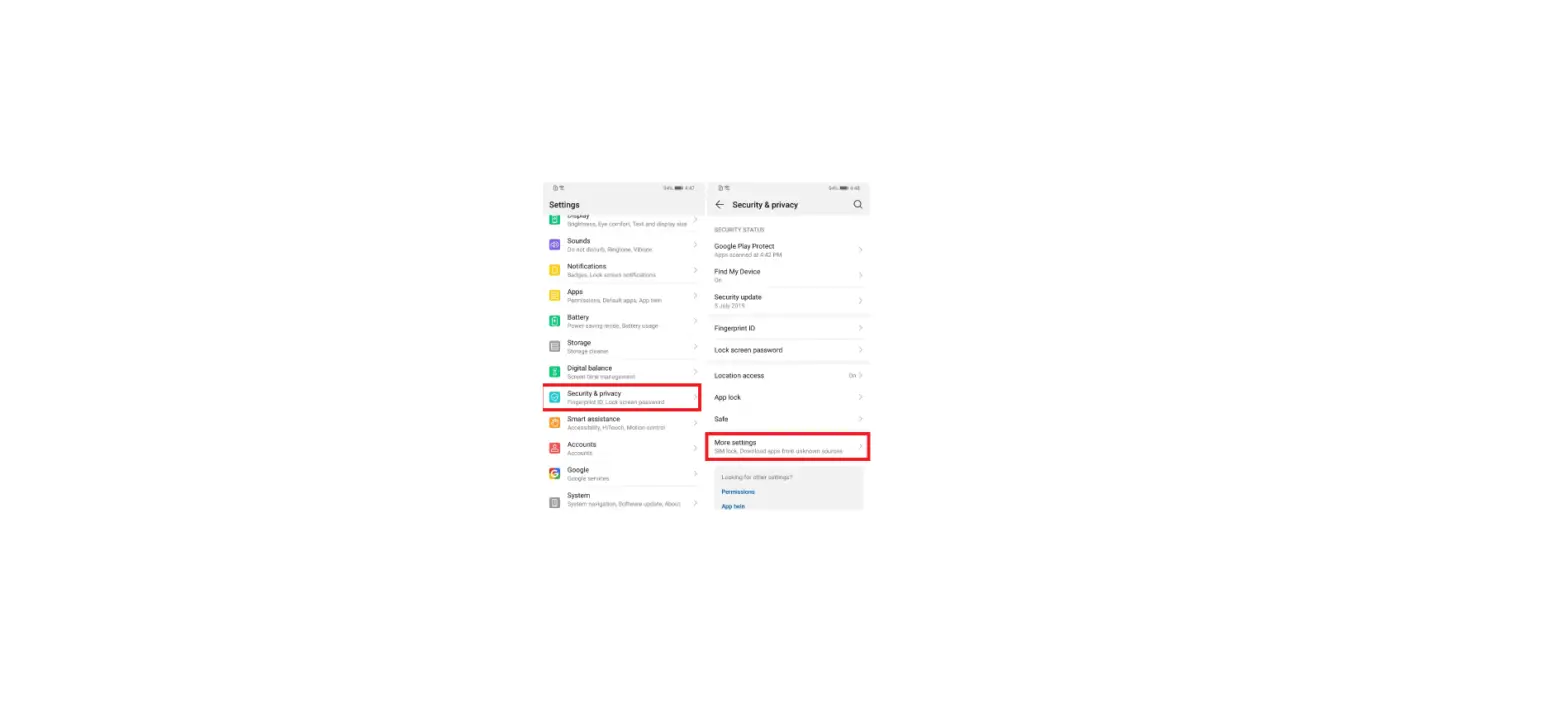
Alternatively , open Phone Manager and touch Blocked > to configure the harassment filter settings and the blacklist.
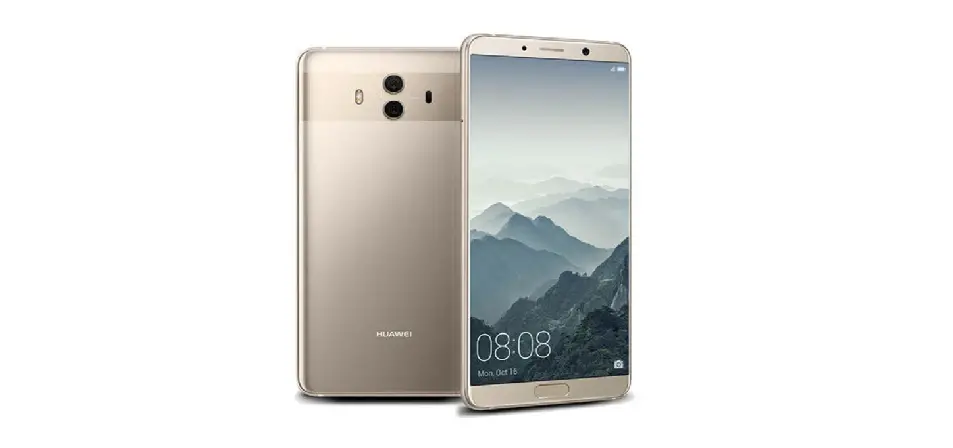
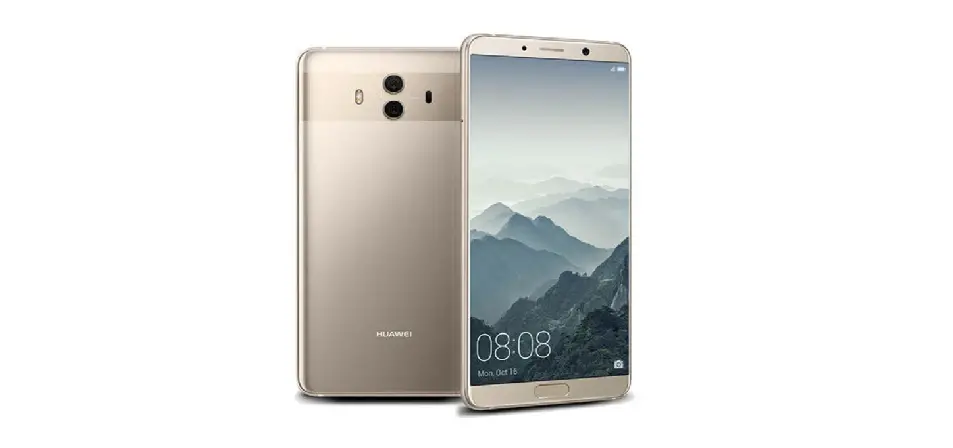
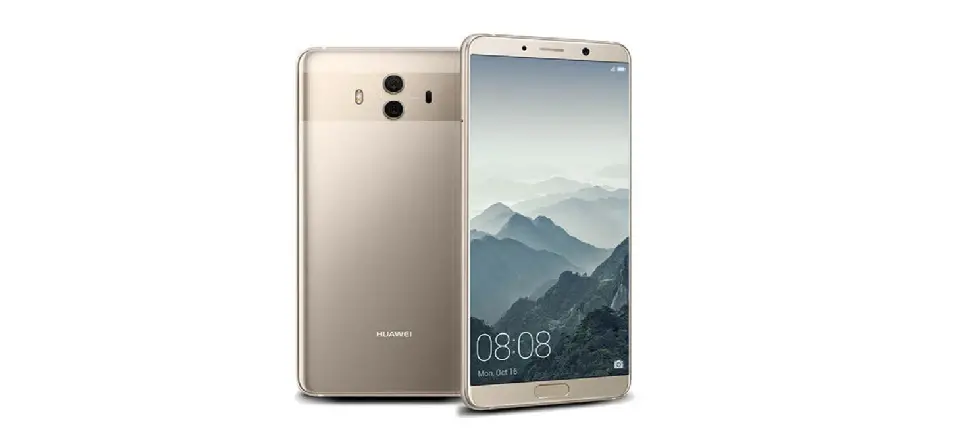
Questions about your Huawei Mate 10? Post in the comments!
Huawei Mate 10 Manual [PDF]