Deleting Message Threads
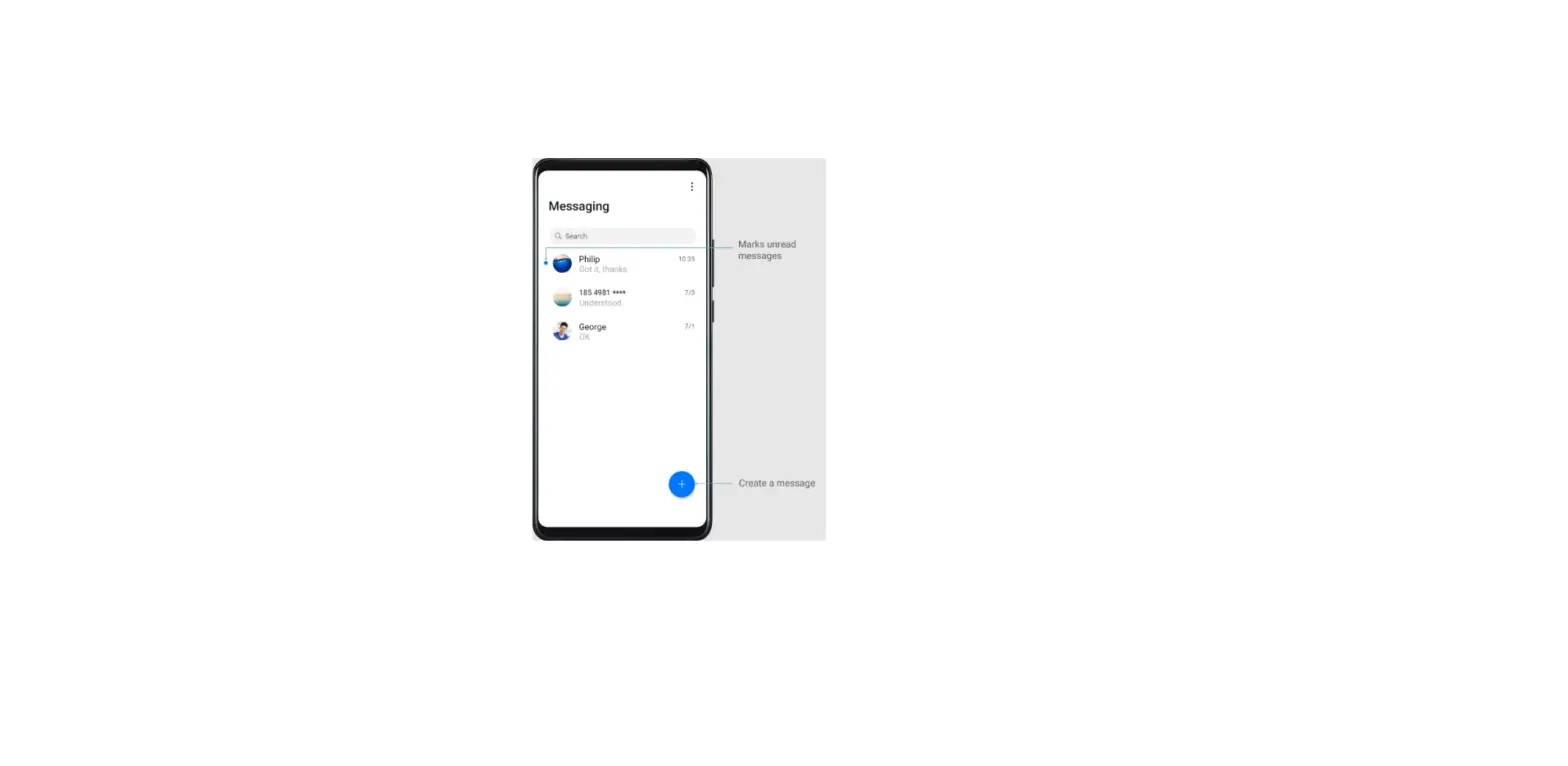
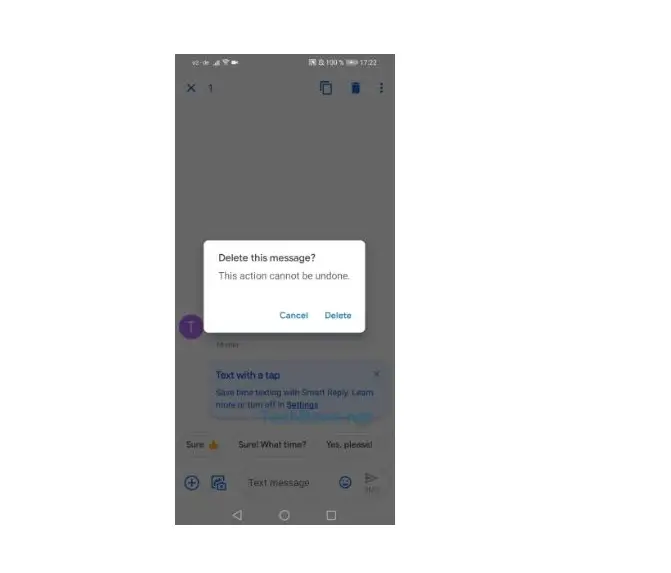
Delete unwanted or old threads to tidy up your message list.
 Deleted threads cannot be retrieved, so please proceed with caution.
You can delete a message thread in two ways:
– To delete a single thread, swipe left on the thread that you want to delete and touch  .
.
– To delete multiple threads, touch and hold one of the threads that you want to delete. Select the other threads and touch > Delete.
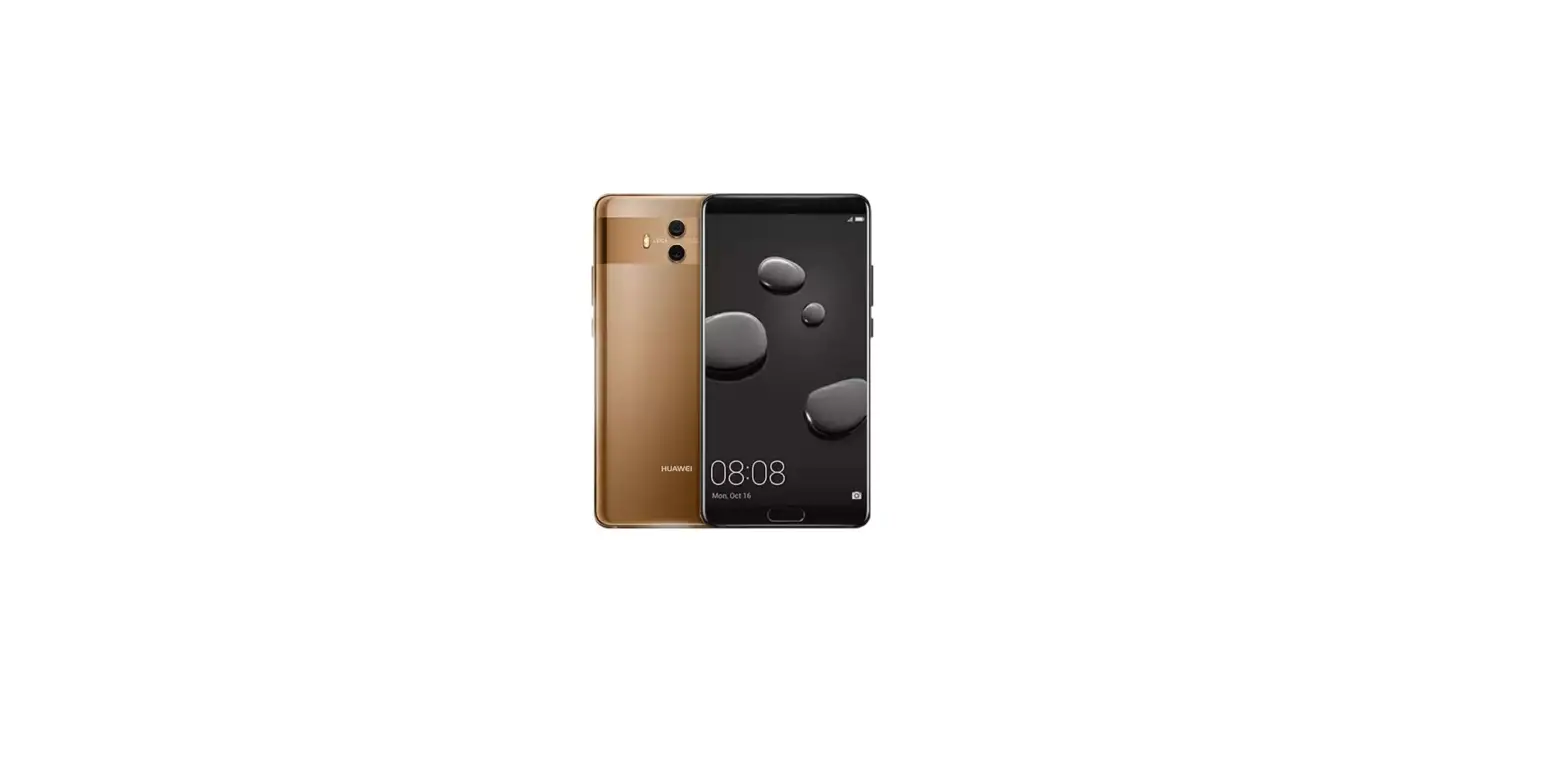
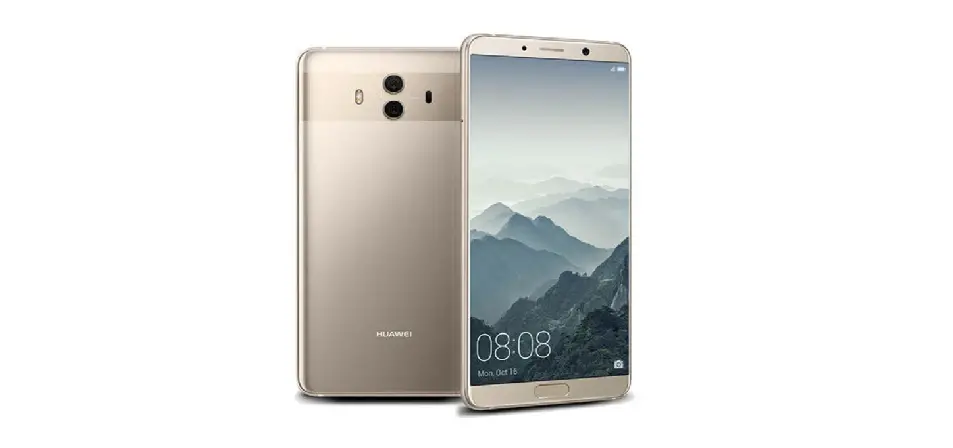
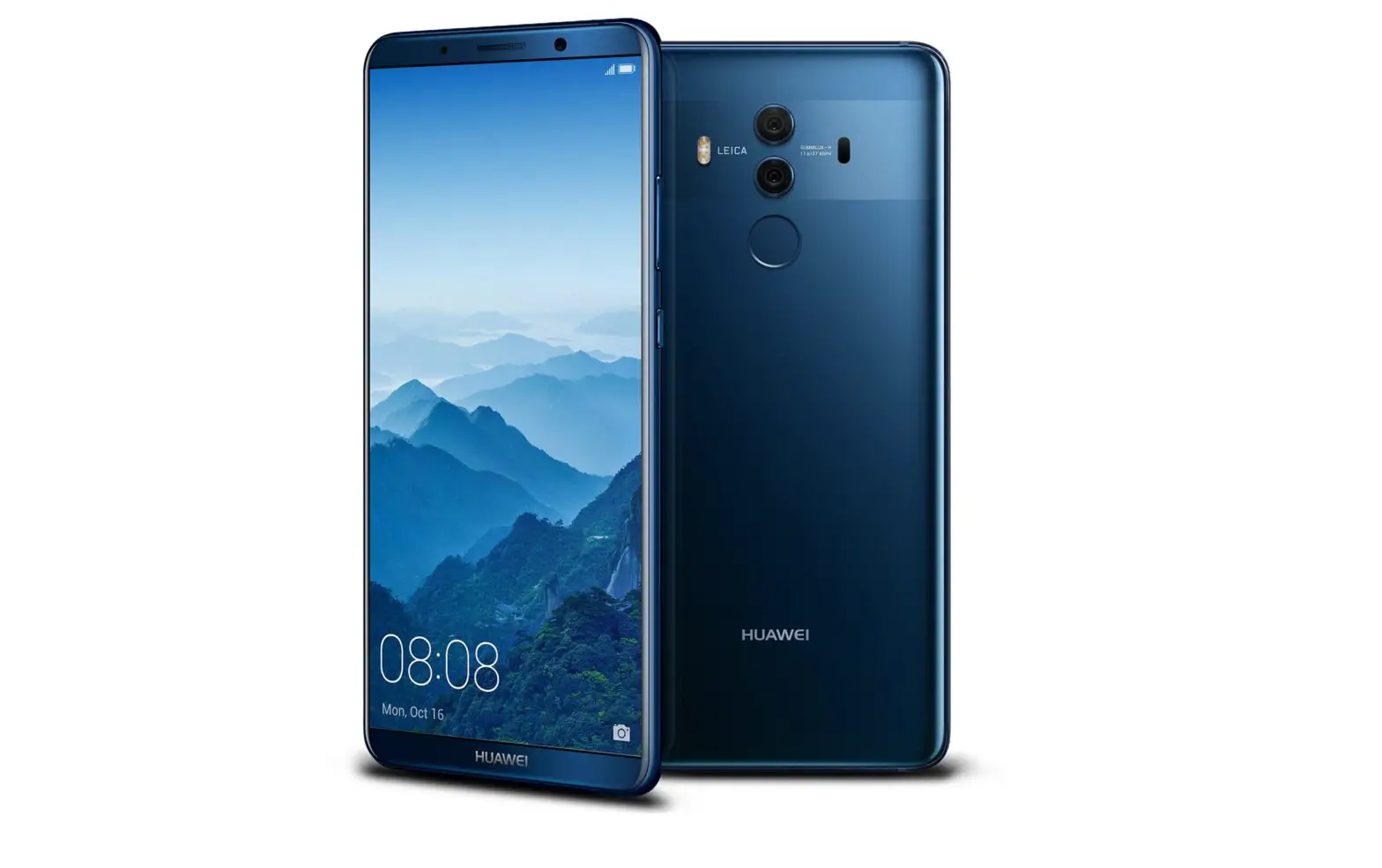
Questions about your Huawei Mate 10? Post in the comments!
Huawei Mate 10 Manual [PDF]