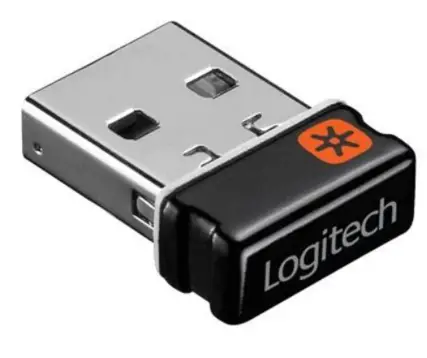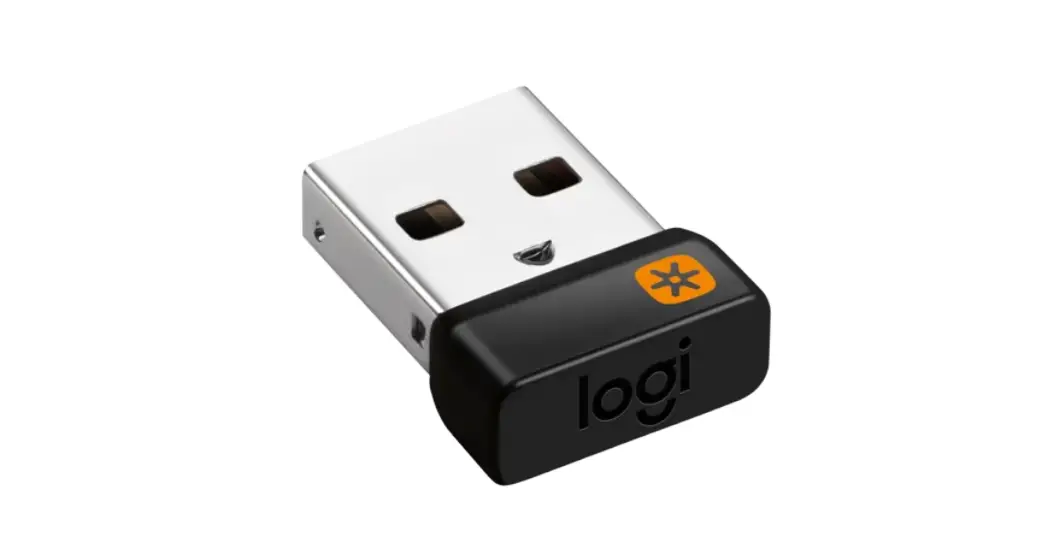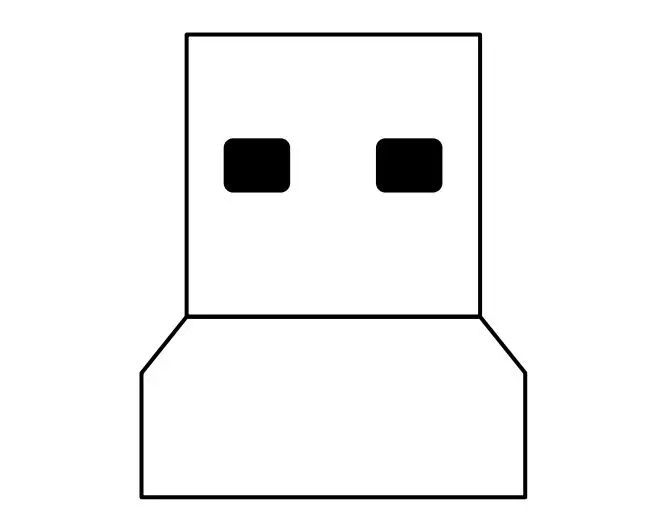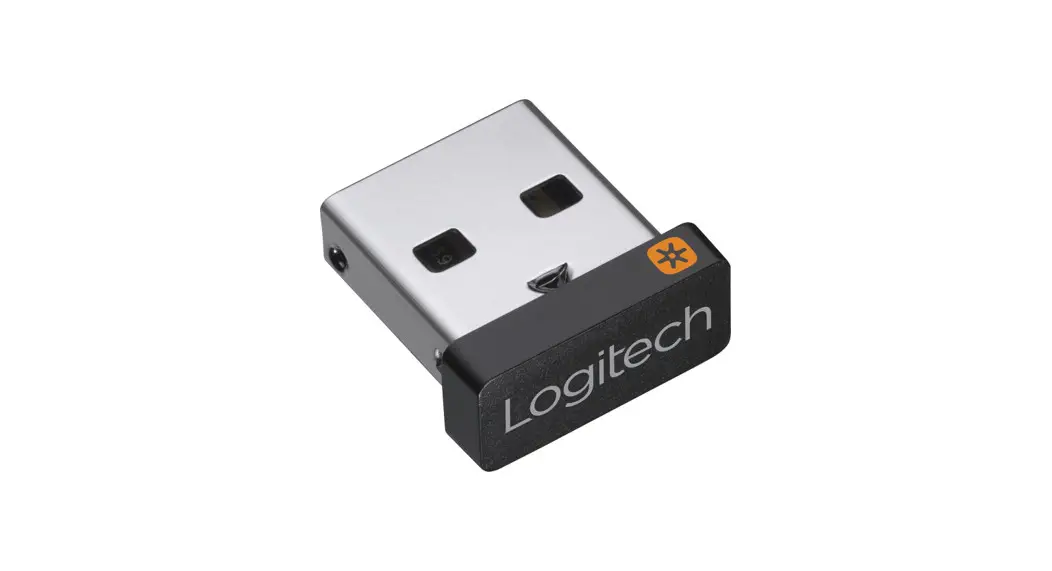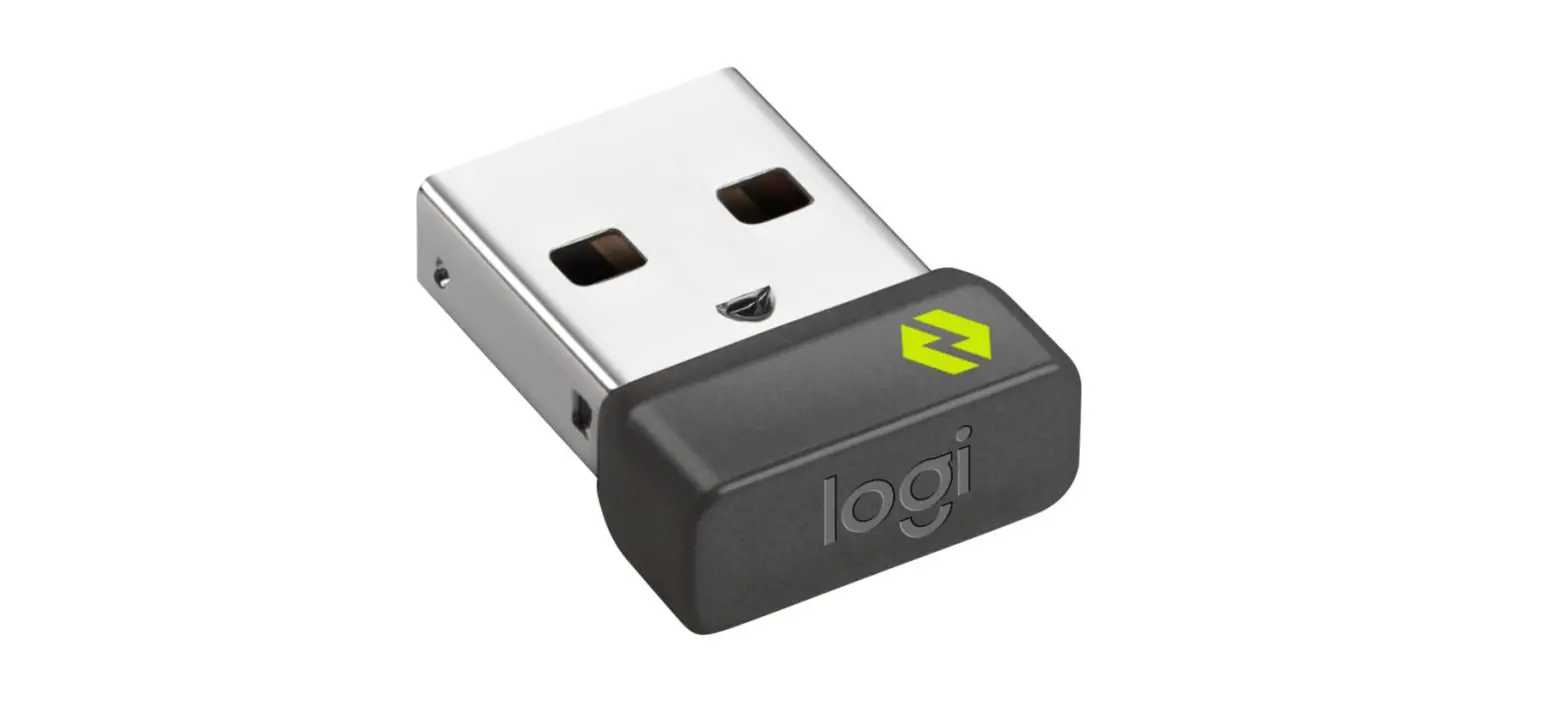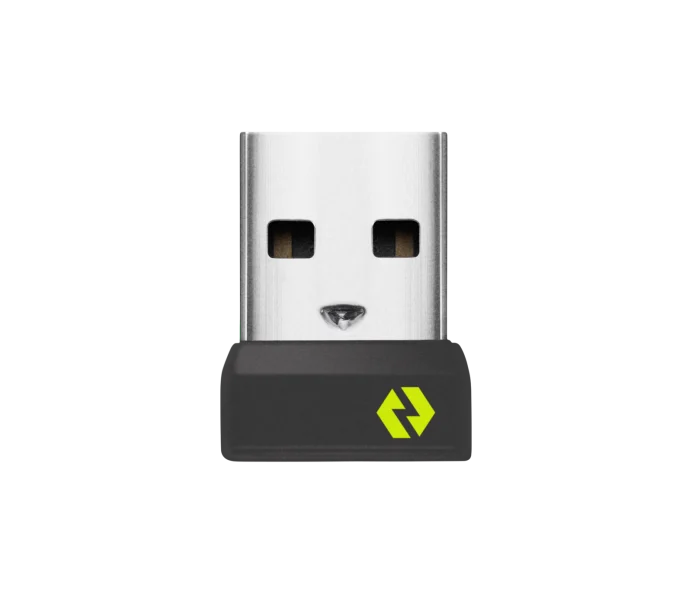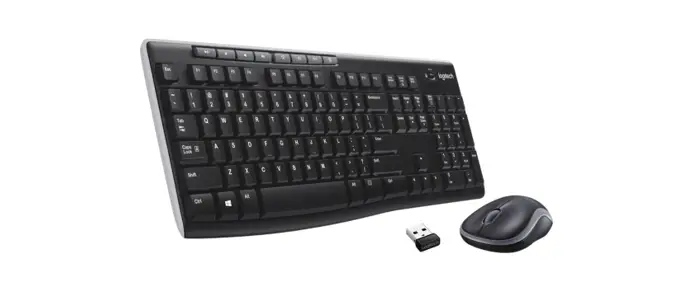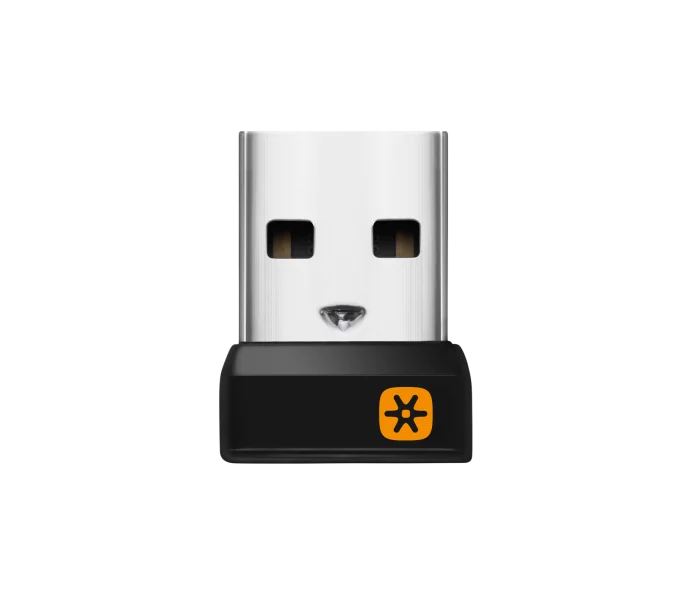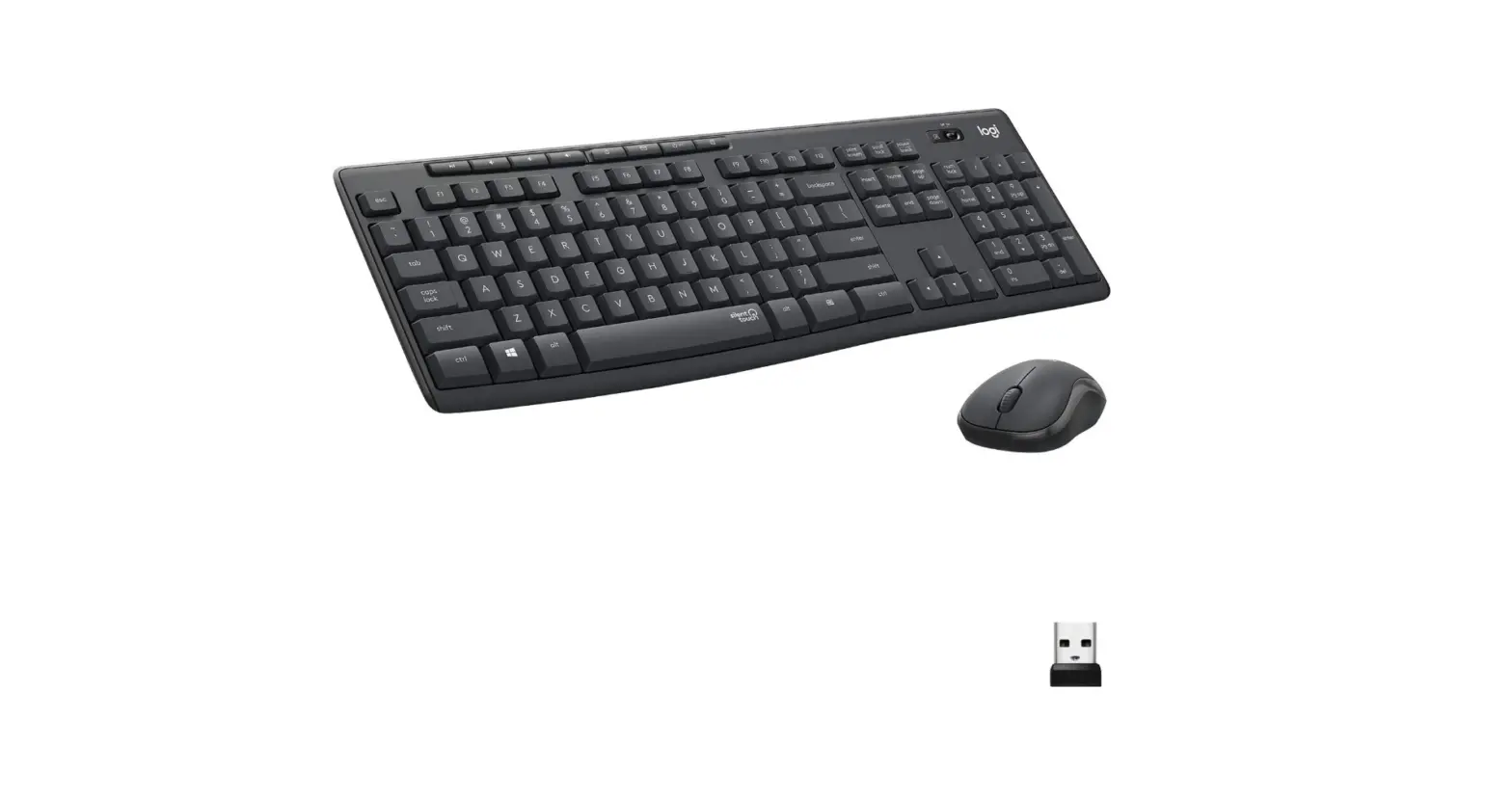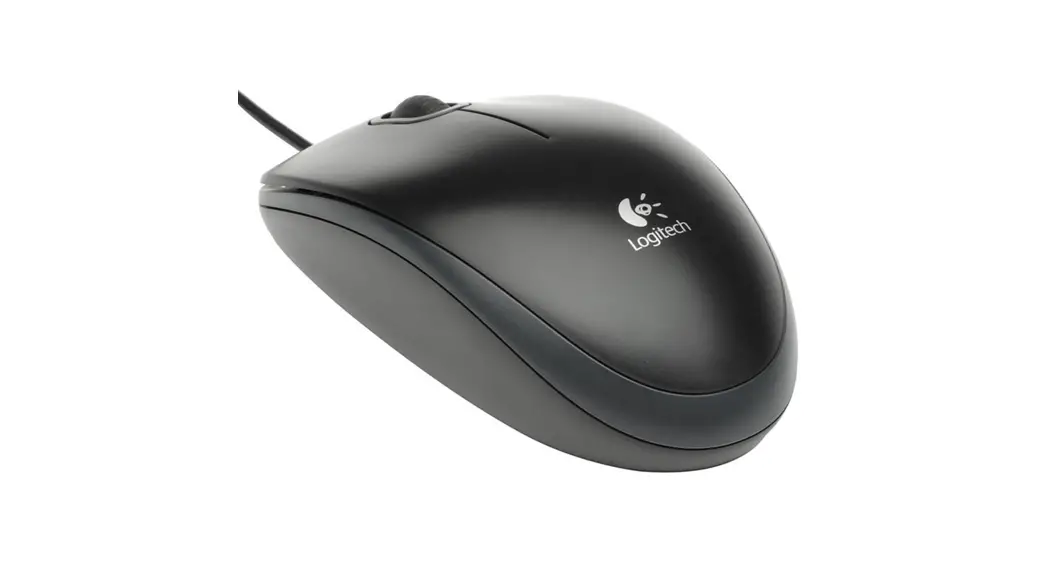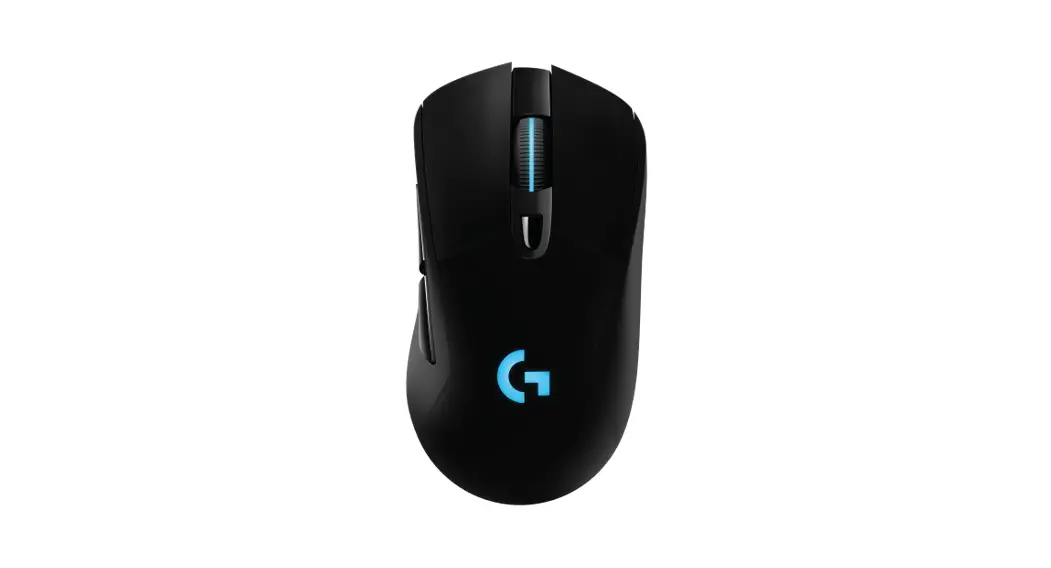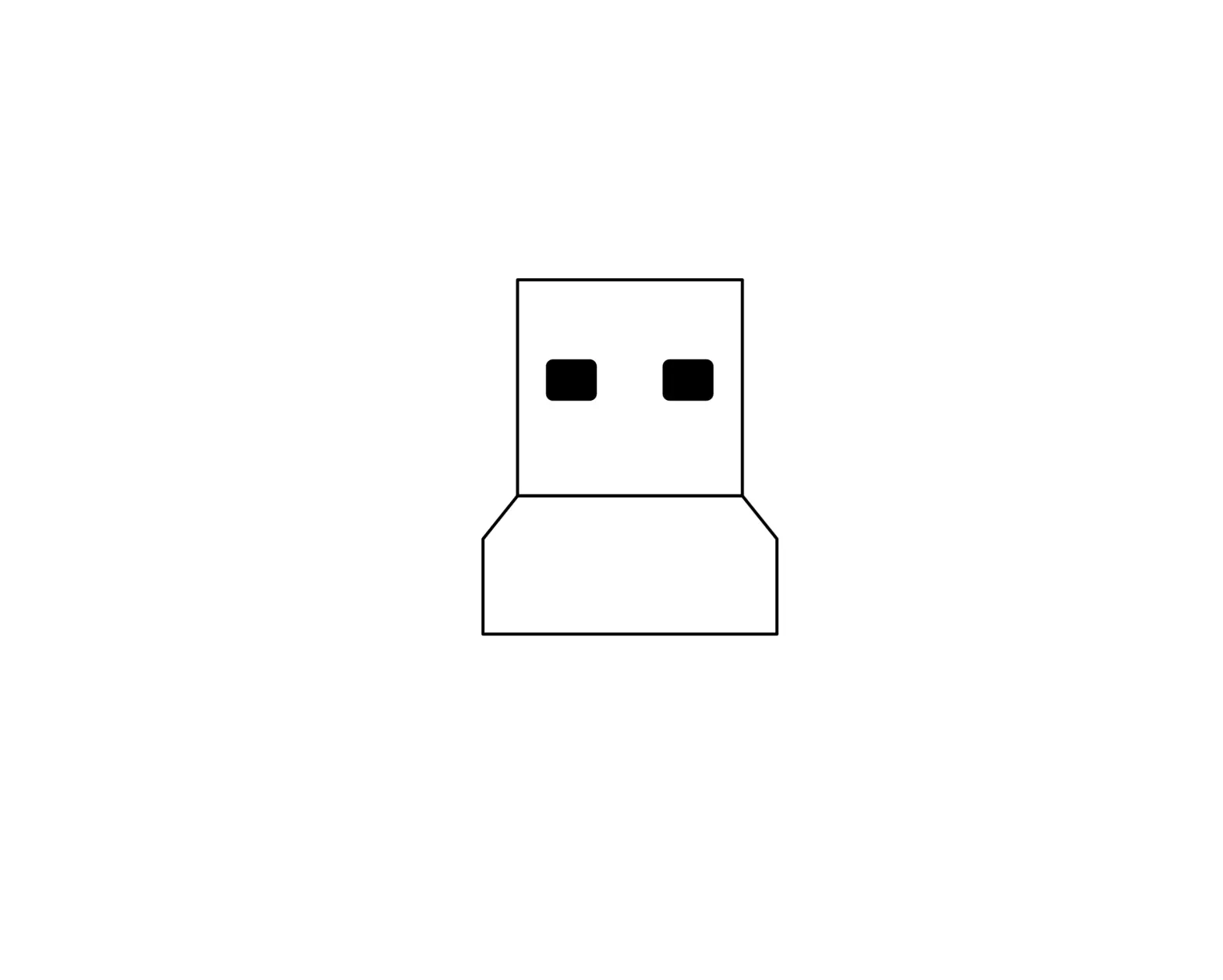
logitech USB Receiver CU0019
INSTRUCTIONS
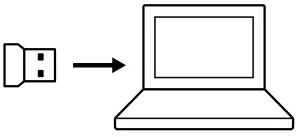
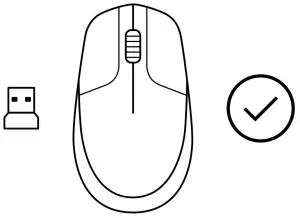
- Plug the USB receiver to your computer

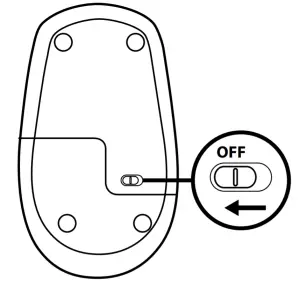
- Switch the mouse to power OFF

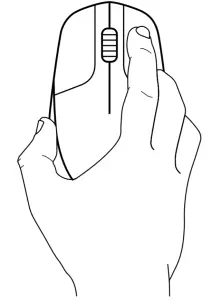
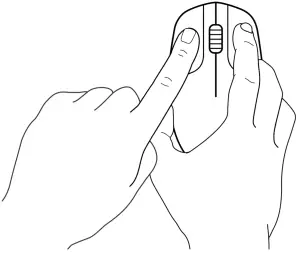
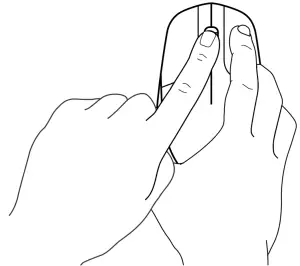
- Press and keep the right button pressed continuously until the end of the procedure.

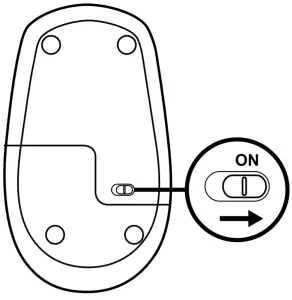
- Switch the mouse to power ON

- Click the left button once.

- Click the middle button once.

- Release all, mouse and USB receiver should pair automatically.

www.logitech.com/support/CU0019
© 2020 Logitech Logitech, Logi, and the Logitech Logo are trademarks or registered trademarks of Logitech Europe S A and/or its affiliates in the U S and other countries Logitech assumes no responsibility for any errors that may appear in this manual Information contained herein is subject to change without notice

 Logitech Support + Download Sustainability Navigation