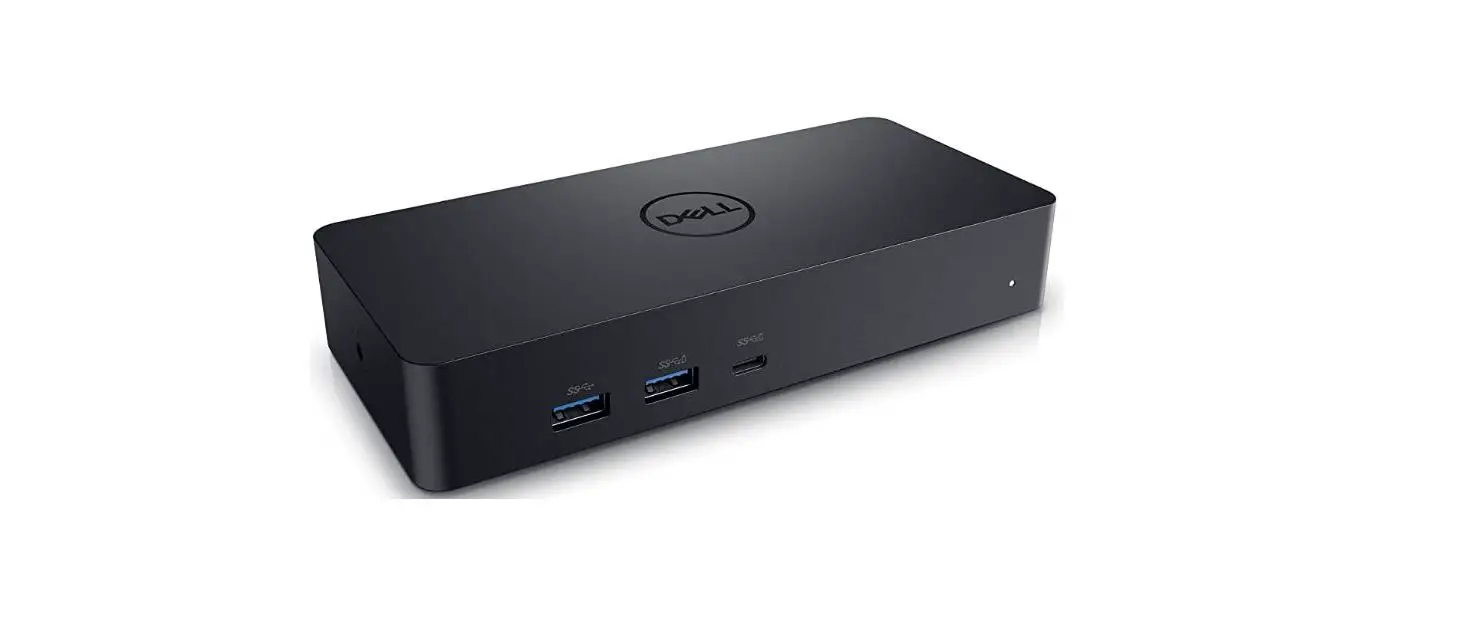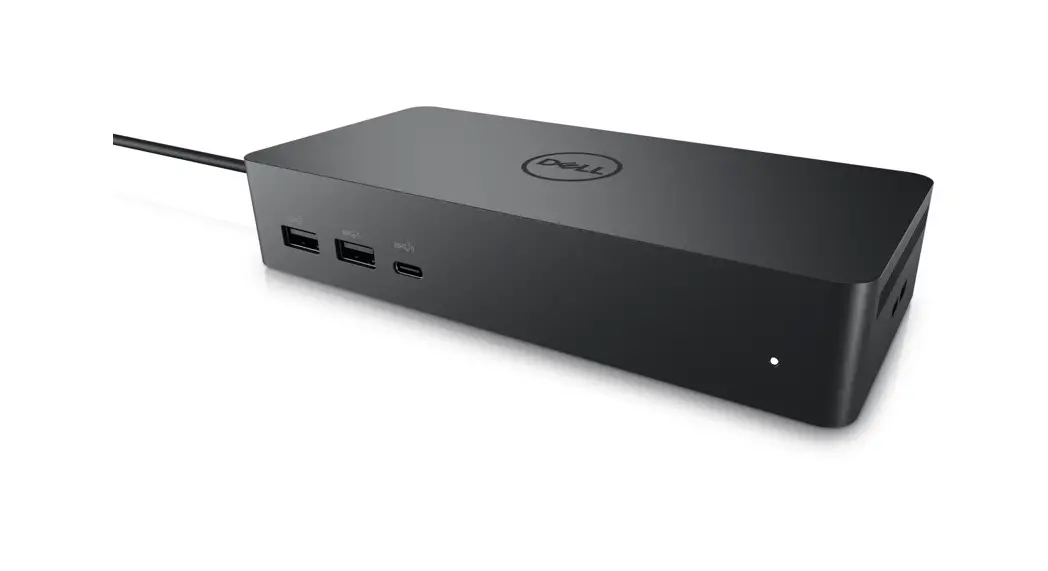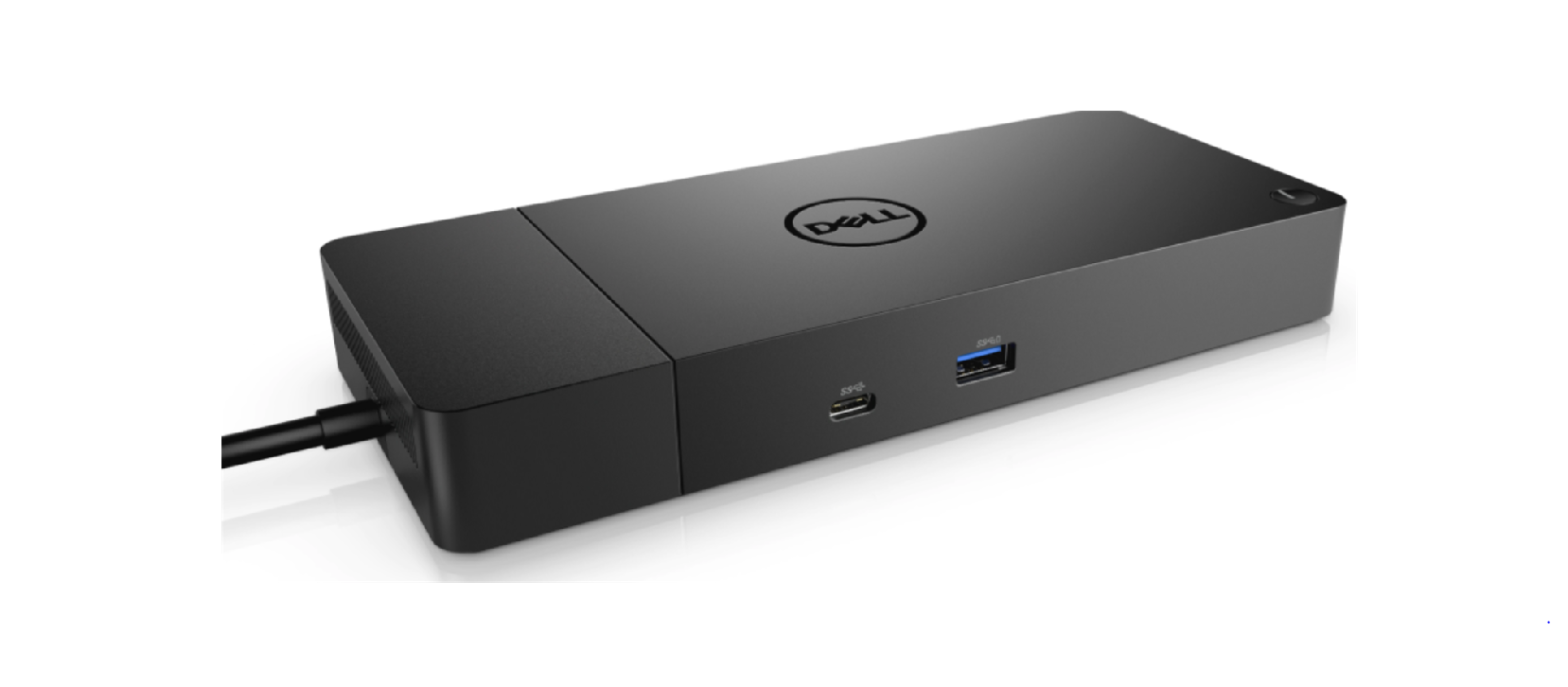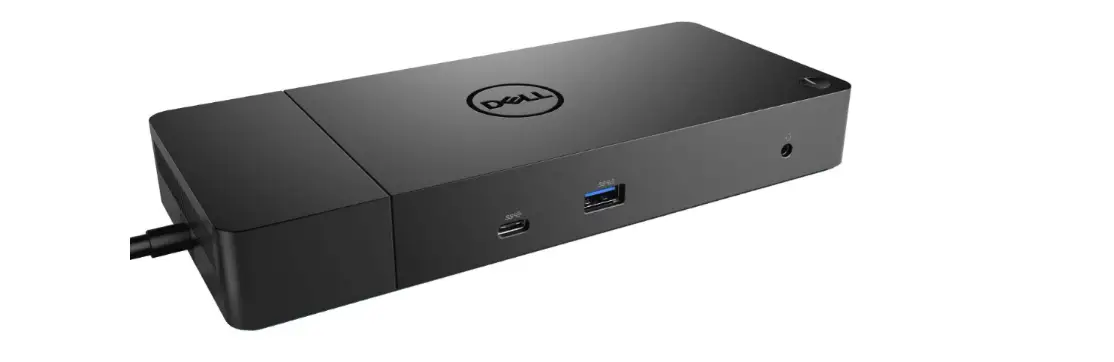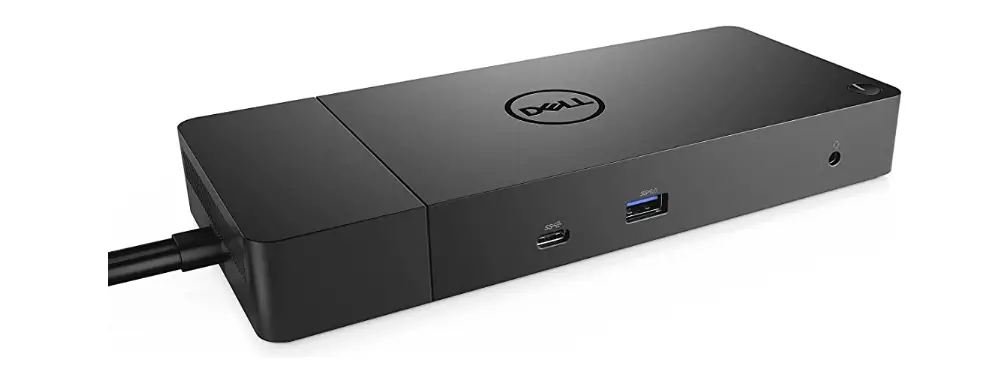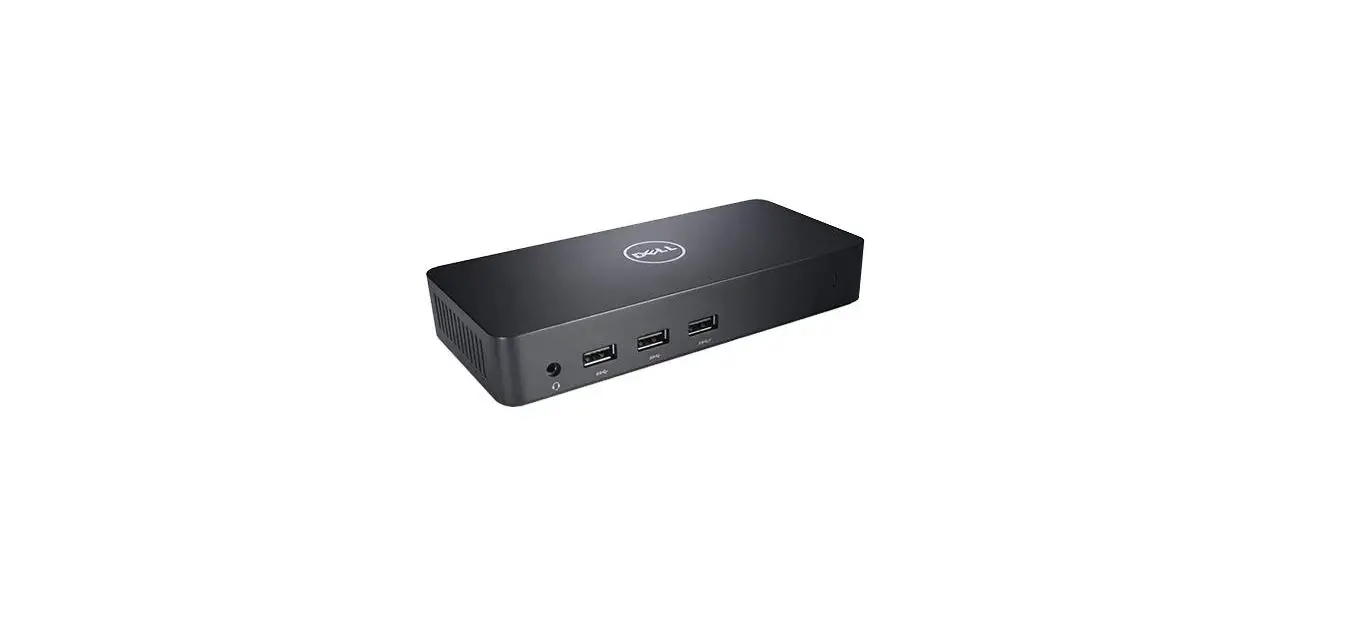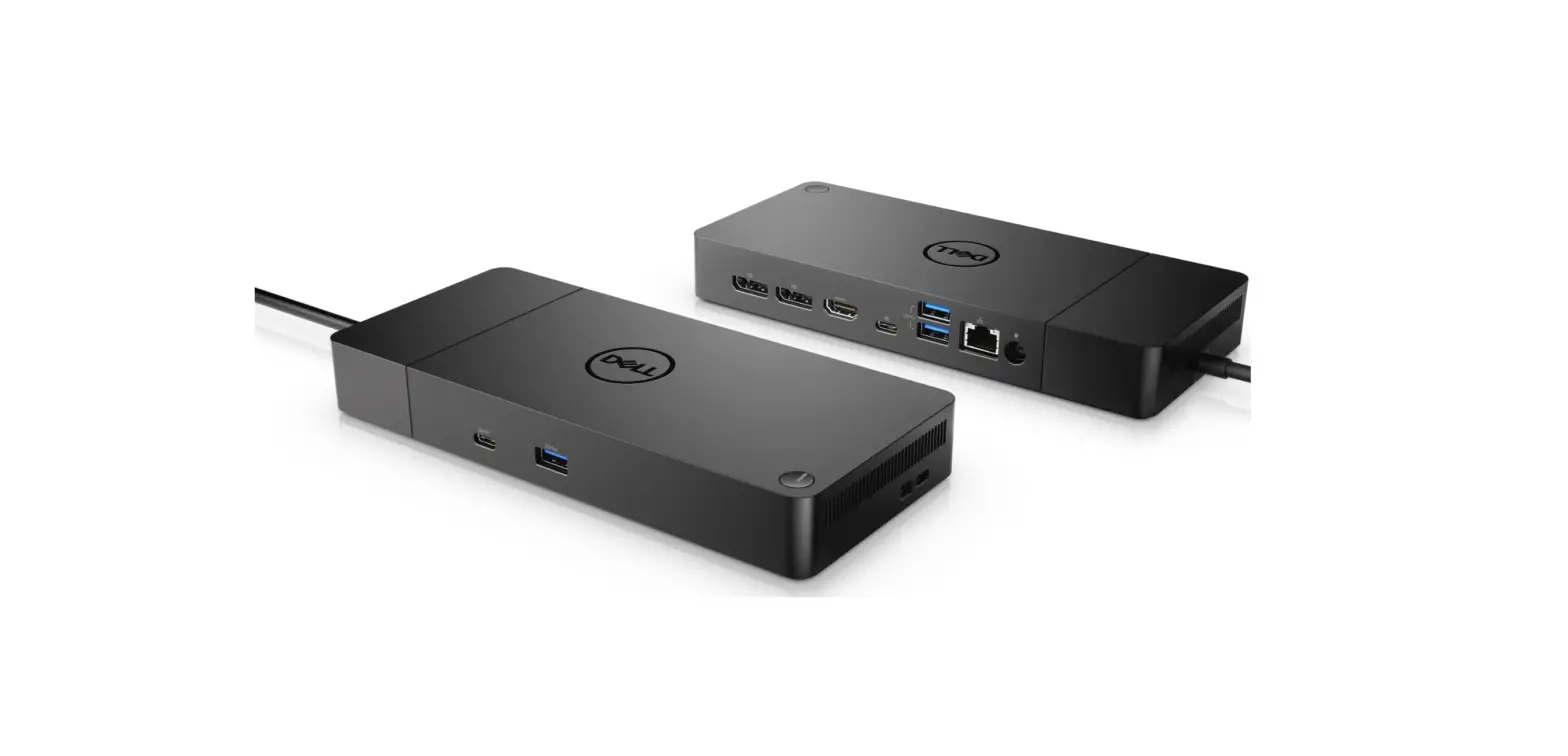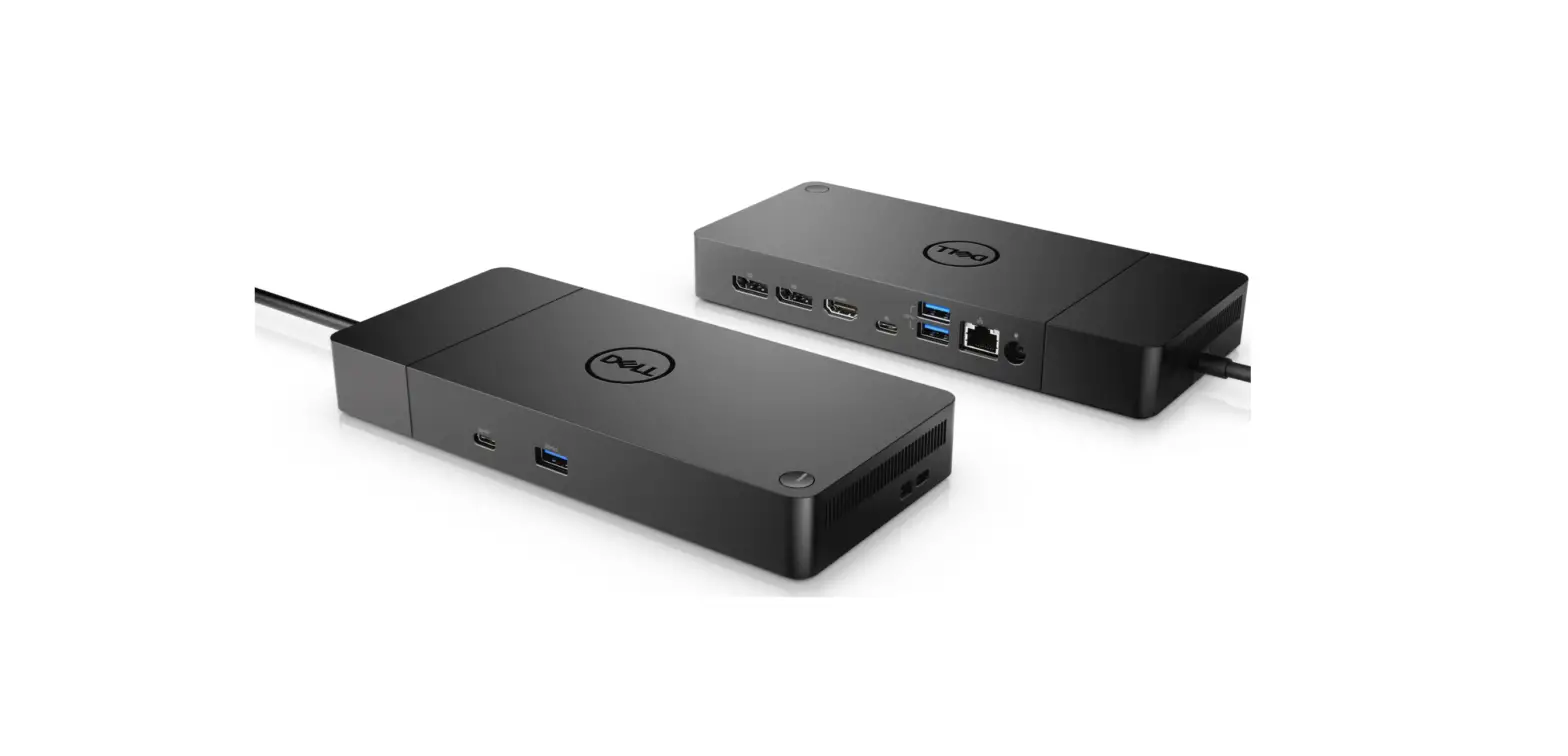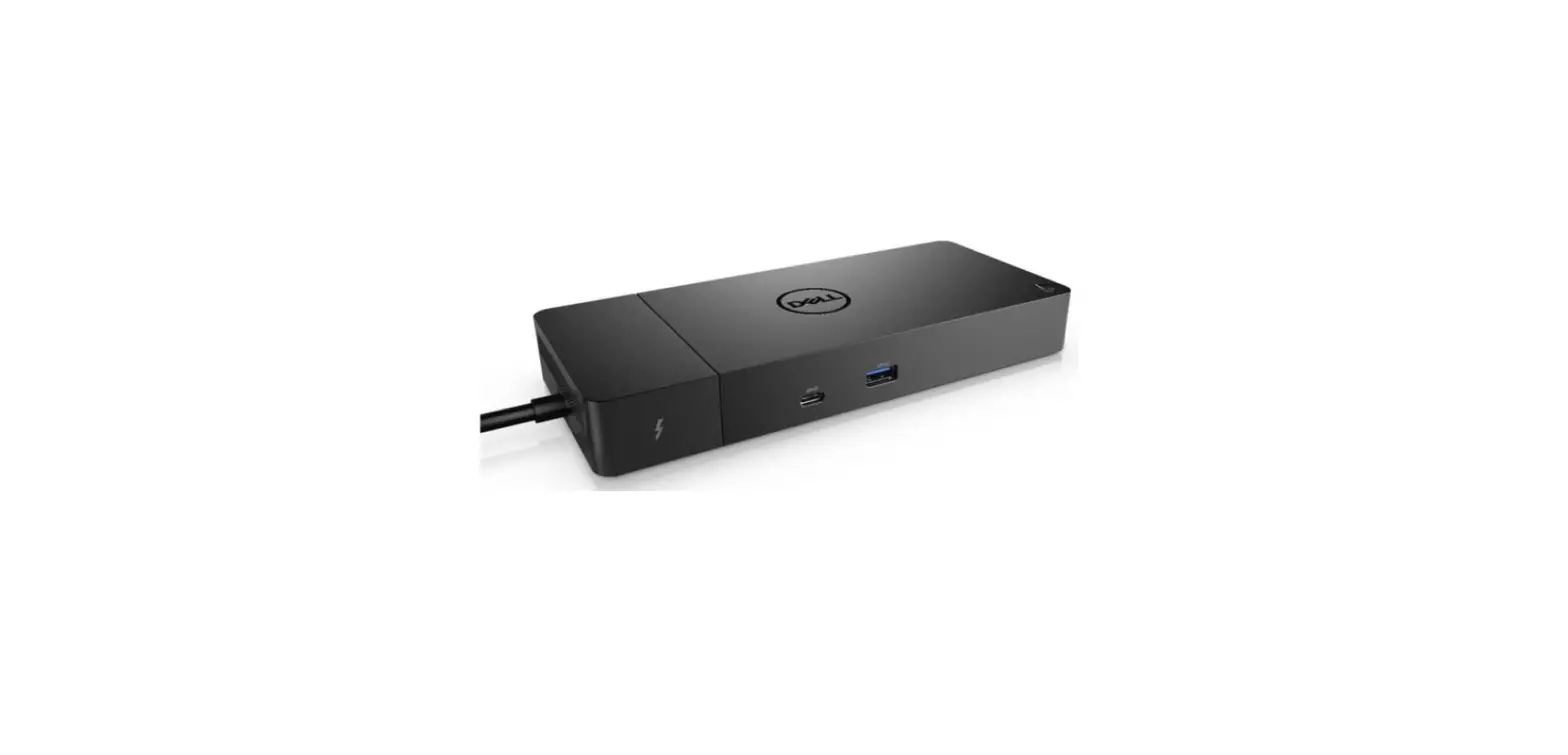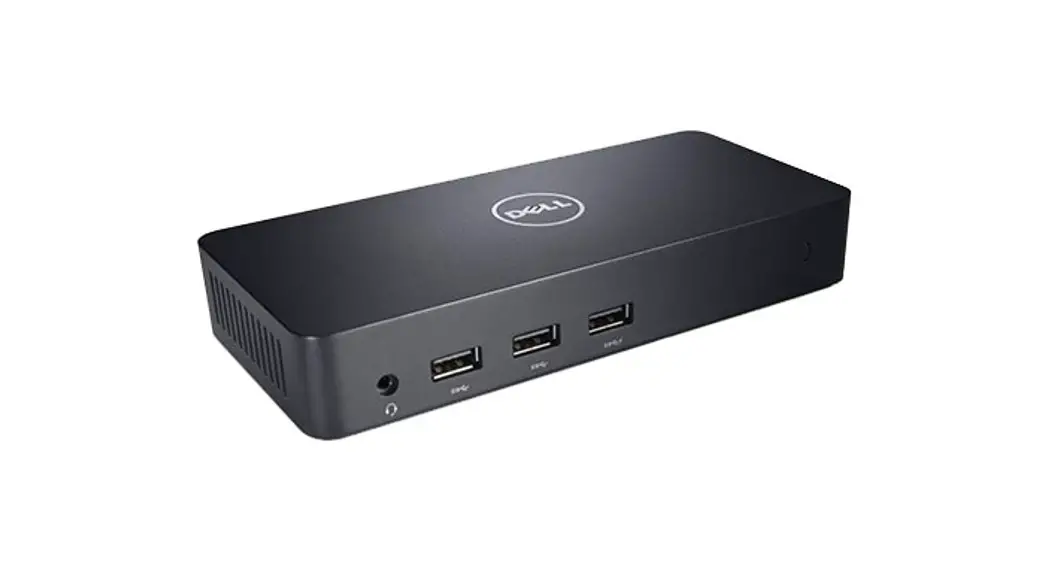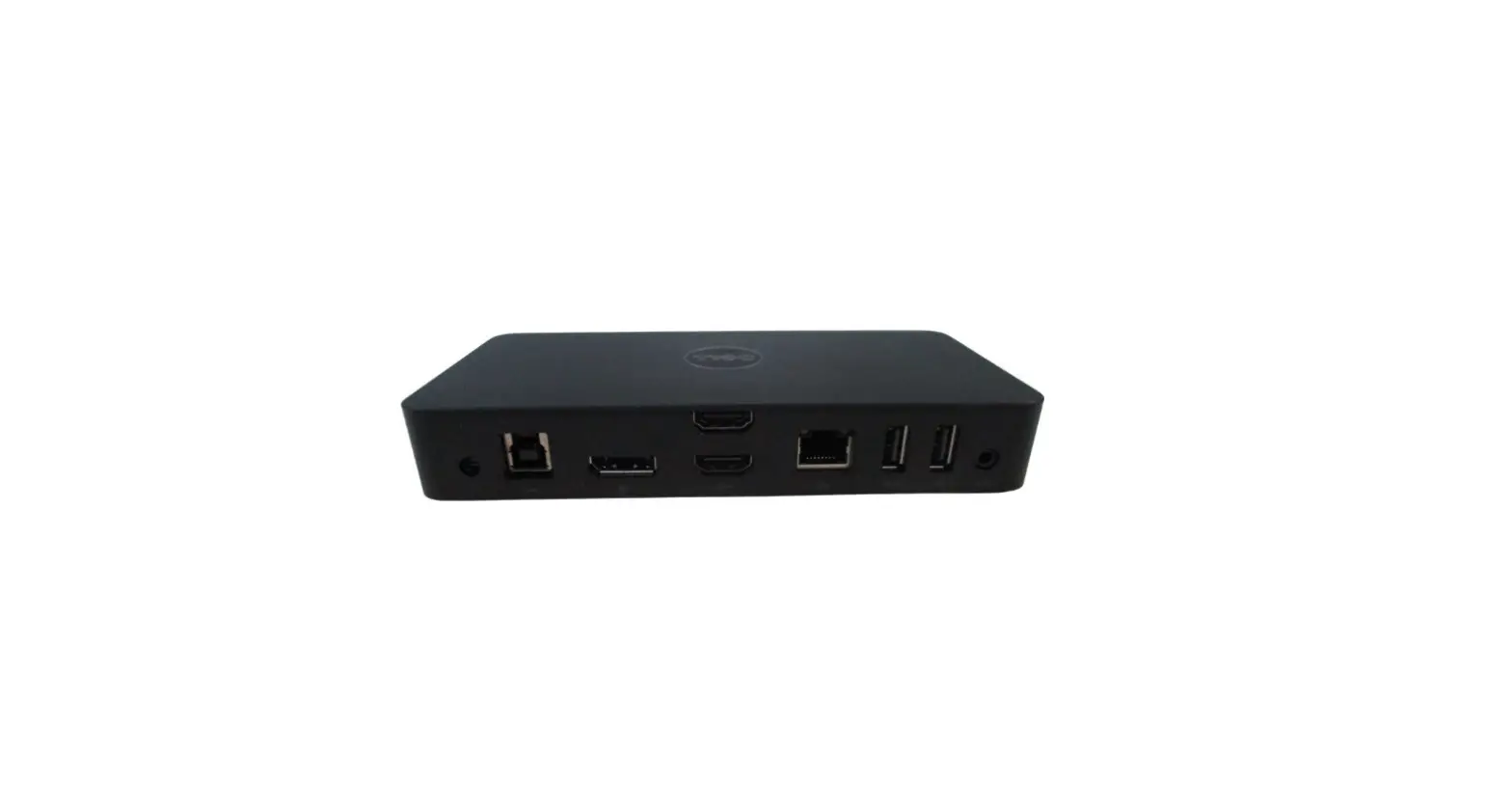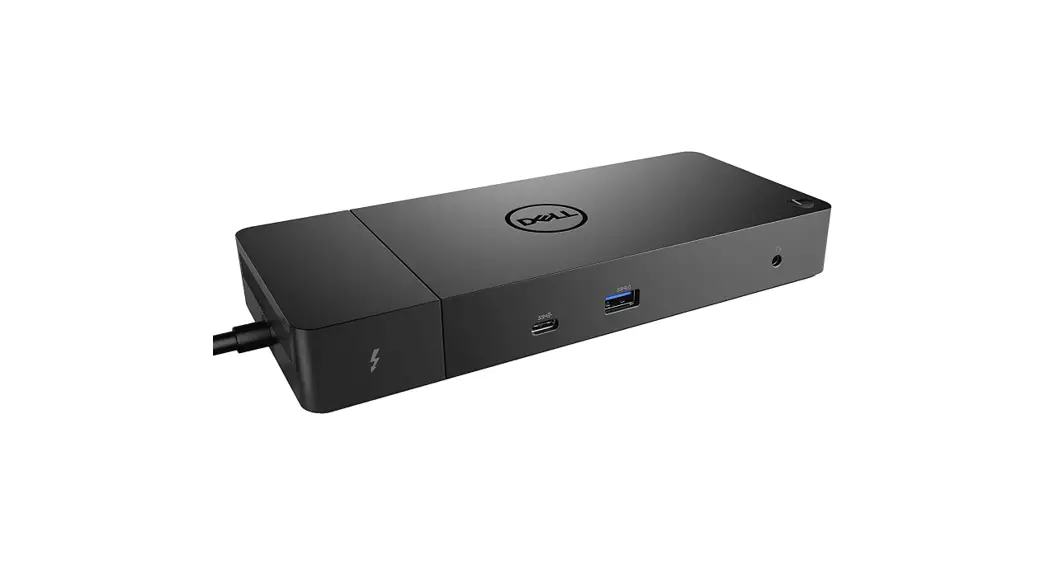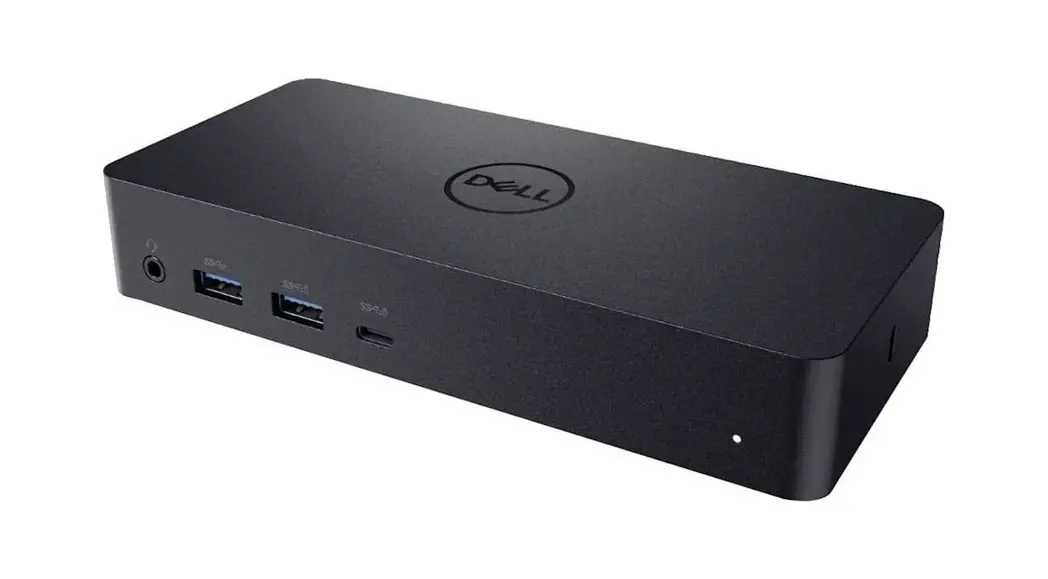
 Dell™ Universal Dock
D6000S
Quick Start Guide
 NOTE: Install the driver’s first before connecting the Docking Station to your computer.
Driver download links:
· www.dell.com/support/drivers
· www.displaylink.com/downloads
Corporate installation software package:
www.displaylink.com/downloads/corporate

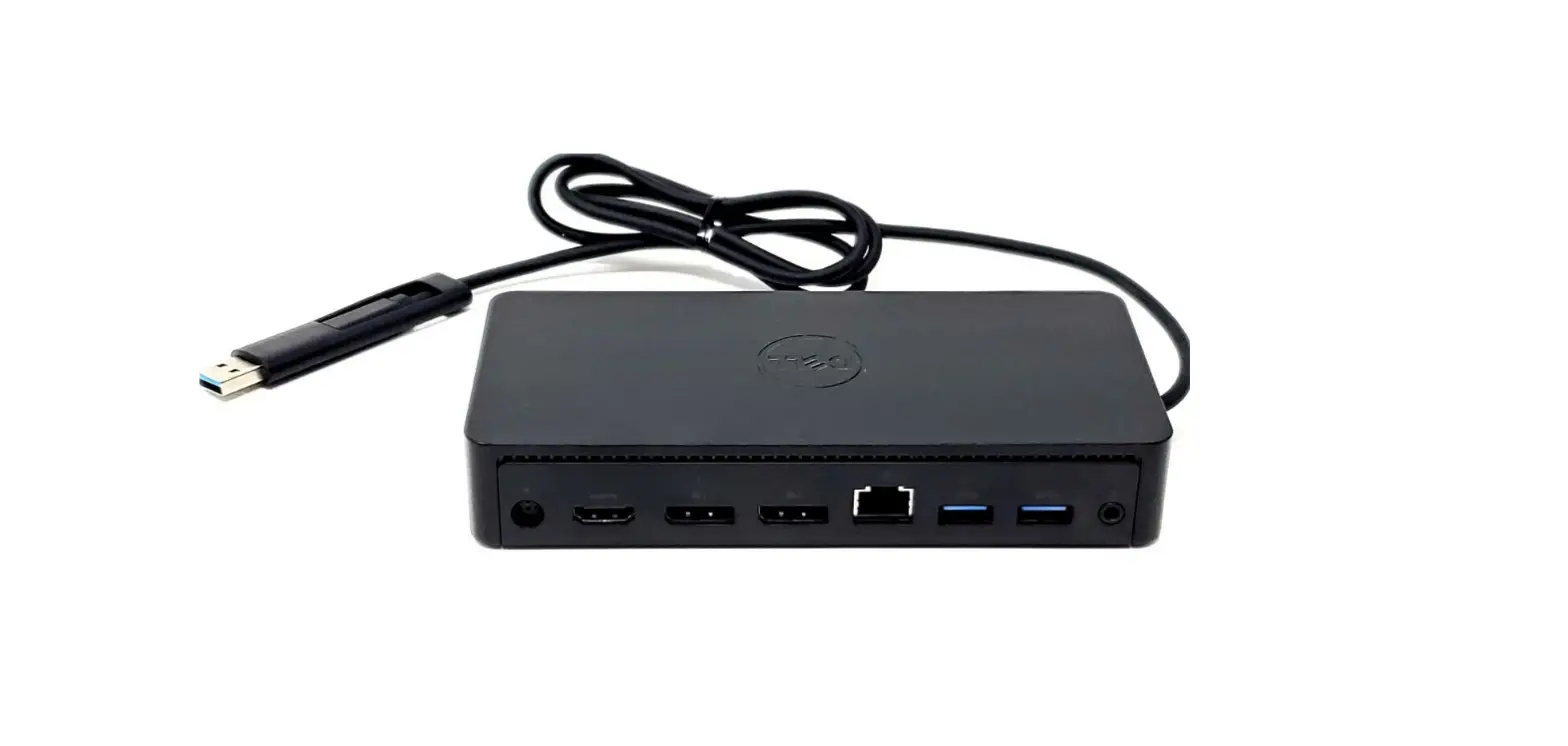
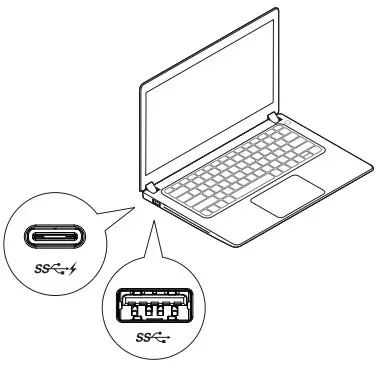
- Choose USB-A or USB-C connector for laptop connection


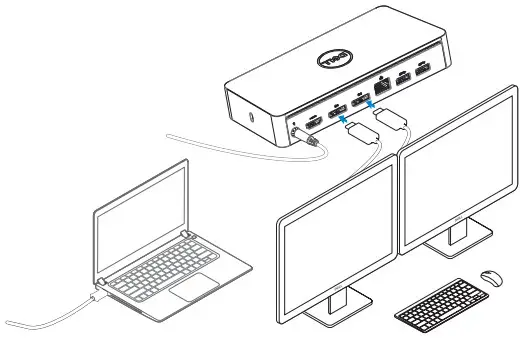
USB-C notebook supports a maximum of 3 displays.
USB-A notebook supports a maximum of 2 displays.
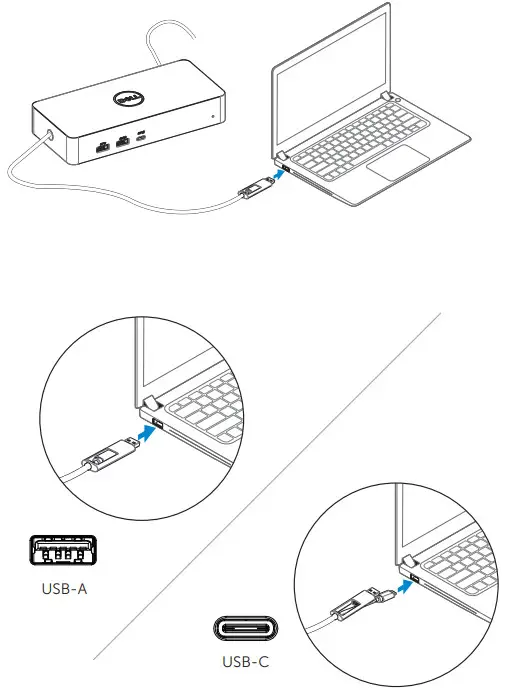
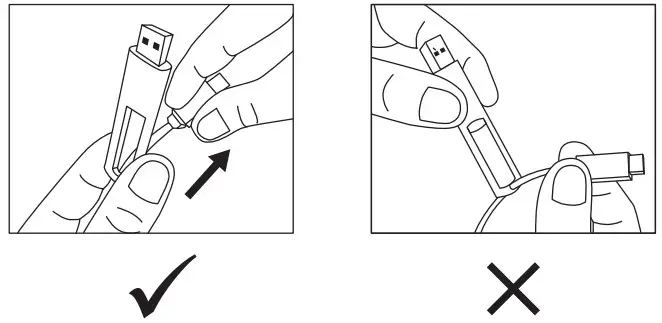
How to interchange USB-C and USB-A connection
Features
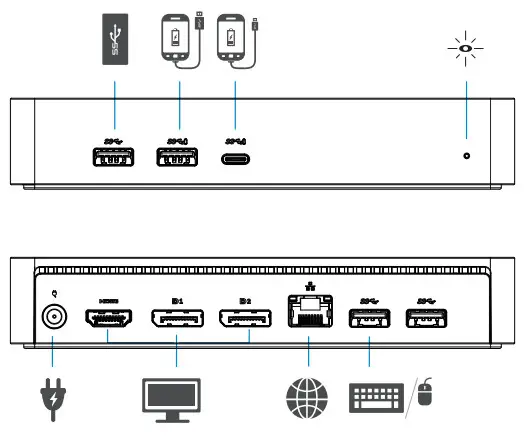
 NOTE: For more information, see User’s Guide at www.dell.com/supportNOTE: The latest drivers update can be downloaded from the DisplayLink support website at www.displaylink.com/downloads/corporateNOTE: For network/IT administrators, please visit this link for a corporate installation software package. (*User registration required) www.displaylink.com/downloads/corporate
www.dell.com/support
www.dell.com/support/drivers
www.dell.com/contactdell
www.dell.com/regulatory_compliance
Regulatory model: D6000S

Dell P/N: 7968F A00
© 2021 Dell Inc.
Printed in China.
2021-07
 Contact Support | Dell US
 DisplayLink Downloads Page | Synaptics