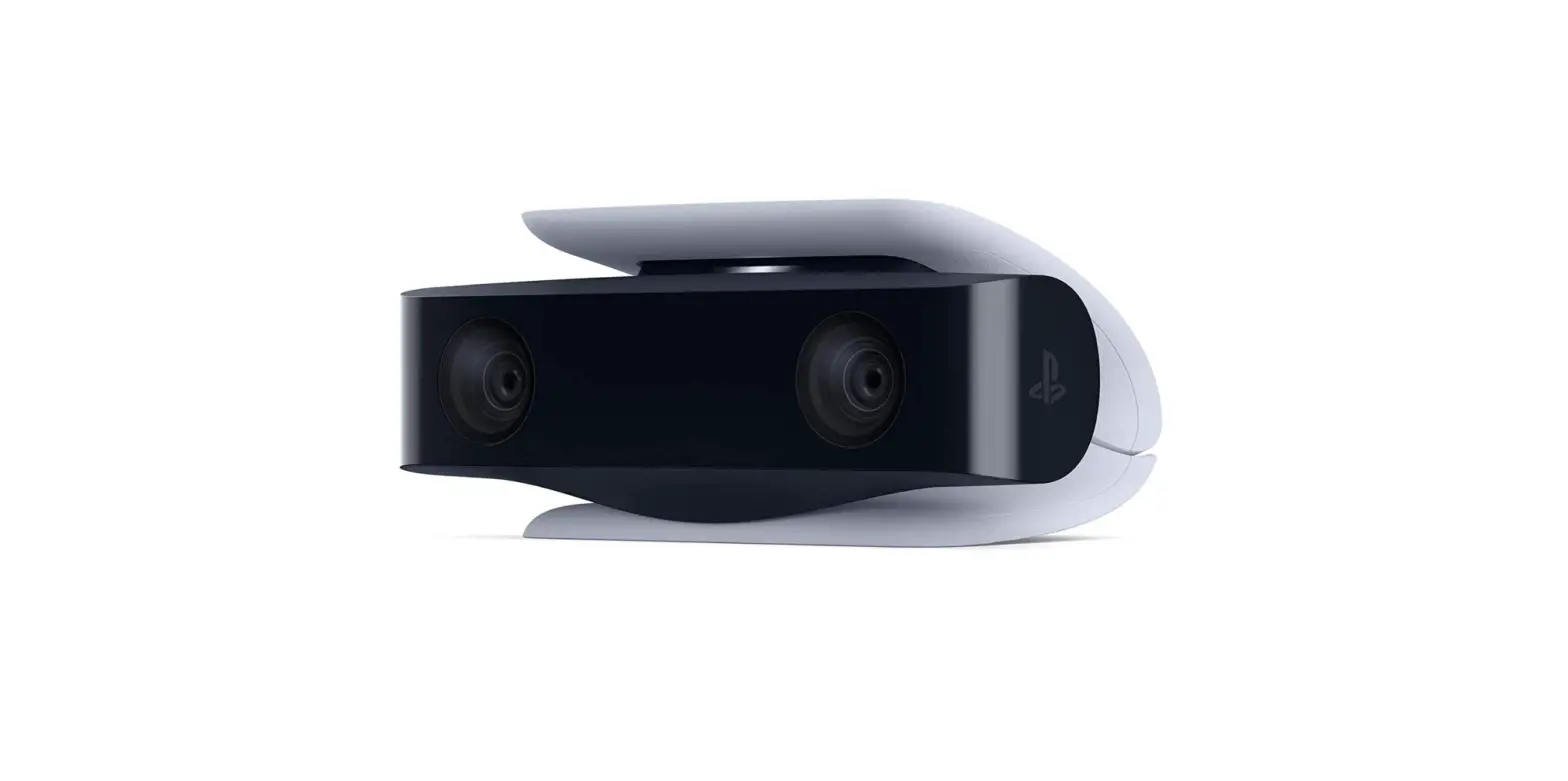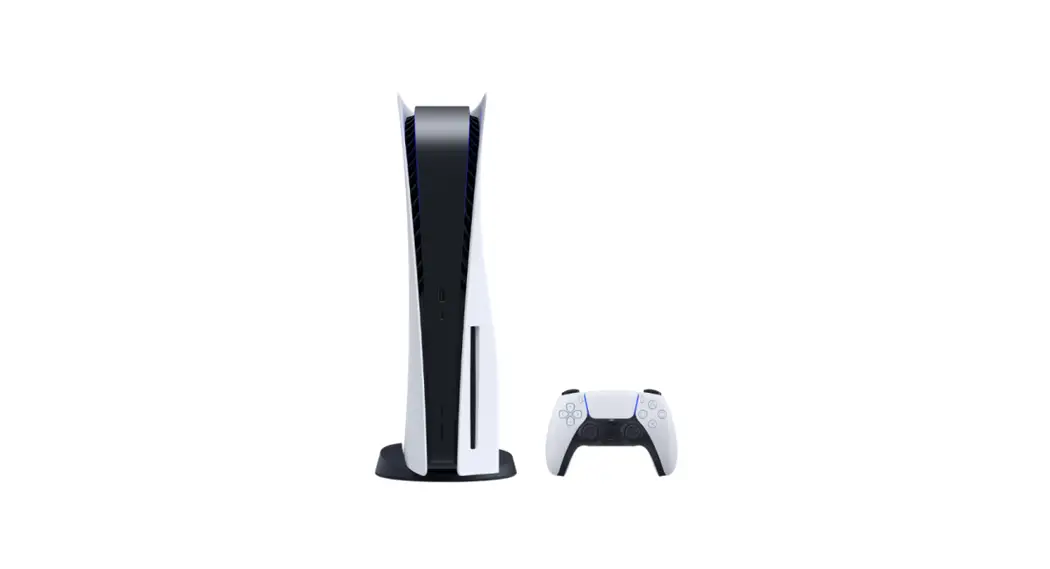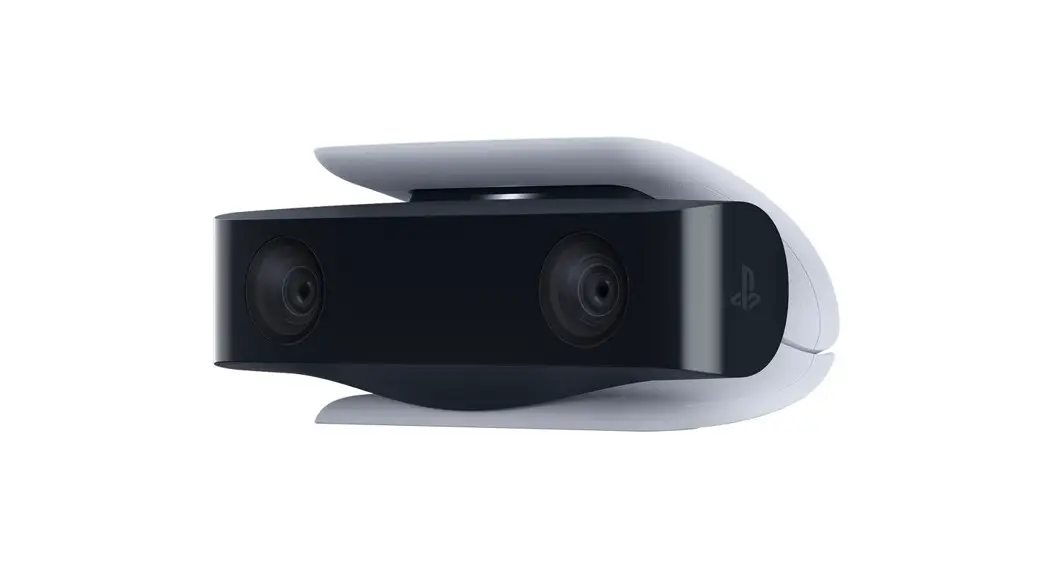


HD camera
Instruction Manual
Precautions
Before using this product, carefully read this manual and any manuals for compatible hardware. Retain instructions for future reference.
Safety
Keep the product out of the reach of small children. Small children may swallow small parts or may wrap the cables around themselves, which may inflict injury or cause an accident or a malfunction.
Use and handling
- Do not allow liquid or small particles to get into the product.
- Do not touch the product with wet hands.
- Do not throw or drop the product or subject it to strong physical shock.
- Do not stand on or put objects on the product.
- Do not touch the ports or insert any foreign objects into the product.
- Do not let any other metal items come into contact with the connectors.
- If you see dust or foreign objects on the connectors, wipe them with a dry cloth before connecting.
- Never disassemble or modify the product.
- Do not place this product on an unstable surface or leave it on the floor.
- Do not touch the product during an electrical storm.
- The product and its parts are made from metal and plastic materials. When disposing of the product, follow local regulations for the proper disposal of such materials.
Cleaning
Follow the instructions below to help prevent the product exterior from deteriorating or becoming discolored.
- Wipe with a soft, dry cloth.
- Do not apply insecticides or other volatile substances.
- Do not place any rubber or vinyl materials on the product exterior for an extended period of time.
- Do not use solvents or other chemicals. Do not wipe with a chemically-treated cleaning cloth.
Storage conditions
- Do not expose the product to high temperatures, high humidity, or direct sunlight during operation, transportation, and storage.
- Do not leave the product in a car with the windows closed, particularly in hot weather.
- Do not expose the product to dust, smoke, or steam.
Connecting and installing
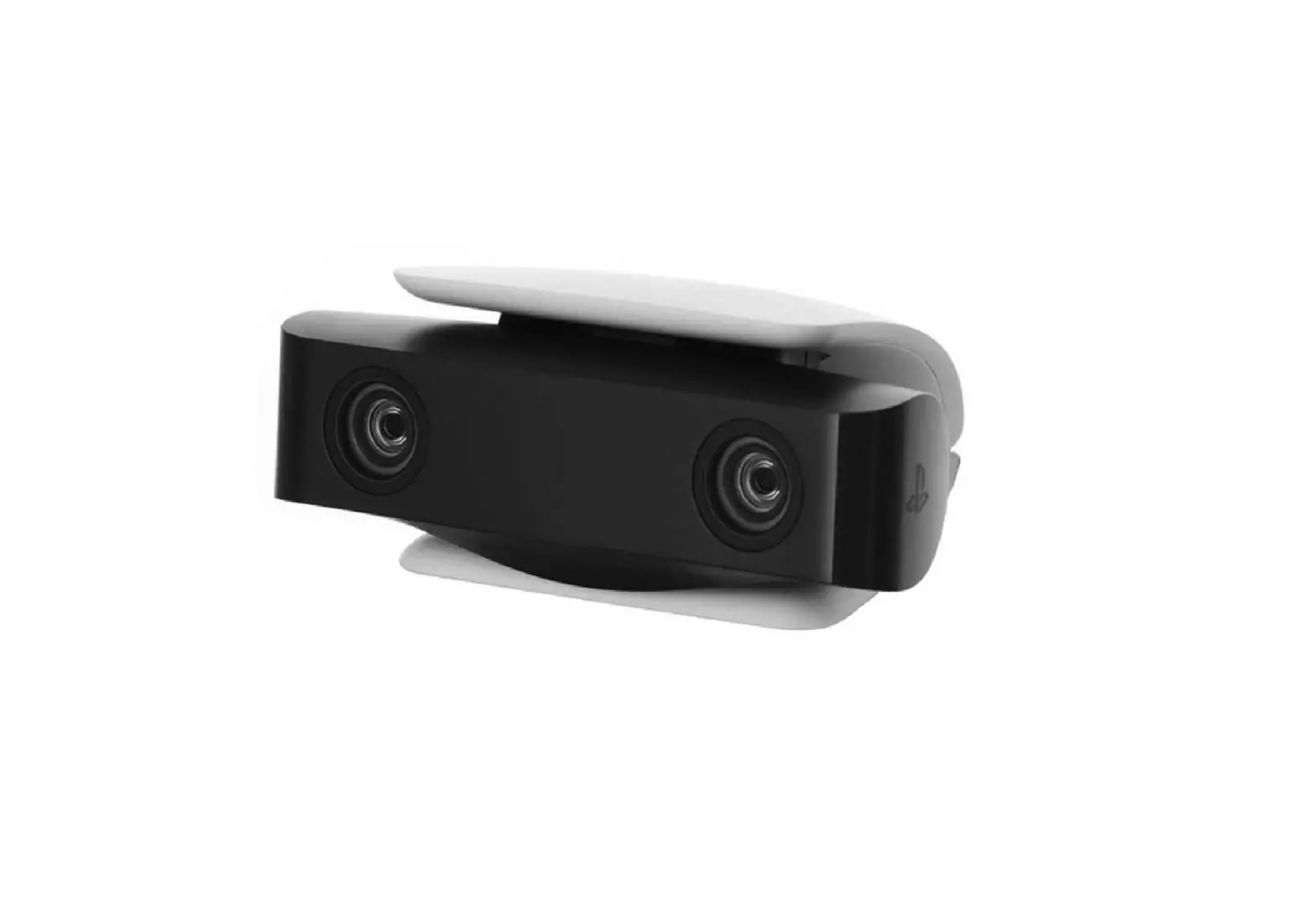
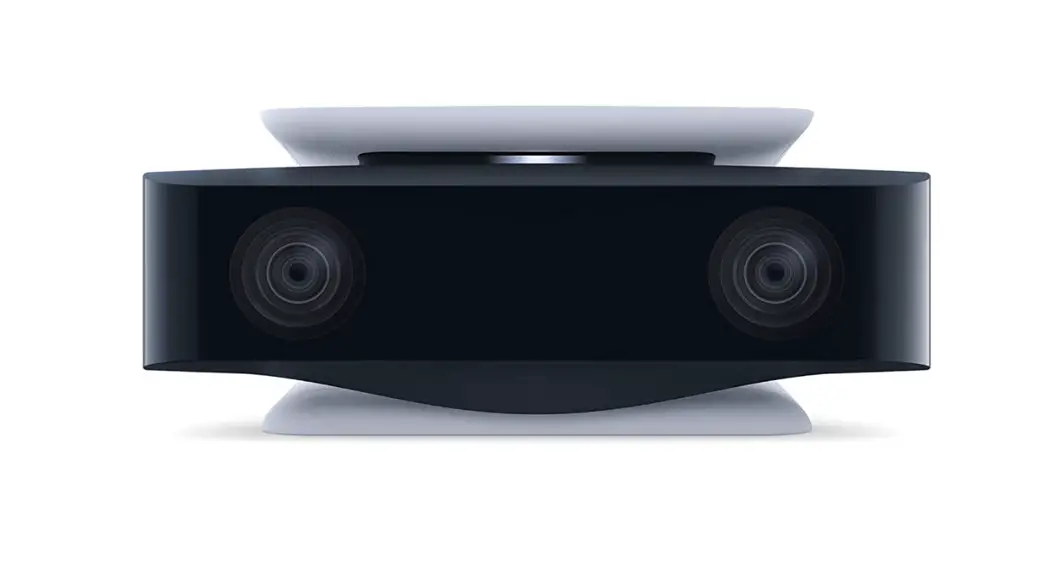
Connect the camera to the USB Type-A port on the back of your PlayStation®5 console, and then center the camera on top or in front of your TV.
Placing the camera on top of a TV
Adjust the stand to prevent the camera from falling.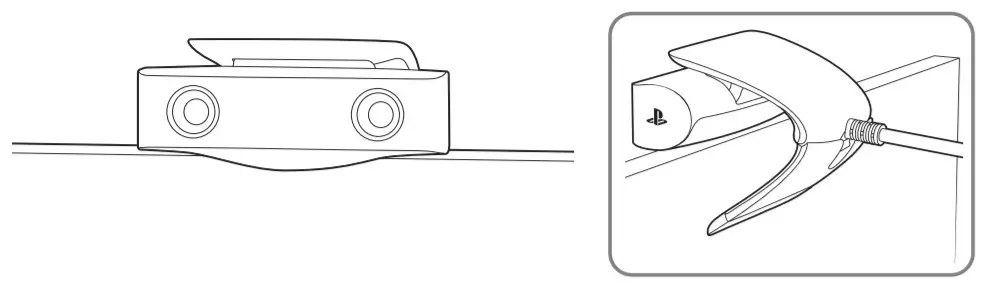 Placing the camera in front of a TV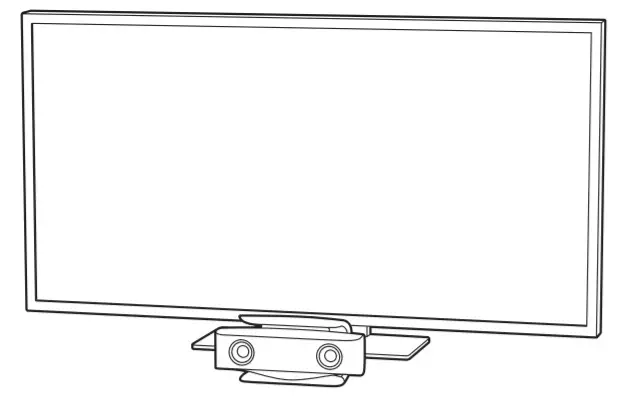
Hints
- If the camera is not recognized by the PS5™ console, disconnect the camera cable, and then reconnect it. If the camera is still not recognized, turn off the PS5 console, and then turn it on again.
- If the lenses of the camera become dirty, wipe them with a soft cloth.
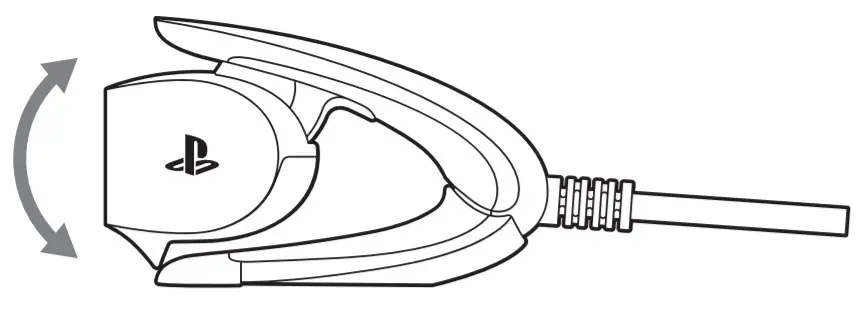
- Adjust the angle by rotating the camera.
Specifications
| Input Power Rating | 5 V  300 mA 300 mA |
| External dimensions | Approx. 100 × 41 × 75 mm (width × height × depth) |
| Mass | Approx. 192 g |
| Video pixels | 1920 × 1080 pixels |
| Camera range | 40 cm – ∞/83.2 ° |
| Cable length | Approx. 2 m |
| Operating temperature | 5 °C to 35 °C |
Design and specifications are subject to change without notice.
“ “PlayStation” and “PS5” are registered trademarks or trademarks of Sony Interactive Entertainment Inc.
“SONY” and “ ” are registered trademarks or trademarks of Sony Corporation.
© 2020 Sony Interactive Entertainment Inc.
Printed in China CFI-ZEY1