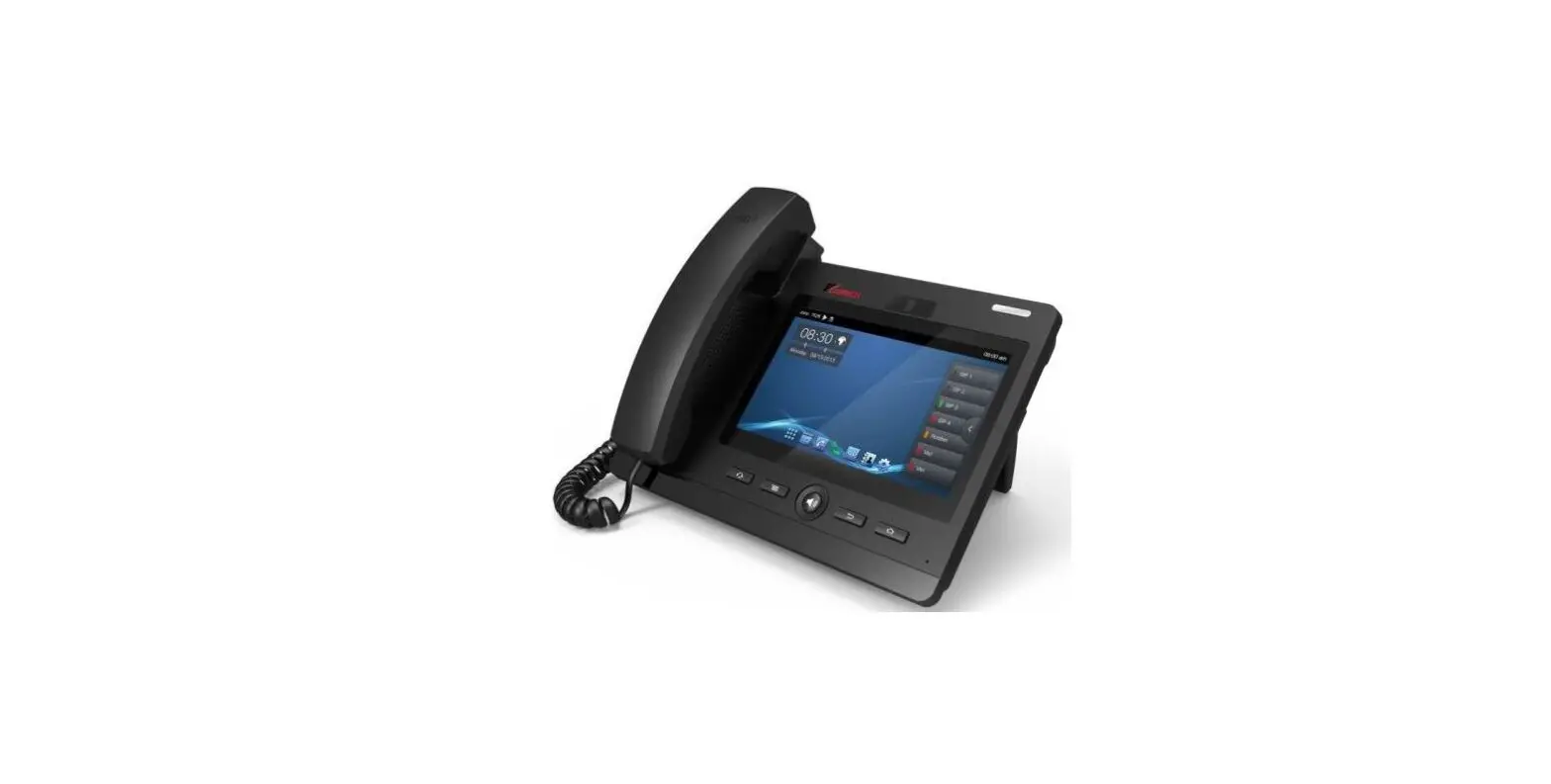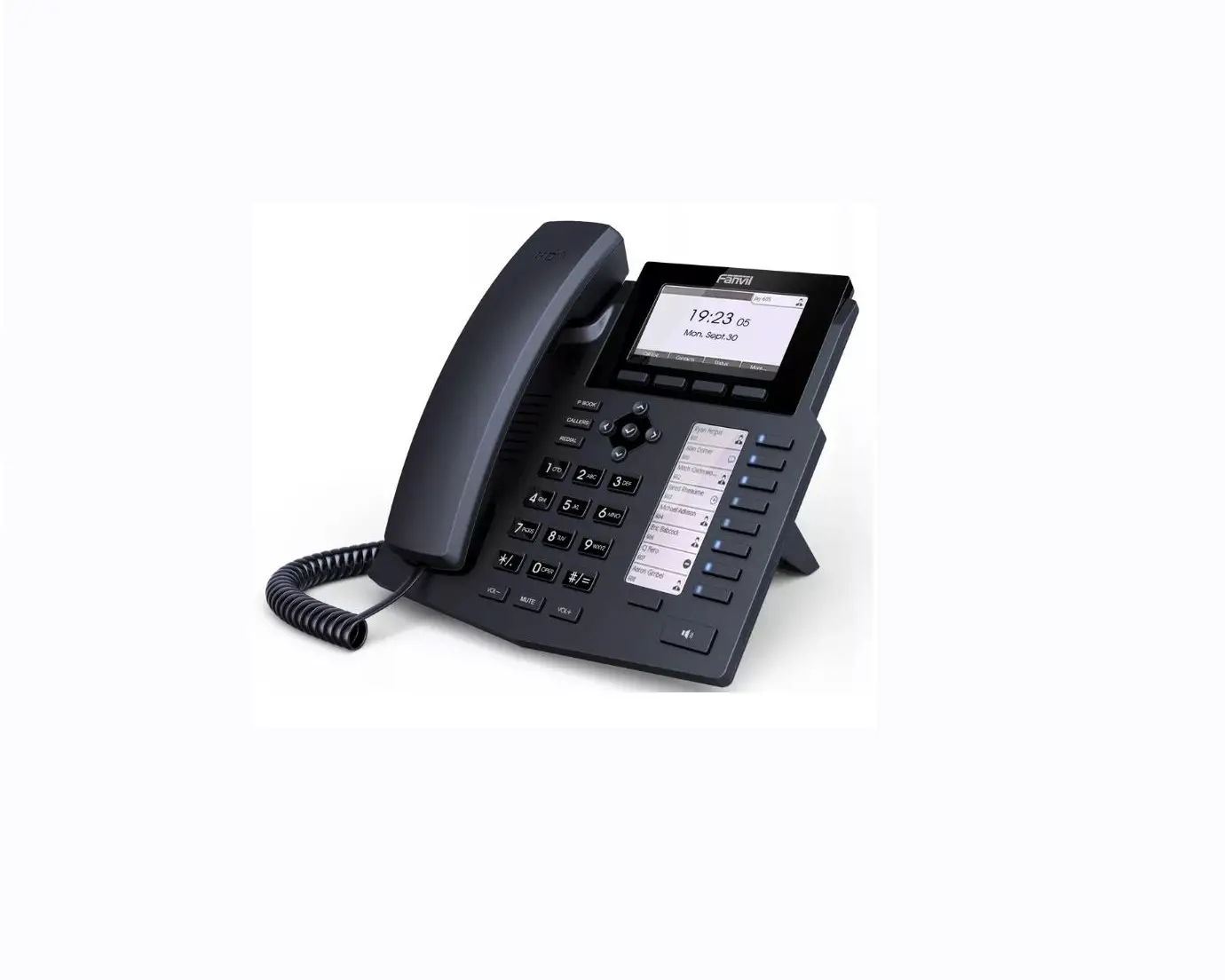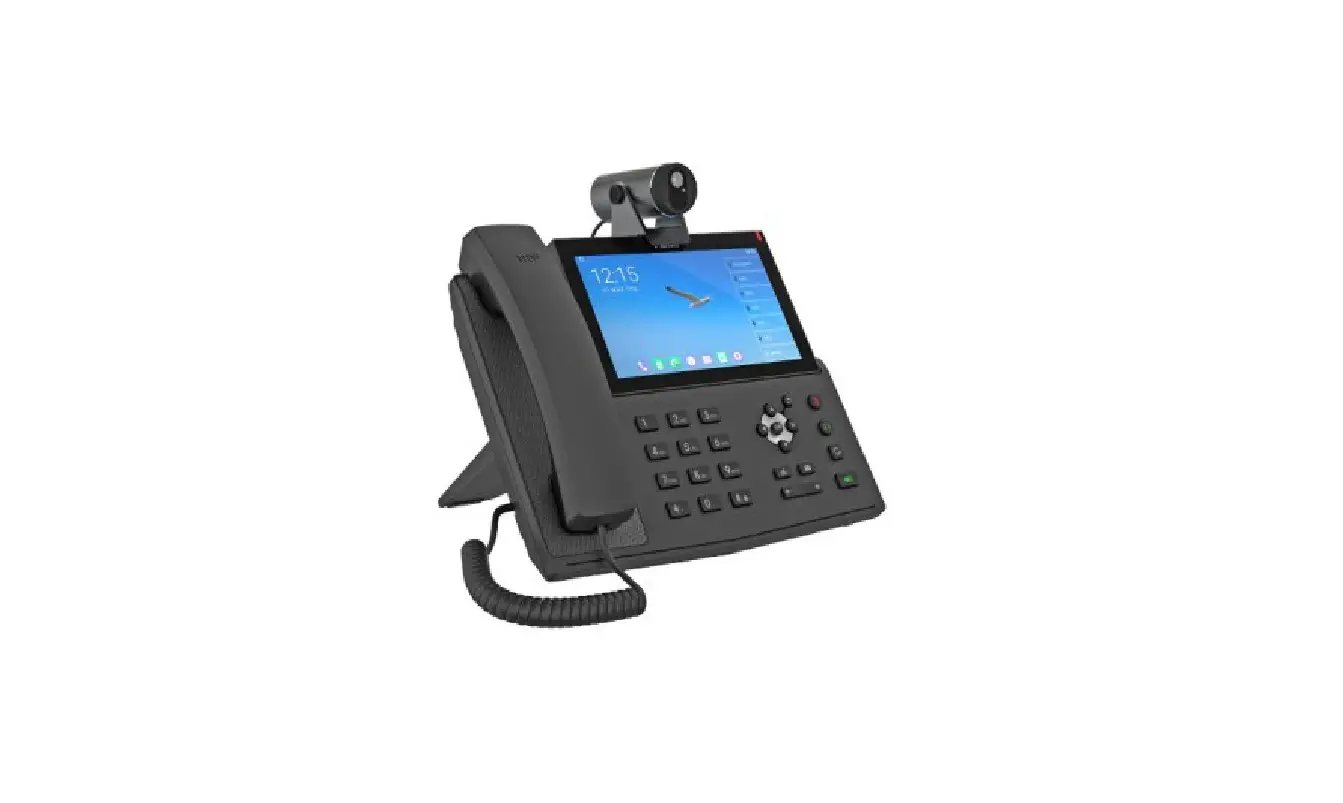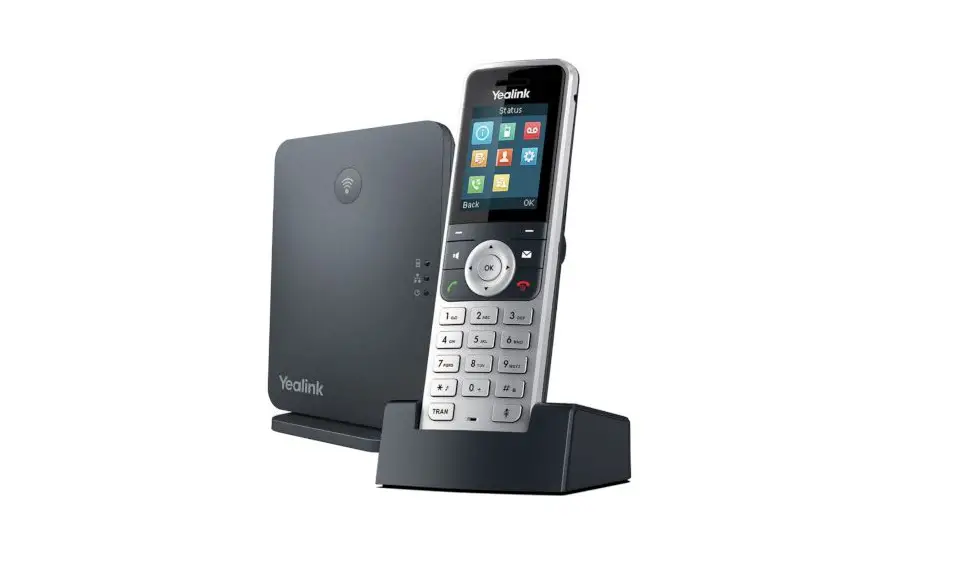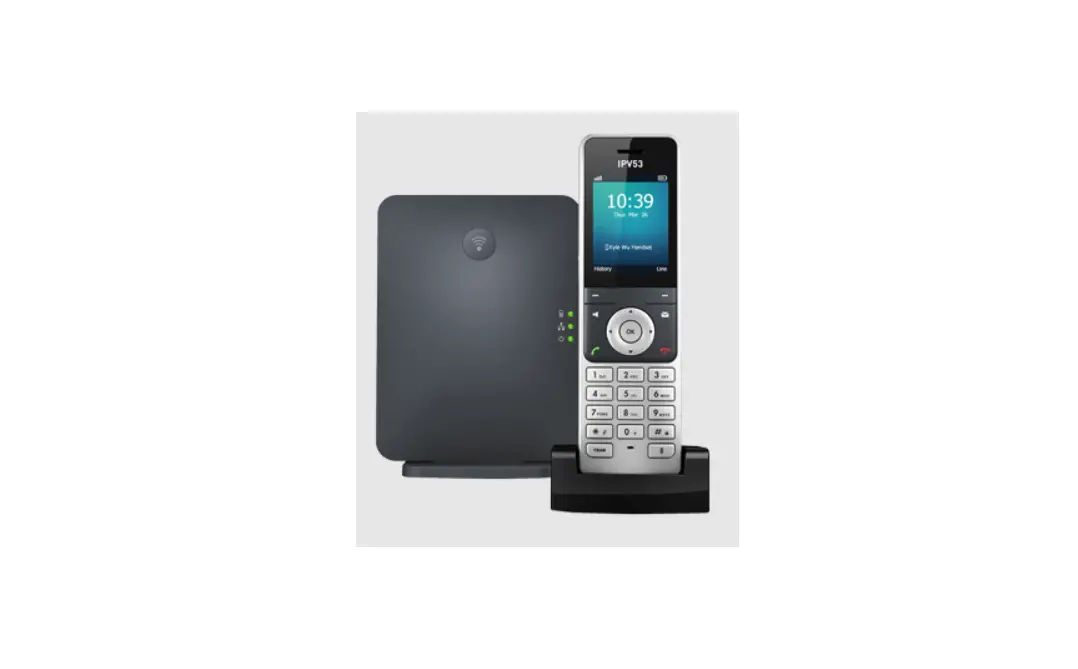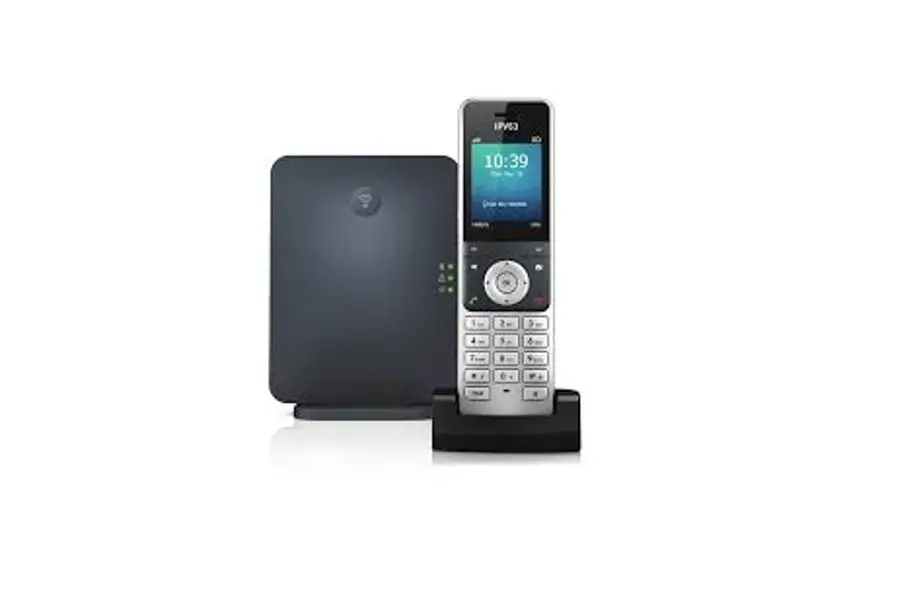

IP VOICE IPV53 Telephone  Basic Operations
 Basic Operations
Turning Handset On/Off:
- Press,
 then the LCD screen lights up.
 - Place the handset in the charger cradle to turn on automatically.
- Long press again to turn the Handset off.
Locking/Unlocking keypad:
- Long press
 when the Handset is idle to lock the keypad
 - Long press again to unlock the keypad.
 when the Handset is idle to lock the keypad
Switching Silent Mode On/Off:
- Long press
 when the Handset is idle to lock the keypad
 - Long press again to unlock the keypad.
 when the Handset is idle to lock the keypad
Make a Call
Enter the desired number when the handset, then press .
.
To place a call from the local directory
- Press
 when the handset is idle.
 - Select the directory.
- Internal use directory
- External use LDAP
- Press
 or to highlight the desired entry, and then then press
 .
.
 when the handset is idle.
 or to highlight the desired entry, and then then press
Answer a Call, do one of the following:
- Press the Accept soft key.
- Alternatively press


Put a Call on Hold
- Press the Options soft key during a call, and then select Hold.
- To resume the call, press the Resume soft key.
Access the Directory
- Press the
 key to enter the main menu, and then select Directory OR
 - When the Handset is idle press .
 key to enter the main menu, and then select Directory OR
Transfer a Call to Another Person
- Press the Options soft key during call, and then select Transfer.
- Enter the number you want to transfers the call to.
- Press Transfer soft key.
Make a Call with the Speakerphone
- Enter a number using the keypad.
- Press Speakerphone


Mute Your Audio
- Press
 during a call to mute the call.
 - Press again to turn mute off.
 during a call to mute the call.
To end a Call
Press .
.
Listen to Your Voice Messages
Press the Messages keys and follow the voice prompts. To check messages for a specific line, press the line button first.
Adjust the Volume in a Call
Whilst in call, press 
Adjust the Ringtone Volume
Whilst in call, press
Call Pickup
Dial *88
View Call History
- Press history
- Press highlight the desired entry, and then press.
Redial
- Press the green call button.
- Pressto highlight the desired entry, and then press.